Minipaper: Wallpaper Maker
Lockscreen DIY & Customization
Designed for iPhone, iPad
Free · In-app purchases
- Age rating4+
- CategoryGraphics & Design
- DeveloperInsula Technology Inc.
- LanguagesEnglish+ 11 more
- Size126.0 MB
Links to the official App Store page
Download.org hosts no file of Minipaper: Wallpaper Maker. The button opens its official App Store page, published by Insula Technology Inc. Listing last checked on Nov 22, 2026.
Screenshots


About
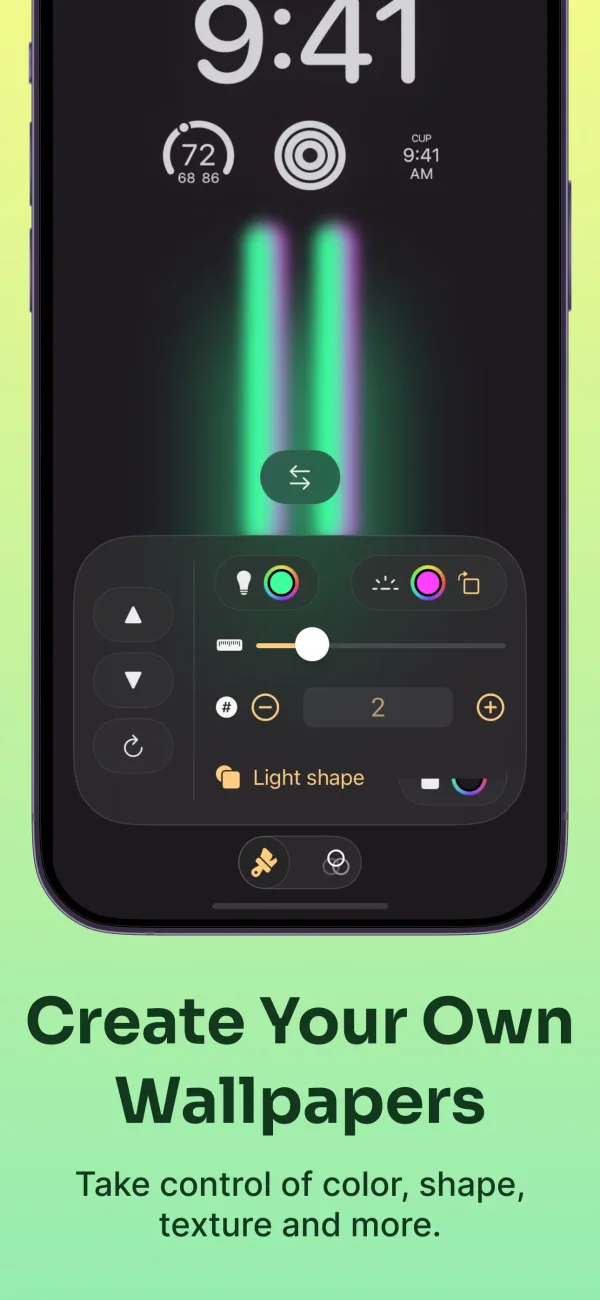
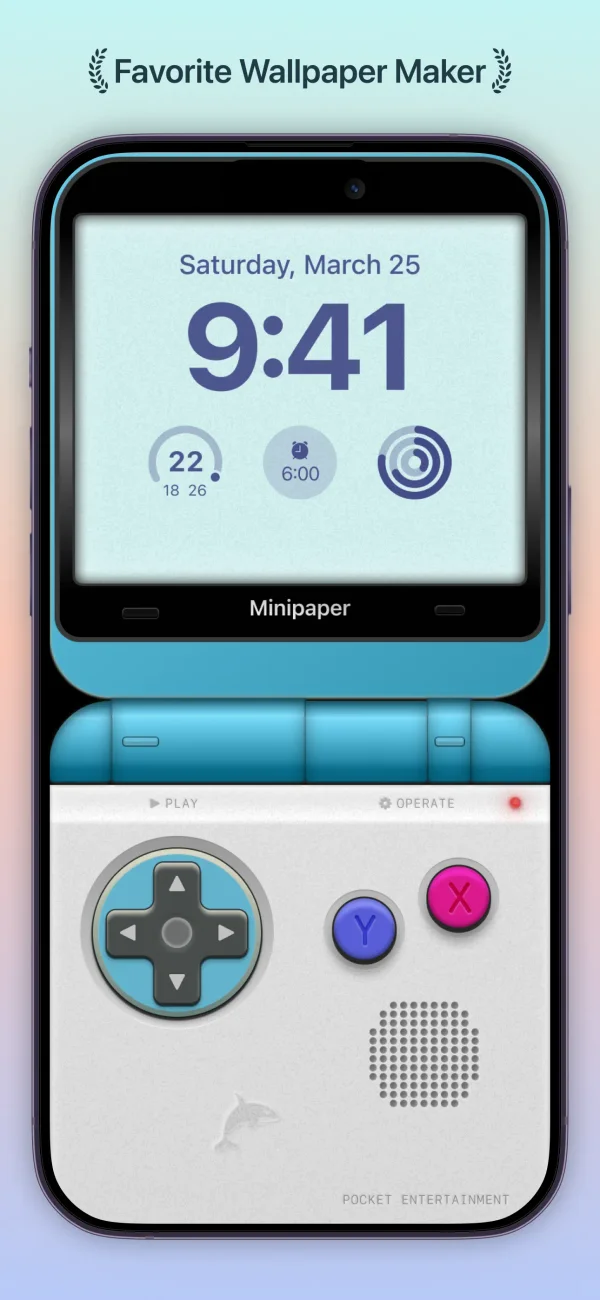
Minipaper is a wallpaper maker for iPhone and iPad. Pick a style, change whatever you want, and export a custom Lock Screen or Home Screen wallpaper that fits your screen exactly. No design skills, no templates to fight with, and no two exports alike.
Over 30 styles, every one of them built to be taken apart and rebuilt.
STICKERS
Put anything on your wallpaper. Start from the RetroTech pack or a curated set of SF Symbols, type your own with text and emoji, or drop in a photo and watch subject isolation lift it straight off the background. Drag, pinch and rotate to place, resize from the corners, then finish with a clean white border or a holographic foil. Select several at once, copy a layout from one design to another, or hit sticker-bomb and let them scatter.
OBJECTS, NOT JUST GRADIENTS
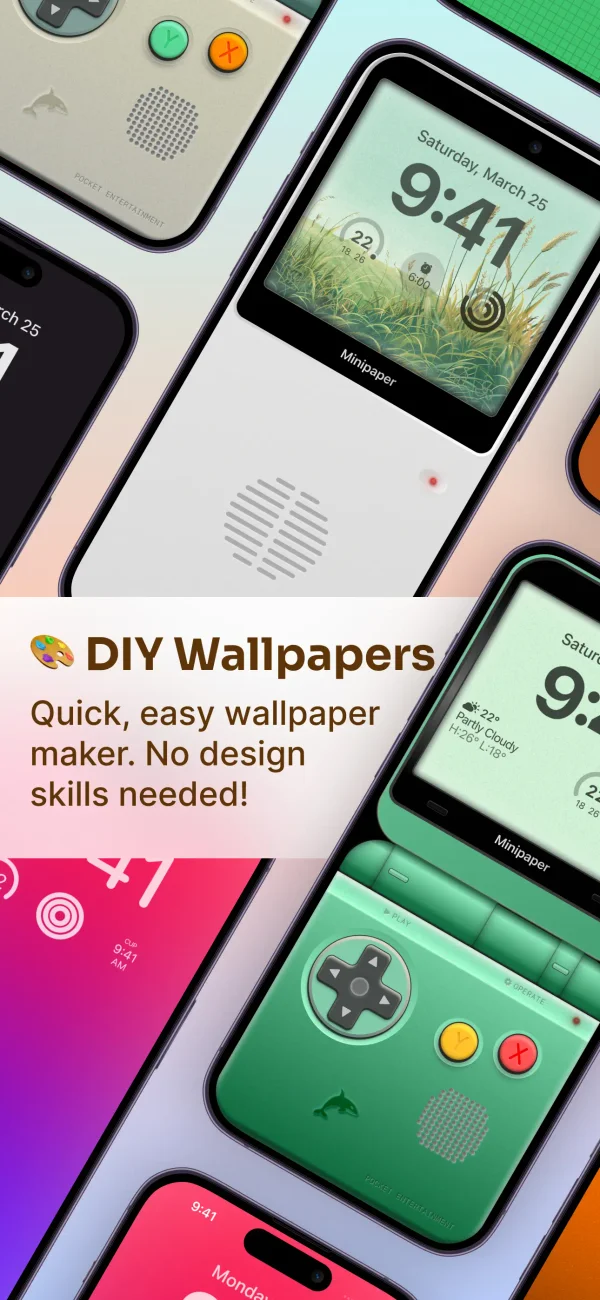
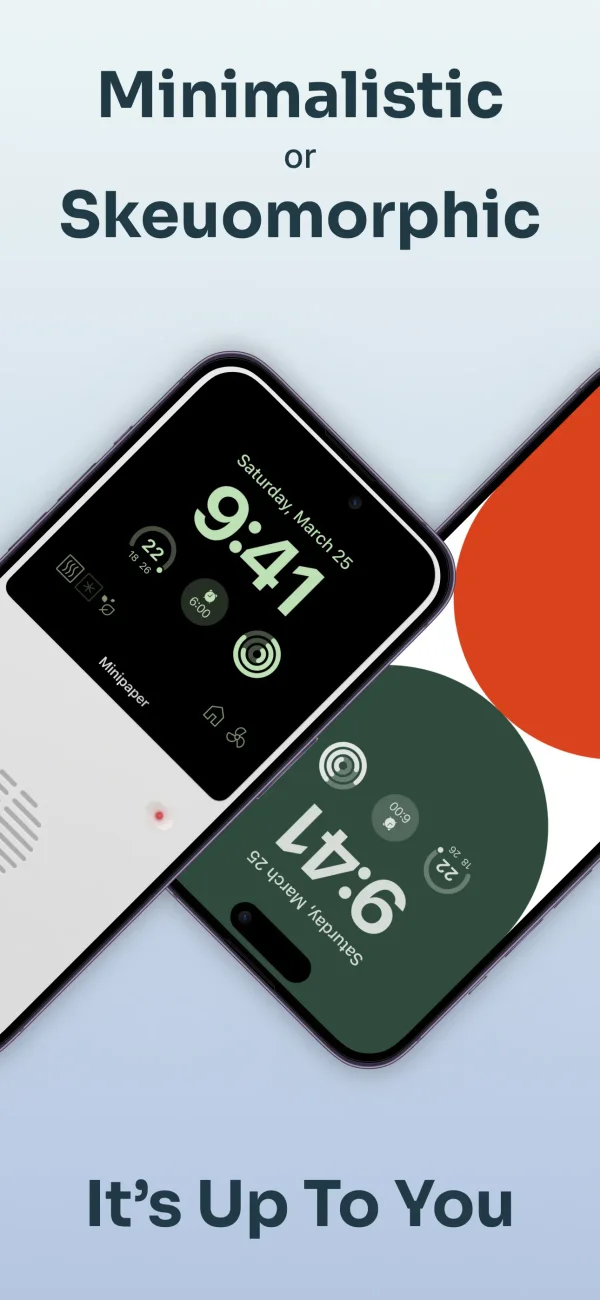
An iPod with a click wheel and anodized case, worn from pristine to pocket-scratched. A vinyl record. A handheld console. An AC remote, a CRT monitor, an airplane seat-back screen. The skeuomorphic styles are laid out so their screens sit exactly where your Lock Screen clock lands, and the whole phone reads as the object.
GRADIENTS, GLASS AND SHAPES
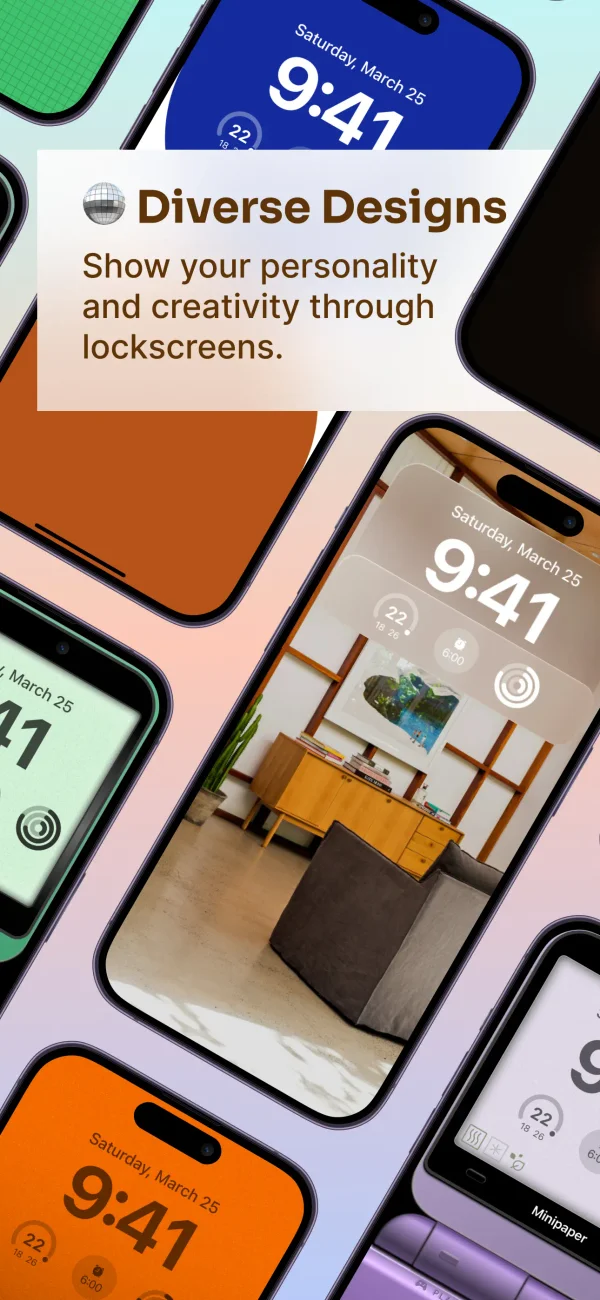
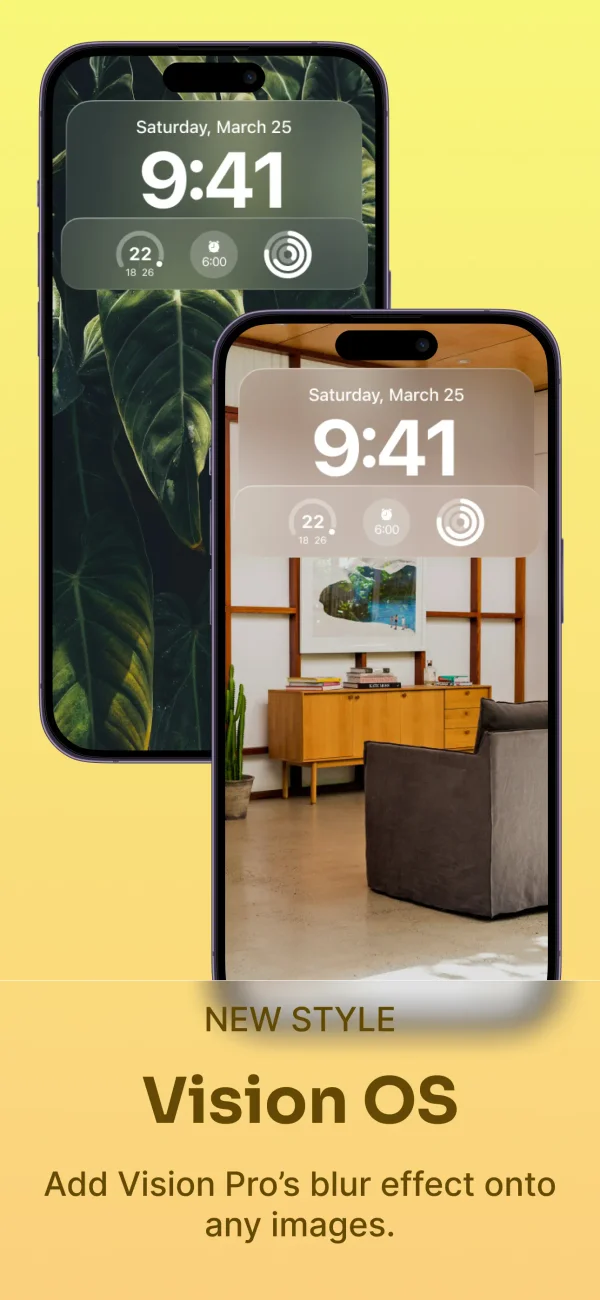
Aurora, Mesh Gradient, Pro Gradient and Japanese Gradient. Liquid Glass, Fluted Glass, Legacy Glass and Glass Bricks. Arch, Bento, Capsules, Plateau, Rects, Grid, Notes, Text, Tide, Topography, Mountains, Polka, Prism, Calendar and Vision OS.
IPHONE AND IPAD
The same app on both, laid out for each. On iPad the browse list gets a sidebar, the skeuomorphic styles keep their true proportions in the middle of the canvas instead of stretching, and the controls stay in reach. Your saved designs follow you across.
MAKE IT ACTUALLY YOURS
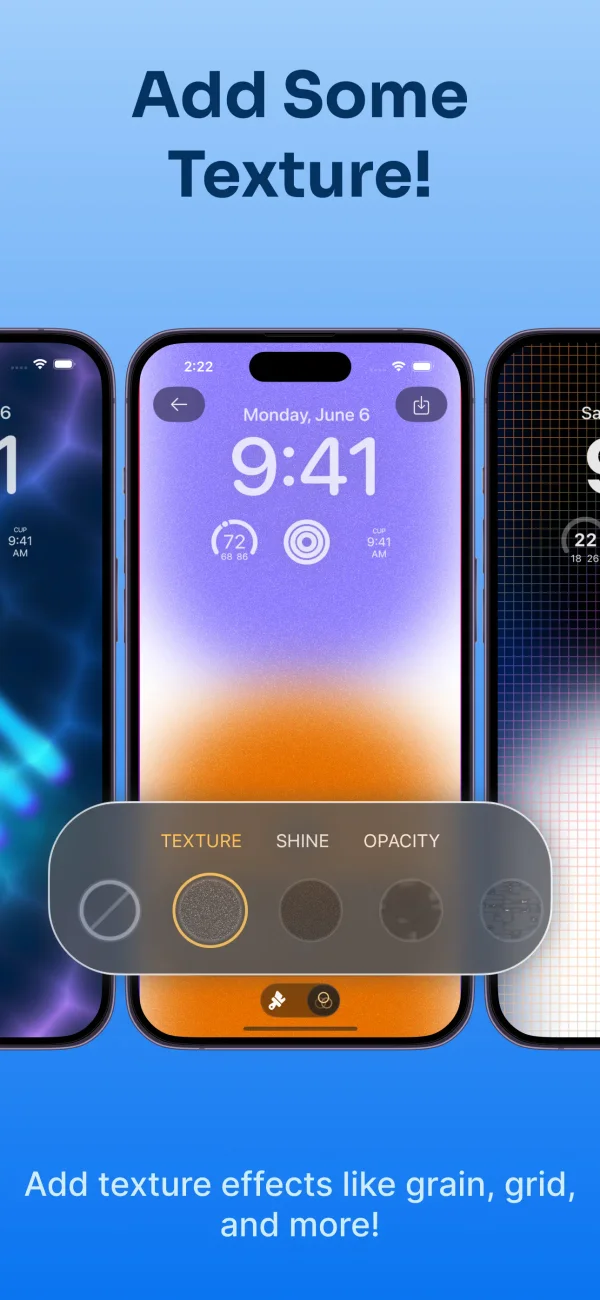
Every style opens up. Colours, layout, texture, wear, type, the lot. Nudge one setting or rebuild the thing from scratch. Save your designs and come back to them later, because a wallpaper is never quite finished.
EXPORTS THAT FIT
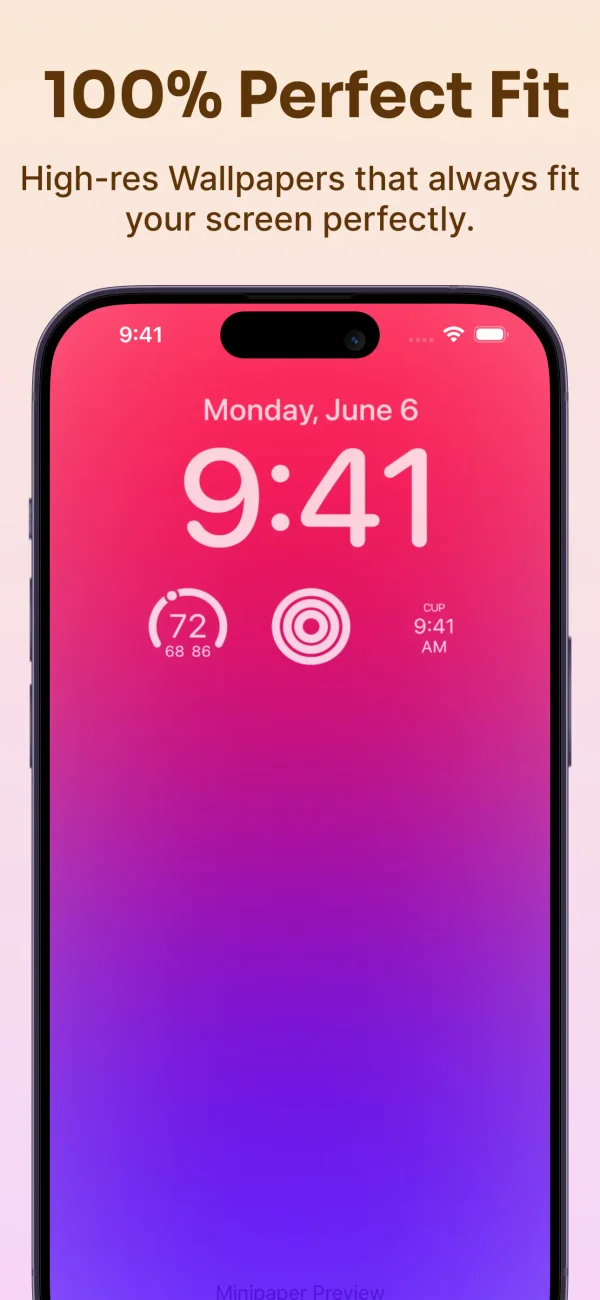
Wallpapers render at your device's full resolution and follow your device's real display corner radius, so nothing is cropped, squashed or resized to fit. Export a still or a Live Photo, save it to Photos, and set it from there.
ALWAYS SOMETHING NEW
New styles land regularly, along with collabs with apps and designers we like. Everything you have already made keeps working.
Minipaper speaks English, Simplified and Traditional Chinese, Japanese, Korean, German, French, Spanish, Italian, Brazilian Portuguese, Dutch and Arabic.
Terms of Use: https://www.apple.com/legal/internet-services/itunes/dev/stdeula/
What’s new
Version 6.1.1 · Oct 20, 2026
Minipaper now supports iPhone Duo. Wallpapers are sized for whichever display you're using, so they fill the large inner screen edge to edge, the style catalog fits both displays, and Pocket Entertainment stretches across the full width of the screen.
Plus the usual polish and stability improvements.
App privacy
What Insula Technology Inc. declares on the App Store about how this app handles data.
-
Data not collected
The developer does not collect any data from this app.
Privacy practices may vary, for example with the features you use or your age.
Information
- Seller
- Insula Technology Inc.
- Category
- Graphics & Design
- Version
- 6.1.1
- Updated
- Oct 20, 2026
- Released
- Mar 25, 2023
- Size
- 126.0 MB
- Requires
- iOS 18.6 or later
- Age rating
- 4+
- Price
- Free
- In-app purchases
- Yes
- Languages
- English, Arabic, Dutch, French, German, Italian, Japanese, Korean, Portuguese, Simplified Chinese, Spanish, Traditional Chinese
- Copyright
- © 2025 Insula Technology Inc.
You might also like
-
 Timedash WidgetsDesign & Customize Widgets
-
 Koco Widgets: App LauncherOpen Apps, No Redirect.
-
 Void Widgets - Retro & MinimalPixel Dot Clock, Year Progress
-
 Hands Time - Minimalist WidgetShape time with your hands
-
 4K Wallpapers - PhoneWalls HDLive, Depth, DIY & Lock Screen
-
 Lagguy Wallpaper BackgroundAesthetic 4K Wallpaper Screens
-
 Frame Screenshots: ShareshotAdd backgrounds & shadows
-
 to StoriesVideo & Photo Collage Maker
-
 OneStampTurn details into stamps
-
 CMSHTA pocket graphics playground