- Age rating4+
- CategoryProductivity
- DeveloperMakoto Fukuoka
- LanguagesEnglish+ 43 more
- Size9.0 MB
Links to the official App Store page
Download.org hosts no file of Minpick. The button opens its official App Store page, published by Makoto Fukuoka. Listing last checked on Nov 19, 2026.
Screenshots

About
You had five minutes.
You had things to do.
But the five minutes disappeared while you were deciding what to start.
Then another small pocket of time came, and choosing still took longer than starting. It was not because there was nothing to do. There was too much to choose from.
I used to be there too.
That is why I made Minpick—not to make you work harder, but to shorten the part where you have to decide.
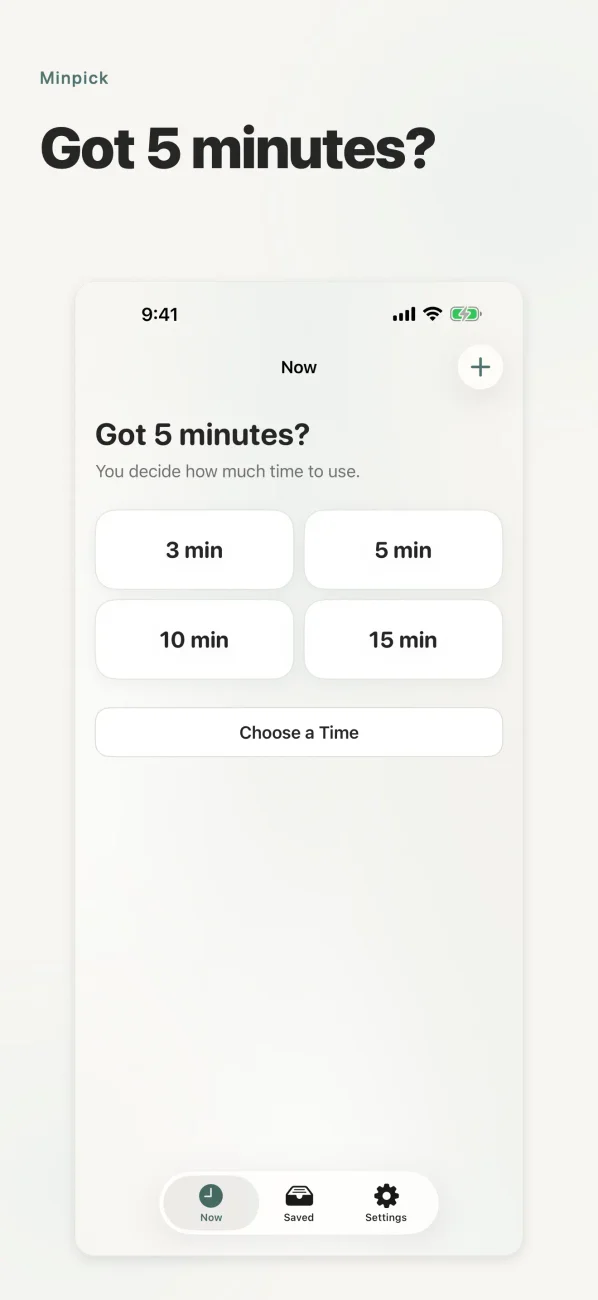
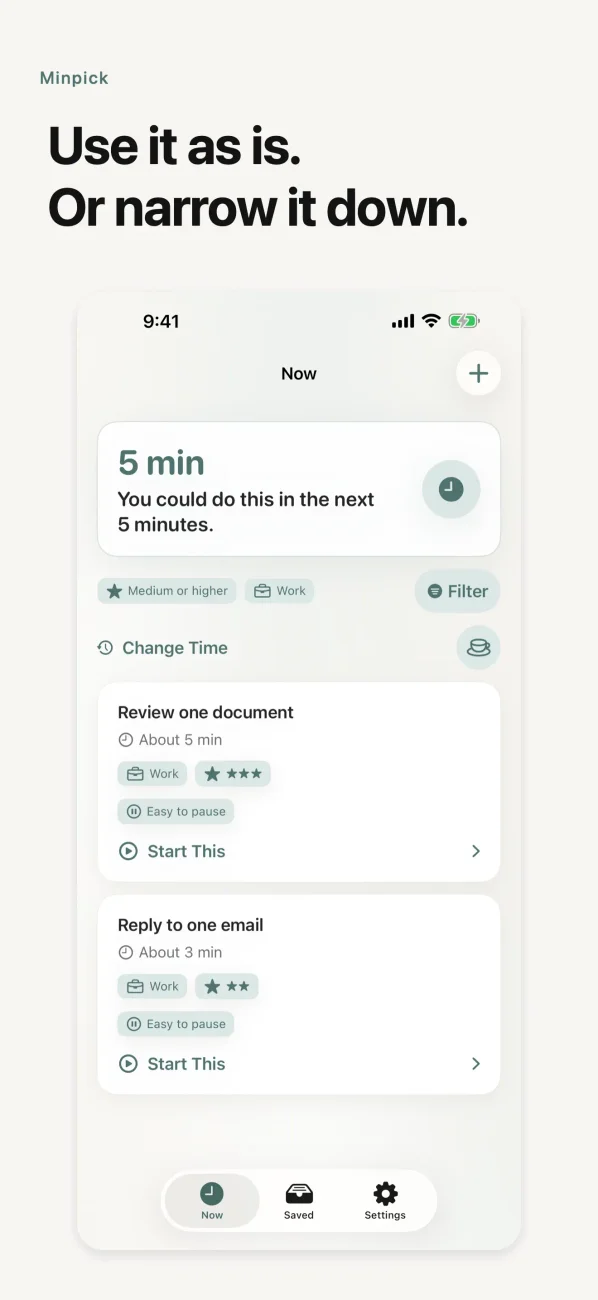
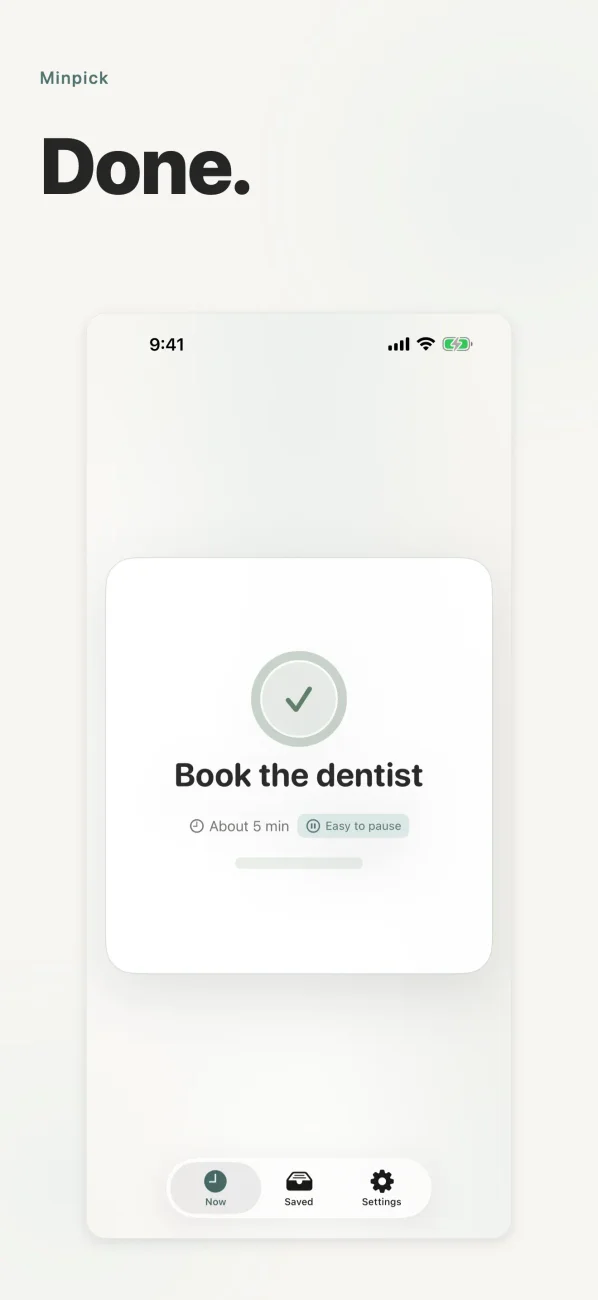
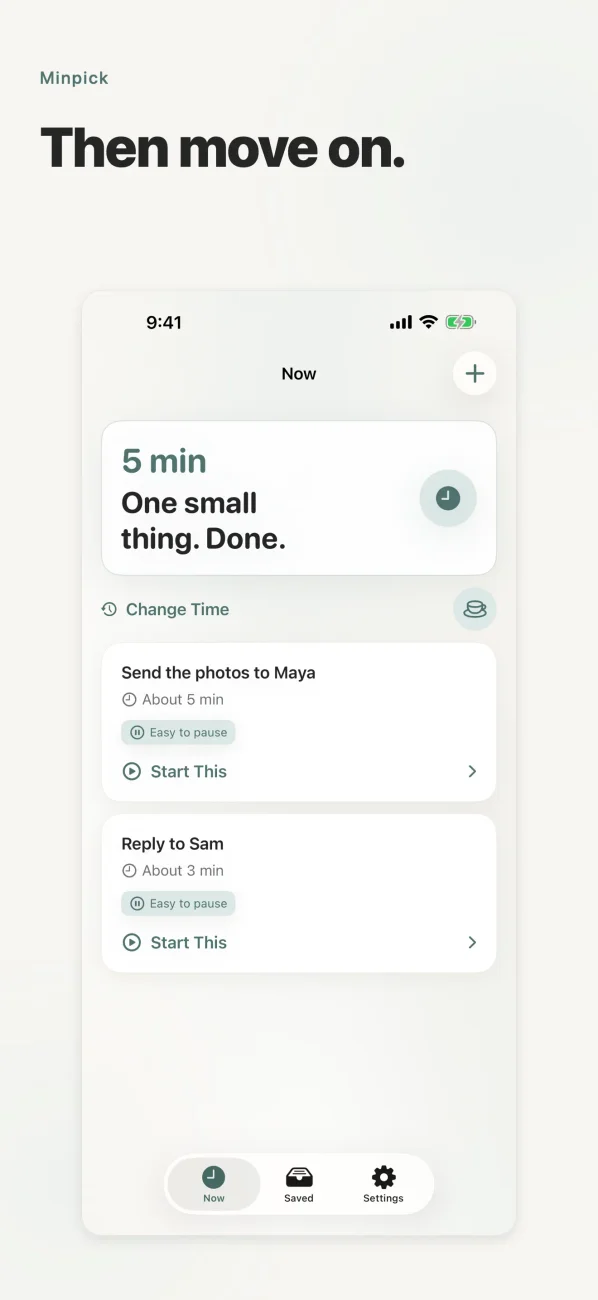
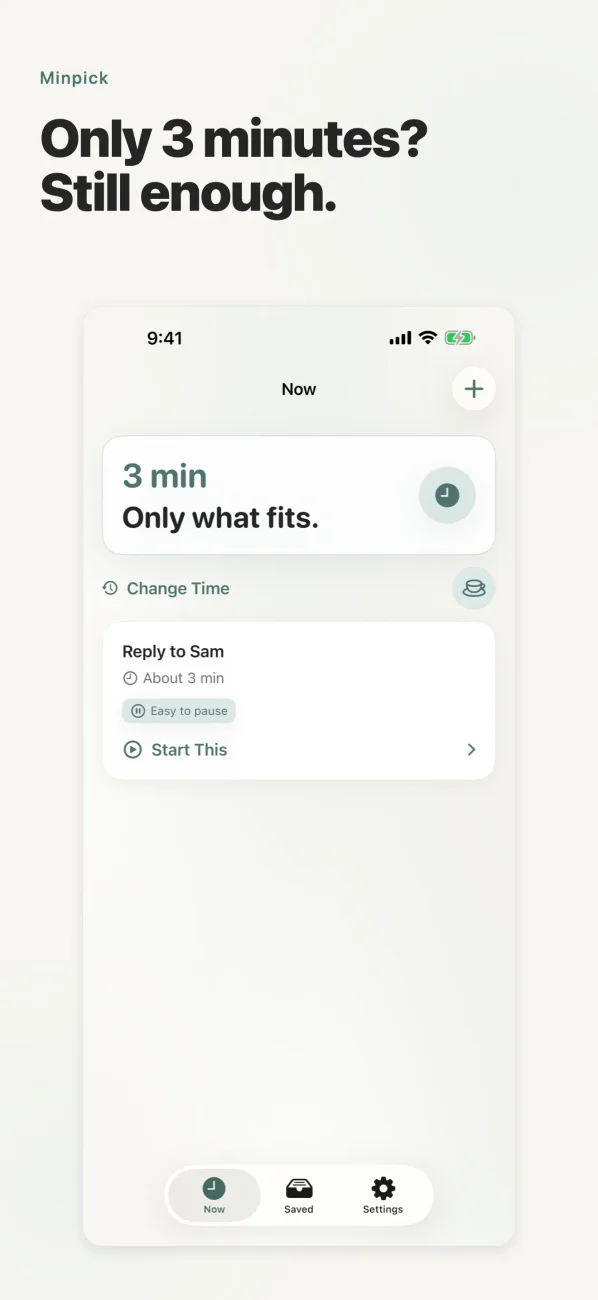
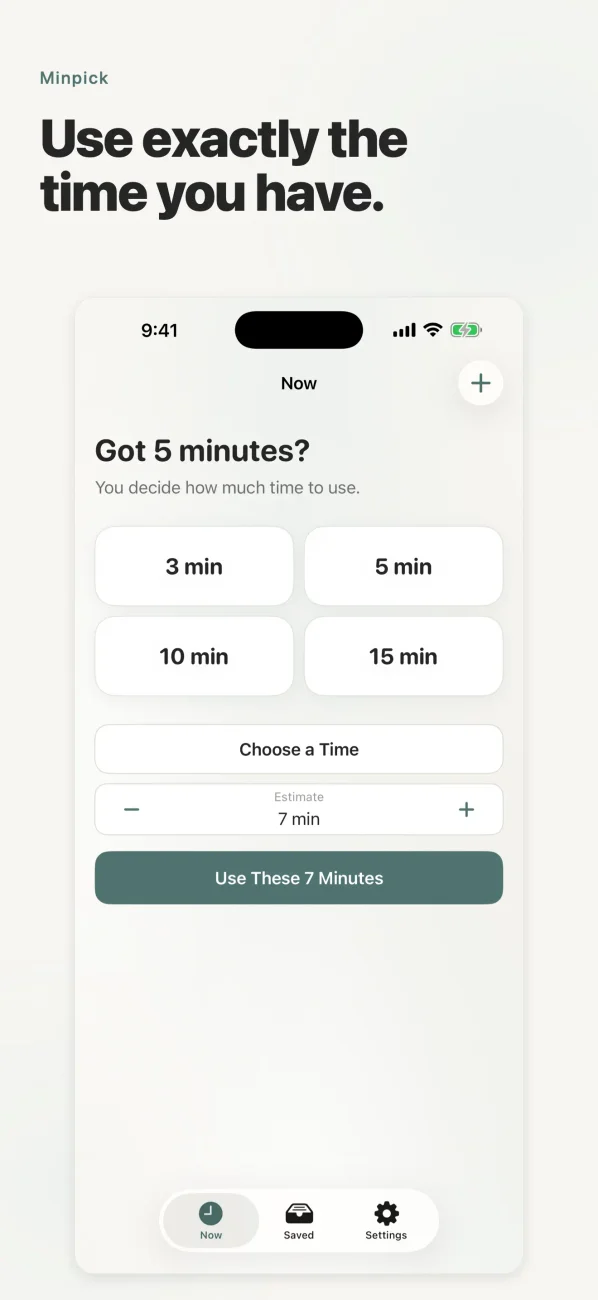
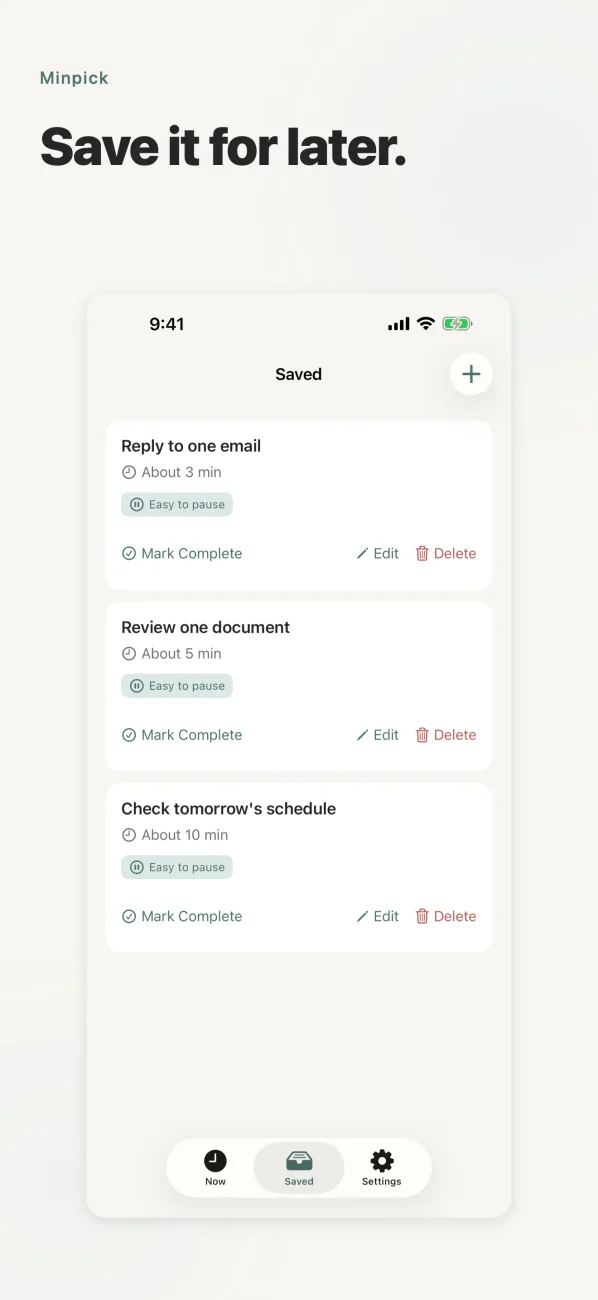
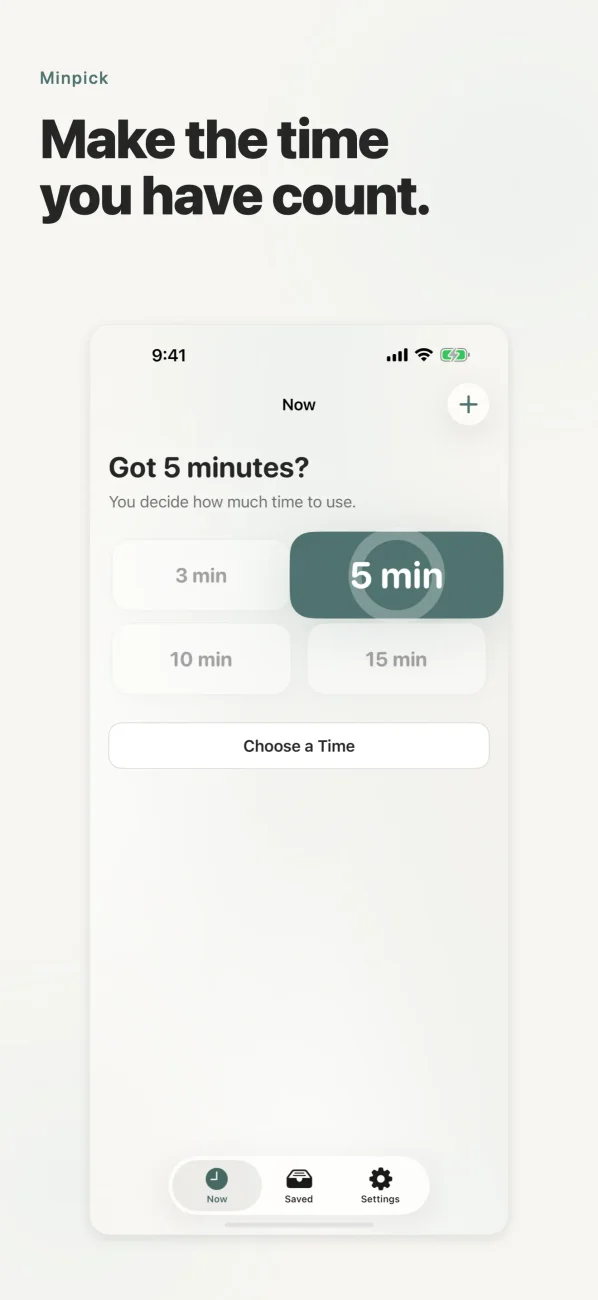
Save something you want to do later and roughly how many minutes it takes. When you have 3 minutes, choose 3. When you have 5, choose 5. When you have 10, choose 10. Minpick shows up to three tasks that should fit.
You do not have to scan a long to-do list again. If you want to narrow things down, use category or priority—for example, only work, or only tasks with medium or high priority.
You can choose a time from the Home Screen widget. If a nudge helps, set a reminder for a day and time. You can switch languages in the app, and VoiceOver and Dynamic Type are supported.
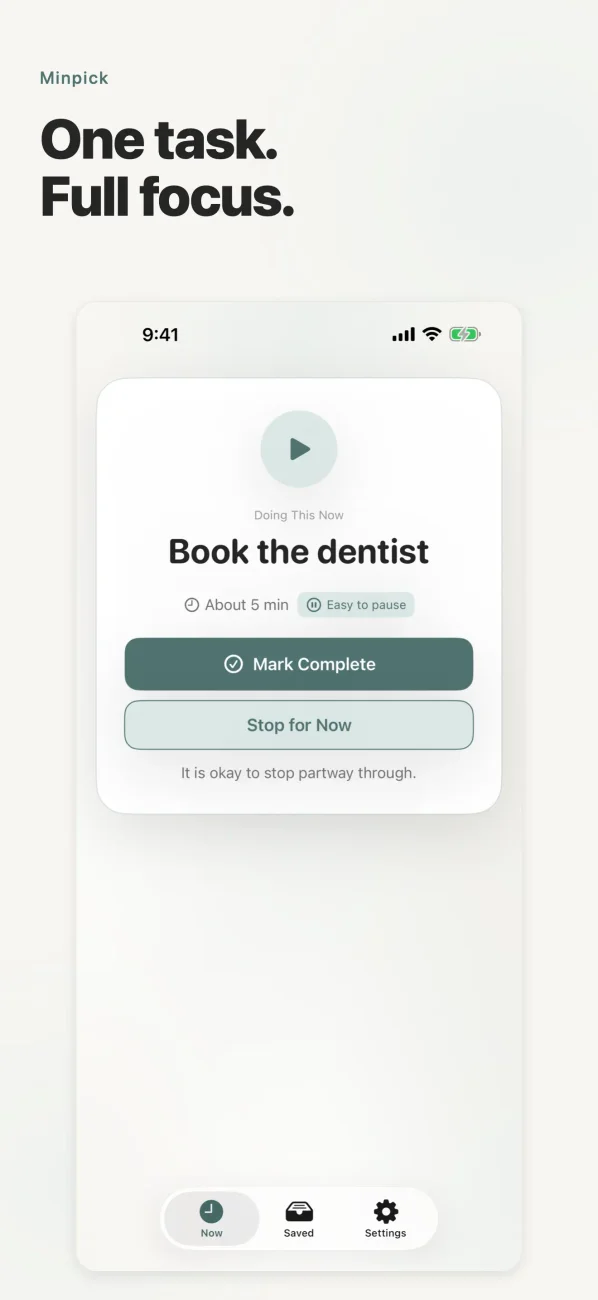
If you want to stop, stop. If today is a day to rest, rest. You do not have to turn every free minute into output, and you do not have to open Minpick every time.
Next time a few minutes open up and you have things to do but cannot decide what to start, open Minpick then.
I did not make it to push you harder. I made it to make that deciding moment a little shorter.
You still choose.
No account is required. Your saved tasks stay on your device. There are no ads, subscriptions, or in-app purchases.
What’s new
Version 1.2.2 · Nov 4, 2026
We made a few minor improvements.
App privacy
What Makoto Fukuoka declares on the App Store about how this app handles data.
-
Data not collected
The developer does not collect any data from this app.
Privacy practices may vary, for example with the features you use or your age.
Information
- Seller
- Makoto Fukuoka
- Category
- Productivity
- Version
- 1.2.2
- Updated
- Nov 4, 2026
- Released
- Jun 17, 2026
- Size
- 9.0 MB
- Requires
- iOS 17.0 or later
- Age rating
- 4+
- Price
- Free
- Languages
- English, Arabic, Bengali, Catalan, Croatian, Czech, Danish, Dutch, Finnish, French, German, Greek + 32 more
- Copyright
- © 2026 tsukigashizumu
You might also like
-
 Live Level - Habit TrackerBuild Habits & Reach Goals
-
 Study Deck: Memory FlashcardsAI Flashcard Maker & Quizzes
-
 CaseKeep: Legal Case OrganizerEvidence, Deadlines & Timeline
-
 swayp - gallery cleanerswipe, clean, make space
-
 Countpad: Inventory TrackerOffline stock count + reports
-
 Screen Time: FocusBlockBlock Apps & Screen Time
-
 Countdown Reminder: Days LeftBirthday, Event, Widget & Sync
-
 HOAGuard: HOA Evidence LogViolation & Appeal Tracker
-
 屋屋记Productivity
-
 Sequence: Time Block PlannerVisual Day & Schedule Builder