
- Age rating+12
- CategoryProductivity
- DeveloperFuzalabs LTDA
- LanguagesEnglish
- Size56.0 MB
Links to the official App Store page
Download.org hosts no file of miolo: Time Tracker & Journal. The button opens its official App Store page, published by Fuzalabs LTDA. Listing last checked on Nov 17, 2026.
Screenshots


About
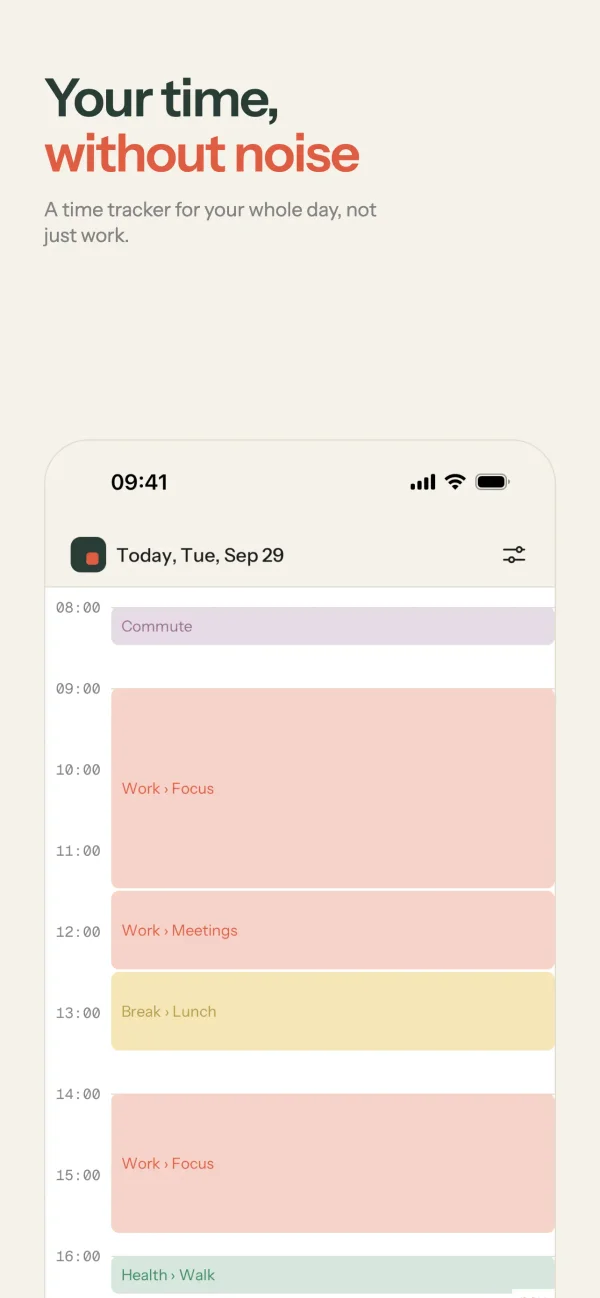
Where did your day go? miolo helps you manually log it in blocks, without a timer to start and forget. When you have a minute, you write down a block: when it started, when it ended, what it was. The day fills in as a timeline, one block after another, on a 15-minute grid.
It is a time tracker and daily log for people who are tired of apps that want attention all day. It records what happened, not what you planned. It shows where the time went and what you meant to do, without distractions.
WHO IT IS FOR
• Freelancers, students and people working from home who want to track hours without a spreadsheet.
• Anyone building habits or keeping routine goals with an honest activity log.
• Anyone who tried a stopwatch time tracker and gave up on day two.
RECORD THE DAY
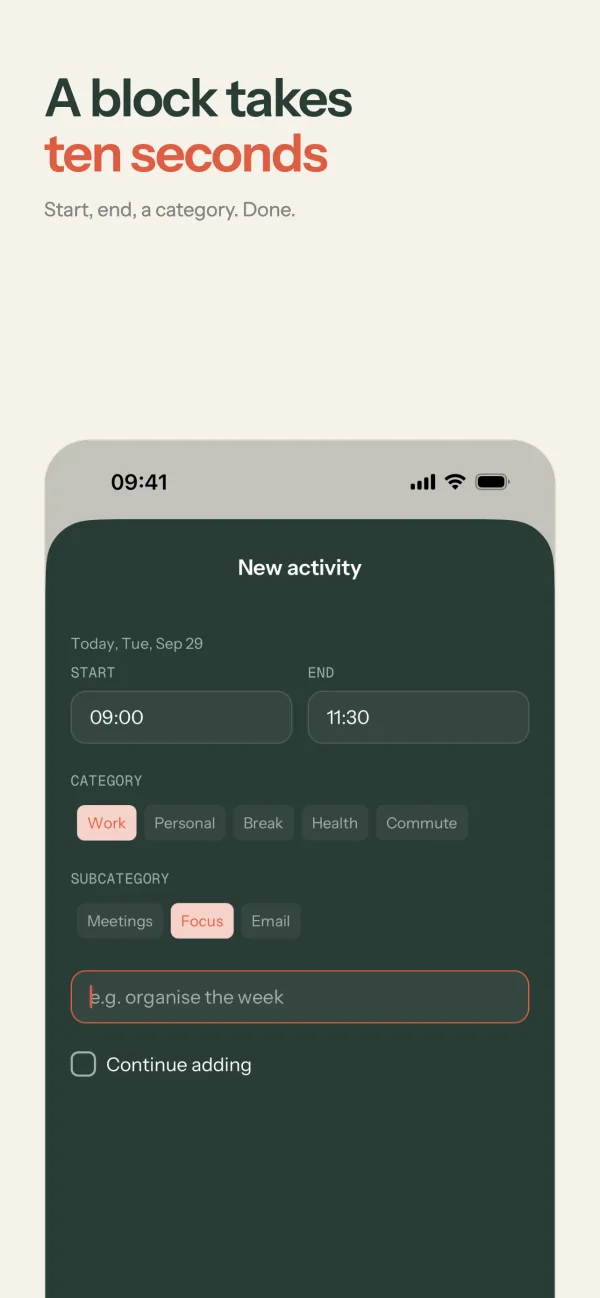
• Start, end, category. A title if you want one.
• Or hold and drag over an empty stretch of the day: it opens a block with the start and end filled in.
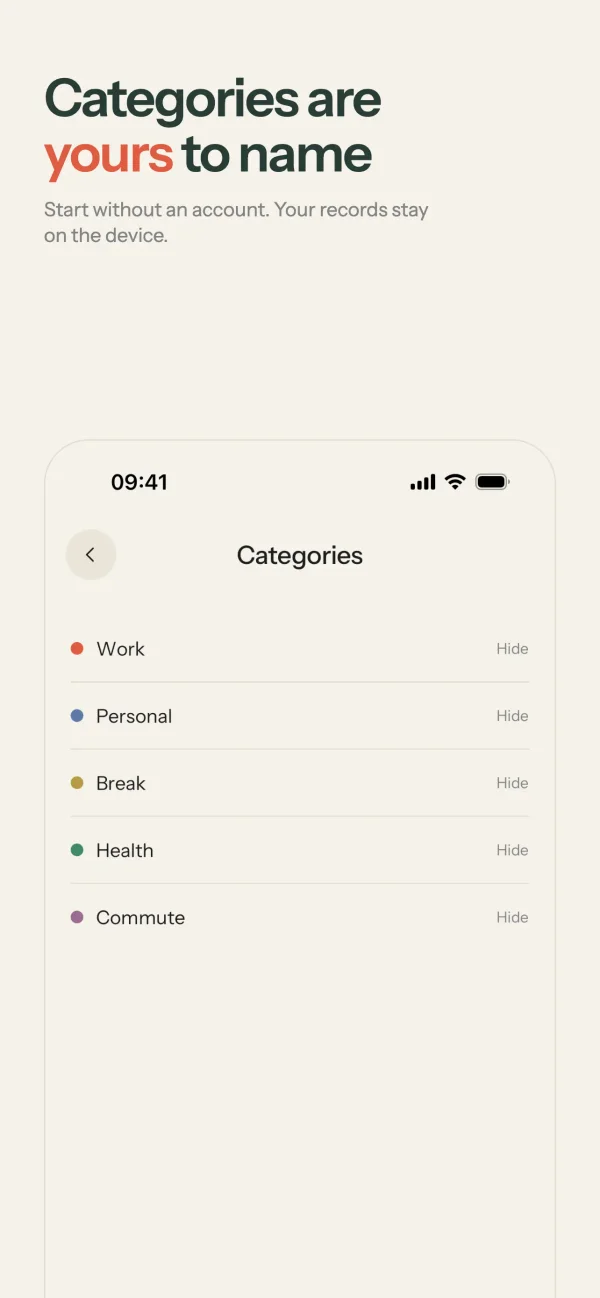
• Categories and subcategories are yours to name: Work › Focus, Personal › Family, Break › Coffee.
• Save a block, or save and keep going through the day.
• Edit or delete any block later.
SEE THE DAY
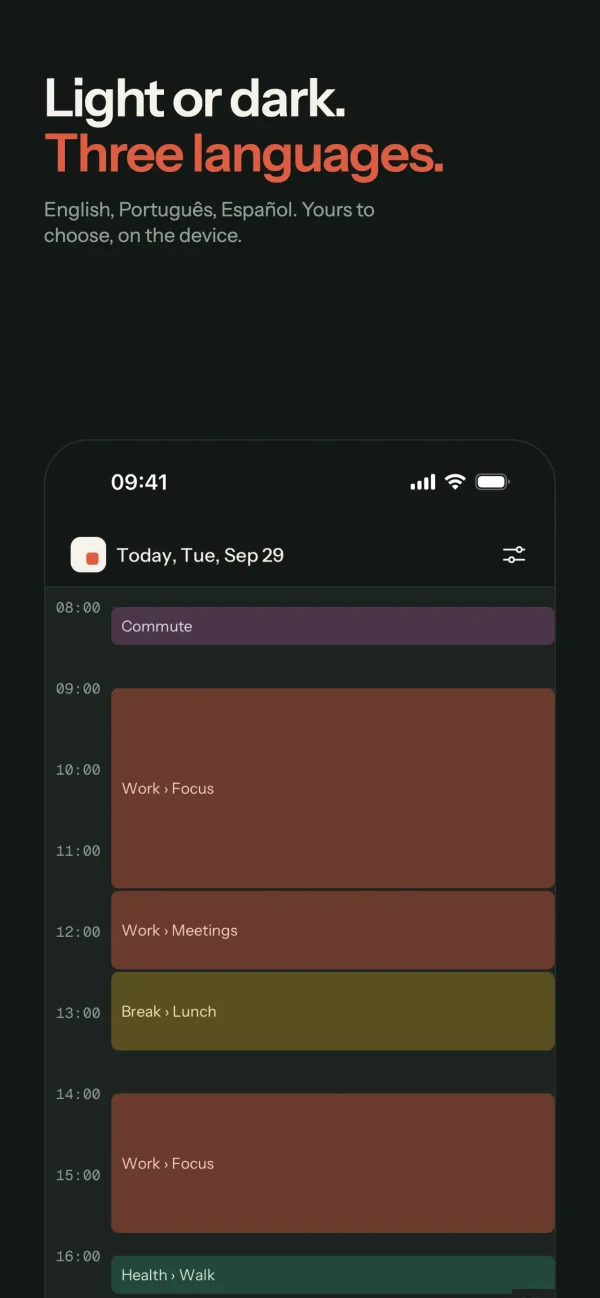
• Every block sits at the hour it happened and shows how long it lasted, with the present moment marked.
• A summary of the day by category greets you when you open it, then steps aside.
• Go back to any day.
SEE WHERE THE TIME WENT
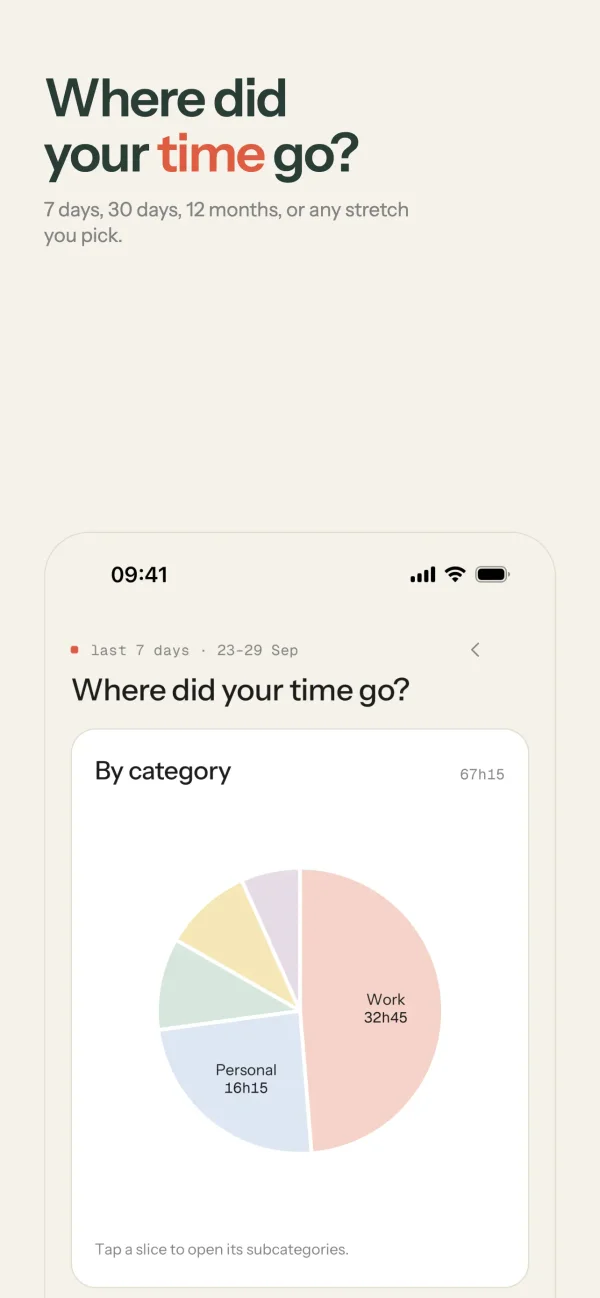
• The last 7 days, 30 days, 12 months, or any stretch you pick.
• Your time by category, as a pie. Tap a slice to open its subcategories.
• Each day drawn as one line, so you see when the time was spent, not only how much.
• The activity list shows what you did over up to 60 days, filtered by category or searched by title.
NOTICE WHAT YOU MEANT TO DO
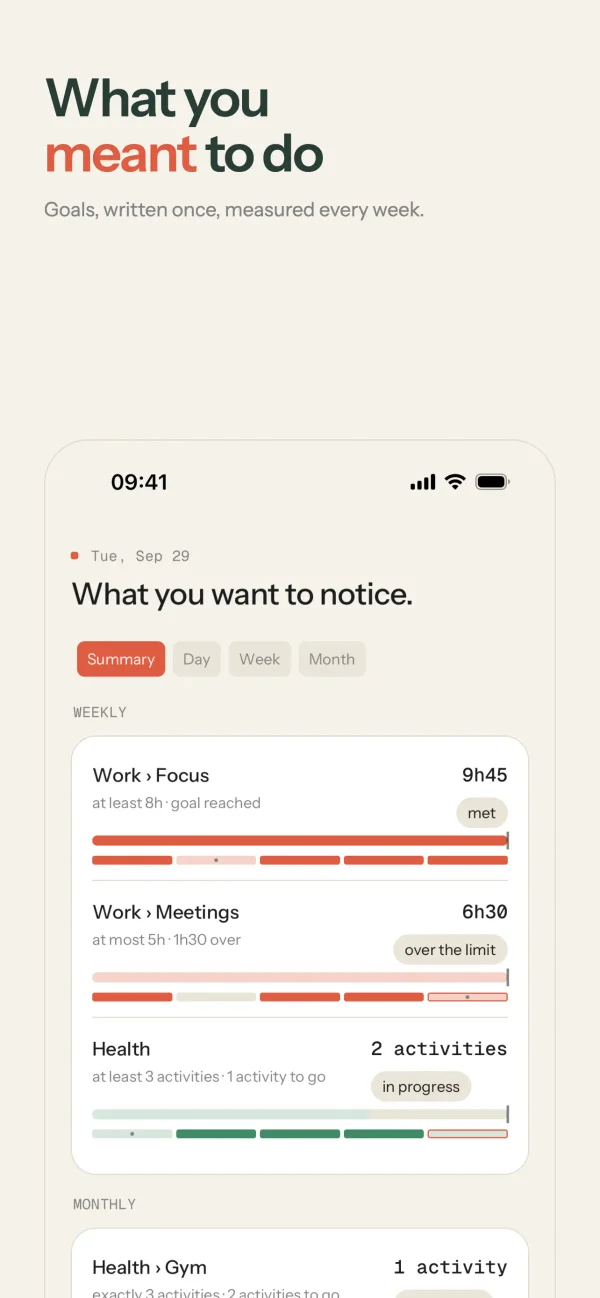
• A goal is an intention: at least 8 hours of Focus a week, at most 5 hours of Meetings, exactly 3 workouts a month.
• miolo measures it against what you actually recorded and says it plainly: met, in progress, missed, over the limit.
• Miss a day and the count simply goes to 6 of 7. Nothing starts over.
• Every goal keeps its history.
TWO REMINDERS, NOT TWENTY
• They start off. Turn them on and there are two: one at midday, one in the evening, so a forgotten day still gets recorded. If you were just in the app, they stay quiet.
YOURS ALONE
• Start without an account: your records stay tied to the device.
• Sign in with Google or Apple when you want them to follow you to your next phone.
• Export your activities as a spreadsheet (CSV) and keep them wherever you like.
• Light, dark or system. English, Portuguese and Spanish.
• Delete your account, and everything in it, from inside the app.
No ads. No feed. No streaks to keep alive. A productivity app that does not compete for your attention.
Start today: the first block takes ten seconds. Your time, without noise.
What’s new
Version 1.2.0 · Nov 10, 2026
• Say your goal in one sentence: simpler to create, easy to remember and repeat day to day
• Mind your goals: a new light helps you see how each one is going
• Simpler goal charts, readable at a glance
• Always an eye on your categories: tap a stretch of the day's summary to zoom into one of them
• Stability and usability improvements
App privacy
What Fuzalabs LTDA declares on the App Store about how this app handles data.
-
Data linked to you
May be collected and linked to your identity.
- Contact info
- User content
- Identifiers
-
Data not linked to you
May be collected but is not linked to your identity.
- Location
- User content
- Usage data
- Diagnostics
Privacy practices may vary, for example with the features you use or your age.
Information
- Seller
- Fuzalabs LTDA
- Category
- Productivity
- Version
- 1.2.0
- Updated
- Nov 10, 2026
- Released
- Oct 1, 2026
- Size
- 56.0 MB
- Requires
- iOS 16.4 or later
- Age rating
- +12
- Languages
- English
- Copyright
- © 2026 Fuzalabs LTDA
You might also like
-
 MindLiqAnote com voz, foto e IA
-
 Everyish: ADHD Habit TrackerRoutines & streaks that bend
-
 Sparehour: PlannerCalendar, notes & bills
-
 Core TaskProductivity
-
 Tredori: Calm To-Do ListHabit tracker & day planner
-
 Dayblok Daily Schedule PlannerVisual Time Blocking & Tasks
-
 Easeline - Visual Day PlannerVisual timeline, guilt-free
-
 Cozy Pomodoro: Focus TimerFocus with lo-fi & cozy themes
-
 Exocium: Daily Planner & HabitBrain Type, Momentum & Focus
-
 Pomodoro Focus: Study TimerADHD, Work & Calm Sessions