Miracast・Screen Mirroring
Screen Mirror & Cast to TV
Designed for iPhone, iPad
Free · In-app purchases
- Age rating4+
- CategoryUtilities
- DeveloperSilver Elm Systems LLC
- LanguagesEnglish+ 26 more
- Size45.4 MB
Links to the official App Store page
Download.org hosts no file of Miracast・Screen Mirroring. The button opens its official App Store page, published by Silver Elm Systems LLC. Listing last checked on Nov 23, 2026.
Screenshots


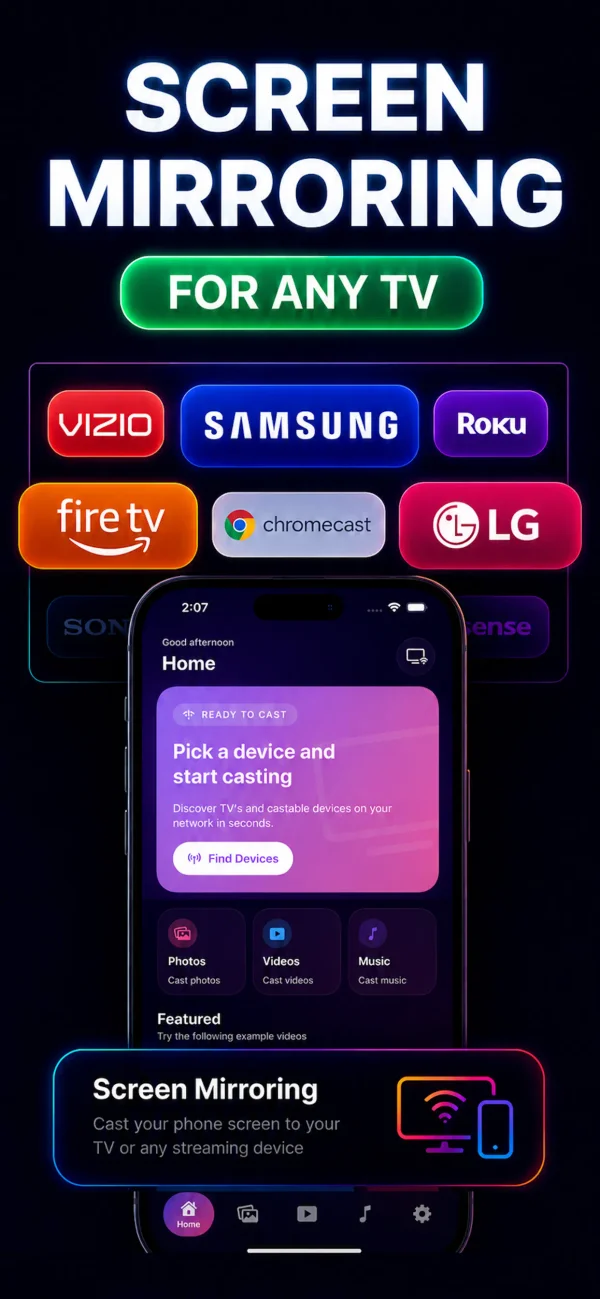
About
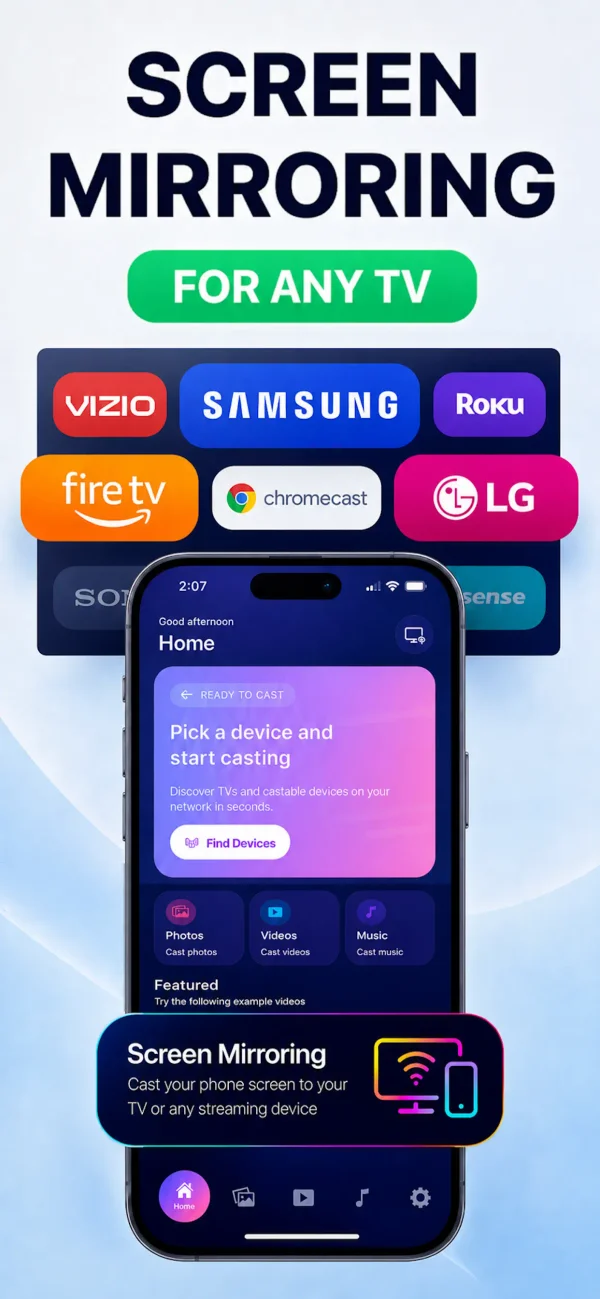
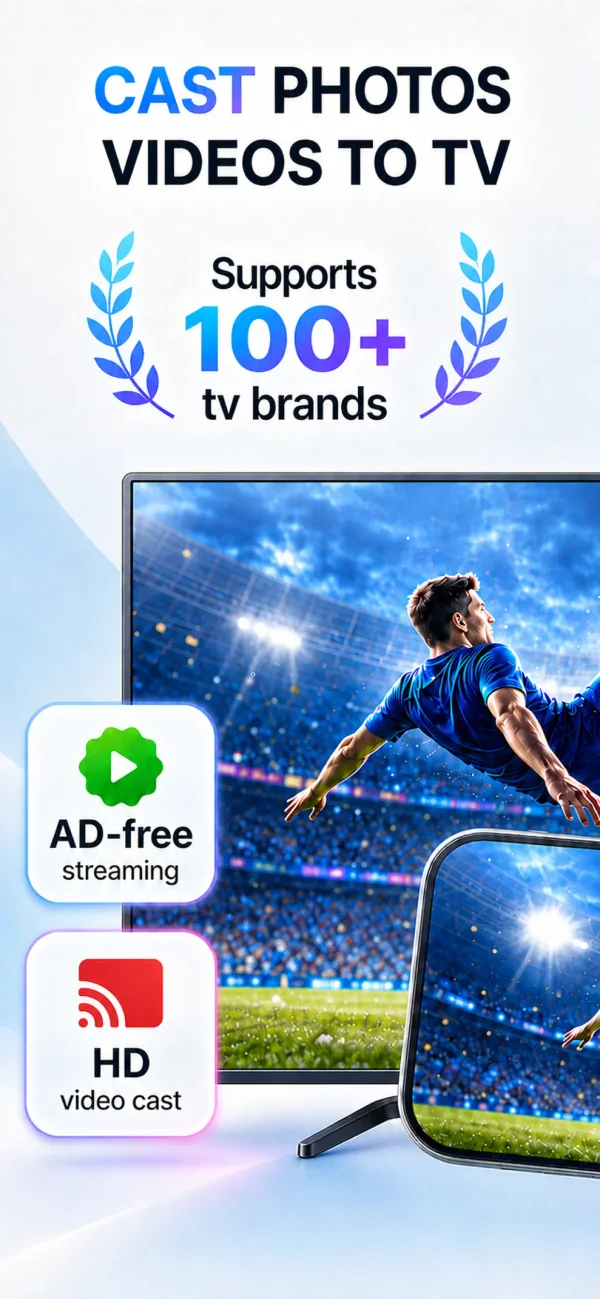
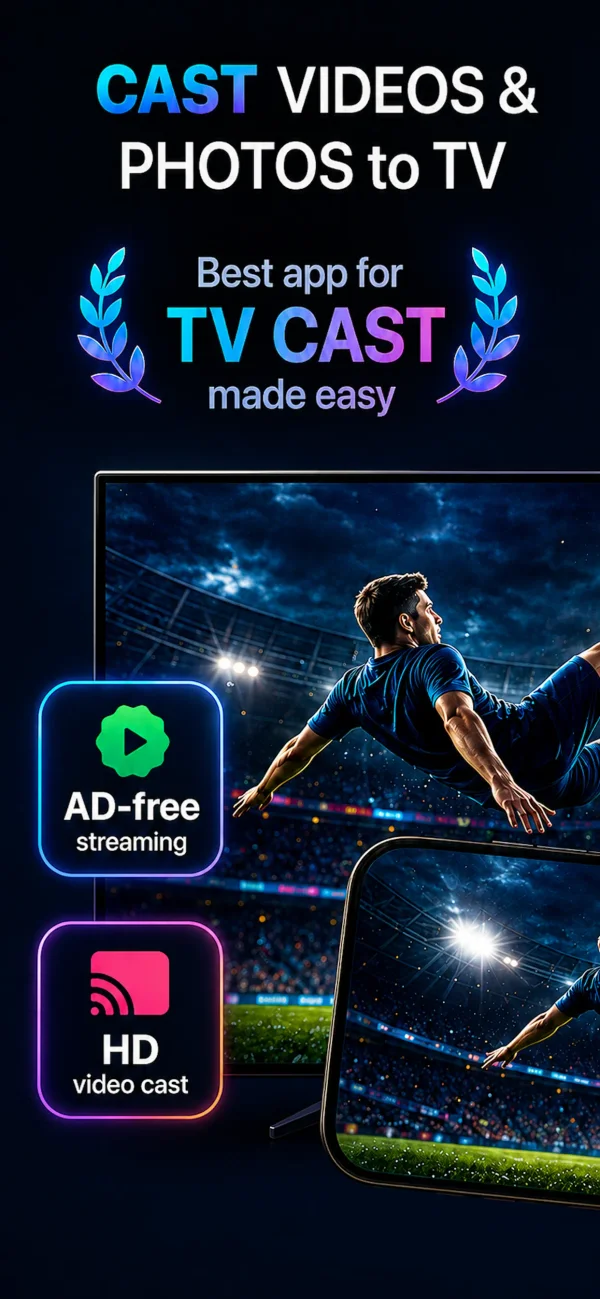
Cast photos, videos, and more from your iPhone to your TV in seconds with the Miracast App.
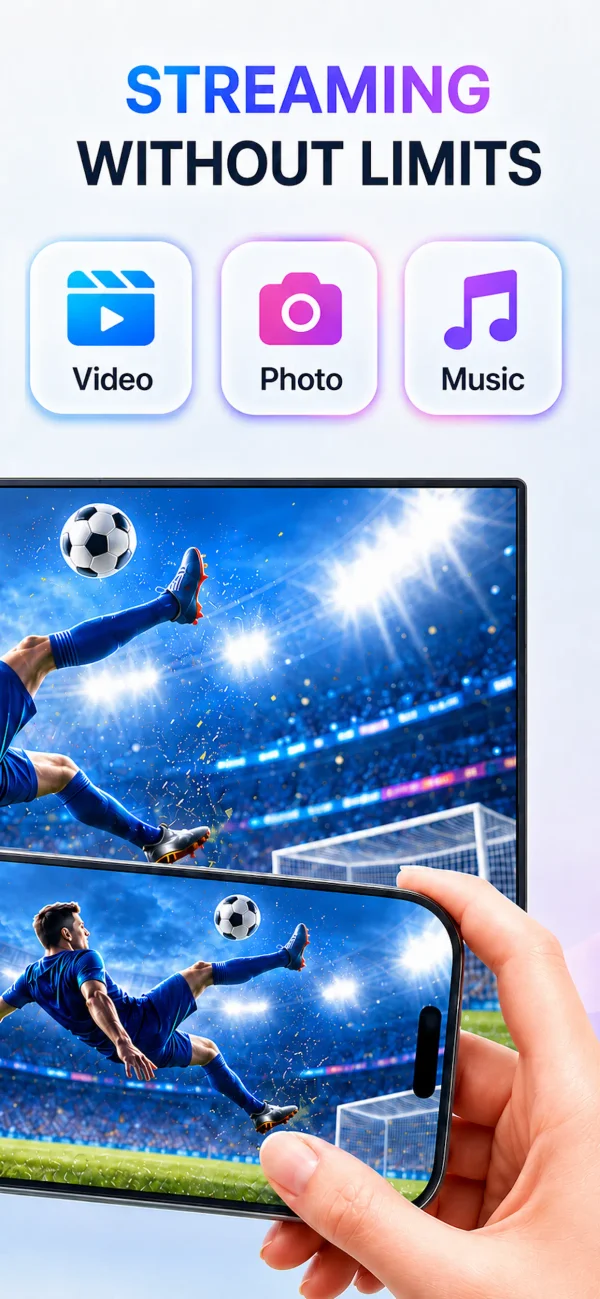
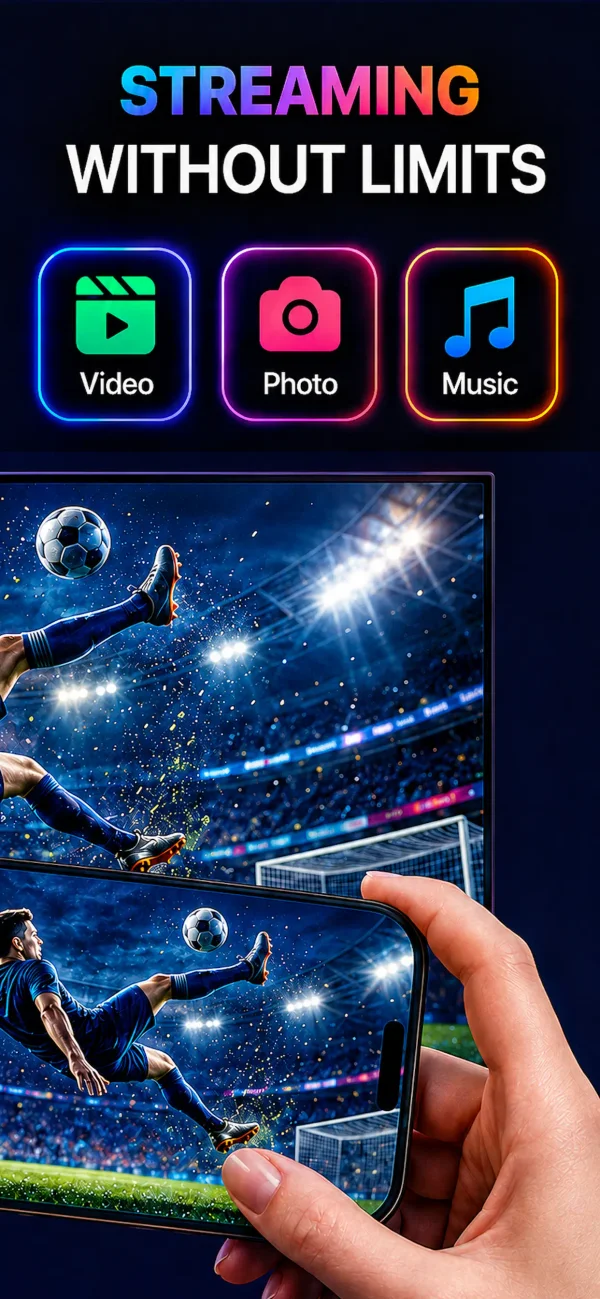
Miracast helps you enjoy your favorite media on the big screen without complicated setup. Share photo albums, watch personal videos, play music, and stream and control your casting session directly from your iPhone. Whether you are sharing vacation memories, watching home videos, or playing music at home, the Miracast App makes it easy to connect, choose your content, and start casting.
MAIN FEATURES
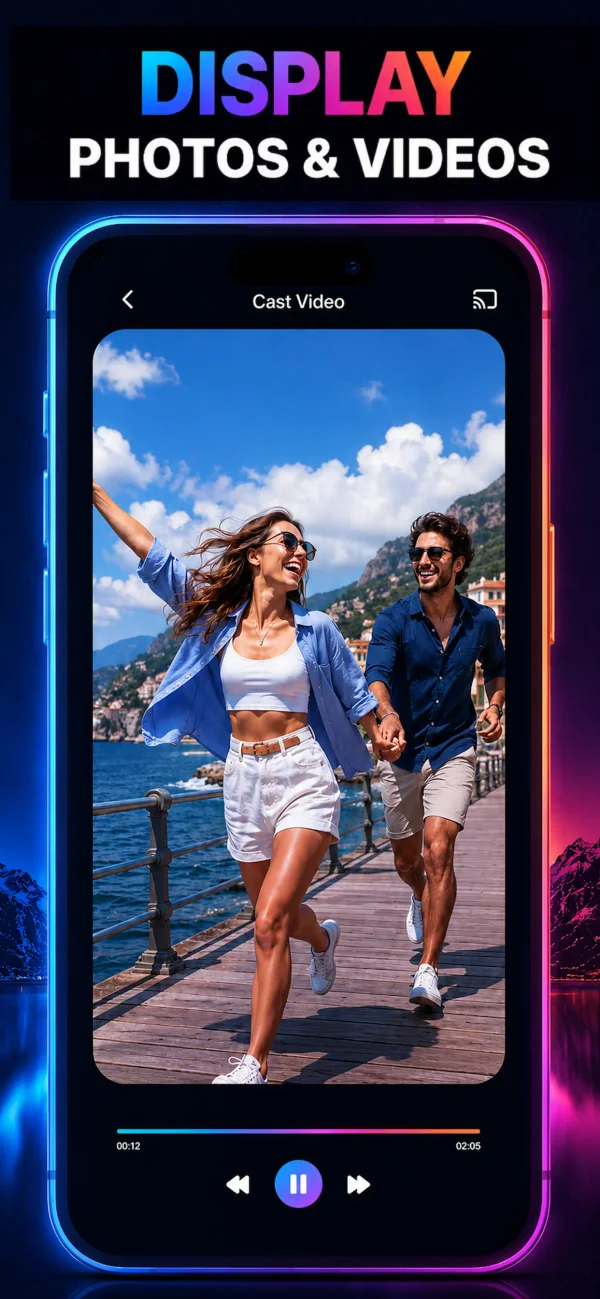
- Cast Videos
Stream videos from your iPhone to your TV with simple playback controls. Great for home videos, saved clips, family moments, and personal media.
- Cast Photos
View your favorite photos on your TV instead of passing your phone around. Browse your photo library, select what you want to share, and enjoy your memories on a bigger screen. Wireless display to your TV made easy!
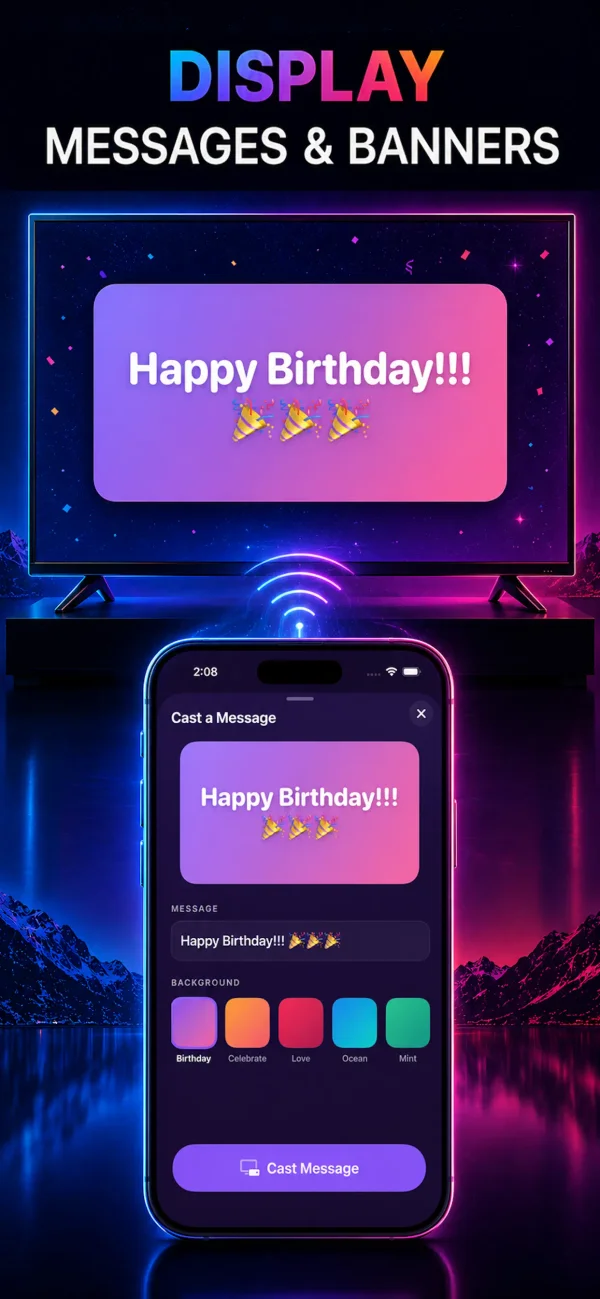
- Cast Messages
Cast custom banner messages to the TV like Happy Birthday and Congratulations, with text and emojis and backgrounds, great for parties and events.
- Screen Mirroring
Cast screen in landscape mode and portrait mode to TV using live streaming technology.
- Stream Music
Play songs and playlists on compatible devices and control playback from your phone.
- Fast Device Discovery
Find compatible casting devices on your Wi-Fi network and connect quickly.
- Simple Playback Controls
Control your media from one clean interface. Pause, skip, adjust volume, manage playback, and keep the experience simple.
- Auto-Connect Support
Reconnect to your last used device faster, so you can spend less time setting up and more time watching.
- Clean, Modern Design
Miracast is built to feel simple, polished, and easy to use. No cluttered menus. No confusing setup. Just open the app, connect, and cast.
HOW IT WORKS
1. Connect your iPhone and casting device to the same Wi-Fi network.
2. Open Miracast App and select an available device.
3. Choose photos, videos, or music from your iPhone.
4. Start casting to your TV.
Privacy Policy: https://silverelmsys.com/streamer/privacy_policy.html
Terms of Use: https://silverelmsys.com/streamer/terms_of_use.html
What’s new
Version 1.1.3 · Nov 20, 2026
Improved Mirroring. Duo Support. Full Access Mode.
App privacy
What Silver Elm Systems LLC declares on the App Store about how this app handles data.
-
Data not collected
The developer does not collect any data from this app.
Privacy practices may vary, for example with the features you use or your age.
Information
- Seller
- Silver Elm Systems LLC
- Category
- Utilities
- Version
- 1.1.3
- Updated
- Nov 20, 2026
- Released
- Aug 6, 2026
- Size
- 45.4 MB
- Requires
- iOS 17.0 or later
- Age rating
- 4+
- Price
- Free
- In-app purchases
- Yes
- Languages
- English, Arabic, Croatian, Czech, Dutch, Finnish, French, German, Hungarian, Italian, Japanese, Korean + 15 more
- Copyright
- © 2026 Silver Elm Systems LLC
You might also like
-
 Miracast ®ᅠUtilities
-
 Multicast - Screen MirroringScreen Mirror Cast to TV
-
 Cast to TV + Screen MirroringCast Photos,Videos & Mirror TV
-
 Cast to TV & Screen MirrorScreen Mirroring & Media Cast
-
 Screen Mirroring+ ™Smart View Mirror Screen Share
-
 MiracastAll Cast to TV & Smart Remote
-
 Screen Mirroring · Cast TVWireless Display & Streaming
-
 Miracast: Screen Mirroring TVCast photo/video/IPTV & mirror
-
 Replico - Cast to TV RemoteTV Remote Screen Mirroring
-
 Screen Mirroring for MiracastScreen Share & Chromecast TV