Miri Trackpad
Wireless trackpad for your Mac
Designed for iPhone, iPad
Free · In-app purchases
- Age rating4+
- CategoryUtilities
- Developer逸飞 姚
- LanguagesEnglish+ 17 more
- Size3.1 MB
Links to the official App Store page
Download.org hosts no file of Miri Trackpad. The button opens its official App Store page, published by 逸飞 姚. Listing last checked on Nov 20, 2026.
Screenshots


About
Miri turns your iPhone or iPad into a wireless trackpad for your Mac. No extra hardware — your phone becomes the precise trackpad you always carry with you.
Three ways to connect, ready for any situation:
• Wi-Fi — lowest latency across your whole home on the same network
• AirDrop Direct — connects with just Wi-Fi turned on, no router needed
• Bluetooth BLE — Bluetooth only, low power, all-day battery
Native gestures, as intuitive as a real Mac trackpad:
• One-finger slide — move the cursor with pixel precision
• One-finger tap — left click (tap twice for double-click)
• Touch and hold, then drag — drag windows and files
• Two-finger tap — right-click menu
• Two-finger scroll — mouse wheel with natural scrolling
Two ways to type remotely, no compromise:
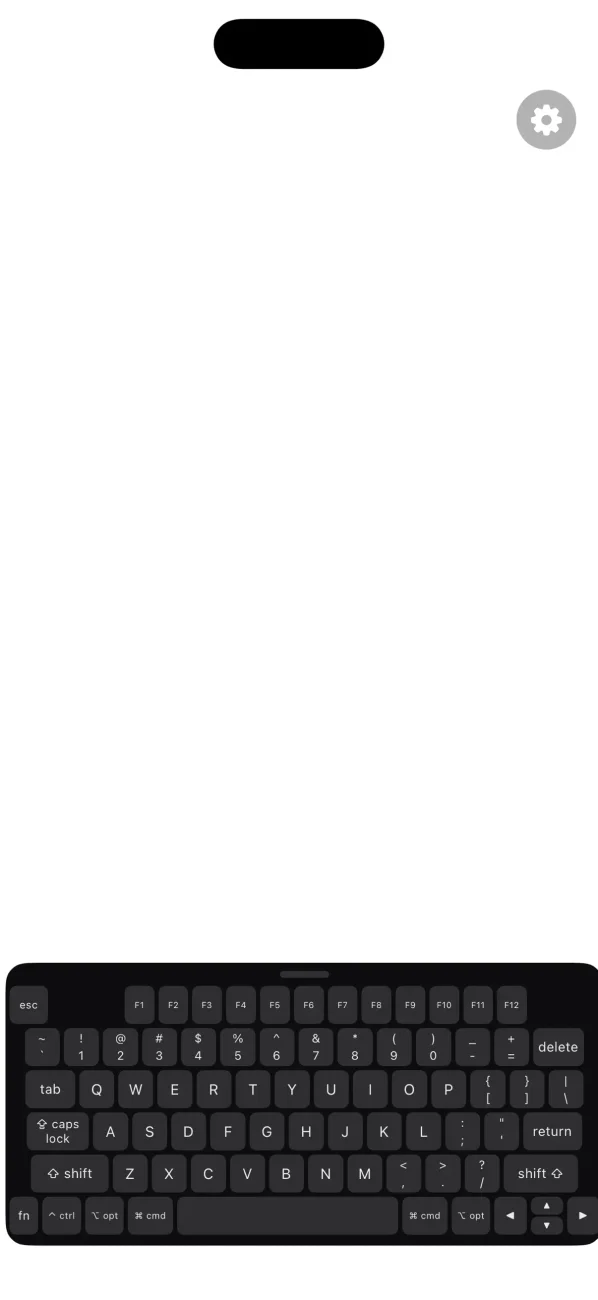
• Function keyboard — F1–F12, arrow keys, Cmd/Opt/Ctrl modifiers
• Text input — type on the native iOS keyboard, text syncs to your Mac in real time
Tunable to your taste:
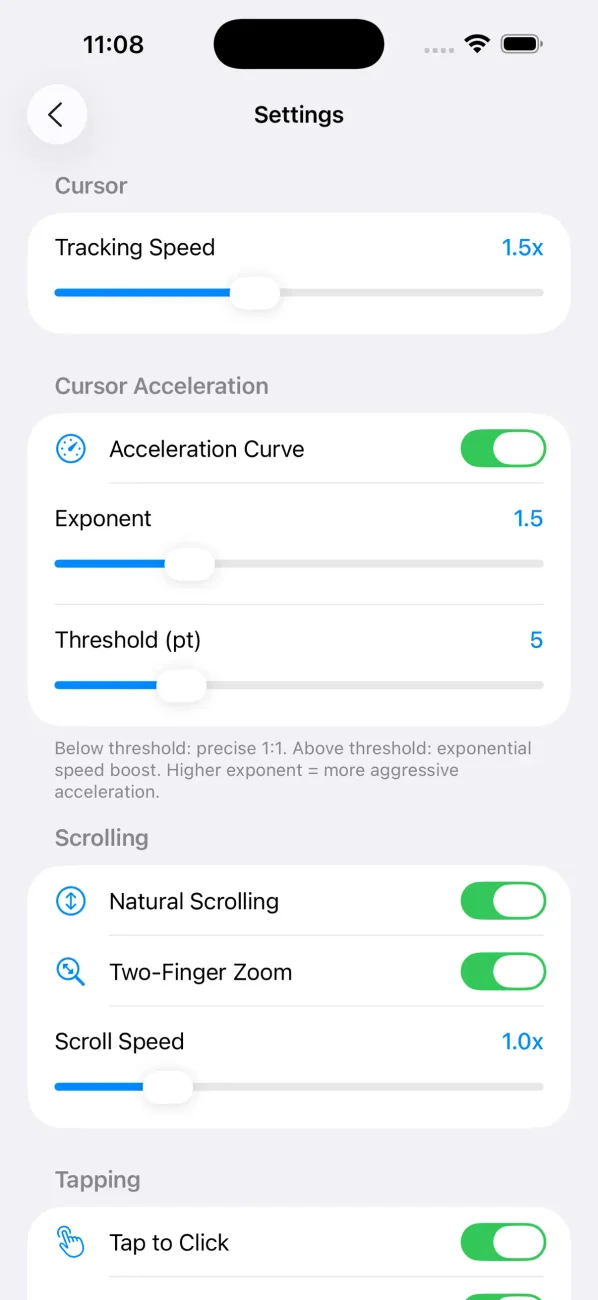
• Cursor tracking speed and scroll speed
• Natural / traditional scrolling direction
• Drag delay, move and scroll dead zones to prevent mis-taps
• Right-click via two-finger tap
Design:
• Full-screen immersive trackpad on iPhone, status bar auto-hides
• Adaptive window and menu-bar icon on Mac
• Built-in gesture tutorial — ready out of the box
Free Mac companion: download Miri for Mac from GitHub Releases and grant Accessibility access to get started.
Miri collects no personal data. No ads, no subscriptions. Pay once, use forever.
What’s new
Version 3.2.3 · Nov 19, 2026
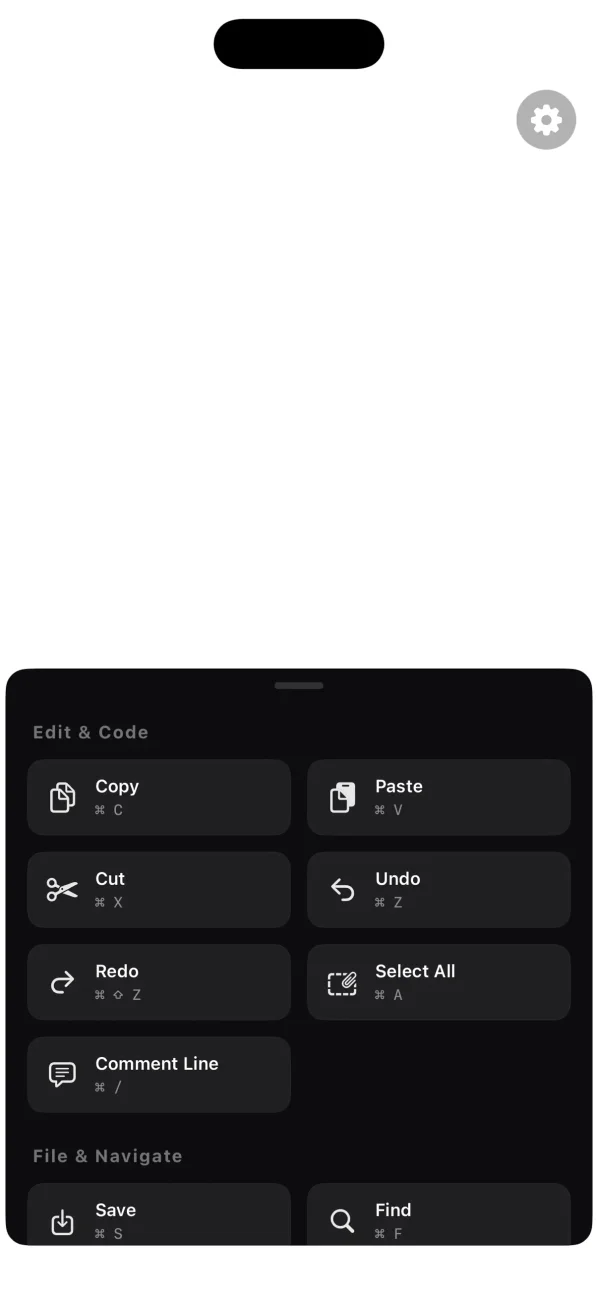
• Advanced features are now available as a one-time in-app purchase (Unlock Miri): keyboard, text input, shortcuts, virtual mouse, hot corners, and edge gestures.
• Cursor move, tap, and two-finger scroll remain free.
• Existing paid-download users of 3.0/3.1 stay unlocked automatically.
• Minor stability improvements.
• Update App Store screenshots
• New keyboard layout options: choose Compact (Magic Keyboard) or Full Size with a numeric keypad — both match Apple's physical keyboard key for key.
• Faster reconnection: Miri now reconnects automatically when you unlock your iPhone or iPad, no need to tap Connect again.
• Fixed an issue where the app could stay stuck on "Reconnecting…" after the screen was locked.
• Minor stability improvements.
App privacy
What 逸飞 姚 declares on the App Store about how this app handles data.
-
Data not collected
The developer does not collect any data from this app.
Privacy practices may vary, for example with the features you use or your age.
Information
- Seller
- 逸飞 姚
- Category
- Utilities
- Version
- 3.2.3
- Updated
- Nov 19, 2026
- Released
- Jul 15, 2026
- Size
- 3.1 MB
- Requires
- iOS 17.0 or later
- Age rating
- 4+
- Price
- Free
- In-app purchases
- Yes
- Languages
- English, Arabic, Dutch, French, German, Hindi, Italian, Japanese, Korean, Polish, Portuguese, Russian + 6 more
- Copyright
- © 2024.Miri
You might also like
-
 录播精灵Utilities
-
 RTTyWi-Fi, latency and app checks
-
 Winston: Video Game TrackerBacklog, Wishlist & Deals
-
 Decibel Meter dB Noise · TacetSound Level Log & Report
-
 Tally: Retro LCD CalculatorReal desk-calc clicks
-
 Curio - 桌面小组件拟物组件、复古时钟、照片墙、拼豆工坊、电子徽章、diy组件
-
 WellKept: Your Well On RecordWhen did you test your well?
-
 Utly: Everyday ToolsConvert, measure & organize
-
 Video compress-compress videosResize video&video resizer
-
 Cipahi: Scripts for SafariJavaScript & CSS manager