Mirror App: Screen Mirroring
Cast to TV, Wireless Display
Designed for iPhone, iPod touch
Free · In-app purchases
- Age rating4+
- CategoryUtilities
- DeveloperMARKCON MANAGEMENT CONSULTANCY W.L.L
- LanguagesEnglish
- Size143.1 MB
Links to the official App Store page
Download.org hosts no file of Mirror App: Screen Mirroring. The button opens its official App Store page, published by MARKCON MANAGEMENT CONSULTANCY W.L.L. Listing last checked on Nov 24, 2026.
Screenshots
About
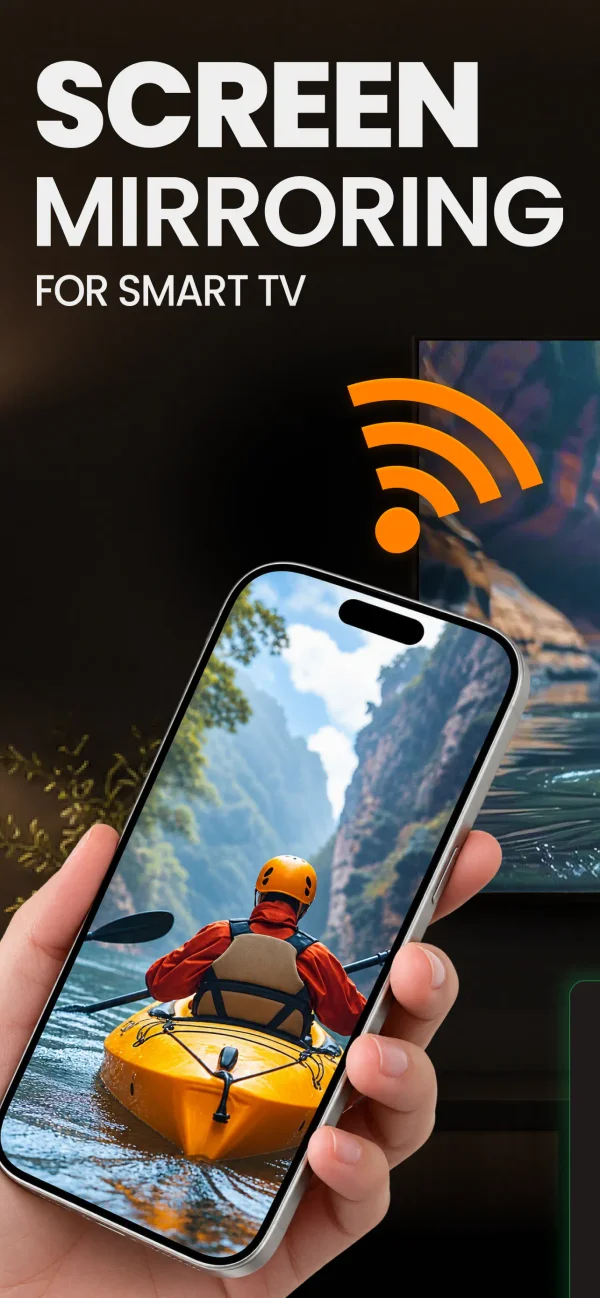
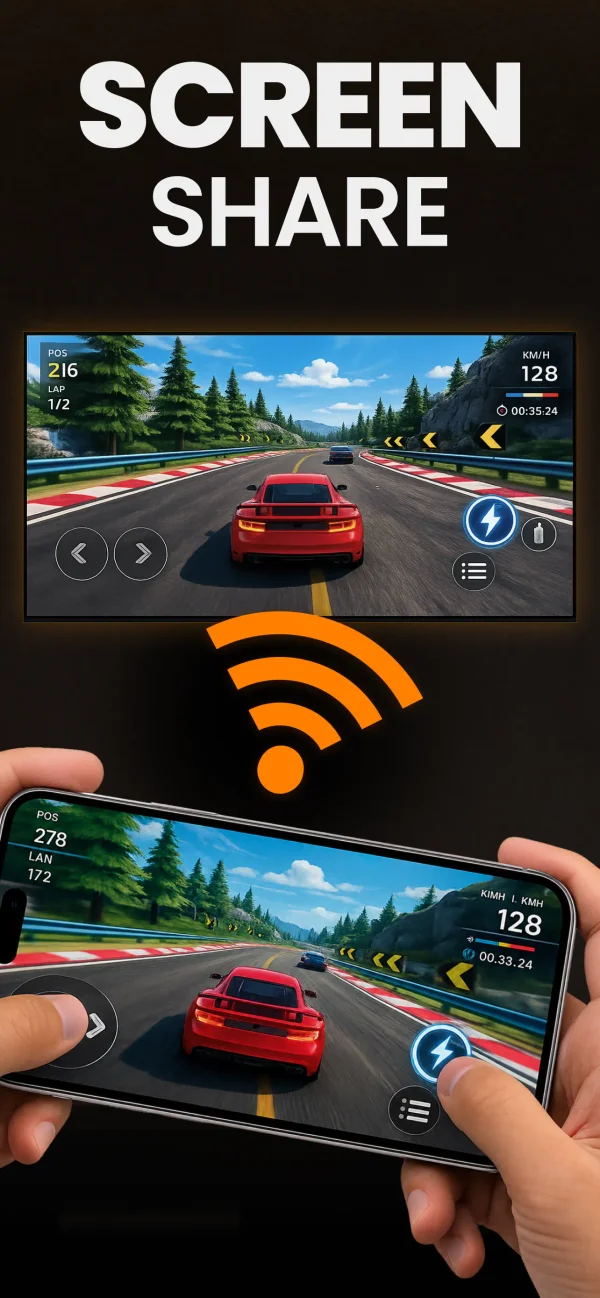
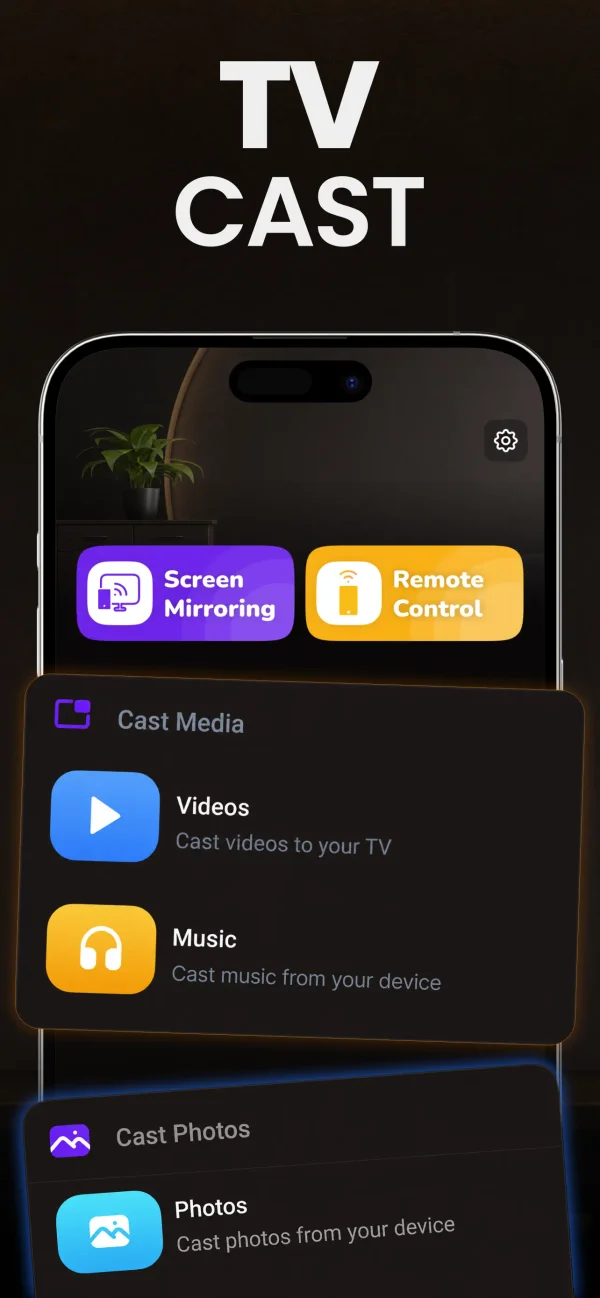
Mirror App lets you share supported content from your iPhone or iPad with compatible Smart TVs and streaming devices connected to the same Wi-Fi network. Use the app to mirror your screen, cast your own photos and videos, display slides and documents, browse supported web content, and control supported TVs.
HOW IT WORKS
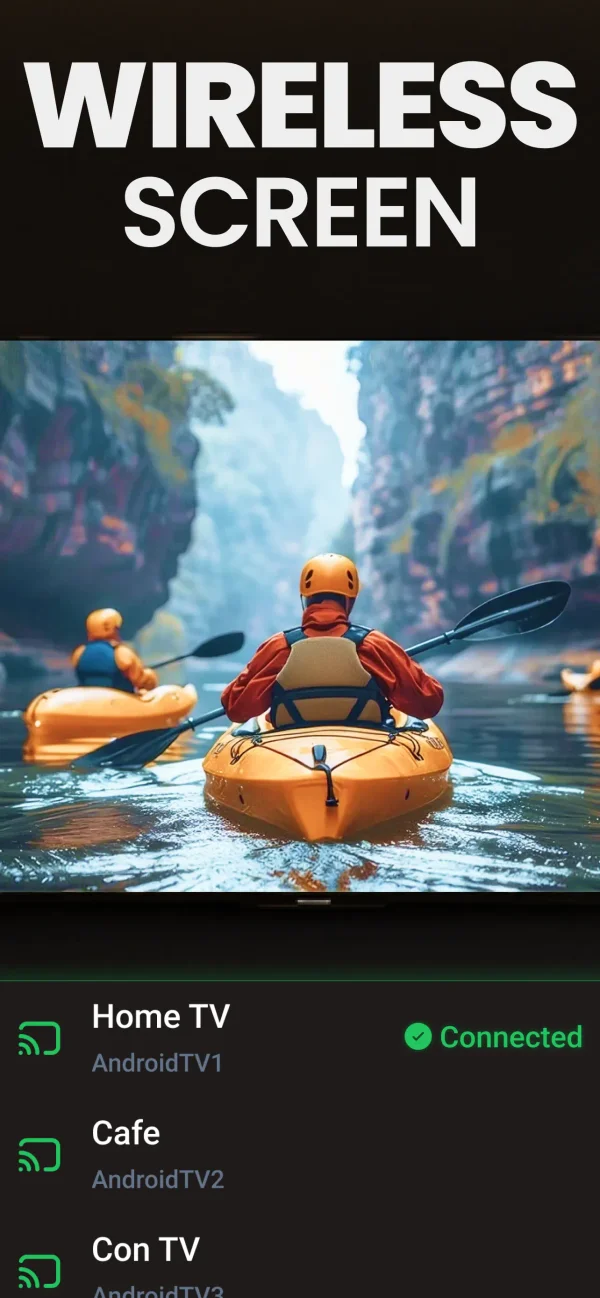
Connect your iPhone or iPad and your TV or streaming device to the same Wi-Fi network. Open the app, allow Local Network access when requested, and select a compatible device from the detected list.
FEATURES
SCREEN MIRRORING
Share your device screen with a compatible TV or streaming device. Screen mirroring is available with Premium. Availability and performance depend on the receiving device, network, and supported connection method.
VIDEO AND PHOTO CASTING
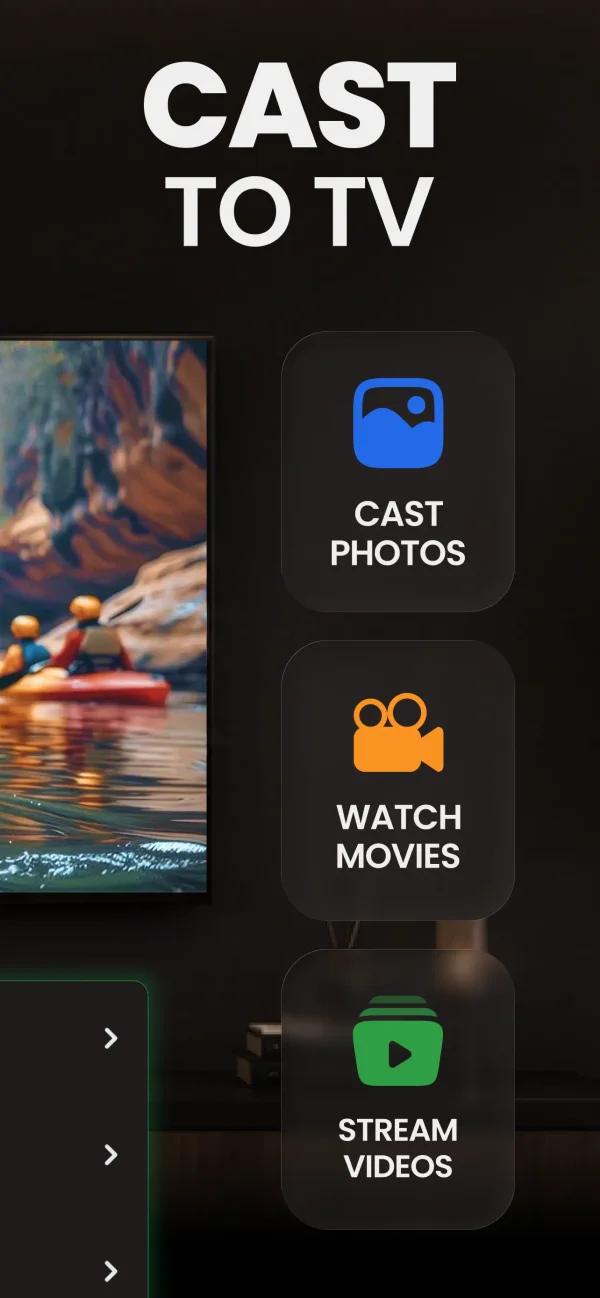
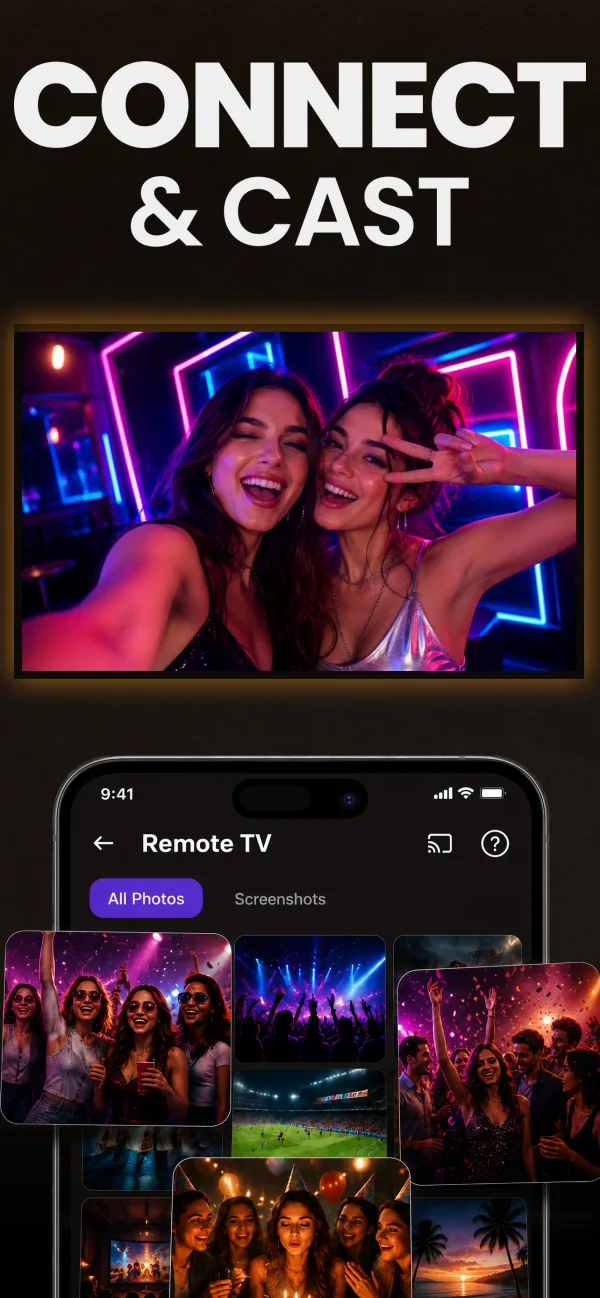
Select photos and videos from your own library and cast supported media to a compatible device.
PHOTO SLIDESHOW
Display selected photos from your library on a larger screen.
PHONE AS REMOTE
Use your iPhone or iPad as a remote for supported TVs. Available controls may include playback, volume, and navigation depending on the TV model and supported connection method.
WEB CASTING
Open web pages inside the app and cast supported web content to a compatible device. The app does not download protected media or bypass DRM or other content-protection systems.
COMPATIBILITY
A compatible Smart TV, display, or streaming device is required. Both devices must be connected to the same Wi-Fi network. Feature availability varies by device model, network conditions, content type, and supported connection method.
FREE & PREMIUM
Free features include photo, video, music, and web casting.
Premium unlocks Screen Mirroring and Remote Control.
SUBSCRIPTION
Premium is available through auto-renewing weekly, monthly, or annual subscriptions. Payment is charged to your Apple Account at confirmation of purchase. Subscriptions renew automatically unless cancelled at least 24 hours before the end of the current period. You can manage or cancel your subscription in your Apple Account settings.
IMPORTANT INFORMATION
Protected or DRM-restricted content may not be available for screen mirroring or casting. Mirror App does not bypass content-protection systems.
PERMISSIONS
Local Network access is used to discover and connect to compatible devices on your Wi-Fi network.
Photos and Files access is used when you choose media or files to cast.
Microphone access may be used to include microphone audio during a supported screen broadcast. You can decline microphone access and continue using other supported casting features.
Privacy Policy: https://www.markconapps.com/privacy-policy.php
Terms of Use: https://www.markconapps.com/terms-conditions.php
What’s new
Version 1.0.8 · Nov 24, 2026
Bug Fixes
App privacy
What MARKCON MANAGEMENT CONSULTANCY W.L.L declares on the App Store about how this app handles data.
-
Data used to track you
May be used to track you across apps and websites owned by other companies.
- Purchases
- Location
- Identifiers
- Usage data
- Diagnostics
-
Data linked to you
May be collected and linked to your identity.
- Purchases
- Identifiers
-
Data not linked to you
May be collected but is not linked to your identity.
- Location
- Identifiers
- Usage data
- Diagnostics
Privacy practices may vary, for example with the features you use or your age.
Information
- Seller
- MARKCON MANAGEMENT CONSULTANCY W.L.L
- Category
- Utilities
- Version
- 1.0.8
- Updated
- Nov 24, 2026
- Released
- Jun 24, 2026
- Size
- 143.1 MB
- Requires
- iOS 15.1 or later
- Age rating
- 4+
- Price
- Free
- In-app purchases
- Yes
- Languages
- English
- Copyright
- © MARKCON MANAGEMENT CONSULTANCY W.L.L
You might also like
-
 Smart Connect Stream InstantlyScreen Mirroring & Cast to TV
-
 Screen Mirroring & CastConnectScreen Mirroring for Smart TV
-
 Cast To TV Screen MirrorStream Photos & Videos
-
 Remote TV - Remote ControlTouchpad, Keyboard & TV Apps
-
 Nivaro Private BrowserSecure Web & VPN Protection
-
 Carsole Car WidgetCustom Screen & Audio Widgets
-
 Camera Detector: Device FinderFast Scan & Network Analyzer
-
 Focusly: Screen TimeScreen Time Tracker & Blocker
-
 Screen Mirroring ' Cast to TVPhotos & Web Video Caster
-
 Storage Clean - Photo CleanerClean Photos, Contacts & Plans