Remote TV - Remote Control
Touchpad, Keyboard & TV Apps
Designed for iPhone, iPod touch
Free · In-app purchases
- Age rating4+
- CategoryUtilities
- DeveloperKhanh Thong Le
- LanguagesEnglish+ 16 more
- Size70.6 MB
Links to the official App Store page
Download.org hosts no file of Remote TV - Remote Control. The button opens its official App Store page, published by Khanh Thong Le. Listing last checked on Nov 16, 2026.
Screenshots


About
Turn your iPhone into a smart TV remote for Samsung Tizen, LG webOS and Roku TVs on the same Wi-Fi network.
REMOTE CONTROLS IN YOUR POCKET
Control power, volume, channels, playback, navigation, home, back, mute and more from a clear remote designed for everyday use.
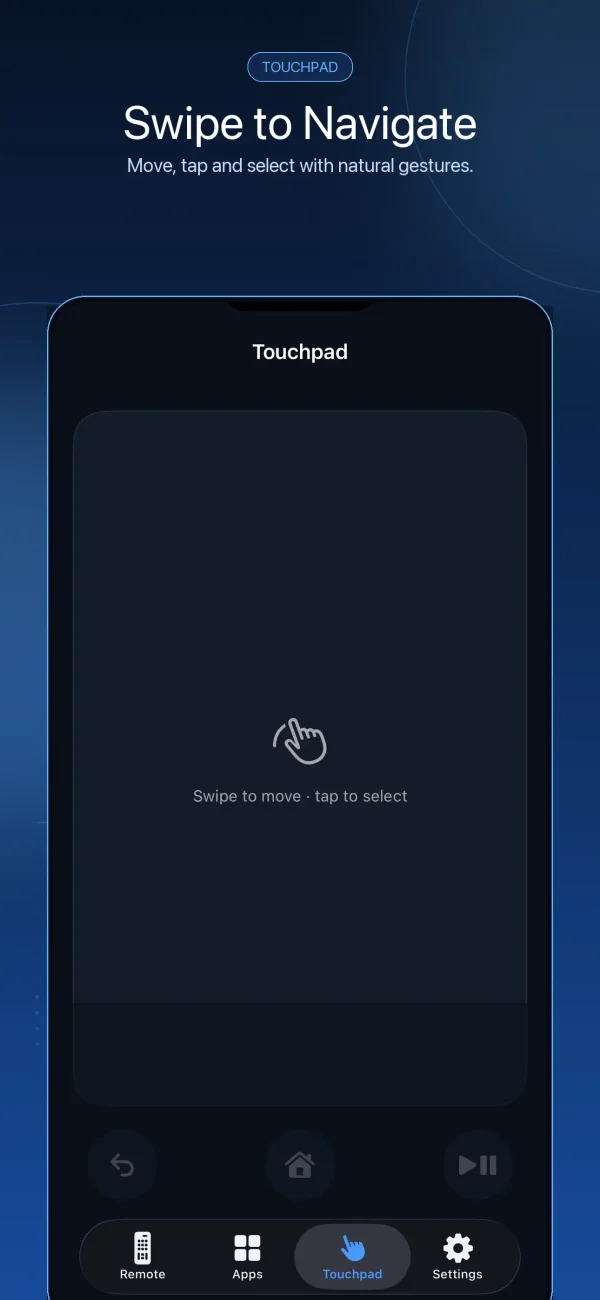
NAVIGATE WITH A TOUCHPAD
Swipe through menus and tap to select with natural gestures from your iPhone.
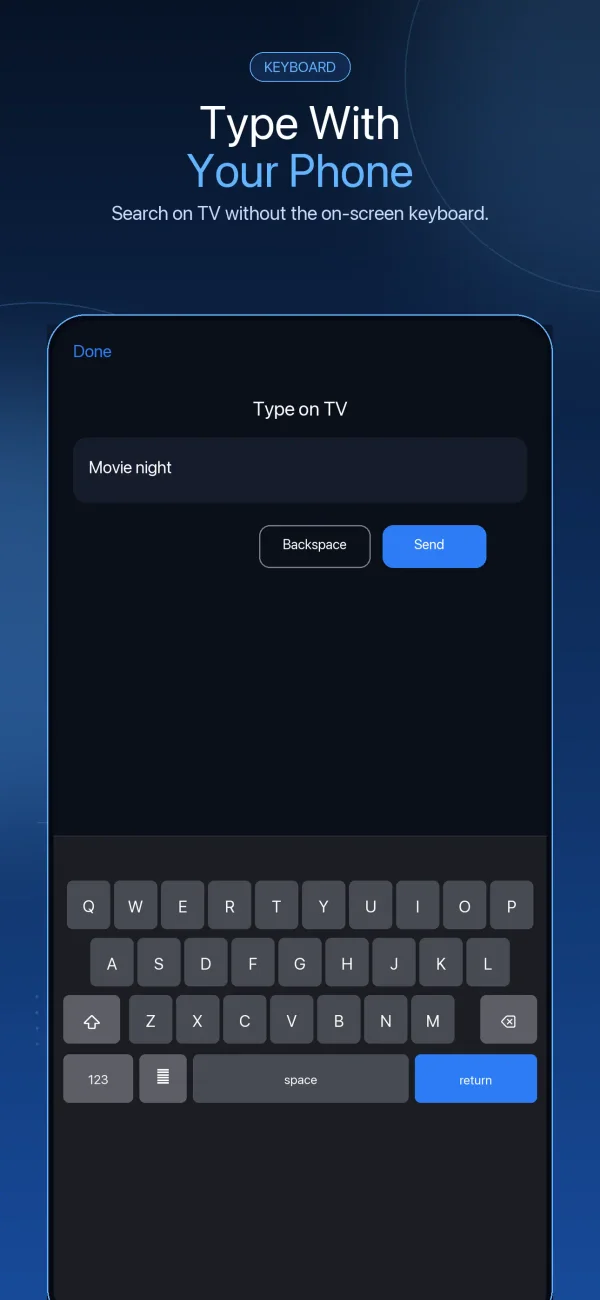
TYPE FASTER
Use your phone keyboard for TV search fields instead of entering text one letter at a time with an on-screen remote.
LAUNCH TV APPS
Open apps listed by compatible TVs with a single tap. Available apps and controls depend on your TV model and platform.
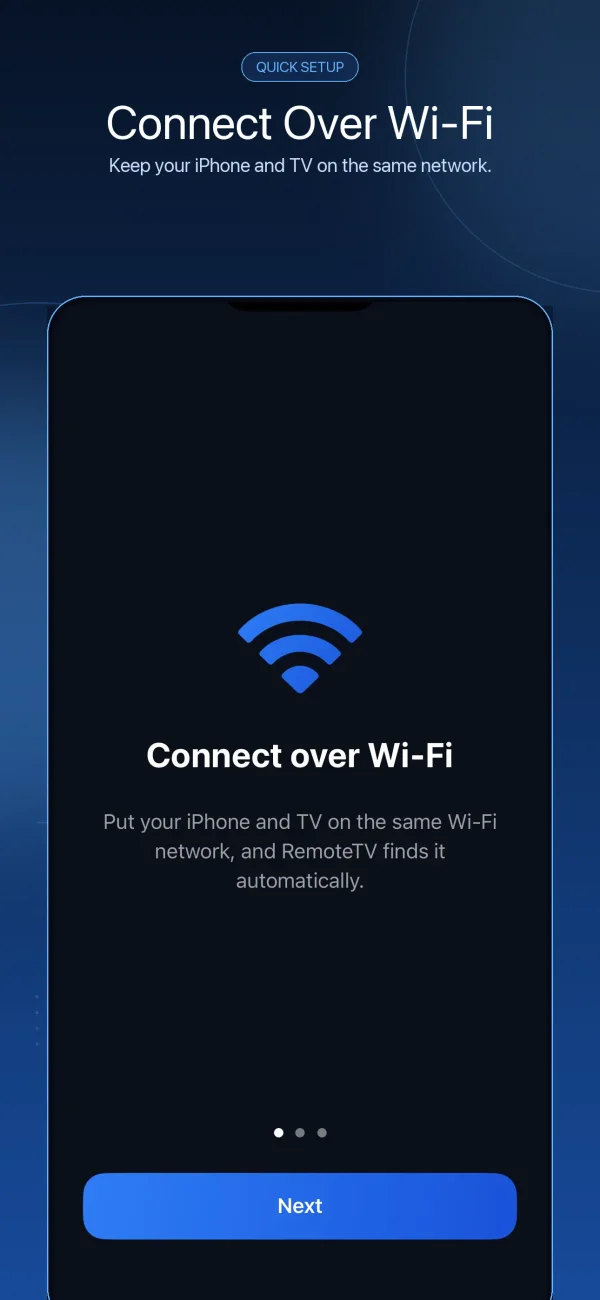
QUICK WI-FI SETUP
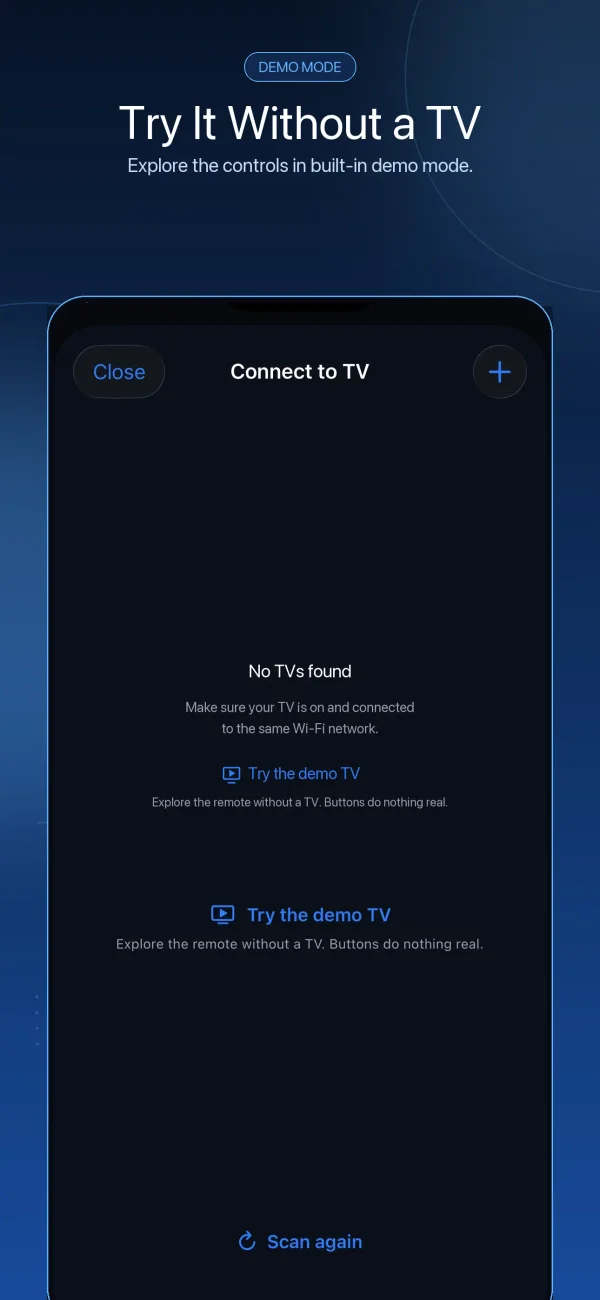
Remote TV searches for compatible TVs on your local network. Keep your iPhone and TV connected to the same Wi-Fi, then select your TV to begin. You can also add a TV by IP address when needed.
TRY DEMO MODE
No TV nearby? Explore the remote, touchpad, keyboard and app launcher using the built-in Demo TV.
PRIVACY AND ACCESS
- No account or sign-up required
- No extra remote hardware required
- Commands travel from your iPhone to your TV over your local Wi-Fi
- Some TVs may ask you to approve the first connection on screen
COMPATIBILITY
Supports compatible Samsung Tizen, LG webOS and Roku TVs. Feature availability varies by model, firmware and TV settings. Roku devices may need to be added by IP if they are not discovered automatically.
Remote TV is an independent app and is not affiliated with, endorsed by or sponsored by Samsung, LG, Roku or any other TV manufacturer. All trademarks belong to their respective owners.
Terms of Use (EULA): https://www.apple.com/legal/internet-services/itunes/dev/stdeula/
Privacy Policy: https://exo-pages.web.app/remotetv/privacy
What’s new
Version 1.7 · Nov 10, 2026
fix bugs
App privacy
What Khanh Thong Le declares on the App Store about how this app handles data.
-
Data used to track you
May be used to track you across apps and websites owned by other companies.
- Location
- Identifiers
- Usage data
-
Data not linked to you
May be collected but is not linked to your identity.
- Location
- Identifiers
- Usage data
- Diagnostics
Privacy practices may vary, for example with the features you use or your age.
Information
- Seller
- Khanh Thong Le
- Category
- Utilities
- Version
- 1.7
- Updated
- Nov 10, 2026
- Released
- Aug 19, 2026
- Size
- 70.6 MB
- Requires
- iOS 15.0 or later
- Age rating
- 4+
- Price
- Free
- In-app purchases
- Yes
- Languages
- English, Arabic, Dutch, French, German, Hindi, Indonesian, Italian, Japanese, Korean, Portuguese, Russian + 5 more
- Copyright
- © 2026 EXO Studio
You might also like
-
 TV Remote ManagerUniversal remote for your TV
-
 Remoto: Universal Remote TVRemote for All TV & Cast to TV
-
 Smart Connect Stream InstantlyScreen Mirroring & Cast to TV
-
 Hey Remote - Smart TV ControlUniversal TV Remote & Cast
-
 Remote Control for All TVUniversal Smart TV Controller
-
 Universal TV Remote CastRemote Control & Cast TV
-
 Mirror App: Screen MirroringCast to TV, Wireless Display
-
 Apex Cleaner: Storage CleanerFree Up Storage Easily
-
 Universal TV Remote - All TVsControl TV with Your Phone