MirrorBeam - Screen Mirroring
Cast iPhone & Mac to Fire TV
Designed for iPhone
Free
- Age rating4+
- CategoryUtilities
- DeveloperTakeshi Nagata
- LanguagesEnglish+ 6 more
- Size3.7 MB
Links to the official App Store page
Download.org hosts no file of MirrorBeam - Screen Mirroring. The button opens its official App Store page, published by Takeshi Nagata. Listing last checked on Nov 16, 2026.
Screenshots

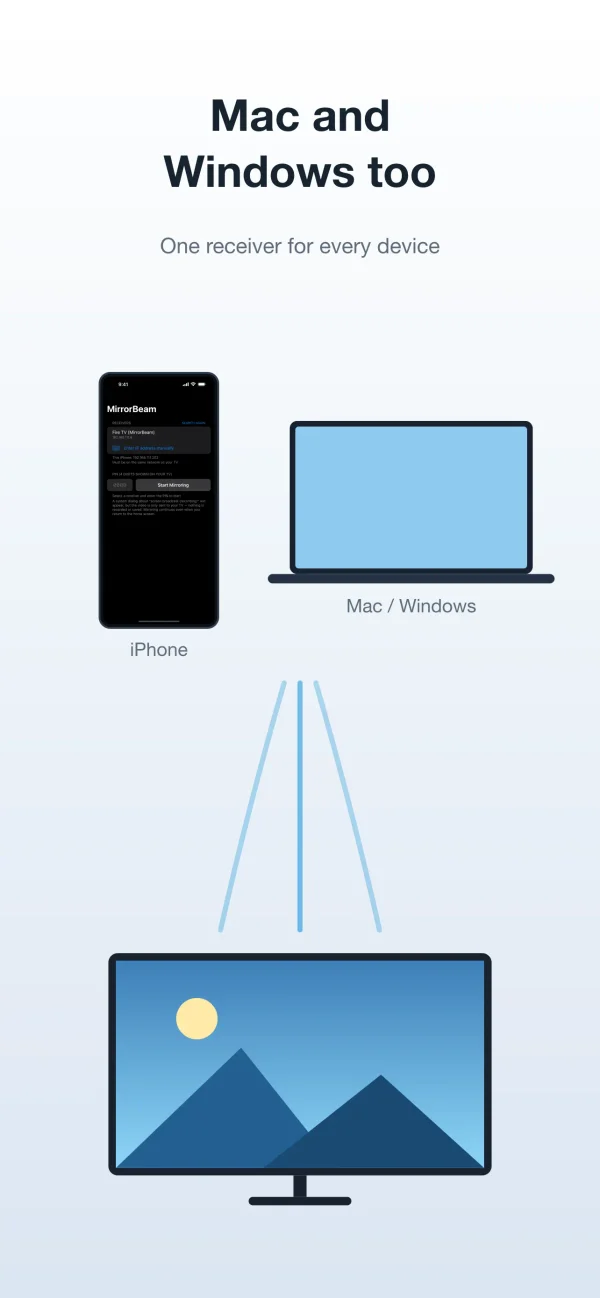
About
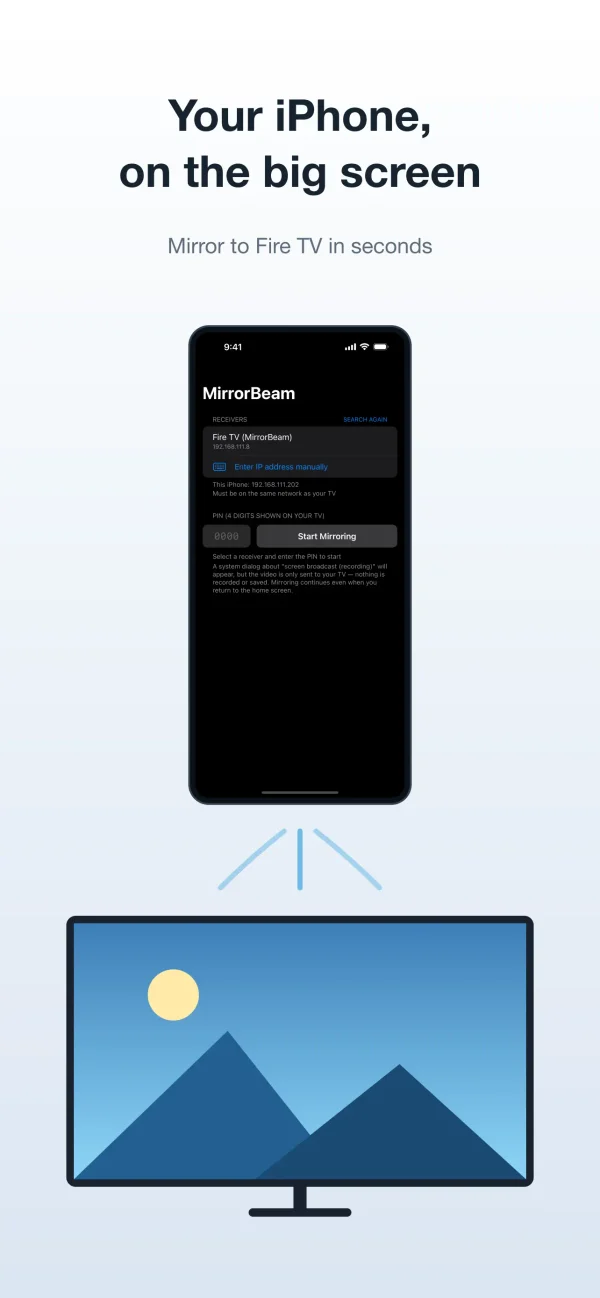
Put your iPhone or Mac screen on the big screen with Fire TV. Photos, videos, websites, presentations, gameplay — whatever is on your device, right on your TV.
■ Easy setup
1. Open MirrorBeam on your Fire TV
2. Open MirrorBeam on your iPhone or Mac, pick your TV, and enter the 4-digit PIN shown on screen
3. Tap "Start Mirroring" — that's it
■ Highlights
- Low latency: a purpose-built streaming pipeline keeps interactions snappy
- Audio included: video and music sound plays through your TV (with fine audio-timing adjustment)
- 100% local: your screen never leaves your home network; no account required
- iPhone and Mac: both sender apps are free
- Available in 7 languages
■ Pricing
The app is free to use. The free version adds a small watermark on the TV, and mirroring from an iPhone shows an ad before starting. No subscription, no account.
■ Compatibility
For Amazon Fire TV devices (Fire TV Stick 2nd generation or later, Fire TV Cube and the latest Fire TV Stick models) running the free MirrorBeam receiver app on the TV (setup guide at jx83.jp) / iPhone (iOS 16+) / Mac (macOS 13+, free download at jx83.jp)
This app was not created or endorsed by Amazon. Amazon, Fire TV and all related marks are trademarks of Amazon.com, Inc. or its affiliates.
What’s new
Version 1.0.7 · Oct 16, 2026
- Minor improvements.
App privacy
What Takeshi Nagata declares on the App Store about how this app handles data.
-
Data not linked to you
May be collected but is not linked to your identity.
- Identifiers
Privacy practices may vary, for example with the features you use or your age.
Information
- Seller
- Takeshi Nagata
- Category
- Utilities
- Version
- 1.0.7
- Updated
- Oct 16, 2026
- Released
- Sep 20, 2026
- Size
- 3.7 MB
- Requires
- iOS 16.0 or later
- Age rating
- 4+
- Price
- Free
- Languages
- English, French, German, Italian, Japanese, Portuguese, Spanish
- Copyright
- © 2026 jx83.jp
You might also like
-
 MirrorVO: Screen MirroringMirror to TV & phone
-
 Screen Mirroring+ ™Smart View Mirror Screen Share
-
 Screen Mirroring Remote TVScreen share, cast to Smart TV
-
 Screen Mirroring app .Mirror Screen and Cast to TV
-
 Mirroring: Screen Mirror + TVCast Web Video to Smart TV
-
 Cast to TV & Screen MirroringTv Cast - Screen Mirroring
-
 Replico - Cast to TV RemoteTV Remote Screen Mirroring
-
 Screen Mirroring: View TVCast To TV, Mirror, Share
-
 Screen Mirroring: iPhone to TVCast photos & videos to TV
-
 CastStream: Screen MirroringMirror & Cast to TV, PC, Phone