
- Age rating4+
- CategoryProductivity
- DeveloperPixelBrick
- LanguagesEnglish
- Size7.1 MB
Links to the official App Store page
Download.org hosts no file of Mitchmo - Texting memo. The button opens its official App Store page, published by PixelBrick. Listing last checked on Nov 18, 2026.
Screenshots
About
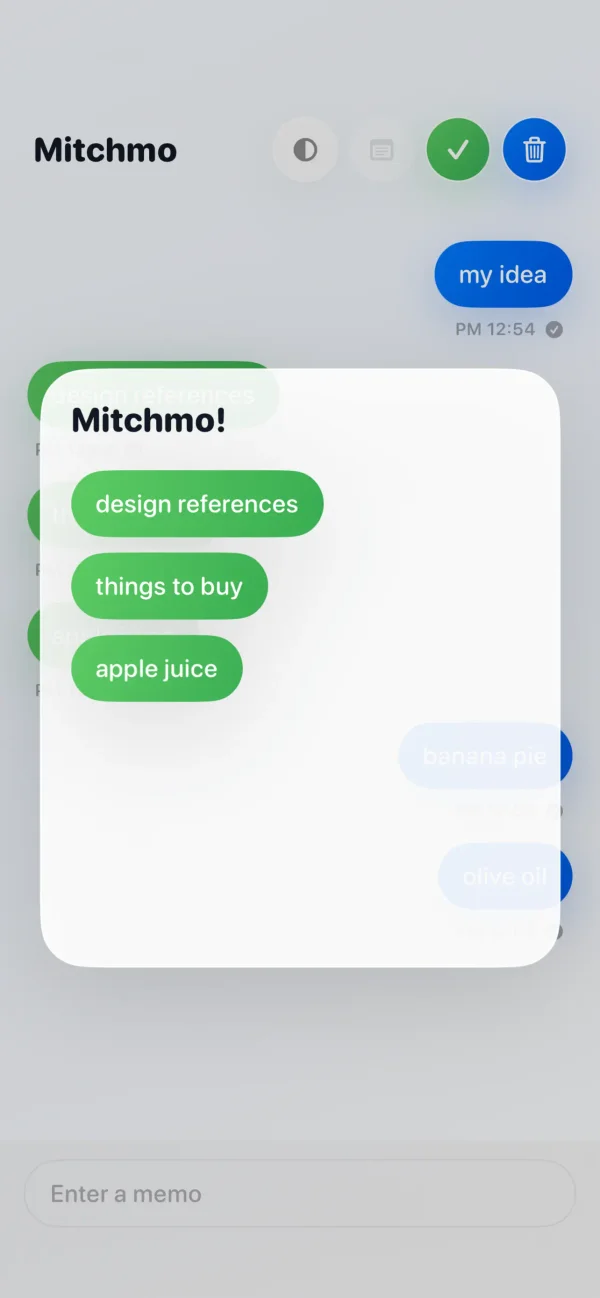
Mitchmo is a personal memo app that goes beyond a typical chat-style note app. It can also respond with relevant content based on your saved memos.
To learn more, type /help in the chat input field.
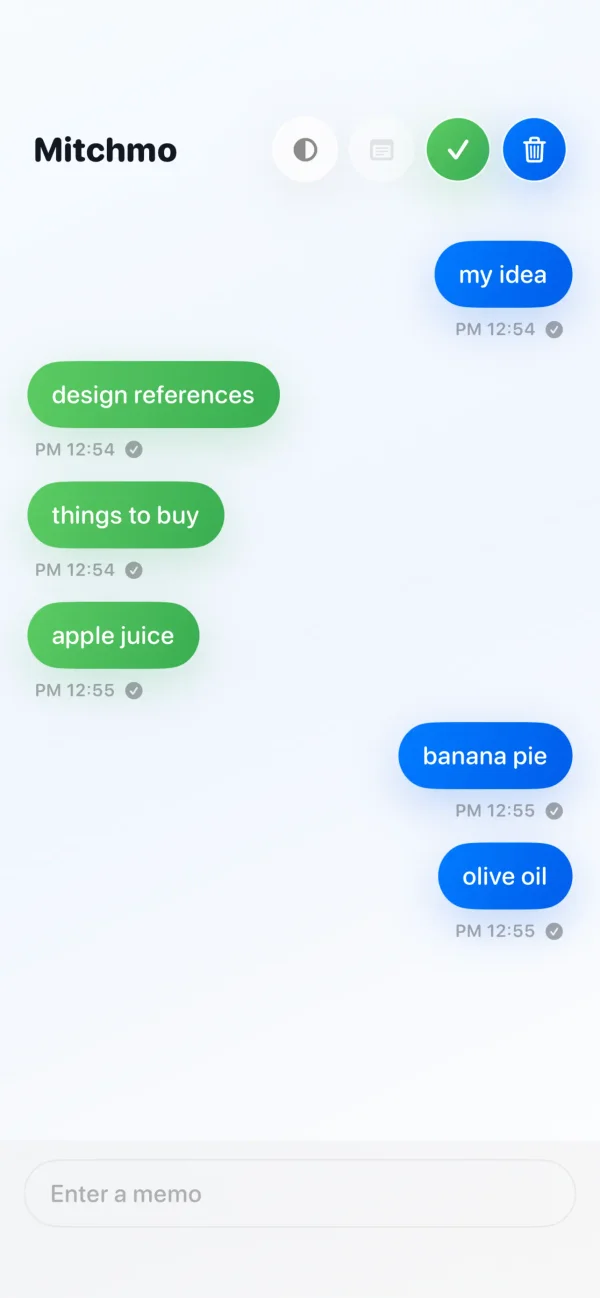
Write quick notes as if you were sending a text message, then neatly save only what you need.
You can start typing as soon as you open the app. Tap the send button to create a blue temporary memo.
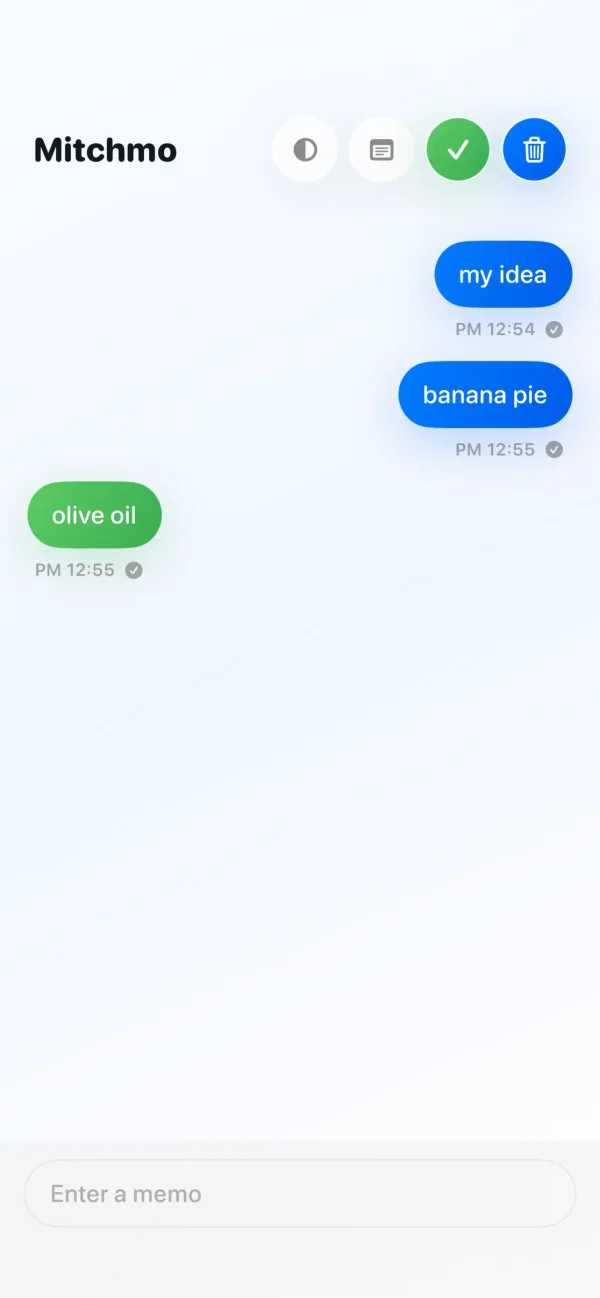
Swipe a memo left to turn it into a green memo, then manage it like a checklist item.
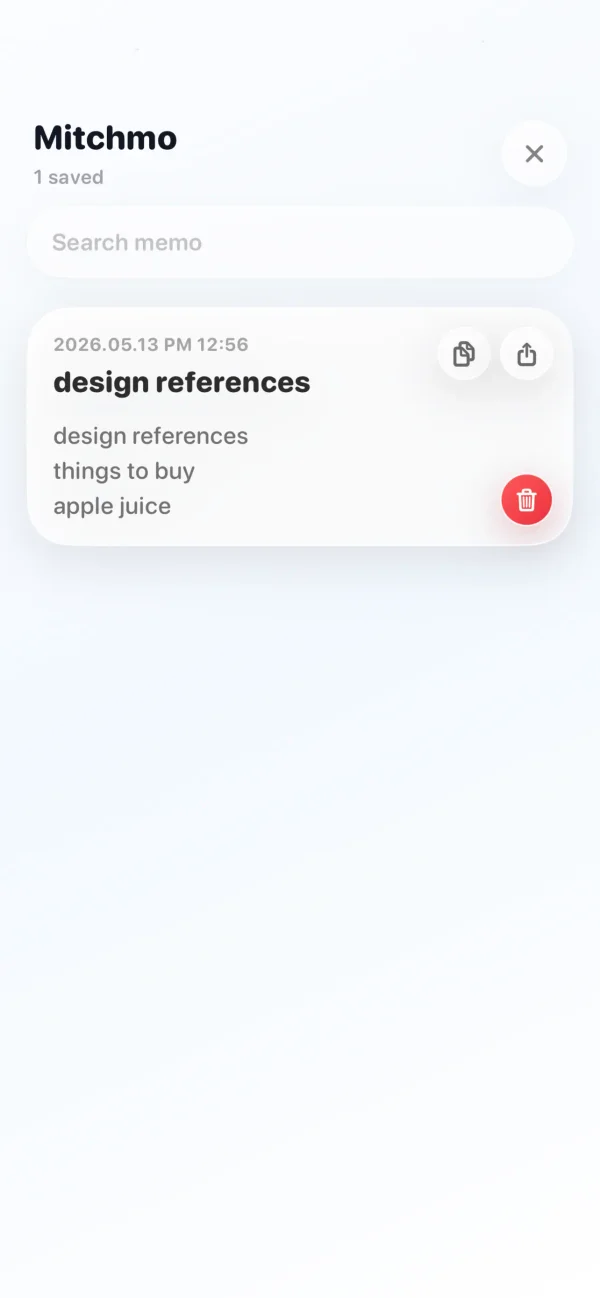
Tap the check button in the top-right corner to save only the green memos. Blue temporary memos can be quickly deleted all at once.
With Web Drop, you can type text from a PC, tablet, or any other device with a web browser on the same Wi-Fi network and send it directly to Mitchmo, just like chatting.
Long sentences, URL links, and text information viewed on your PC can be sent straight to your iPhone as memos without any extra steps.
You can instantly share URLs you find on the web to Mitchmo and use it like a bookmark manager for saving links.
Saved memos can be viewed by date in the calendar, making Mitchmo useful for simple habit tracking or keeping a short daily record.
Use it to collect ideas, brainstorming notes, to-dos, and reference links quickly, then save only the important parts.
Mitchmo helps you organize your thoughts and information more naturally with quick notes, selective saving, web input, automatic replies based on saved memos, and theme switching.
contact: brick@pixelbricktek.com
Privacy Policy: https://pixelbricktek.github.io/Mitchmo/privacy
Terms of Use (EULA): https://www.apple.com/legal/internet-services/itunes/dev/stdeula/
What’s new
Version 2.5 · Aug 5, 2026
Other bugs have been fixed.
App privacy
What PixelBrick declares on the App Store about how this app handles data.
-
Data not collected
The developer does not collect any data from this app.
Privacy practices may vary, for example with the features you use or your age.
Information
- Seller
- PixelBrick
- Category
- Productivity
- Version
- 2.5
- Updated
- Aug 5, 2026
- Released
- May 13, 2026
- Size
- 7.1 MB
- Requires
- iOS 18.0 or later
- Age rating
- 4+
- Price
- $0.99
- Languages
- English
- Copyright
- © 2026 PixelBrick
You might also like
-
 Text Editor NeoTexteditor Edit txt and rtf
-
 Recall: Read Later & BookmarksSave, Highlight & Read Offline
-
 Daily: Habit & Routine PlannerLifestyle Organizer & Tracker
-
 Danger Notes: Writing AppEnd Writer's Block
-
 World Radio LeagueProductivity
-
 Memento DatabaseTrack and organize anything
-
 My Measures + AR MeasureStore & Share Measurements
-
 Taska: To-Do List & PlannerEisenhower Matrix, Focus Timer
-
 Logi Options+ Mobilefor Logi mobile accessories