
- Age rating4+
- CategoryProductivity
- DeveloperLogitech Inc.
- LanguagesEnglish+ 10 more
- Size139.0 MB
Links to the official App Store page
Download.org hosts no file of Logi Options+ Mobile. The button opens its official App Store page, published by Logitech Inc. Listing last checked on Nov 24, 2026.
Screenshots


About
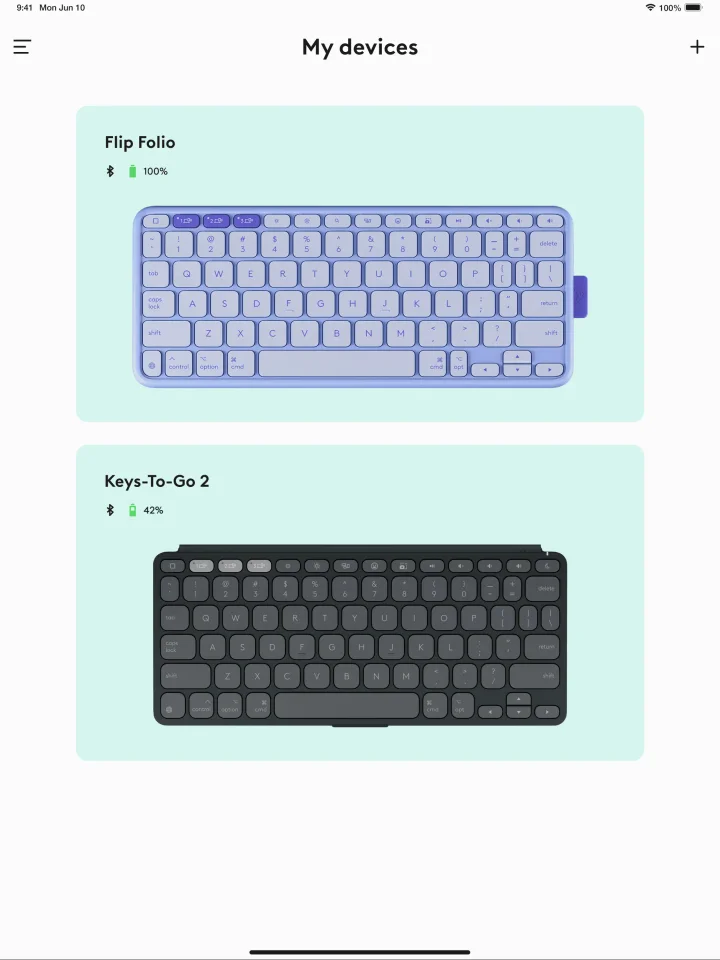
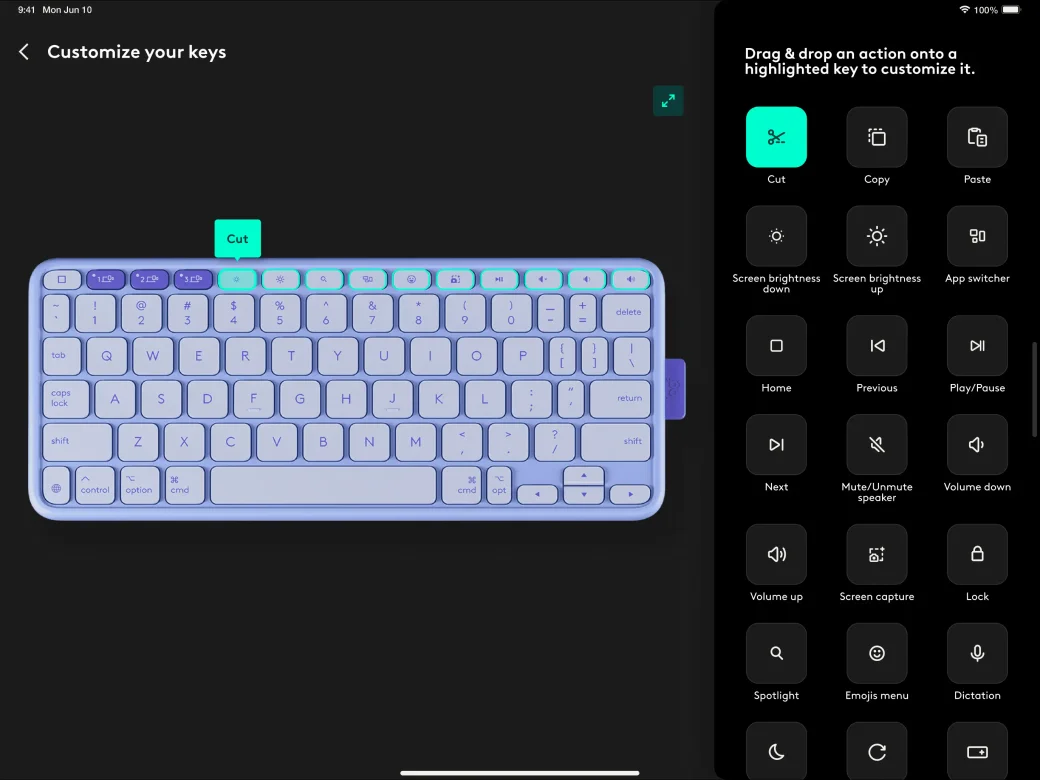
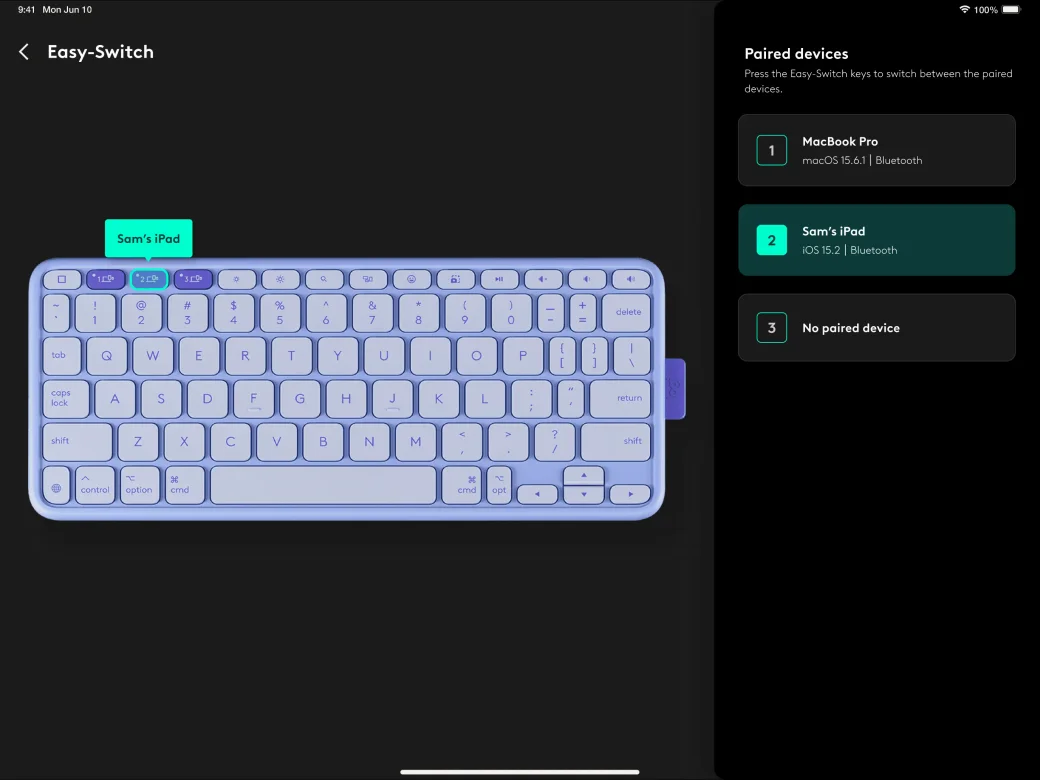
With the Logi Options+ Mobile App, your Flip Folio keyboard is now more powerful! You can now customize the keys on your Flip Folio to assign your favorite shortcuts and commands, increasing your productivity and giving you more control.
The Logi Options+ Mobile App for iPadOS is an updated version of the Logitech Control app that facilitates firmware updates for only certain Logitech keyboards listed below.
For all compatible devices, iPadOS 15 or later is required to use this app.
DEVICES COMPATIBLE with KEY CUSTOMIZATION:
- Flip Folio
DEVICES COMPATIBLE with Firmware Updates ONLY:
- Combo Touch
- Keys-To-Go 2
- Folio Touch
- Slim Combo
- Slim Folio
- Slim Folio Pro
- Rugged Folio
- Rugged Combo
- Rugged Lite
What’s new
Version 3.0.6 · Oct 21, 2026
General app improvements.
App privacy
What Logitech Inc. declares on the App Store about how this app handles data.
-
Data not linked to you
May be collected but is not linked to your identity.
- Usage data
- Diagnostics
Privacy practices may vary, for example with the features you use or your age.
Information
- Seller
- Logitech Inc.
- Category
- Productivity
- Version
- 3.0.6
- Updated
- Oct 21, 2026
- Released
- Mar 18, 2020
- Size
- 139.0 MB
- Requires
- iOS 15.0 or later
- Age rating
- 4+
- Price
- Free
- Languages
- English, Dutch, French, German, Italian, Japanese, Norwegian Bokmål, Simplified Chinese, Spanish, Swedish, Traditional Chinese
- Copyright
- © 2026 Logitech Inc.
You might also like
-
 Duet DisplayBe Twice As Productive
-
 spacedesk - USB Display for PCPortable Multi Monitor Display
-
 RealVNC Viewer: Remote DesktopProductivity
-
 Microsoft LoopThink, plan & create together
-
 Microsoft PlannerProductivity
-
 MyScript Notes: AI HandwritingSmart note taking, PDF & study
-
 Obsidian - Connected NotesYour second brain on the go
-
 Plaud: AI Work CompanionConversation to finished work.
-
 Microsoft OneNoteCapture Notes, Ideas and Memos
-
 Autodesk FusionProductivity