Mobile Comfy Creator
Run ComfyUI & SwarmUI anywhere
Designed for iPhone, iPad
Free · In-app purchases
- Age rating17+
- CategoryUtilities
- DeveloperGallahadd Software LLC
- LanguagesEnglish
- Size28.0 MB
Links to the official App Store page
Download.org hosts no file of Mobile Comfy Creator. The button opens its official App Store page, published by Gallahadd Software LLC. Listing last checked on Nov 17, 2026.
Screenshots
About
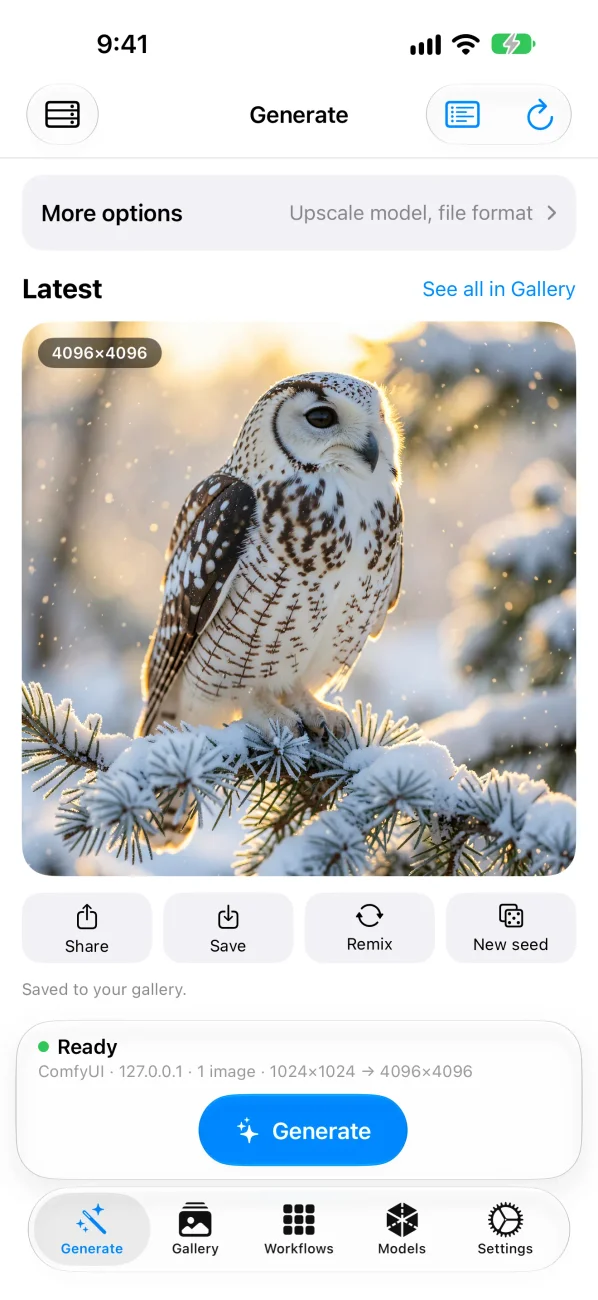
Mobile Comfy Creator is a native app for iPhone and iPad that runs ComfyUI and SwarmUI. Make images, video and music with the models on your own computer or a cloud GPU you rent: no generation credits to buy.
FREE TO DOWNLOAD
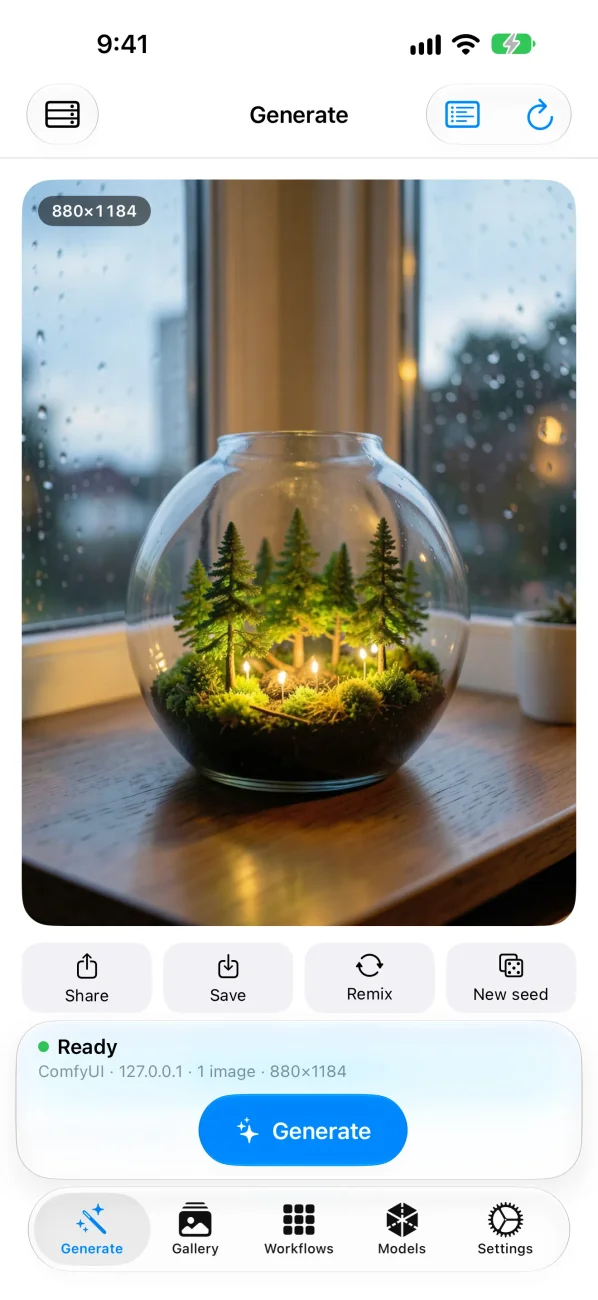
• Create, Remix and Edit images with any model on your ComfyUI or SwarmUI server, up to 4 images at a time
• Save up to 2 ComfyUI servers, for example your computer at home and its remote address
• Scan your Wi-Fi to find your server, or type an address. The app detects it, tests the connection and shows your GPU and models
• A gallery with folders, favorites and search; Share and Save to Photos
• Prompt help from Apple Intelligence, or Smart Templates that work with no AI model at all
• Try Pro features free: your first 3 Pro generations are on us
COMFYMOBILE PRO: ONE YEARLY SUBSCRIPTION
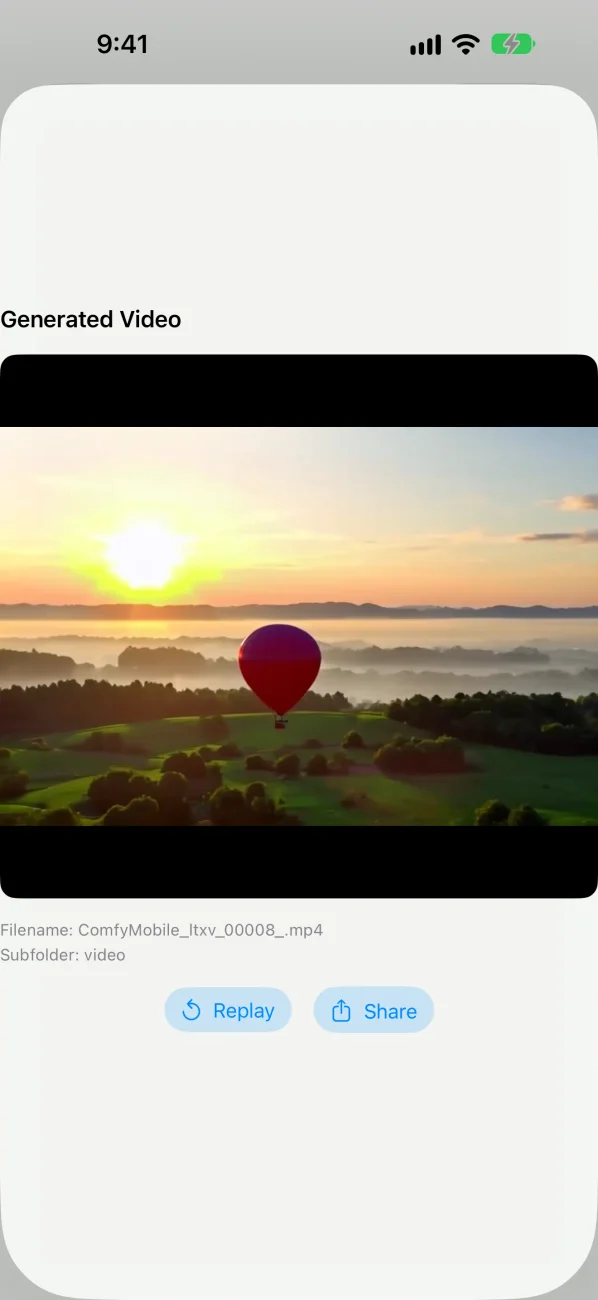
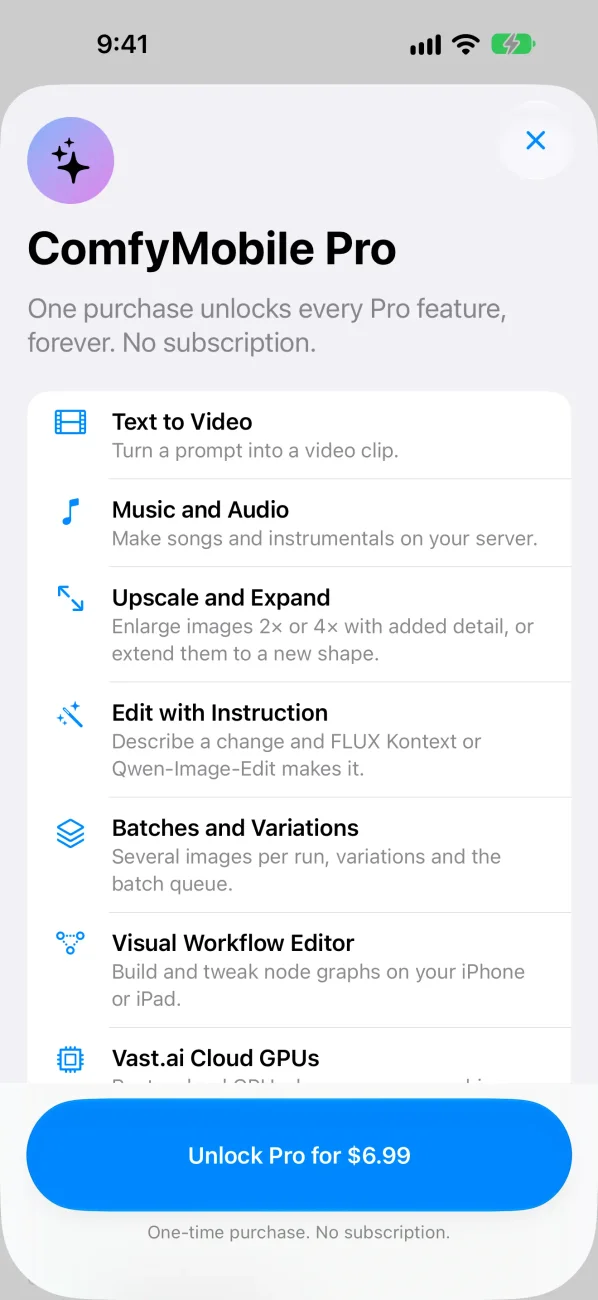
• Video: Wan 2.2 (5B and 14B), HunyuanVideo 1.5 and LTX-Video, from text or from a photo
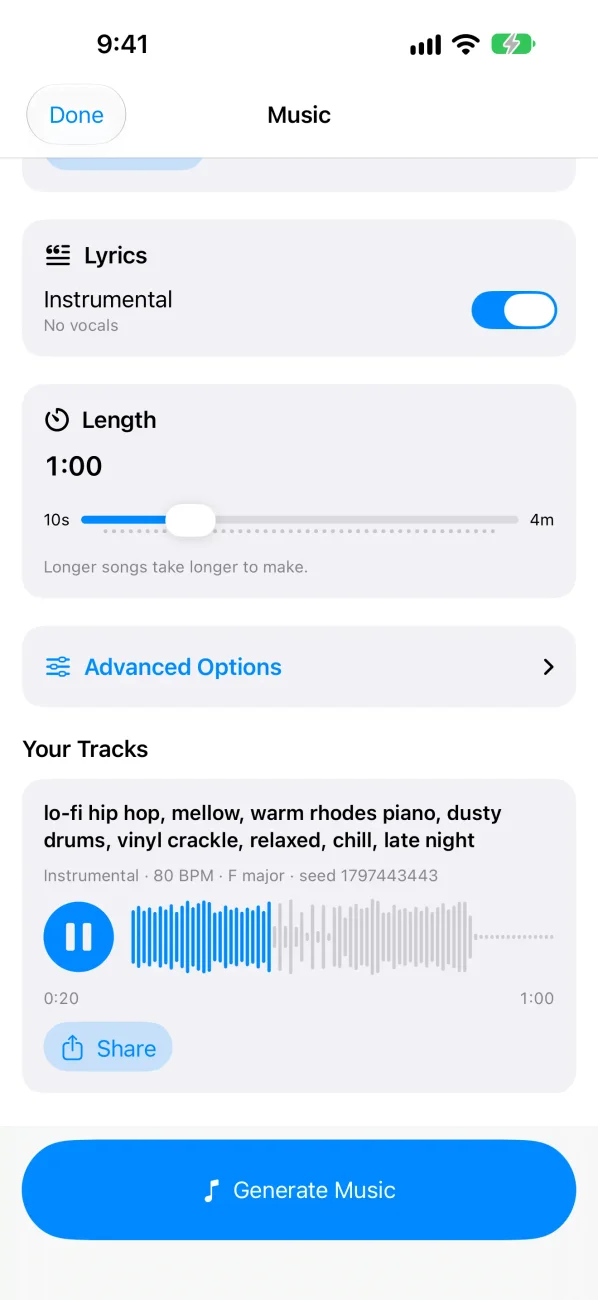
• Music: songs and instrumentals with ACE-Step 1.5. Pick a style, add lyrics or go instrumental, up to 4 minutes
• Upscale 2× or 4× with added detail, and Expand a photo past its edges to 16:9, 9:16 or square
• Edit by describing the change with FLUX.1 Kontext or Qwen-Image-Edit, with up to two reference images
• More than 4 images per run, the batch queue and one-tap seed variations
• The visual node editor and your own workflow imports
• Rent a cloud GPU on Vast.ai right from the app
• iCloud sync of images, videos, workflows and settings across iPhone and iPad
• Save more than 2 servers and switch between them in one tap
If you used Mobile Comfy Creator before 2.0, or bought Pro before the subscription, you already have Pro.
Your gallery, workflows and settings stay yours whether or not you subscribe, and exporting your workflows is always free.
ComfyMobile Pro is an auto-renewing yearly subscription. Payment is charged to your Apple Account at confirmation of purchase. It renews automatically unless cancelled at least 24 hours before the end of the current period; manage or cancel it in your Apple Account settings. GPU rentals on Vast.ai are billed by Vast.ai to your own Vast.ai account.
Terms of Use: https://www.apple.com/legal/internet-services/itunes/dev/stdeula/
Privacy Policy: https://gallahadd.com/legal/mobile-comfy-creator/privacy
EVERY MODEL, SET UP FOR YOU
• SDXL, Illustrious, Pony, SD 3.5, FLUX.1, FLUX.2, Chroma, Z-Image, Qwen-Image, HiDream and more
• Split-file models are assembled automatically: text encoders and VAEs are found on your server
• Each model says whether it's ready, or exactly which file it still needs, and whether your GPU or Mac can run it
• Starting settings tuned for each model family, with Fast, Balanced and Best quality
SIMPLE BY DEFAULT, POWERFUL WHEN YOU WANT IT
• Pick a mode and a shape, type a prompt, tap Generate
• More options: negative prompt, LoRAs, seed, number of images
• Expert controls: CFG, steps, sampler, scheduler and custom sizes
MADE FOR IPHONE AND IPAD
• Widgets, Control Center controls and a Live Activity for generation progress
• Larger text works: layouts rearrange instead of cutting off
• On iPad: sidebar navigation and options in an inspector
PRIVATE BY DESIGN
• No tracking and no analytics. Your prompts and images go only to the servers you choose
• iCloud sync is off until you turn it on, and uses your own iCloud account
Requires your own ComfyUI or SwarmUI server (on your network, over Tailscale or on a rented cloud GPU). The app doesn't generate images on the phone itself. Music, Expand and some video models need ComfyUI.
Terms of Use: https://gallahadd.com/legal/mobile-comfy-creator/terms
Privacy Policy: https://gallahadd.com/legal/mobile-comfy-creator/privacy
What’s new
Version 2.0.5 · Nov 10, 2026
ComfyMobile Pro is now a yearly subscription. If you used the app before 2.0, or bought Pro before, you keep Pro. Your gallery, workflows and settings stay yours whether or not you subscribe, and exporting workflows is always free.
More for free:
• Up to 4 images per run and 2 saved servers, with no Pro needed.
• A failed or stopped Pro try no longer uses up one of your 3 free tries.
New:
• Step-by-step help to set up your own Vast.ai account and connect it.
• After your first picture, try animating it with a free Pro try.
• The Pro screen shows real results made with Pro.
Fixes:
• Clear Image Cache in Settings now clears only the cache. It no longer removes the pictures in your Gallery.
• Deleting all images, or a folder with its images, now also frees the space their videos and music used.
• Siri, Shortcuts and widgets now follow the same image limits as the app.
• Images you make are stored more efficiently, so a large Gallery uses less memory.
App privacy
What Gallahadd Software LLC declares on the App Store about how this app handles data.
-
Data not collected
The developer does not collect any data from this app.
Privacy practices may vary, for example with the features you use or your age.
Information
- Seller
- Gallahadd Software LLC
- Category
- Utilities
- Version
- 2.0.5
- Updated
- Nov 10, 2026
- Released
- Sep 24, 2025
- Size
- 28.0 MB
- Requires
- iOS 26.1 or later
- Age rating
- 17+
- Price
- Free
- In-app purchases
- Yes
- Languages
- English
- Copyright
- © 2026 Gallahadd Software LLC
You might also like
-
 ComfyLinkRun ComfyUI workflow on mobile
-
 Comfy PortalControl ComfyUI from Mobile
-
 Tina - Private Local AIChat & images, fully private
-
 LocalMind: Ollama & LM StudioPrivate AI, offline & online
-
 OpenWebUI - MobileYour AI, on your own server
-
 Nexus LLMOne App, All Your LLMs
-
 LLM Local ClientPortable LLM on your mobile
-
 Ollama Mobile: AI ChatChat with local & cloud models
-
 ChatticaAIAI Story & Chat Tool
-
 LM Station-Run AI OfflineLocal & cloud AI workspace