
- Age rating4+
- CategoryPhoto & Video
- DeveloperZOOM Corporation
- LanguagesEnglish
- Size20.7 MB
Links to the official App Store page
Download.org hosts no file of Mobile HandyShare. The button opens its official App Store page, published by ZOOM Corporation. Listing last checked on Nov 12, 2026.
Screenshots

About
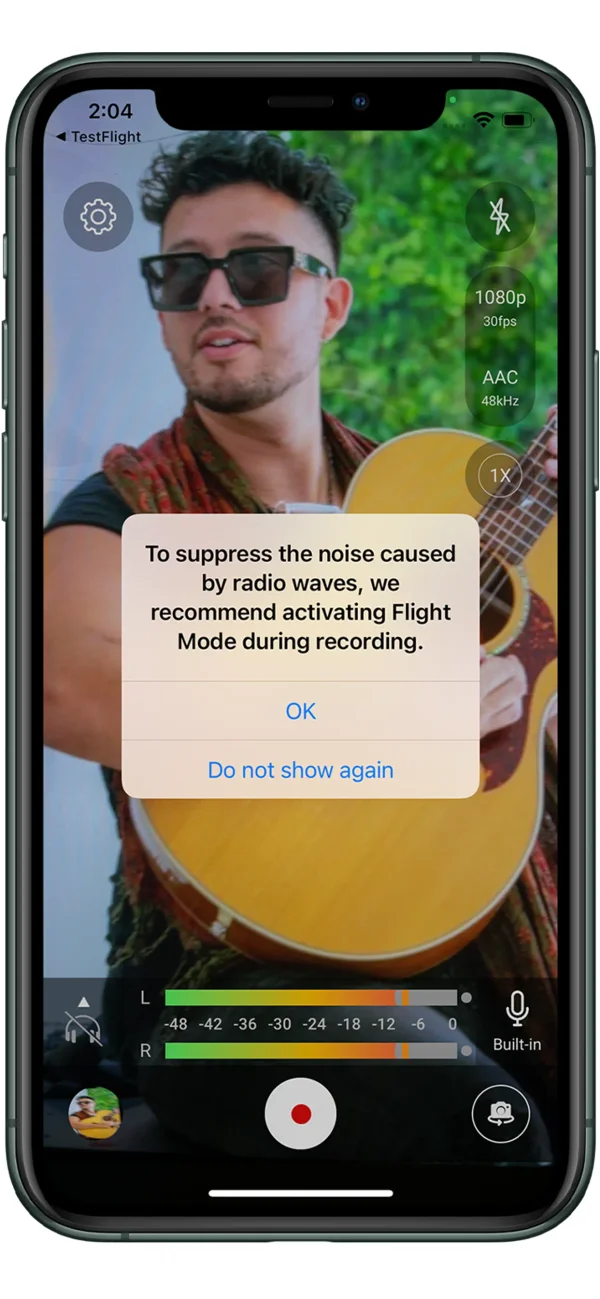
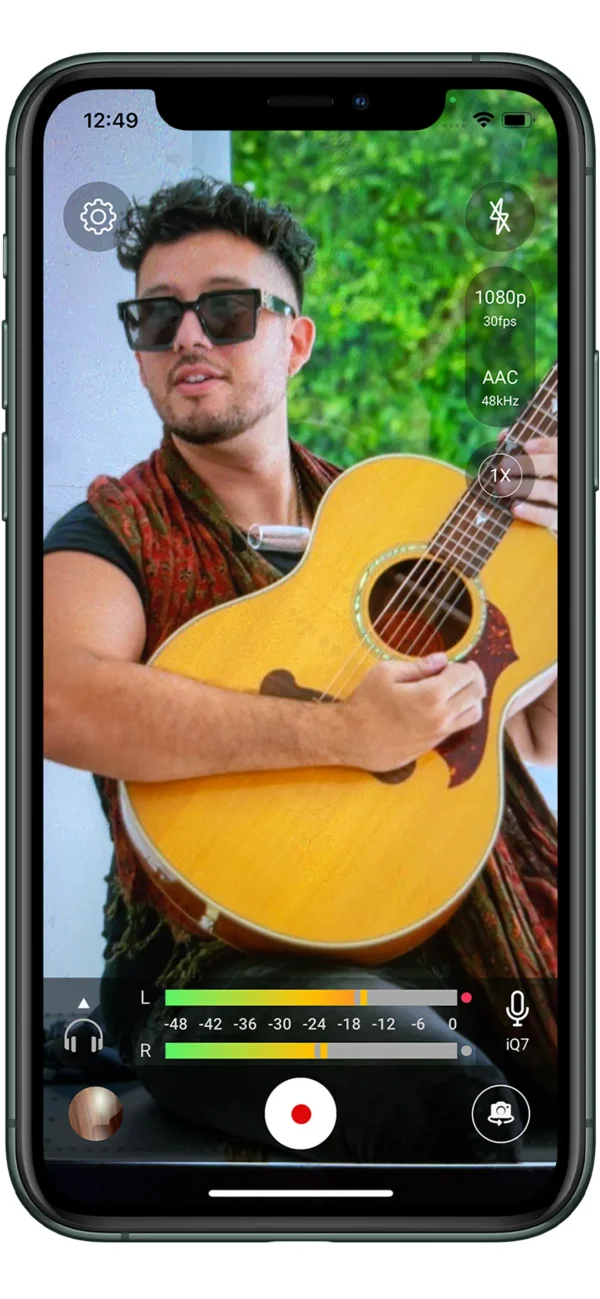
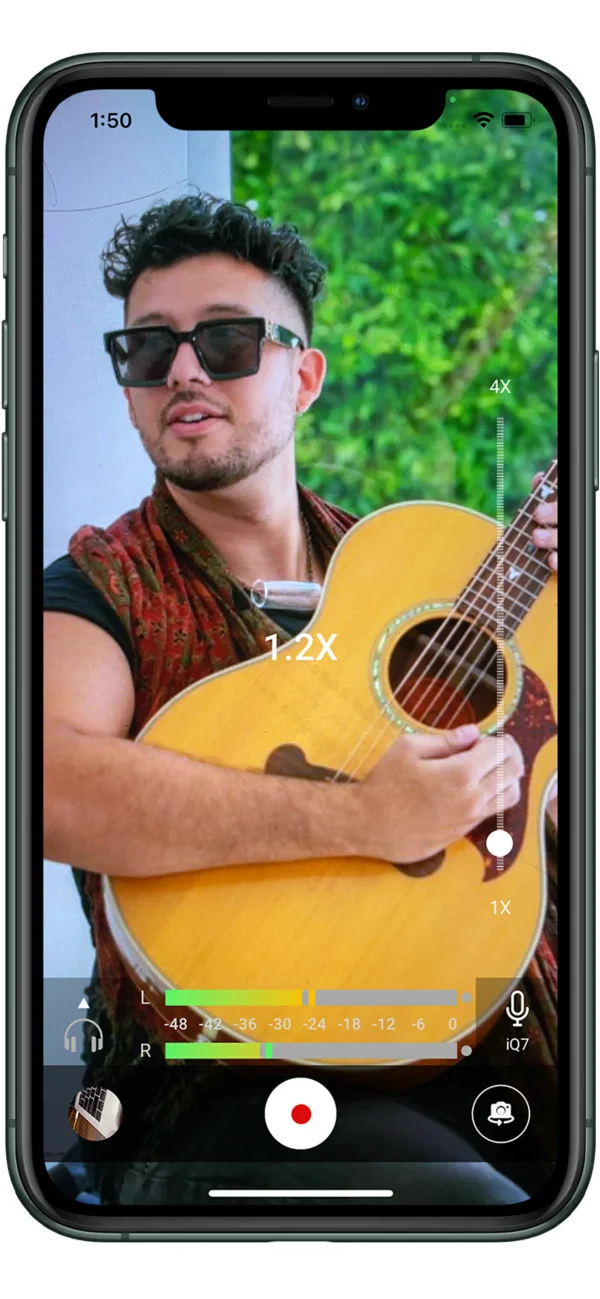
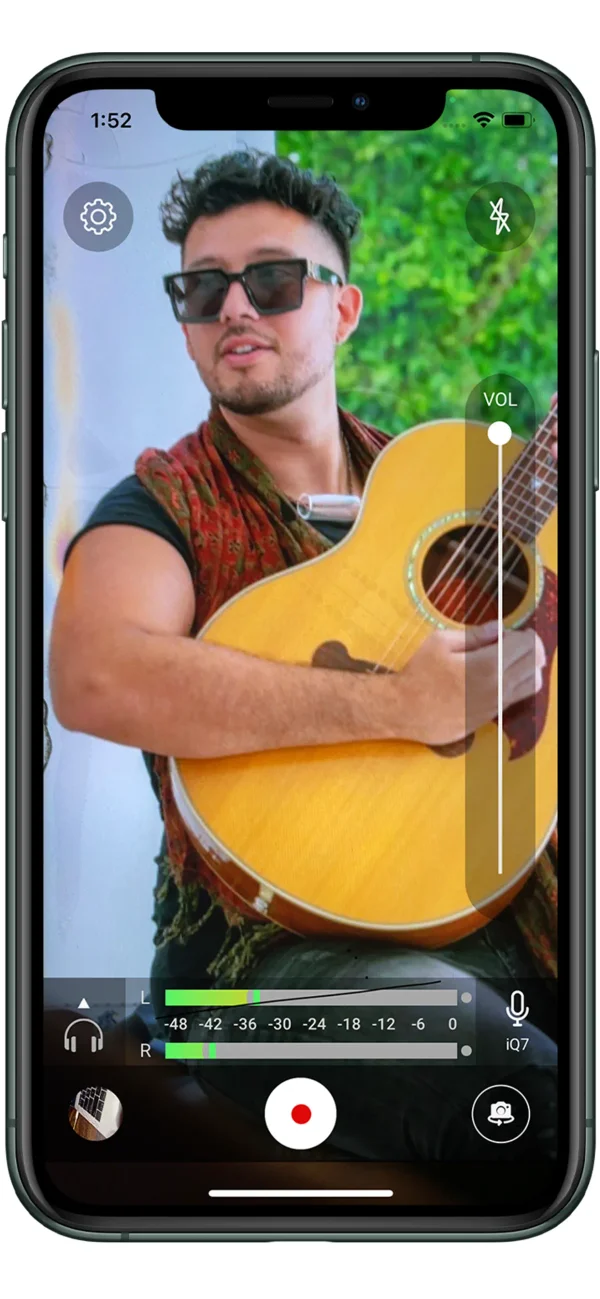
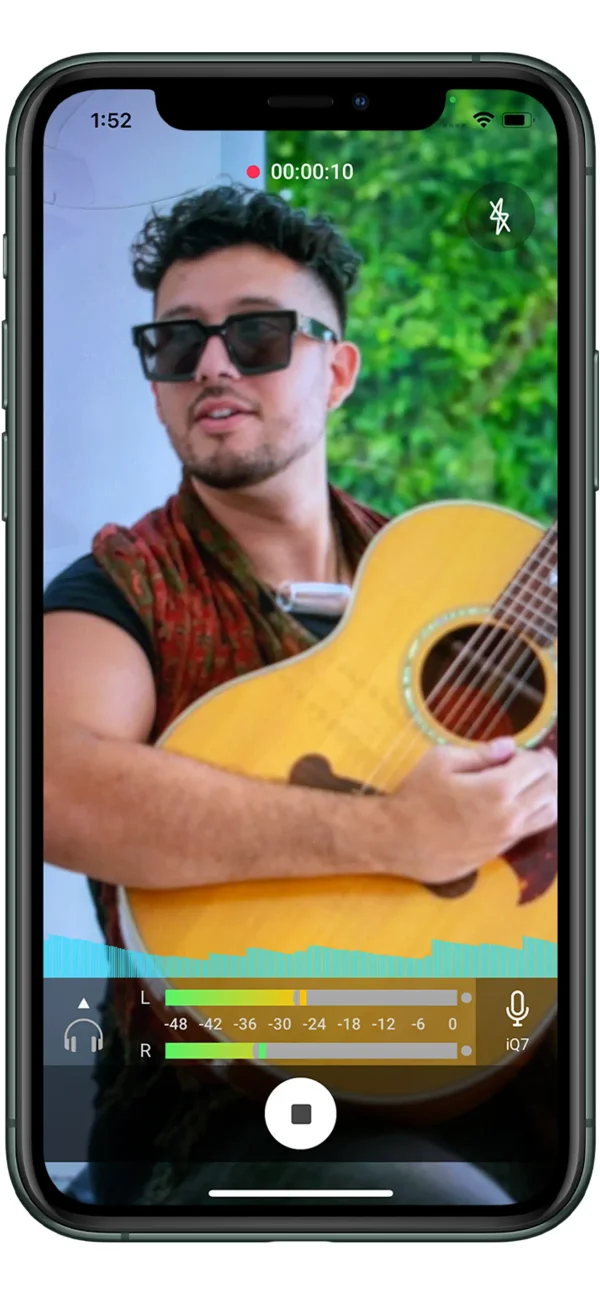
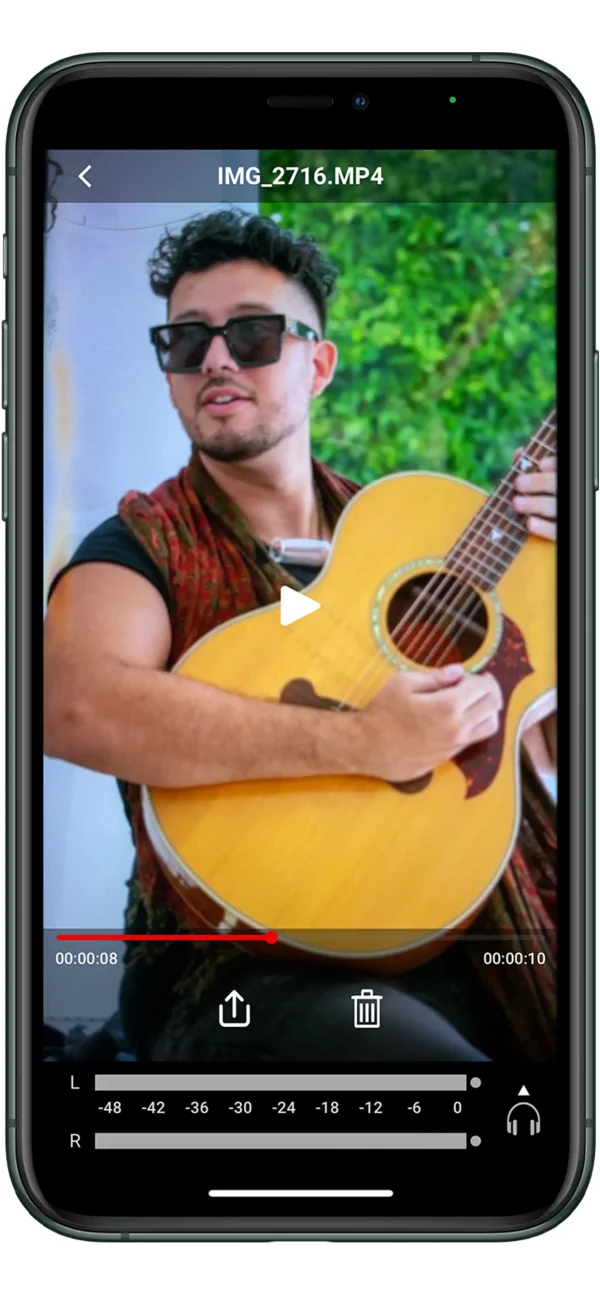
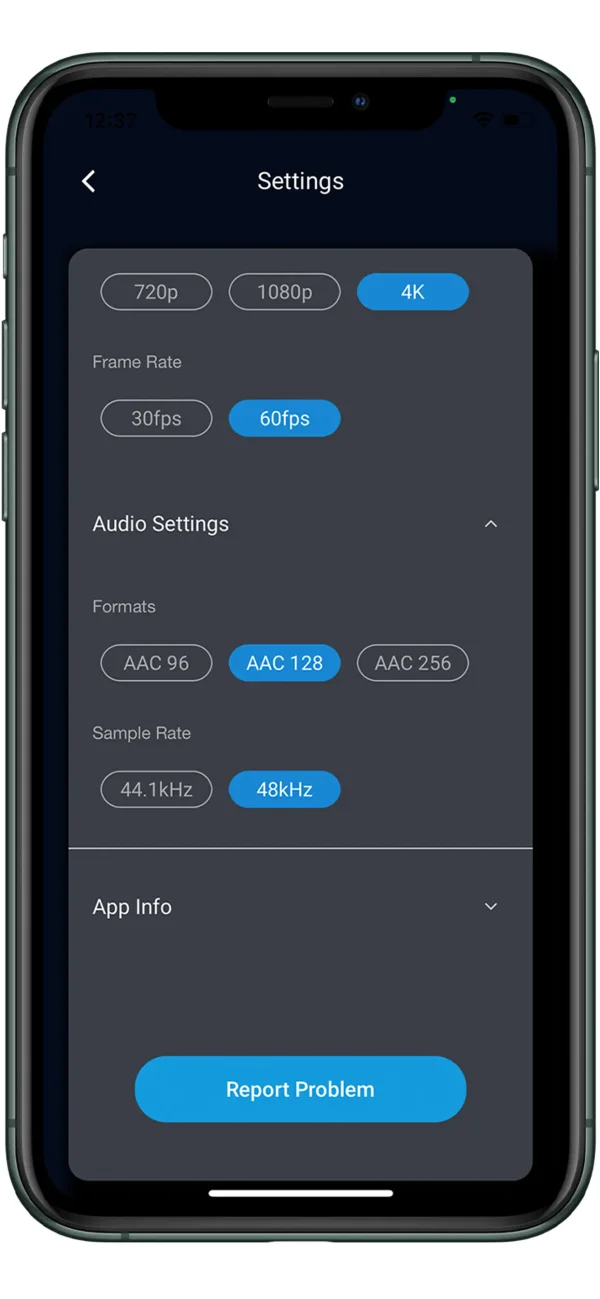
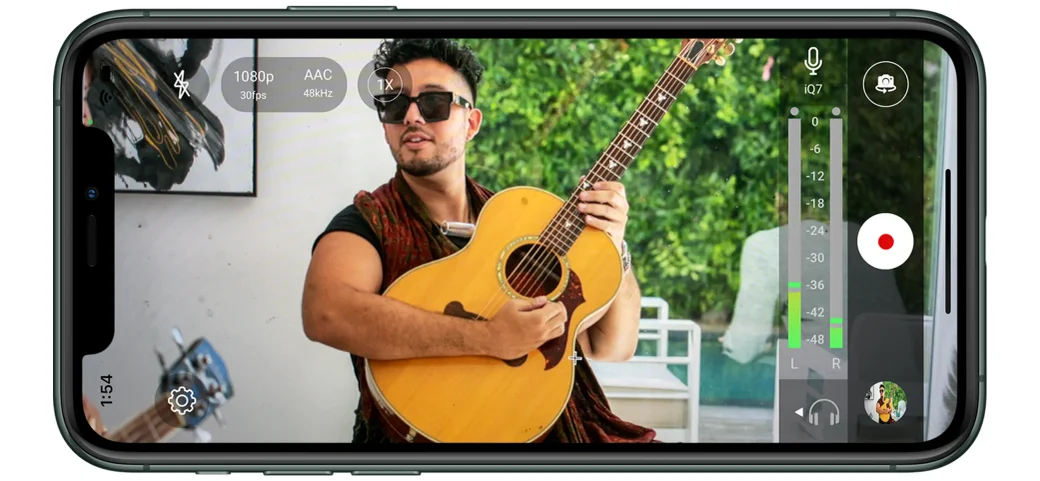
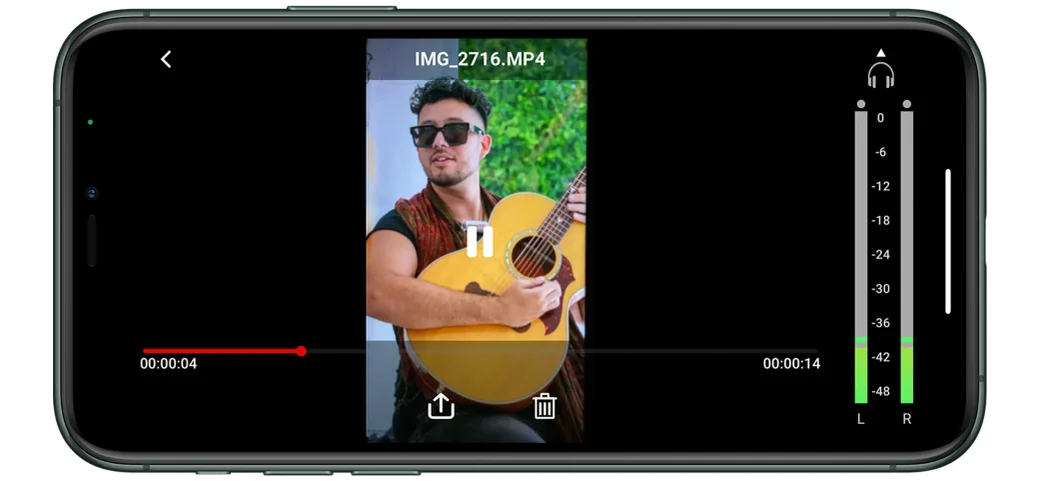
The Mobile HandyShare app allows you to record video + high-quality audio with your iOS device. Use it with a ZOOM iQ series mic, which are designed to capture audio of the best quality with iOS devices. Moreover, you can directly upload/share your recordings from Mobile HandyShare to the Cloud file-sharing site, allowing you to bring your creations to the world over the Internet.
Features
■ Stereo high quality audio capturing using with ZOOM iQ series mic.
■ Detailed and accurate audio level meter and real time waveform display.
■ Uploading / sharing to Cloud Services
■Optimized for the iQ series
- Use the DIRECT MONITOR function to monitor the input signal through the headphones jack on the iQ series without latency
- The left and right channels of the iQ series input signal can be reversed.
For more information, please visit our website.
https://zoomcorp.com/
What’s new
Version 1.4.0 · Sep 11, 2025
Bug fixes.
App privacy
What ZOOM Corporation declares on the App Store about how this app handles data.
-
Data not collected
The developer does not collect any data from this app.
Privacy practices may vary, for example with the features you use or your age.
Information
- Seller
- ZOOM CORPORATION
- Category
- Photo & Video
- Version
- 1.4.0
- Updated
- Sep 11, 2025
- Released
- Mar 14, 2022
- Size
- 20.7 MB
- Requires
- iOS 12.1 or later
- Age rating
- 4+
- Price
- Free
- Languages
- English
- Copyright
- © 2022 ZOOM Corporation
You might also like
-
 GO:MIXER CamPhoto & Video
-
 MicSwap Camera: Video RecorderMusic, Pro Audio & Microphones
-
 MOTIV VideoShoot video with MOTIV mics
-
 VideoVerb: Add Reverb to VideoEcho, Delay & Audio Effects
-
 Video Audio Editor VideoMasterSound Enhancer, Volume Booster
-
 Canon Multi-Camera ControlPhoto & Video
-
 MicSwap Video: Audio FX EditorEdit Sound, Add Reverb & Delay
-
 Mavis Camera: Pro CaptureRecord, live stream and LUTs
-
 USB Camera for Detail on MacUse your iPhone camera on Mac
-
 Filmic LegacyPhoto & Video