Mavis Camera: Pro Capture
Record, live stream and LUTs
Designed for iPhone, iPad
Free · In-app purchases
- Age rating4+
- CategoryPhoto & Video
- DeveloperMavis Broadcast
- LanguagesEnglish+ 6 more
- Size230.6 MB
Links to the official App Store page
Download.org hosts no file of Mavis Camera: Pro Capture. The button opens its official App Store page, published by Mavis Broadcast. Listing last checked on Nov 20, 2026.
Screenshots
About
Whether you're a creator with a passion for filmmaking, a streamer building a channel or an industry veteran looking for new ways of working, Mavis Camera has something for you.
-- MAIN FEATURES --
• Record in a range of resolutions, frame rates, and codecs including Open Gate, HEVC 10-bit, ProRes and ProRes RAW
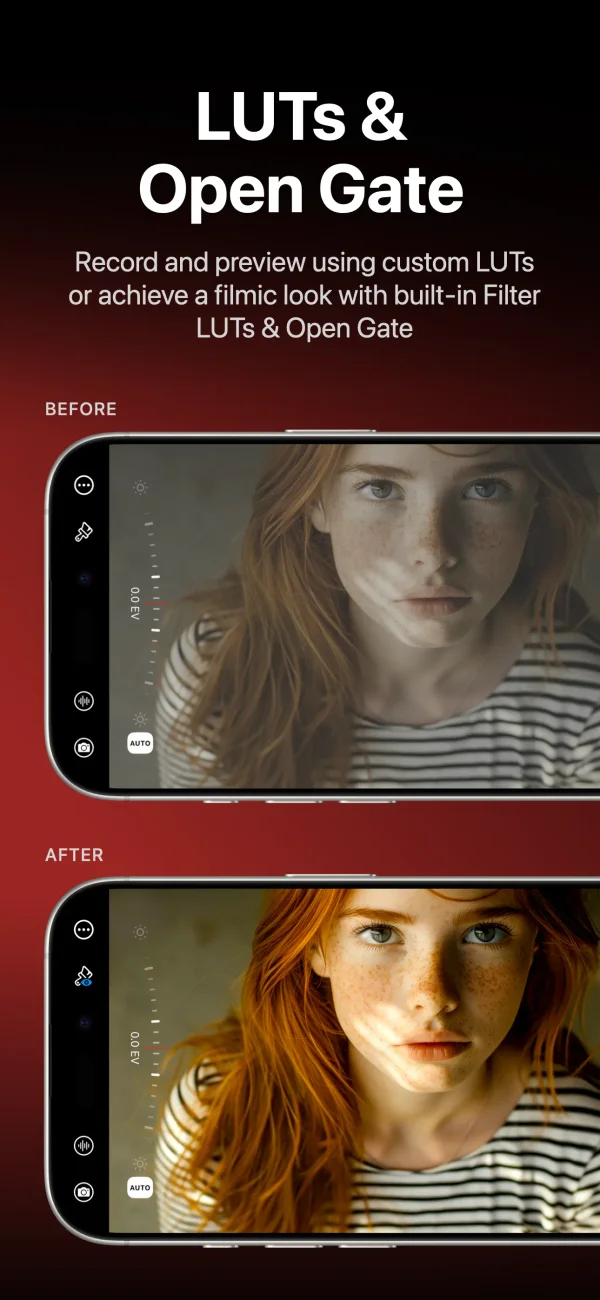
• Record and preview using custom LUTs, and achieve a filmic look with built-in Filter LUTs
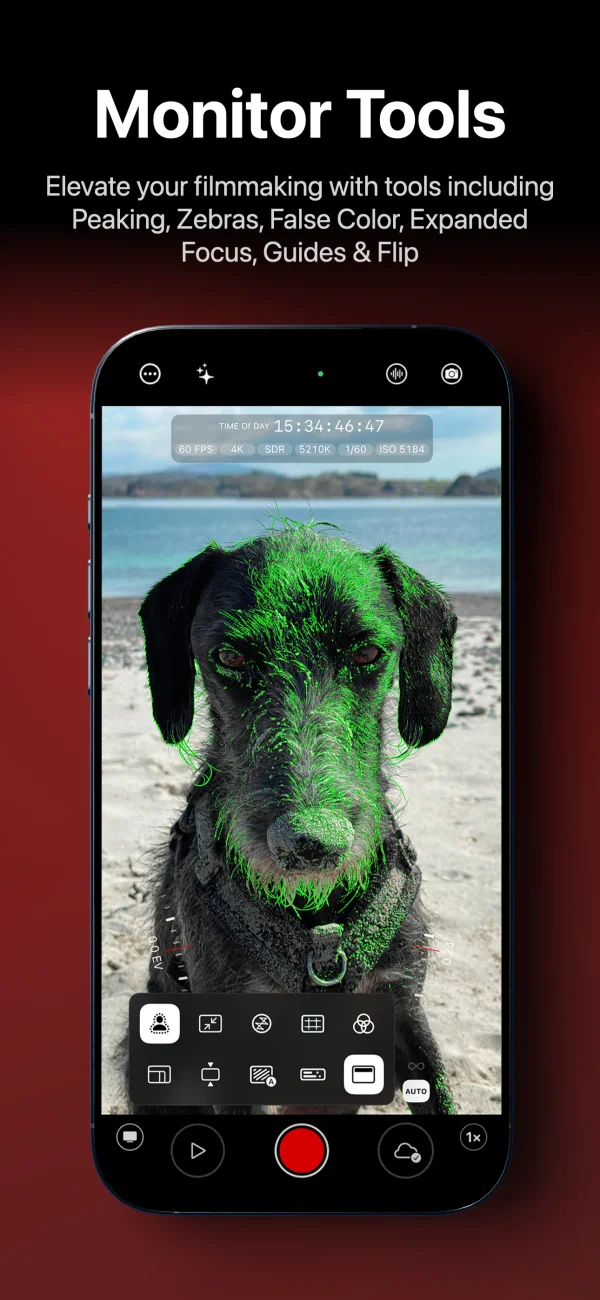
• Monitor tools including focus peaking, zebras, false color, expanded focus, guides, flip
• Manual camera controls including focus, exposure, shutter and color
• Hardware Remote Controllers: SKAARHOJ, Teradek RT, CyanView RCP, Tilta Nucleus (USB dongle only)
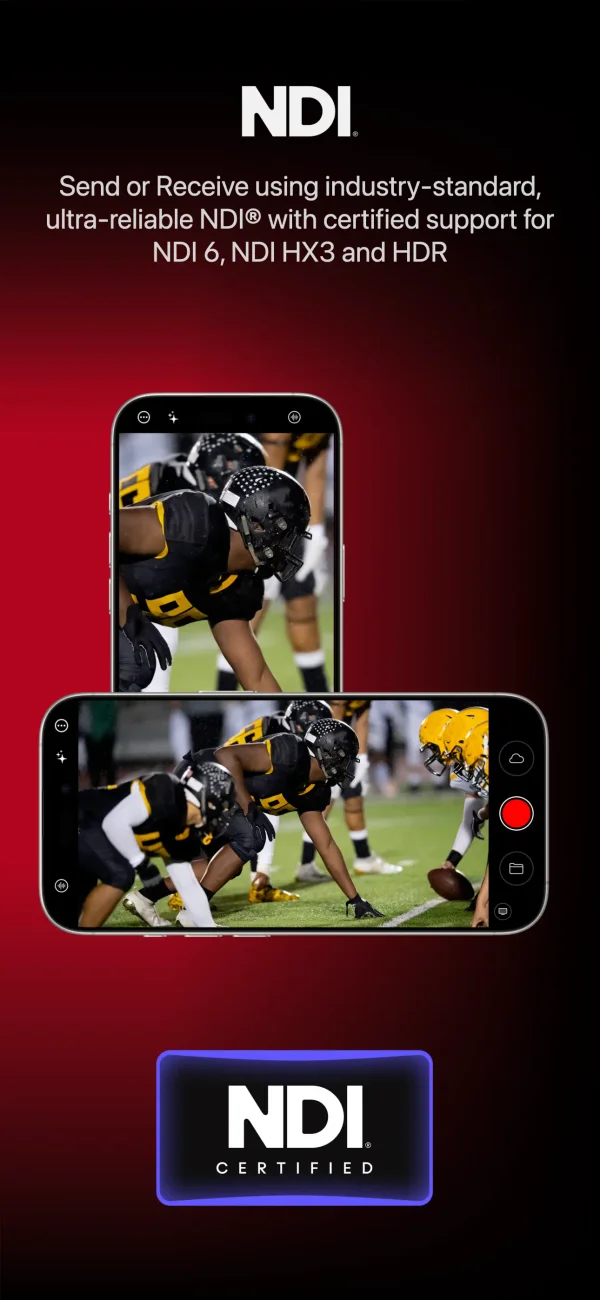
• NDI® Send and Receive HX3 Certified
• Pro HDMI output
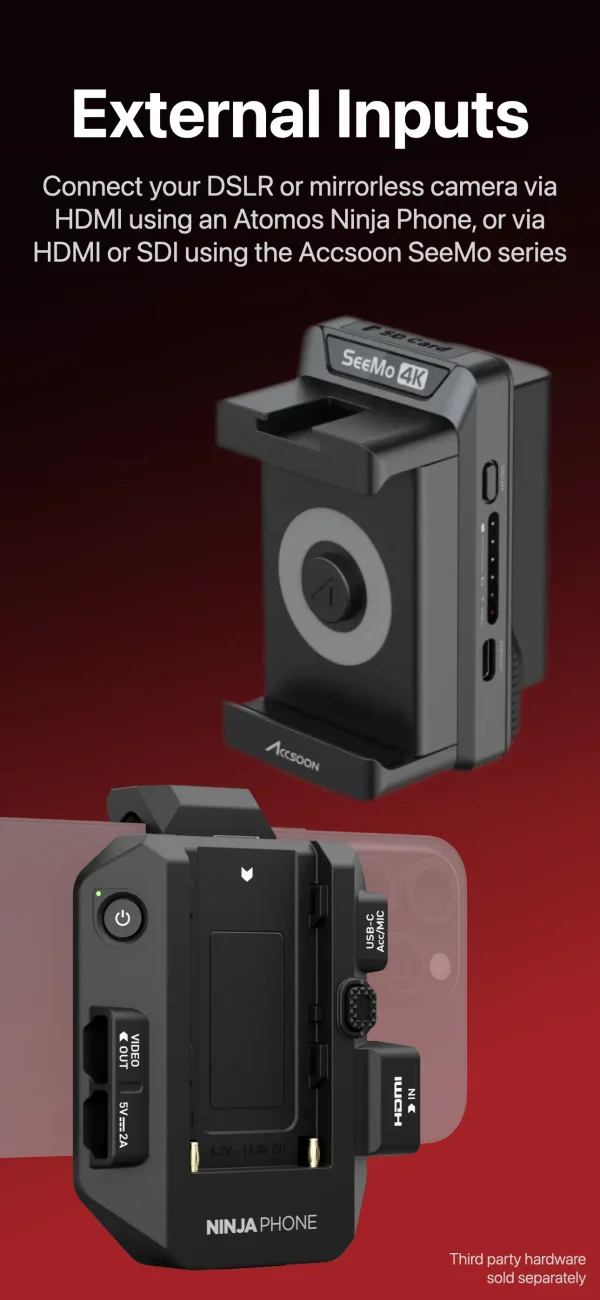
• HDMI input via Atomos Ninja Phone support
• HDMI / SDI input via Accsoon SeeMo series support
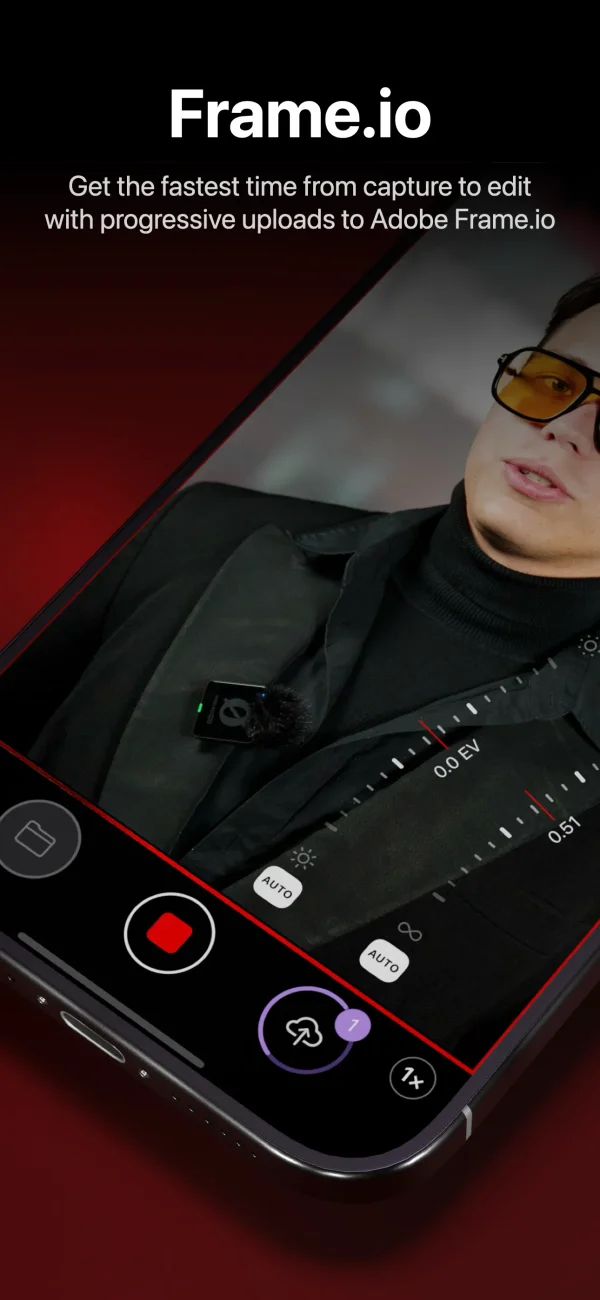
• Adobe Frame.io Camera to Cloud
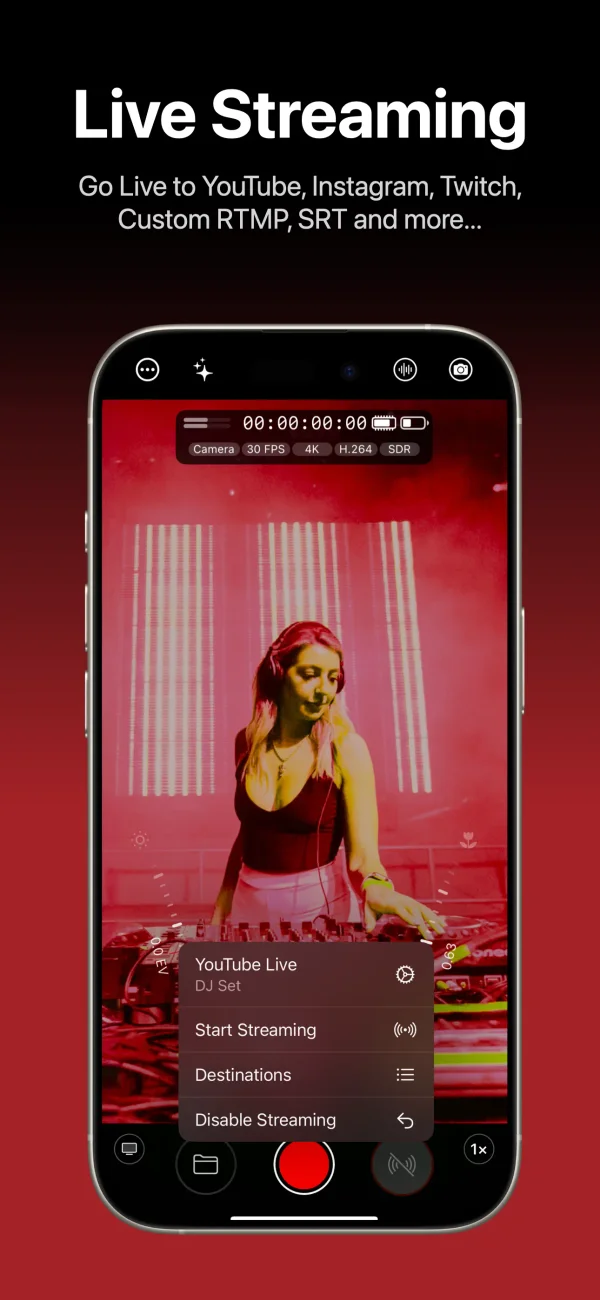
• Streaming including YouTube, Twitch, Instagram and Facebook
• Custom audio inputs
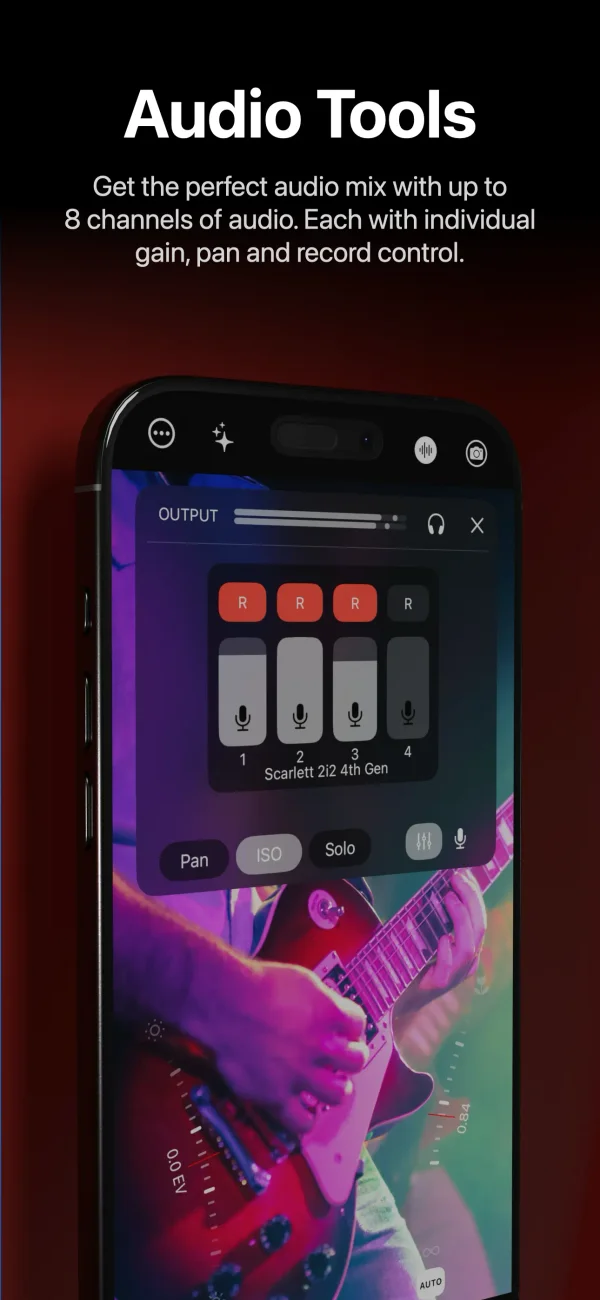
• Audio mixer including gain, pan and solo controls for individual channels
• Real-time audio passthrough for monitoring in headphones
• HDR video pipeline
• Custom RTMP destination & SRT (TX Caller) streaming
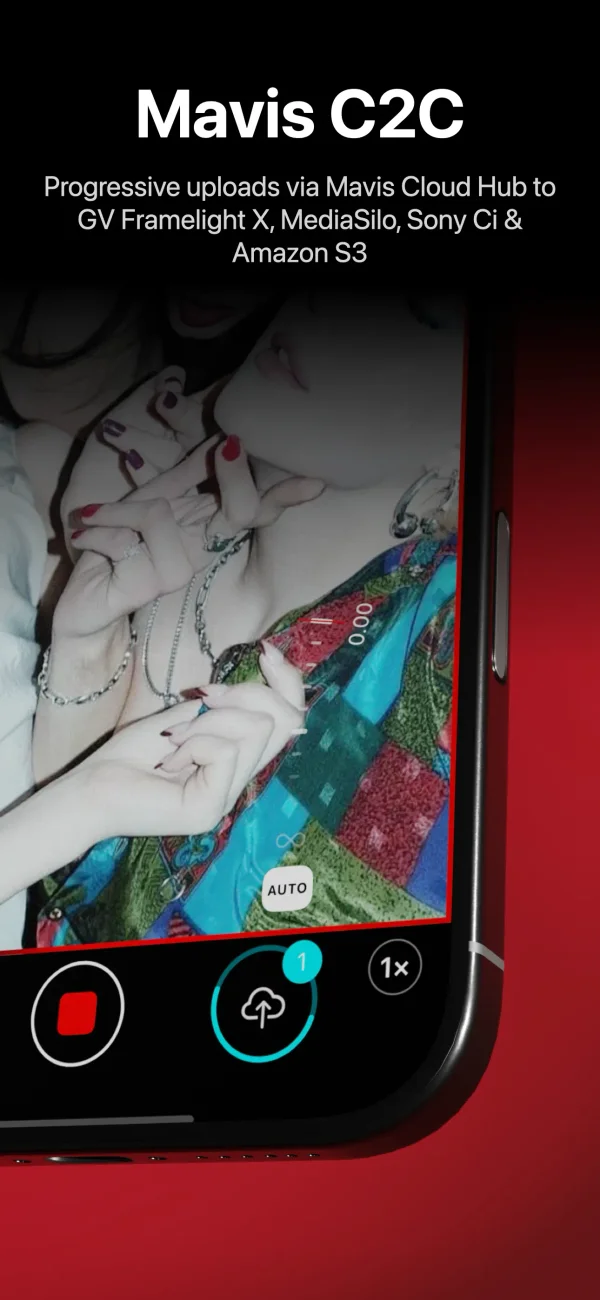
• Mavis C2C including Framelight X, MediaSilo, Sony Ci & Amazon S3
• Mavis Cloud Hub remote configuration for Mavis C2C and streaming settings
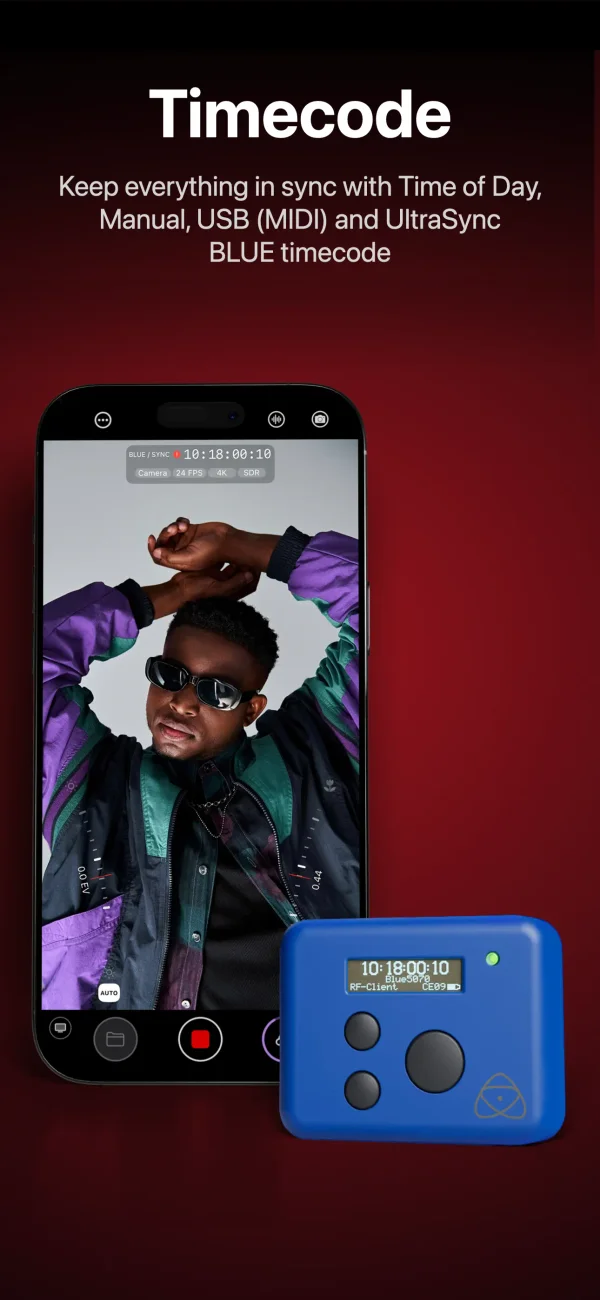
• Timecode including Time-of-Day, Offset, USB and UltraSync BLUE
• Genlock
• Vertical and landscape recording and streaming
• API
-- AUDIO TOOLS --
• Integrated audio mixer with stereo output
• Gain & pan control per input channel
• External mic inputs
• Internal mic selection
• Multi-track ISO recording
• Bluetooth monitoring
-- CONNECTED WORKFLOWS --
NDI
• Send or Receive with NDI
• NDI HX3 Certified
• Automatically find all NDI sources on local network
• Set NDI Groups, Discovery Server, UDP/TCP Mode
Camera to Cloud
• Mavis C2C integrations with Framelight X, MediaSilo, Sony Ci & Amazon S3
• Direct integration with Adobe Frame.io
• Direct integration with Atomos ATOMOSphere
• Progressive uploads while you record
• Manage Mavis C2C devices from hub.mavis.cloud
Live Streaming
• Vertical and landscape streaming
• Simultaneously record and stream
• Custom RTMP and SRT Caller destinations
• Manage Streaming devices from hub.mavis.cloud
-- CAMERA CONTROLS --
Manual controls including
• Focus
• Exposure
• ISO
• Shutter
• Color temperature
• Shutter lock
• Custom frame rates
• Range of resolutions
• Range of bitrates
• Codecs including ProRes
-- MONITOR TOOLS --
What they do
• Mavis LUTs let you record or preview your footage with a filmic grade, helping you visualise the final look while you shoot
• Focus peaking and expanded focus features help you achieve consistently sharp and precise shots
• Zebras help ensure your shots are never overexposed
• Guides help you frame your shot
• Aspect Ratio overlay lets you preview your image in a different width/height
• Waveform monitor helps you shoot with the optimal dynamic range
• Vectorscope helps maintain consistent colors and ensures accurate white balance
Notable settings
• Record and preview LUTs
• Focus peaking color and sensitivity
• Guides including thirds, portrait safe and square
• Zebras, color and sensitivity range
• Aspect Ratio overlay cross hairs, safe area and transparency
-- API --
• Control the app from an API
• Discover and learn the API with a built in API Playground web server
• Develop your own control interfaces with a WebSocket based interface
• Full camera control including color shading
• Secure your connections with API keys
Device restrictions apply. Some features require In-App Purchase or App Subscription.
Check out the support pages for full details - support.mavis.cloud
EULA - https://www.apple.com/legal/internet-services/itunes/dev/stdeula/
Mavis Camera was developed by people who love what they do. We hope you enjoy it as much as we do! :-)
What’s new
Version 8.3.0 · Nov 9, 2026
This update brings new integrations, performance improvements and bug fixes.
New
• Expanded API – now control the entire app!
• New USB timecode input and option to jam-sync 23.98 fps timecode
• Keep shutter or iris locked while using auto exposure on iPhone 18 Pro and iPhone 18 Pro Max
• Apple Genlock support
• HDMI Direct Camera Output (also known as Broadcast Video Output) on compatible iPhones
• Support for KipperTie LCcineND and LCminiND
• Advanced HUD option
• API-only option to hide all on-screen controls
Improvements
• Set a maximum digital zoom level
• SRT connections now support hostnames
• Iris control via Cyanview RCP
Fixes
• Shutter angle is now correctly reapplied after switching lenses
• Fixed a potential A/V sync issue after answering a phone call or switching lenses while recording
• Fixed an issue where the NDI preview might fail to restart after answering a phone call
App privacy
What Mavis Broadcast declares on the App Store about how this app handles data.
-
Data linked to you
May be collected and linked to your identity.
- Contact info
- Identifiers
Privacy practices may vary, for example with the features you use or your age.
Information
- Seller
- Mavis Broadcast Ltd
- Category
- Photo & Video
- Version
- 8.3.0
- Updated
- Nov 9, 2026
- Released
- Apr 16, 2015
- Size
- 230.6 MB
- Requires
- iOS 18.0 or later
- Age rating
- 4+
- Price
- Free
- In-app purchases
- Yes
- Languages
- English, French, German, Japanese, Simplified Chinese, Spanish, Traditional Chinese
- Copyright
- © 2026 Mavis Broadcast Ltd
You might also like
-
 MoviePro: Pro Video CameraCinematic Filmmaking Recorder
-
 Pearla Verana - Pro CameraFilm Emulation, RAW, Log
-
 NDI Monitor ProMonitor, Record, Scopes, PTZ
-
 OpenCam: Open Gate CameraPro Video & Teleprompter
-
 USB Camera to NDIUVC(USB-C)Monitor, NDI Sending
-
 Stream Studio NDI OBS CameraYour IPhone as pro cam
-
 Cinema P3 Pro CameraProfessional Cinematic Video
-
 Log Cam: Open Gate by RAW CamCinematic Log Video Camera
-
 Color Grade Video - PeekLutCinematic LUTs & Log Grading
-
 Digilog CameraPhoto & Video