
Mobile Scanner App - Scan PDF
Document Scanning, Sign & OCR
Designed for iPhone, iPad, iPod touch
Free · In-app purchases
- Age rating4+
- CategoryProductivity
- DeveloperGlority Global Group Ltd.
- LanguagesEnglish+ 27 more
- Size217.7 MB
Links to the official App Store page
Download.org hosts no file of Mobile Scanner App - Scan PDF. The button opens its official App Store page, published by Glority Global Group Ltd. Listing last checked on Nov 29, 2026.
Screenshots

About
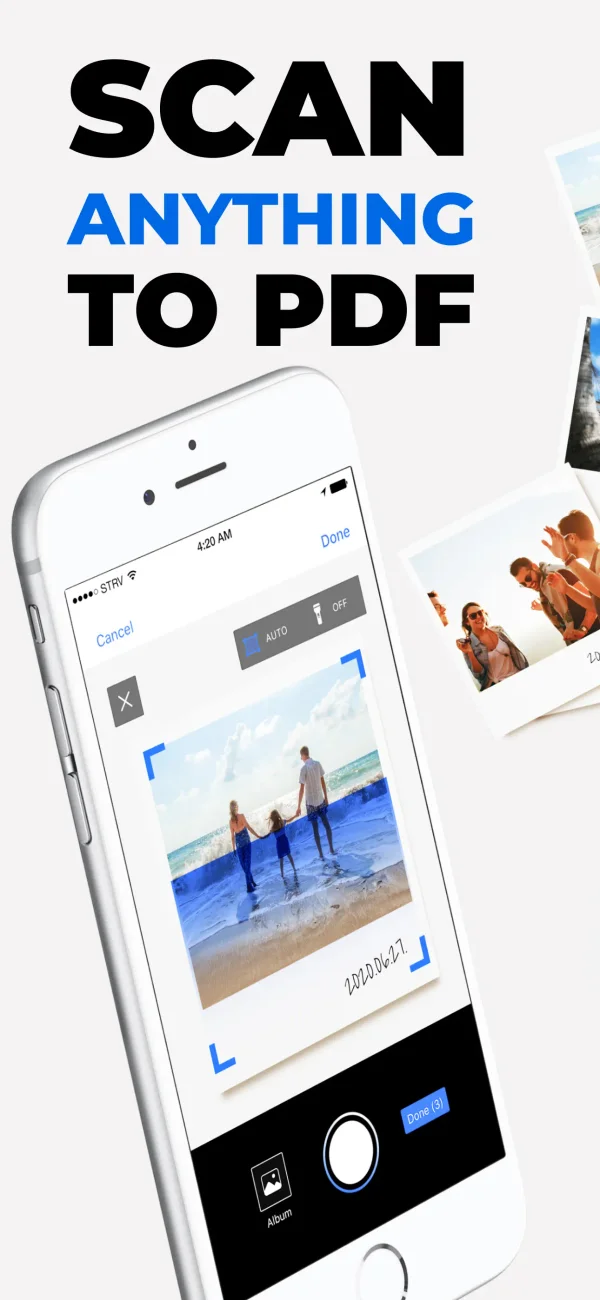
Mobile Scanner is a free-to-download and all-in-one scanner app. Scan any documents, paper notes, photos, receipts, and books into clear PDFs and pictures. Convert images into text with OCR technology and export searchable PDF files.
Get the Mobile Scanner app now and turn your phone into a powerful digital office.
Ultra-fast Scanning
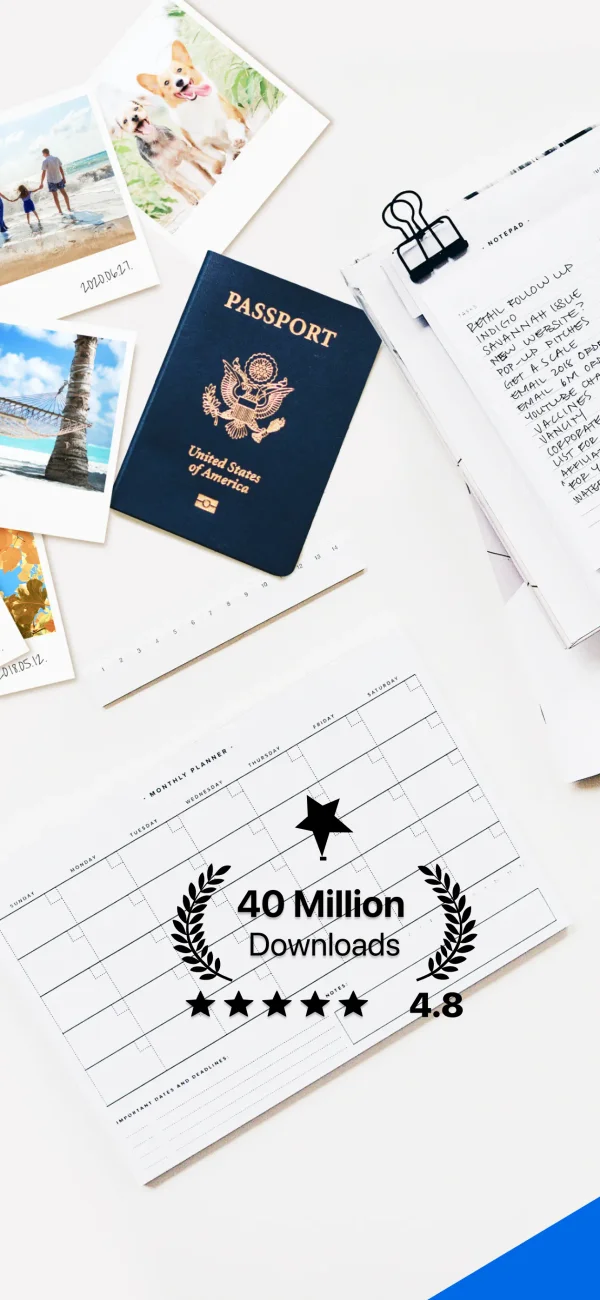
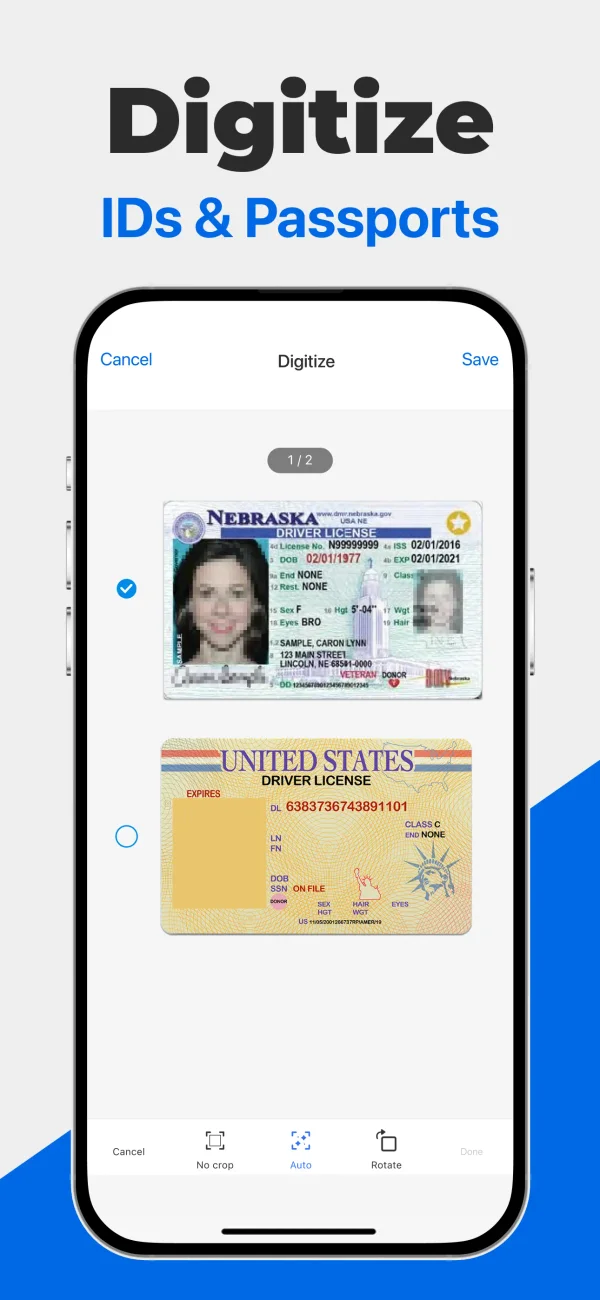
- Scan anything - receipts, pictures, notes, business cards, contracts, fax papers, and books with precision and turn them into PDF, Word, or JPEG files.
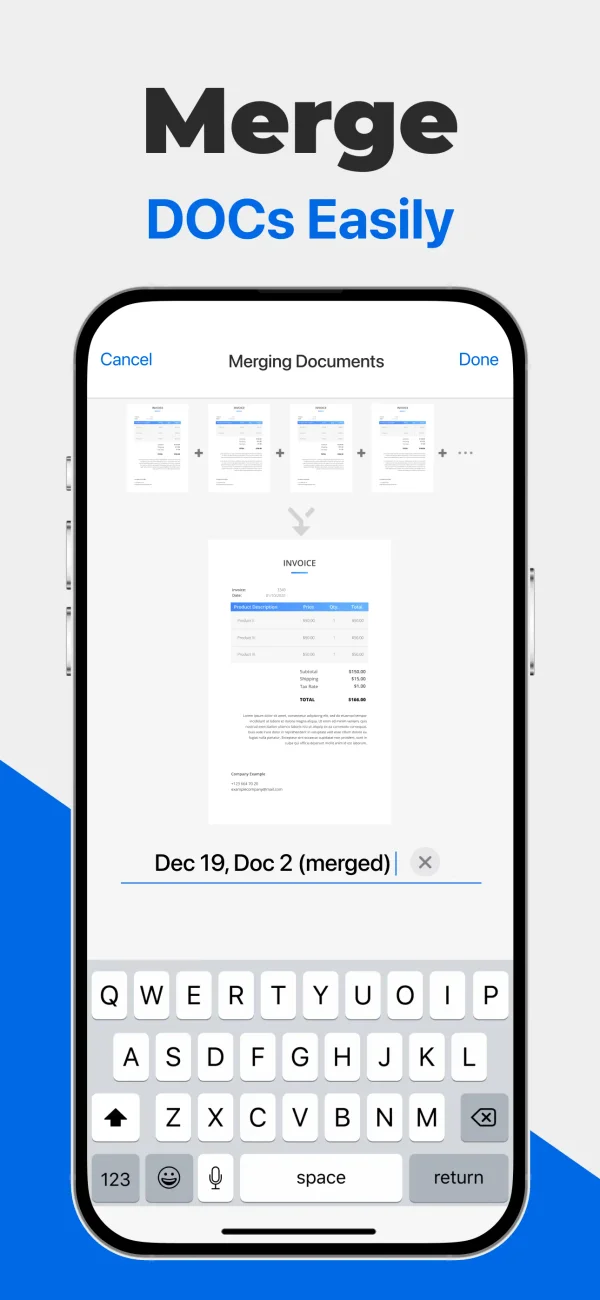
- Batch scanning - scan as many as you like and save the files as one PDF.
Smart Image Optimizing:
- Automatic border detection and cropping.
- Preview, crop, rotate, adjust color and resize the PDF or photos you scan.
- Remove and edit imperfections, erase stains, marks, creases, and handwriting.
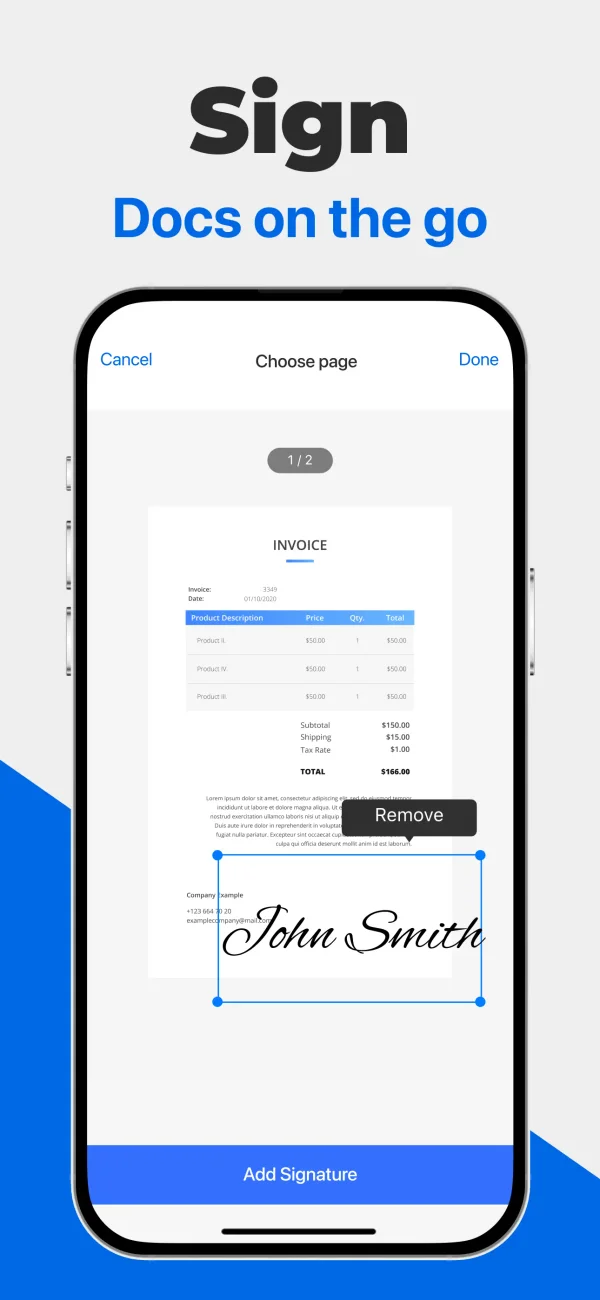
- Sign your scans manually or add signatures for the document.
- Generate perfect quality docs with advanced picture processing filters.
Text Extracting & Editing
- Built-in OCR (optical character recognition) technology to recognize any text from your scans.
- Edit the text as you want.
- Export texts as TXT.
Organize & Share Files
- Organize your files with custom folders, drag & drop to reorder.
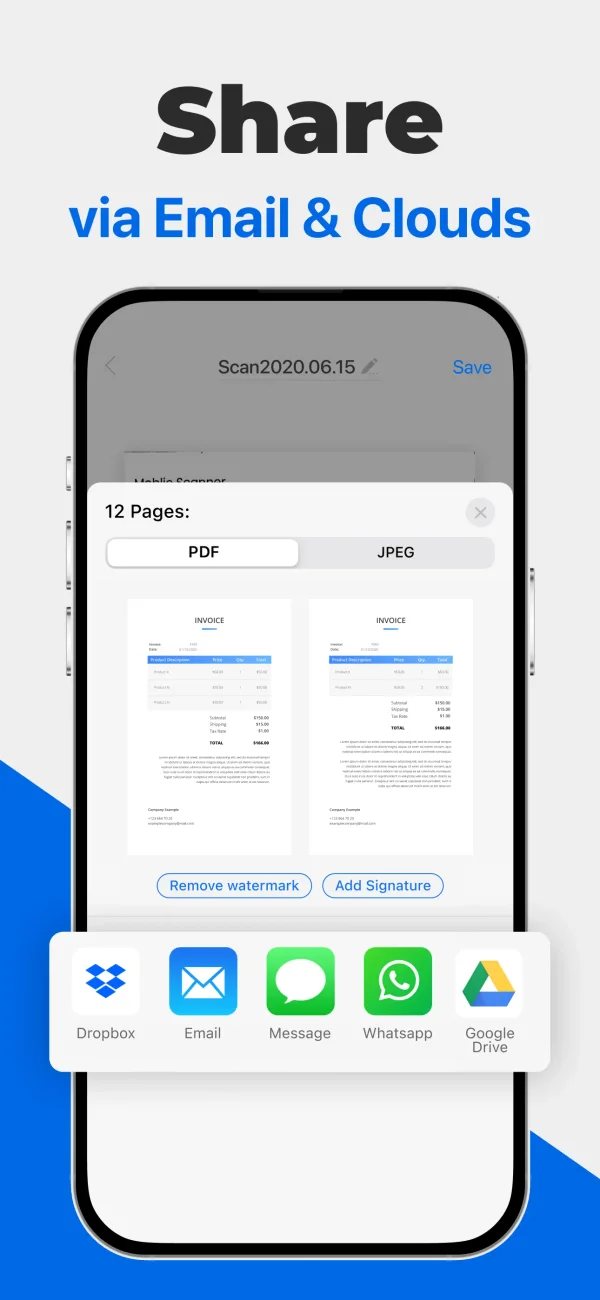
- Share documents by email attachments.
- Upload scanned files to cloud services like Dropbox, Google Drive, and OneDrive.
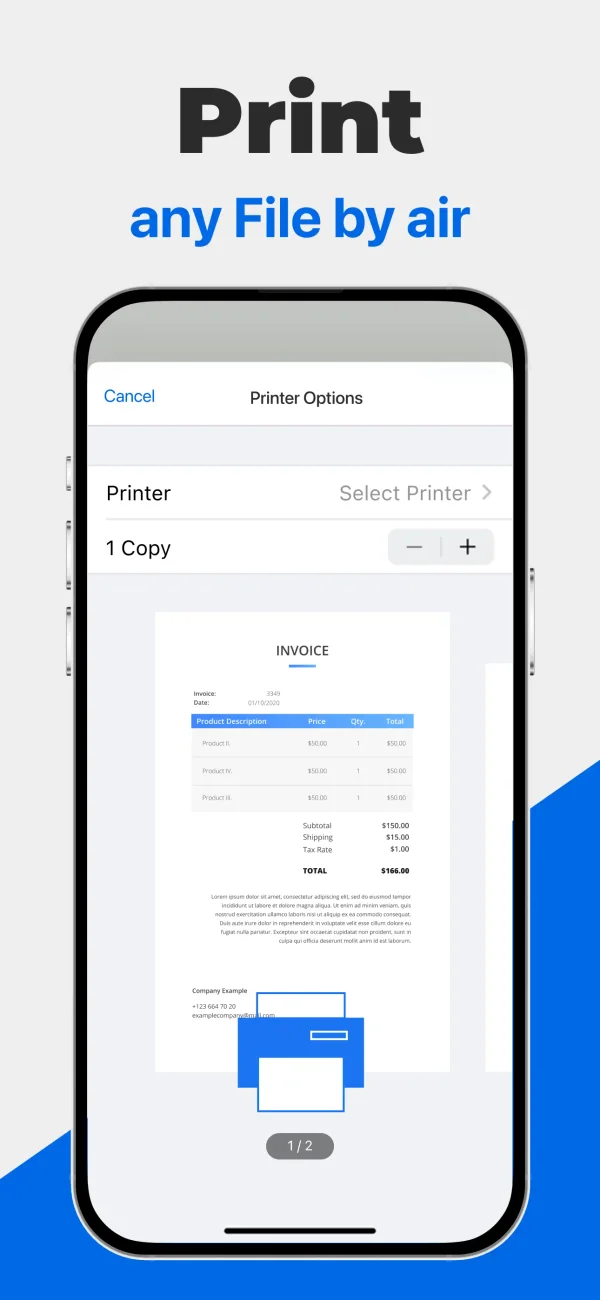
- Print PDF files, such as contracts and invoices, right from the scanner app.
Secure Important Documents
- Ensure privacy by setting passwords to lock confidential documents and folders.
- Keep all your personal information like contracts, bank cards, and tax documents secure.
Download the free Mobile Scanner app to convert documents and photos into PDFand JPEG files. With the Mobile Scanner app, you will be more efficient in work and life!
UNLIMITED ACCESS MEMBERSHIP SUBSCRIPTION
-Subscription Name: Yearly Premium
-Subscription Duration: 1 year ( 3 days trial)
-Subscription Description: Users will get Mobile Scanner Yearly Premium which includes unlimited scans and folders, unlimited exports, batch scanning, unlimited cloud storage, and using the app without ads.
-Payment will be charged to iTunes Account at confirmation of purchase.
-Subscription automatically renews unless auto-renew is turned off at least 24 hours before the end of the current period.
-The account will be charged for renewal within 24 hours prior to the end of the current period, and identify the cost of the renewal.
-Any unused portion of a free trial period, if offered, will be forfeited when the user purchases a subscription to that publication, where applicable.
-Subscriptions may be managed by the user and auto-renewal may be turned off by going to the user's Account Settings after purchase.
Privacy Policy: https://app-service.mobilescanner.com/static/privacy_policy.html
Terms Of Service: https://app-service.mobilescanner.com/static/user_agreement.html
Contact us
We'd love to hear your feedback: support@mobilescanner.com
Get to know more about the Mobile Scanner App: https://www.mobilescanner.com/
What’s new
Version 2.26.6 · Nov 24, 2026
We’ve fixed a few minor bugs to make scanning documents and managing your scans smoother and more reliable.
App privacy
What Glority Global Group Ltd. declares on the App Store about how this app handles data.
-
Data used to track you
May be used to track you across apps and websites owned by other companies.
- Purchases
- Identifiers
- Usage data
-
Data linked to you
May be collected and linked to your identity.
- Purchases
- Contact info
- User content
- Identifiers
- Usage data
- Diagnostics
Privacy practices may vary, for example with the features you use or your age.
Information
- Seller
- Glority Global Group Ltd.
- Category
- Productivity
- Version
- 2.26.6
- Updated
- Nov 24, 2026
- Released
- May 18, 2019
- Size
- 217.7 MB
- Requires
- iOS 15.0 or later
- Age rating
- 4+
- Price
- Free
- In-app purchases
- Yes
- Languages
- English, Arabic, Czech, Danish, Dutch, Finnish, French, German, Greek, Indonesian, Italian, Japanese + 16 more
- Copyright
- © Glority Global Group Ltd.
You might also like
-
 PDF Scanner・Document ScannerScan ID Card, Sign, OCR & Edit
-
 Scan MyPDF ProScan and Share PDF Documents
-
 SpeakApp AI: Voice NotesTranscribe speech to text
-
 DS Scanner: Scan & TranslateProductivity
-
 Smart Noter - AI Note TakerTranscribe Audio to Text
-
 Deep Cleaner - Phone CleaningClean Up Storage&Delete Photos
-
 My Scans, best PDF Scanner AppScan, Sign, FAX, Print, Email
-
 Magic Cleaner-Clean Storage !Delete Duplicate Photos&Videos
-
 Friday AI Email WriterPRO Letter, Mail & Text Writer