PDF Scanner・Document Scanner
Scan ID Card, Sign, OCR & Edit
Designed for iPhone, iPad
Free · In-app purchases
- Age rating4+
- CategoryProductivity
- DeveloperGames Wing
- LanguagesEnglish+ 20 more
- Size106.5 MB
Links to the official App Store page
Download.org hosts no file of PDF Scanner・Document Scanner. The button opens its official App Store page, published by Games Wing. Listing last checked on Nov 24, 2026.
Screenshots


About
In a world where paperwork seems to never end, the PDF scanner app is the solution you've been searching for. Say goodbye to cluttered desks and disorganized files - with this PDF Scanner app, you can scan, store, and manage all of your important documents with ease.
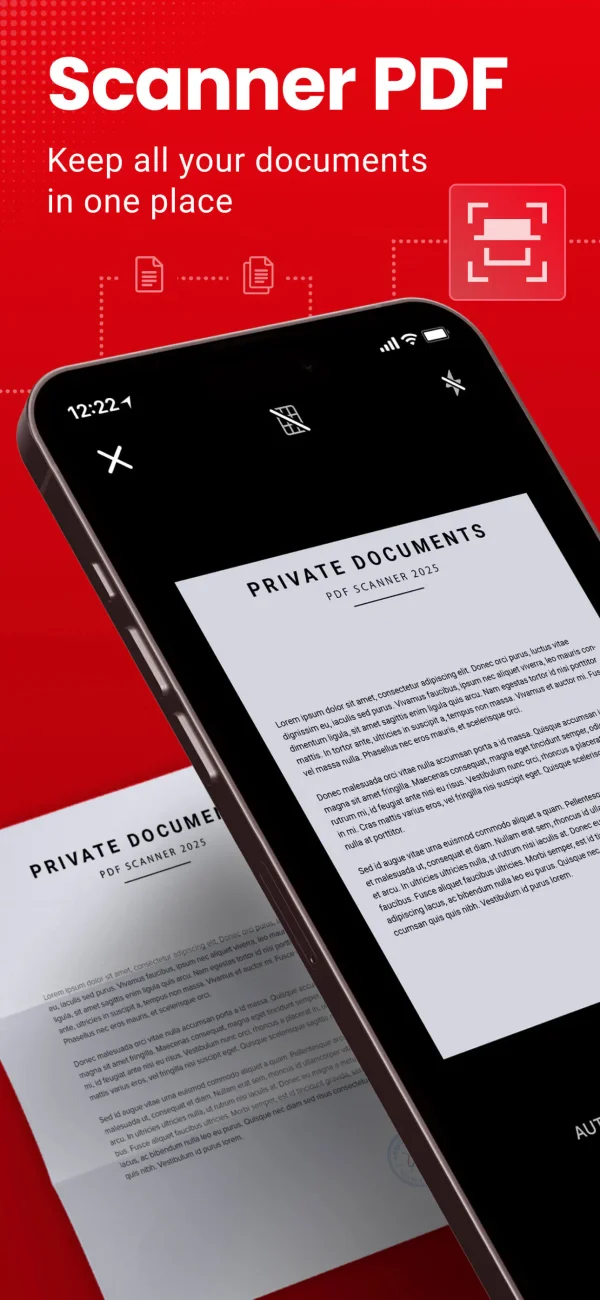
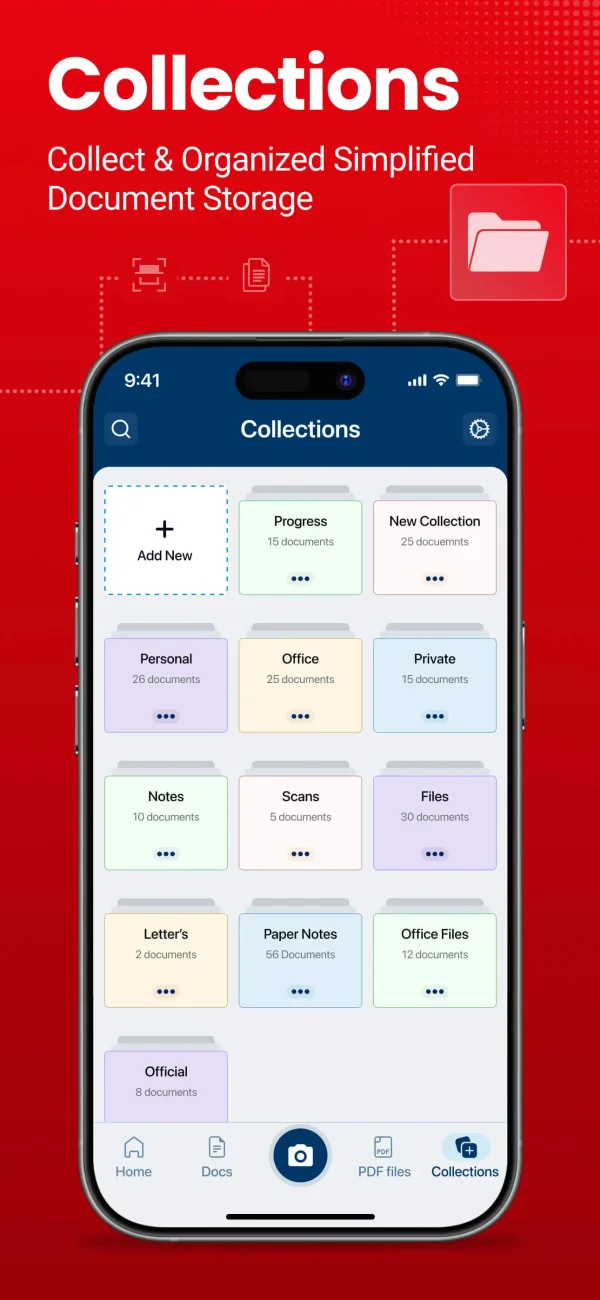
PDF app stands out from the rest thanks to its innovative and user-friendly design. The scanning process is quick and seamless, making it easy to digitize any document in just a few taps. This app uses advanced technology to auto-crop and enhances the image for optimal readability. Plus, you can even save scans in different file formats to fit your needs. Create folders and tag documents to organize all your scans. Find documents in your scanned library easily by name, tag, or folder.
PDF Scanner - Document Scanner has all the features you need
• Automatically removes the messy background.
• Shadow removal and defect cleanup.
• Photo Scan enhances the scan quality.
• You can edit the file after saving it.
• Scan Docs and print with Scan to PDF.
• Create PDF Scan files in different sizes.
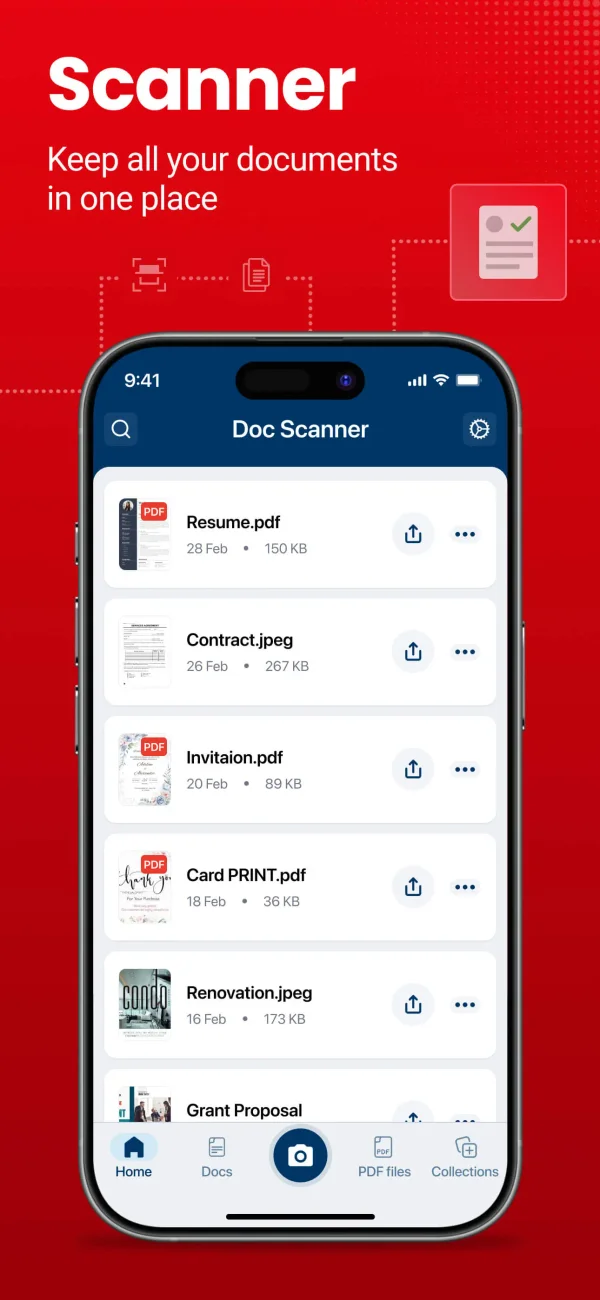
• Arrange your docs in folders and subfolders.
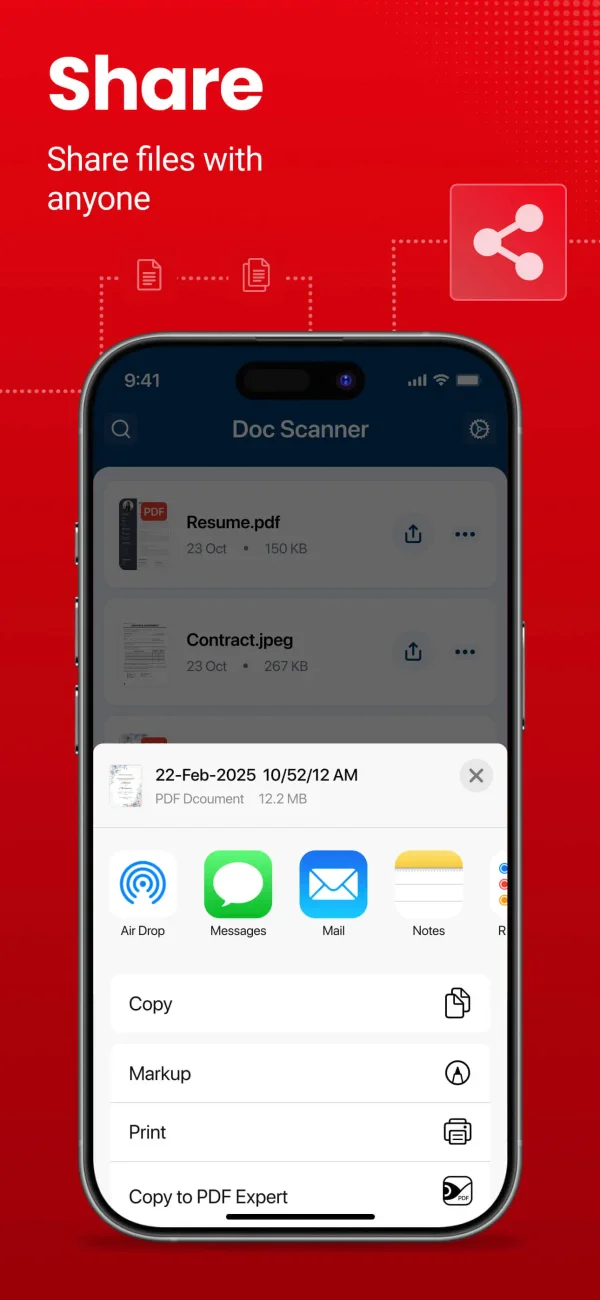
• Dropbox, Evernote, Drive, or more.
• A multi-page Camera Scanner to run fast.
How to scan:
• Choose the Camera or pick photos from the gallery.
• Crop it by using 8 points multi-selection tool.
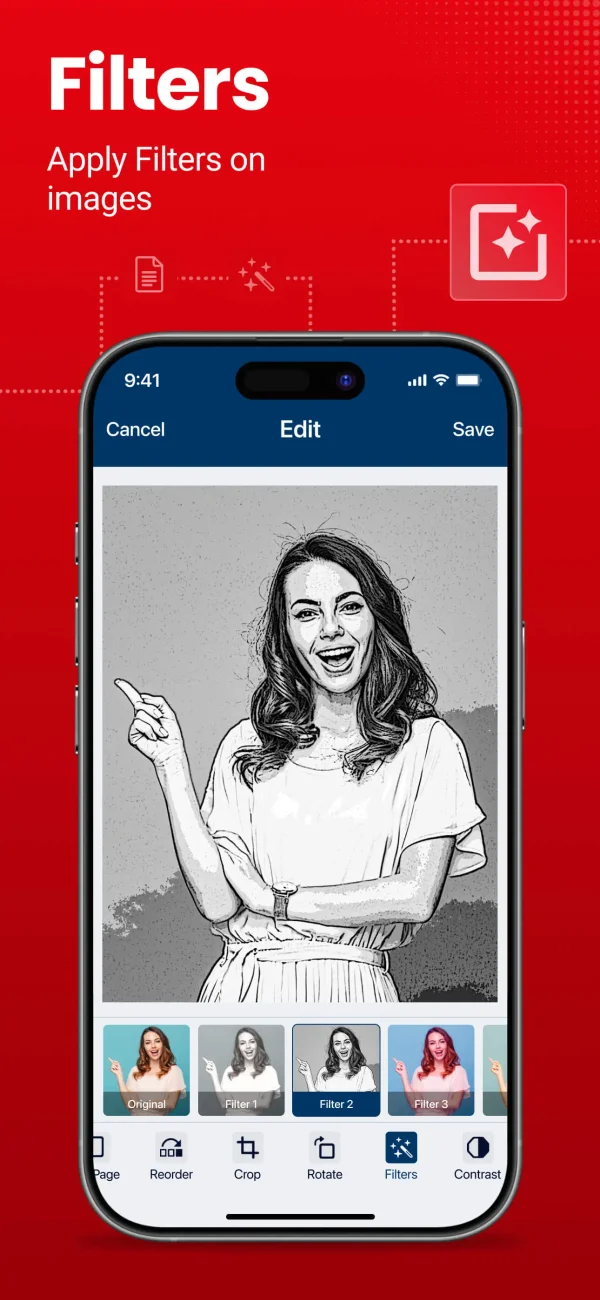
• Enhance the quality of an image by applying filters.
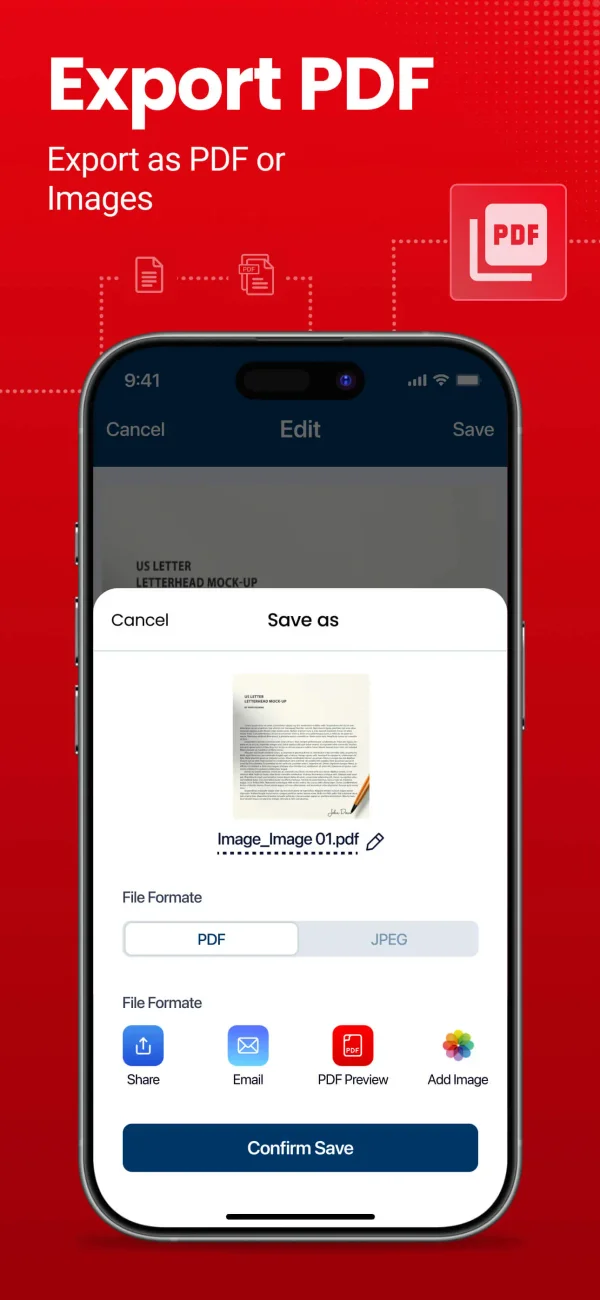
• Export to PDF or JPEG if required.
We have:
• Scan Docx.
• Scan ID Card.
• Scan Book.
• Scan ID Photo.
These features are perfect for those on the go, as you can access your documents from anywhere, at any time. So why wait? Download our PDF scanner app today and start simplifying your life. Say goodbye to clutter and hello to an organization with our top-of-the-line app.
Terms of Use:
https://www.apple.com/legal/internet-services/itunes/dev/stdeula/
Privacy Policy:
https://www.freeprivacypolicy.com/privacy/view/50c5621471755f1548917ebbe5e90160
What’s new
Version 2.0.0 · Nov 18, 2026
* Enjoy a fresh design with Light & Dark Modes.
* Scan smarter with auto edge detection and easy editing.
* Unlock powerful PDF tools for signing, OCR, merging, and compression.
* Manage documents effortlessly with an upgraded viewer, Vault, and Trash.
App privacy
What Games Wing declares on the App Store about how this app handles data.
-
Data used to track you
May be used to track you across apps and websites owned by other companies.
- Location
- Identifiers
- Usage data
- Diagnostics
-
Data linked to you
May be collected and linked to your identity.
- Location
- Identifiers
- Usage data
- Diagnostics
-
Data not linked to you
May be collected but is not linked to your identity.
- Diagnostics
Privacy practices may vary, for example with the features you use or your age.
Information
- Seller
- Games Wing
- Category
- Productivity
- Version
- 2.0.0
- Updated
- Nov 18, 2026
- Released
- Aug 6, 2020
- Size
- 106.5 MB
- Requires
- iOS 16.0 or later
- Age rating
- 4+
- Price
- Free
- In-app purchases
- Yes
- Languages
- English, Arabic, Bengali, Dutch, French, German, Hindi, Indonesian, Italian, Japanese, Korean, Malay + 9 more
- Copyright
- © Apps Wing Studio
You might also like
-
 Image to PDF Converter · EditScan & Convert Image to PDF
-
 Photos PDF : Scanner ConverterPhoto & image to Scan Document
-
 Convert Image To PDF toolsImage to Pdf Convert
-
 PDF Converter・Scanner・Editor・Scan Documents・Convert & Edit
-
 iLovePDF - PDF Editor & ScanFor Work, Study & E-Signing
-
 Scan MyPDF ProScan and Share PDF Documents
-
 Mobile Scanner App - Scan PDFDocument Scanning, Sign & OCR
-
 PDF Reader - OCR Scan EditEdit & Scan PDFs Easily
-
 Scanner HD - PDF Scanner AppPDF Scan, Sign, Edit & Share
-
 PDF Converter -Convert Photo to PDF