
- Age rating4+
- CategoryBusiness
- DeveloperMochaSoft
- LanguagesEnglish
- Size832.0 KB
Links to the official App Store page
Download.org hosts no file of Mocha WOL. The button opens its official App Store page, published by MochaSoft. Listing last checked on Nov 17, 2026.
Screenshots
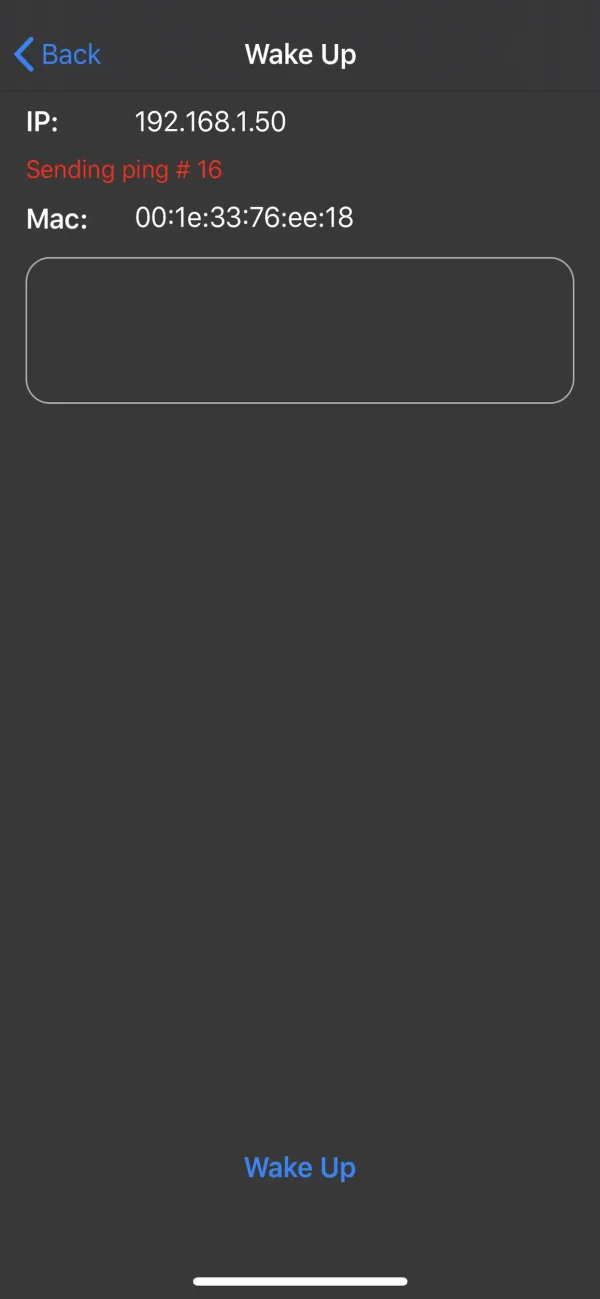
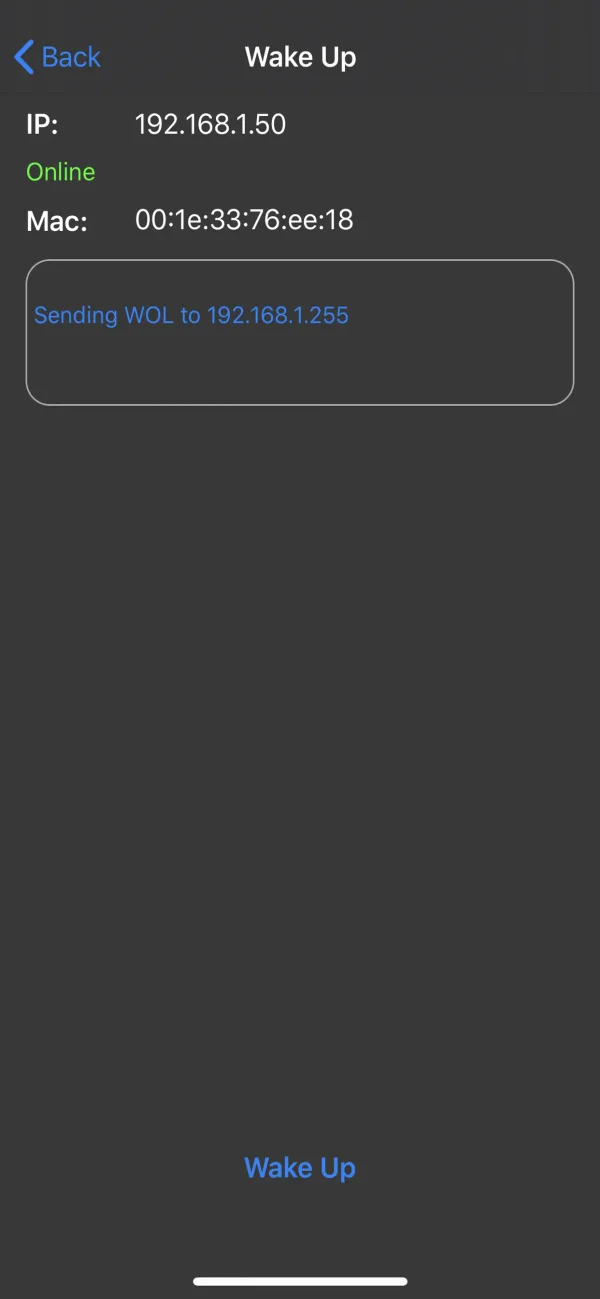
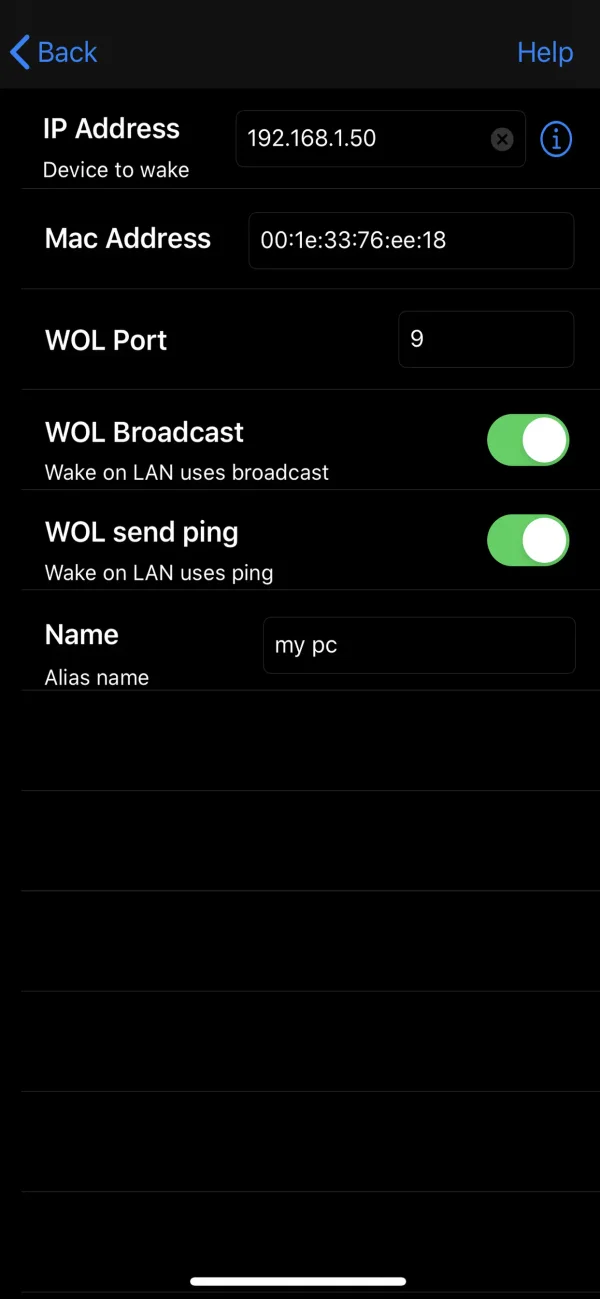
About
Wake-on-LAN for easy wake up calls. Use your iPhone or iPad to power up a sleeping Mac or PC on your network.
FEATURES:
- Easy detection of local computers with Bonjour and NETBIOS lookup.
- Can ping your computer to check, when it it is ready.
- Broadcast on a LAN.
- Works from other networks as 3G and WIFI.
- Can keep 30 configurations for computers to WOL.
- Build in help guides.
HOW IT WORKS:
When you select a computer to wake, a special UDP data frame is broadcast on the LAN. When the sleeping computer see the data frame, it will wake up. If the iPhone or iPad is on another network, such as 3G, you must first configure the HOME router to forward the special UDP package.
What’s new
Version 2.6 · Nov 16, 2026
User defined broadcast address.
App privacy
What MochaSoft declares on the App Store about how this app handles data.
-
Data not collected
The developer does not collect any data from this app.
Privacy practices may vary, for example with the features you use or your age.
Information
- Seller
- Jan Frydendal
- Category
- Business
- Version
- 2.6
- Updated
- Nov 16, 2026
- Released
- Mar 7, 2011
- Size
- 832.0 KB
- Requires
- iOS 15.6 or later
- Age rating
- 4+
- Price
- Free
- Languages
- English
- Copyright
- © MochaSoft Aps
You might also like
-
 NoMachineRemote desktop for everybody
-
 Möbius SyncFile sync with Syncthing
-
 Synology Active InsightBusiness
-
 KDE ConnectCommunication Between Devices
-
 RealVNC Viewer: Remote DesktopProductivity
-
 Touch PortalOptimize your workflow!
-
 NAS ProPrivate NAS Control Center
-
 QmanagerProductivity
-
 Resilio SyncFile transfer and photo backup
-
 Nextcloud NotesProductivity