
- Age rating4+
- CategoryPhoto & Video
- DeveloperSULKI CHOI
- LanguagesKorean+ 1 more
- Size5.6 MB
Links to the official App Store page
Download.org hosts no file of Momenlapse. The button opens its official App Store page, published by SULKI CHOI. Listing last checked on Nov 23, 2026.
Screenshots
About
Turn your daily grind into a masterpiece.
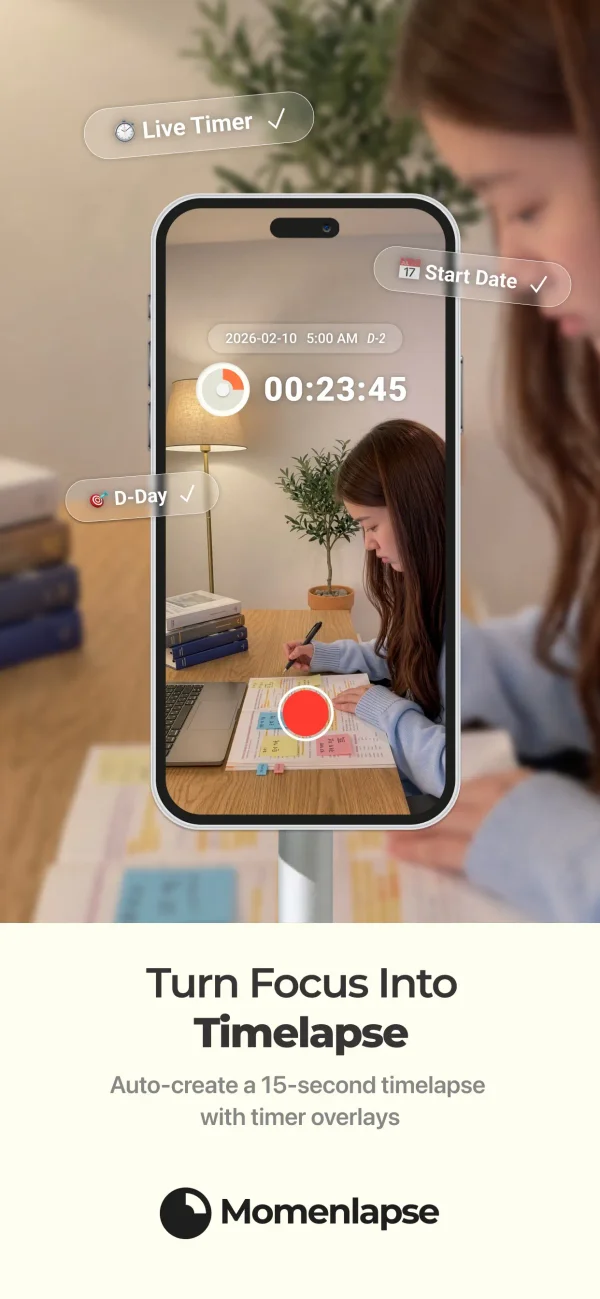
Momenlapse isn't just another camera app; it’s a dedicated tool for those who want to turn their hard work into undeniable proof. Stop manually adding stickers or text to your videos. With Momenlapse, your progress is automatically stamped onto your time-lapse in real-time.
Instant Proof, Zero Effort.
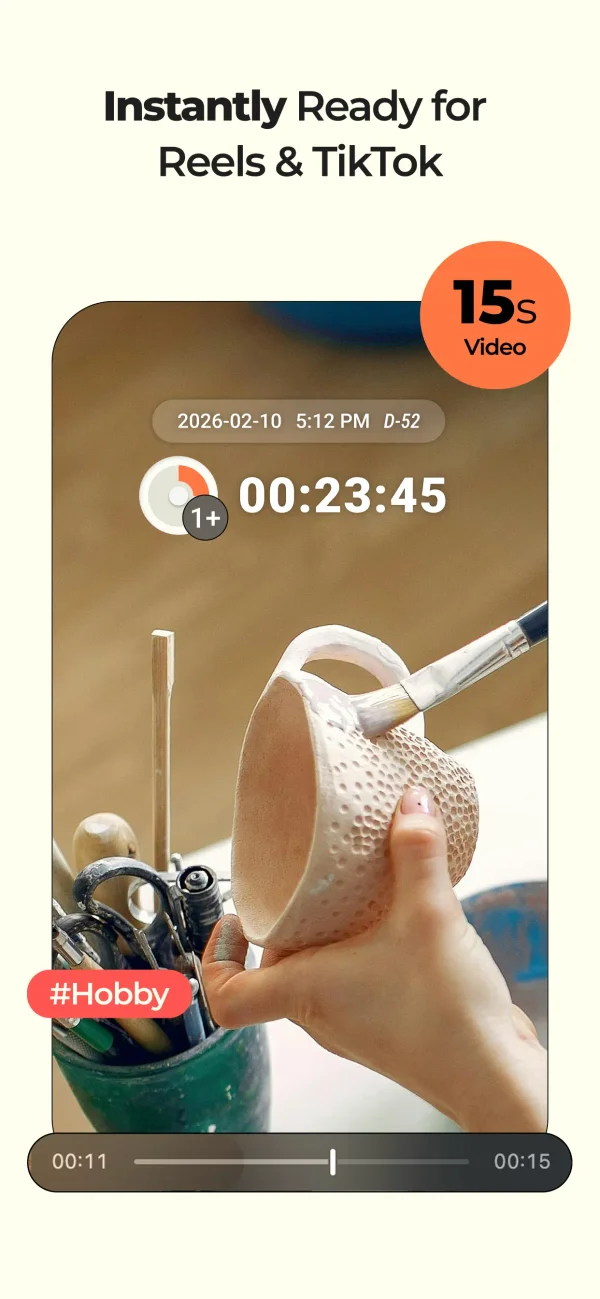
The moment you finish recording, your 15-second video is already complete with your essential data. No back-and-forth between editing apps—just the raw, beautiful evidence of your growth.
Key Features:
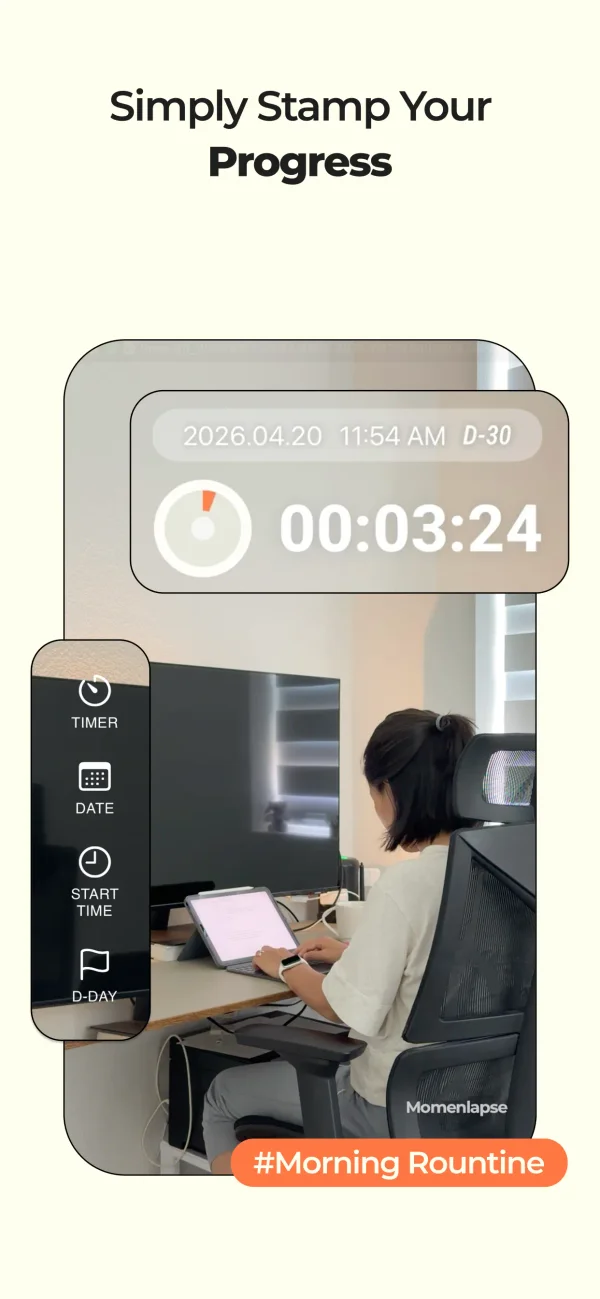
- Live Data Stamping: Your video automatically displays the date, start time, and a real-time progress timer.
- Dynamic D-Day Tracker: Keep your ultimate goal in sight. Your D-Day is stamped right on the frame to show how far you’ve come.
- Optimized for 15s Stories: We automatically condense your session into a 15-second clip, the perfect length for Instagram Reels and TikTok.
- Aesthetic & Minimalist: Designed with a clean, sophisticated UI that makes your "Study-gram" or "God-saeng" feed look professional.
- Direct to Gallery: Your timestamped masterpiece is saved directly to your Photo Library, ready to be archived or shared.
Why Momenlapse?
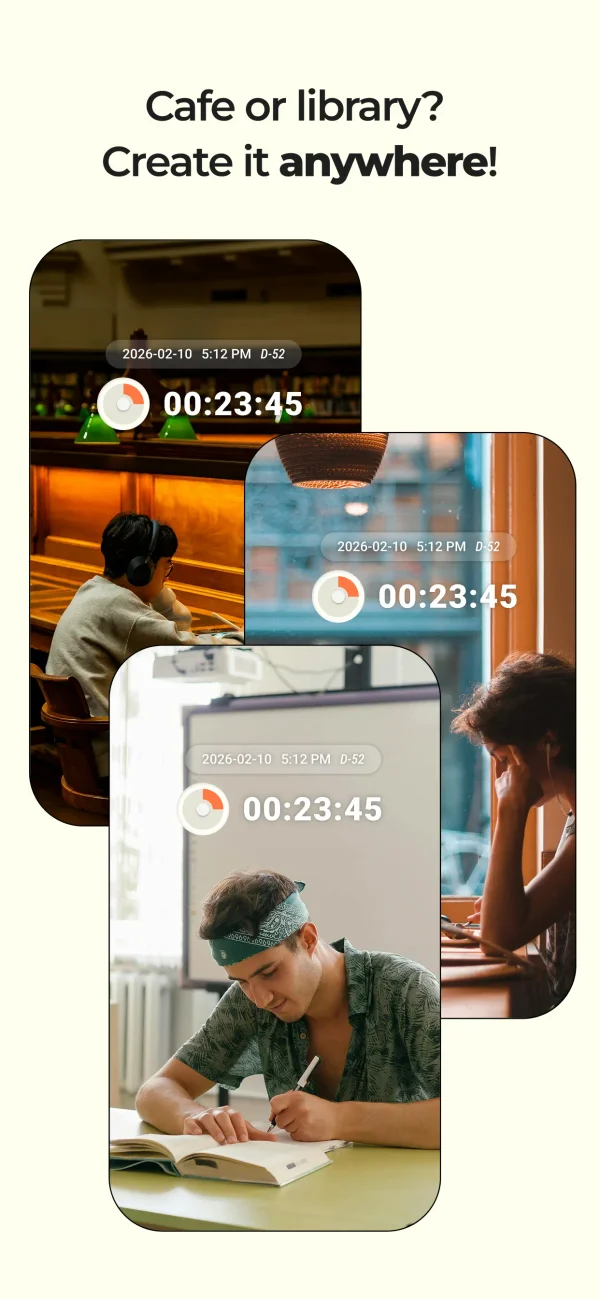
Because invisible effort is hard to sustain. Whether you're hitting the books, mastering a craft, or building a morning routine, Momenlapse makes your dedication visible and your progress undeniable.
Prove your growth, beautifully. Download Momenlapse today.
What’s new
Version 1.0.5 · Oct 24, 2026
1. New preset [Basic 2] : You can pick a color of the capsule and timer ring.
2. Choose what your video shows : You can customize date, day, start time, goal, or D-day into the Capsule and Caption.
3. Show your total focus time : You can add total focus time to the caption.
App privacy
What SULKI CHOI declares on the App Store about how this app handles data.
-
Data not linked to you
May be collected but is not linked to your identity.
- Location
- User content
- Usage data
- Diagnostics
Privacy practices may vary, for example with the features you use or your age.
Information
- Seller
- SULKI CHOI
- Category
- Photo & Video
- Version
- 1.0.5
- Updated
- Oct 24, 2026
- Released
- May 17, 2026
- Size
- 5.6 MB
- Requires
- iOS 26.2 or later
- Age rating
- 4+
- Languages
- Korean, English
- Copyright
- © 2026 Sulki Choi
You might also like
-
 ChallengeCam: Timelapse ProofStudy, workout & hobby proof
-
 YohakuElegant frames, mindful spaces
-
 HyperChronoTime-Lapse Video Stopwatch
-
 Cover It: Blur Mosaic CensorFace privacy for photo & video
-
 Timelog - Auto timestamp vlogAuto timestamp vlog
-
 LogBloom: LUT Video GradingCinematic LUT color grading
-
 OSnap! Pro 2: Lapse & Motion4K Time-Lapse & Stop Motion
-
 Timestamp Camera: ShowYourTimeDiet,Workout,Miracle Morning
-
 타임스탬프 - 워터마크 없는 인증샷 카메라Photo & Video
-
 HD GIF Maker - GIFdotBatch Convert, Mosaic & Edit