
Moonflower: Dark Mode & Reader
Custom dark mode for Safari
Designed for iPhone, iPad, Mac
Free · In-app purchases
- Age rating4+
- CategoryUtilities
- DeveloperRoman Marchenko
- LanguagesEnglish
- Size13.3 MB
Links to the official App Store page
Download.org hosts no file of Moonflower: Dark Mode & Reader. The button opens its official App Store page, published by Roman Marchenko. Listing last checked on Nov 18, 2026.
Screenshots

About
Moonflower gives every website a beautiful dark mode in Safari — designed to feel like it was always meant to be there. Create your own themes with exactly the colors you want, and fine-tune every website individually: its own theme, its own on/off rule, its own exceptions.
Most sites still don't offer a dark theme. Moonflower fixes that: its engine reads each page's actual colors and generates a tailor-made dark theme on the fly, so text stays crisp, images stay natural, and nothing looks washed out or inverted.
DARK MODE, DONE PROPERLY
• Works on every website, automatically
• Dynamic colors: a custom dark theme generated per site — not a crude filter
• Respects sites that already have a dark mode (or override them if you prefer)
• Smart image handling: photos stay untouched, bright diagrams and logos are gently adapted
• Flash-free page loads — pages paint dark from the first moment
DESIGN YOUR OWN THEMES
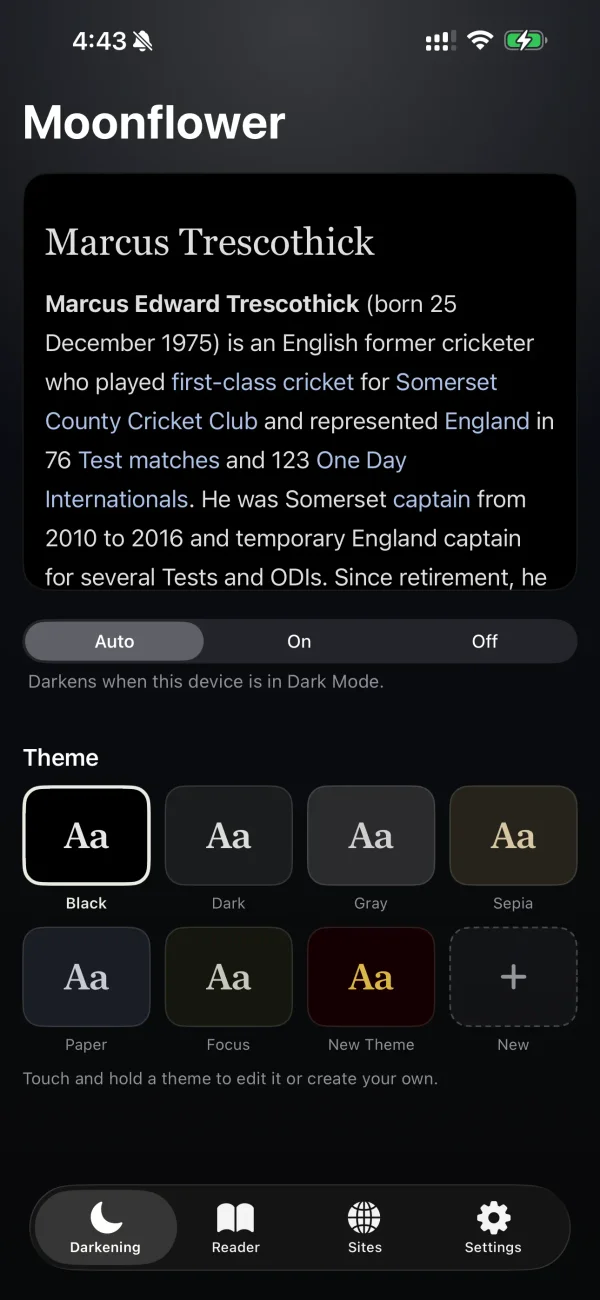
• Six hand-tuned themes to start: Black, Dark, Gray, Sepia, Paper, Focus
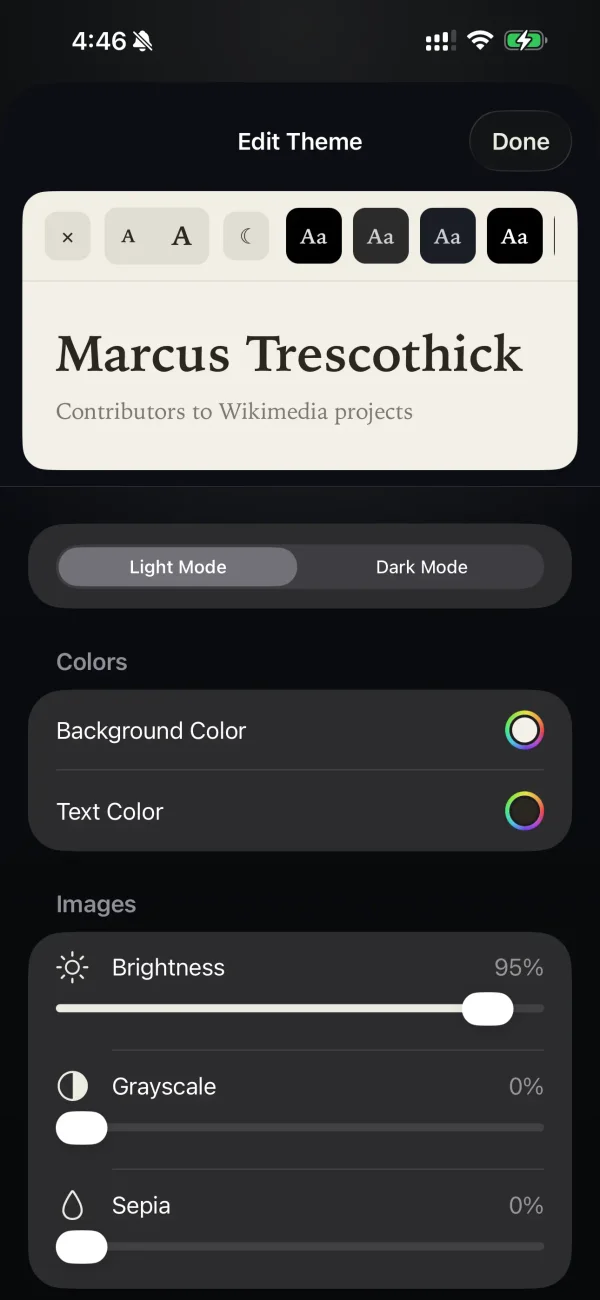
• Create unlimited custom themes — pick your exact background and text colors
• Fine-tune image brightness, grayscale, and sepia per theme
• Edit with a live preview on a real article, so you see every change instantly
FINE-TUNE EVERY WEBSITE
• Auto, On, or Off — globally or per site
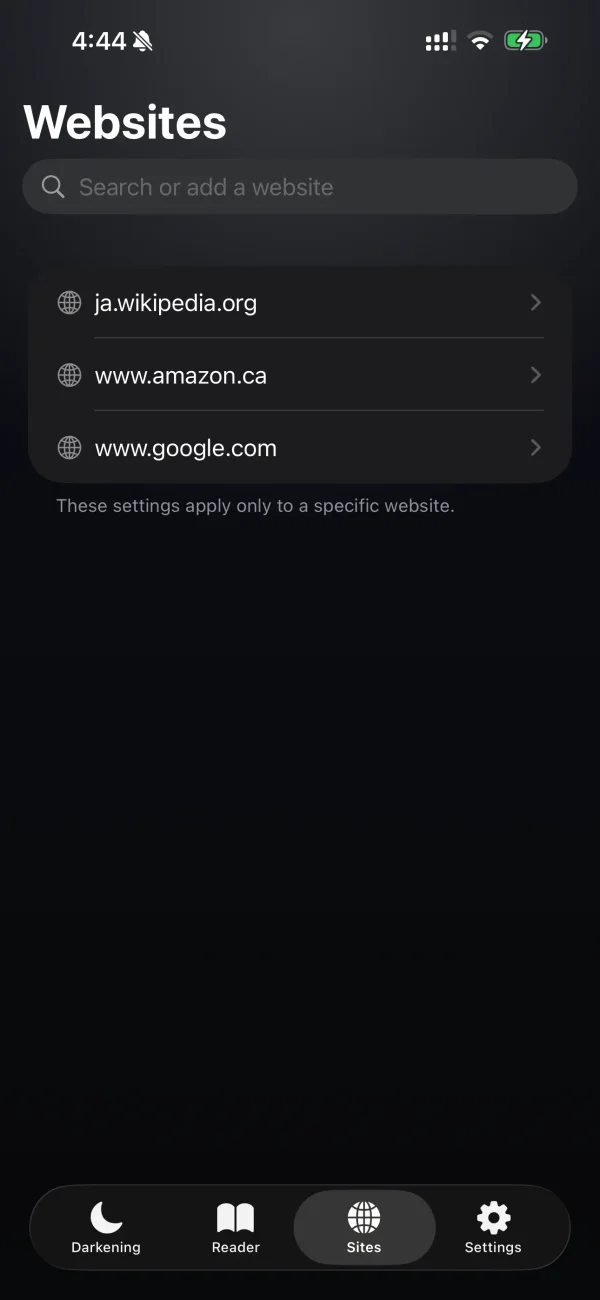
• Give each website its own theme
• Pause a site until tomorrow with one tap
• Ignore a site's built-in dark mode when yours looks better
• Keyboard shortcuts for toggling, cycling themes, and pausing
A READER BUILT IN
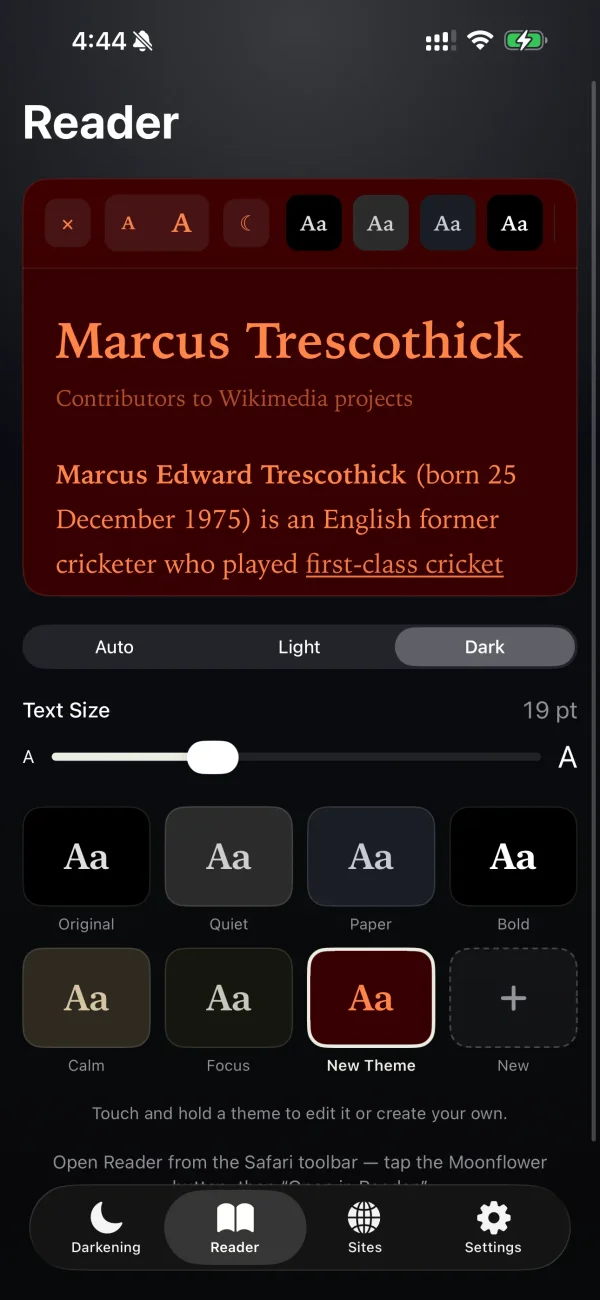
• One tap turns any article into a clean, beautiful reading view
• Apple Books-style themes — each with a light and dark variant
• Adjustable text size, and your custom reader themes come along
EVERYWHERE YOU BROWSE
• iPhone, iPad, and Mac
• iCloud sync keeps your themes and site settings identical on all your devices
PRIVATE BY DESIGN
Moonflower collects no data. Which sites you visit never leaves your device — all darkening happens locally, with no accounts, no analytics, and no tracking of any kind.
FAIR PRICING
Free for 3 days, full-featured. Then a single one-time purchase unlocks Moonflower forever, on all your devices. No subscription.
What’s new
Version 1.1 · Aug 24, 2026
Safari now tells you when your free trial has ended, with a one-tap way to open the unlock screen. Added an Unlock option in Settings, clearer purchase and restore messages, and many darkening and Reader improvements.
App privacy
What Roman Marchenko declares on the App Store about how this app handles data.
-
Data not collected
The developer does not collect any data from this app.
Privacy practices may vary, for example with the features you use or your age.
Information
- Seller
- Roman Marchenko
- Category
- Utilities
- Version
- 1.1
- Updated
- Aug 24, 2026
- Released
- Jul 15, 2026
- Size
- 13.3 MB
- Requires
- iOS 26.0 or later
- Age rating
- 4+
- Price
- Free
- In-app purchases
- Yes
- Languages
- English
- Copyright
- © hehe
You might also like
-
 Dark Mode Fix for SafariNight Themes for Websites
-
 Kind CueRelationship check-in help
-
 Stash: Save & Sync For LaterPrivate sync between devices
-
 Say SplitwiseUtilities
-
 QwikDimDark Mode for Safari
-
 Reading BrowserUtilities
-
 Device Tuner Pro 26Battery, Game & Storage Tools
-
 Onyx: Dark Mode for SafariAd Blocker & Night Theme
-
 Battery NudgeUtilities
-
 MTRayNetwork Diagnostics Suite