Onyx: Dark Mode for Safari
Ad Blocker & Night Theme
Designed for iPhone, iPad
Free · In-app purchases
- Age rating17+
- CategoryUtilities
- DeveloperTakaki Takemura
- LanguagesEnglish+ 9 more
- Size12.1 MB
Links to the official App Store page
Download.org hosts no file of Onyx: Dark Mode for Safari. The button opens its official App Store page, published by Takaki Takemura. Listing last checked on Nov 25, 2026.
Screenshots



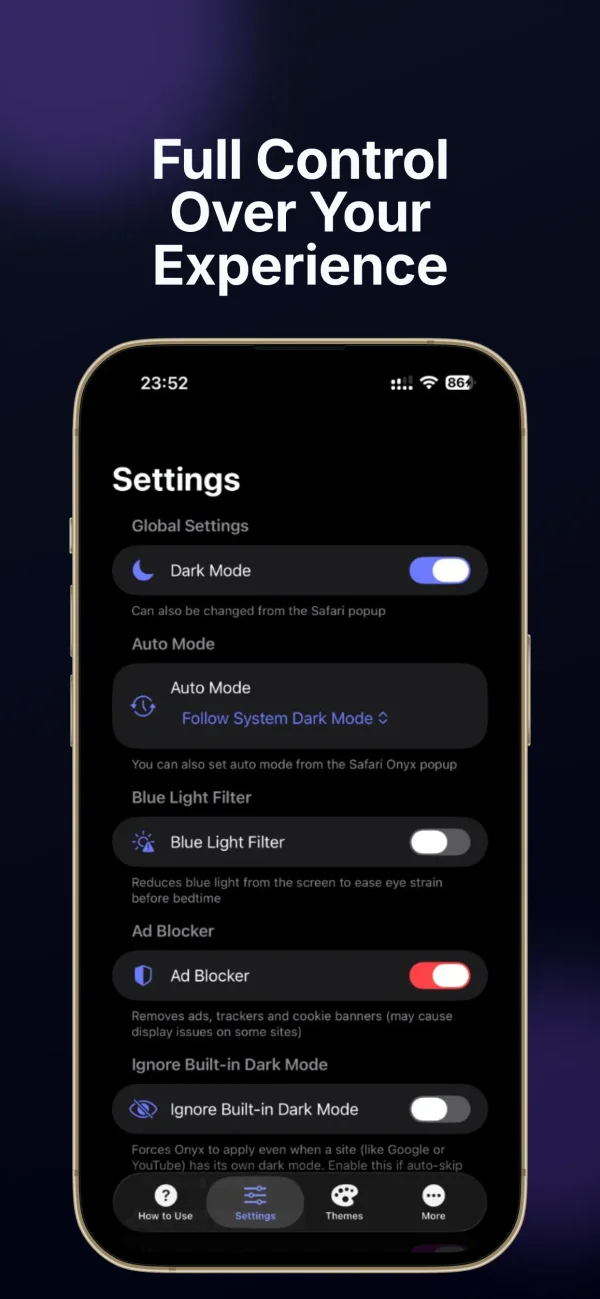
About
Onyx is a Safari extension for iOS that brings Dark Mode to every website while blocking ads, reducing blue light, and automatically enabling on your schedule.
Features
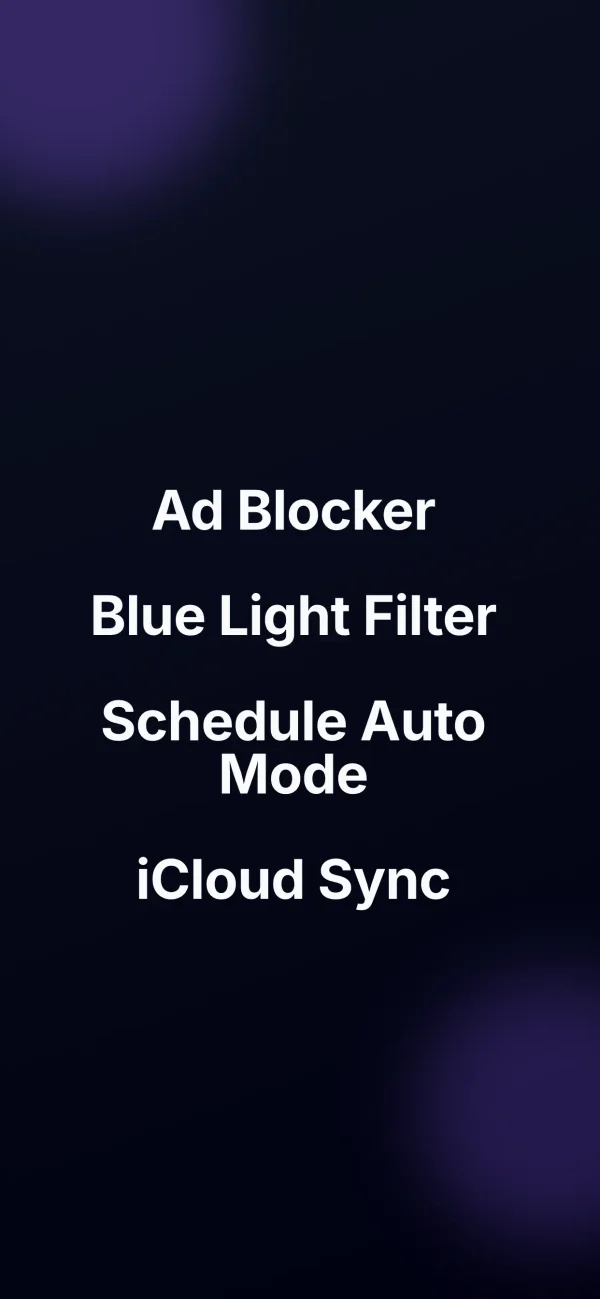
• Force Dark Mode on all websites
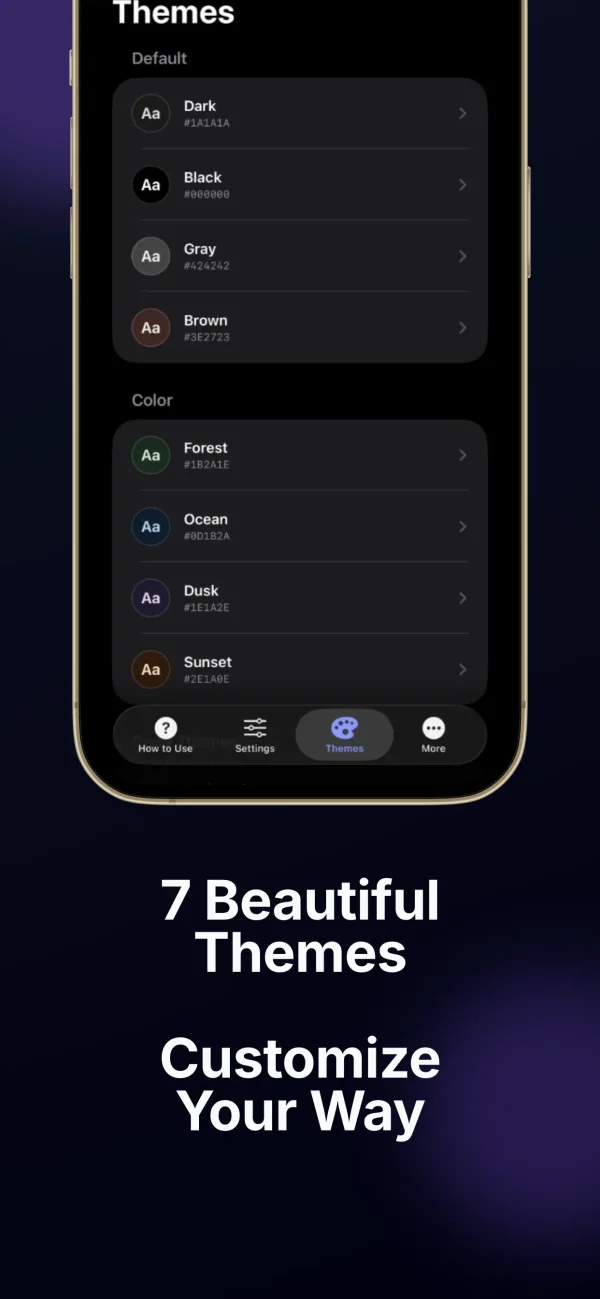
• 7 built-in themes plus custom color creation
• Built-in ad blocker for faster, cleaner browsing
• Blue light reduction filter
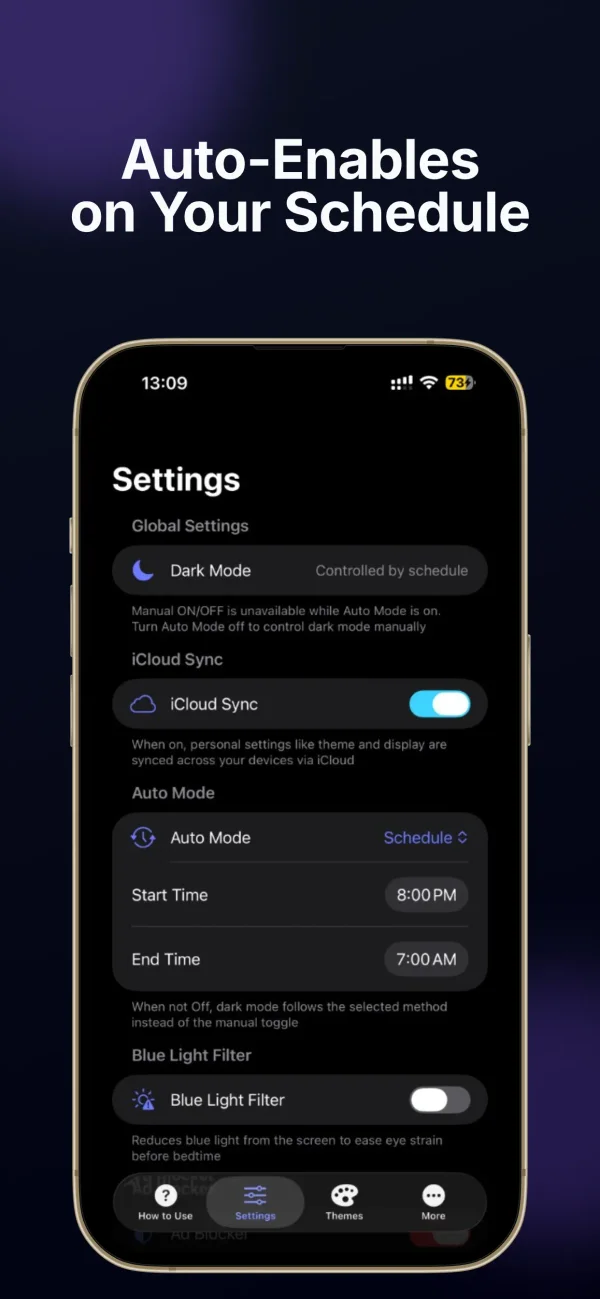
• Schedule mode: Automatically enables Dark Mode at the times you set
• Per-site settings: Always On, Always Off, or Default
• Sync your settings across devices with iCloud
Comfortable Browsing at Night
Reduce eye strain from nighttime screen use. Set your preferred hours and Onyx automatically turns on Dark Mode for a more comfortable browsing experience.
How to Use
1. Install the app.
2. Go to Settings → Safari → Extensions and enable Onyx.
3. Tap the Onyx icon in Safari's toolbar to customize your settings.
Onyx Pro
Ad blocking, all themes beyond the basic dark theme (including custom themes), and per-site settings are part of Onyx Pro. Try every feature free for the first 14 days, then unlock them with a one-time purchase — not a subscription. After the trial, the basic dark mode (dark theme and brightness) stays free.
What’s new
Version 2.0.3 · Nov 24, 2026
Dark Mode
• Fixed text blending into the background on sites that apply their brand colors with JavaScript, such as identity verification pages (most noticeable when your iPhone itself is in Dark Mode)
• Fixed buttons and selected items on those sites showing white text on a light background
• Fixed parts of a page staying dark after turning dark mode off for that site
App privacy
What Takaki Takemura declares on the App Store about how this app handles data.
-
Data not collected
The developer does not collect any data from this app.
Privacy practices may vary, for example with the features you use or your age.
Information
- Seller
- Takaki Takemura
- Category
- Utilities
- Version
- 2.0.3
- Updated
- Nov 24, 2026
- Released
- Jul 30, 2026
- Size
- 12.1 MB
- Requires
- iOS 26.2 or later
- Age rating
- 17+
- Price
- Free
- In-app purchases
- Yes
- Languages
- English, Danish, French, German, Italian, Japanese, Korean, Simplified Chinese, Spanish, Traditional Chinese
- Copyright
- © 2026 Hawk Eye
You might also like
-
 mighty Blue Light FilterUtilities
-
 Anti-Fatigue Eyes ProtectionUtilities
-
 Rain: no_ads browserMeet the fresh internet
-
 Darc: Dark Mode for SafariLight themes too, site by site
-
 QwikDimDark Mode for Safari
-
 EasyZip - Extract & CompressZip, Unzip & File Manager
-
 DAWNBLOOM BrowserBrowse, read and manage tabs
-
 All in One Video ToolsCompress, Trim & Bookmark
-
 Moonflower: Dark Mode & ReaderCustom dark mode for Safari
-
 Night Light&Dimmer-Eye ProtectUtilities