
Moongate: Klipper Control
Your 3D printers, anywhere
Designed for iPhone, iPod touch
Free
- Age rating4+
- CategoryUtilities
- LanguagesEnglish
- Size39.0 MB
Links to the official App Store page
Download.org hosts no file of Moongate: Klipper Control. The button opens its official App Store page, published by . Listing last checked on Nov 13, 2026.
Screenshots


About
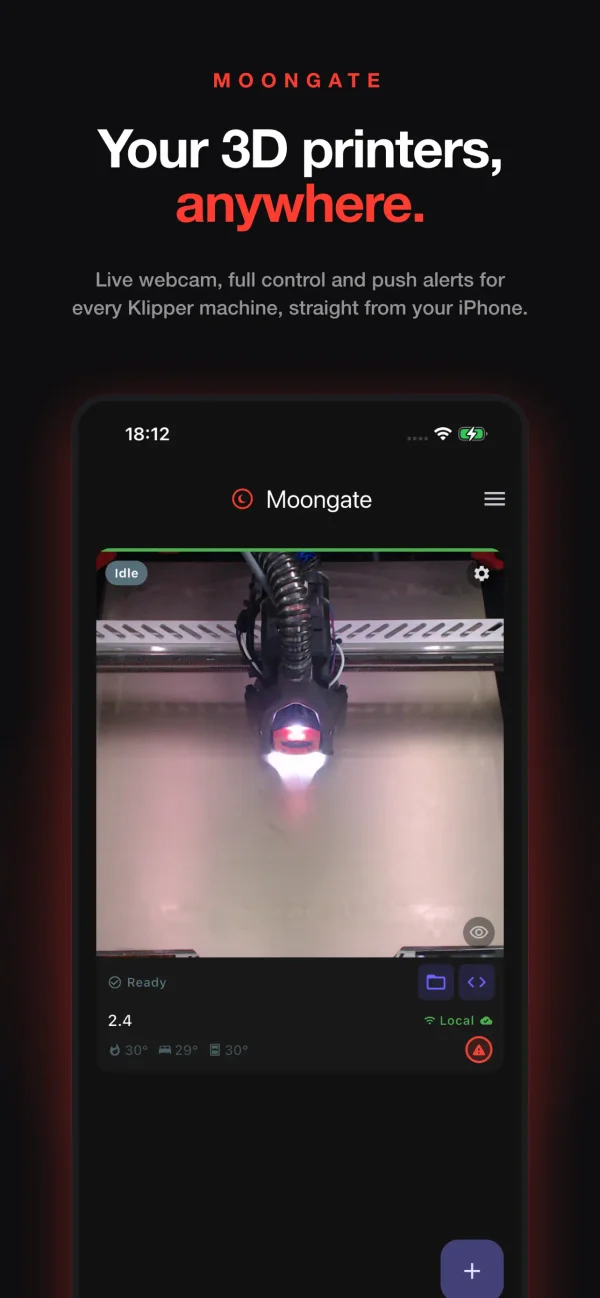
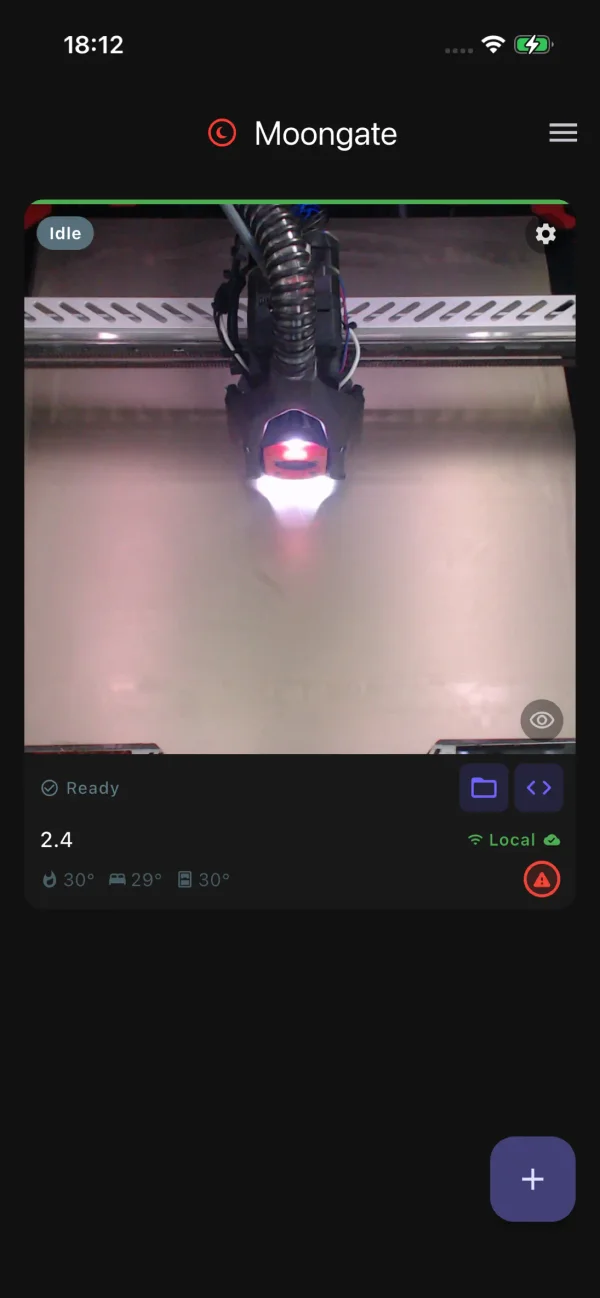
Moongate puts every Klipper 3D printer you own on one dashboard, at home or anywhere.
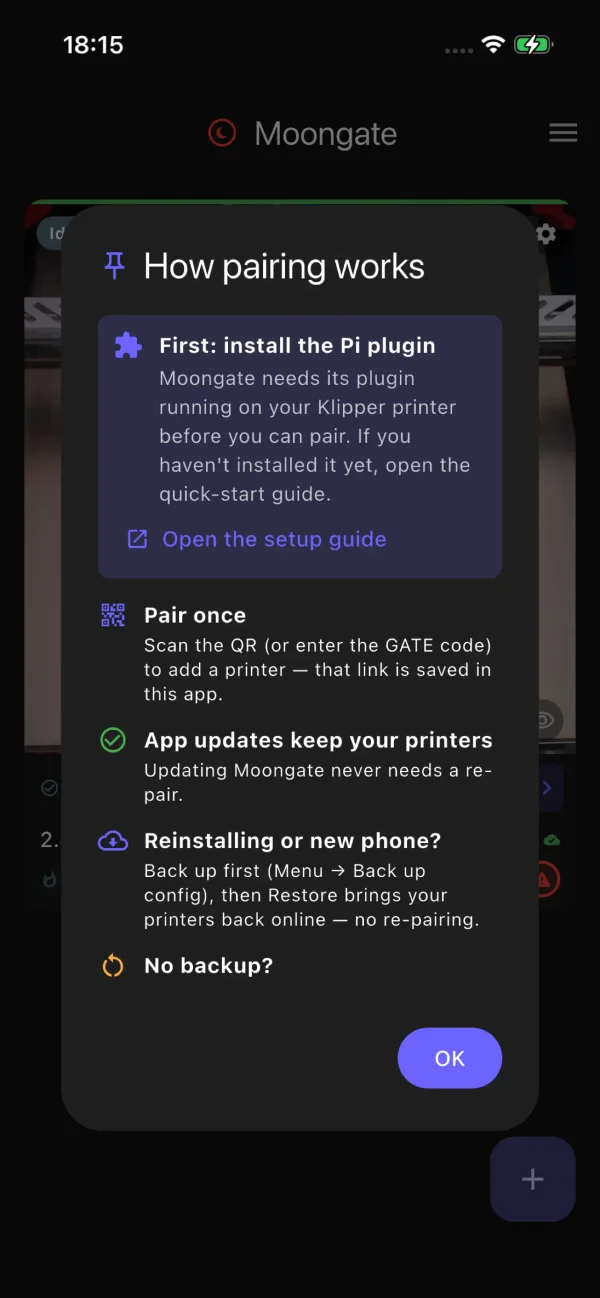
It connects straight to your own Raspberry Pi running Klipper and Moonraker. Pair once by scanning a QR code, and Moongate reaches your printer directly on your Wi-Fi, or securely over an encrypted tunnel when you are away.
No account, no email, no password. Sign-in is anonymous, and there are no ads, no analytics, and no tracking.
Features:
- One dashboard for your whole fleet, with live webcam, temperatures, and print progress
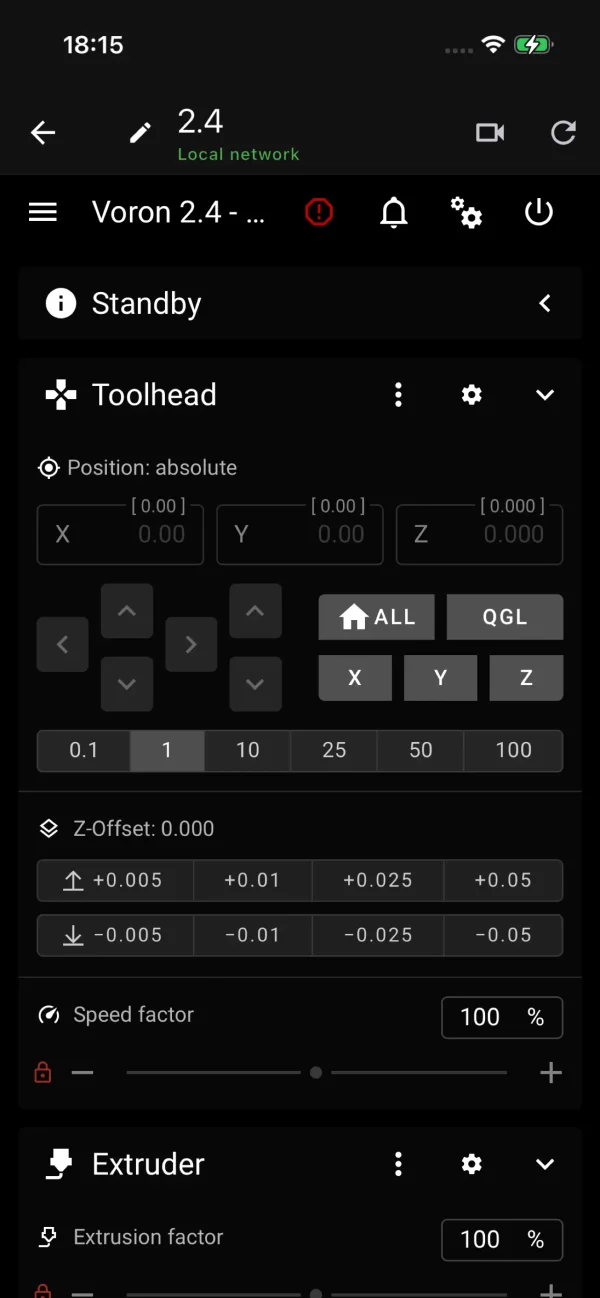
- The full Mainsail or Fluidd web interface built in
- Start, pause, and stop prints, plus a double-tap emergency stop
- A Control panel for each printer: heater targets, homing, jogging, extrude and retract, and your macros as labelled buttons with their own icons, colours and parameters, arranged the way you want
- A Klipper-aware config editor that suggests section and option names, checks values before you save, and edits macro G-code inline, plus a console with command completions
- A file browser for your printer that hides backup clutter so your real config files stand out
- Power machines on and off (smart plug or Klipper macro)
- Preheat and heat-soak from the dashboard
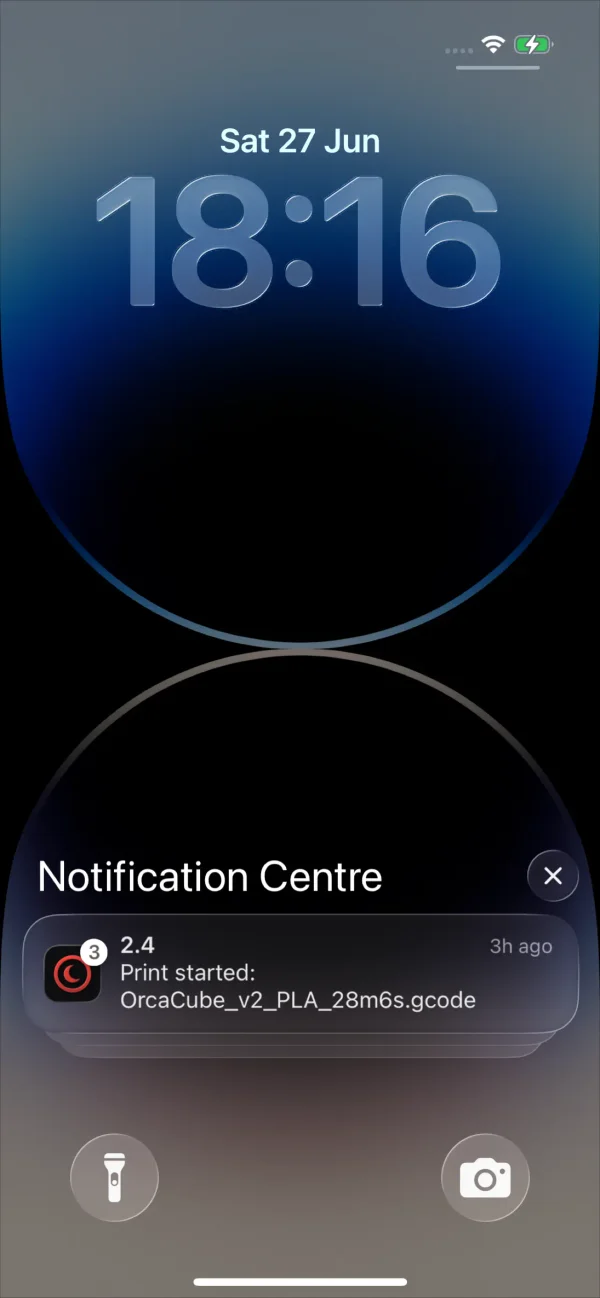
- Optional push notifications for print started, finished, and failed
- App lock with Face ID, Touch ID, or a PIN
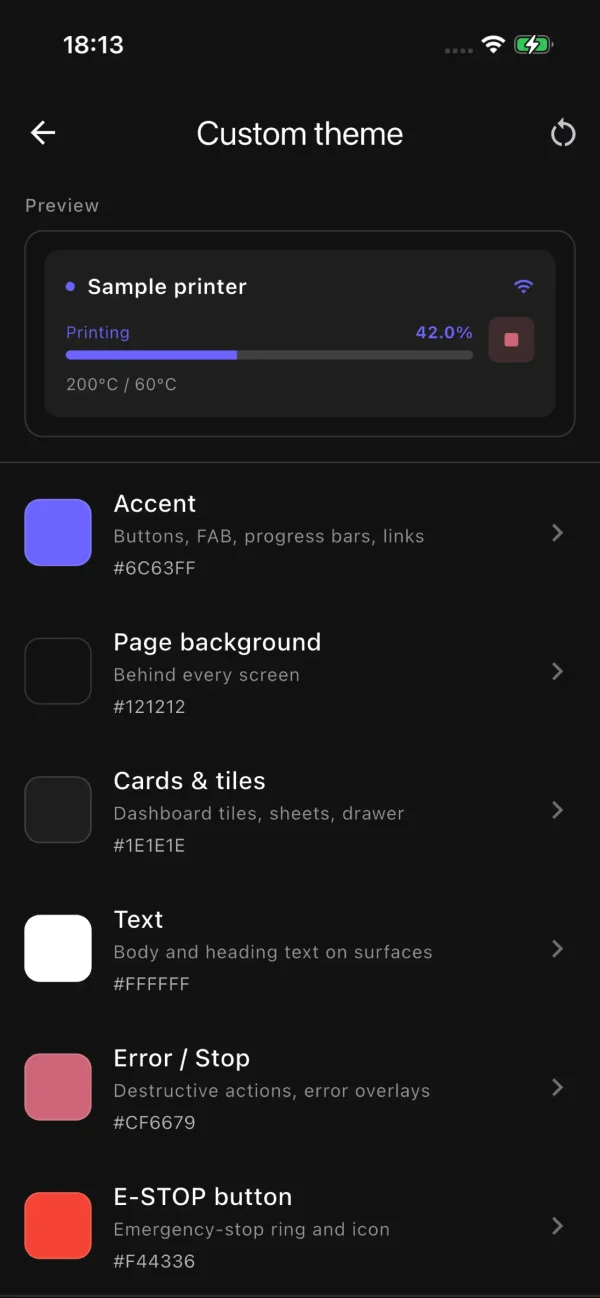
- Custom themes, drag-to-arrange tiles, and an adjustable display size
- Back up and restore your setup
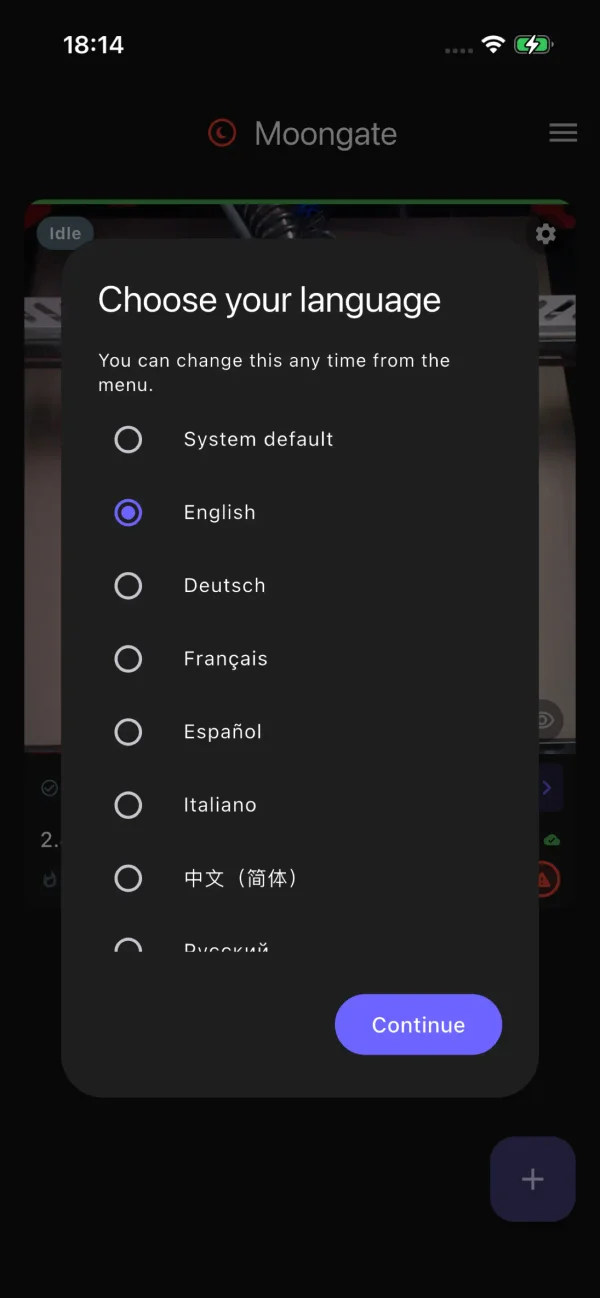
- Available in 9 languages
Moongate is free and source available. You host everything yourself, and your printers stay yours.
Note: Moongate needs the free Moongate plugin installed on your printer's Raspberry Pi. Setup guide: github.com/PEEKYPAUL/Moongate
What’s new
Version 0.9.78 · Oct 26, 2026
New print queue: queue files from Start a print and see what is up next on the tile and the single-printer dashboard. The queue sheet lets you start or pause the queue, move a job to the front, remove or clear (Up next needs plugin 0.6.31).
Choose your chamber sensor: hold the chamber temperature on a tile or the single-printer dashboard to pick which sensor it shows. The heat-soak and cool-down alerts watch the same sensor (needs plugin 0.6.30).
Fixed: on a printer with several chamber sensors, the reading away from home could differ from the one at home.
App privacy
What declares on the App Store about how this app handles data.
-
Data linked to you
May be collected and linked to your identity.
- Contact info
- User content
- Identifiers
- Diagnostics
- Other data
Privacy practices may vary, for example with the features you use or your age.
Information
- Seller
- Paul Sharman
- Category
- Utilities
- Version
- 0.9.78
- Updated
- Oct 26, 2026
- Released
- Jul 2, 2026
- Size
- 39.0 MB
- Requires
- iOS 15.0 or later
- Age rating
- 4+
- Price
- Free
- Languages
- English
- Copyright
- © 2026 Paul Sharman
You might also like
-
 Moonraker BuddyMoonraker / Klipper management
-
 Printer Tools AppControl your 3D printer
-
 SpoolFluxRFID Tags for 3D Printing
-
 SpotVahti: Electricity PriceFinland spot price forecast
-
 Arrcade: Media Server RemoteSelf-hosted media dashboard
-
 Foundry ControlUtilities
-
 HfNZ EasylogUtilities
-
 CueCamRecord Show with Eos/QLab Data
-
 My FilamentsReal 3D spool management
-
 DDD Connect - TachographTachograph in your pocket.