
Printer Tools App
Control your 3D printer
Designed for iPhone, iPad, iPod touch
Free · In-app purchases
- Age rating4+
- CategoryUtilities
- DeveloperJuan Gomez Mateos
- LanguagesEnglish+ 19 more
- Size191.2 MB
Links to the official App Store page
Download.org hosts no file of Printer Tools App. The button opens its official App Store page, published by Juan Gomez Mateos. Listing last checked on Nov 14, 2026.
Screenshots




About
Printer Tools – Control and Monitor All Your 3D Printers in One Place
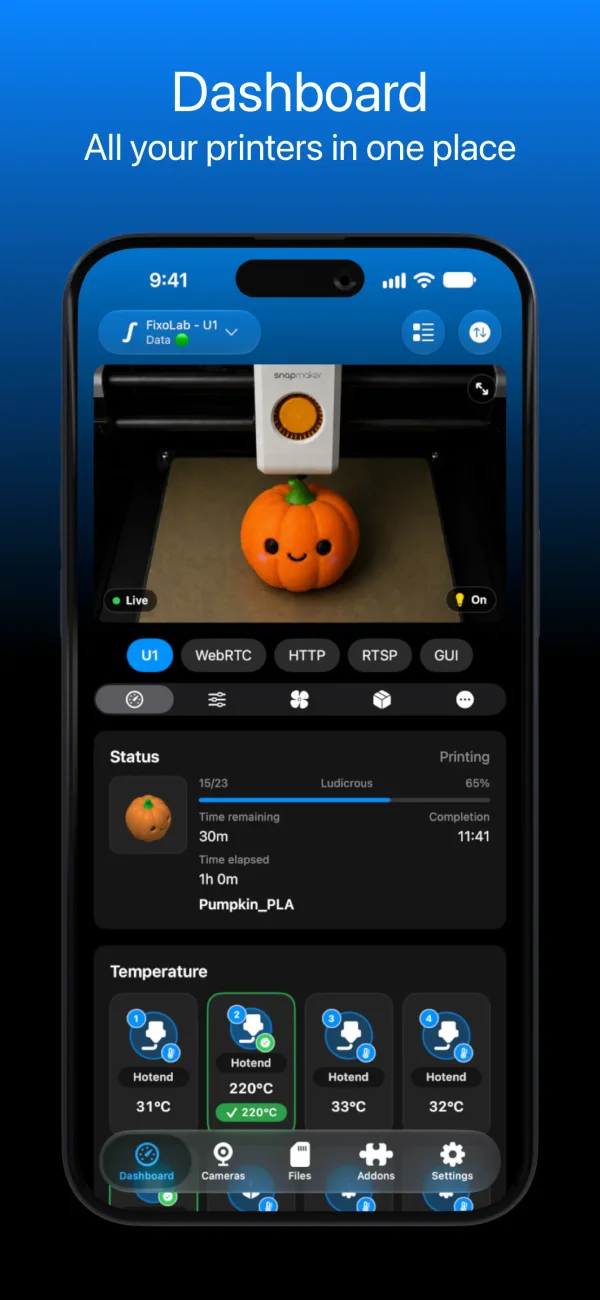
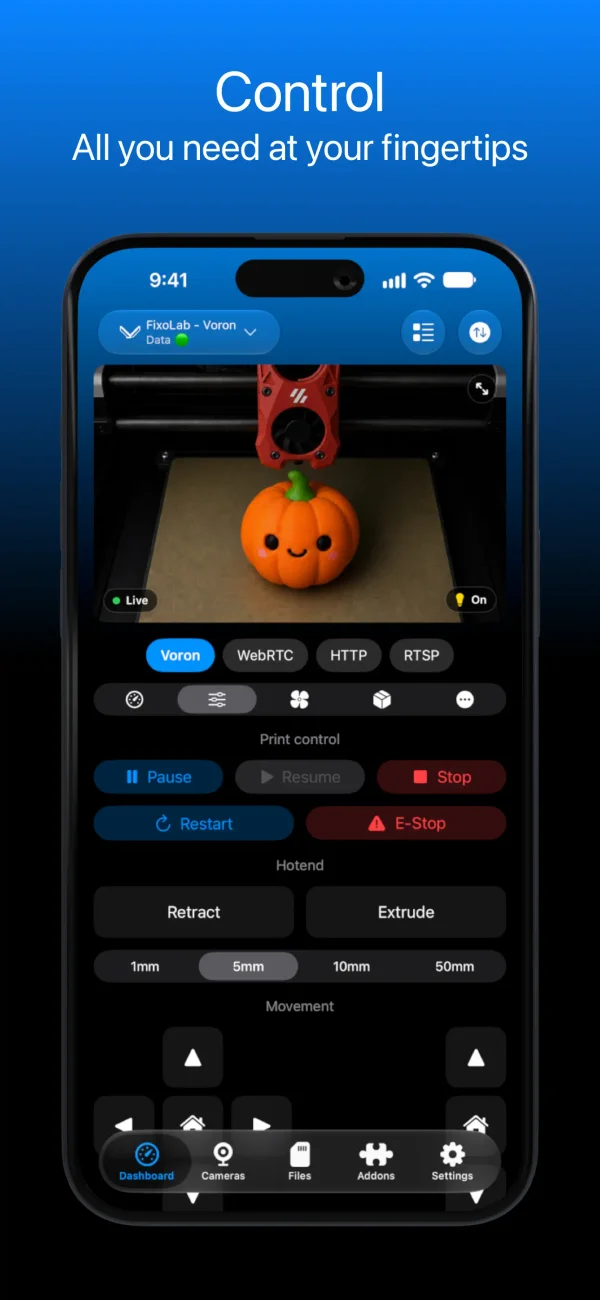
Printer Tools is the ultimate app for managing and monitoring all your 3D printers from a single, unified dashboard. It delivers real-time data, advanced analytics, and a customizable interface designed to fit your workflow perfectly.
Whether you manage one printer or an entire fleet, Printer Tools helps you stay in control — from print status and temperature to multicolor systems, cameras, and beyond.
Key Features
Real-Time Monitoring
Stay updated with live metrics for each printer — including current layer, progress, print time, temperatures, fan speeds, lighting, and more. Monitor everything happening across multiple printers at once.
Multi-Printer Dashboard
Control all your 3D printers from one intuitive panel. View print status, filament usage, chamber conditions, and multicolor AMS details such as active colors, humidity, and temperature.
Camera Integration
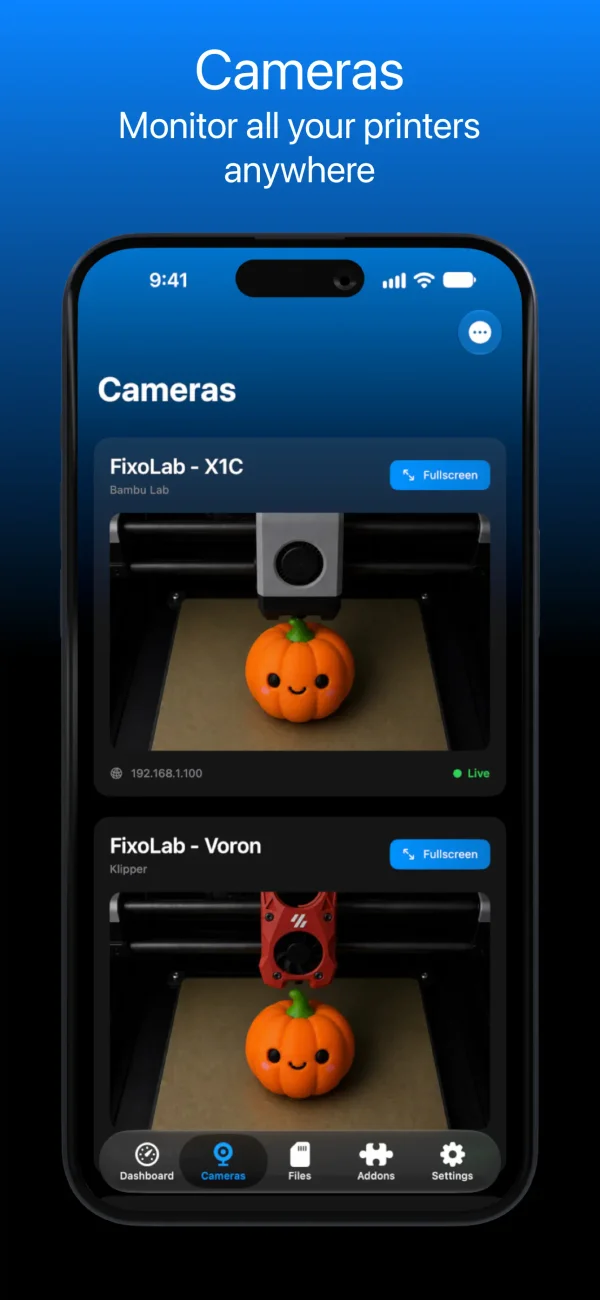
Keep an eye on your prints in real time with seamless multi-camera support. Watch live feeds from one or multiple printers directly within the app.
File Management
Easily browse, upload, and organize print files ready for production. Manage storage, start new jobs, or queue upcoming prints with a single tap.
Advanced Insights
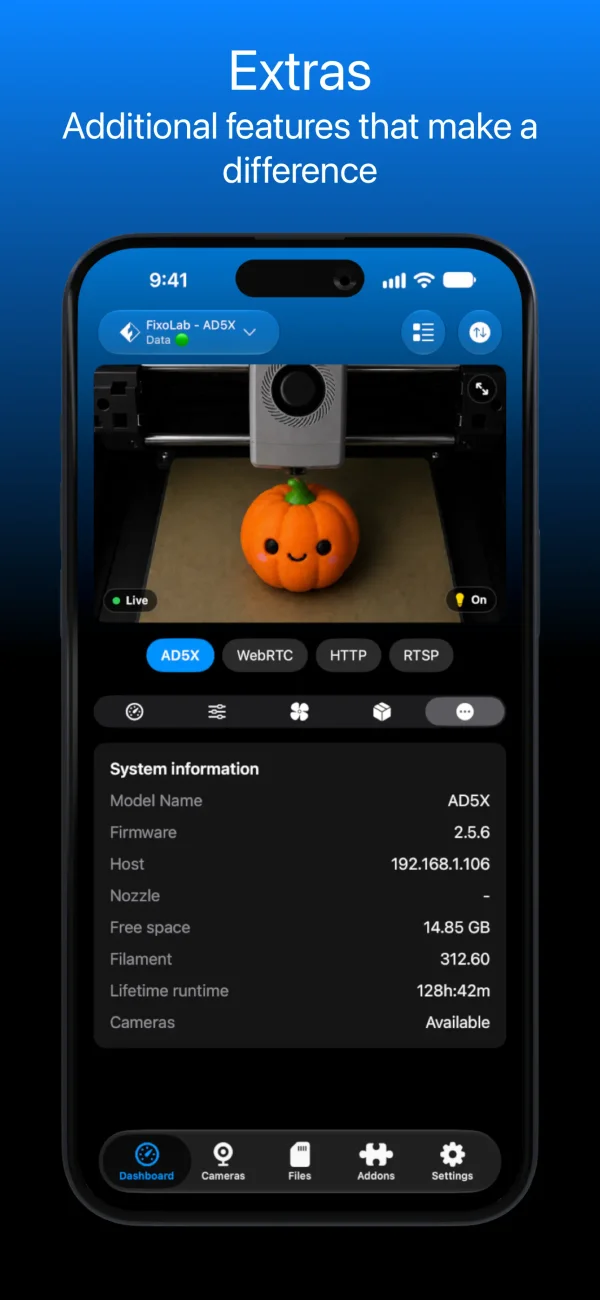
Access in-depth performance data and logs for each printer. Analyze print history, success rates, and detailed telemetry to optimize your workflow and reduce print failures.
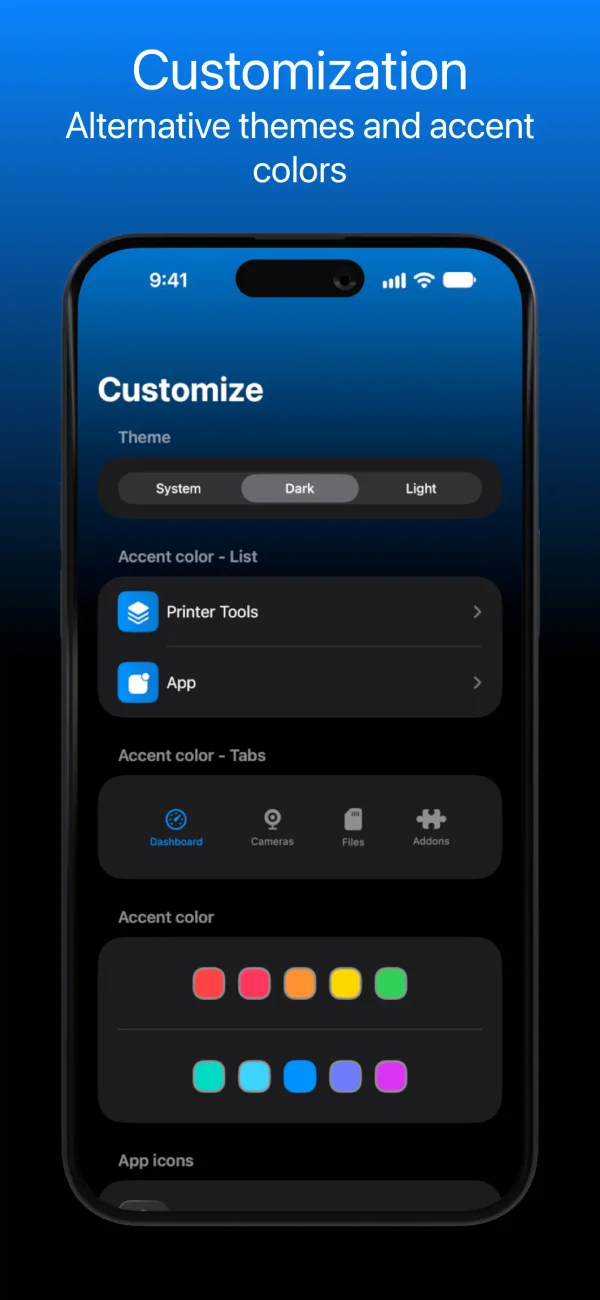
Personalized Interface
Choose your preferred accent color and switch effortlessly between light and dark mode.
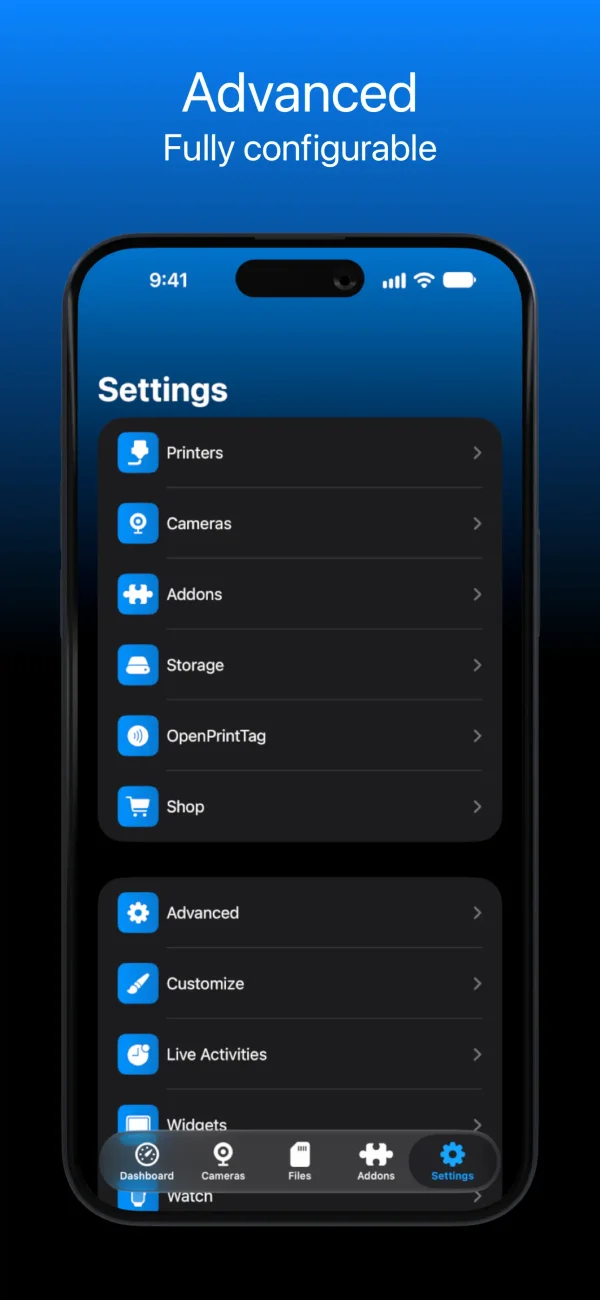
Add-ons & Widgets
Extend functionality with optional modules and interactive widgets for temperature, camera, and print progress.
All Your Printers, One Control Center
From casual makers to print farm operators, Printer Tools adapts to your needs. Combine precision, performance, and flexibility in a single app that turns your Apple device into a professional 3D printing command center.
Available for: iOS, iPadOS, macOS and watchOS
Privacy Policy: https://printertools.app/privacy
EULA: http://www.apple.com/legal/itunes/appstore/dev/stdeula
What’s new
Version 3.7 · Nov 13, 2026
- Find printers on your local network and add them easily
- Link your printers to Tailscale
- Support for dual-nozzle Bambu Lab printers
- Tap a thumbnail to see it larger
- Support for the Prusa Buddy3D camera
- Faster switching between the main dashboard and the overview
- You're now asked to confirm before stopping a print
- Support for Klipper cameras on other ports
- G-code files now open faster on Klipper and Snapmaker
App privacy
What Juan Gomez Mateos declares on the App Store about how this app handles data.
-
Data used to track you
May be used to track you across apps and websites owned by other companies.
- Identifiers
- Usage data
- Diagnostics
-
Data linked to you
May be collected and linked to your identity.
- Identifiers
- Usage data
- Diagnostics
Privacy practices may vary, for example with the features you use or your age.
Information
- Seller
- Juan Gomez Mateos
- Category
- Utilities
- Version
- 3.7
- Updated
- Nov 13, 2026
- Released
- Dec 17, 2025
- Size
- 191.2 MB
- Requires
- iOS 15.0 or later
- Age rating
- 4+
- Price
- Free
- In-app purchases
- Yes
- Languages
- English, Arabic, Czech, Danish, Dutch, Finnish, French, German, Hungarian, Italian, Japanese, Norwegian Bokmål + 8 more
- Copyright
- © 2026 FixoLab
You might also like
-
 SpoolFluxRFID Tags for 3D Printing
-
 PaxxMakerMonitor your 3D print live
-
 Spooly App for CC1For Elegoo Centauri Carbon
-
 Moonraker BuddyMoonraker / Klipper management
-
 Spoolman GOMobile Spoolman Manager
-
 PandaWatchBambu Print Farm Dashboard
-
 3D Print AssistantPrint settings made simple
-
 SpoolSense - NFC Filament TagsRead, write & track filament
-
 TigerTag RFID ConnectOpen RFID for Filament & Resin
-
 Spool ProgrammerRFID tag r/w for filament