- Age rating4+
- CategoryProductivity
- DeveloperCem Bozdogan
- LanguagesEnglish
- Size3.9 MB
Links to the official App Store page
Download.org hosts no file of Mosf - Tasks App. The button opens its official App Store page, published by Cem Bozdogan. Listing last checked on Nov 10, 2026.
Screenshots

About
Mosf is a tasks app built for one finger.
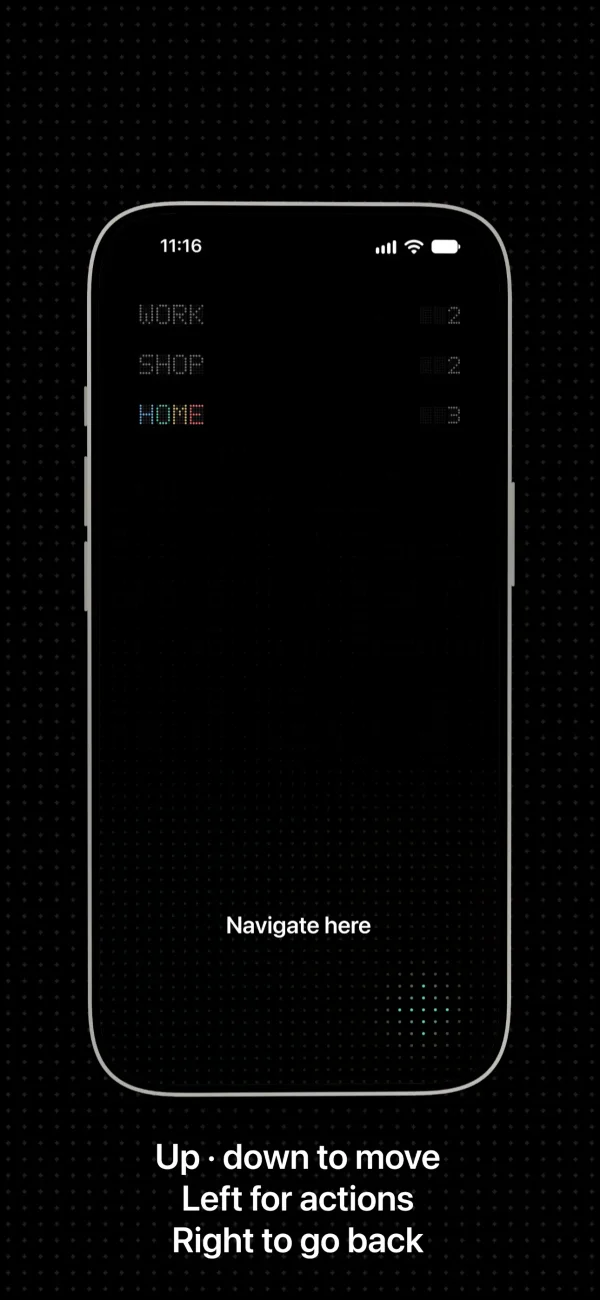
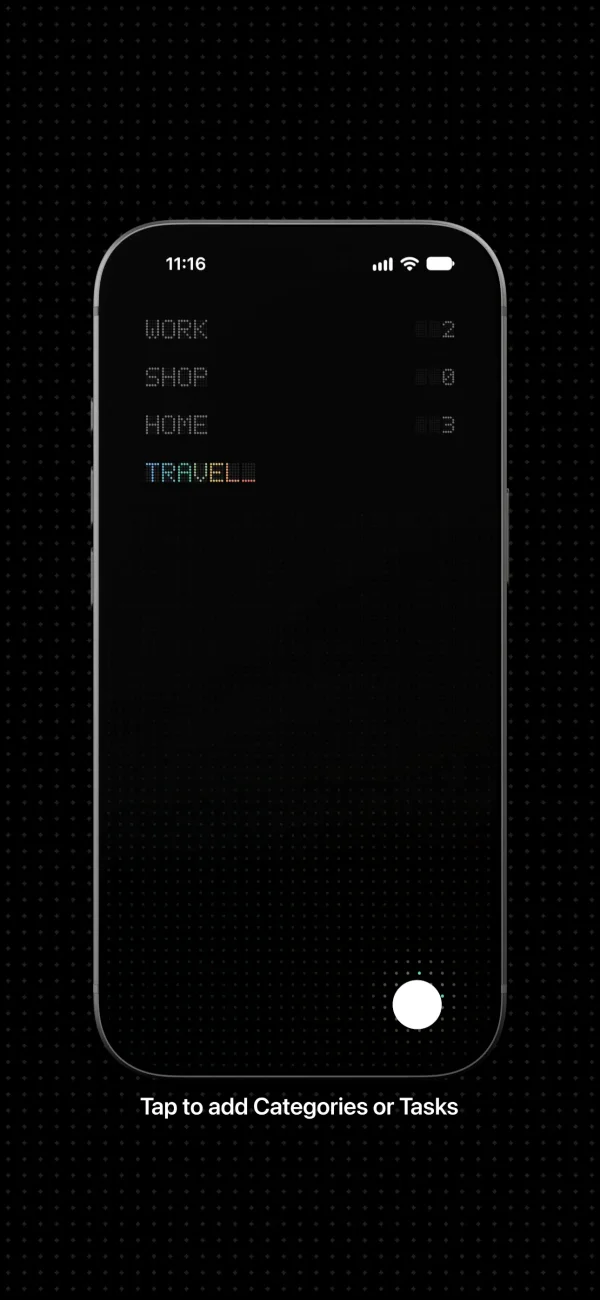
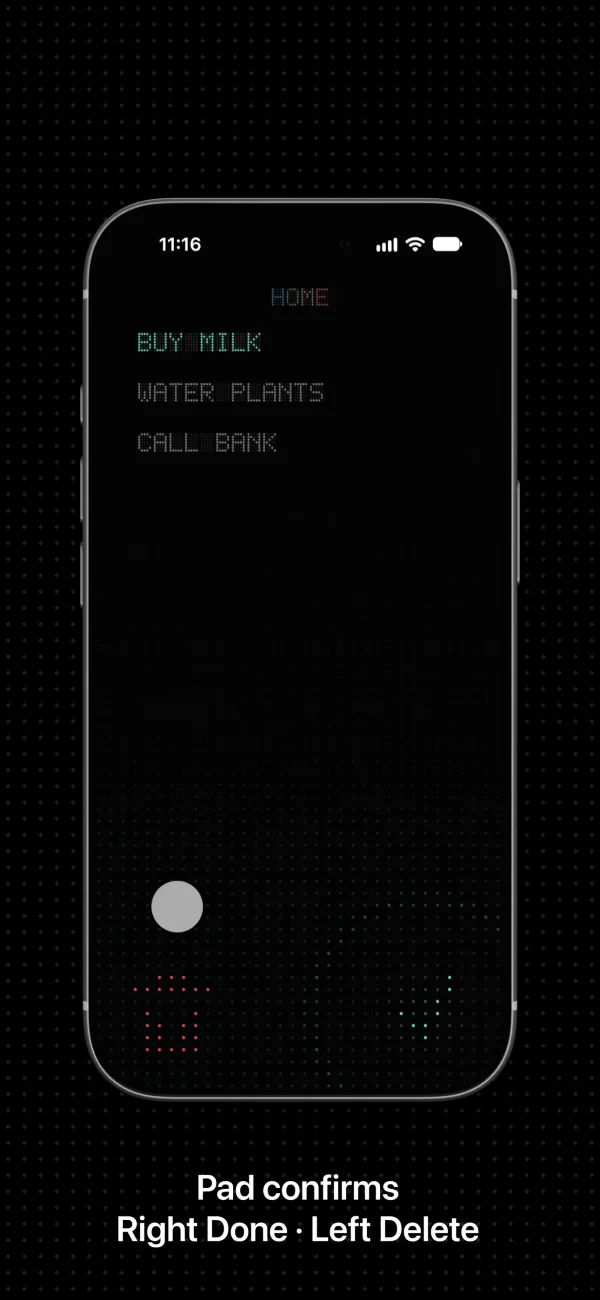
Two boards: Categories and Tasks. Your thumb stays on the pad — swipe to move.
What’s inside
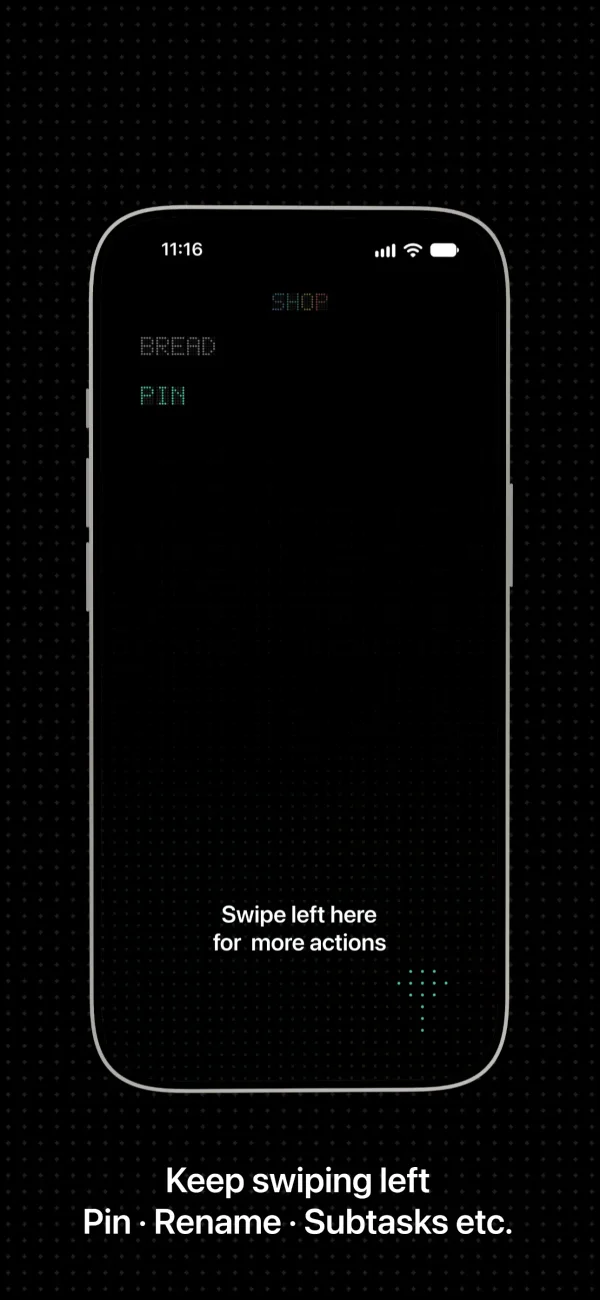
• Swipe Pad - Up/down moves the selection. Left arms Done or Delete; tap the pad to confirm.
• Pin - Keep important tasks on a PIN board.
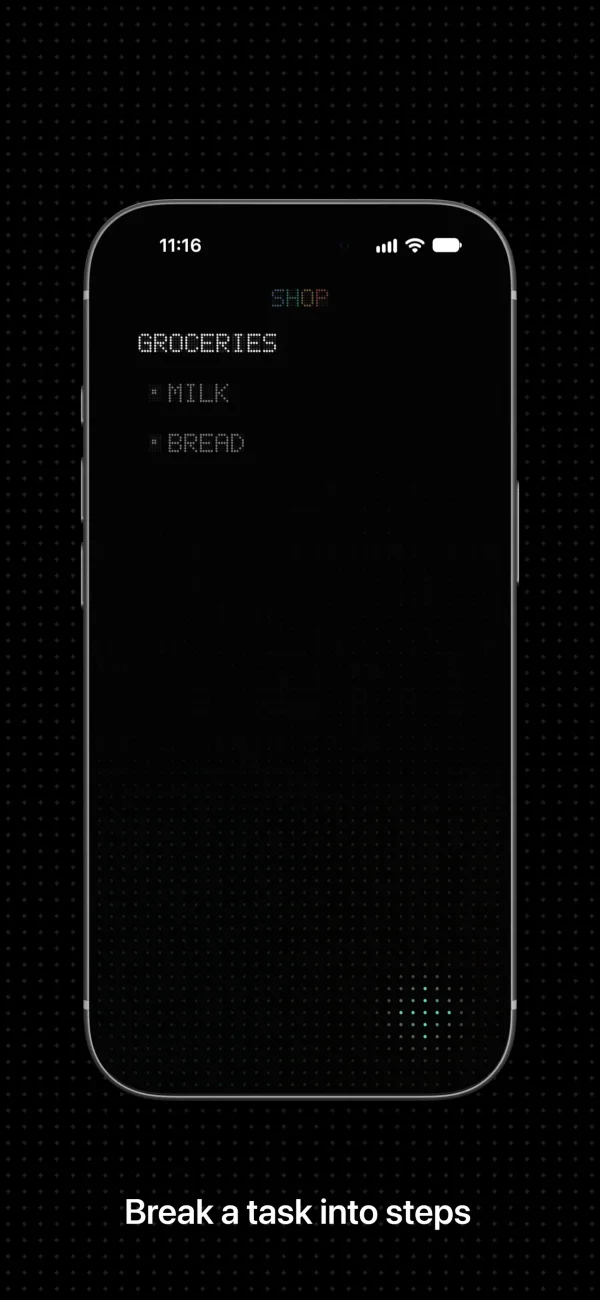
• Rename & subtasks - Change names and add subtasks for your tasks.
• Pad moments - Small animations on the pad when you pause(Rocket, beam, antenna, and more)
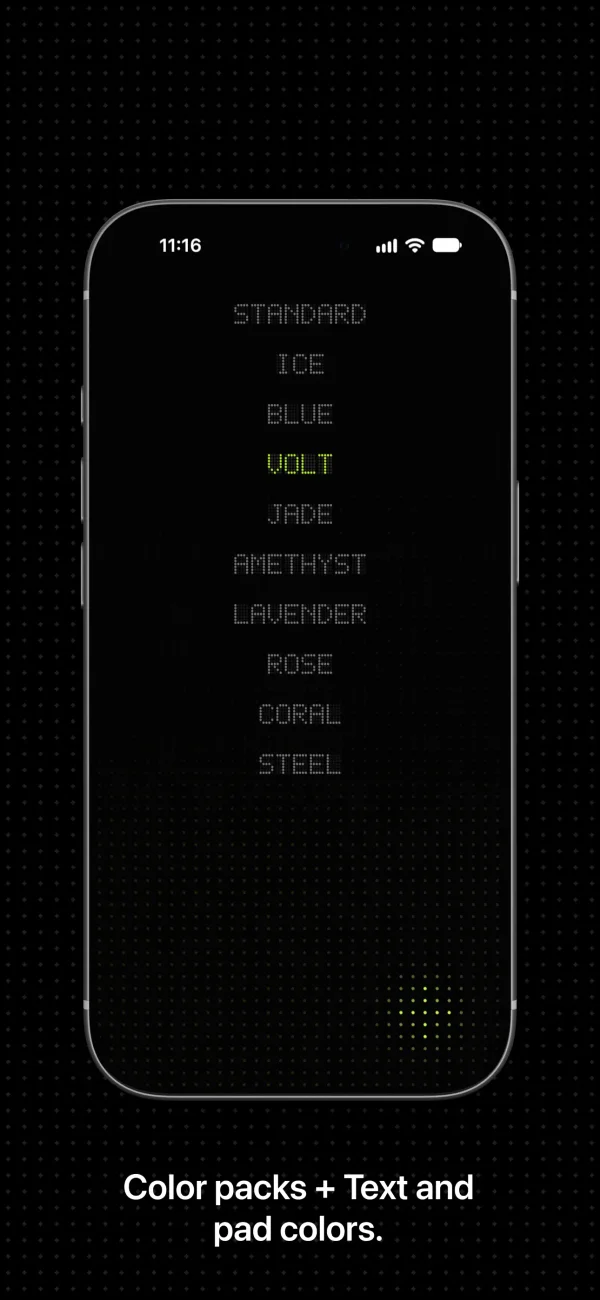
• Settings - Color packs, pad moments, and pad settings. Swipe right on Categories.
• Color packs - Pick a different look.
• iCloud Sync - Optional.
What’s new
Version 2.2 · Nov 5, 2026
• Settings — color packs, pad moments, and pad prefs
• Color packs for text and pad
• Fixes and polish
App privacy
What Cem Bozdogan declares on the App Store about how this app handles data.
-
Data linked to you
May be collected and linked to your identity.
- Usage data
Privacy practices may vary, for example with the features you use or your age.
Information
- Seller
- Cem Bozdogan
- Category
- Productivity
- Version
- 2.2
- Updated
- Nov 5, 2026
- Released
- Jan 5, 2026
- Size
- 3.9 MB
- Requires
- iOS 16.6 or later
- Age rating
- 4+
- Languages
- English
- Copyright
- © 2026 Cem Bozdogan
You might also like
-
 JtodoThe effortless task manager
-
 Relit-Visible contactVisible Contacts
-
 TaskSteps: AI Task DecomposerFrom overwhelm to in motion
-
 Boostly: Productivity & GrowthDaily Productivity Growth Tips
-
 Profoto TeamProductivity
-
 DIARYit: Diary JournalPrivate offline daily writing
-
 NoteStream — Capture Your MindSmarter Note Taking
-
 SafePrompt MobilePrivate Prompt & Text Manager
-
 PomodoistTasks, planning and focus
-
 Daily Glow RemindersDaily Reminders & Routines