
Pomodoist
Tasks, planning and focus
Designed for iPhone, iPad, Mac, iPod touch
Free · In-app purchases
- Age rating4+
- CategoryProductivity
- DeveloperFinchForge, LLC
- LanguagesEnglish+ 9 more
- Size69.8 MB
Links to the official App Store page
Download.org hosts no file of Pomodoist. The button opens its official App Store page, published by FinchForge, LLC. Listing last checked on Nov 24, 2026.
Screenshots




About
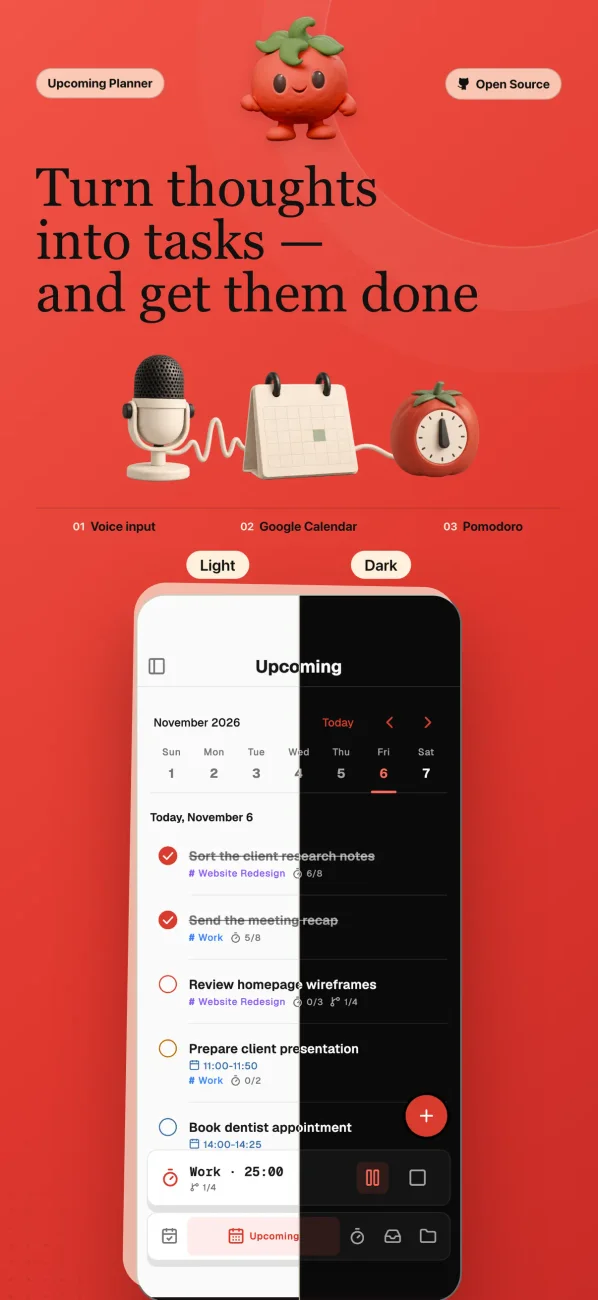
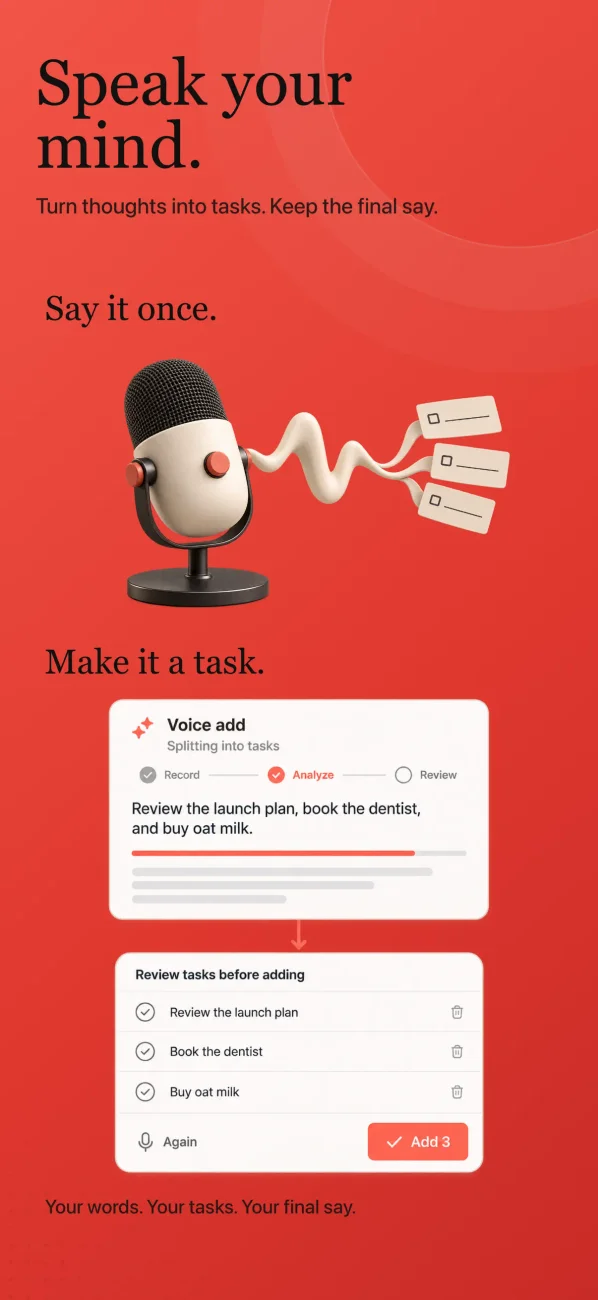
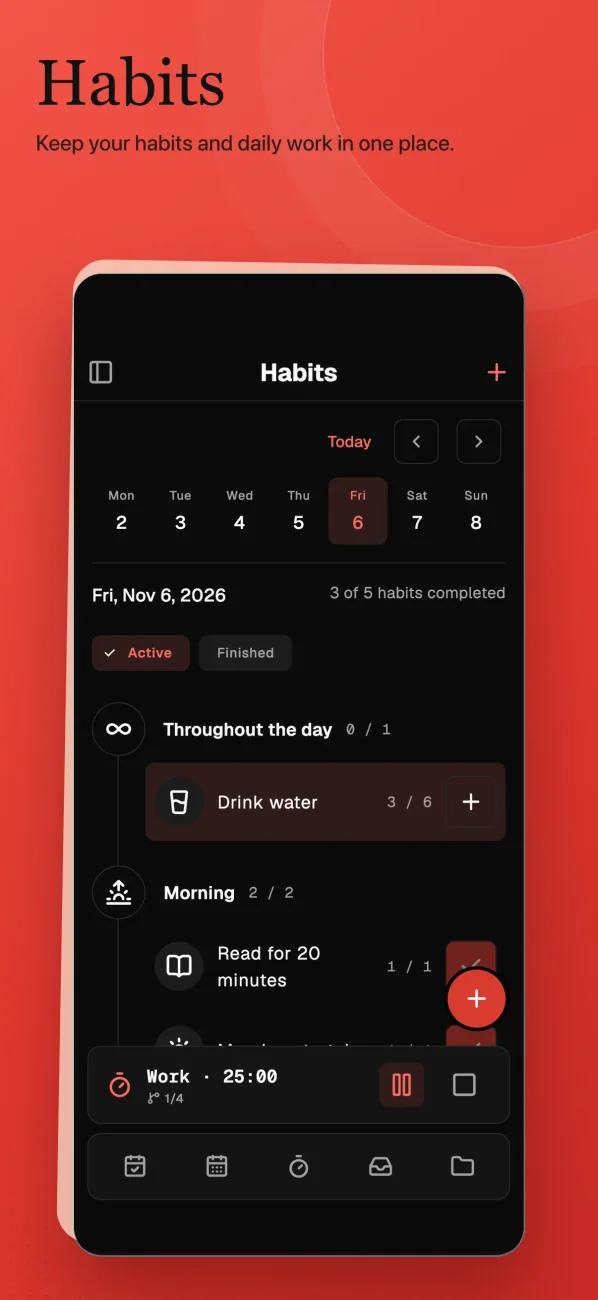
Turn thoughts into tasks, plan your day, and stay focused in one calm workspace. Pomodoist combines practical task management with a built-in Pomodoro timer so planning and focused work stay connected. PLAN YOUR WORK
• Capture tasks quickly with text or voice
• Organize projects, labels, priorities, and due dates
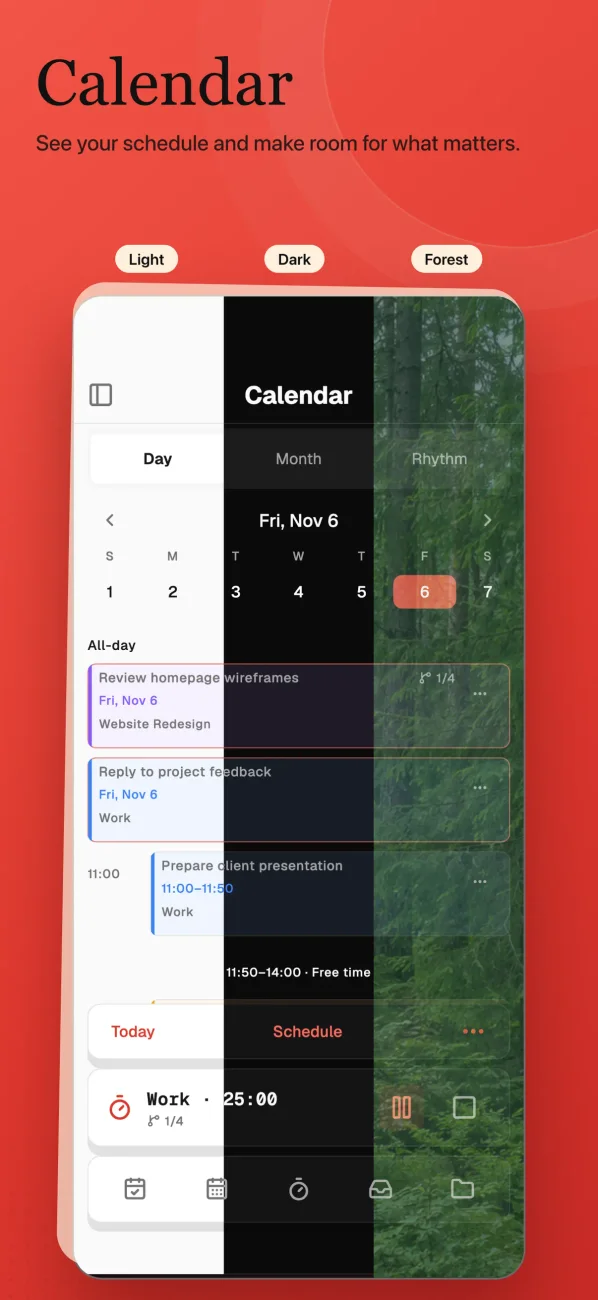
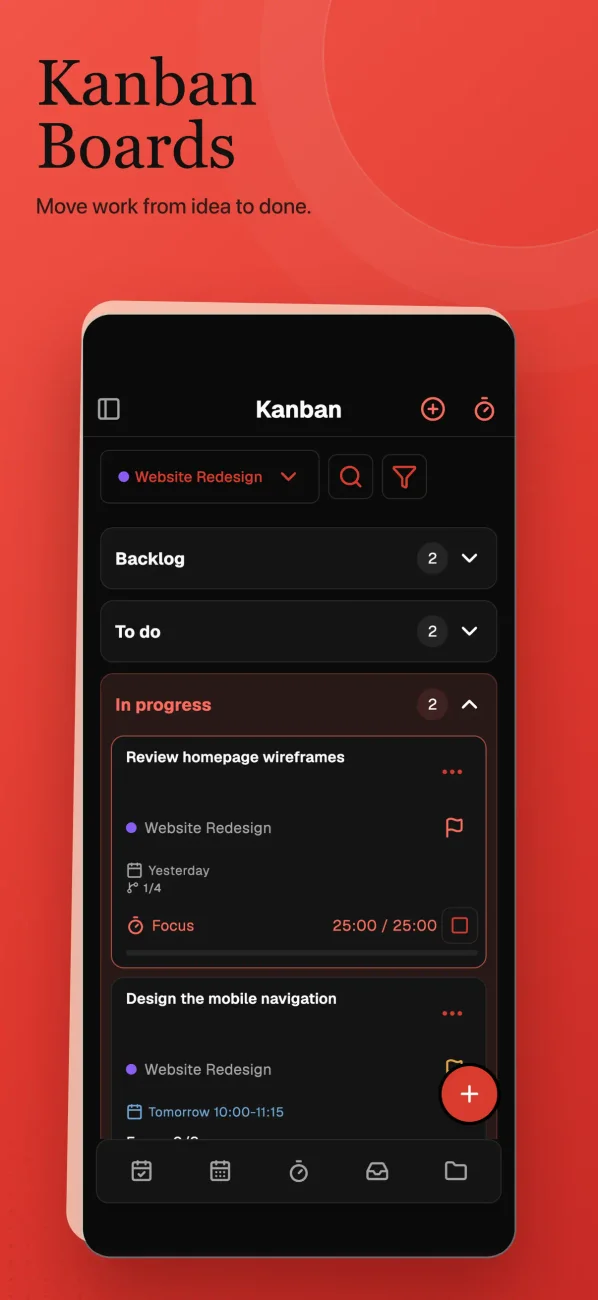
• See Today, Upcoming, Inbox, Timeline, Kanban, and Priority Matrix
• Search instantly across your workspace FOCUS ON WHAT MATTERS
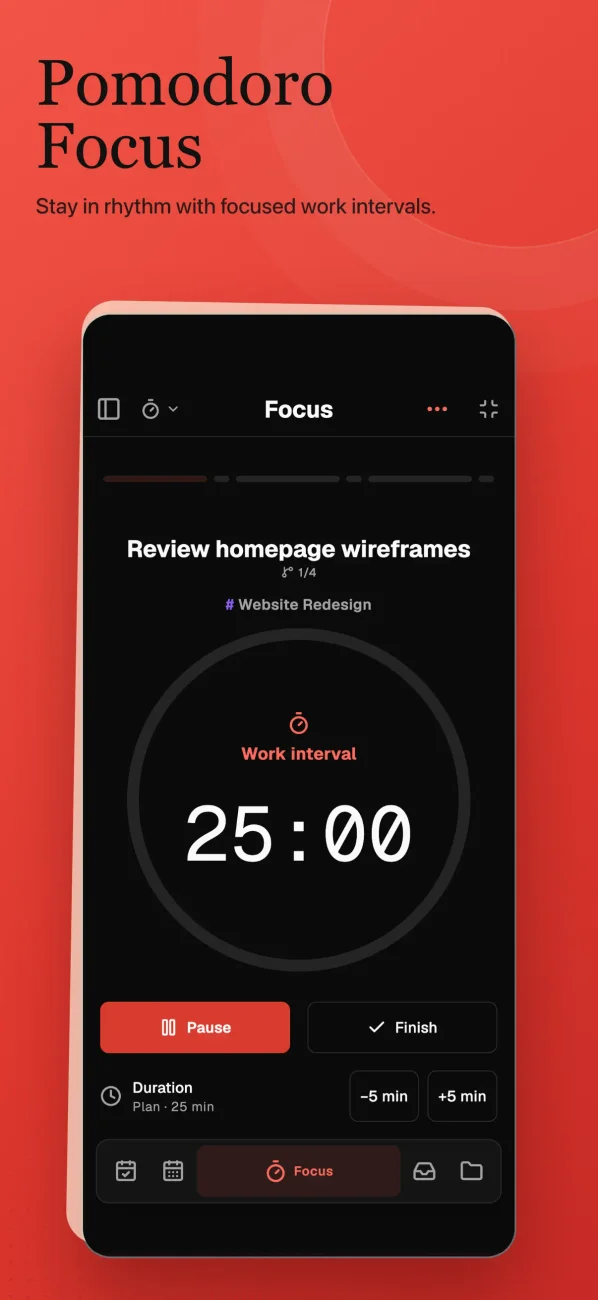
• Start Pomodoro sessions from any task
• Use full or minimal focus modes
• Track completed intervals and focus time
• Review productivity reports and weekly trends WORK ACROSS YOUR DEVICES
• Use Pomodoist on iPhone, iPad, Mac, and Apple Watch
• Sign in optionally to sync tasks between devices
• Connect Google Calendar to plan Pomodoist-created events
• Keep using the app locally without an account Pomodoist Pro is available through monthly, annual, or one-time lifetime purchases.
Payment and subscription management are handled by Apple. Privacy Policy: https://pomodoist.com/privacy/ Support: pomodoist@placeq.com
Terms of Use (EULA): https://www.apple.com/legal/internet-services/itunes/dev/stdeula/
What’s new
Version 1.1.9 · Nov 23, 2026
• Show task details in Today to see each task’s project and progress for the current session.
• Tap the date in Habits, Calendar, or Timeline to return to today. New tasks added from Calendar use the selected date.
• On iPhone, the Add Task button opens Quick Add with the current project selected.
App privacy
What FinchForge, LLC declares on the App Store about how this app handles data.
-
Data linked to you
May be collected and linked to your identity.
- Contact info
- User content
- Identifiers
-
Data not linked to you
May be collected but is not linked to your identity.
- Diagnostics
Privacy practices may vary, for example with the features you use or your age.
Information
- Seller
- FinchForge, LLC
- Category
- Productivity
- Version
- 1.1.9
- Updated
- Nov 23, 2026
- Released
- Aug 25, 2026
- Size
- 69.8 MB
- Requires
- iOS 15.0 or later
- Age rating
- 4+
- Price
- Free
- In-app purchases
- Yes
- Languages
- English, Arabic, French, German, Japanese, Korean, Portuguese, Russian, Simplified Chinese, Spanish
- Copyright
- © 2026 FinchForge, LLC
You might also like
-
 TaqNote AI Voice NotesAI notes from your voice
-
 Return: Focus & App BlockerScheduled blocks. Timed access
-
 Task Hub: To-Do PlannerPlan today. Do what's next.
-
 Mosf - Tasks AppOne‑finger tasks.
-
 Todoingly: To Do List & TasksDaily Planner, Kanban, Widgets
-
 Tiny-Wins1% Better Every Day
-
 SmartNotes: умные заметкиProductivity
-
 Atlas · Built for Focused WorkPlan. Focus. Execute.
-
 Yah.Nah. ADHD Task PlannerSwipe Apple Reminders to Focus
-
 MemoFlow: Memos ClientYour Memos, anywhere.