
Motion Detector Camera
Motion-detecting Security Cam
Designed for iPhone, iPad, iPod touch
$3.99
- Age rating4+
- CategoryUtilities
- DeveloperHeng Jia Liang
- LanguagesEnglish
- Size43.0 MB
Links to the official App Store page
Download.org hosts no file of Motion Detector Camera. The button opens its official App Store page, published by Heng Jia Liang. Listing last checked on Nov 12, 2026.
Screenshots
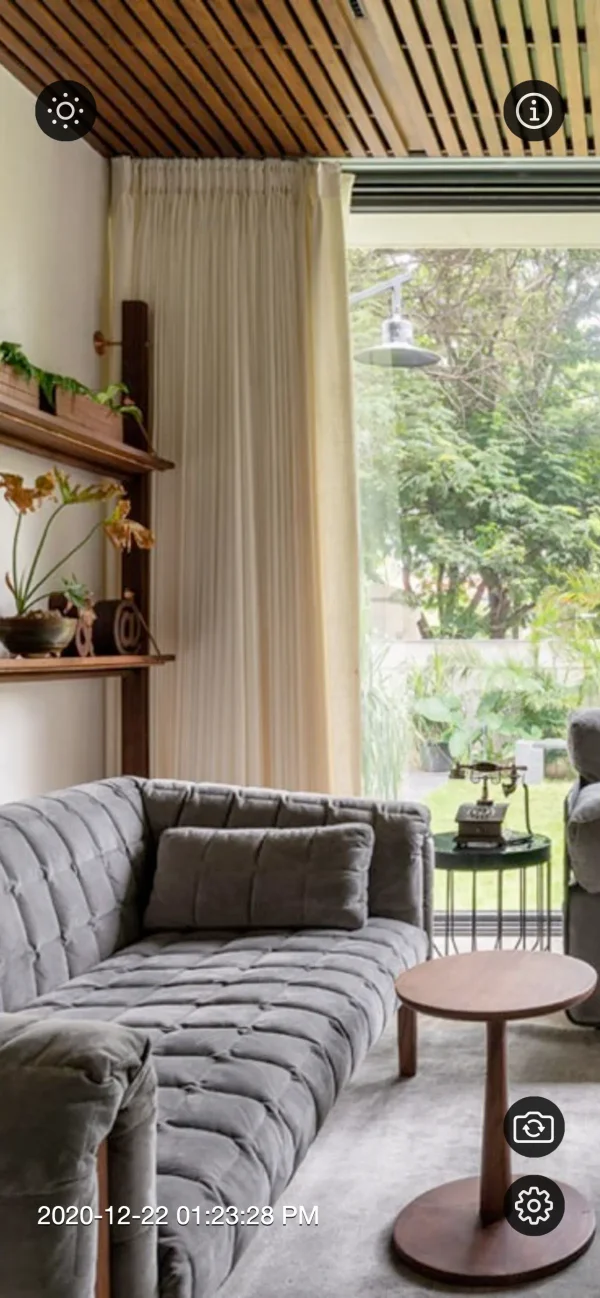
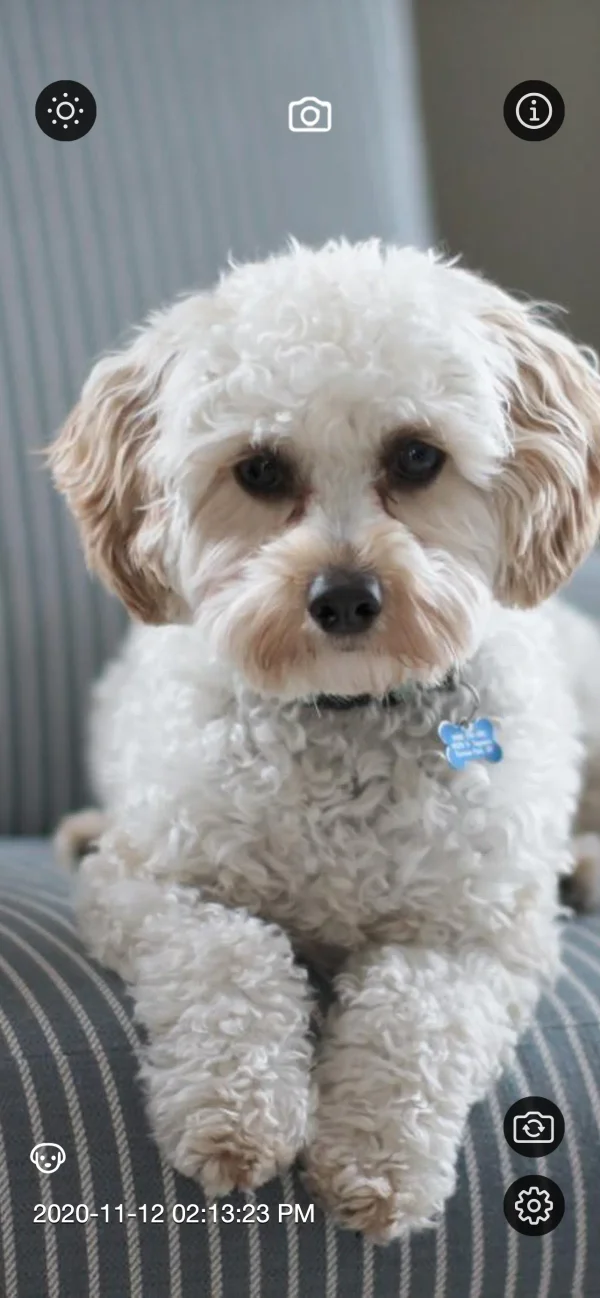
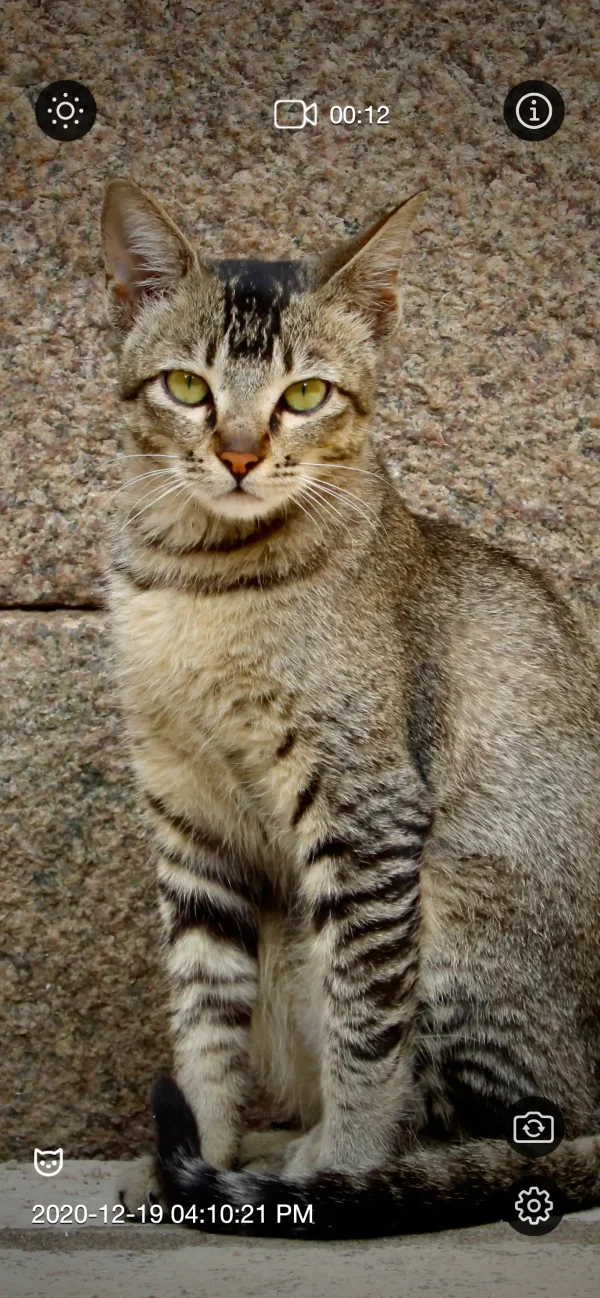

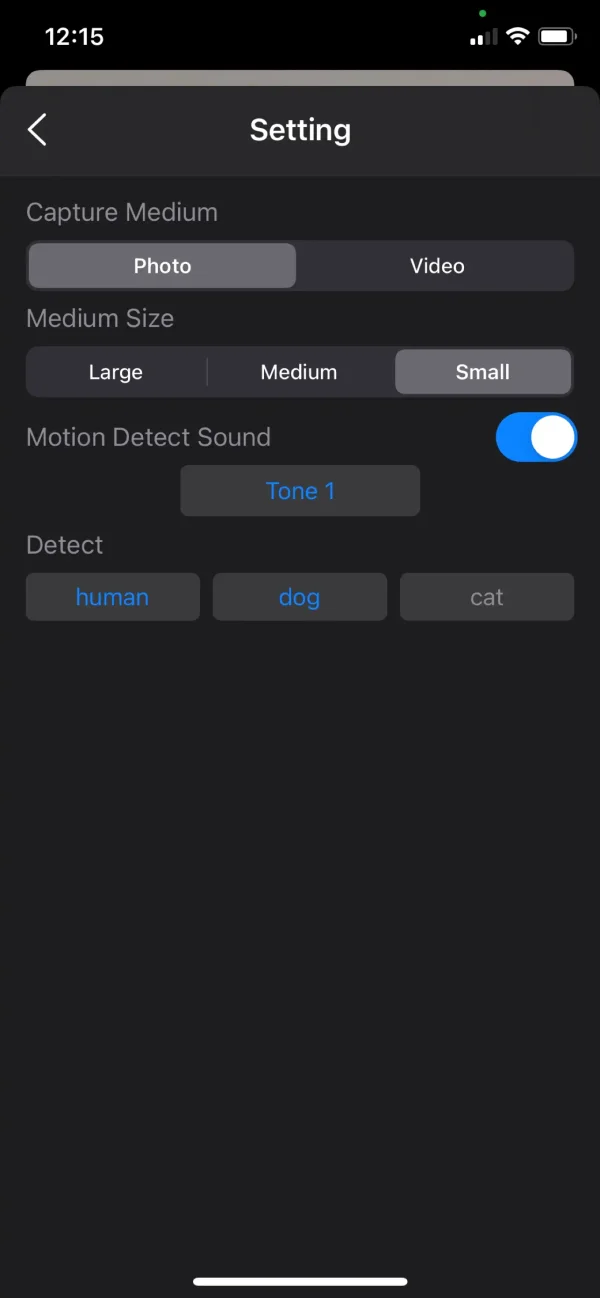



About
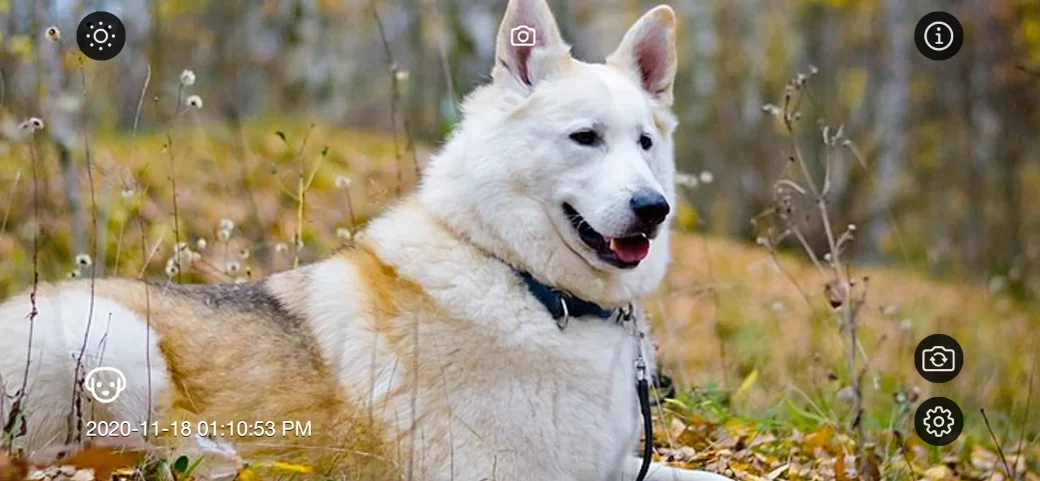
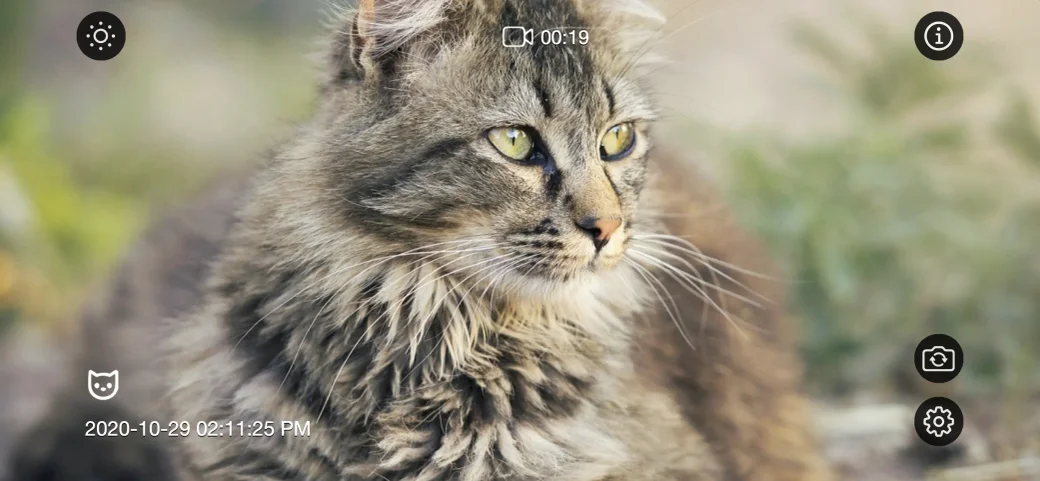
Motion Detector Camera is a camera surveillance app, that uses the built-in camera to detect movements in the surrounding area using an advanced motion detection algorithm. If it detects movement, it can sound beep to notify you.
When the motion detection camera detects changes, it starts recording automatically. It will detect any moving object within camera view. This app enables you to use your iDevice as a remote surveillance camera with motion detection functionality.
Features:
- Support both front/back camera.
- Support both portrait/landscape mode.
- Camera pinch to zoom specific area.
- Video/Image size range from 4k[supported device only]/fHD or HD
- Switch between video or photo mode.
- Detect Human, Cat or Dog.
- Option to dime screen while recording.
- Icon indicator while recording/photo capture.
- Option to sound beep when motion detected.
- Option to select difference sound tone for motion detection.
- Surveillance images/videos are saved in the photo library for fast and easy access.
- All images/videos are stored inside camera roll / Motion Detecter album.
- Image capture with date, time, plus object type icon embed.
- Video name with date, time and object type. E.g. 20200815-0530PM-dog.mp4
Tips:
- Specific object you want to detect, select cat if you need to detect cat only. All other objects will be ignored.
- Use dime screen option for battery saver.
- Tap on the dime screen icon to dime screen. To wake up the screen just tap on the screen again.
- Pinch to zoom to a specific area for monitoring.
- Use small video/image size for smaller storage/energy footprint.
- When in photo capture mode, images are captured for every 3 second interval.
- In video capture mode, video capturing start once object is detected, video capturing stop when object is missing from the camera view.
Usage:
- Pet Monitor, see what your dog and cat are doing while you are busy.
- Help secure homes and detects someone is in your home when they shouldn't be.
- Anything else you can imagine.
Thanks for your support and do visit nitrio.com for more apps for your iOS devices.
What’s new
Version 1.5 · Oct 15, 2025
- Updated for the newest devices.
- Minor bugs fixed.
App privacy
What Heng Jia Liang declares on the App Store about how this app handles data.
-
Data not collected
The developer does not collect any data from this app.
Privacy practices may vary, for example with the features you use or your age.
Information
- Seller
- Heng Jia Liang
- Category
- Utilities
- Version
- 1.5
- Updated
- Oct 15, 2025
- Released
- Jul 11, 2016
- Size
- 43.0 MB
- Requires
- iOS 12.0 or later
- Age rating
- 4+
- Price
- $3.99
- Languages
- English
- Copyright
- © Heng Jia Liang
You might also like
-
 Motion Sensor NLKCamera Motion Sensor
-
 Alarmist LiDAR Motion DetectorNight Vision Alarm & Camera
-
 WatchSpot: Motion Alarm CameraIf It Moves - Motion Detector
-
 Motion Alert AudioAlerts for lights and motion
-
 Snitch: Motion Detector CameraSound Alerts & Pet Monitor
-
 Motion Sensor Analyzer ToolPro Sensor Logger & Analyzer
-
 SentryBlack — Security CameraMotion-alert security camera
-
 Vigil: Motion Detector AlarmSecurity cam & intruder alert
-
 Vaultek EnterpriseUtilities
-
 Night Eyes - Low Light CameraLow light photography