
Motion Detector Camera
Motion-detecting Security Cam
iPhone, iPad, iPod touch向けに設計
¥600
- 対象年齢4+
- カテゴリユーティリティ
- 開発元Heng Jia Liang
- 言語英語
- サイズ43.0 MB
App Storeの公式ページにリンクしています
Download.orgはMotion Detector Cameraのファイルを一切ホストしていません。ボタンを押すと、Heng Jia Liangが公開しているApp Storeのアプリページが開きます。ページの最終確認:2026/11/12。
スクリーンショット



概要
開発元はこのテキストをお使いの言語で提供していません。
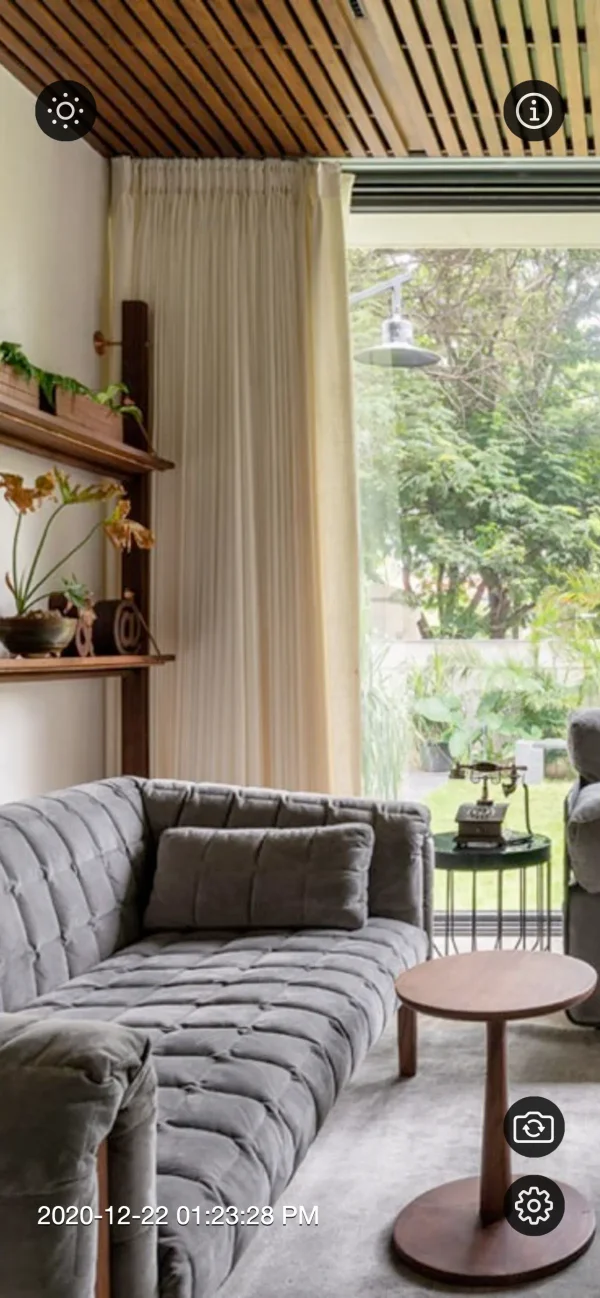
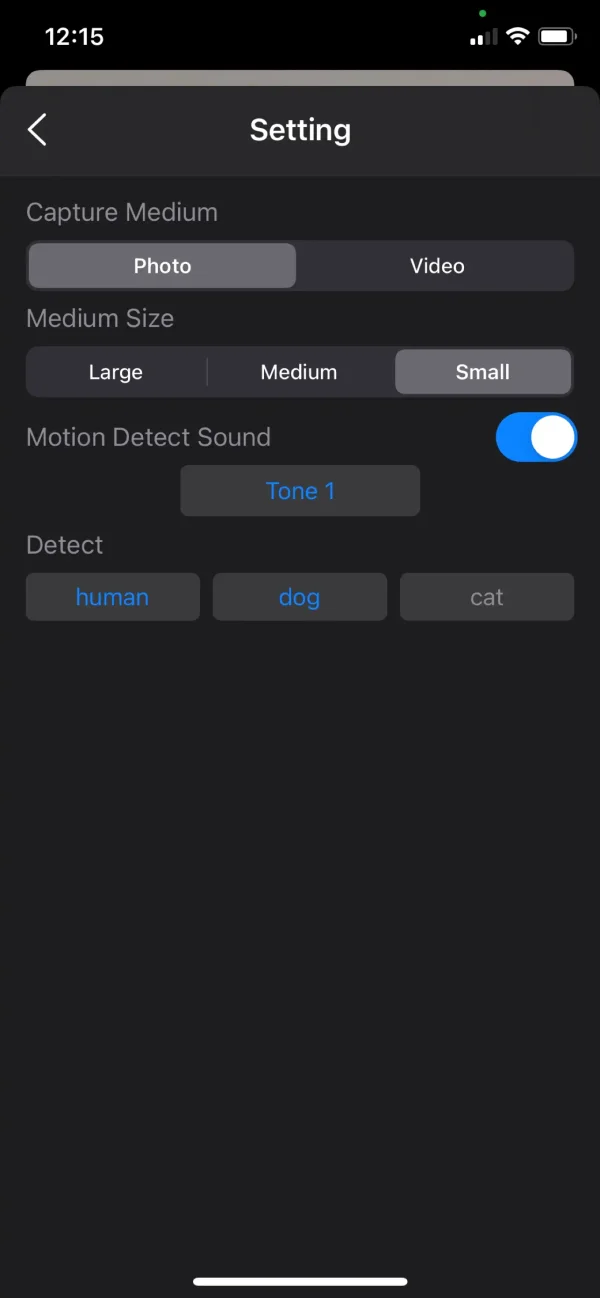
Motion Detector Camera is a camera surveillance app, that uses the built-in camera to detect movements in the surrounding area using an advanced motion detection algorithm. If it detects movement, it can sound beep to notify you.
When the motion detection camera detects changes, it starts recording automatically. It will detect any moving object within camera view. This app enables you to use your iDevice as a remote surveillance camera with motion detection functionality.
Features:
- Support both front/back camera.
- Support both portrait/landscape mode.
- Camera pinch to zoom specific area.
- Video/Image size range from 4k[supported device only]/fHD or HD
- Switch between video or photo mode.
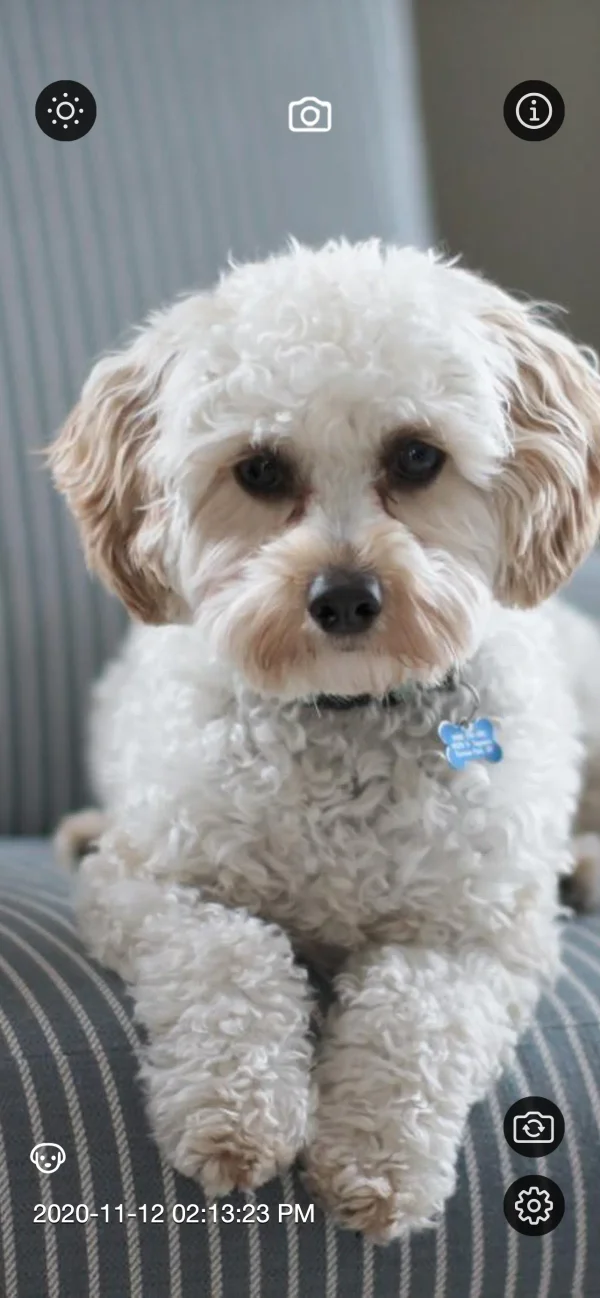
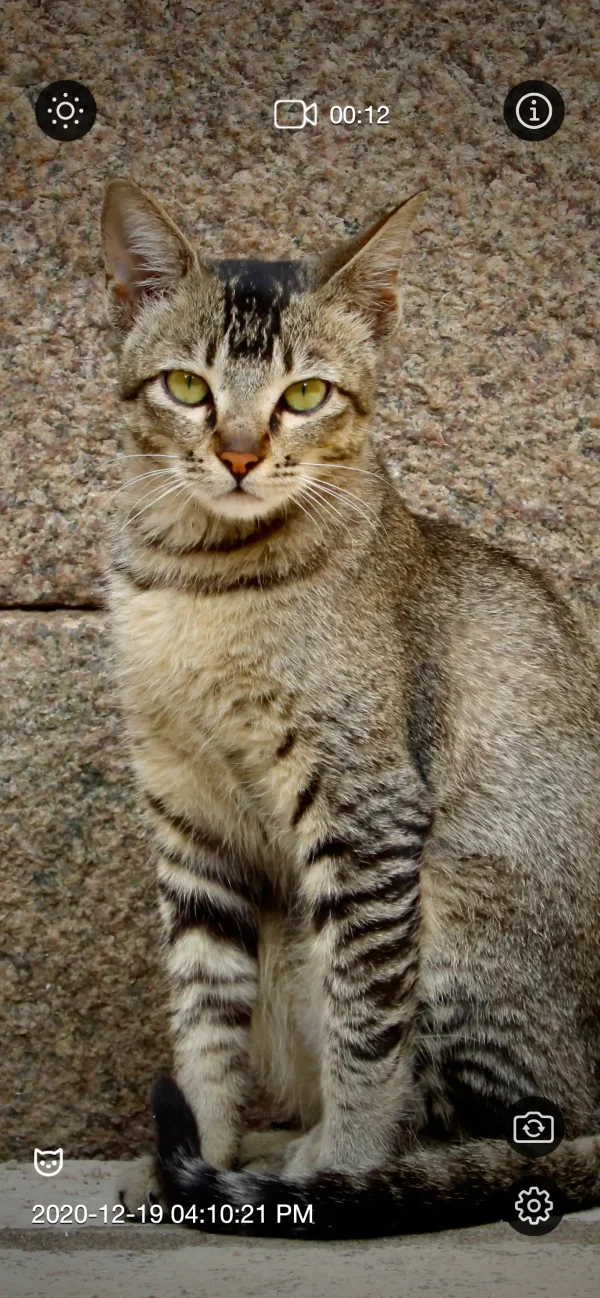
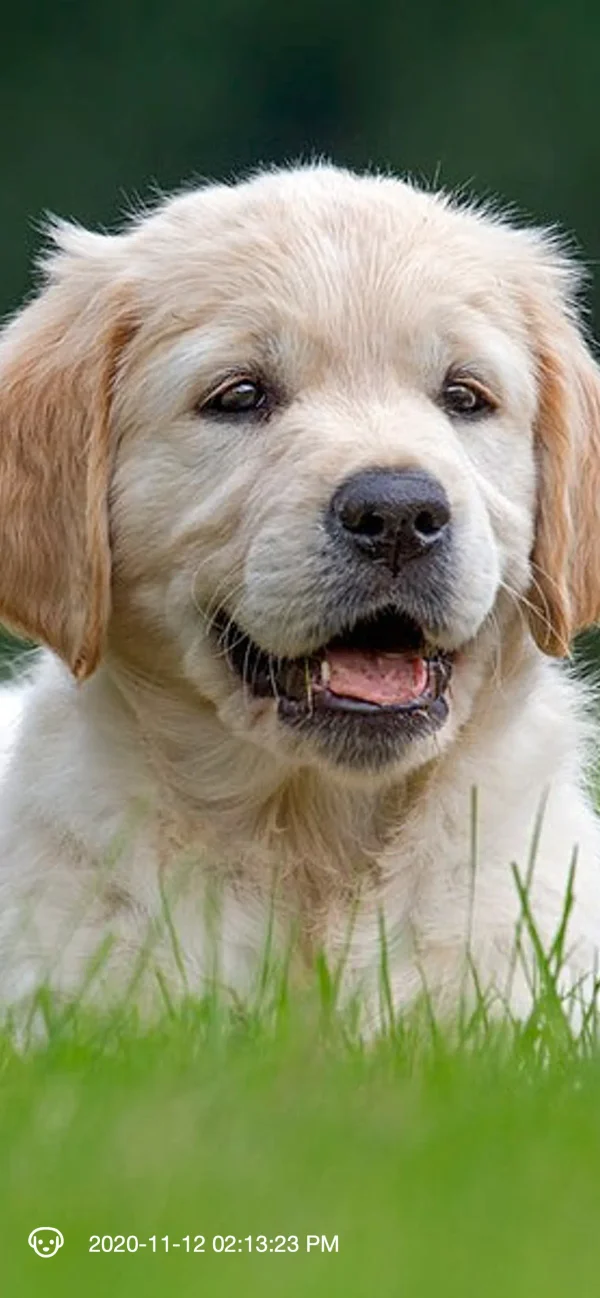
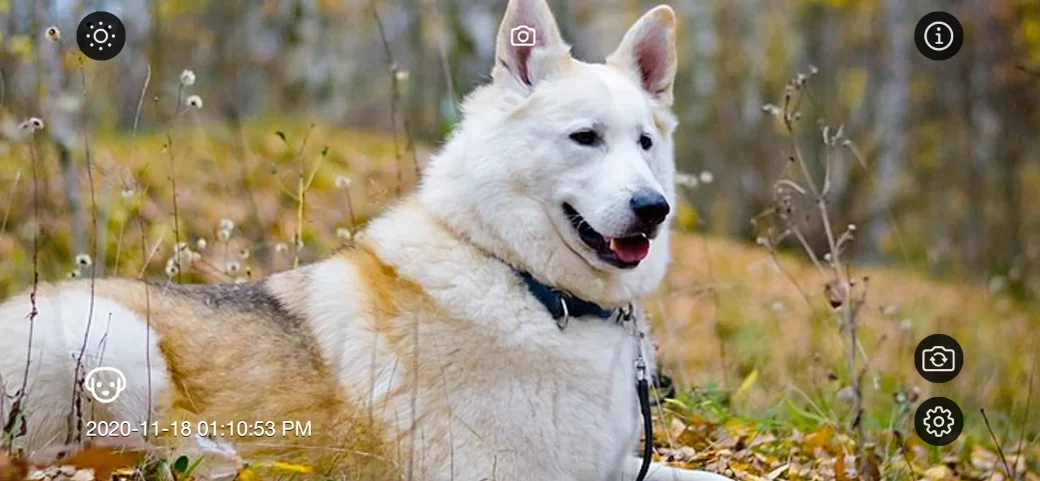
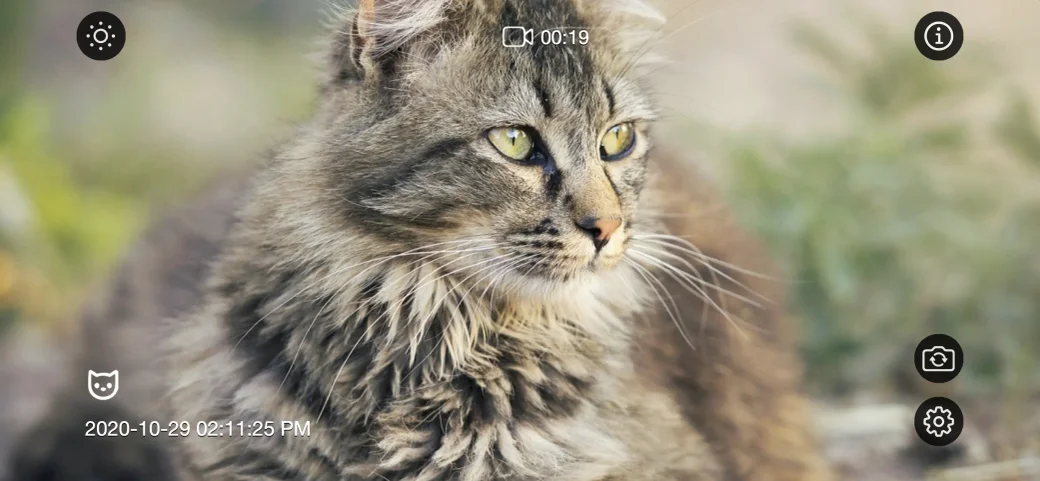
- Detect Human, Cat or Dog.
- Option to dime screen while recording.
- Icon indicator while recording/photo capture.
- Option to sound beep when motion detected.
- Option to select difference sound tone for motion detection.
- Surveillance images/videos are saved in the photo library for fast and easy access.
- All images/videos are stored inside camera roll / Motion Detecter album.
- Image capture with date, time, plus object type icon embed.
- Video name with date, time and object type. E.g. 20200815-0530PM-dog.mp4
Tips:
- Specific object you want to detect, select cat if you need to detect cat only. All other objects will be ignored.
- Use dime screen option for battery saver.
- Tap on the dime screen icon to dime screen. To wake up the screen just tap on the screen again.
- Pinch to zoom to a specific area for monitoring.
- Use small video/image size for smaller storage/energy footprint.
- When in photo capture mode, images are captured for every 3 second interval.
- In video capture mode, video capturing start once object is detected, video capturing stop when object is missing from the camera view.
Usage:
- Pet Monitor, see what your dog and cat are doing while you are busy.
- Help secure homes and detects someone is in your home when they shouldn't be.
- Anything else you can imagine.
Thanks for your support and do visit nitrio.com for more apps for your iOS devices.
新機能
バージョン 1.5 · 2025/10/15
- Updated for the newest devices.
- Minor bugs fixed.
アプリのプライバシー
このアプリのデータの取り扱いについて、Heng Jia LiangがApp Storeで申告している内容です。
-
データの収集なし
開発元はこのアプリからデータを収集しません。
プライバシーの取り扱いは、ご利用の機能やお客様の年齢などに応じて異なる場合があります。
情報
- 販売元
- Heng Jia Liang
- カテゴリ
- ユーティリティ
- バージョン
- 1.5
- 更新日
- 2025/10/15
- リリース
- 2016/7/11
- サイズ
- 43.0 MB
- 必要条件
- iOS 12.0以降
- 対象年齢
- 4+
- 価格
- ¥600
- 言語
- 英語
- 著作権
- © Heng Jia Liang
こちらもおすすめ
-
 Motion Sensor NLKユーティリティ
-
 Alarmist LiDAR動体検知アラーム暗闇でも使える赤外線防犯カメラ
-
 WatchSpot: 動作検知アラーム防犯カメラ 盗難防止 センサー
-
 Motion Alert Audioユーティリティ
-
 Snitch: Motion Detector Cameraユーティリティ
-
 Motion Sensor Analyzer Toolユーティリティ
-
 SentryBlack — Security Cameraユーティリティ
-
 Vigil: Motion Detector Alarmユーティリティ
-
 Vaultek Enterpriseユーティリティ
-
 Night Eyes - 夜カメラ隠し撮りカメラ