
Motion PController
Phone as PC controller
Designed for iPhone, iPad, iPod touch
Free
- Age rating4+
- CategoryEntertainment
- DeveloperHUA CHE HSU
- LanguagesEnglish
- Size24.2 MB
Links to the official App Store page
Download.org hosts no file of Motion PController. The button opens its official App Store page, published by HUA CHE HSU. Listing last checked on Nov 23, 2026.
Screenshots

About
Motion PController turns your phone into a wireless controller for your Windows PC: a touchpad, air mouse, keyboard and numpad, media remote, Xbox 360 gamepad, or a motion controller you tilt to ride a motorcycle or fly a plane.
MODES
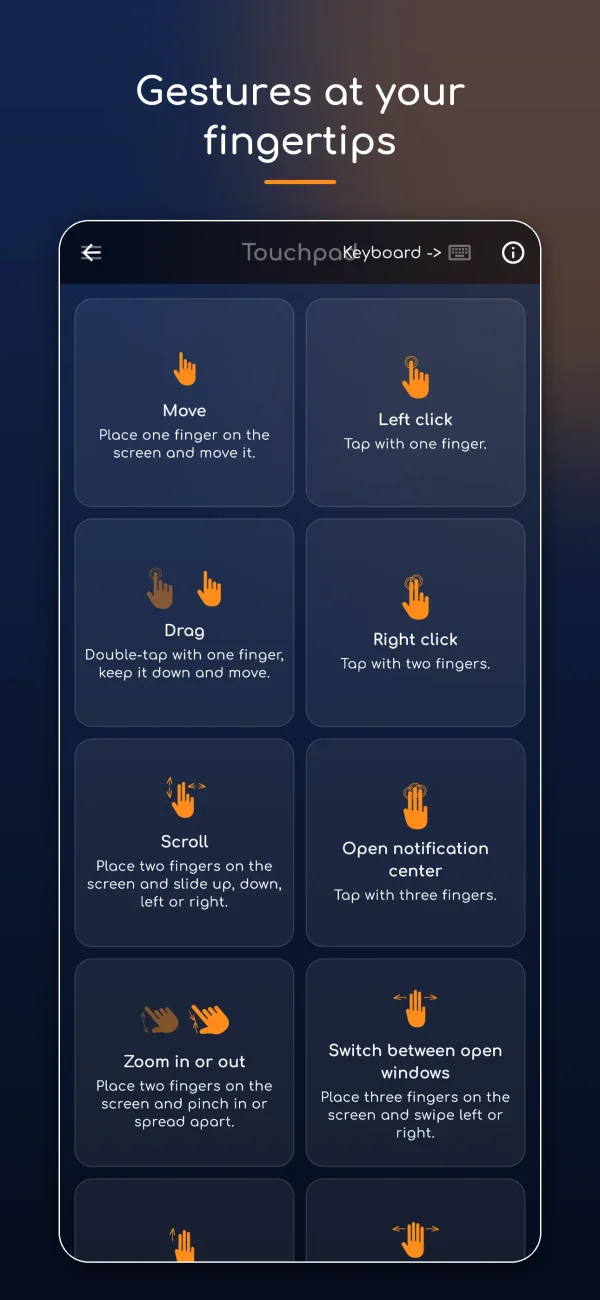
• Touchpad: move, click, drag, two-finger scroll, pinch to zoom, three- and four-finger gestures for Task View, app switching, desktops and show desktop, plus a keyboard for typing
• Air Mouse: point the phone to move the cursor
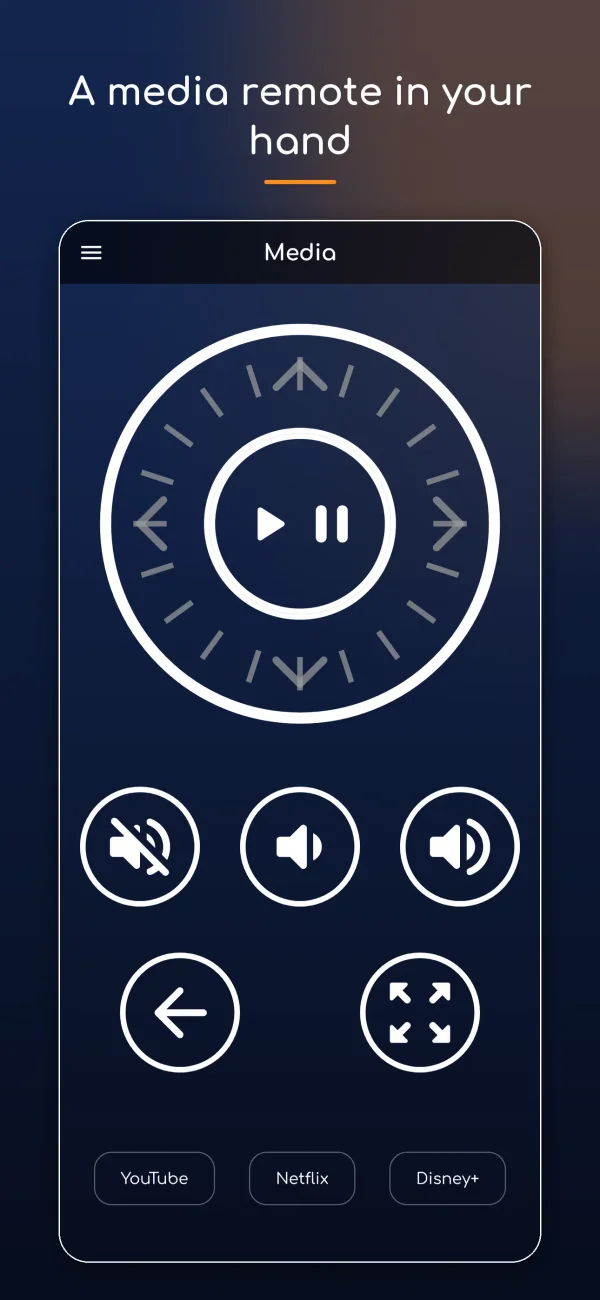
• Media: play / pause, volume, arrows, YouTube, Netflix and Disney+ shortcuts
• Numpad: a full numeric keypad
• Gamepad: a virtual Xbox 360 controller with rumble
• Motorcycle: tilt to steer and accelerate, volume buttons for clutch and brake, tilt with the clutch to shift gears
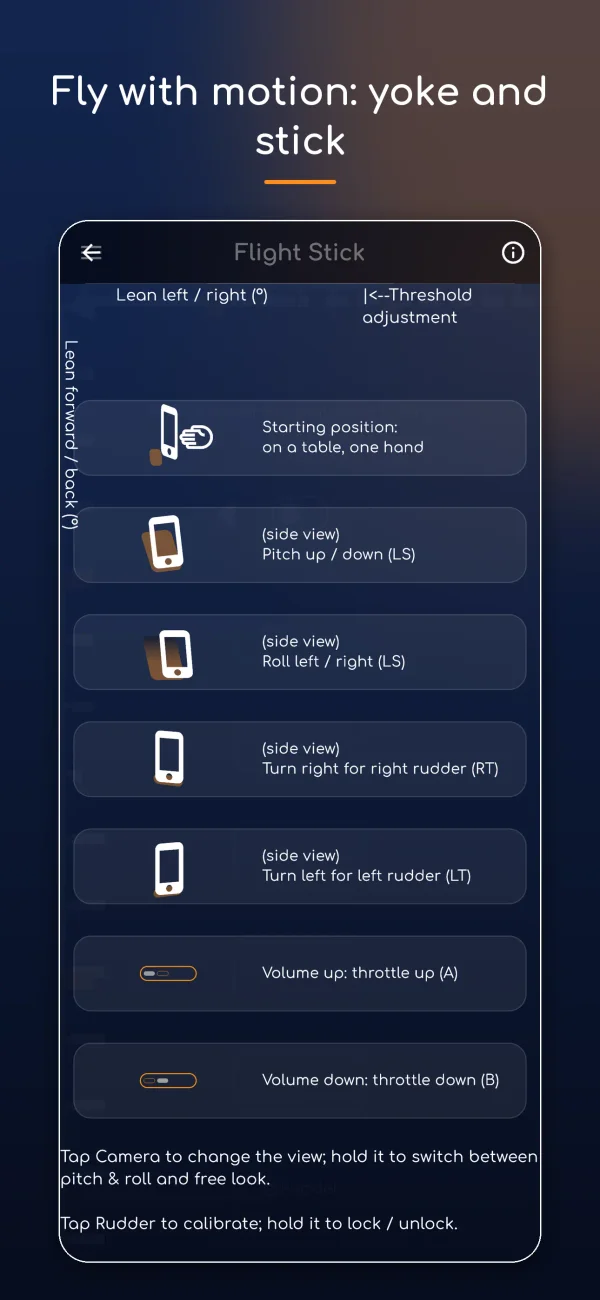
• Flight Yoke and Flight Stick: fly in flight simulators with pitch, roll, rudder, throttle, flaps and landing gear
HOW TO CONNECT (Wi-Fi)
1. Connect your phone and PC to the same network.
2. On the PC, download and run MotionPController (free): https://github.com/walush2023/MotionPController/releases/latest
3. Install ViGEmBus when asked (needed for the gamepad and motion modes).
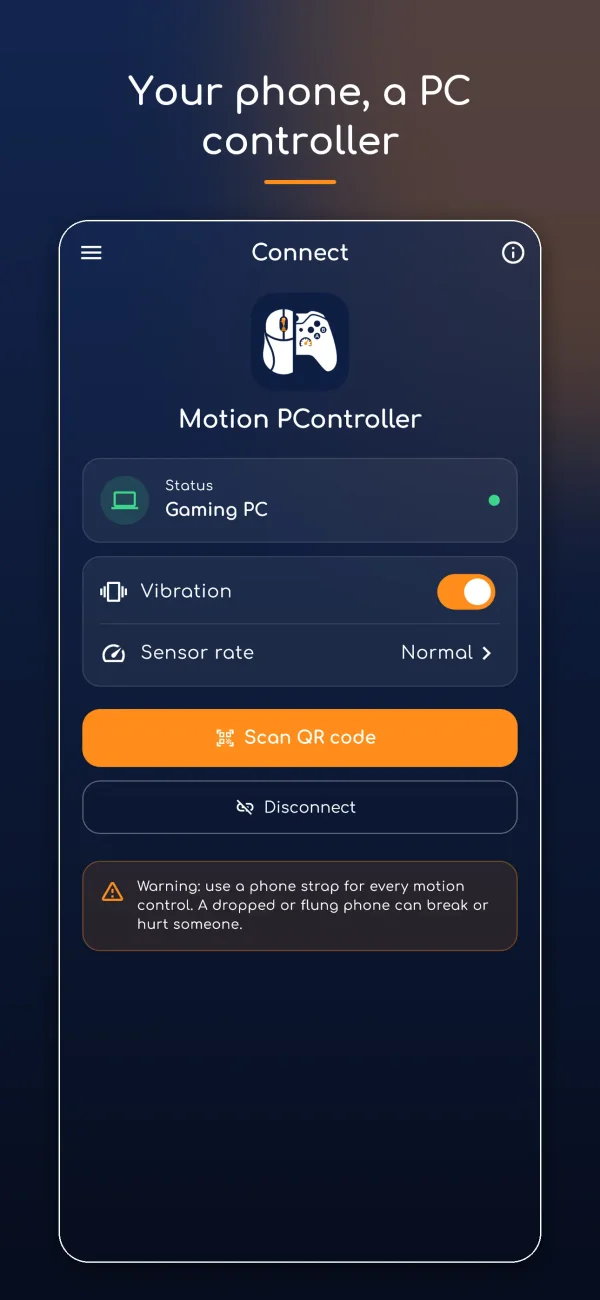
4. Tap "Scan QR code" in the app and scan the code on your PC.
PRO UPGRADE
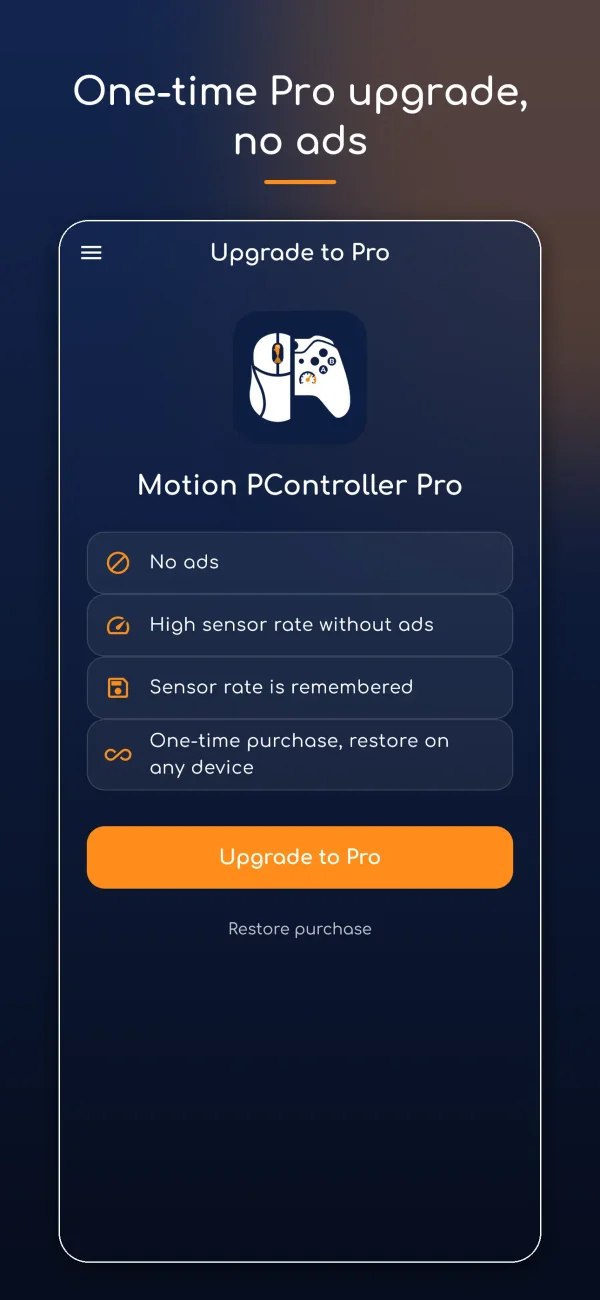
Free with ads. A one-time Pro purchase removes ads, unlocks the High sensor rate without ads and remembers your settings.
Safety: use a phone strap for every motion control. A dropped or flung phone can break or hurt someone.
What’s new
Version 2.4.1 · Nov 22, 2026
New icon and design, smoother help animations, rewritten instructions, a one-time Pro upgrade inside the app, and stability fixes.
App privacy
What HUA CHE HSU declares on the App Store about how this app handles data.
-
Data used to track you
May be used to track you across apps and websites owned by other companies.
- Usage data
-
Data not linked to you
May be collected but is not linked to your identity.
- Usage data
Privacy practices may vary, for example with the features you use or your age.
Information
- Seller
- HUA CHE HSU
- Category
- Entertainment
- Version
- 2.4.1
- Updated
- Nov 22, 2026
- Released
- Apr 10, 2023
- Size
- 24.2 MB
- Requires
- iOS 15.0 or later
- Age rating
- 4+
- Price
- Free
- Languages
- English
- Copyright
- © Walush
You might also like
-
 DLUAct, shout, and guess words!
-
 WAPPFY - Web ApplicationsTaking web apps to a new level
-
 ARtoon - Augmented RealityAR Effects & 3D Objects
-
 Neon PC Remote PlayPlay Your PC Games On Mobile!
-
 FoxolGame Emulator
-
 HeadTrackHead tracker app
-
 R-LightEntertainment
-
 The ReaListThe ULTIMATE Prediction Tool!
-
 GRID: Tournaments & EventsTournament manager for esports
-
 Unifi OSMentalism unleashed