
Motion PController
Phone as PC controller
Được thiết kế cho iPhone, iPad, iPod touch
Miễn phí
- Độ tuổi4+
- Danh mụcGiải Trí
- Nhà phát triểnHUA CHE HSU
- Ngôn ngữTiếng Anh
- Kích thước24,2 MB
Liên kết đến trang App Store chính thức
Download.org không lưu trữ tệp nào của Motion PController. Nút này mở trang ứng dụng trên App Store, nơi HUA CHE HSU phát hành ứng dụng. Trang được kiểm tra lần cuối: 23/11/2026.
Ảnh chụp màn hình

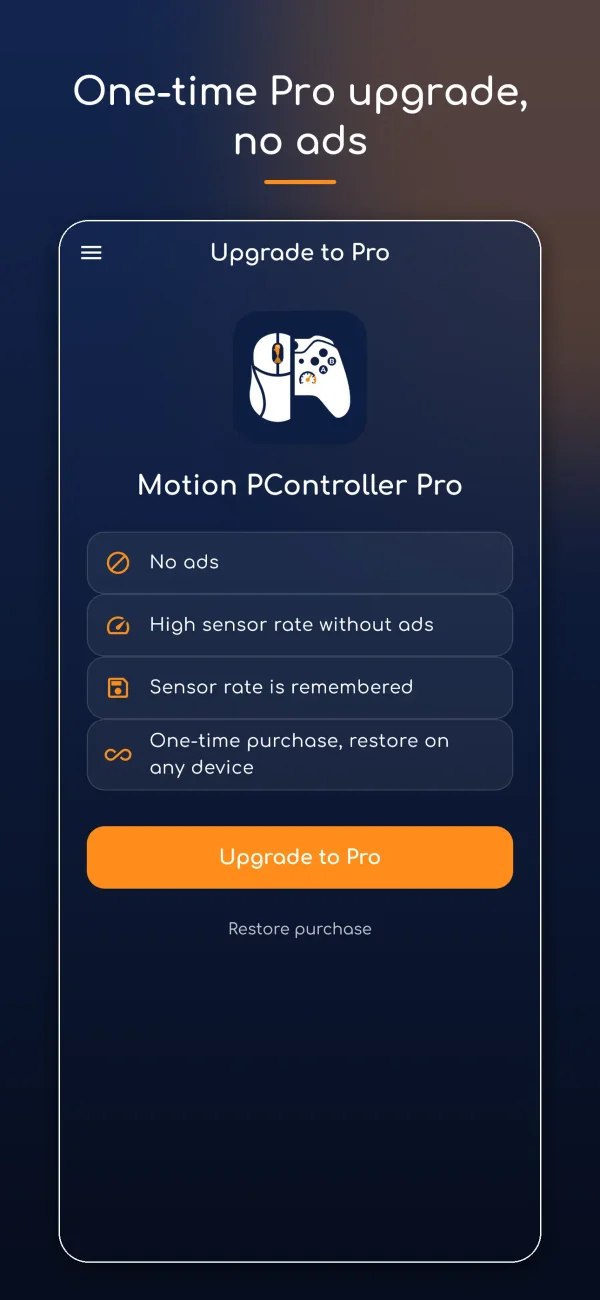
Giới thiệu
Nhà phát triển chưa cung cấp nội dung này bằng ngôn ngữ của bạn.
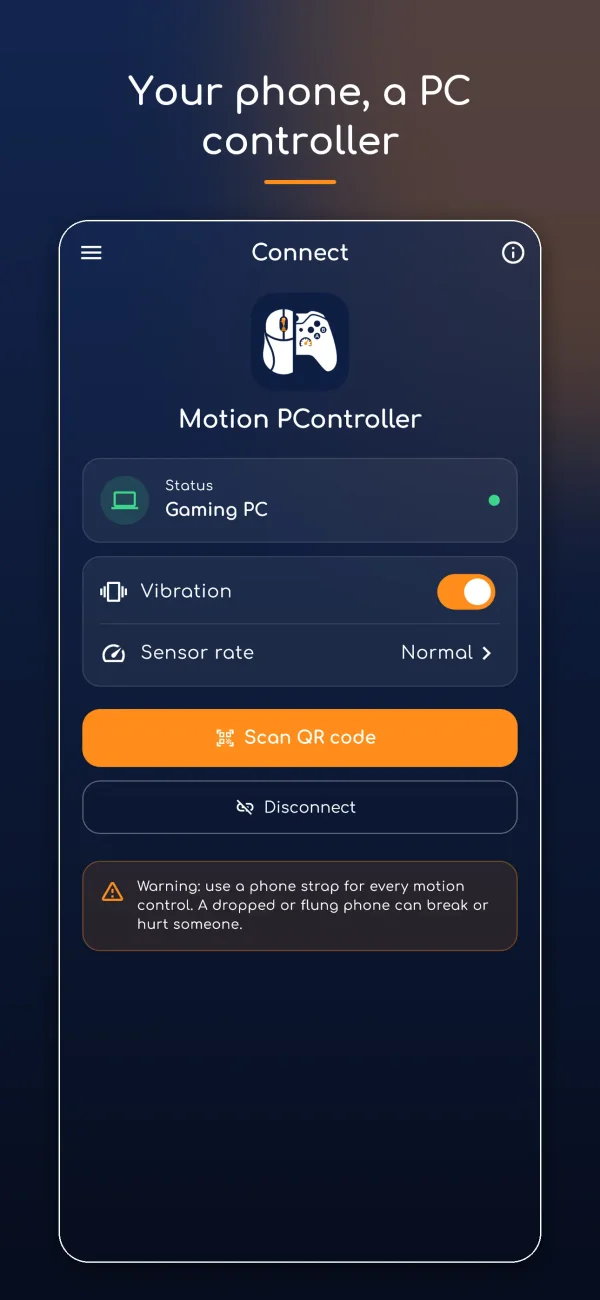
Motion PController turns your phone into a wireless controller for your Windows PC: a touchpad, air mouse, keyboard and numpad, media remote, Xbox 360 gamepad, or a motion controller you tilt to ride a motorcycle or fly a plane.
MODES
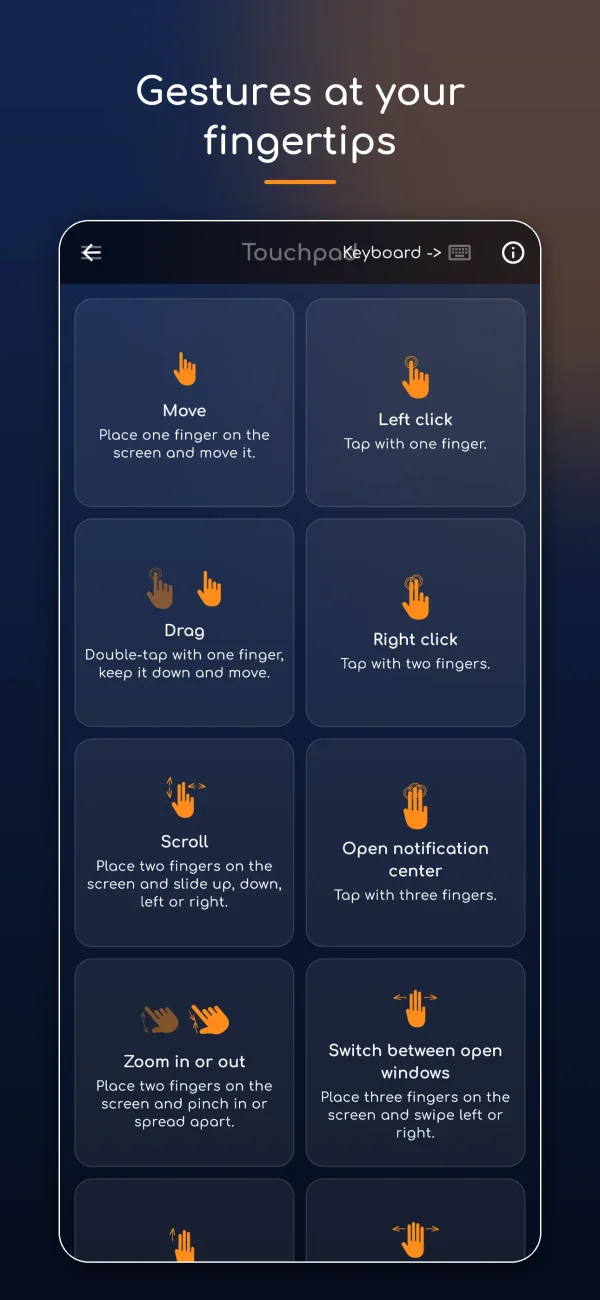
• Touchpad: move, click, drag, two-finger scroll, pinch to zoom, three- and four-finger gestures for Task View, app switching, desktops and show desktop, plus a keyboard for typing
• Air Mouse: point the phone to move the cursor
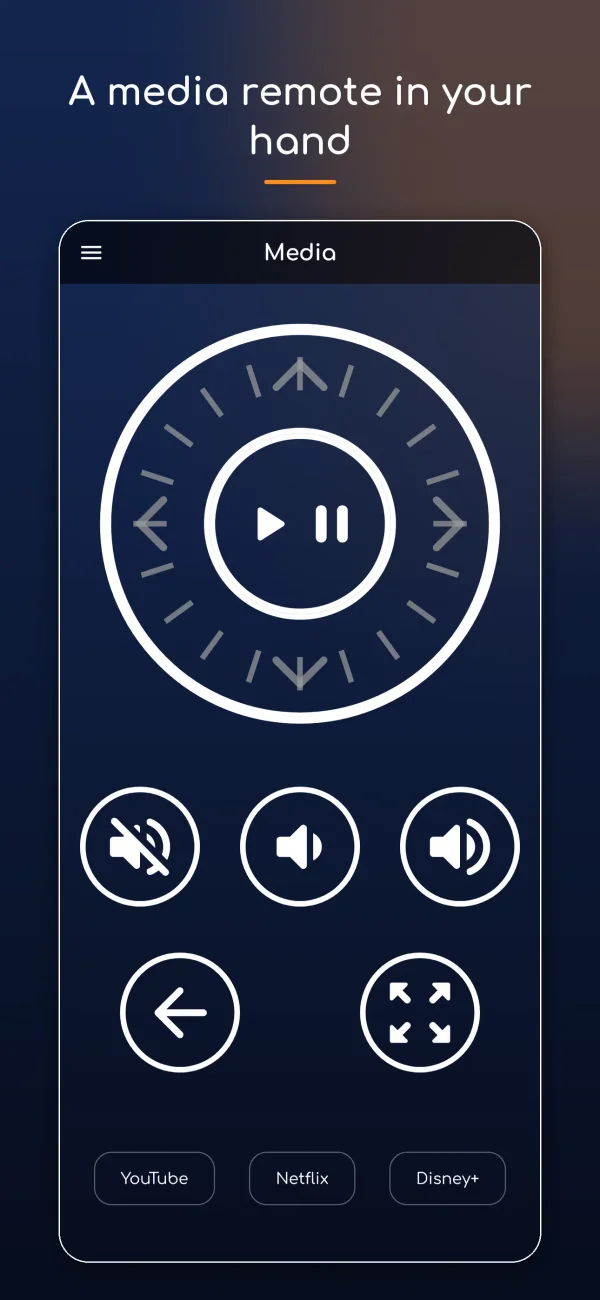
• Media: play / pause, volume, arrows, YouTube, Netflix and Disney+ shortcuts
• Numpad: a full numeric keypad
• Gamepad: a virtual Xbox 360 controller with rumble
• Motorcycle: tilt to steer and accelerate, volume buttons for clutch and brake, tilt with the clutch to shift gears
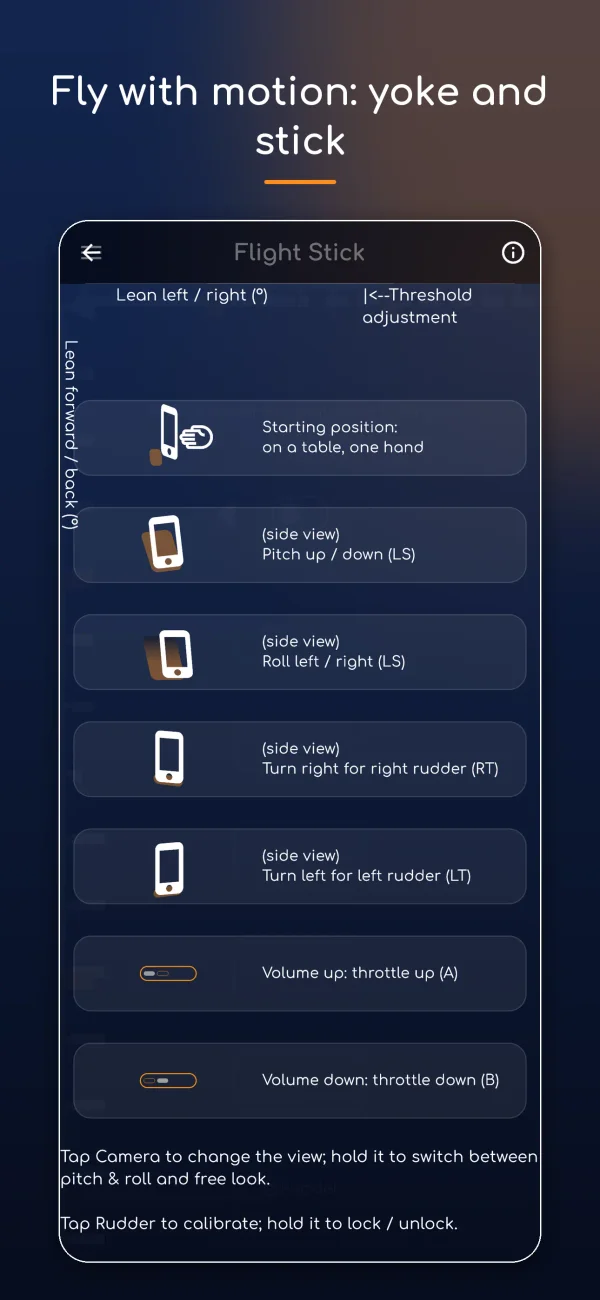
• Flight Yoke and Flight Stick: fly in flight simulators with pitch, roll, rudder, throttle, flaps and landing gear
HOW TO CONNECT (Wi-Fi)
1. Connect your phone and PC to the same network.
2. On the PC, download and run MotionPController (free): https://github.com/walush2023/MotionPController/releases/latest
3. Install ViGEmBus when asked (needed for the gamepad and motion modes).
4. Tap "Scan QR code" in the app and scan the code on your PC.
PRO UPGRADE
Free with ads. A one-time Pro purchase removes ads, unlocks the High sensor rate without ads and remembers your settings.
Safety: use a phone strap for every motion control. A dropped or flung phone can break or hurt someone.
Có gì mới
Phiên bản 2.4.1 · 22/11/2026
New icon and design, smoother help animations, rewritten instructions, a one-time Pro upgrade inside the app, and stability fixes.
Quyền riêng tư của ứng dụng
Những gì HUA CHE HSU khai báo trên App Store về cách ứng dụng này xử lý dữ liệu.
-
Dữ liệu được sử dụng để theo dõi bạn
Có thể được sử dụng để theo dõi bạn trên các ứng dụng và trang web do công ty khác sở hữu.
- Dữ liệu sử dụng
-
Dữ liệu không liên kết với bạn
Có thể được thu thập nhưng không liên kết với danh tính của bạn.
- Dữ liệu sử dụng
Phương thức đảm bảo quyền riêng tư có thể khác nhau, chẳng hạn như tuỳ theo các tính năng bạn sử dụng hoặc độ tuổi của bạn.
Thông tin
- Người bán
- HUA CHE HSU
- Danh mục
- Giải Trí
- Phiên bản
- 2.4.1
- Cập nhật
- 22/11/2026
- Phát hành
- 10/04/2023
- Kích thước
- 24,2 MB
- Yêu cầu
- iOS 15.0 trở lên
- Độ tuổi
- 4+
- Giá
- Miễn phí
- Ngôn ngữ
- Tiếng Anh
- Bản quyền
- © Walush