
MouseHero
Turn your phone into a mouse
Designed for iPhone, iPod touch
Free · In-app purchases
- Age rating4+
- CategoryUtilities
- Developer洁 许
- LanguagesEnglish+ 2 more
- Size39.0 MB
Links to the official App Store page
Download.org hosts no file of MouseHero. The button opens its official App Store page, published by 洁 许. Listing last checked on Nov 18, 2026.
Screenshots
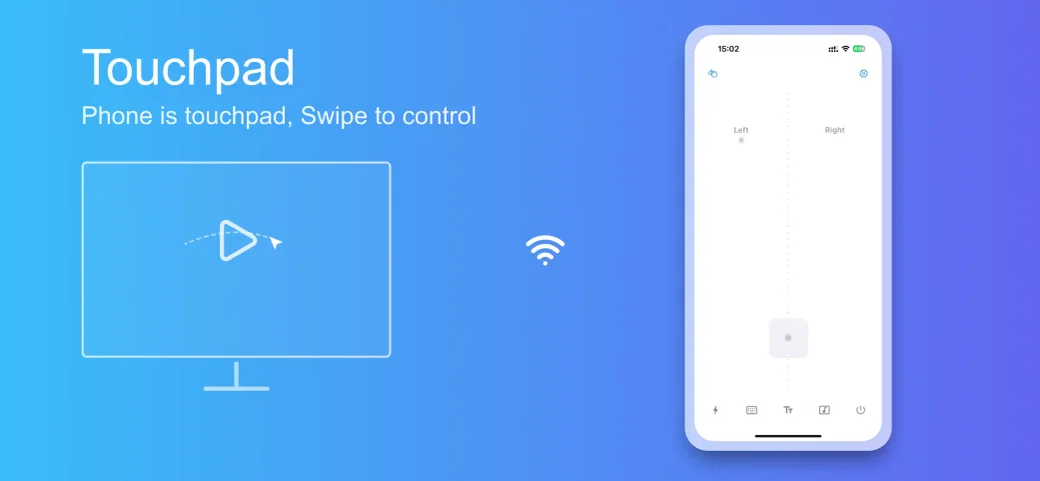
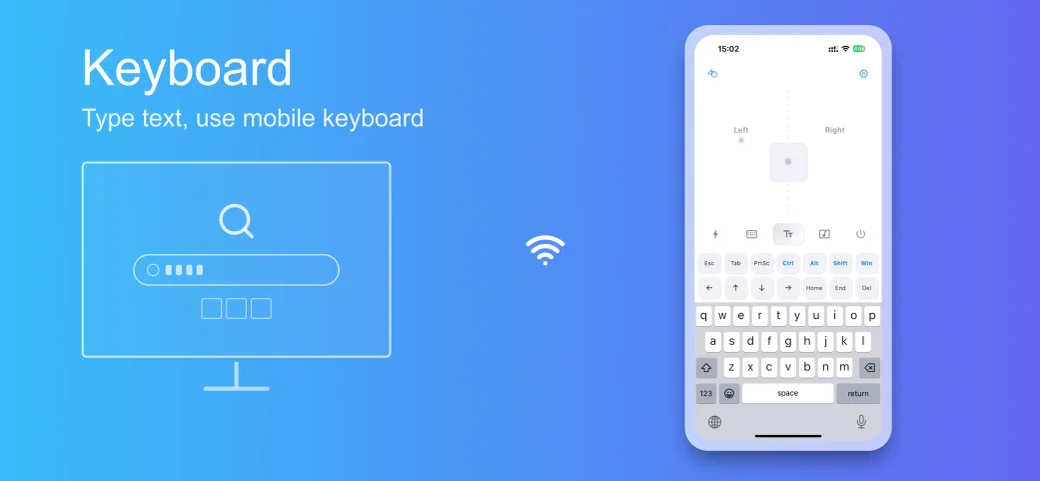
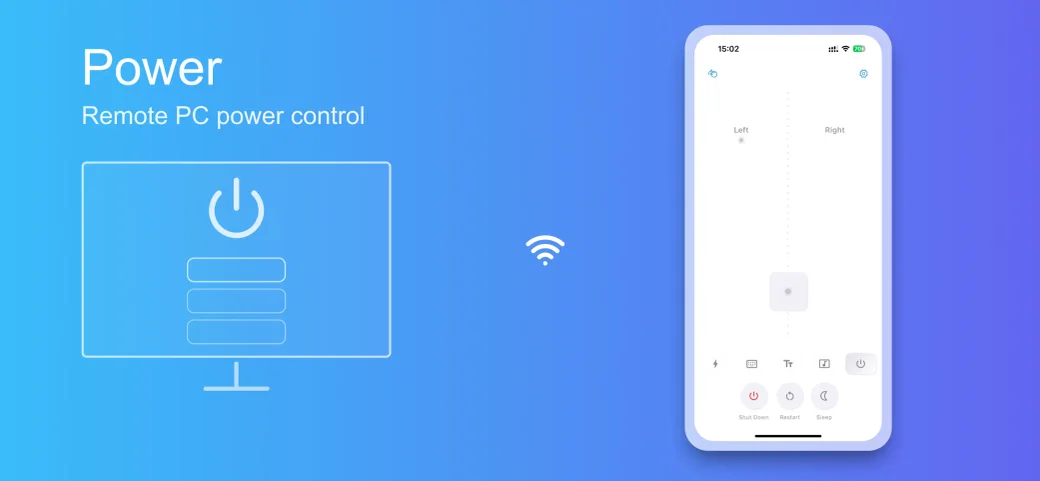
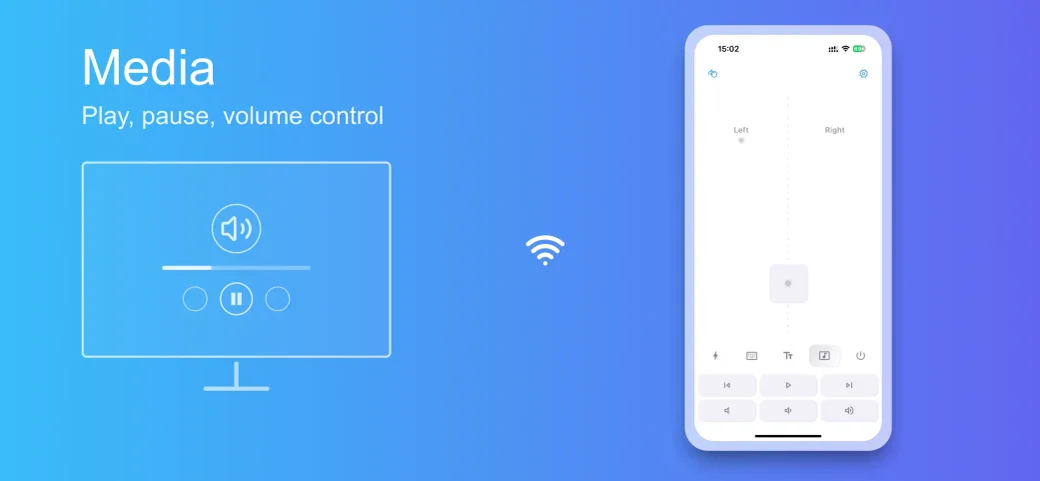

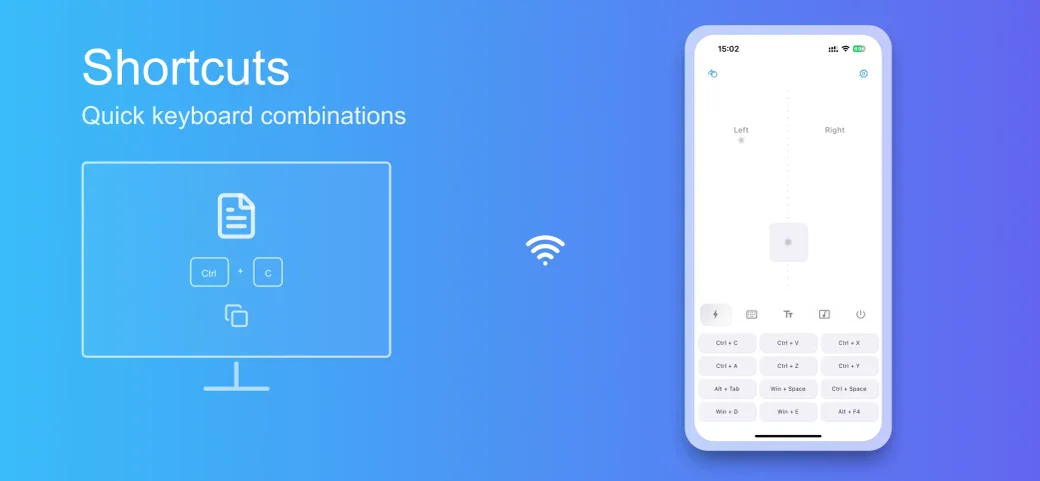
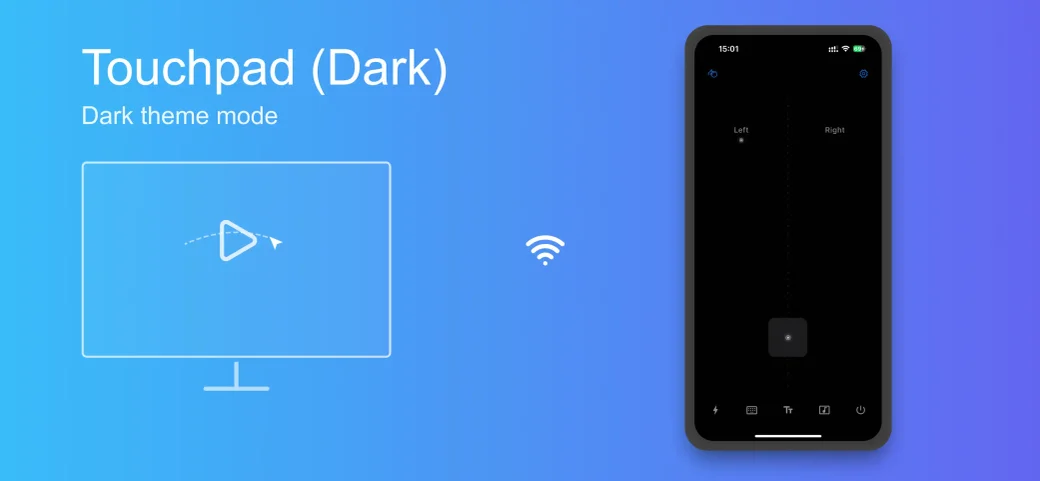
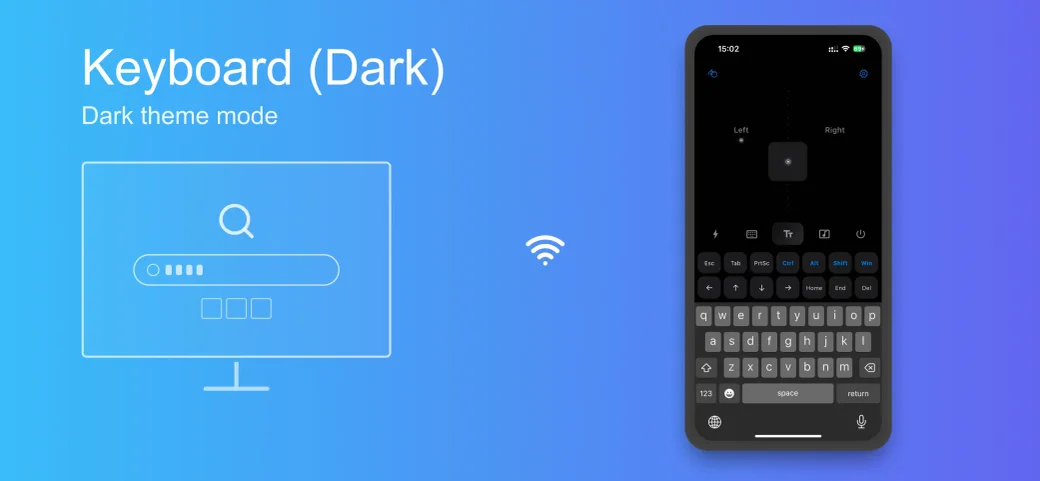
About
Mouse & Keyboard Control: Operate your computer directly from your phone
Cross-Platform Support: Windows / Mac / Linux
Quick Pairing: Auto-discover your computer and connect in 3 minutes
Remote Operation: Control your PC from anywhere on the same network
Enjoy the freedom to control your computer from your sofa, bed, or desk. Download Mouse Hero now and simplify your computer experience!
Terms of use: https://www.apple.com/legal/internet-services/itunes/dev/stdeula/
Privacy policy: https://mousehero.aprilzz.com/en/privacy/
What’s new
Version 1.1.2 · Nov 16, 2025
* Improvement mouse move
App privacy
What 洁 许 declares on the App Store about how this app handles data.
-
Data not collected
The developer does not collect any data from this app.
Privacy practices may vary, for example with the features you use or your age.
Information
- Seller
- 洁 许
- Category
- Utilities
- Version
- 1.1.2
- Updated
- Nov 16, 2025
- Released
- Oct 7, 2025
- Size
- 39.0 MB
- Requires
- iOS 13.0 or later
- Age rating
- 4+
- Price
- Free
- In-app purchases
- Yes
- Languages
- English, Simplified Chinese, Traditional Chinese
- Copyright
- © 2025 MouseHero 版权所有
You might also like
-
 Laser MouseUtilities
-
 Mouse LinkMobile Remote Mouse & Keyboard
-
 WiMouse: Remote Mouse KeyboardLaptop Remote & Media Control
-
 Desk Remote: Mouse controlTrackpad & Keyboard for Mac
-
 PhoneMouse – Wireless MouseRemote Control Your Desktop
-
 Bluetooth MouseWireless Mouse & Keyboard
-
 Mobile Mouse USB RemoteUSB Mouse Touchpad Keyboard
-
 AirBoard: Bluetooth KeyboardMouse & Trackpad for Mac & PC
-
 Phone Mouse・Remote・KeyboardMobile Trackpad for Mac & PC
-
 Tracepad - Mouse & TrackpadKeyboard for Mac, iPad, PC