Desk Remote: Mouse control
Trackpad & Keyboard for Mac
Designed for iPhone, iPad
Free · In-app purchases
- Age rating4+
- CategoryUtilities
- DeveloperDaniil Nuzhdin
- LanguagesEnglish+ 2 more
- Size11.0 MB
Links to the official App Store page
Download.org hosts no file of Desk Remote: Mouse control. The button opens its official App Store page, published by Daniil Nuzhdin. Listing last checked on Nov 14, 2026.
Screenshots
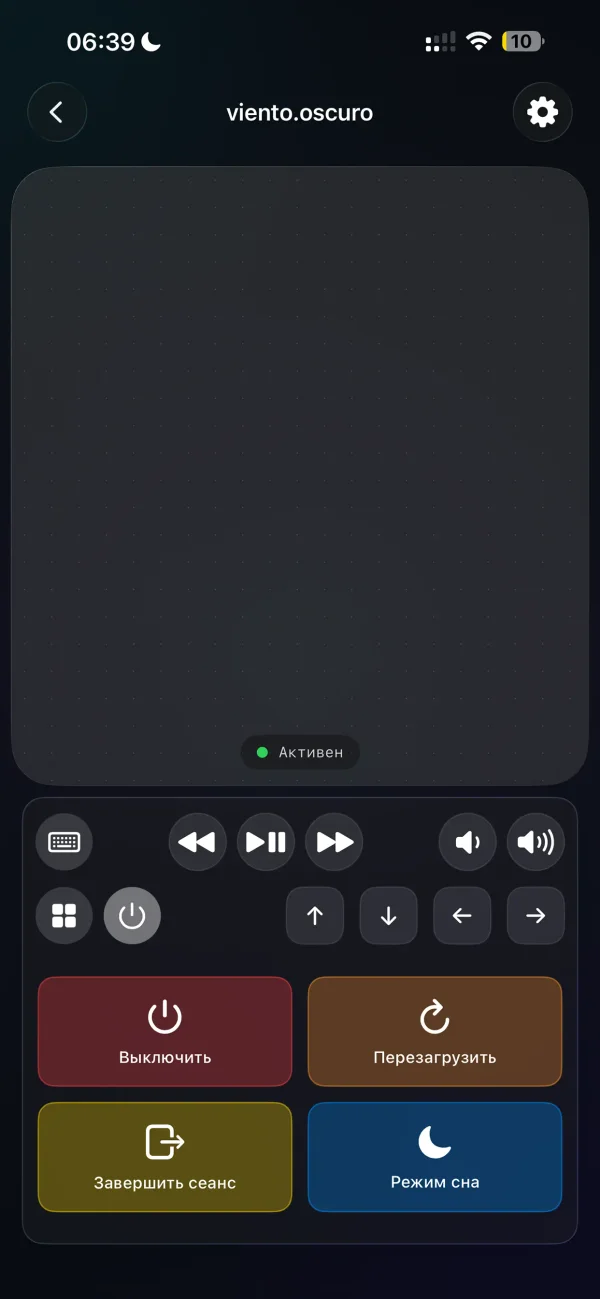
About
Turn your iPhone into a wireless trackpad and keyboard for your Mac. Move the cursor, type, control media, switch apps, and more — all without getting up.
REQUIRES THE FREE MAC APP
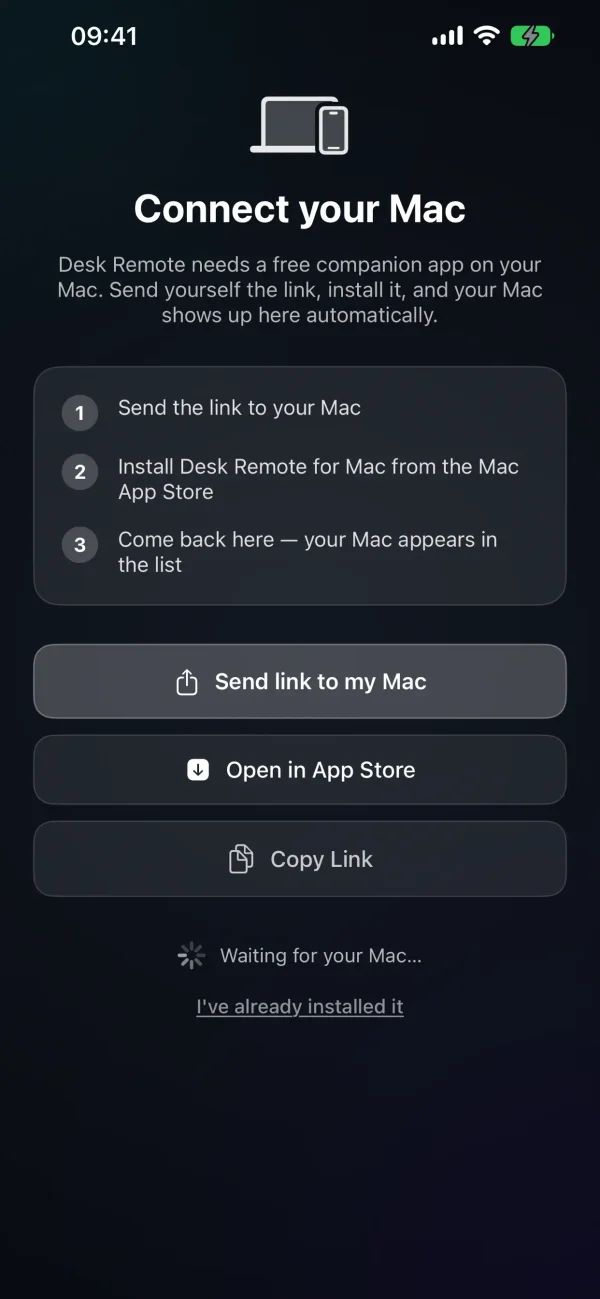
Desk Remote comes in two parts. This app runs on your iPhone; the free Desk Remote for Mac companion app runs on your Mac. Open Desk Remote on your iPhone and tap "Send link to my Mac" — the download link goes straight to your computer by AirDrop, Messages or Mail.
Get the Mac app: https://apps.apple.com/app/id6758866900
With both installed, the two find each other over Wi-Fi or Bluetooth with zero configuration. Just open the app, tap your Mac, and start controlling.
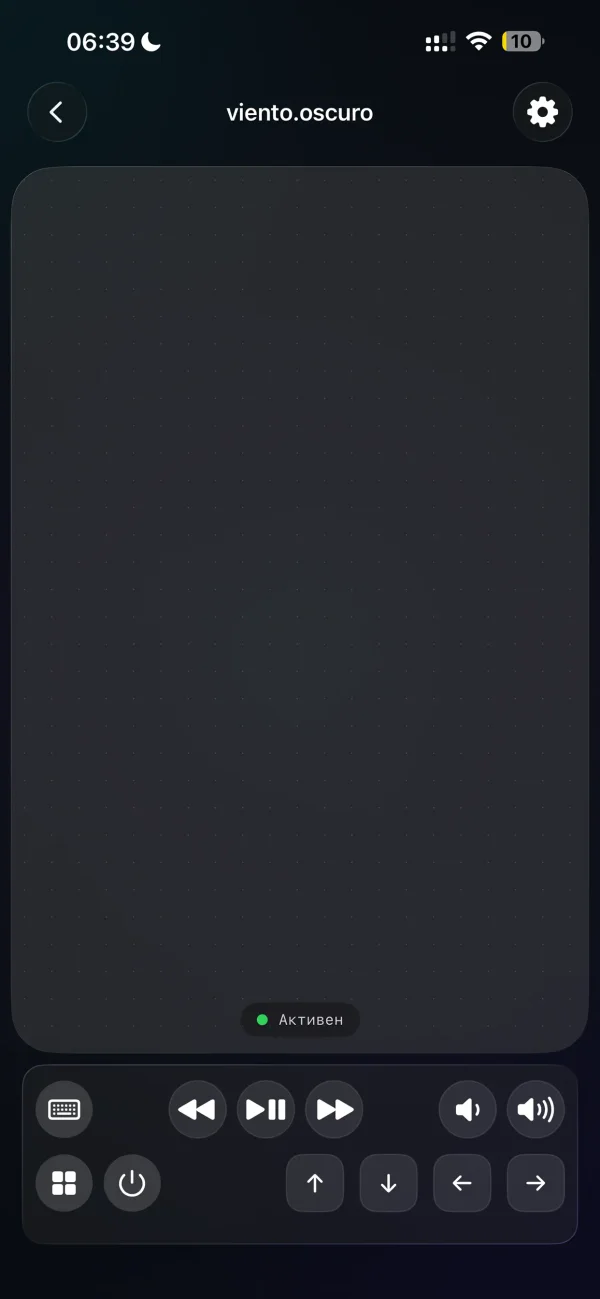
TRACKPAD
• Single finger — move the cursor
• Two fingers — scroll
• Tap — left click
• Double tap — double click
• Two-finger tap — right click
• Long press + drag — click and drag
• Pinch — zoom in/out
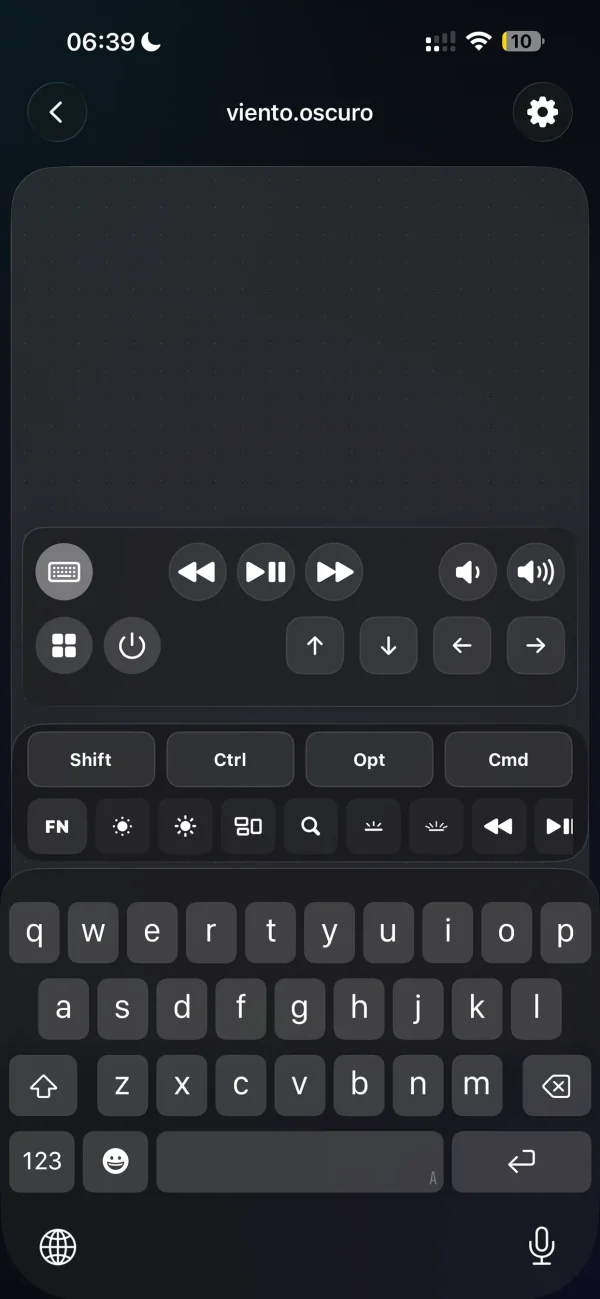
KEYBOARD
• Full text input
• Modifier keys: Cmd, Ctrl, Option
• F1–F12 function keys
• Arrow keys
• Backspace and special keys
MEDIA & SYSTEM CONTROLS
• Play / Pause / Next / Previous
• Volume up & down
• Screen brightness
• Mission Control & Spotlight
APP LAUNCHER
• View all running apps on your Mac
• Switch to any app with one tap
POWER MENU
• Sleep, restart, log out, shut down — remotely
CONNECTIVITY
• Auto-discovery via Wi-Fi (Bonjour) and Bluetooth LE
• Real-time connection status
• Instant reconnection
Free version includes trackpad, scrolling, clicks, and keyboard input. Upgrade to Pro to unlock media controls, volume, brightness, F-keys, arrow keys, app launcher, power menu, and advanced gestures.
Requires the free Desk Remote for Mac app (Mac App Store, macOS 14 or later).
SUBSCRIPTION
Desk Remote Pro is an auto-renewable subscription (monthly or yearly). Payment is charged to your Apple Account. The subscription renews automatically unless canceled at least 24 hours before the end of the current period. You can manage or cancel it in your Apple Account settings.
Terms of Use (EULA): https://www.apple.com/legal/internet-services/itunes/dev/stdeula/
Privacy Policy: https://gelfand.dev/?policy=desk-remote-client
What’s new
Version 1.5 · Aug 1, 2026
• New setup screen — send the free Mac app to your computer with one tap, over AirDrop, Messages or Mail
• The empty device list now explains what is missing instead of just spinning
• The Mac companion app is now called Desk Remote for Mac
App privacy
What Daniil Nuzhdin declares on the App Store about how this app handles data.
-
Data used to track you
May be used to track you across apps and websites owned by other companies.
- Identifiers
- Usage data
-
Data linked to you
May be collected and linked to your identity.
- Identifiers
- Usage data
-
Data not linked to you
May be collected but is not linked to your identity.
- Identifiers
- Usage data
- Diagnostics
Privacy practices may vary, for example with the features you use or your age.
Information
- Seller
- Daniil Nuzhdin
- Category
- Utilities
- Version
- 1.5
- Updated
- Aug 1, 2026
- Released
- Feb 26, 2026
- Size
- 11.0 MB
- Requires
- iOS 17.0 or later
- Age rating
- 4+
- Price
- Free
- In-app purchases
- Yes
- Languages
- English, Russian, Spanish
- Copyright
- © Daniil Nuzhdin
You might also like
-
 QuickPad - Touch & ControlWireless Mouse, Keys & Macros
-
 PhoneMouse – Wireless MouseRemote Control Your Desktop
-
 Laser MouseUtilities
-
 Phone Mouse・Remote・KeyboardMobile Trackpad for Mac & PC
-
 WiMouse: Remote Mouse KeyboardLaptop Remote & Media Control
-
 Mobile Mouse USB RemoteUSB Mouse Touchpad Keyboard
-
 Mouse LinkMobile Remote Mouse & Keyboard
-
 MouseHeroTurn your phone into a mouse
-
 MultiLink: Remote KeyboardTurn Tablet into a Trackpad
-
 AirBoard: Bluetooth KeyboardMouse & Trackpad for Mac & PC