
MS50G Editor
Patch Editor for ZOOM MS-50G
Designed for iPhone, iPad
In-app purchases
- Age rating4+
- CategoryMusic
- DeveloperNobuhito Muto
- LanguagesEnglish+ 1 more
- Size12.1 MB
Links to the official App Store page
Download.org hosts no file of MS50G Editor. The button opens its official App Store page, published by Nobuhito Muto. Listing last checked on Nov 12, 2026.
Screenshots


About
MS50G Editor is the only dedicated patch editor for the original ZOOM MS-50G MultiStomp guitar effects pedal.
ZOOM discontinued their official editor for the original MS-50G long ago. MS50G Editor fills that gap — giving you full control over your pedal's patches right from your iPhone.
FEATURES
• Patch Editor
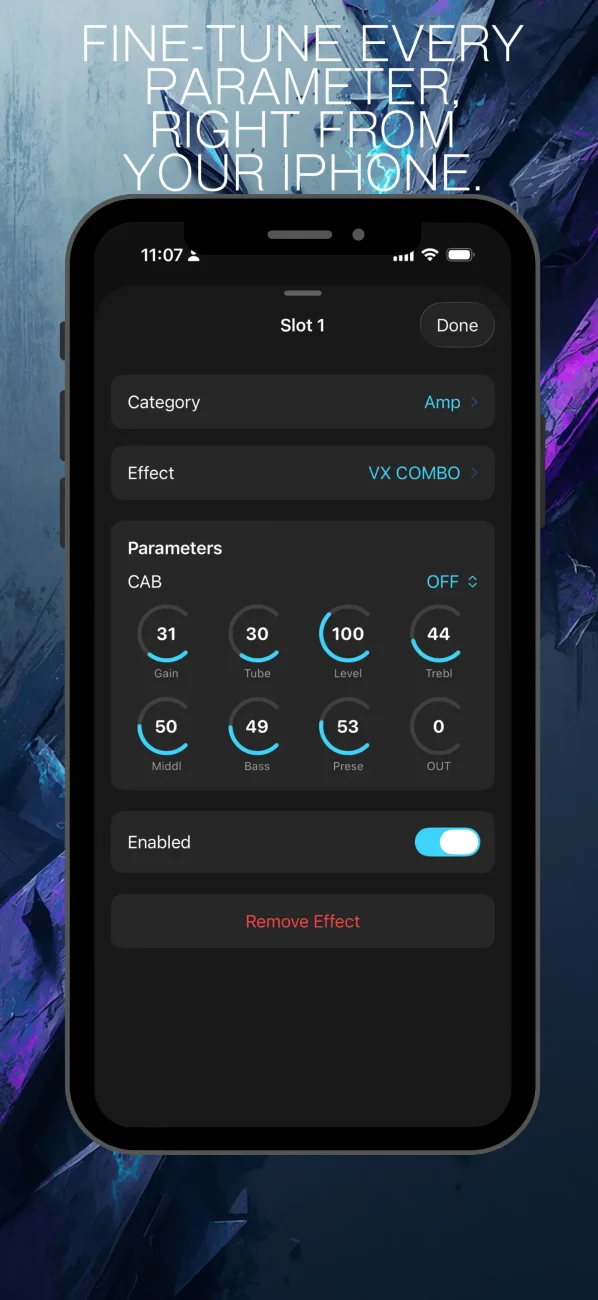
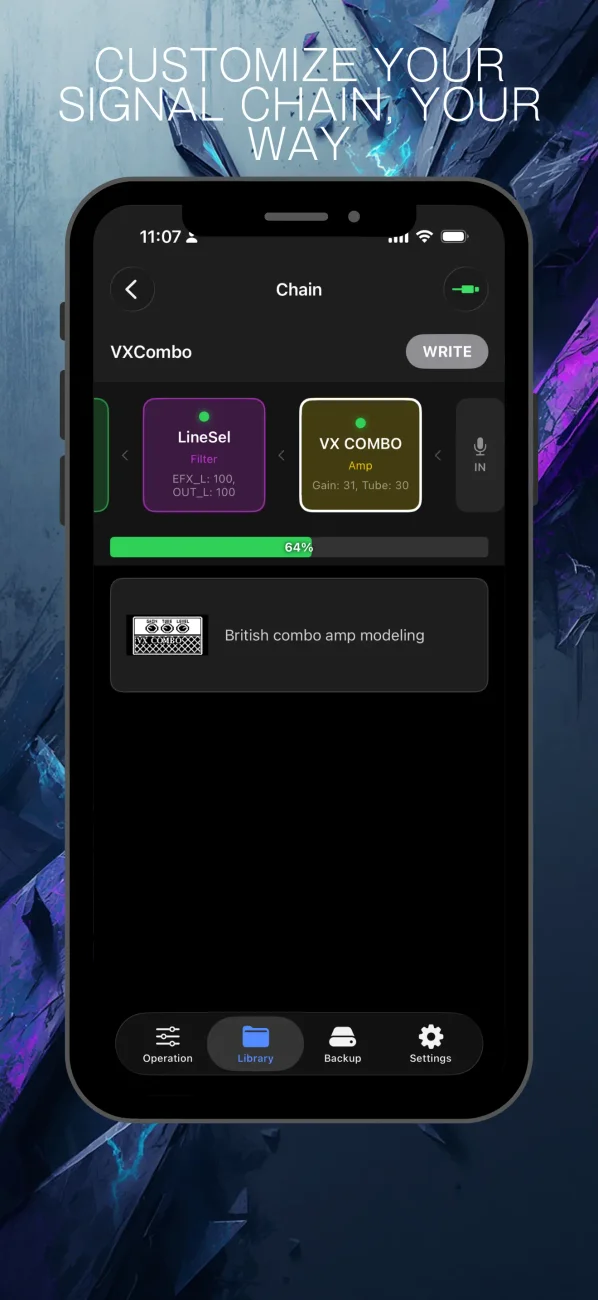
Edit all effect parameters visually with an intuitive interface. Fine-tune your tone without squinting at the tiny pedal screen.
• Backup & Restore
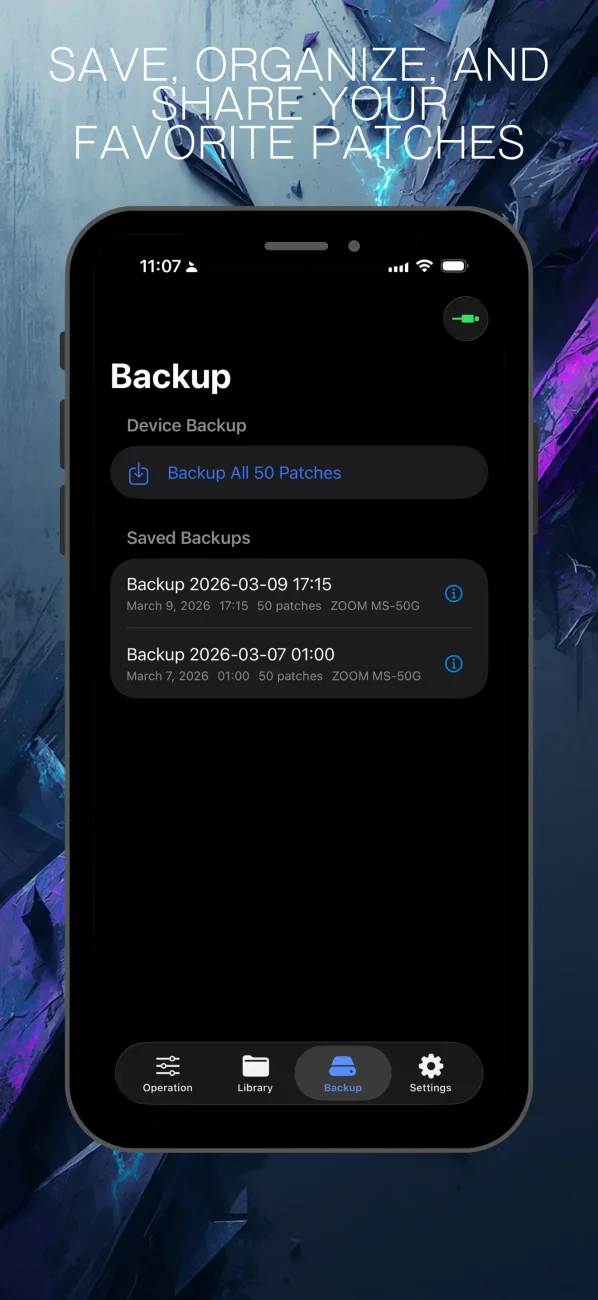
Back up all 50 patches at once. Restore your entire setup or individual patches anytime. Never lose your custom sounds again.
• Real-Time MIDI Transfer
Send edited patches to your MS-50G and receive current settings via USB-MIDI SysEx communication. What you see is what you hear.
• Effect Library
Browse the complete MS-50G effect catalog. View detailed parameter information for every effect.
• Custom Presets
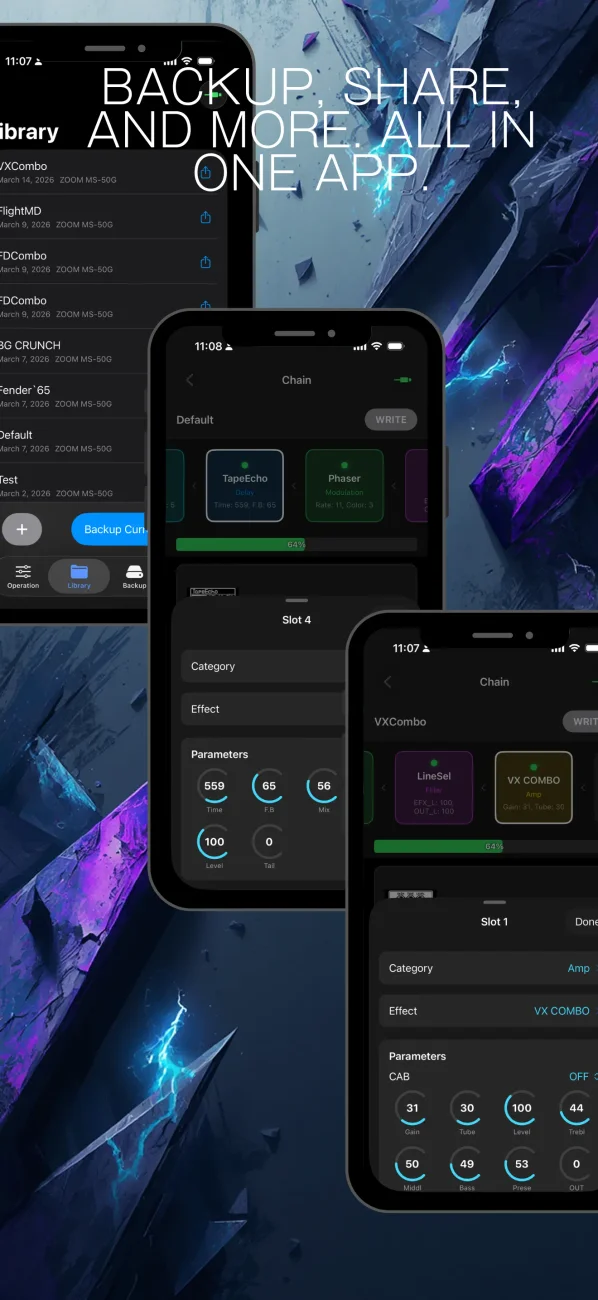
Save your favorite patch configurations as custom presets. Build and organize your personal tone library.
REQUIREMENTS
• ZOOM MS-50G with firmware v3.10
• USB-MIDI interface + Camera Connection Kit (Lightning or USB-C)
• iOS 16.0 or later
IMPORTANT NOTES
• This app is NOT affiliated with ZOOM Corporation.
• The ZOOM MS-50G+ is not supported (use ZOOM's official app instead).
• A powered Camera Connection Kit adapter or separate power supply for the MS-50G is recommended. USB bus power from iOS alone is not guaranteed.
• Effect type swapping within patches is not currently supported.
PRICING
Free download with a 1-week trial of all features. After the trial, a one-time purchase unlocks the patch transfer feature. Editing, browsing, and backup remain free.
What’s new
Version 1.6.0 · Jul 9, 2026
This update fixes issues with in-app purchases.
• Fixed an issue where the Premium upgrade could get stuck on "Downloading…" and never unlock. After updating, simply launch the app once — any stuck purchase will be cleared automatically.
• Added a notice when a purchase is awaiting approval (e.g. Ask to Buy with Family Sharing). Premium will unlock automatically once the purchase is approved.
If you still experience issues, please try "Restore Purchases" on the purchase screen. Thank you for using MS50G Editor.
App privacy
What Nobuhito Muto declares on the App Store about how this app handles data.
-
Data not linked to you
May be collected but is not linked to your identity.
- Purchases
- Usage data
- Diagnostics
Privacy practices may vary, for example with the features you use or your age.
Information
- Seller
- Nobuhito Muto
- Category
- Music
- Version
- 1.6.0
- Updated
- Jul 9, 2026
- Released
- Mar 22, 2026
- Size
- 12.1 MB
- Requires
- iOS 16.0 or later
- Age rating
- 4+
- In-app purchases
- Yes
- Languages
- English, Japanese
- Copyright
- © 2026 Nobuhito Muto
You might also like
-
 SessionZ PedalMusic
-
 Cutune: Audio Editor & TrimmerCut, splice & export MP3/WAV
-
 MidiAnalyzerMusic
-
 TRACE: Sampler & FXSampler, scenes and touch FX
-
 Tapko CleanerAUv3 noise gate and cleanup
-
 KQ Sampei 26Sampler Synthesizer
-
 Stereo PhaserAudio Unit effect AUv3 phase
-
 Vibrain WavesA Studio, Not Just a Player.
-
 K-TunerTune with your capo on
-
 Guitar TapTap‑tone analysis for luthiers