Mugen Clock
Big Display & Infinite Themes
iPhone, iPad için tasarlandı
Ücretsiz · Uygulama içi satın alma
- Yaş sınırı4+
- KategoriYardımcılar
- GeliştiriciKoichiro Kamada
- Dillerİngilizce+ 11 dil daha
- Boyut116,5 MB
Resmi App Store sayfasına bağlanır
Download.org, Mugen Clock için hiçbir dosya barındırmaz. Düğme, uygulamanın App Store üzerindeki sayfasını açar; uygulamayı orada Koichiro Kamada yayınlar. Sayfanın son kontrolü: 26.11.2026.
Ekran görüntüleri

Hakkında
Geliştirici bu metni dilinizde sunmamış.
Looking for a clock that is easy to read?
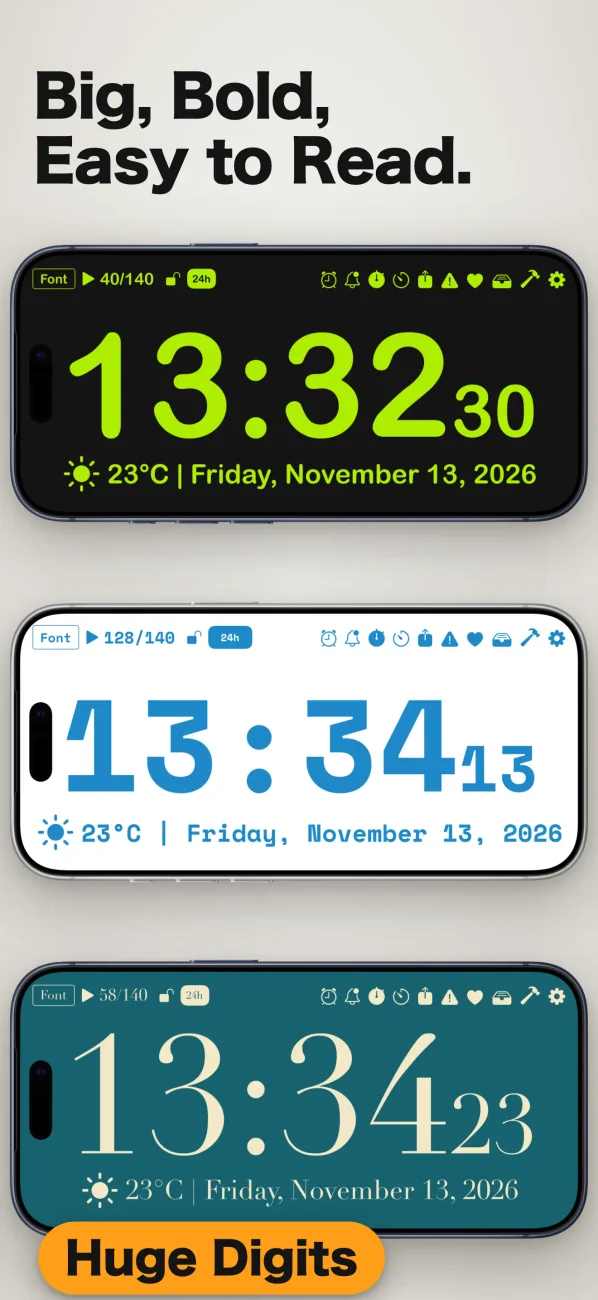
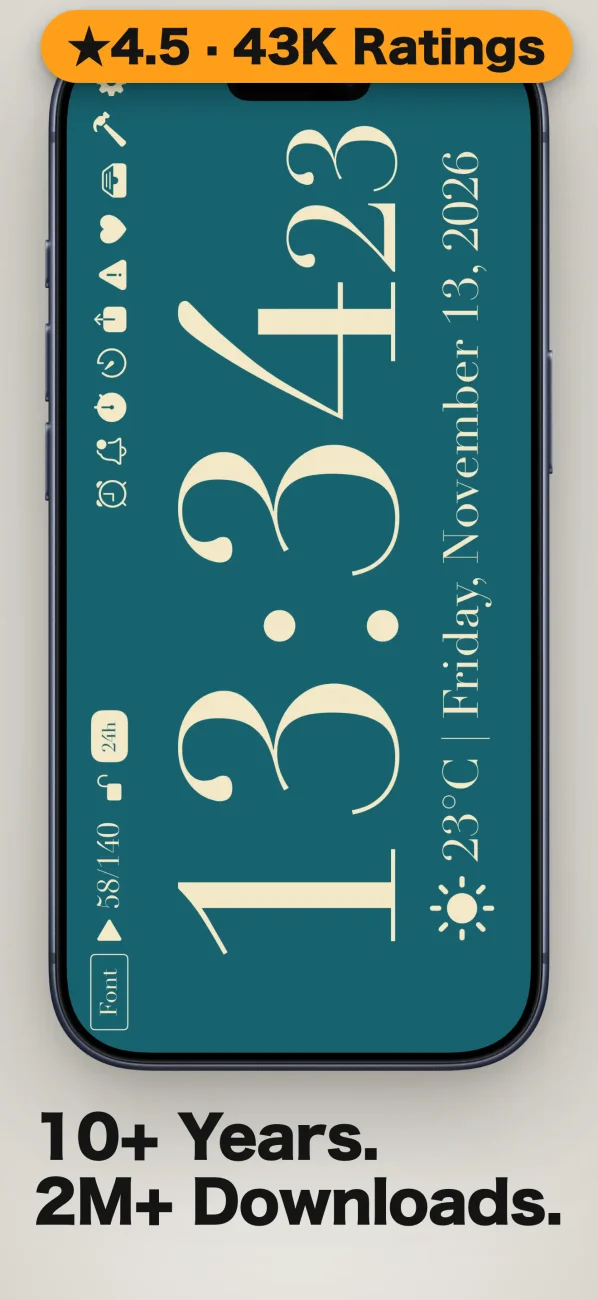
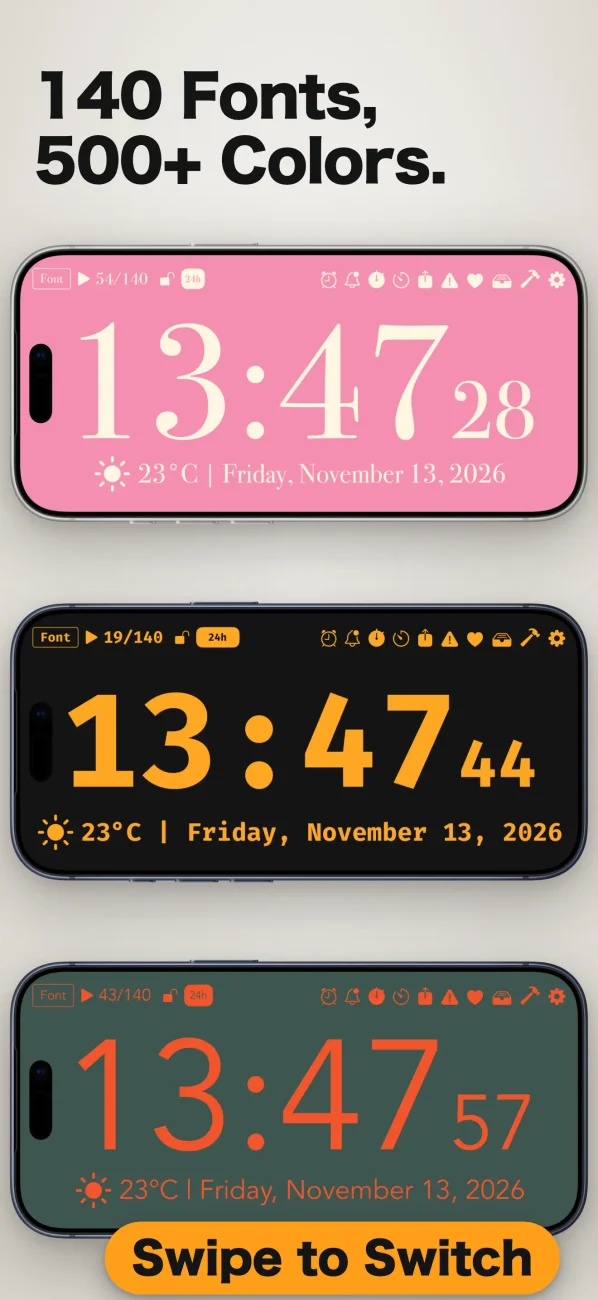
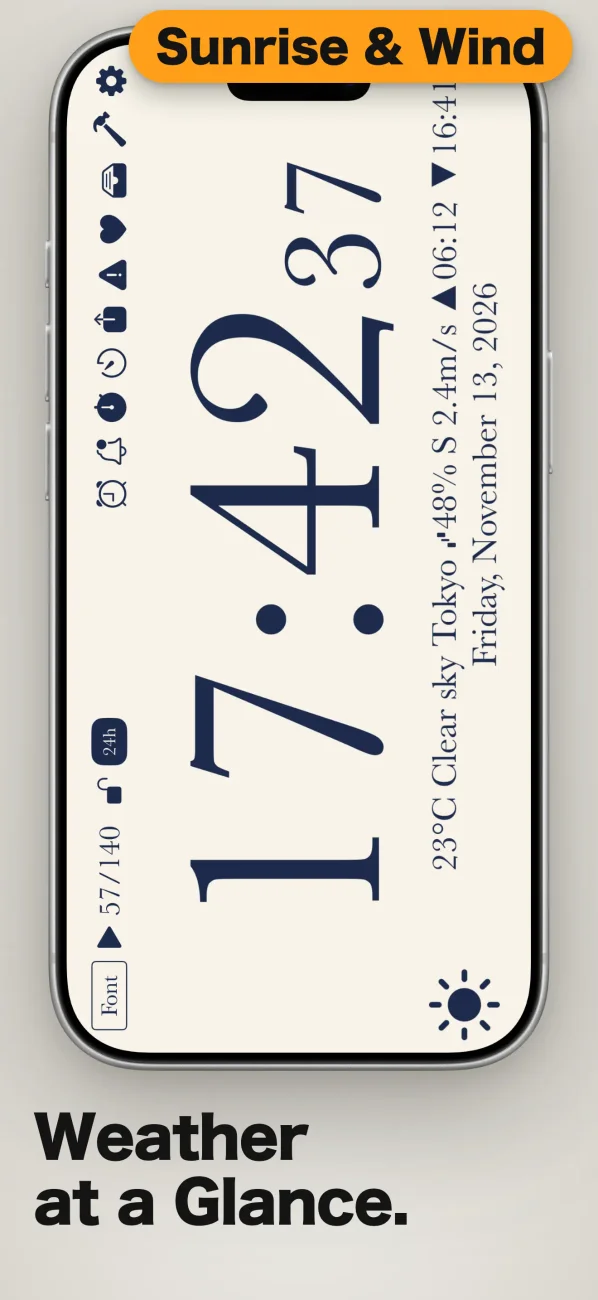
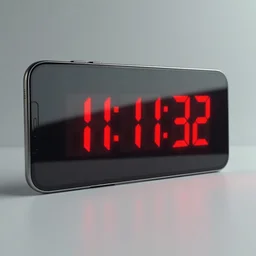
Mugen Clock fills the screen with large numbers and beautiful, vivid colors to make the time easy to see.
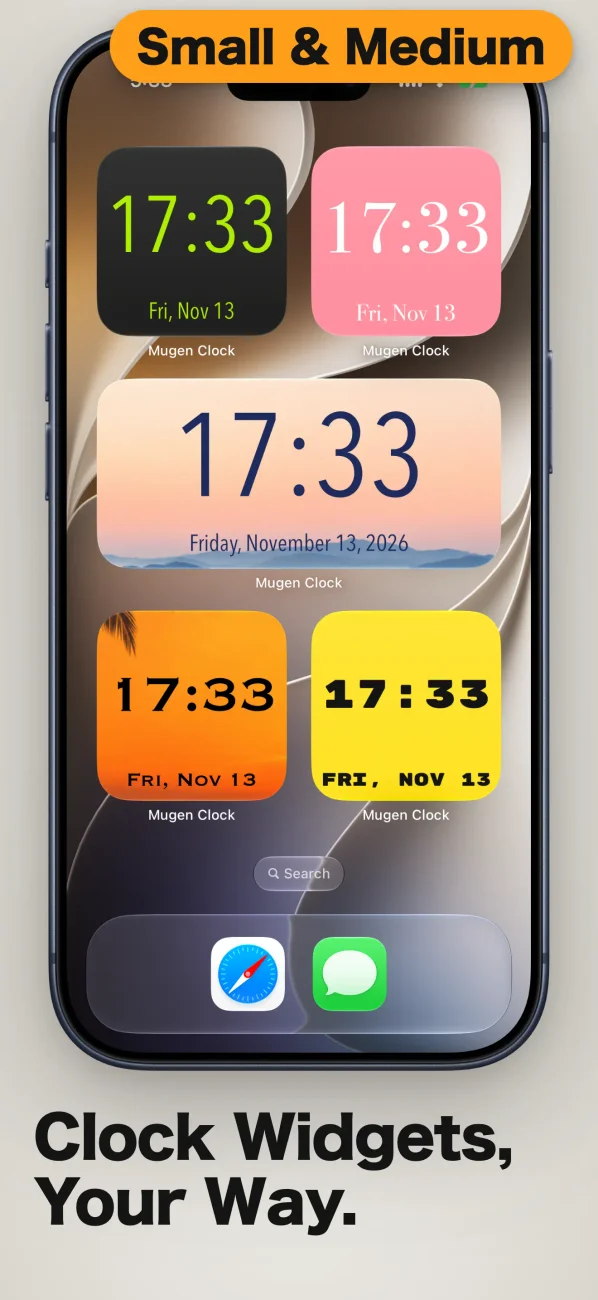
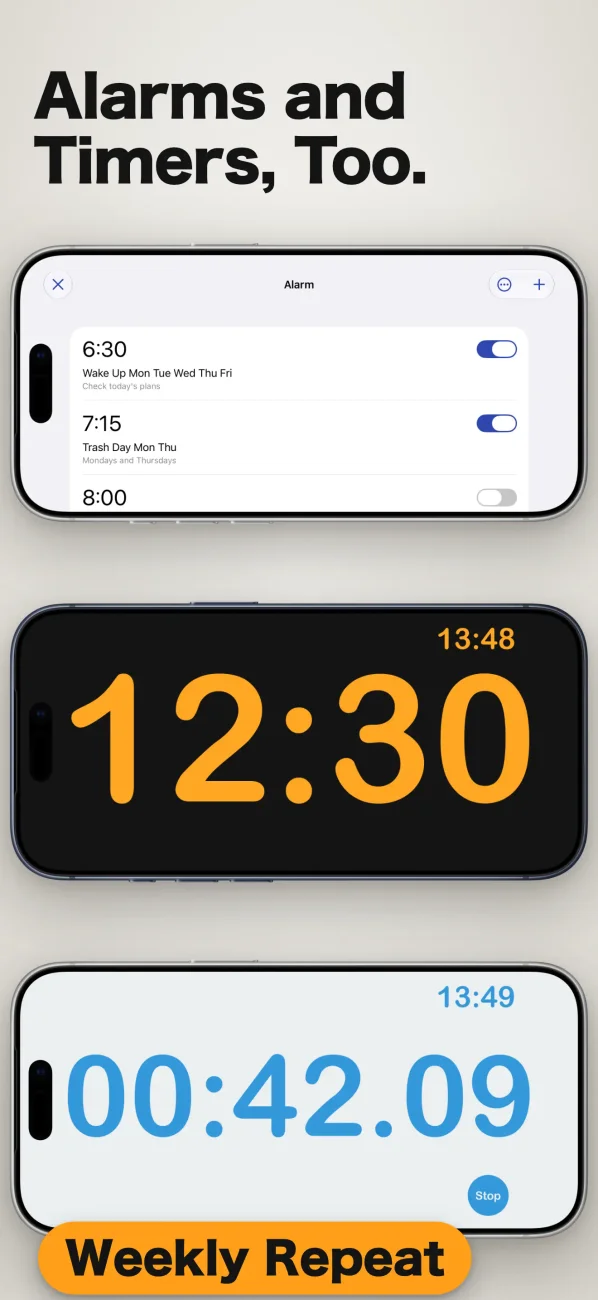
It brings together the features you expect from a clock app, including a kitchen timer and stopwatch, in a simple design.
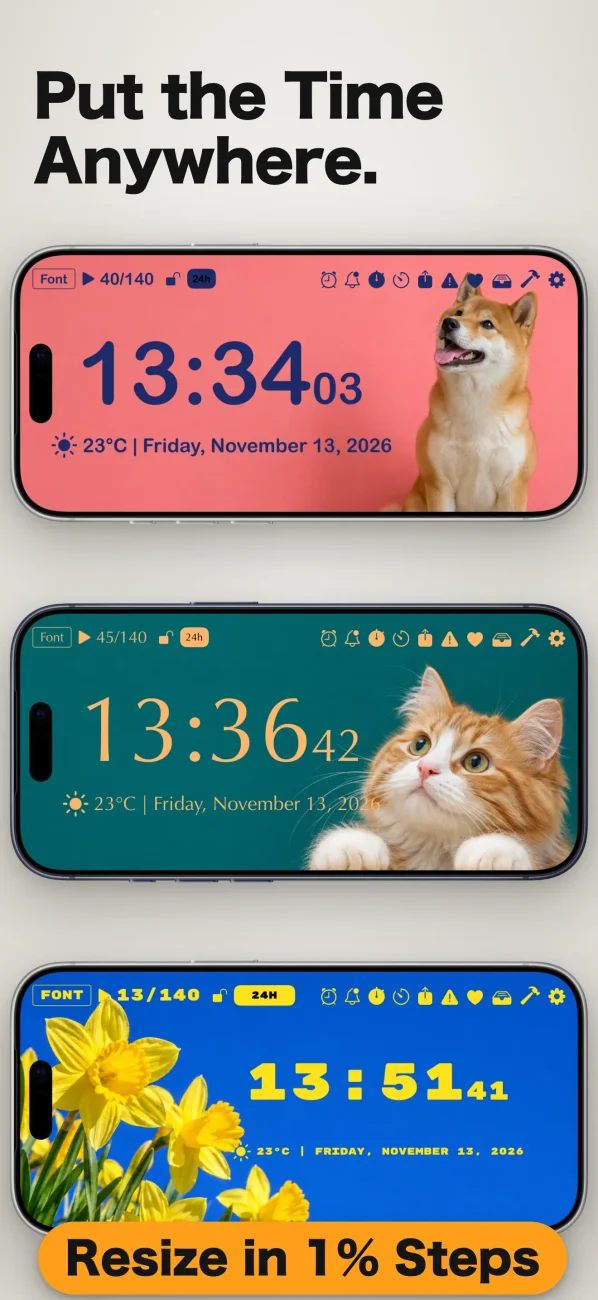
And it offers more than readability. You can customize it in many ways to make it your own.
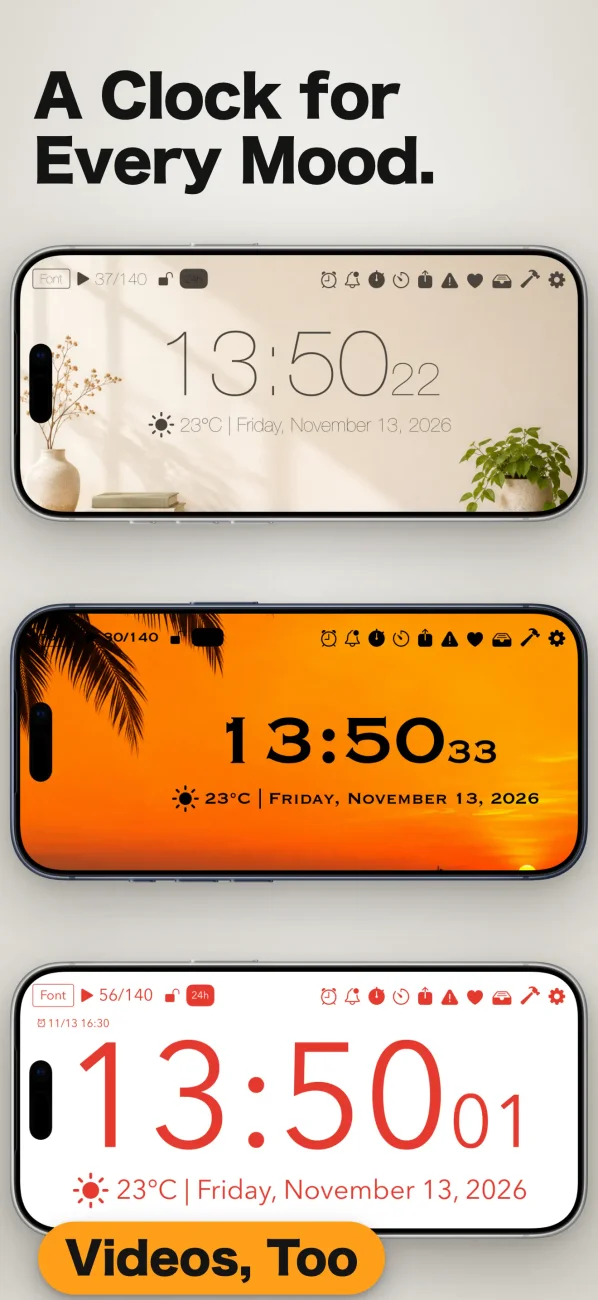
For example, you can show or hide the weather, temperature, date, day of the week, and seconds, and control the screen orientation.
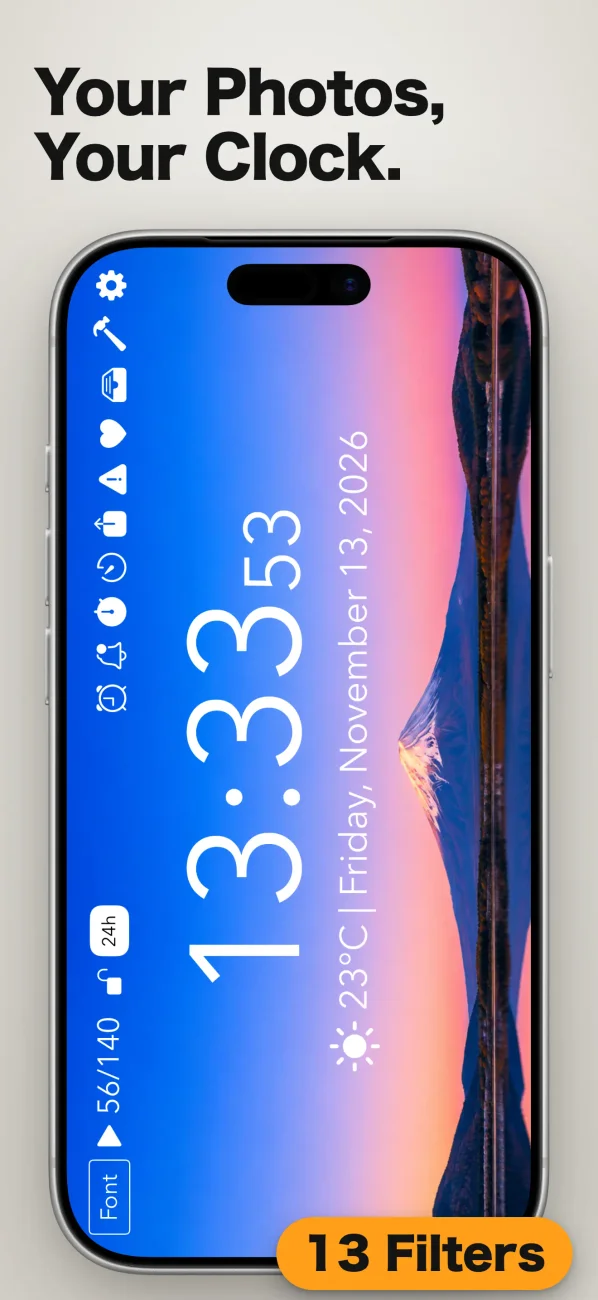
You can also set a favorite photo as the background or display a live camera view with stylish effects.
Carefully selected color themes can completely change the look and feel.
The combinations are endless.
You can save the clocks you create, too.
Switching between saved clocks to suit your needs or your mood is easy.
It does more than show the time: a simple, easy-to-use timer is also built in.
Keep it nearby while studying, cooking, or exercising. The ways to use it are endless, too.
Make this clock part of your everyday life.
Yenilikler
Sürüm 5.83 · 16.11.2026
Your clock now remembers separate layouts for portrait and landscape!
【A Layout for Each Orientation】
The position and size of the time and of the date and weather line are now saved for each orientation. Portrait and landscape screens have very different shapes, so you can tune each one to fit. When you rotate your device, the layout you set for that orientation appears right away. Mirroring can be set for each orientation too.
Whether you turn your iPad around or switch your iPhone between upright and sideways, your clock looks just the way you want either way. Saved clocks keep both layouts as well.
Your current look stays exactly as it is after updating. Only the orientation you adjust next gets a new layout.
We'll keep making it easier to set up your clock for however you use it. Reach us anytime through Contact in the app.
Uygulama gizliliği
Bu uygulamanın verileri nasıl işlediği hakkında Koichiro Kamada tarafından App Store üzerinde yapılan beyan.
-
Sizi izlemek için kullanılan veriler
Başka şirketlere ait uygulamalarda ve web sitelerinde sizi izlemek için kullanılabilir.
- Konum
- Tanımlayıcılar
- Kullanım verileri
-
Sizinle ilişkilendirilen veriler
Toplanabilir ve kimliğinizle ilişkilendirilebilir.
- Konum
- Tanımlayıcılar
- Kullanım verileri
-
Sizinle ilişkilendirilmeyen veriler
Toplanabilir ancak kimliğinizle ilişkilendirilmez.
- Tanılama
Gizlilik uygulamaları, örneğin kullandığınız özelliklere veya yaşınıza göre değişiklik gösterebilir.
Bilgiler
- Satıcı
- Koichiro Kamada
- Kategori
- Yardımcılar
- Sürüm
- 5.83
- Güncellendi
- 16.11.2026
- Yayın tarihi
- 14.12.2015
- Boyut
- 116,5 MB
- Gereksinim
- iOS 17.0 veya sonrası
- Yaş sınırı
- 4+
- Fiyat
- Ücretsiz
- Uygulama içi satın alma
- Evet
- Diller
- İngilizce, Fransızca, Almanca, Endonezce, İtalyanca, Japonca, Korece, Portekizce, Basitleştirilmiş Çince, İspanyolca, Geleneksel Çince, Vietnamese
- Telif hakkı
- © 2015 KoichiroKAMADA
Bunları da beğenebilirsiniz
-
 Digital Clock - NeoYardımcılar
-
 Smart Digital & Analog ClockYardımcılar
-
 Digital Clock - Advance TimeYardımcılar
-
 Minimum ClockBasit Dijital Saat
-
 SClock - Big Digital ClockYardımcılar
-
 SFClockYardımcılar
-
 Big Clock: Digital DisplayYardımcılar
-
 FaceClock AnalogueYardımcılar
-
 eClock!Yardımcılar
-
 Big Time Digital ClockYardımcılar