Multi Timer & Chart: Time Ace
Time Tracker & Multi Stopwatch
Designed for iPhone
Free · In-app purchases
- Age rating4+
- CategoryUtilities
- DeveloperProductiveTap
- LanguagesEnglish
- Size3.4 MB
Links to the official App Store page
Download.org hosts no file of Multi Timer & Chart: Time Ace. The button opens its official App Store page, published by ProductiveTap. Listing last checked on Nov 18, 2026.
Screenshots
About
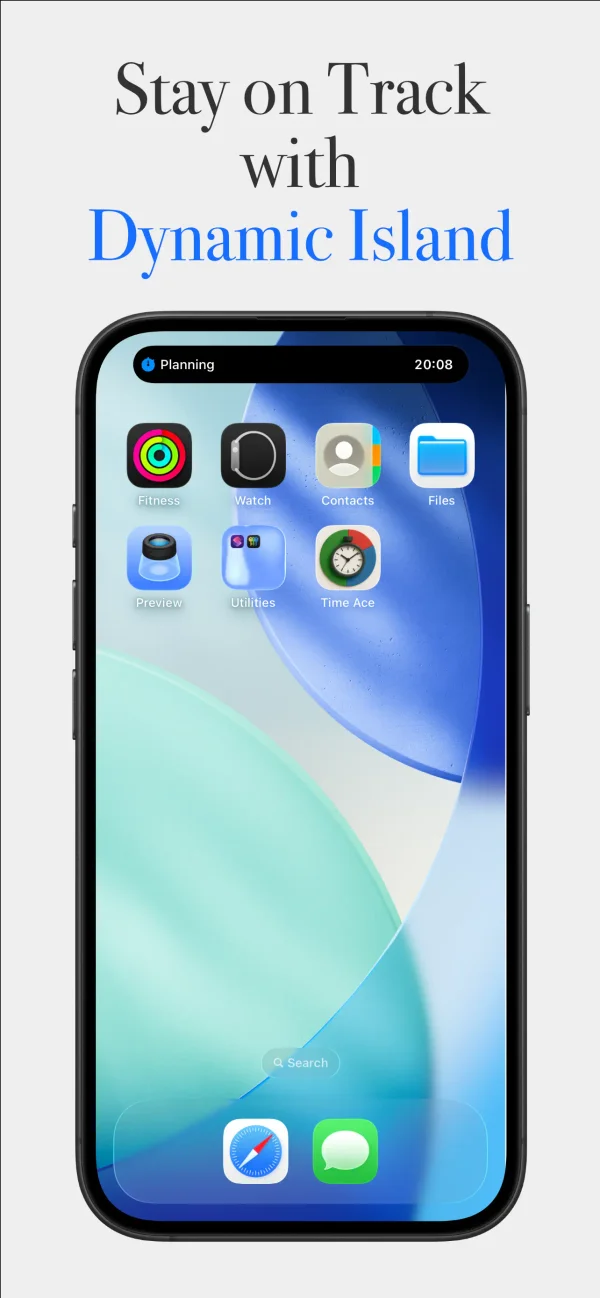
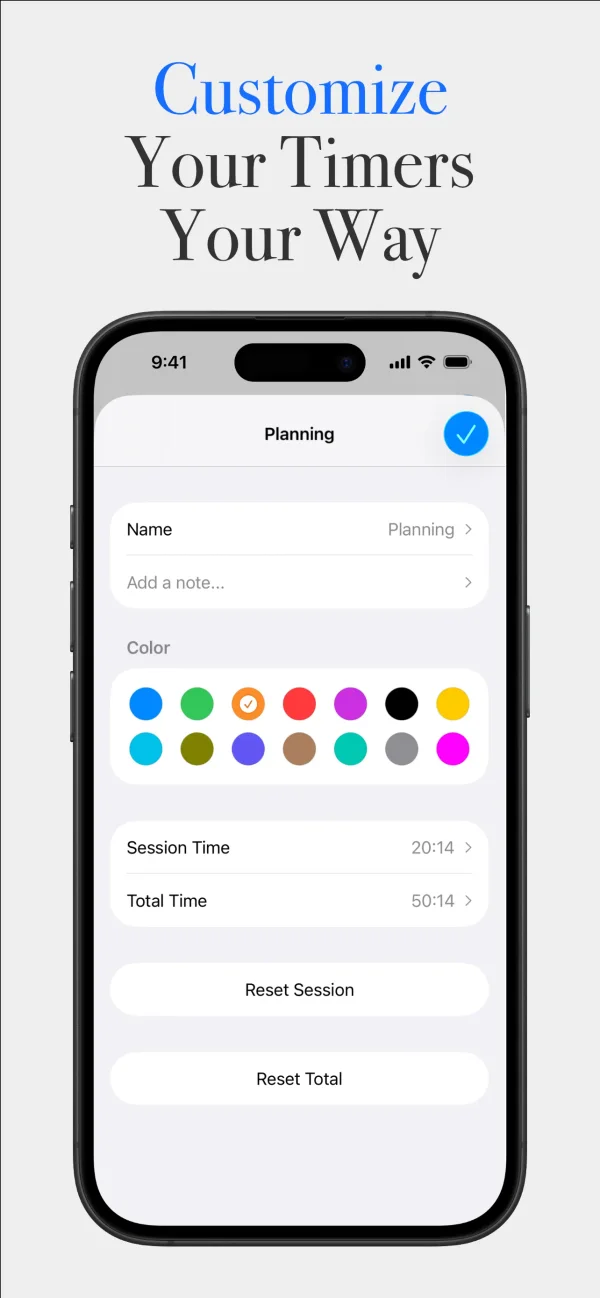
Time Ace helps you track multiple activities and visualize how you spend your time. With Dynamic Island support, your active timer stays visible even when using other apps.
Whether you're managing work projects, studying, exercising, or balancing personal goals, track your time with an intuitive interface and see exactly where it goes.
FEATURES
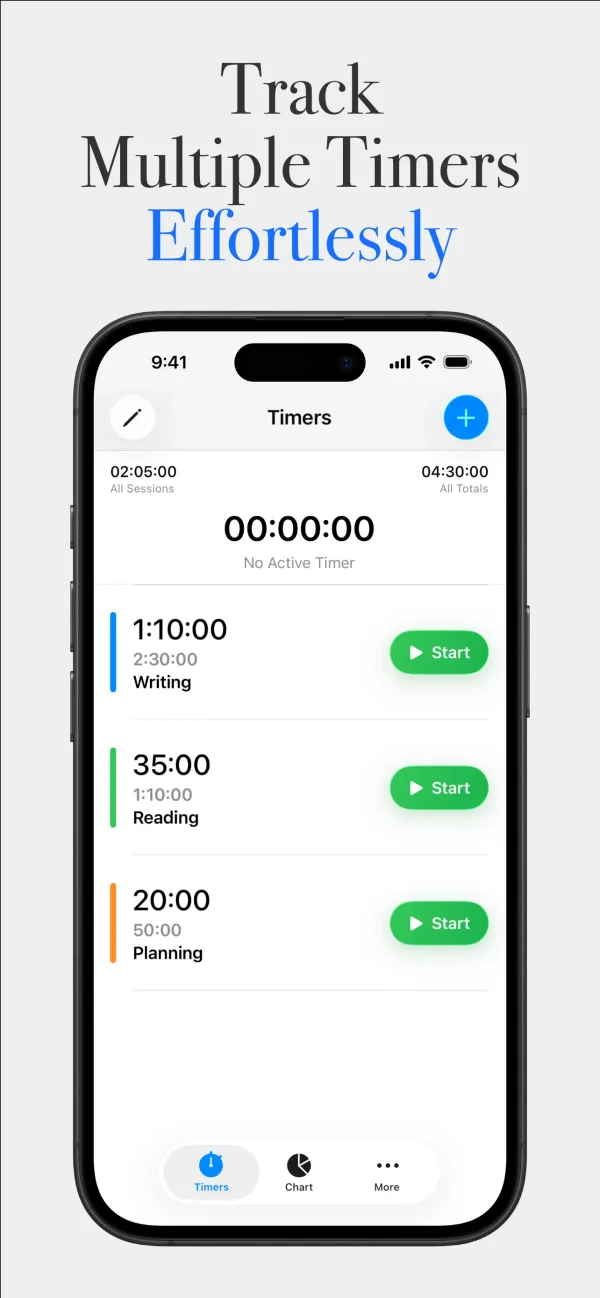
• Multiple Timer Tracking
Track different activities, projects, or goals throughout your day.
• Session & Total Time Management
Reset individual timer sessions while preserving your cumulative totals.
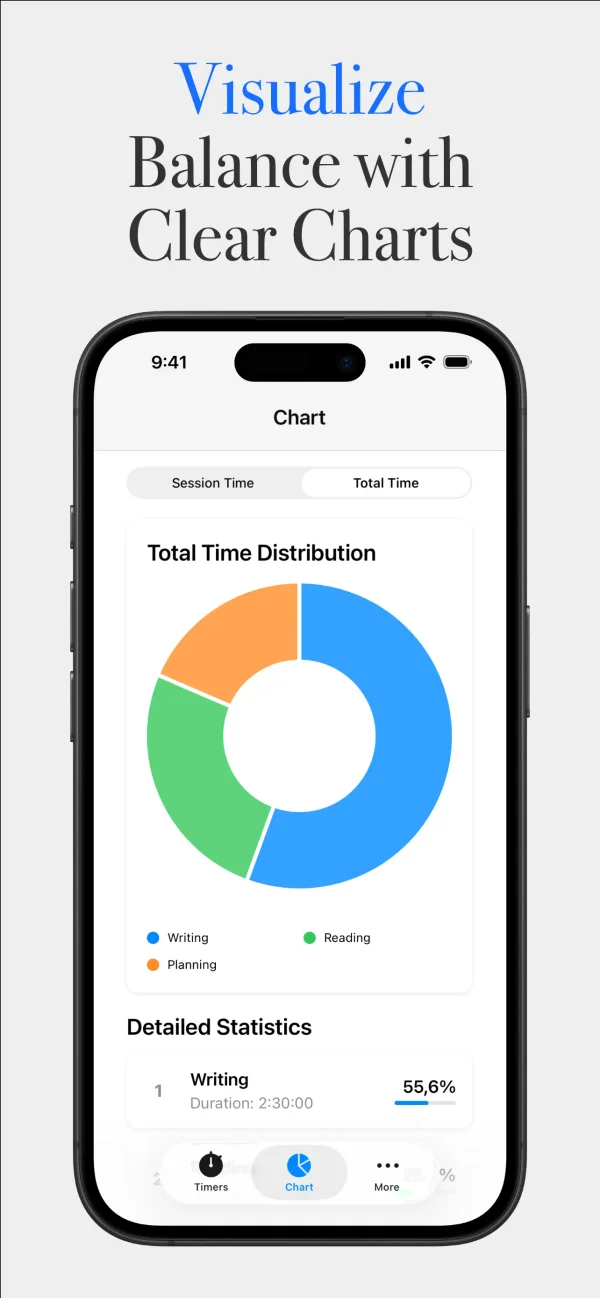
• Visual Time Balance Charts
See how your time is distributed across activities with clear charts showing both session and total time breakdowns.
• Prominent Active Timer Display
Your currently running timer is always clearly visible, so you know exactly what you're timing at a glance.
• Dynamic Island & Live Activities
Keep track of your active timer right from your Lock Screen and Dynamic Island — no need to open the app.
• Flexible Timer Modes
Toggle between single-timer mode (stops other timers when starting new ones) or multi-timer mode for overlapping activities.
• Automatic iCloud Sync
Your timer data syncs seamlessly across all your devices with iCloud.
Whether you're a freelancer tracking billable hours, a student managing study sessions, or anyone who wants to understand their time better, Time Ace gives you the insights to make every moment count.
App privacy
What ProductiveTap declares on the App Store about how this app handles data.
-
Data not collected
The developer does not collect any data from this app.
Privacy practices may vary, for example with the features you use or your age.
Information
- Seller
- Donald Latumahina
- Category
- Utilities
- Version
- 1.0
- Updated
- Sep 30, 2025
- Released
- Sep 29, 2025
- Size
- 3.4 MB
- Requires
- iOS 26.0 or later
- Age rating
- 4+
- Price
- Free
- In-app purchases
- Yes
- Languages
- English
- Copyright
- © 2025 Donald Latumahina
You might also like
-
 MultiTimer: Cooking & FitnessKitchen, Workout & Focus
-
 Ultimate Timer - All in oneAll your timers in one place
-
 altimerLooping multi-timer
-
 Cooking Timer – Step by StepGuided cooking for any recipe
-
 Multi-Step Interval TimerUtilities
-
 MoYuTimerMake every minute count!
-
 AirMultiChronoMulti-track stopwatch
-
 Fuuuga: Multi Interval TrackerPomodoro Timer Focus Countdown
-
 M-TimerMultiTimer
-
 TimerLogUtilities