Fuuuga: Multi Interval Tracker
Pomodoro Timer Focus Countdown
Designed for iPhone, iPad
In-app purchases
- Age rating4+
- CategoryUtilities
- DeveloperTomoki Sasaki
- LanguagesJapanese+ 7 more
- Size102.3 MB
Links to the official App Store page
Download.org hosts no file of Fuuuga: Multi Interval Tracker. The button opens its official App Store page, published by Tomoki Sasaki. Listing last checked on Nov 12, 2026.
Screenshots
About
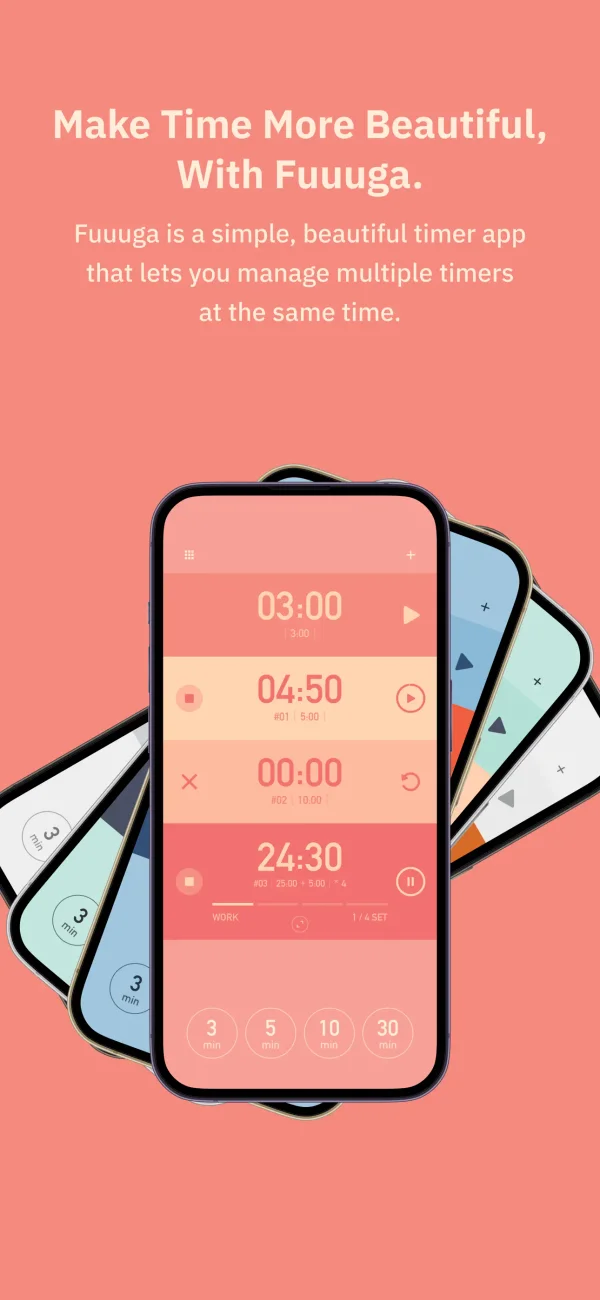
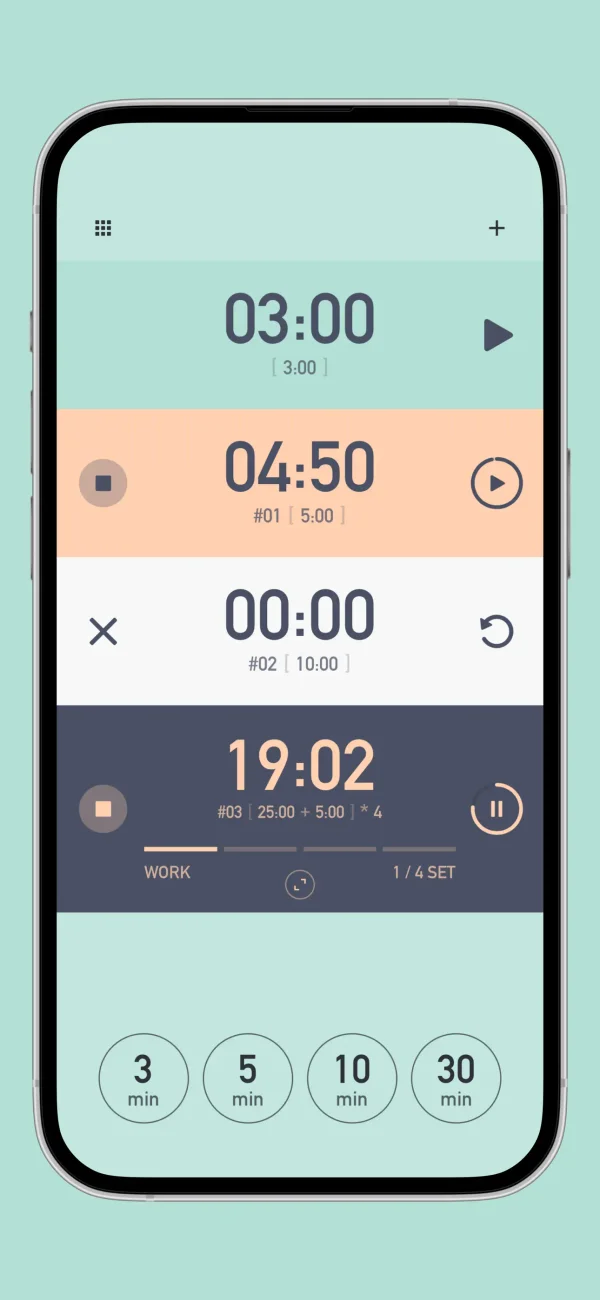
Fuuuga is a simple, beautiful timer app that lets you manage multiple timers at the same time.
Time your simmering sauce and boiling pasta simultaneously while keeping track of your kid's bath time. Run a study session and a break timer side by side. With Fuuuga, you can handle as many timers as you need, all smartly organized on a single screen.
*** Key Features ***
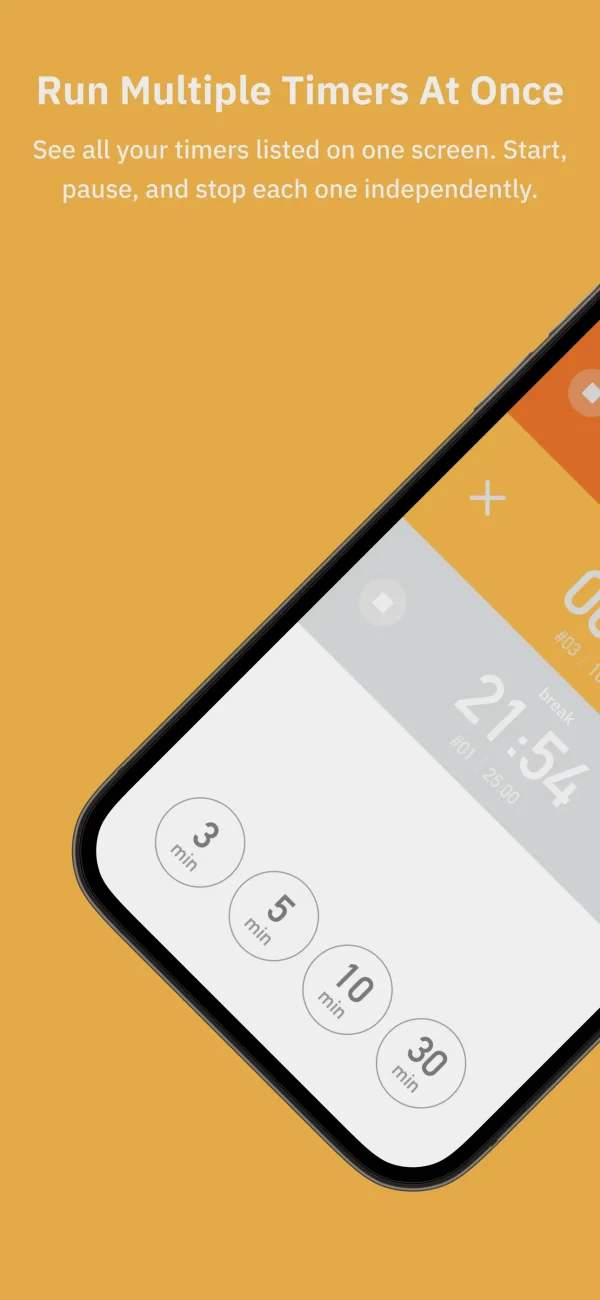
■ Run Multiple Timers at Once
See all your timers listed on one screen. Start, pause, and stop each one independently.
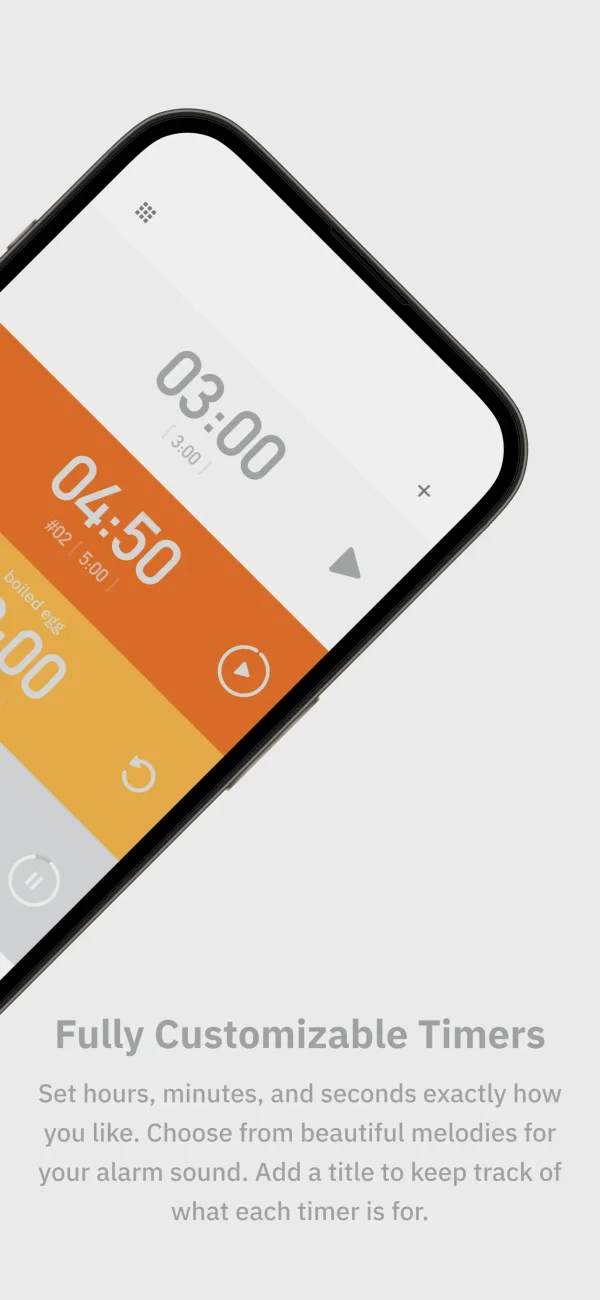
■ Fully Customizable Timers
Set hours, minutes, and seconds exactly how you like. Choose from beautiful melodies for your alarm sound. Add a title to keep track of what each timer is for.
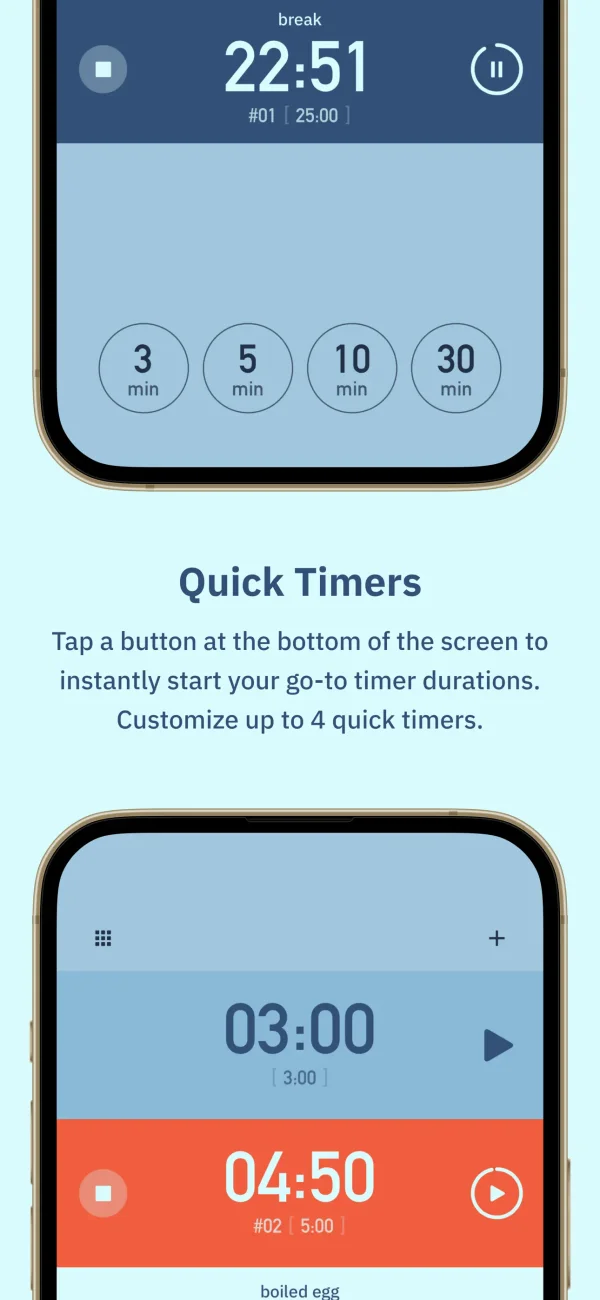
■ Quick Timers
Tap a button at the bottom of the screen to instantly start your go-to timer durations. Customize up to 4 quick timers.
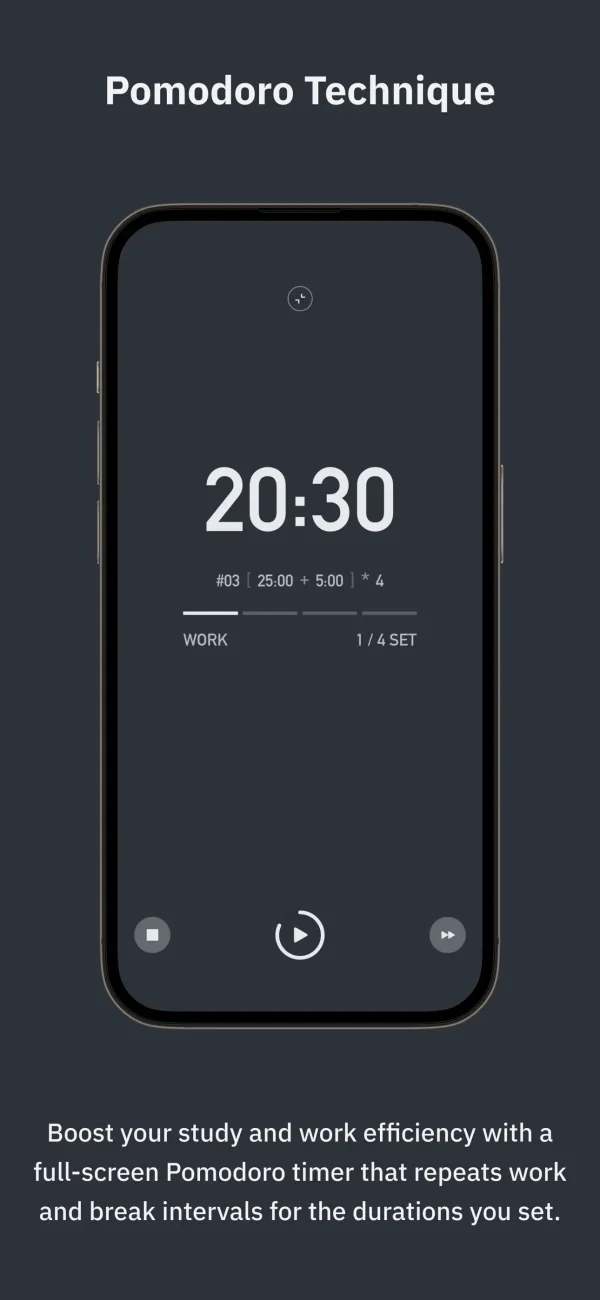
■ Pomodoro Technique
Boost your study and work efficiency with a full-screen Pomodoro timer that repeats work and break intervals for the durations you set.
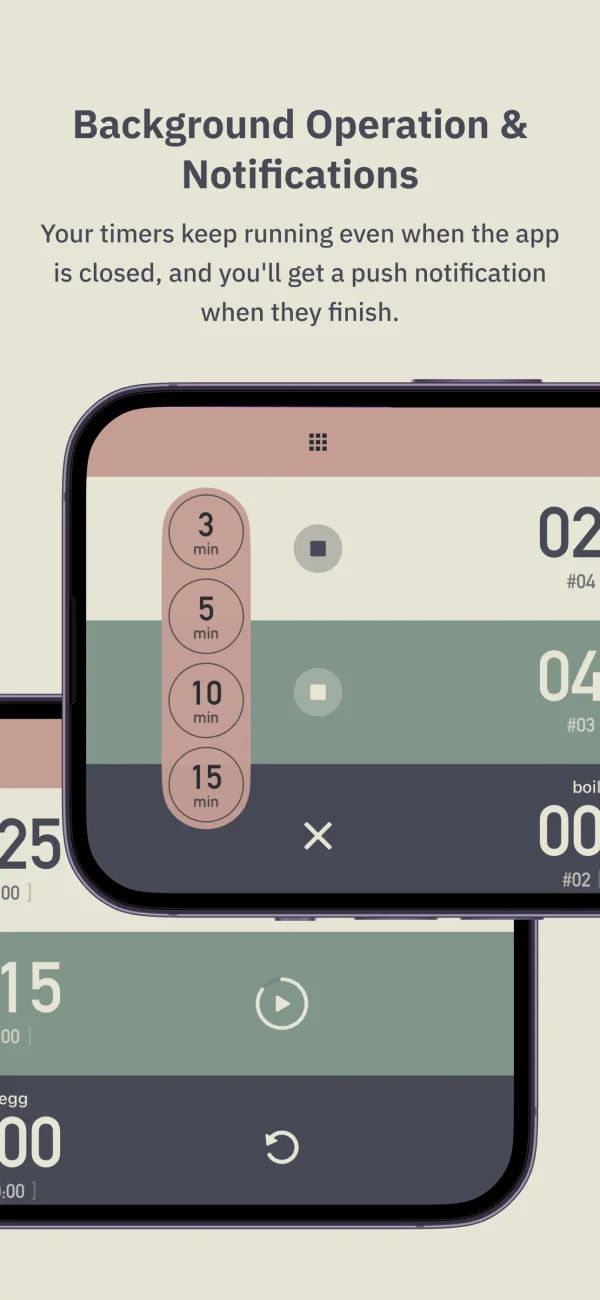
■ Background Operation & Notifications
Your timers keep running even when the app is closed, and you'll get a push notification when they finish.
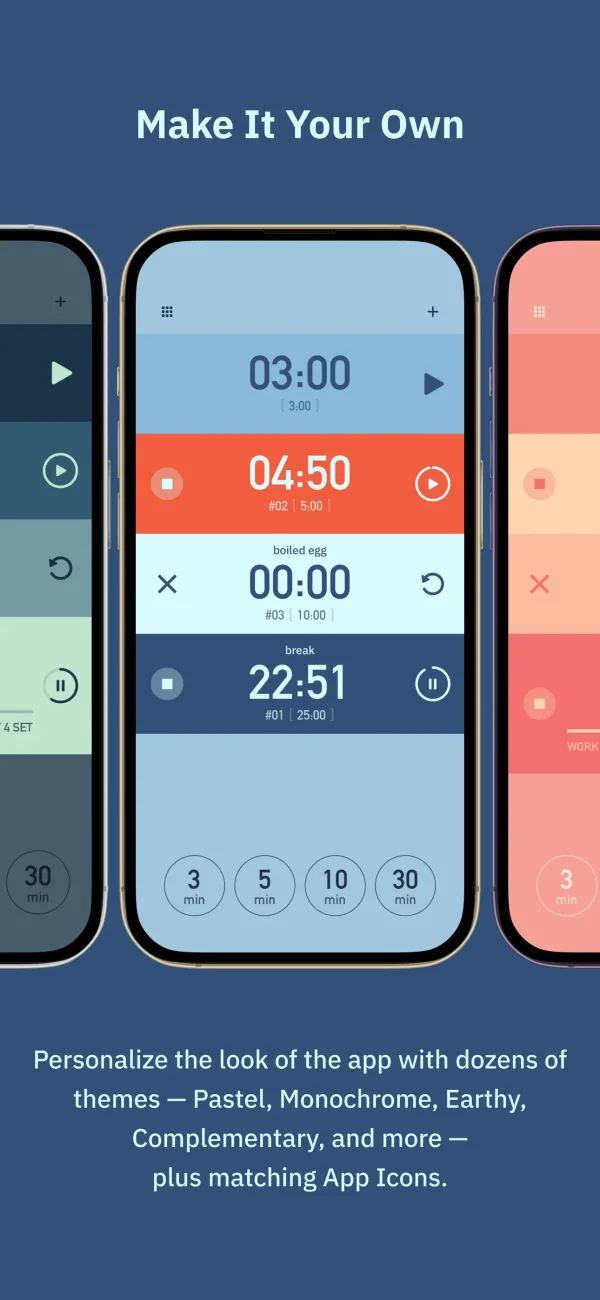
■ Make It Your Own
Personalize the look of the app with dozens of themes — Pastel, Monochrome, Earthy, Complementary, and more — plus matching App Icons.
■ Keep the Screen On
Prevent your screen from dimming while a timer is running.
*** Fuuuga+ (One-Time Purchase) ***
Unlock all themes / Unlock all app icons / Unlock Pomodoro timer and interval timer / Unlimited simultaneous timers / Support for 4 quick timer slots
Try all features free for 7 days after installing. If you love it, upgrade with a single one-time purchase — no subscription required.
What’s new
Version 1.3 · Oct 23, 2026
Apple Watch support is here!
You can now check your timer right on your wrist. Give it a try!
If you’re enjoying the app, we’d love it if you could leave a rating or review on the App Store. Your feedback helps us make the app even better.
App privacy
What Tomoki Sasaki declares on the App Store about how this app handles data.
-
Data used to track you
May be used to track you across apps and websites owned by other companies.
- Identifiers
- Usage data
-
Data not linked to you
May be collected but is not linked to your identity.
- Identifiers
- Usage data
- Diagnostics
Privacy practices may vary, for example with the features you use or your age.
Information
- Seller
- Tomoki Sasaki
- Category
- Utilities
- Version
- 1.3
- Updated
- Oct 23, 2026
- Released
- Jul 16, 2026
- Size
- 102.3 MB
- Requires
- iOS 17.0 or later
- Age rating
- 4+
- In-app purchases
- Yes
- Languages
- Japanese, Spanish, German, French, Simplified Chinese, Traditional Chinese, English, Korean
- Copyright
- © 2026 qulé design studio
You might also like
-
 Tack Time: Focus & Flow TimerCreative clock & pomodoro
-
 TimeSpotsEasily set multiple timers
-
 カウントダウンタイマー – シンプルで使いやすい時間管理Utilities
-
 Underwater Stopwatch & TimerFreedive, Sauna, Cold Plunge
-
 声で!編み物カウンターUtilities
-
 Multi Timer & Chart: Time AceTime Tracker & Multi Stopwatch
-
 Clackboard: Flip ClockScoreboard, Countdown & Widget
-
 MultiTimer: Cooking & FitnessKitchen, Workout & Focus
-
 VisualTimer byNSDevTime's up. At a glance.
-
 FanWake: Flash & Light AlarmFlashlight & Bedside Clock