MultiLink: Remote Keyboard
Turn Tablet into a Trackpad
Designed for iPhone, iPad, iPod touch
Free · In-app purchases
- Age rating9+
- CategoryUtilities
- Developer荷芬 赵
- LanguagesEnglish
- Size15.3 MB
Links to the official App Store page
Download.org hosts no file of MultiLink: Remote Keyboard. The button opens its official App Store page, published by 荷芬 赵. Listing last checked on Nov 23, 2026.
Screenshots

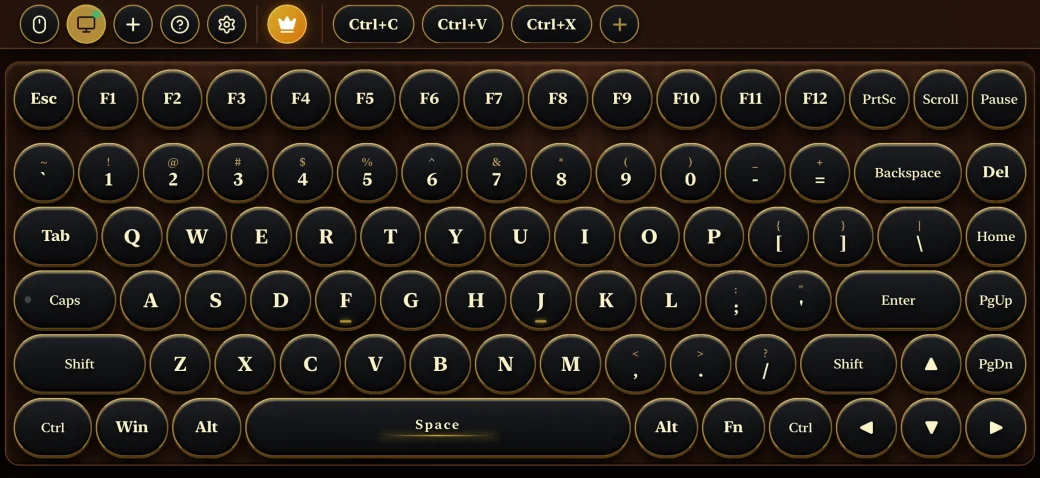
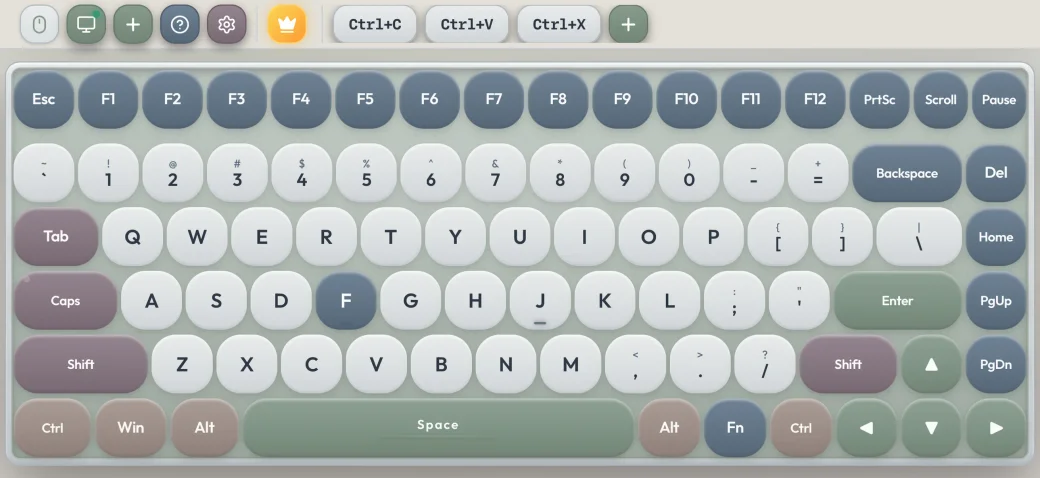
About
Turn your iPhone or iPad into a professional, multi-device wireless control center.
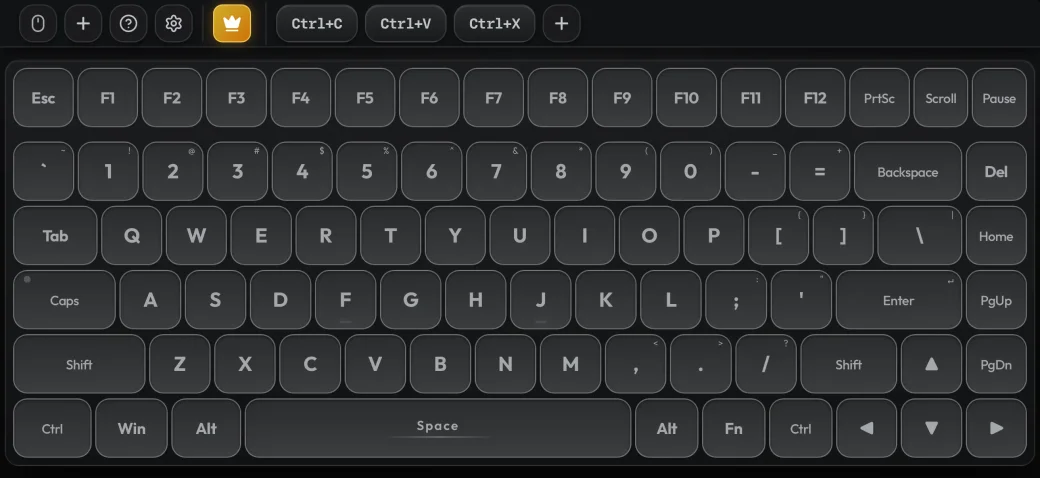
MultiLink: Remote Keyboard is a high-performance input solution designed for power users, developers, and creators. It transforms your mobile device into a precision trackpad and a fully customizable mechanical keyboard that controls all your computers over WiFi.
ZERO CONFIGURATION: AUTO-CONNECT
Say goodbye to complex IP settings. Simply open the MultiLink Desktop Client on your computers, and the app will automatically discover and establish a secure connection instantly. It’s truly plug-and-play for your local network.
INSTANT MULTI-DEVICE SWITCHING
Managing a MacBook, a Windows PC, and a Linux server at once? MultiLink lets you jump between connected devices with a single tap. It is the ultimate software KVM switch, allowing you to control an entire desk of computers from one screen.
THE ULTIMATE TYPING EXPERIENCE
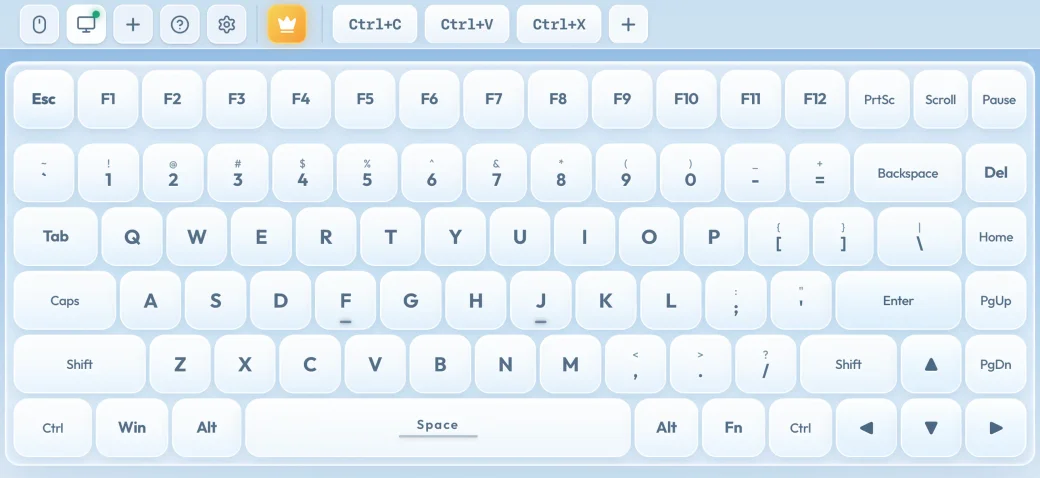
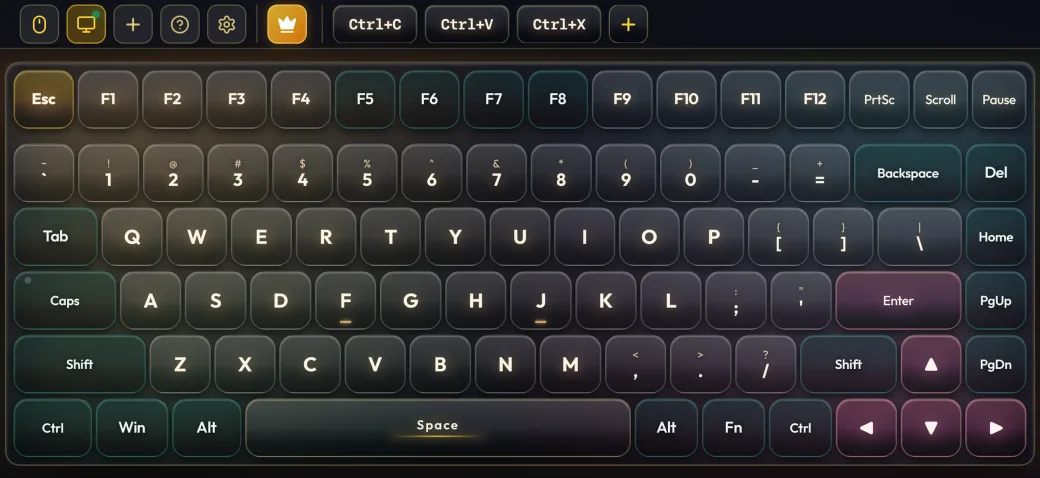
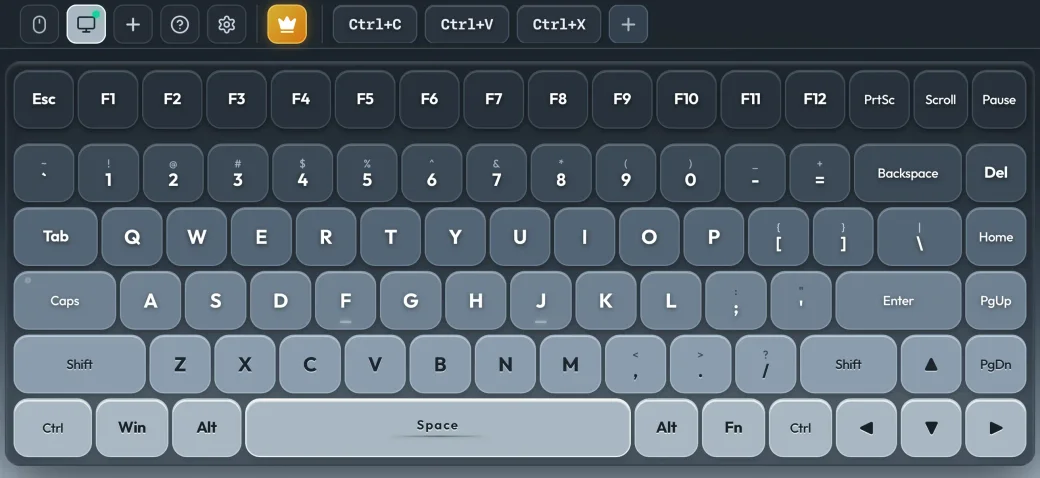
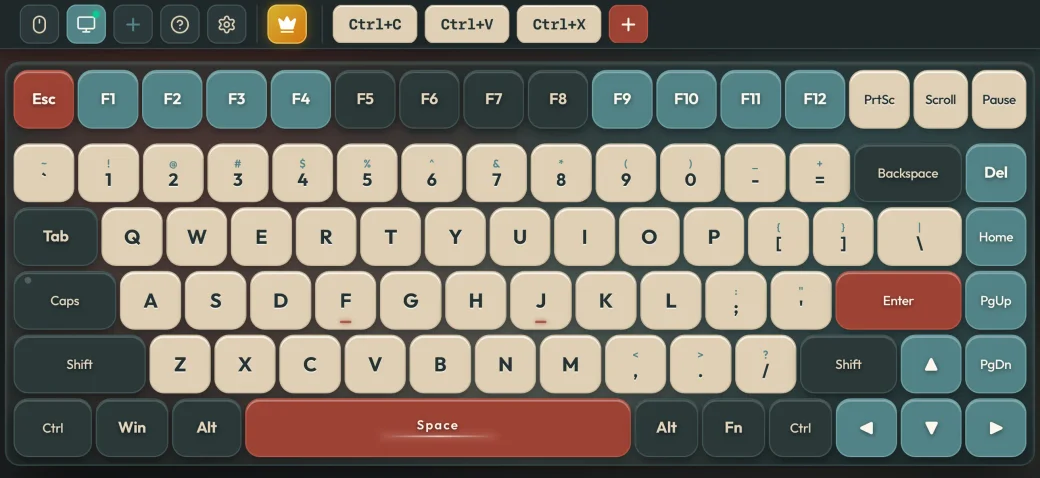
Stunning Themes: Choose from a wide variety of keyboard skins—from minimalist modern to vibrant RGB aesthetics.
Immersive Audio: Toggle high-fidelity mechanical switch sounds, clicky laptop tones, or silent modes.
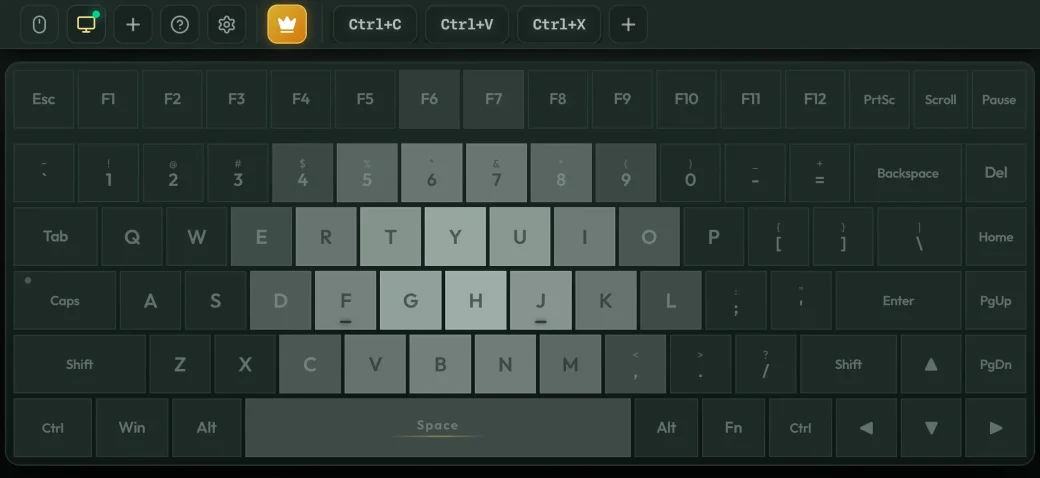
Dynamic Animations: Experience fluid, reactive visual feedback with every keystroke that makes typing on glass feel tactile.
PRECISION TRACKPAD & GESTURES
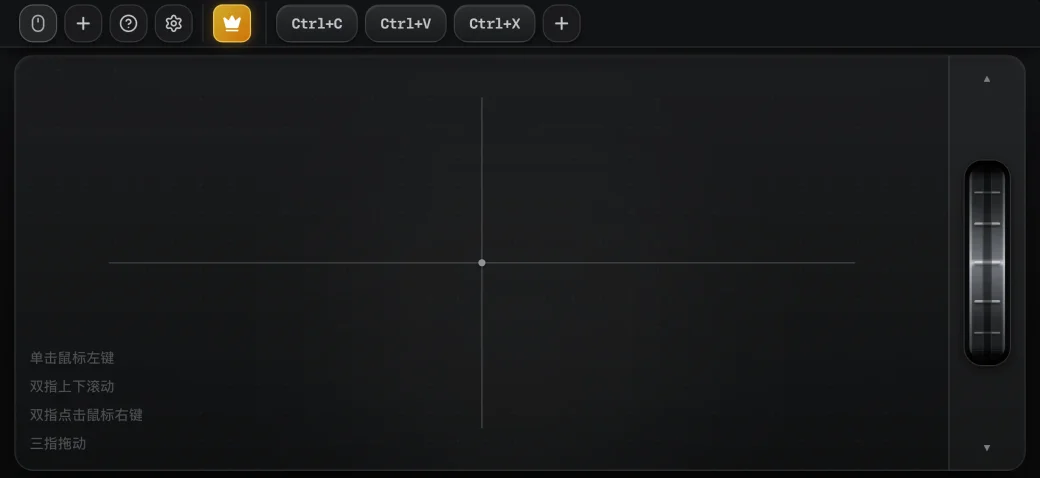
Turn your iPad or iPhone into a massive multi-touch trackpad. Navigate your desktop with smooth scrolling, right-click support, and precision cursor control optimized for ultra-low latency.
KEY FEATURES:
Full Cross-Platform Support: Native compatibility with macOS, Windows, and Linux.
Ultra-Low Latency: Optimized WiFi protocol ensures a "wired-feel" response for typing and mouse movement.
Automatic Discovery: No manual setup; finds your PCs instantly on the same network.
Haptic Feedback: Feel every click with integrated taptic engine support.
HOW TO GET STARTED:
Download the free MultiLink Desktop Client on your Mac, PC, or Linux machine.
Ensure your mobile device and computers are on the same WiFi network.
Open MultiLink on your iPhone/iPad and start controlling!
What’s new
Version 12.0 · Nov 21, 2026
Bug fixes and performance improvements.
App privacy
What 荷芬 赵 declares on the App Store about how this app handles data.
-
Data used to track you
May be used to track you across apps and websites owned by other companies.
- Identifiers
- Usage data
-
Data not linked to you
May be collected but is not linked to your identity.
- Purchases
- Identifiers
- Usage data
- Diagnostics
Privacy practices may vary, for example with the features you use or your age.
Information
- Seller
- 荷芬 赵
- Category
- Utilities
- Version
- 12.0
- Updated
- Nov 21, 2026
- Released
- Mar 29, 2026
- Size
- 15.3 MB
- Requires
- iOS 15.6 or later
- Age rating
- 9+
- Price
- Free
- In-app purchases
- Yes
- Languages
- English
- Copyright
- © 2026 iNo Software
You might also like
-
 AirBoard: Bluetooth KeyboardMouse & Trackpad for Mac & PC
-
 BT Remote: Keyboard & TrackpadBluetooth Keyboard & Trackpad
-
 BT Keys: Keyboard & TrackpadBluetooth mouse & TV remote
-
 Phone Mouse・Remote・KeyboardMobile Trackpad for Mac & PC
-
 Mobile Mouse USB RemoteUSB Mouse Touchpad Keyboard
-
 btkbduniversal Bluetooth keyboard
-
 QuickPad - Touch & ControlWireless Mouse, Keys & Macros
-
 Tracepad - Mouse & TrackpadKeyboard for Mac, iPad, PC
-
 WiMouse: Remote Mouse KeyboardLaptop Remote & Media Control
-
 Mobile Mouse Bluetooth RemoteWireless Touchpad & Keyboard