
QuickPad - Touch & Control
Wireless Mouse, Keys & Macros
Designed for iPhone, iPad, iPod touch
Free
- Age rating4+
- CategoryUtilities
- DeveloperKAZUHIRO KAKIMOTO
- LanguagesEnglish
- Size34.5 MB
Links to the official App Store page
Download.org hosts no file of QuickPad - Touch & Control. The button opens its official App Store page, published by KAZUHIRO KAKIMOTO. Listing last checked on Nov 15, 2026.
Screenshots

About
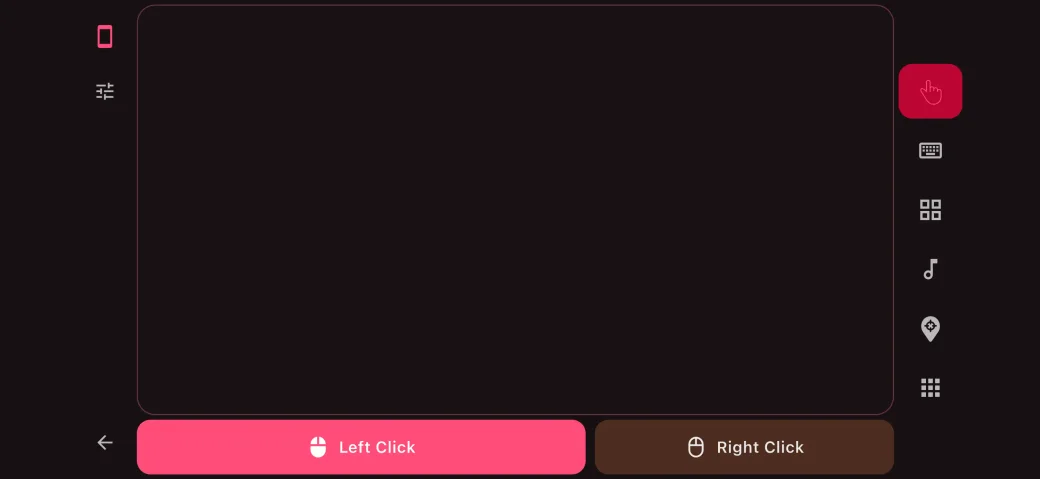
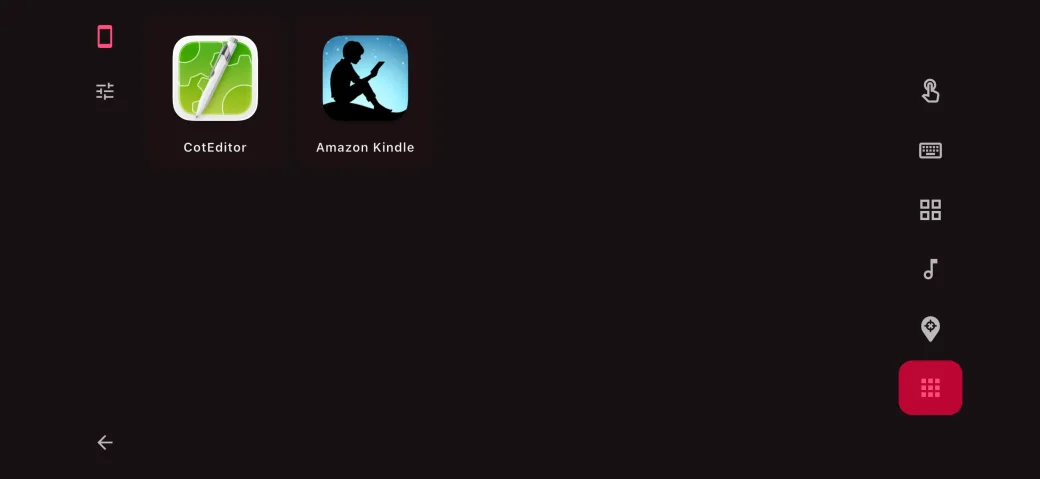
QuickPad is a wireless trackpad, keyboard, and macro pad that turns your iPhone, iPad, and Mac into a remote input device for your computer. Connect over your local network and control your desktop with multi-touch gestures, custom macros, and media keys.
TRACKPAD:
- Full-surface multi-touch trackpad emulation
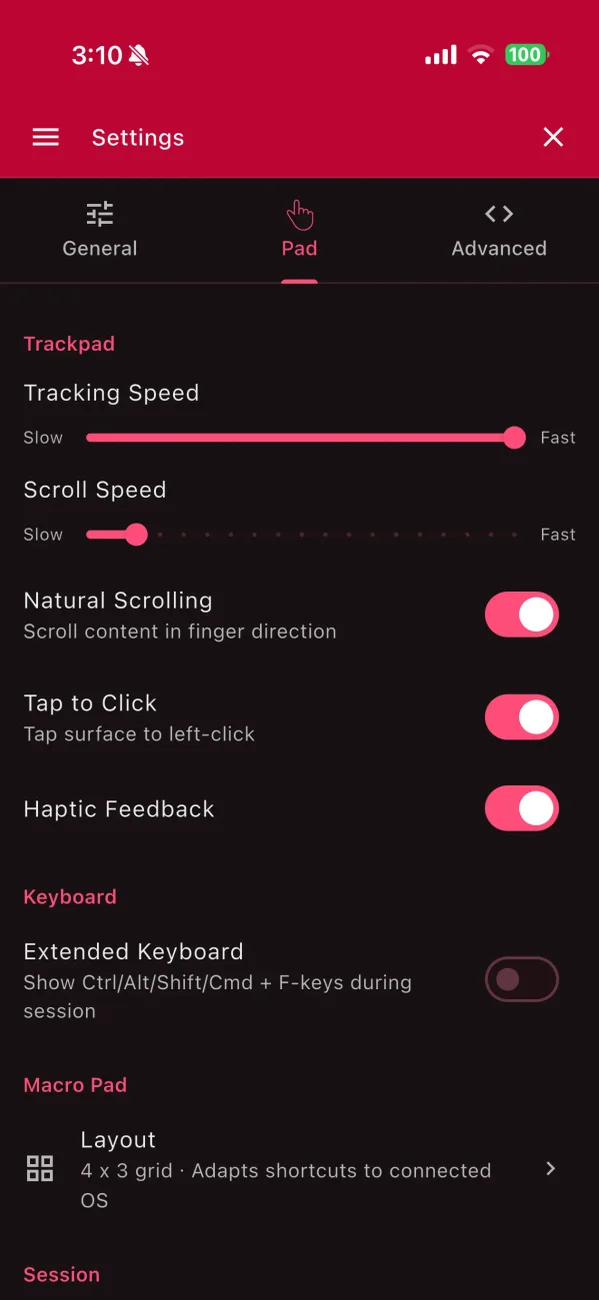
- Adjustable tracking speed (0.5x–5.0x)
- Two-finger scrolling with natural/reverse scroll option
- Tap-to-click support
- Visual touch feedback with animated indicators
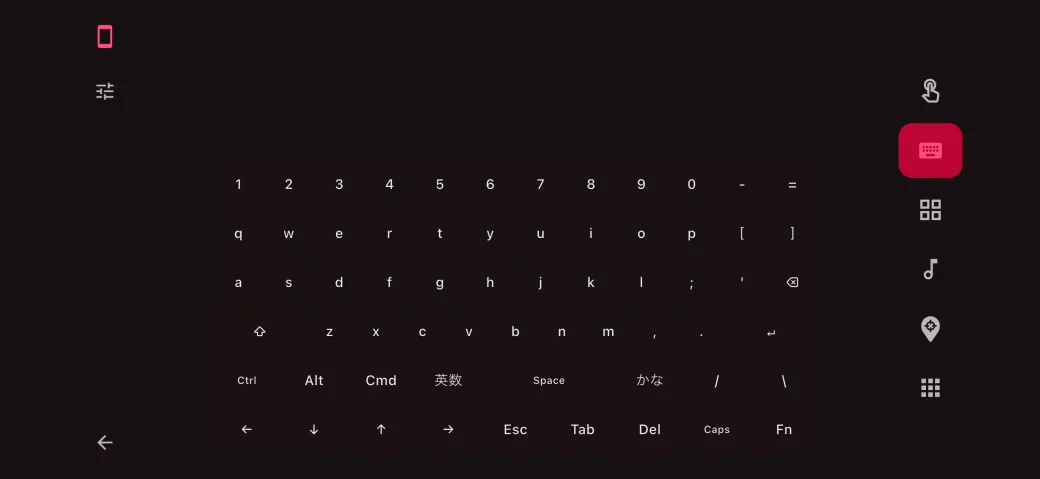
EXTENDED KEYBOARD:
- Sticky modifier keys: Ctrl, Alt, Shift, Cmd/Win
- Function keys F1–F12
- Arrow keys, Home, End, Page Up/Down, Insert
- Special keys: Esc, Tab, Enter, Space, Backspace, Delete
- Auto-release modifiers after action key press
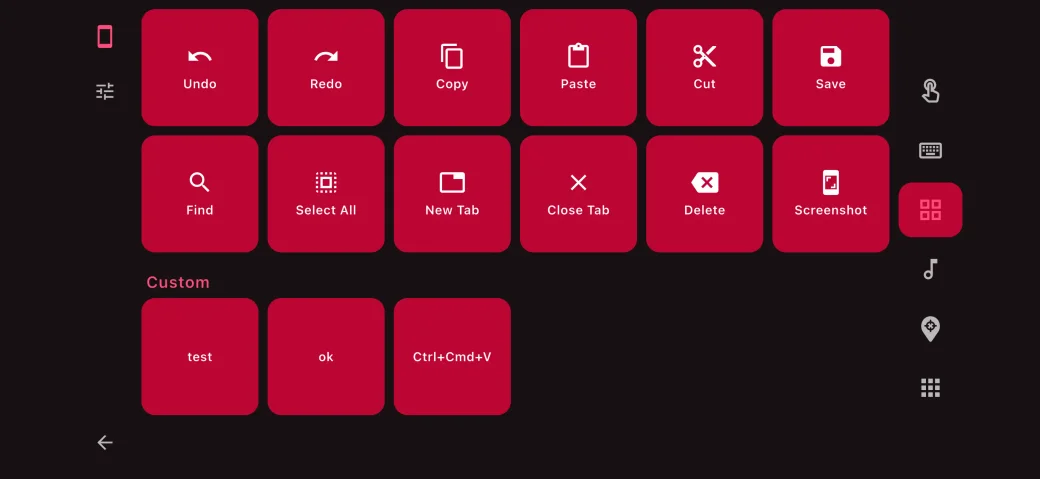
MACRO PAD:
- 4x3 configurable button grid (12 slots)
- Custom labels, icons, and colors per button
- Assign any key + modifier combination
- Pre-configured common macros (Undo, Copy, Paste, Save, Find, etc.)
- Long-press to edit any button
MEDIA CONTROLS:
- Play/Pause, Previous, Next track
- Volume Up, Down, Mute with hold-to-repeat
- Dedicated media control tab
CONNECTION:
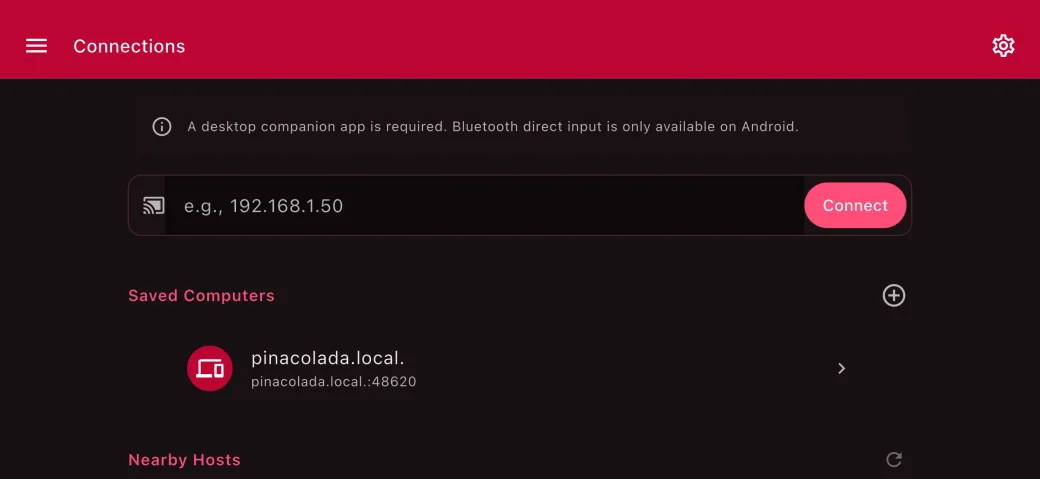
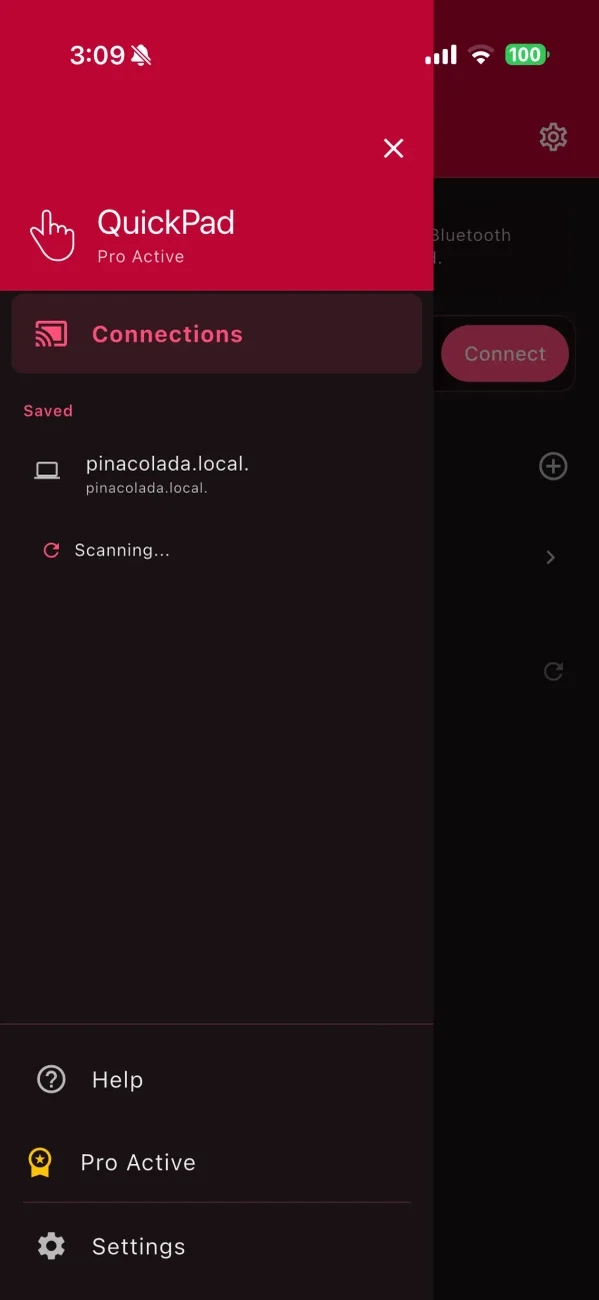
- LAN auto-discovery via mDNS/Bonjour
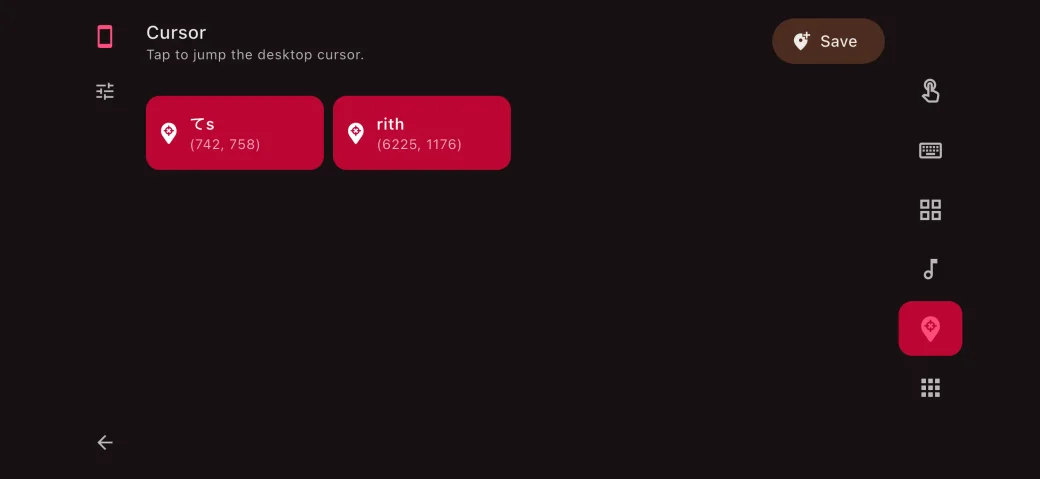
- Save multiple computer profiles
- Quick connect by IP address
- Auto-reconnect with retry (up to 3 attempts)
- Auto-detect host computer's operating system
SESSION:
- Keep screen on during active session
- Connection status indicators
- Tab-based mode switching (Trackpad / Macros / Media)
CUSTOMIZATION:
- 20+ theme colors with dark/light mode
- Haptic feedback toggle
- Responsive layout for mobile, tablet, and desktop
QuickPad Pro unlocks:
- Bluetooth HID direct input (Android)
- Ad-free experience
- Full settings access
- Priority support
Terms of Use: https://kakitiro.com/quickapps/quickpad/terms/
What’s new
Version 5.1 · May 21, 2026
• Bug fixes and performance improvements.
• UI and design improvements.
App privacy
What KAZUHIRO KAKIMOTO declares on the App Store about how this app handles data.
-
Data linked to you
May be collected and linked to your identity.
- Location
- Identifiers
- Usage data
-
Data not linked to you
May be collected but is not linked to your identity.
- Diagnostics
Privacy practices may vary, for example with the features you use or your age.
Information
- Seller
- KAZUHIRO KAKIMOTO
- Category
- Utilities
- Version
- 5.1
- Updated
- May 21, 2026
- Released
- May 5, 2026
- Size
- 34.5 MB
- Requires
- iOS 13.0 or later
- Age rating
- 4+
- Price
- Free
- Languages
- English
- Copyright
- © kakitiro.com
You might also like
-
 Mobile TouchpadTurn your phone into a mouse
-
 Desk Remote: Mouse controlTrackpad & Keyboard for Mac
-
 FlickMouseUtilities
-
 TabletHIDCustom Gamepad & Touch Mouse
-
 Phone Mouse・Remote・KeyboardMobile Trackpad for Mac & PC
-
 Bluetooth MouseWireless Mouse & Keyboard
-
 MultiLink: Remote KeyboardTurn Tablet into a Trackpad
-
 AirBoard: Bluetooth KeyboardMouse & Trackpad for Mac & PC
-
 WiMouse: Remote Mouse KeyboardLaptop Remote & Media Control
-
 BT Keys: Keyboard & TrackpadBluetooth mouse & TV remote