
Munbyn Print
MUNBYN Exclusive App
Designed for iPhone, iPad, iPod touch
Free · In-app purchases
- Age rating17+
- CategoryGraphics & Design
- DeveloperGuangzhou Munbyn Technology Co. Limited
- LanguagesEnglish+ 7 more
- Size156.8 MB
Links to the official App Store page
Download.org hosts no file of Munbyn Print. The button opens its official App Store page, published by Guangzhou Munbyn Technology Co. Limited. Listing last checked on Nov 26, 2026.
Screenshots


About
Munbyn Print — Make Printing Easy & Fun
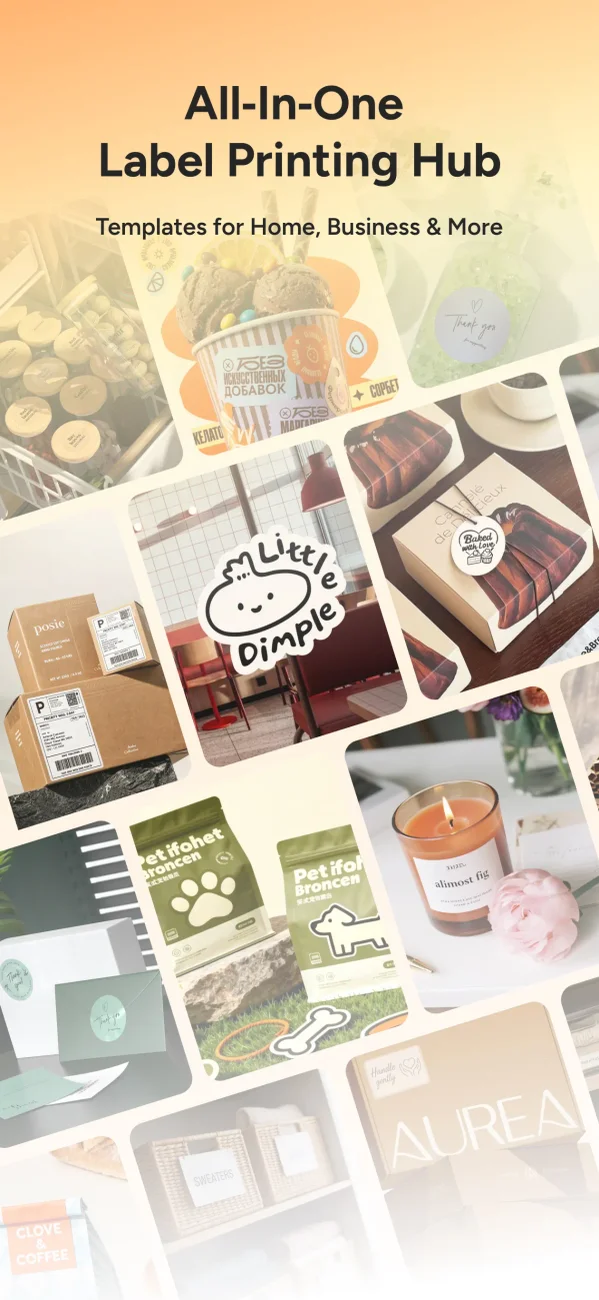
Munbyn Print is a powerful, smart thermal label printing app that transforms your label creation and printing workflow. Simply connect your label printer via Bluetooth on your mobile device. It fits perfectly for office work, home organization, study planning, DIY crafts, e-commerce shipping and more. Design freely and print high-quality labels in seconds.
Multi-language Support
English/Chinese/Spanish/French/Japanese/German/Italian/Portuguese (Brazil)
Key Features
Rich Template Library
- Thousands of free templates for tags, storage labels, shipping stickers and daily scenarios
- One-click access and full customization to create unique personalized labels effortlessly
Smart Editor
- All-in-one visual editor: add text, tables, illustrations, icons, images, dates & more
- Built-in voice recognition, QR, barcode and bulk serial generators for professional labels
- Intuitive interface; beginners can design labels easily
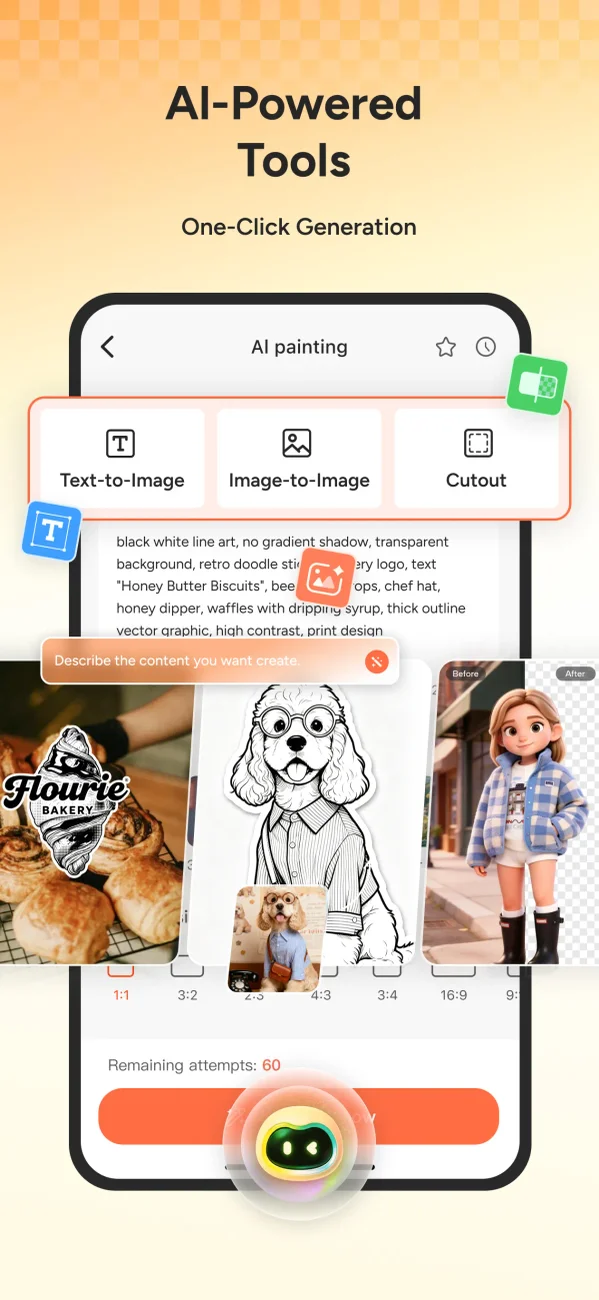
AI Creative Tools
- AI Text-to-Image: Enter prompts to generate custom graphics for your labels
- AI Image-to-Image: Restyle original images to quickly refine label assets
- AI Background Remover: One-click background removal to extract design subjects
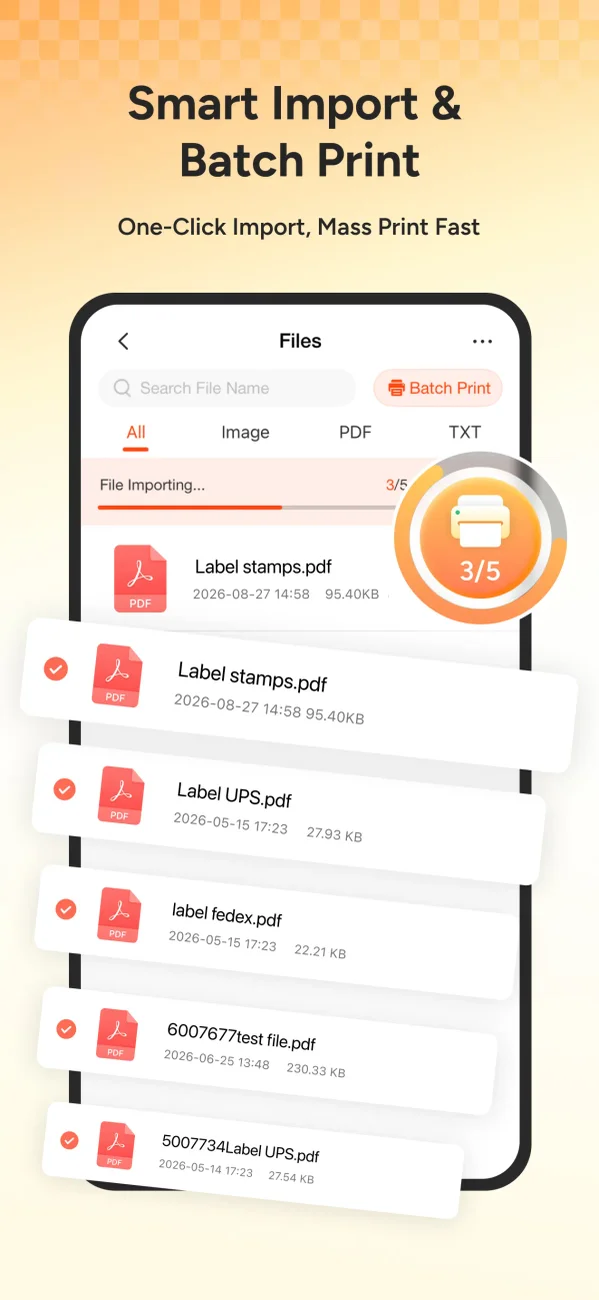
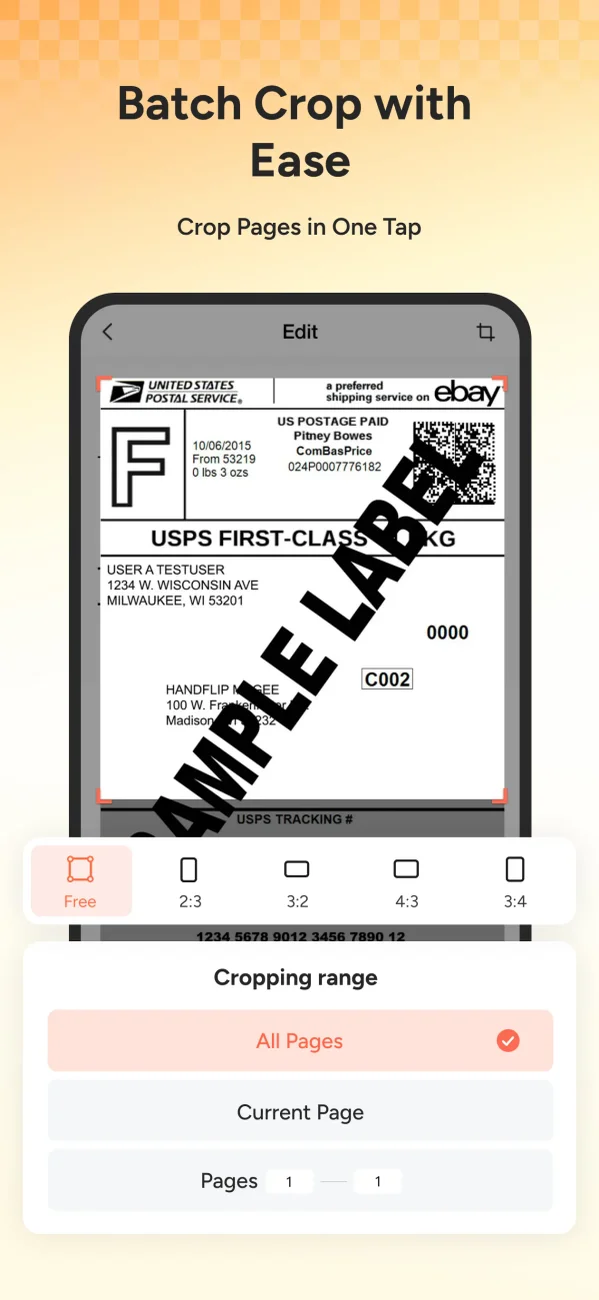
Bulk Import, Printing & Batch Cropping
- Batch import files for continuous printing, saving repetitive work for shipping and asset tagging
- Crop flexibly: Current Page / All Pages / Odd Pages / Even Pages
Clarity Enhancement Algorithm
- Image optimization auto-adjusts brightness and contrast for crisp graphics
- Text sharpening enhances edge clarity to keep small text sharp and blur-free
Multi-Format File Printing
- Supports direct printing for PDF, TXT, PNG and JPG files
- Built-in cropping and one-click preprocessing for perfect print results
Powerful OCR Text Recognition
- Built‑in OCR extracts text from images, ready for editing and layout adjustments to skip manual typing
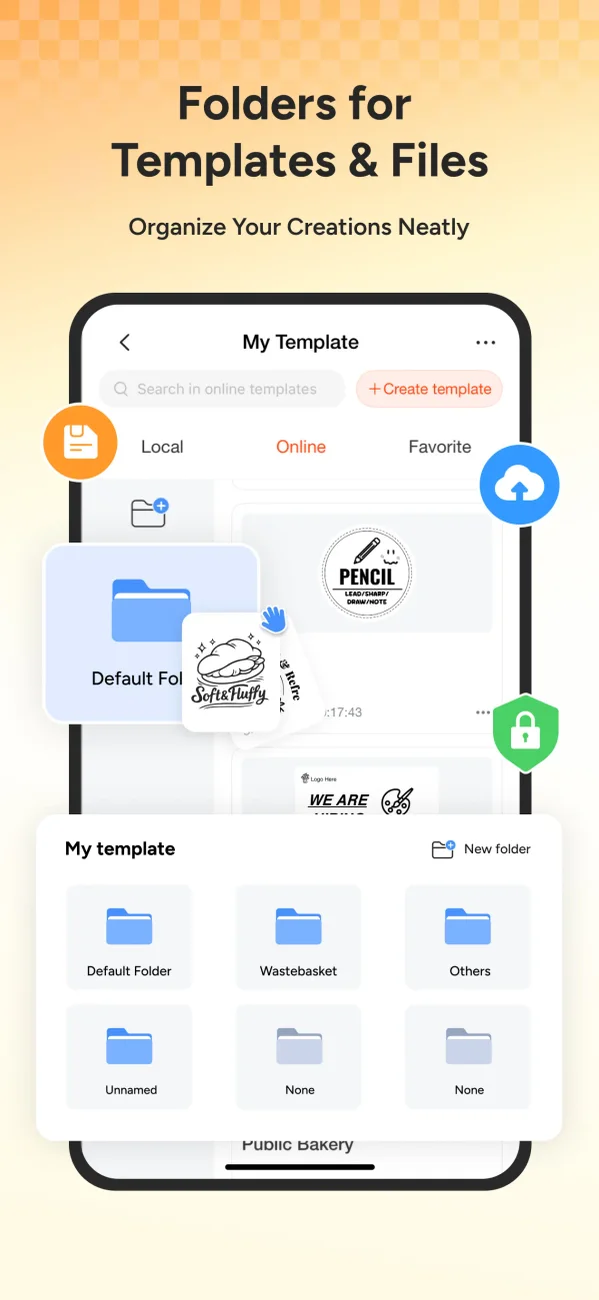
Folder Management
- Create categorized folders to organize all your label projects
- Quickly find and reuse saved designs for tidy project management
Cloud Storage
- Encrypted cloud storage saves templates & designs with seamless cross-device sync
- Access, edit and manage your works anytime across mobile devices
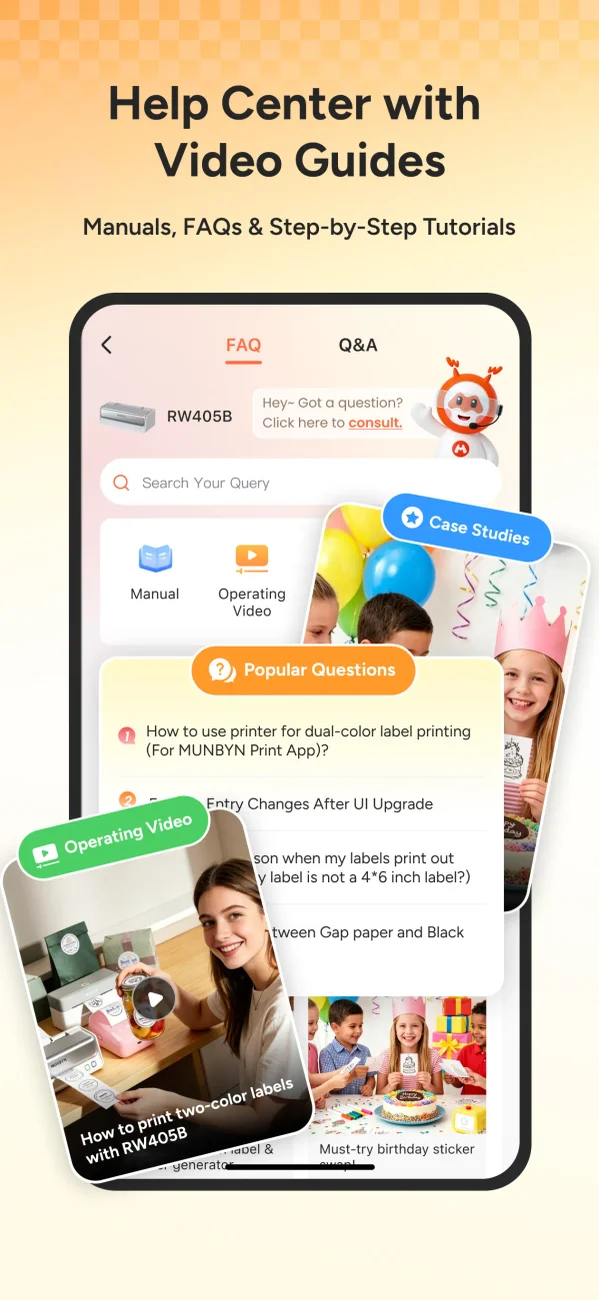
Professional Technical Support
- Submit feedback, report issues and share usage tips online to receive fast professional guidance
- Dedicated support team on standby to provide end-to-end assistance and resolve your questions
Auto-Renewable Subscription Terms
1. Available Subscription Plan
a) Starter Plan: Monthly auto-renewing subscription (valid for 1 calendar month)
2. Subscription Pricing
a) Starter Plan: $9.99 per month with auto-renewal; original annual price $59.99.
Membership Benefits: 60 total AI credits, unlock Text-to-Image, Image-to-Image and AI Background Remover.
3. Payment
After purchase confirmation, payment will be charged to your Apple ID account.
4. Auto-Renewal Rule
Your Apple ID will be charged automatically within 24 hours before your current subscription expires. Upon successful payment, your subscription will be extended for another month.
5. How to Cancel Auto-Renewal
Go to iPhone Settings → Tap your Apple ID → Subscriptions, locate this app to manage your subscription.
You may turn off auto-renewal at least 24 hours prior to the next billing cycle. Your active membership benefits remain available until the expiry date after cancellation.
6. Terms of Service
MUNBYN Paid Services Agreement: https://appapi.munbyn.com/subscriptionPaymentTermsOfService/?language=en
User Agreement: https://appapi.munbyn.com/common/user-agreement.html
7. Privacy Policy
Privacy Policy: https://appapi.munbyn.com/common/privacy-policy.html
Download Munbyn Print now to enjoy unprecedented printing convenience and fun. Our label printing application provides excellent technical support and service to ensure every use is a pleasant experience.
What’s new
Version 3.1.5 · Nov 25, 2026
Fix some known issues
App privacy
What Guangzhou Munbyn Technology Co. Limited declares on the App Store about how this app handles data.
-
Data not linked to you
May be collected but is not linked to your identity.
- Identifiers
- Diagnostics
Privacy practices may vary, for example with the features you use or your age.
Information
- Seller
- Guangzhou Munbyn Technology Co. Limited
- Category
- Graphics & Design
- Version
- 3.1.5
- Updated
- Nov 25, 2026
- Released
- Jun 30, 2022
- Size
- 156.8 MB
- Requires
- iOS 13.0 or later
- Age rating
- 17+
- Price
- Free
- In-app purchases
- Yes
- Languages
- English, French, German, Italian, Japanese, Portuguese, Simplified Chinese, Spanish
- Copyright
- © 2022 Guangzhou Munbyn Technology Co. Limited Inc.
You might also like
-
 Brother ArtspiraGraphics & Design
-
 Cricut Heat: DIY Heat TransferIron-On, Infusible Ink & more
-
 Playground: AI Design & EditorLogos, T-Shirts, Posters, SVG
-
 Cricut Design SpaceGraphics & Design
-
 VistaCreate: AI Graphic DesignFlyer, Poster, Logo Maker
-
 Silhouette GoGraphics & Design
-
 Logo Maker - AI Art DesignBrand & Logo Creator
-
 Design Maker For Craft Space!AI Monograms,Fonts & Cut Files
-
 Procreate PocketSketch and Paint on iPhone.
-
 Rebrand - AI Logo MakerLogo Generator, Graphic Design