MuralView2
See murals before painting
Designed for iPhone, iPad
Free · In-app purchases
- Age rating4+
- CategoryGraphics & Design
- DeveloperPAUL VITALE
- LanguagesEnglish+ 17 more
- Size23.8 MB
Links to the official App Store page
Download.org hosts no file of MuralView2. The button opens its official App Store page, published by PAUL VITALE. Listing last checked on Nov 21, 2026.
Screenshots
About
Shape your design to the surface with MuralView2.
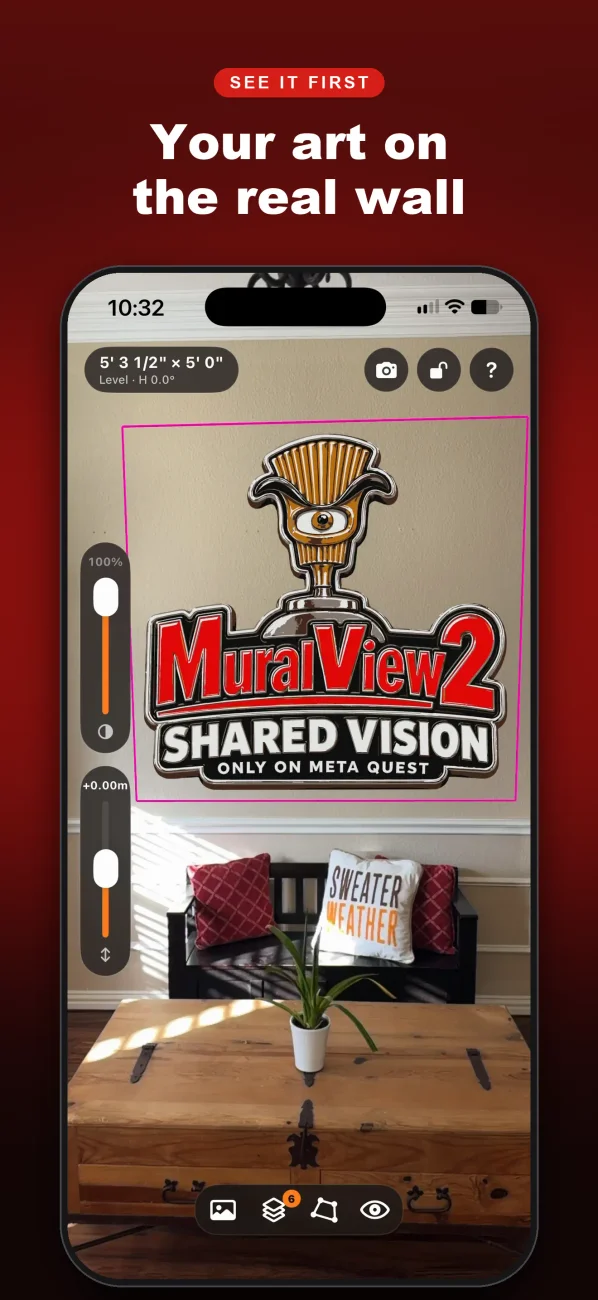
See your mural on the real wall before you paint. Fold it around corners, curve it around columns, and dim it down for precise drawing on site.
MuralView2 is built for muralists, sign painters and artists who need to see and paint designs on real surfaces. Whether you're pitching a concept or painting on location, it helps you work faster and more accurately.
SEE YOUR MURAL BEFORE YOU PAINT
Place your artwork on the wall in AR and show your client exactly how it will look, true to scale, in their own space. No guesswork, no mockups.
FOLD AND CURVE TO MATCH REAL SURFACES
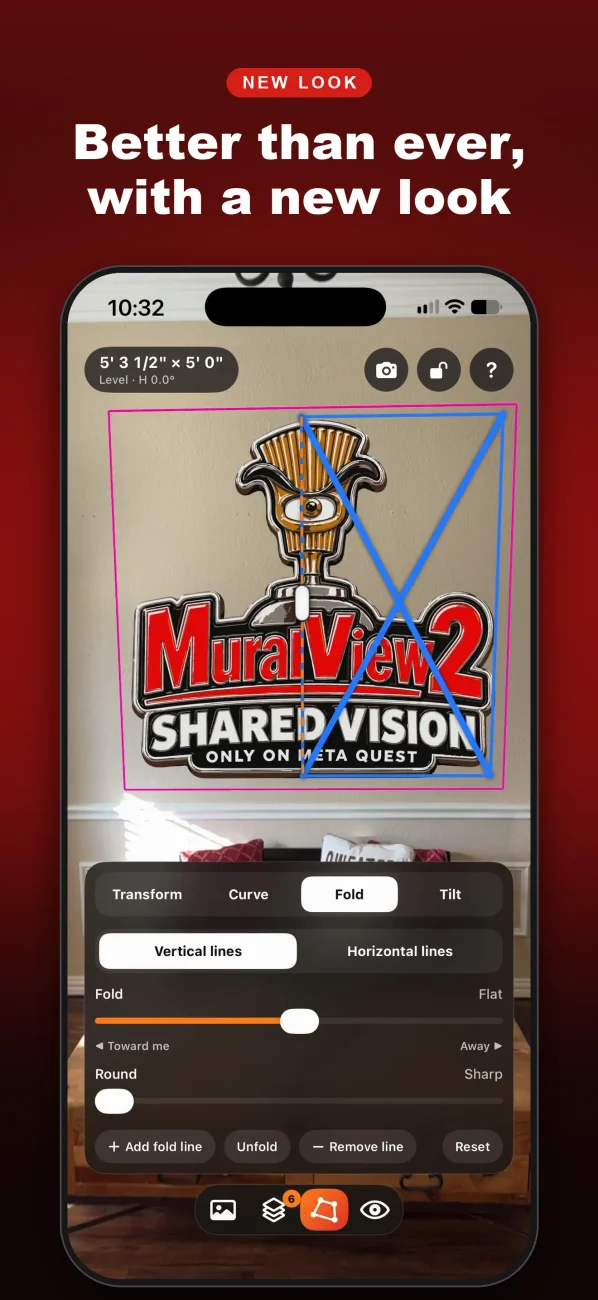
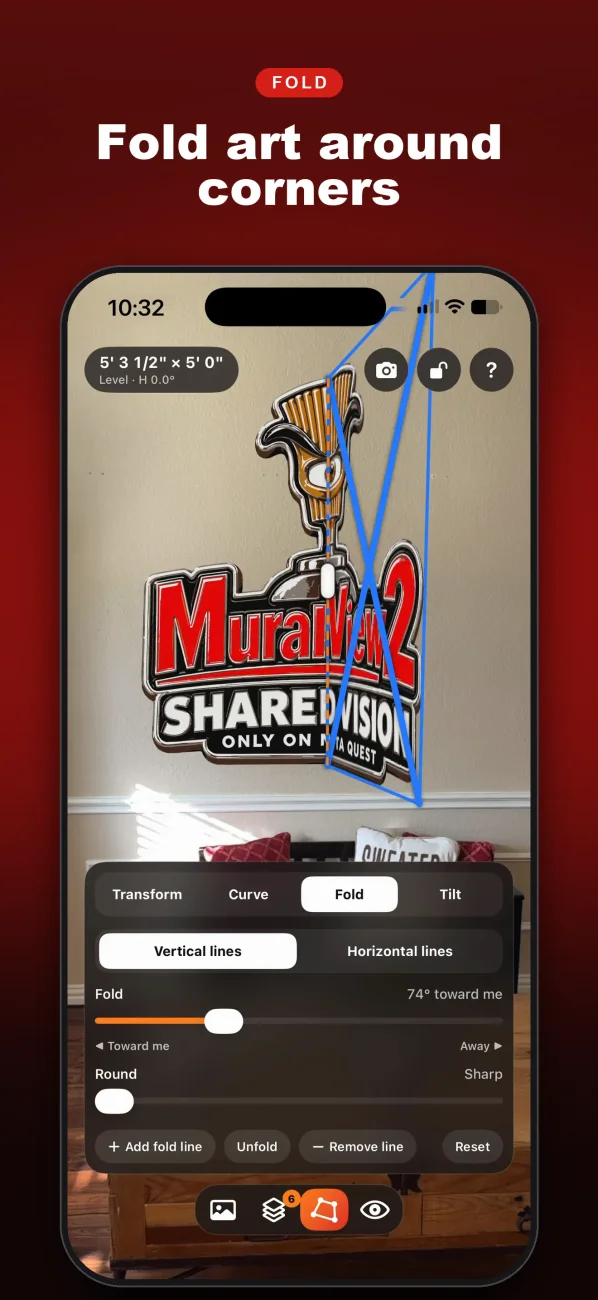
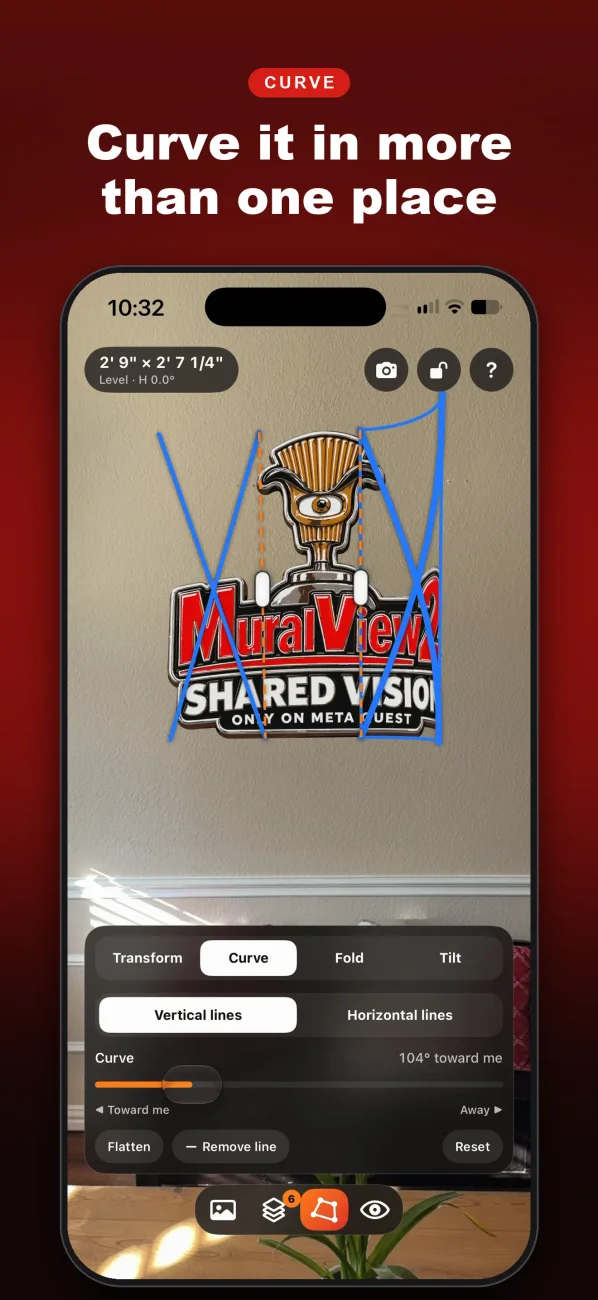
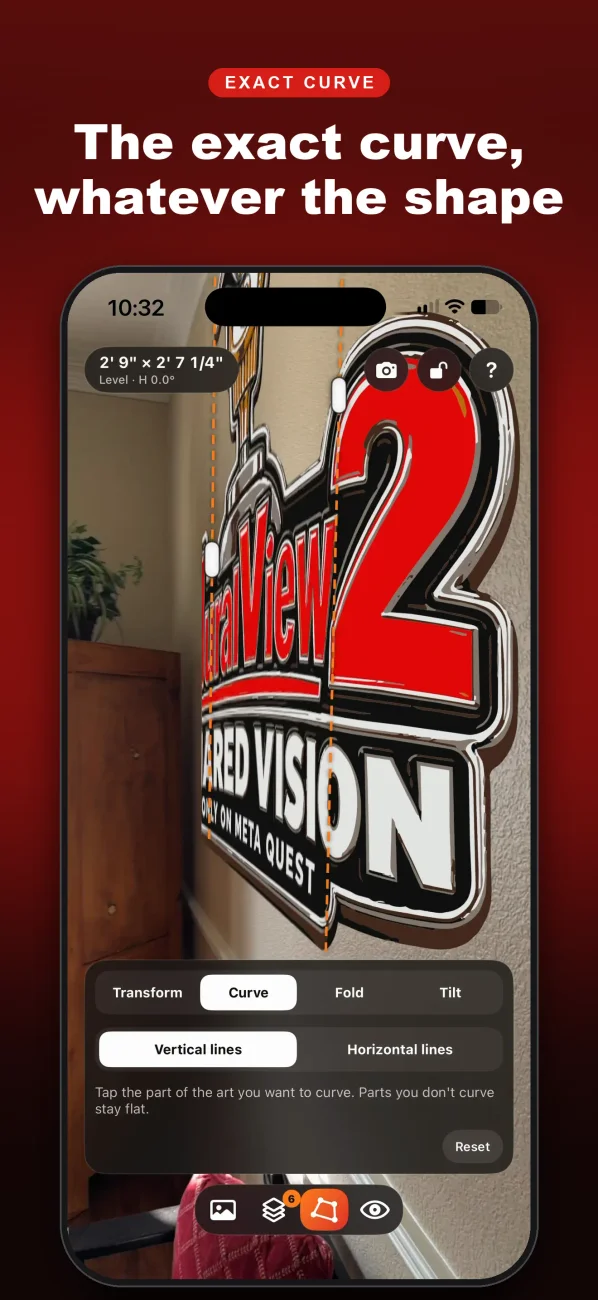
Not every wall is flat. Fold your art around corners and wrap it around columns, rounded and concave walls. Tap the part you want to move and the rest stays put.
TRANSFORM TO FIT
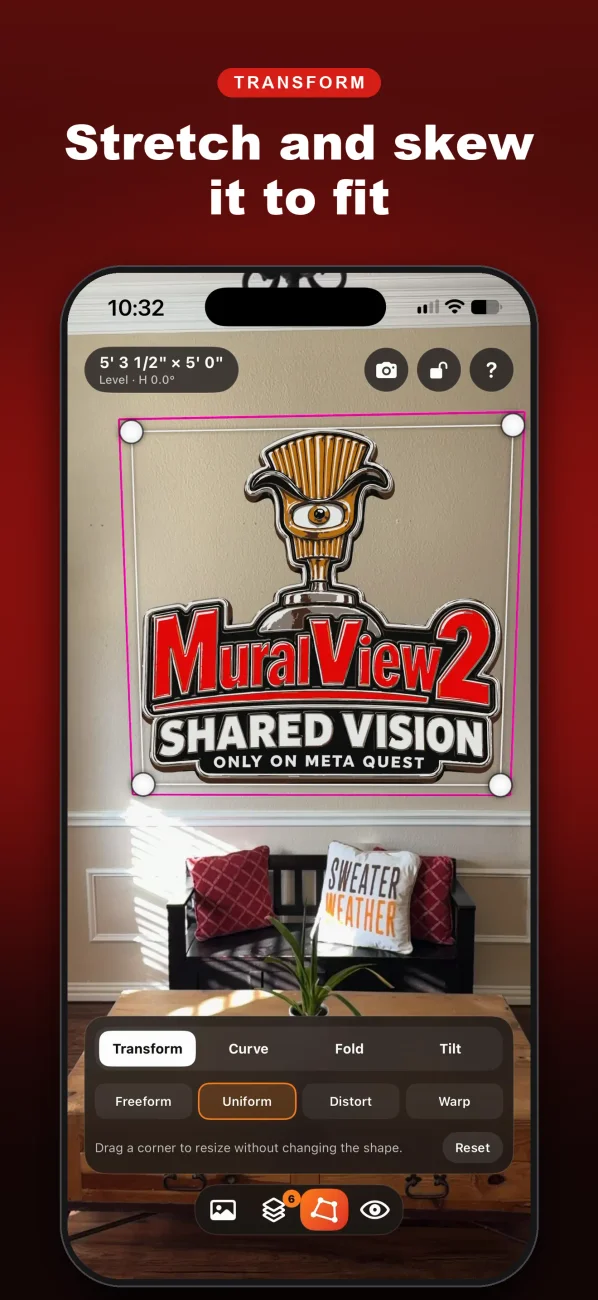
Stretch, skew, distort and warp your art until it lines up with the wall.
YOUR LIBRARY ON PHONE AND QUEST
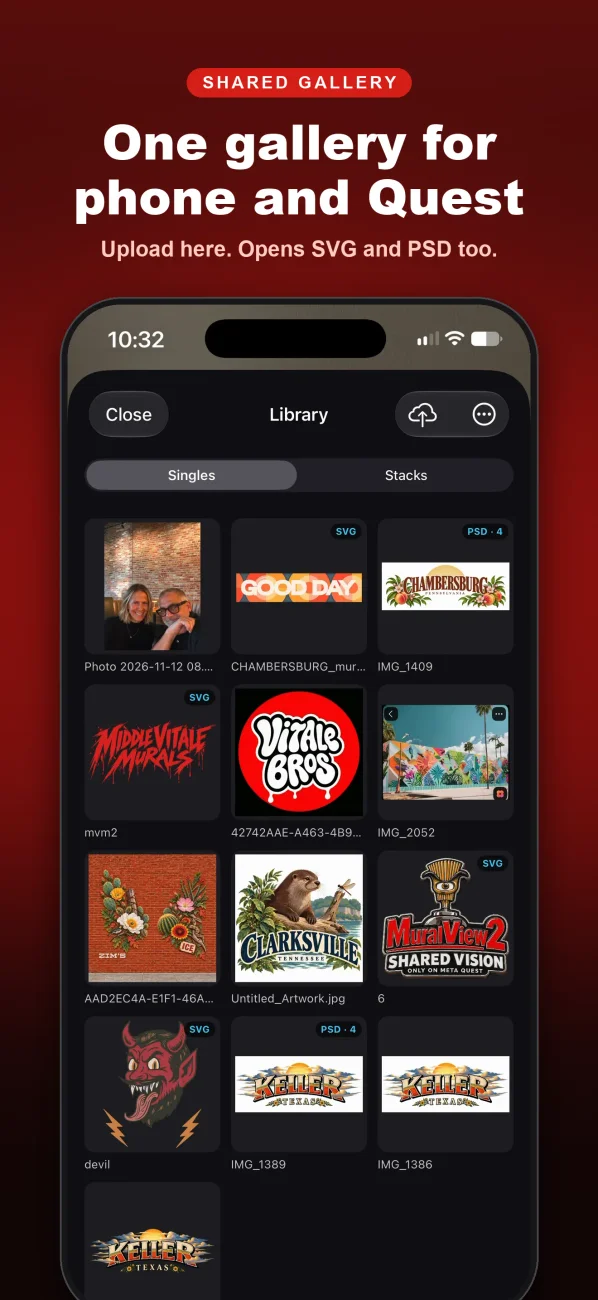
Open your muralview2.com library right in the app, and upload new art from Photos or Files. The same library works with MuralView2 on Meta Quest.
EVERY FILE TYPE
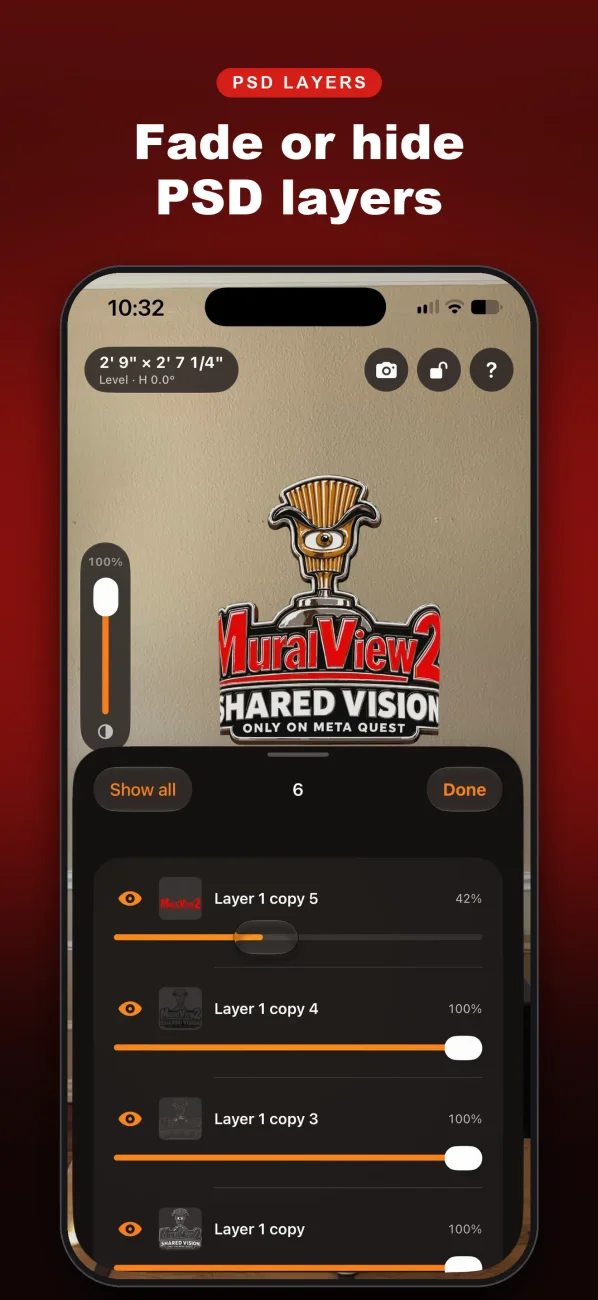
JPG, PNG, PSD with layers, and true-vector SVG that stays sharp up close. Fade, hide, lock or duplicate layers like you would in your drawing app.
DIM FOR DRAWING
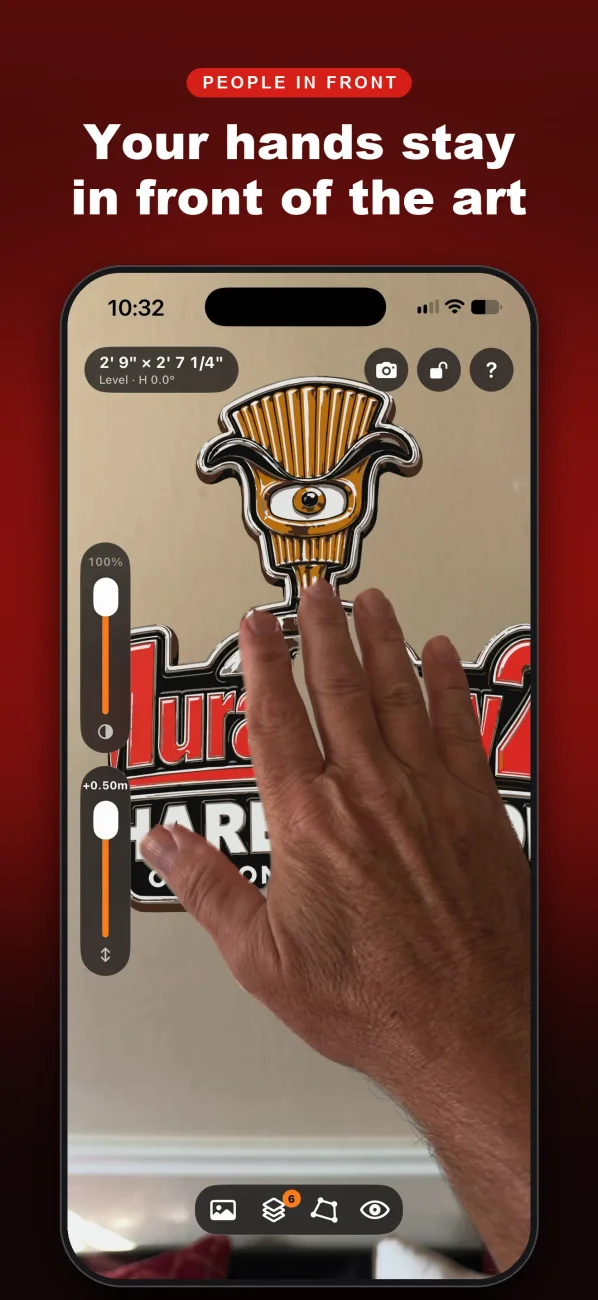
Lower the opacity and use your art as a live guide while you paint. Your hands stay in front of the art, so you can see what you're doing.
BUILT FOR REAL JOB SITES
Whether you're in a client's home, a restaurant or up a ladder, MuralView2 helps you stay fast and in control.
KEY FEATURES
• Real-time AR mural preview
• Fold and curve tools for corners, columns and curved walls
• Transform: Freeform, Uniform, Distort and Warp
• PSD layers and true-vector SVG
• Upload to and open your muralview2.com library
• Opacity and Push & Pull sliders for drawing
• Available in 18 languages
WHO IT'S FOR
Muralists, sign painters, street artists, designers presenting work to clients, and anyone who wants to see art on a wall before committing.
Stop guessing how your design will look on a wall. Show it. Adjust it. Draw it.
Terms of Use (EULA): https://www.apple.com/legal/internet-services/itunes/dev/stdeula/
Privacy Policy: https://www.middlevitalemurals.com/privacy-policy
What’s new
Version 2.1 · Nov 15, 2026
The biggest MuralView2 update yet:
• Fold your art around corners and curve it in more than one place. Only the parts you tap move.
• Transform tools: Freeform, Uniform, Distort with skew points, and Warp
• Procreate-style layers: select several, lock, duplicate, delete, and fade or hide PSD layers
• SVG files stay true vectors, sharp even up close
• Upload art to your muralview2.com library straight from Photos or Files
• A cleaner interface with the Opacity and Push & Pull sliders always on screen
• A redesigned Help section
• Now in 18 languages
App privacy
What PAUL VITALE declares on the App Store about how this app handles data.
-
Data not collected
The developer does not collect any data from this app.
Privacy practices may vary, for example with the features you use or your age.
Information
- Seller
- PAUL VITALE
- Category
- Graphics & Design
- Version
- 2.1
- Updated
- Nov 15, 2026
- Released
- May 2, 2026
- Size
- 23.8 MB
- Requires
- iOS 18.6 or later
- Age rating
- 4+
- Price
- Free
- In-app purchases
- Yes
- Languages
- English, Czech, Danish, Dutch, Finnish, French, German, Hindi, Hungarian, Italian, Japanese, Korean + 6 more
- Copyright
- © 2026 Middle Vitale Murals LLC
You might also like
-
 Stencil InkTattoo Stencils
-
 Artino: AR Trace to SketchDraw with Camera & Templates
-
 Mural Trace - Ctrl V Art GridDraw and paint murals easily
-
 Stencil FlowGraphics & Design
-
 PICKY - Tattooing CompanionFocus on your art
-
 Tattoo Stencil - ProTattoo artist stencil tool
-
 Mural Maker by Da Vinci EyeTracing Tools for HUGE artwork
-
 Tattoo Stencil Maker: InkCutAI Photo to Stencil Converter
-
 Stencil AI - Tattoo StencilsPhoto to Tattoo Stencil Maker
-
 decalq INKTattoo Stencil Maker