
MuseScreen Widgets & Wallpaper
Photos, Clocks & Special Days
Designed for iPhone, iPad
Free · In-app purchases
- Age rating4+
- CategoryGraphics & Design
- DeveloperShanghai Lumeng Cultural Communication Co., Ltd.
- LanguagesEnglish+ 3 more
- Size80.8 MB
Links to the official App Store page
Download.org hosts no file of MuseScreen Widgets & Wallpaper. The button opens its official App Store page, published by Shanghai Lumeng Cultural Communication Co., Ltd. Listing last checked on Nov 17, 2026.
Screenshots
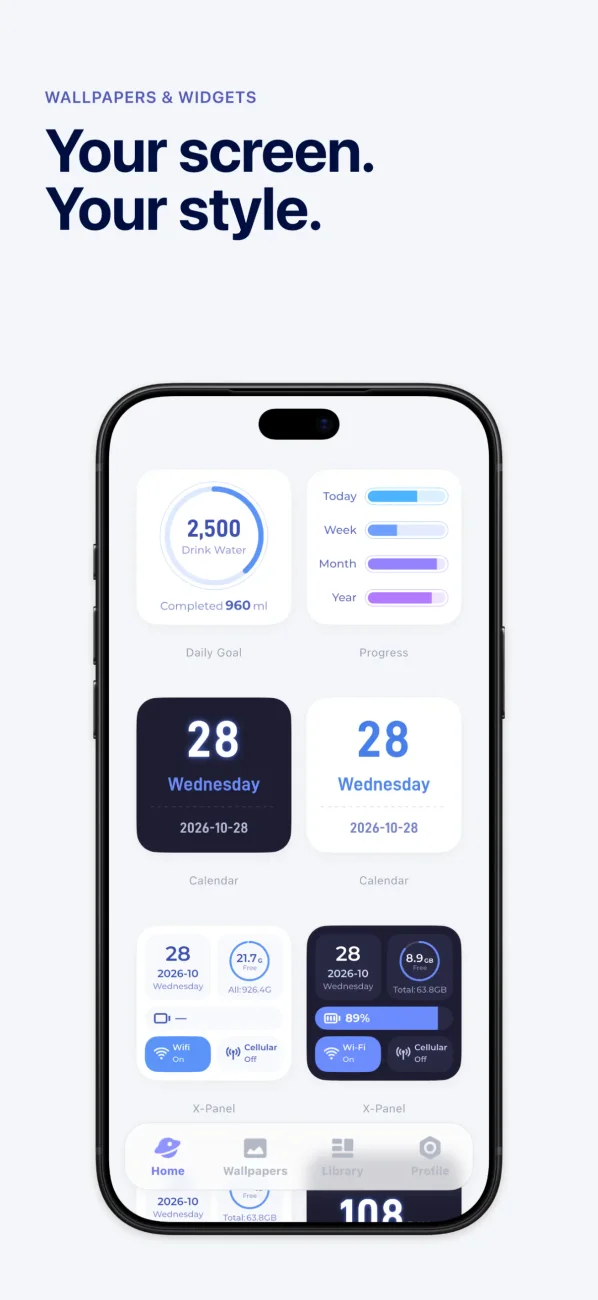
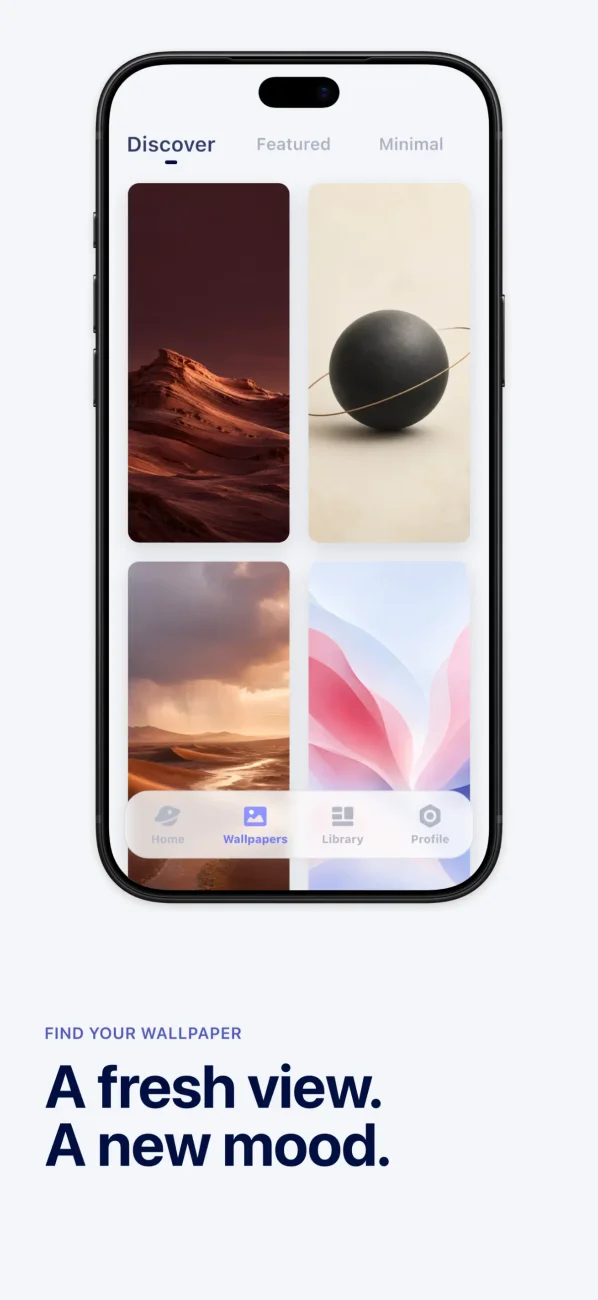
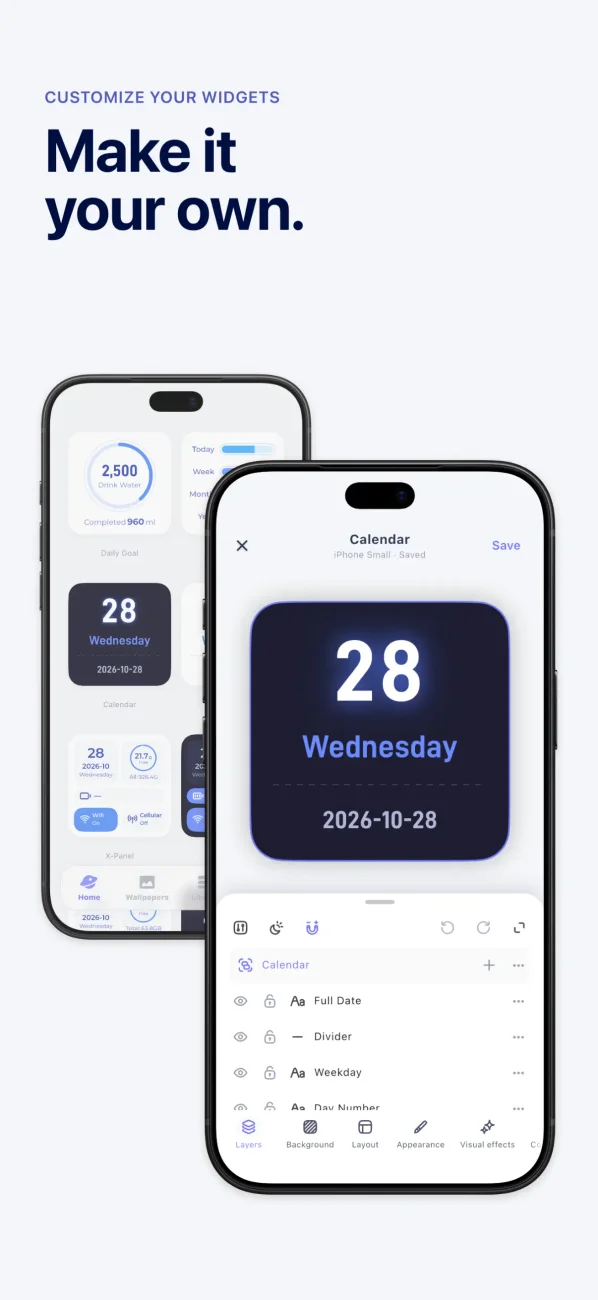
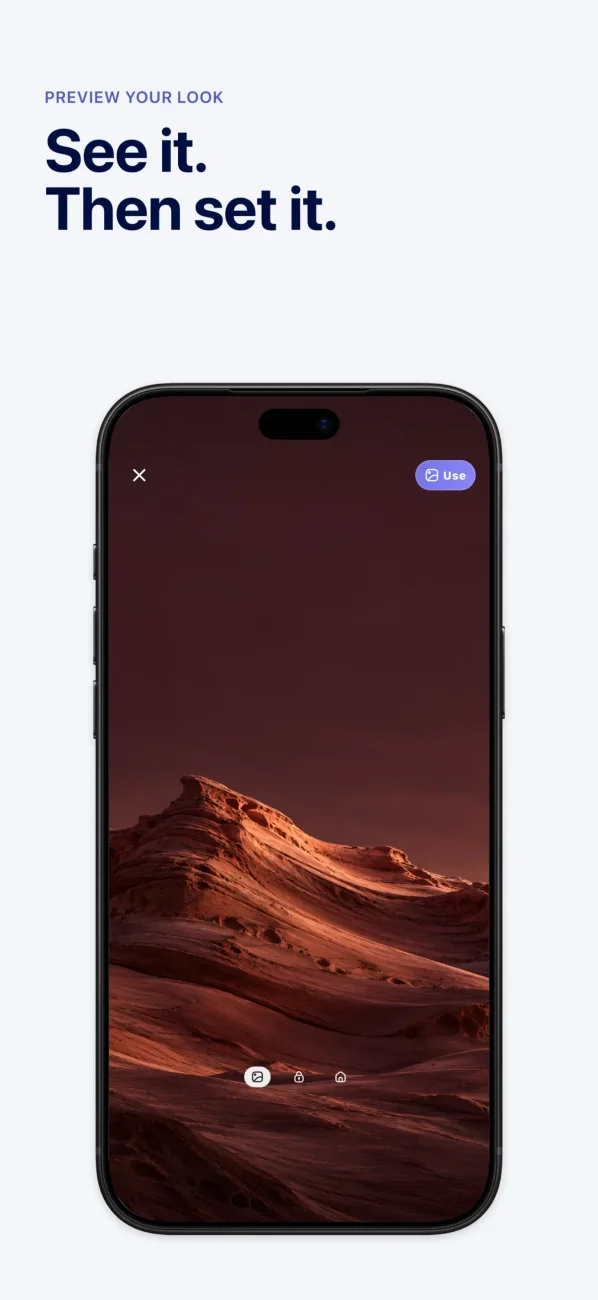
About
Keep what you love in view.
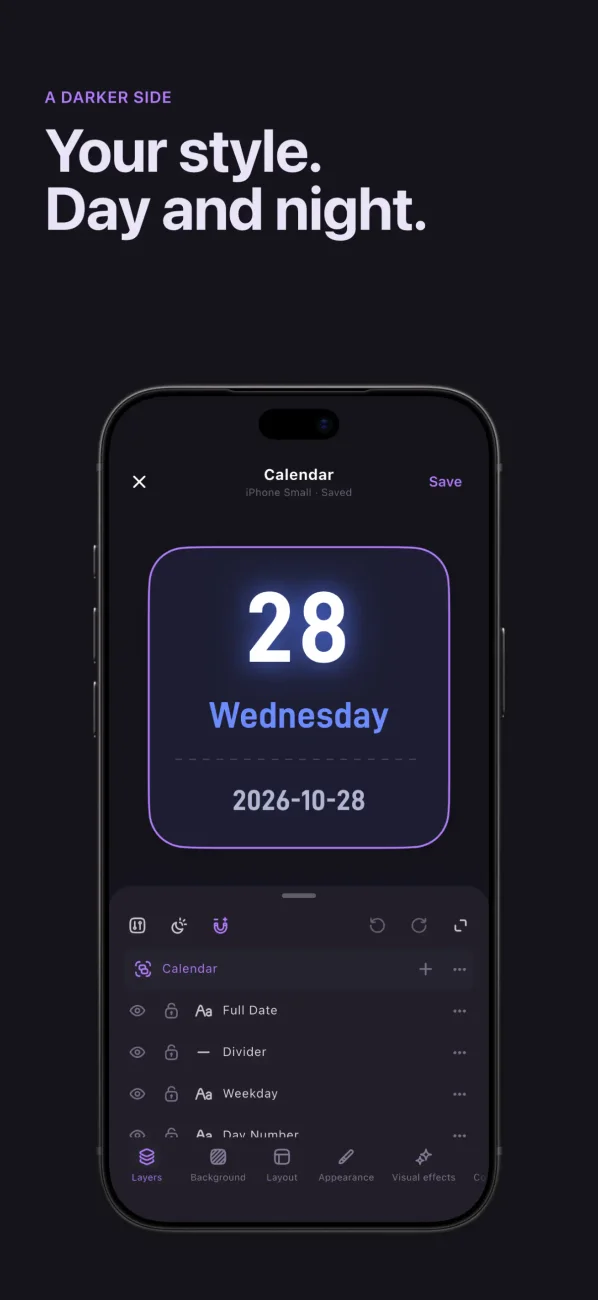
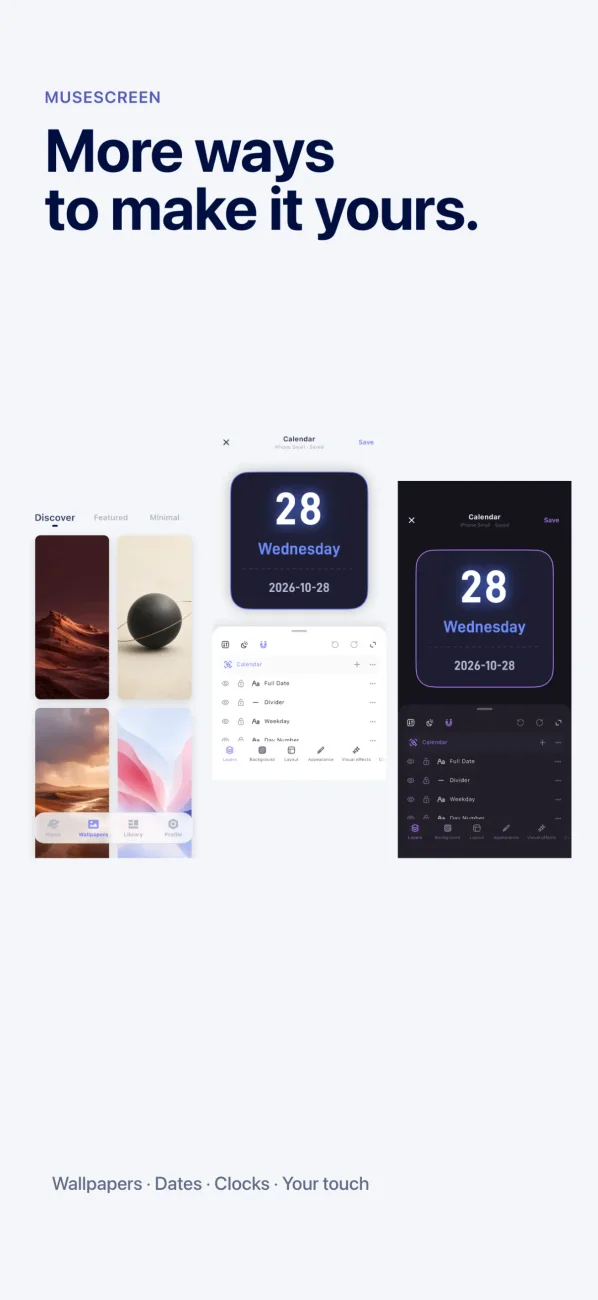
A favorite photo, a date worth remembering, a wallpaper that fits your mood. MuseScreen helps you bring them together on your home screen, with widgets you can shape around your style and your day.
FIND YOUR NEXT WALLPAPER
Browse different styles, preview a wallpaper, and save it to your photo library. Follow the in-app guide to set it as your Home Screen or Lock Screen wallpaper in iOS.
MAKE WIDGETS YOUR OWN
Start with a template, edit text and photos, and adjust fonts, colors, backgrounds and layouts. Set separate light and dark appearances. Configure data sources and conditional display rules when you want more control over what your widget shows.
KEEP YOUR COLORS TOGETHER
Give text, backgrounds and details a consistent look. Link elements in the same widget to a named color, then change them together. Create separate light and dark looks, or pick from a palette when your template offers one.
KEEP EVERYDAY INFORMATION IN VIEW
Use compatible templates for clocks, dates, countdowns, tasks and goal records. Manage personal records in the app and use them across widgets that reference the same information. Available content and sizes depend on the templates you choose.
SAVE YOUR WORK AND ADD IT TO YOUR SCREEN
Keep your designs in My Widgets, then add them to your Home Screen using the system widget controls. iOS schedules widget refreshes, so update frequency can vary with system conditions.
START WITHOUT AN ACCOUNT
No registration is required. Widget designs and personal records are stored on your current device. MuseScreen supports English, Simplified Chinese and Traditional Chinese. Automatic syncing between devices is not currently available.
MUSESCREEN PRO
Download standard-quality wallpapers and keep up to 3 distinct widget designs active for free. Subscribe to Pro for HD wallpaper downloads and to remove the active widget design limit. System and device limits still apply.
Available subscription plans, prices and offer eligibility are shown on the purchase screen. Payment is charged to your Apple Account when you confirm your purchase. Subscriptions renew automatically unless canceled at least 24 hours before the current period ends. Manage or cancel your subscription in your Apple Account settings, or restore purchases in the app.
Privacy Policy: https://musescreen.honqii.com/privacy/
Terms of Use: https://musescreen.honqii.com/terms/
Support: https://musescreen.honqii.com/support/
Standard EULA: https://www.apple.com/legal/internet-services/itunes/dev/stdeula/
What’s new
Version 2.3.0 · Nov 15, 2026
Fixed widget borders being hidden by backgrounds or overlapping layers.
Fixed image background corners and dynamic background colors.
Reduced repeated work during widget editing and improved wallpaper preview transitions.
Improved page layouts and fixed other display issues.
App privacy
What Shanghai Lumeng Cultural Communication Co., Ltd. declares on the App Store about how this app handles data.
-
Data not linked to you
May be collected but is not linked to your identity.
- Identifiers
- Usage data
- Diagnostics
Privacy practices may vary, for example with the features you use or your age.
Information
- Seller
- Shanghai Lumeng Cultural Communication Co., Ltd.
- Category
- Graphics & Design
- Version
- 2.3.0
- Updated
- Nov 15, 2026
- Released
- May 2, 2022
- Size
- 80.8 MB
- Requires
- iOS 18.0 or later
- Age rating
- 4+
- Price
- Free
- In-app purchases
- Yes
- Languages
- English, Arabic, Simplified Chinese, Traditional Chinese
- Copyright
- © Lumeng Culture Inc
You might also like
-
 TwoTwoWidgets - 万能桌面小组件盒子壁纸美化topwidgets/万能小组件/灵动小组件/主题壁纸/锁屏
-
 Color Widgets Kit - iWidgetsCustom Widgets & Color Widgets
-
 Themee - Widgets Icon ThemesAesthetic Custom Home Screen
-
 iWidget - Widgets & WallpapersWidget, Standby, Wallpaper
-
 Widget Park-Transparent WidgetClock,Countdown,Photo & Widget
-
 Icon Themer:App Skin – NariconChange Icons & Custom Themes
-
 Widgets FlowWidgets & Dynamic Island
-
 Fun Widgets-Widgets&WallpapersX-board/Lock Screen/Calendar
-
 OneWidget - Widgets & ThemesWidget,Theme,Wallpaper,Island
-
 WidgetX - Themes,Widgets,IconsAesthetic Custom Home Screen