Muxly: Native tmux & SSH
Terminal for AI coding agents
Designed for iPhone, iPad
Free · In-app purchases
- Age rating4+
- CategoryDeveloper Tools
- DeveloperWhale shark s. r. o.
- LanguagesEnglish
- Size47.6 MB
Links to the official App Store page
Download.org hosts no file of Muxly: Native tmux & SSH. The button opens its official App Store page, published by Whale shark s. r. o. Listing last checked on Nov 25, 2026.
Screenshots



About
Native tmux for iPhone and iPad, optimized for AI coding agents running on your host.
Muxly is a native tmux client that makes you forget you're inside tmux. Your tmux windows become tabs, panes are a tap away, and scrolling is smooth and native. Your sessions keep running on your server when you close the app or lose connection, and an encrypted bell notification can reach you when a build finishes or an agent needs you.
TMUX, FULLY INTEGRATED
• Create, rename, reorder, and close real tmux windows from a native tab strip.
• Switch panes with the iPhone pane picker or work with your tmux layout on iPad.
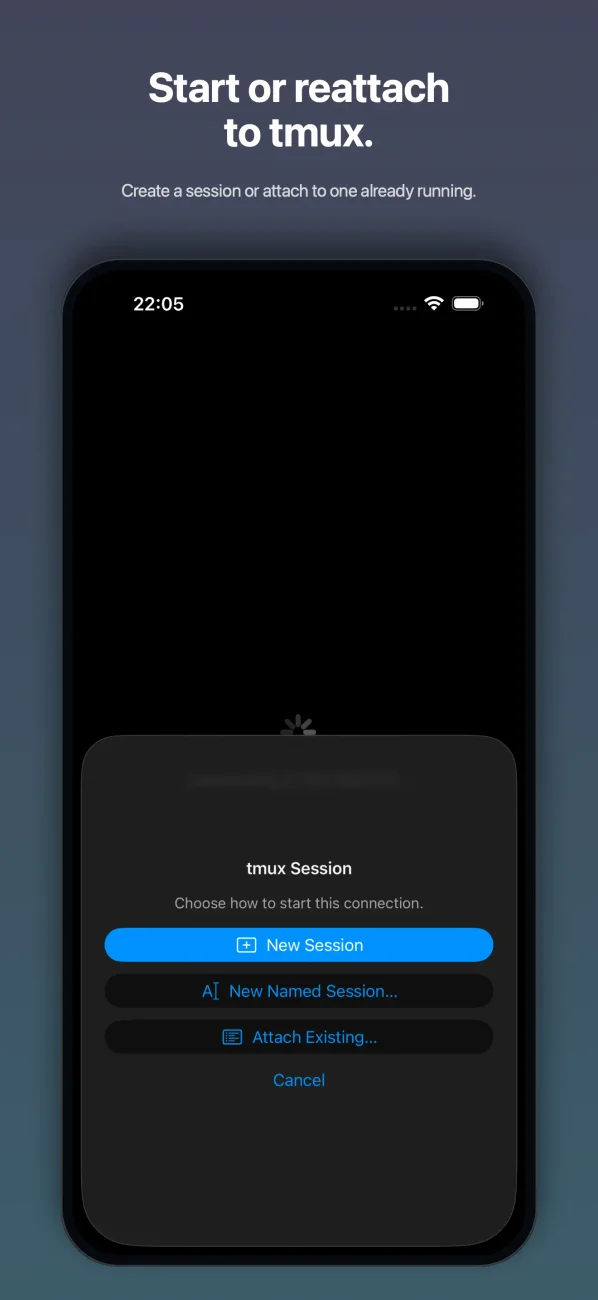
• Resume your last session, choose an existing one, or start fresh.
• Switch sessions over a live connection.
• Your tmux prefix and shortcuts work as usual, including with a hardware keyboard.
• Return to the same server sessions from your other tmux clients.
THE BELL FOLLOWS YOU
Step away while your work runs. When a program rings the terminal bell, optional push notifications can reach you even after Muxly closes and SSH disconnects.
Configure builds, scripts, or coding agents to ring when they finish or need input. Notification content is end-to-end encrypted.
FILES AND EDITING
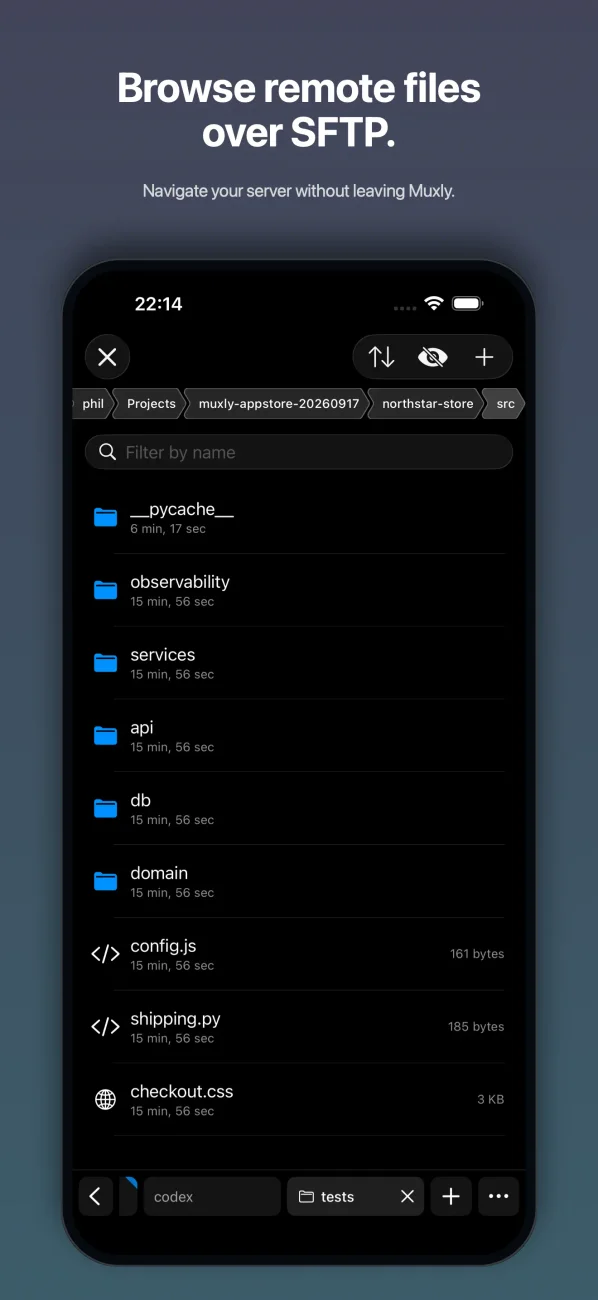
• Browse and manage remote files over SFTP.
• Upload from Files or Photos, download to Files, and save supported photos and videos to Photos.
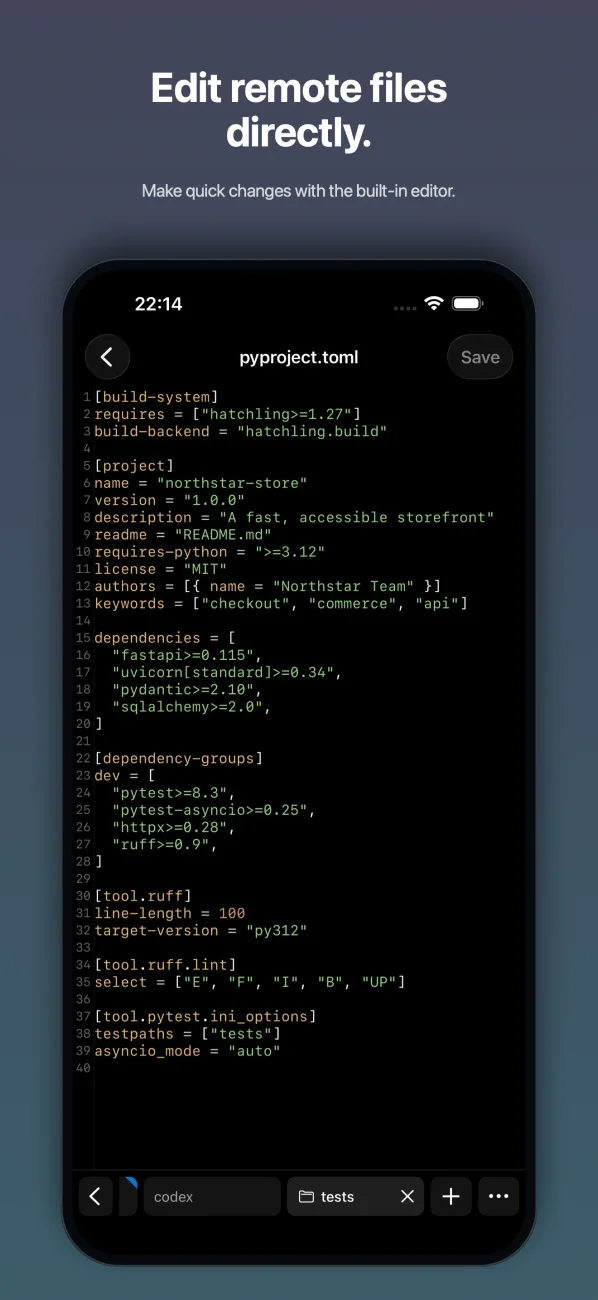
• Edit code and configuration files with built-in syntax highlighting.
• Keep your file browser and unsaved edits available while switching terminal tabs.
• Share photos and screenshots with coding agents in just a few taps.
A TERMINAL MADE FOR TOUCH
• GPU-accelerated rendering and momentum scrolling.
• Precise text selection, copy and paste, and terminal search.
• A customizable keyboard toolbar with shortcuts, snippets, sticky modifiers, arrows, and F1–F12.
• Hardware keyboard support.
• Editable voice dictation on iOS and iPadOS 26 or later.
• 12 monospace fonts, 5 themes, adjustable text size, and up to a million lines of scrollback.
DIRECT SSH TO YOUR HOSTS
• Password and Ed25519 key authentication.
• Generate or import Ed25519 keys, or create Secure Enclave keys protected by Face ID or Touch ID.
• Local, remote, and dynamic SOCKS port forwarding.
• Host key verification, startup commands, environment variables, and keep-alive settings.
• Sync saved hosts, credentials, or both across iPhone and iPad with iCloud.
• App Lock with Face ID or Touch ID.
No Muxly account, ads, or tracking. SSH traffic goes directly to your servers. Credentials are stored in the iOS Keychain; Secure Enclave private keys stay on the device.
FULL ACCESS
Connecting requires a monthly or yearly subscription, or a one-time lifetime purchase. You can start for free with a two-week free trial.
REQUIREMENTS
iOS or iPadOS 18 or later and an SSH server. Native tmux integration requires tmux 3.2 or later on the server. Optional bell notifications also require openssl, curl, and outbound HTTPS. Plain SSH works without tmux.
Terms of Use: https://muxly.sh/terms
Privacy Policy: https://muxly.sh/privacy
What’s new
Version 1.1.8 · Nov 24, 2026
- Find running tmux sessions across your saved hosts in the new Sessions view. Search by session or host name, then tap a session to open it.
- Choose Hosts or Sessions as your start view in Settings.
- Fixed an issue on iPhone that could hide the action bar behind the keyboard when you returned to Muxly.
- Back stays available while a session loads. After a reconnect, the keyboard returns only if it was open before the connection dropped.
App privacy
What Whale shark s. r. o. declares on the App Store about how this app handles data.
-
Data not linked to you
May be collected but is not linked to your identity.
- User content
- Identifiers
- Usage data
- Diagnostics
Privacy practices may vary, for example with the features you use or your age.
Information
- Seller
- Whale shark s. r. o.
- Category
- Developer Tools
- Version
- 1.1.8
- Updated
- Nov 24, 2026
- Released
- Sep 3, 2026
- Size
- 47.6 MB
- Requires
- iOS 18.0 or later
- Age rating
- 4+
- Price
- Free
- In-app purchases
- Yes
- Languages
- English
- Copyright
- © 2026 Whale shark s. r. o.
You might also like
-
 EzsshYour AI SSH Terminal
-
 Paneshell - SSH TerminalDeveloper Tools
-
 ShellTime.xyzAI agent, shell & code stats
-
 CLI FilesSSH Terminal & SFTP Files
-
 Terminal WNative SSH terminal
-
 Wake: SSH & tmux terminalPersistent agent sessions
-
 teletype computerIt's a terminal app.
-
 The Architect SSHYou are the ultimate agent
-
 dotMux SSH for tmux & herdrShells as native tabs & panes
-
 ShelltonAI agents over SSH & Mosh