My Clipboard - Cloud Synced
Copy text between devices
Designed for iPhone, iPad
Free
- Age rating4+
- CategoryUtilities
- DeveloperReed Colloton
- LanguagesEnglish
- Size575.0 KB
Links to the official App Store page
Download.org hosts no file of My Clipboard - Cloud Synced. The button opens its official App Store page, published by Reed Colloton. Listing last checked on Nov 17, 2026.
Screenshots

About
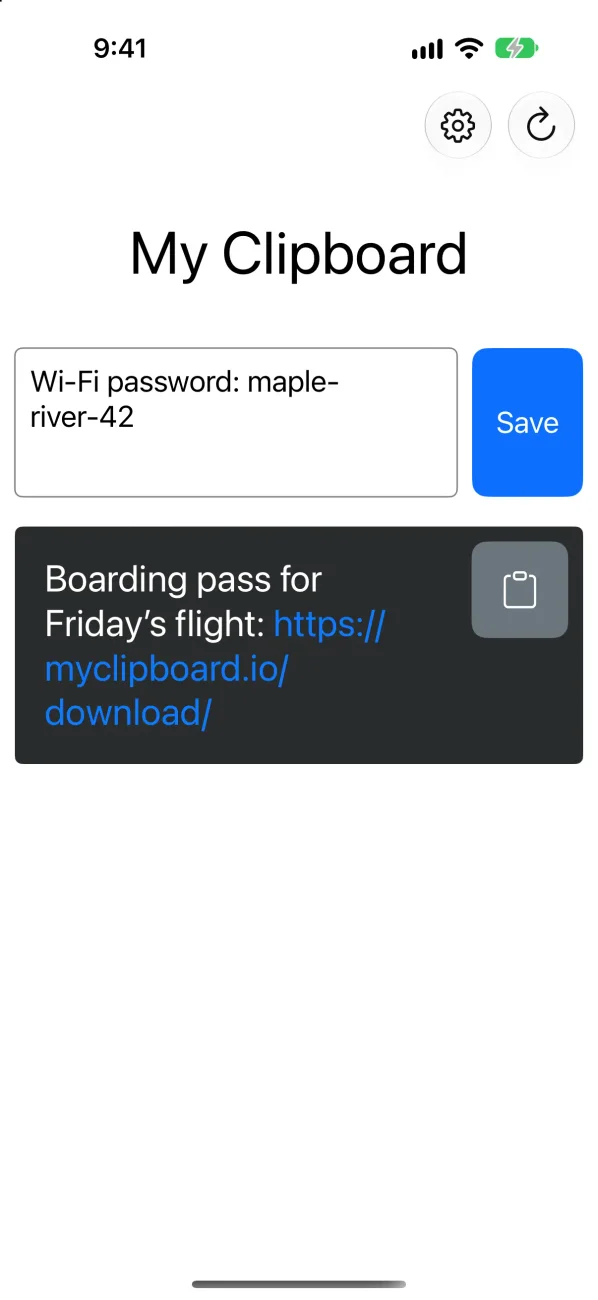
My Clipboard allows you to copy text seamlessly between any device.
Companies such as Apple allow you to copy text seamlessly between devices made by them - for example Macs and iPhones - but not between devices outside of the ecosystem. This app is for that use case.
You can set and read your cloud synced clipboard contents using this app, an app from another mobile platform, the Google Chrome extension, or the website.
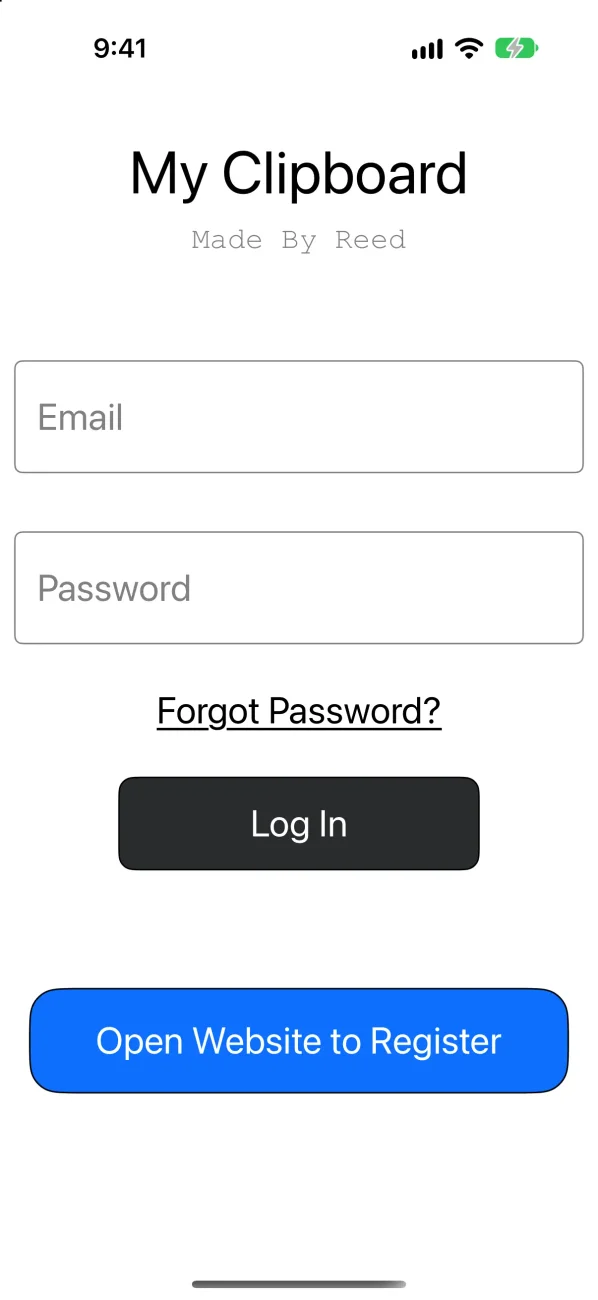
Go to myclipboard.io to signup and download the other apps.
What’s new
Version 2.0 · Oct 24, 2026
Support for iPhone Duo.
App privacy
What Reed Colloton declares on the App Store about how this app handles data.
-
Data not collected
The developer does not collect any data from this app.
Privacy practices may vary, for example with the features you use or your age.
Information
- Seller
- Reed Colloton
- Category
- Utilities
- Version
- 2.0
- Updated
- Oct 24, 2026
- Released
- Mar 14, 2021
- Size
- 575.0 KB
- Requires
- iOS 26.0 or later
- Age rating
- 4+
- Price
- Free
- Languages
- English
- Copyright
- © 2021 Reed Colloton
You might also like
-
 OmniClip - Universal ClipboardCopy text across all devices
-
 CloudClipClipboard history and sync
-
 Octoclip: Universal ClipboardClipboard history & sync
-
 Clipboard Viewer EditorCopy, Paste, Clear, Share
-
 Clipboard PRO: Paste AnywhereOrganize Docs, Links, Photos
-
 Clipboard Manager - PycopasteCopy History & Paste Keyboard
-
 PasteNow - Instant ClipboardMake Clipboard Management Easy
-
 Clipboard : ClipboxAuto copy and paste keyboard
-
 Clipboard Manager - PastePalCopy Paste Keyboard History