
MyFinance: Expense Tracker
Voice drafts & shared ledgers
Designed for iPhone, iPad
In-app purchases
- Age rating4+
- CategoryFinance
- DeveloperChiWei Huang
- LanguagesTraditional Chinese+ 3 more
- Size33.3 MB
Links to the official App Store page
Download.org hosts no file of MyFinance: Expense Tracker. The button opens its official App Store page, published by ChiWei Huang. Listing last checked on Nov 18, 2026.
Screenshots

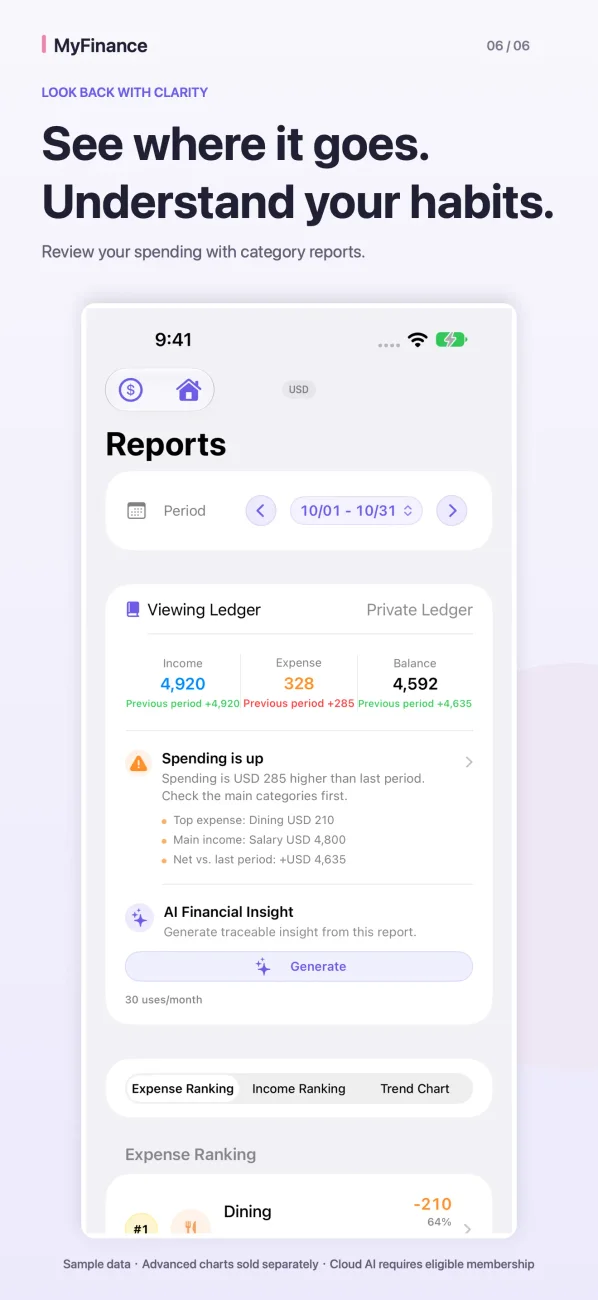
About
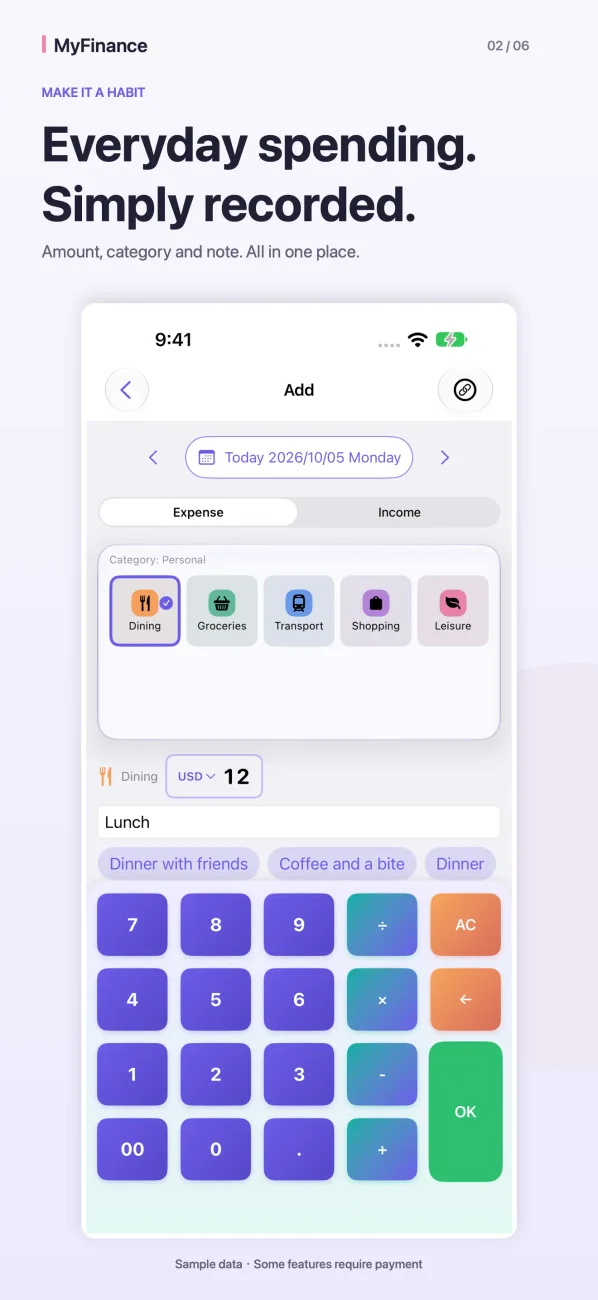
Make everyday money easier to record and understand. MyFinance helps you turn voice or text into editable transaction drafts, review the details, and save with confidence. Prefer the keypad? You can also enter transactions manually.
REVIEW BEFORE YOU SAVE
Describe income and expenses naturally. The assistant can organize multiple entries into drafts. Check amounts, dates and categories before saving; drafts are not posted automatically.
A LEDGER FOR EACH PART OF LIFE
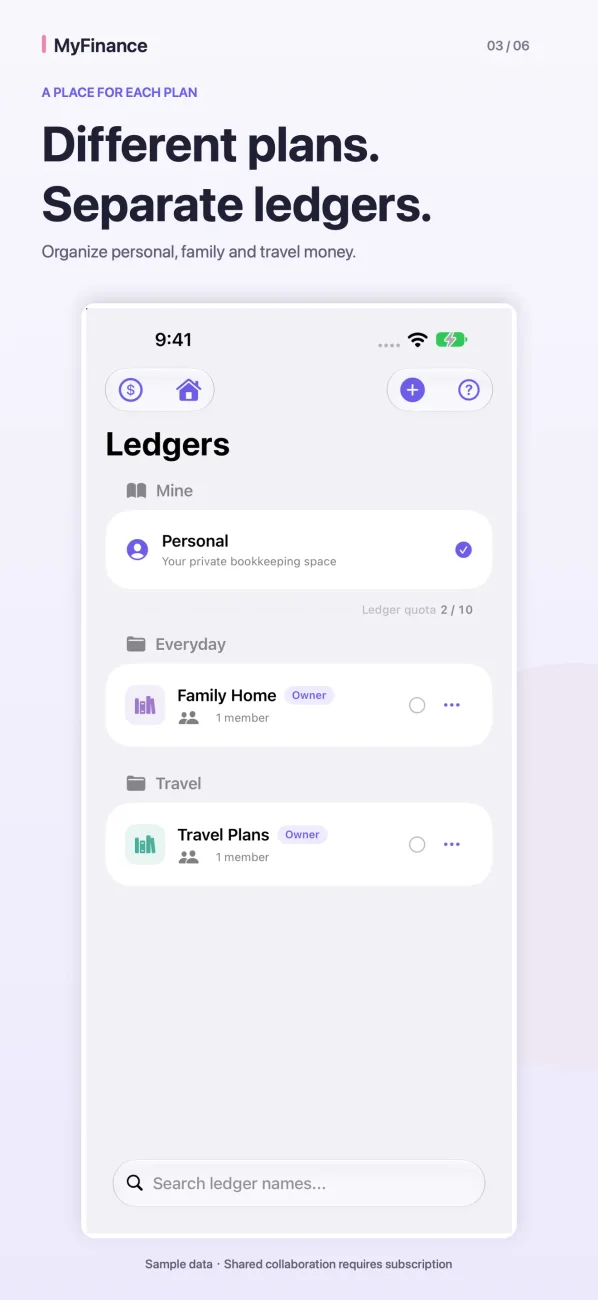
Keep personal, family and travel finances organized. Shared ledgers and collaboration are available with eligible membership plans.
MULTIPLE CURRENCIES, CONNECTED RECORDS
Choose TWD, USD, JPY, EUR or HKD as the base currency for a new ledger. For foreign-currency entries, provide an exchange rate or the actual booked amount. Reports, budgets and offsets use the ledger base currency. Exchange rates are not downloaded or changed automatically, and changing a setting does not convert existing records.
KEEP REPAYMENTS IN VIEW
Follow advances, repayments and partial offsets, with linked records you can revisit.
SEE WHERE YOUR MONEY GOES
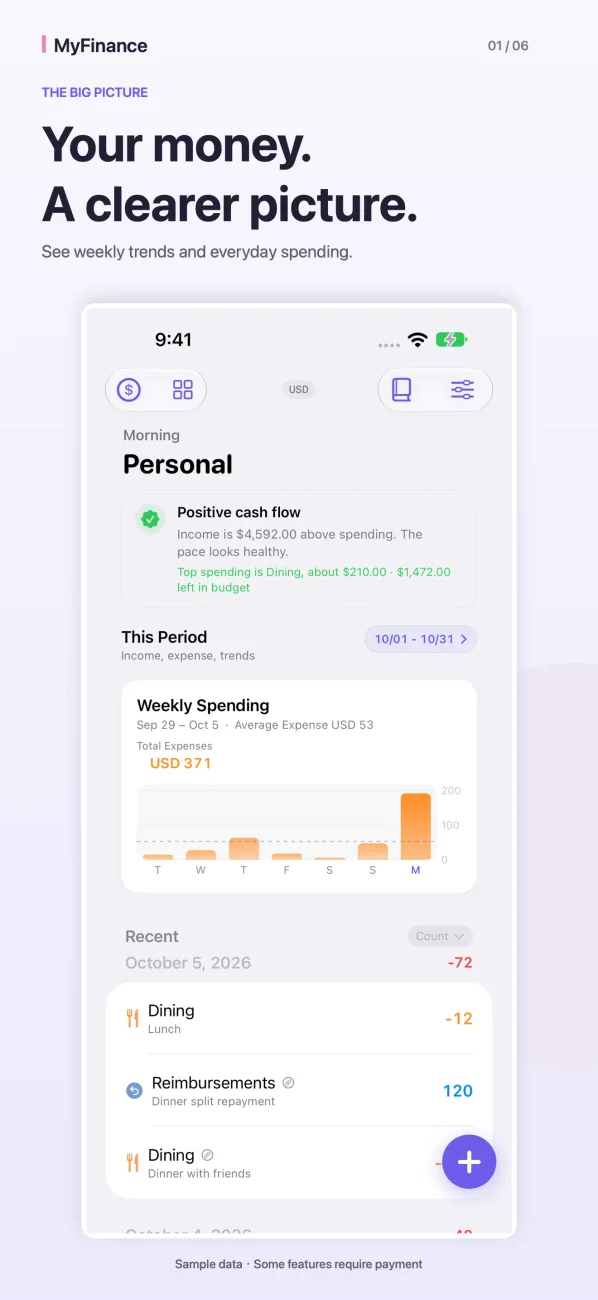
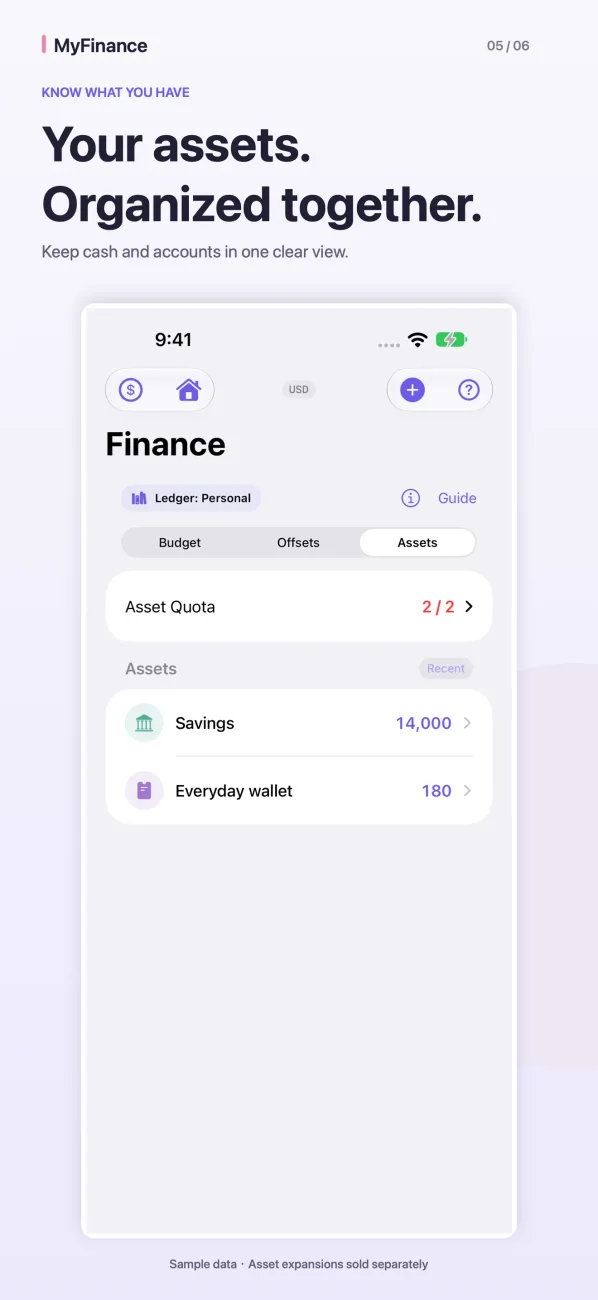
Use the dashboard, category reports and weekly spending trends to review expenses. Organize budgets, assets and recurring income or expenses.
KEEP YOUR DATA PORTABLE
Use full backups and supported CSV import or export. Preview and confirm imports before applying them.
Basic bookkeeping is free and includes 50 on-device smart parsing uses per month. Additional ledgers, collaboration and cloud AI depend on your membership plan. MyFinance standard CSV import, CSV export, advanced charts and insights, and asset expansions are available as separate one-time purchases. A separate free migration tool supports selected formats from other apps, with TWD target ledgers only. See Membership & Features in the app for current benefits, limits and local pricing.
Before cloud AI use, the app explains the information shared and asks for your consent. You can cancel or withdraw consent in Settings. Always review voice recognition, draft details and currency amounts.
MyFinance is a tool for everyday financial records, not investment, tax or legal advice.
Terms of Use: https://www.apple.com/legal/internet-services/itunes/dev/stdeula/
Privacy Policy: https://nicktim1113.github.io/MyFinance-Official/en/privacy.html
Support: https://nicktim1113.github.io/MyFinance-Official/
What’s new
Version 1.1.15 · Oct 12, 2026
Fixed an issue that could make the Membership screen unresponsive when the app language follows the system.
Improved sign-in waiting, cancellation and recovery guidance.
Improved Google sign-in return handling and error reporting.
Improved English member, transaction and import counts, and Japanese financial-report wording.
This update does not change existing financial records or amounts.
App privacy
What ChiWei Huang declares on the App Store about how this app handles data.
-
Data linked to you
May be collected and linked to your identity.
- Purchases
- Financial info
- Contact info
- User content
- Identifiers
- Usage data
Privacy practices may vary, for example with the features you use or your age.
Information
- Seller
- ChiWei Huang
- Category
- Finance
- Version
- 1.1.15
- Updated
- Oct 12, 2026
- Released
- May 9, 2026
- Size
- 33.3 MB
- Requires
- iOS 18.5 or later
- Age rating
- 4+
- In-app purchases
- Yes
- Languages
- Traditional Chinese, Japanese, Simplified Chinese, English
- Copyright
- © 2026 Chiwei Huang
You might also like
-
 Mony PlanetReceipts, expenses & splits
-
 YeNomA fast accounting tool.
-
 Handy Expense Trackerbest personal money manager
-
 回憶記帳 - Money MomeFinance
-
 Stop Overspending: ToriwakeBudget before you spend
-
 Expense Tracker: Budget Book8 Languages, Receipts & Charts
-
 FINXI|記帳・投資・日記・共同帳本Finance
-
 Dino - Expense TrackerSave more & track spending
-
 MyFunds DashboardFinance