Myra: Universal TV Remote
Touchpad, Keyboard, Android TV
Designed for iPhone, iPad
Free
- Age rating4+
- CategoryUtilities
- DeveloperPankaj Gaikar
- LanguagesEnglish+ 43 more
- Size48.9 MB
Links to the official App Store page
Download.org hosts no file of Myra: Universal TV Remote. The button opens its official App Store page, published by Pankaj Gaikar. Listing last checked on Nov 23, 2026.
Screenshots



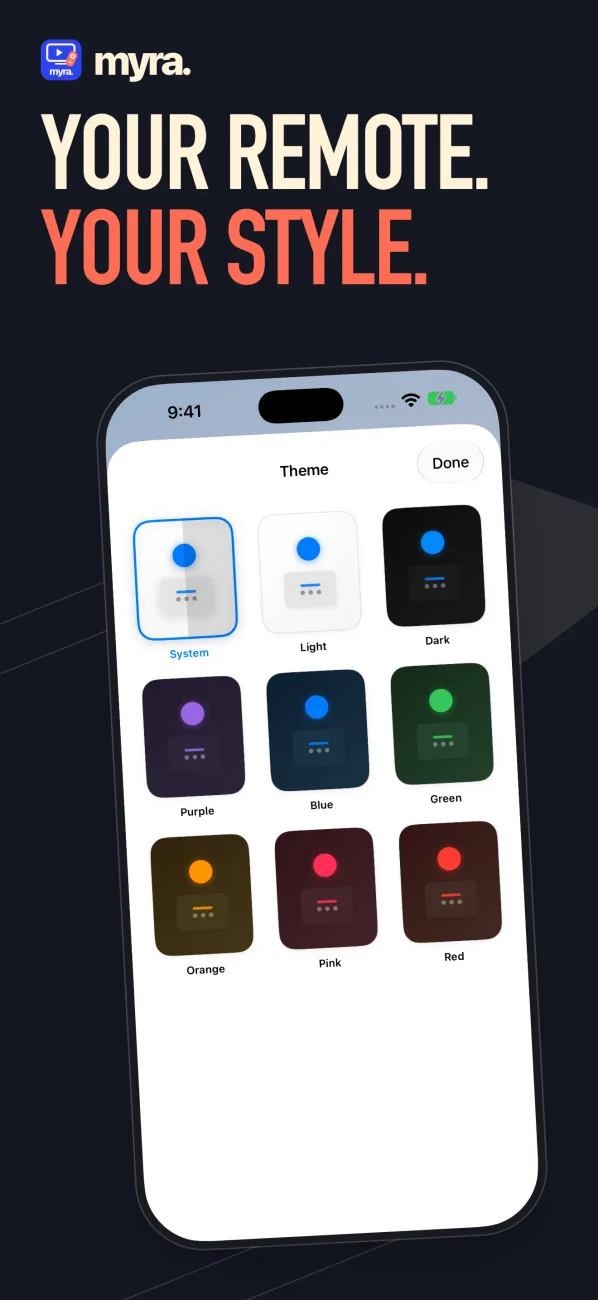
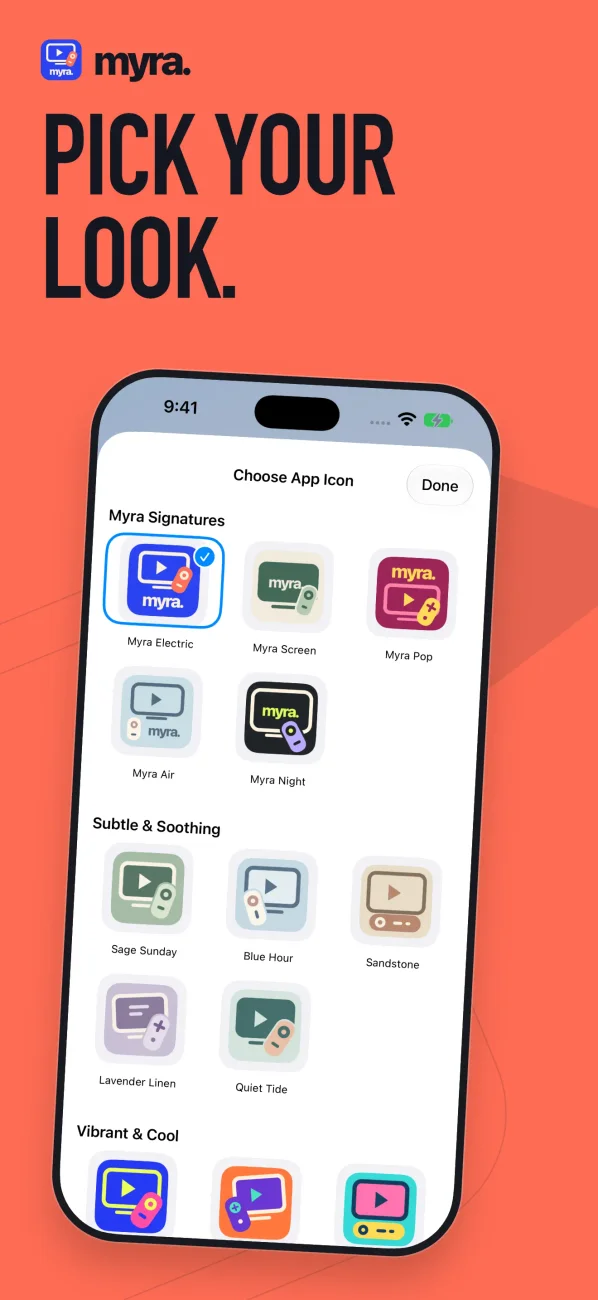
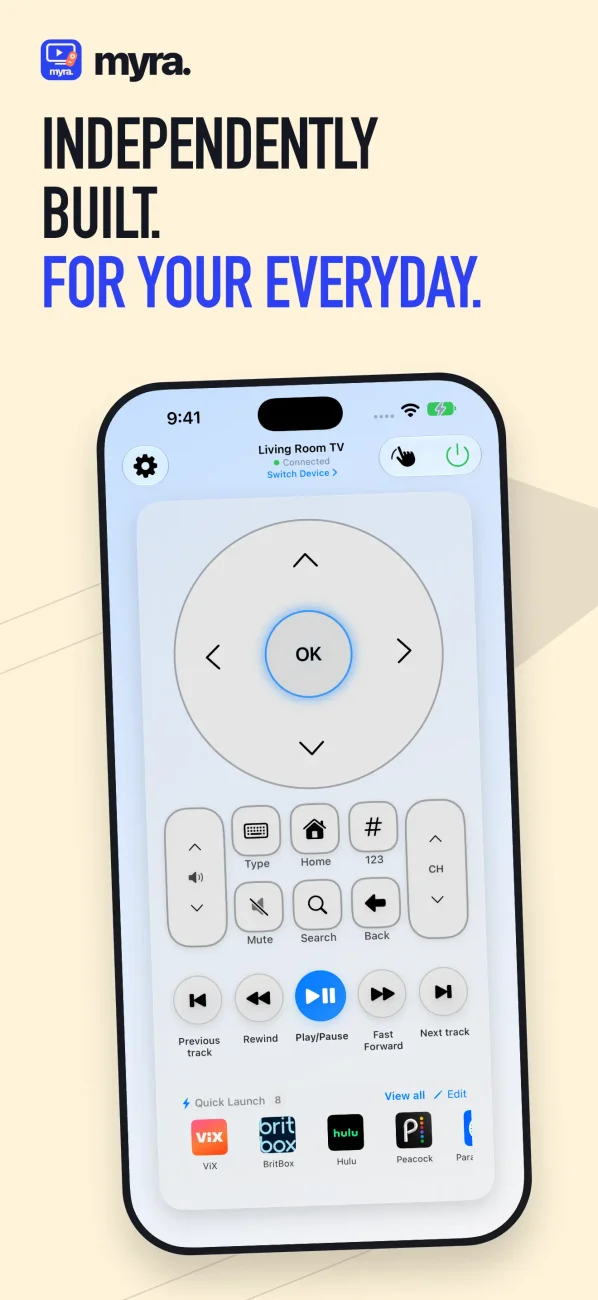
About
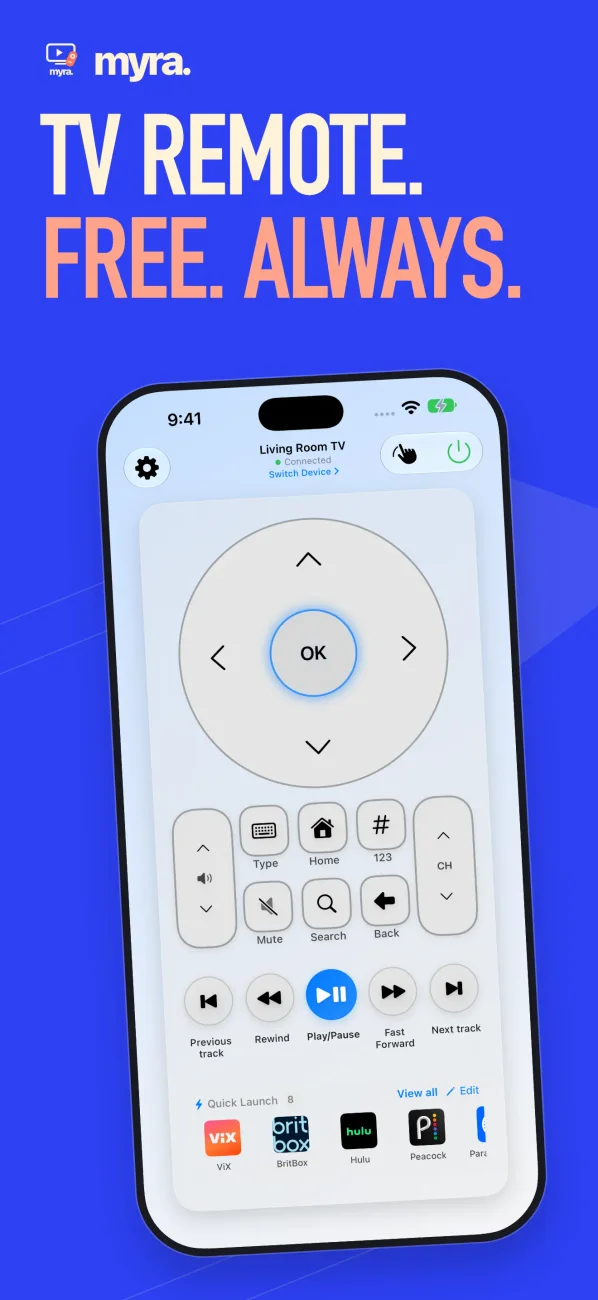
Turn your iPhone into a free Wi‑Fi remote for compatible smart TVs and streaming devices, including Fire TV Stick and Chromecast with Google TV. No ads, subscription or account required.
Everyday Remote Tools
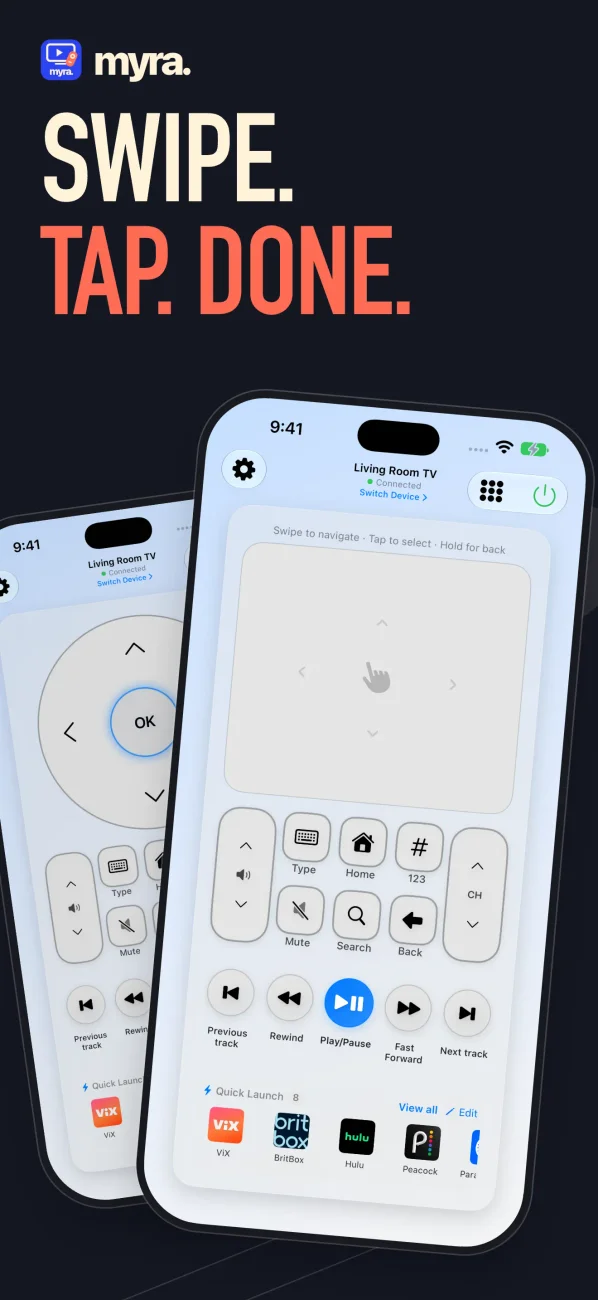
• Buttons or Swipe: Choose directional buttons or touchpad navigation while keeping essential supported controls within reach.
• Phone Keyboard: Enter search text on supported TVs, with separate Close and Enter/Search actions.
• TV App Shortcuts: Open supported TV apps; availability depends on your TV and installed apps.
• Multiple TVs: Save your TVs and switch between them from one remote.
• Clearer Setup: Follow TV-specific pairing steps and connection-recovery guidance.
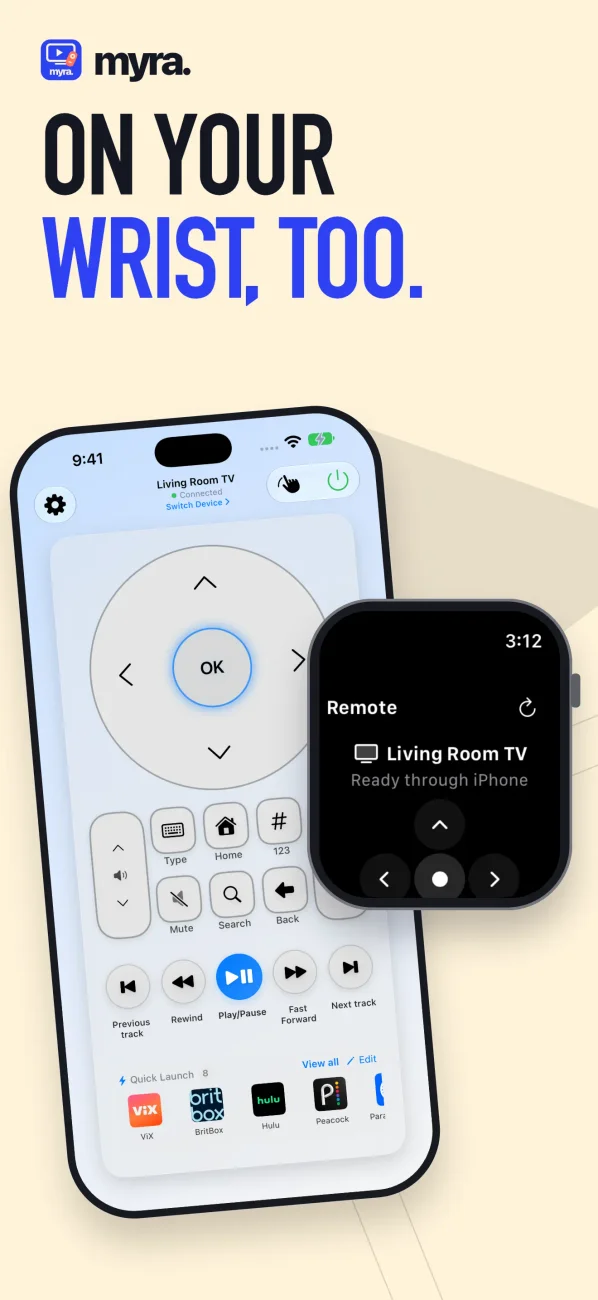
• Apple Watch Companion: Use supported navigation and volume controls through your paired iPhone.
Supported Brands & Platforms
• Samsung Smart TVs (Tizen)
• LG webOS TVs
• Amazon Fire TV & Fire TV Stick
• Roku TVs and streaming players
• Android TV & Google TV, including compatible Sony, TCL, Hisense, Philips, Xiaomi, NVIDIA Shield and Chromecast with Google TV devices
Requirements & Limitations
Your iPhone and TV must be on the same local Wi-Fi network. Allow Local Network access and approve pairing on your TV where requested. Fire TV requires ADB debugging in its developer settings.
Controls, keyboard input, app shortcuts and power behavior vary by model and firmware. Not every action is available on every TV. Apple Watch requires the paired iPhone to be available; it is not an independent TV connection.
Privacy & Diagnostics
No account is required. TV control uses your local network. Usage analytics, crash/performance diagnostics and interaction/session replay are used to improve the app. See the privacy policy for details.
What’s new
Version 3.1.0 · Nov 21, 2026
Search by voice on compatible Android TV and Google TV devices. Tap Voice on the remote, speak, then tap Stop to send your command.
New
• Missing a TV app shortcut? Request it from the Apps screen and track its status in Help & Support.
• Report a problem: Send a report from Help & Support and track its status in Previous Requests.
• Suggest a feature: Share an idea from Help & Support and follow its status in Previous Requests.
Improved
• Find and reconnect to your TV more reliably, with fixes for Fire TV connections and Fire TV app launching.
• Reach supported TV Settings and Menu controls from Classic and Modern layouts. On iPad, key controls are easier to reach.
• Use Myra in 14 additional languages and regional variants.
App privacy
What Pankaj Gaikar declares on the App Store about how this app handles data.
-
Data not linked to you
May be collected but is not linked to your identity.
- Usage data
- Diagnostics
Privacy practices may vary, for example with the features you use or your age.
Information
- Seller
- Pankaj Gaikar
- Category
- Utilities
- Version
- 3.1.0
- Updated
- Nov 21, 2026
- Released
- Jan 2, 2026
- Size
- 48.9 MB
- Requires
- iOS 17.0 or later
- Age rating
- 4+
- Price
- Free
- Languages
- English, Arabic, Bengali, Catalan, Croatian, Czech, Danish, Dutch, Finnish, French, German, Greek + 32 more
- Copyright
- © 2026 Pankaj Gaikar
You might also like
-
 Unimote - Universal TV RemoteSmart TV Control & Keyboard
-
 Zap: Universal TV RemoteSamsung, LG, Roku, Google TV
-
 Remote for Android / Google TVTV Remote Control
-
 OneMote — Universal TV RemoteOne remote for all your TVs
-
 TV Remote – TVeeUniversal Control for Smart TV
-
 EveryMote: Universal TV RemoteSamsung, LG, Roku & Fire TV
-
 AirHQRemote Control for Android TV
-
 Remote+ Android TVRemote Control for AndroidTV
-
 Droid TV Remote+Remote Control for Android TV
-
 TV Remote Control - Android TVScreen cast & Remote control