
- Age rating4+
- CategoryUtilities
- Developer华 庄
- LanguagesEnglish
- Size2.0 MB
Links to the official App Store page
Download.org hosts no file of AirHQ. The button opens its official App Store page, published by 华 庄. Listing last checked on Nov 14, 2026.
Screenshots
About
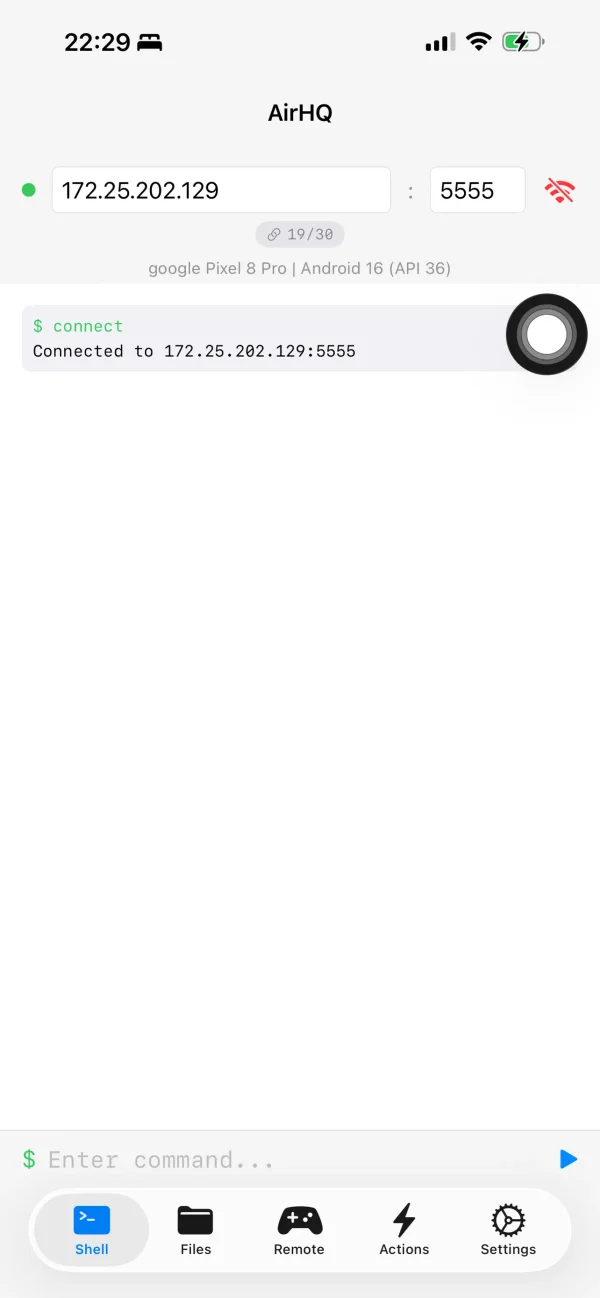
AirHQ turns your iPhone into a powerful wireless command center for Android TV boxes and devices. Connect via ADB over WiFi — no cables, no root, no extra apps needed on your TV.
REMOTE CONTROL
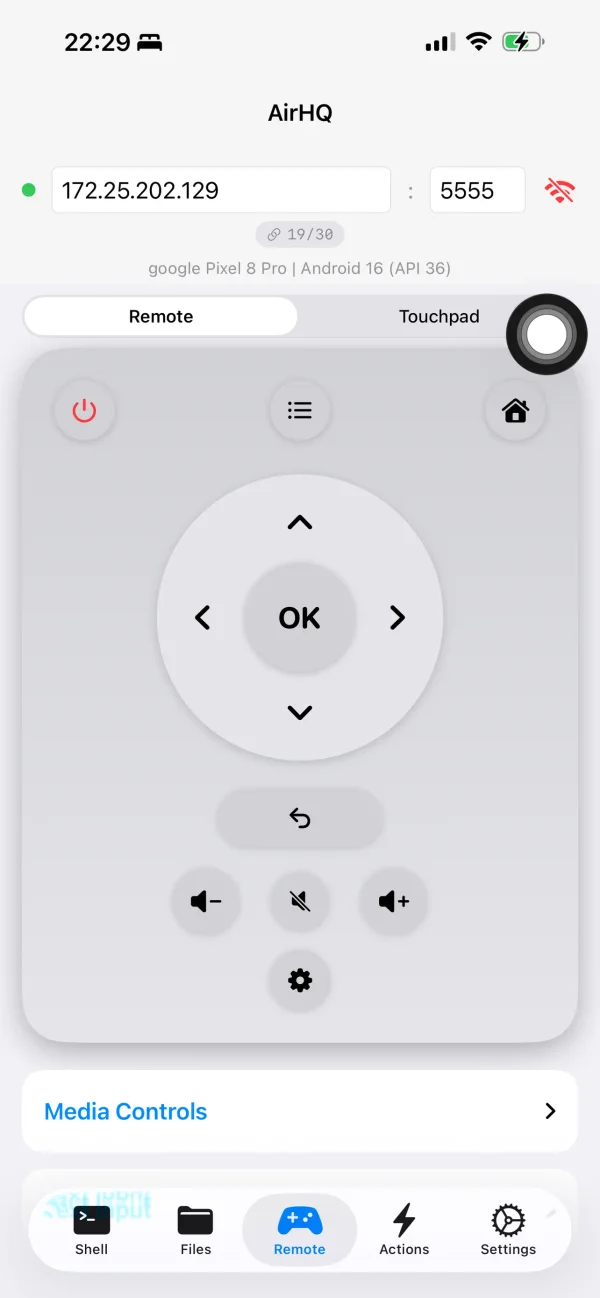
Use the built-in D-pad remote with all essential buttons: navigation, home, back, volume, power, and media controls. Type text directly from your iPhone keyboard — no more hunting and pecking on the TV screen.
SMART TOUCHPAD
Three touchpad modes to fit every need:
Pointer Mode — Move the cursor like a laptop touchpad, tap to click
Mouse Mode — Control the Android system mouse cursor directly
Touch Mode — Simulate finger swipes for scrolling and dragging
SCREENSHOT CAPTURE
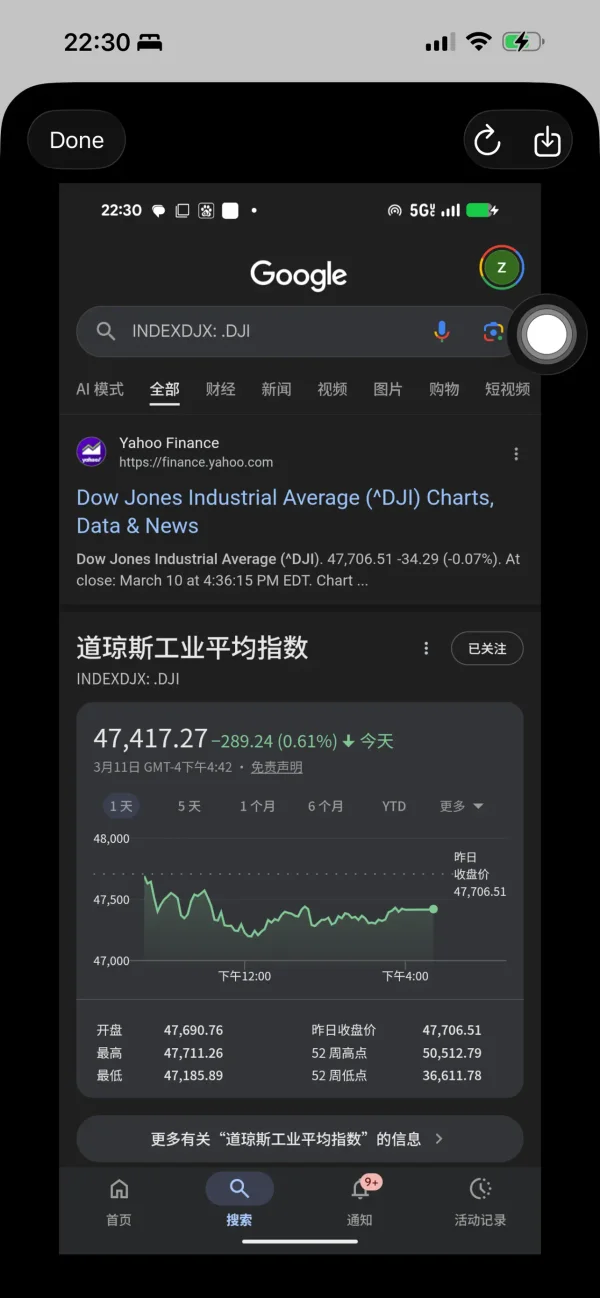
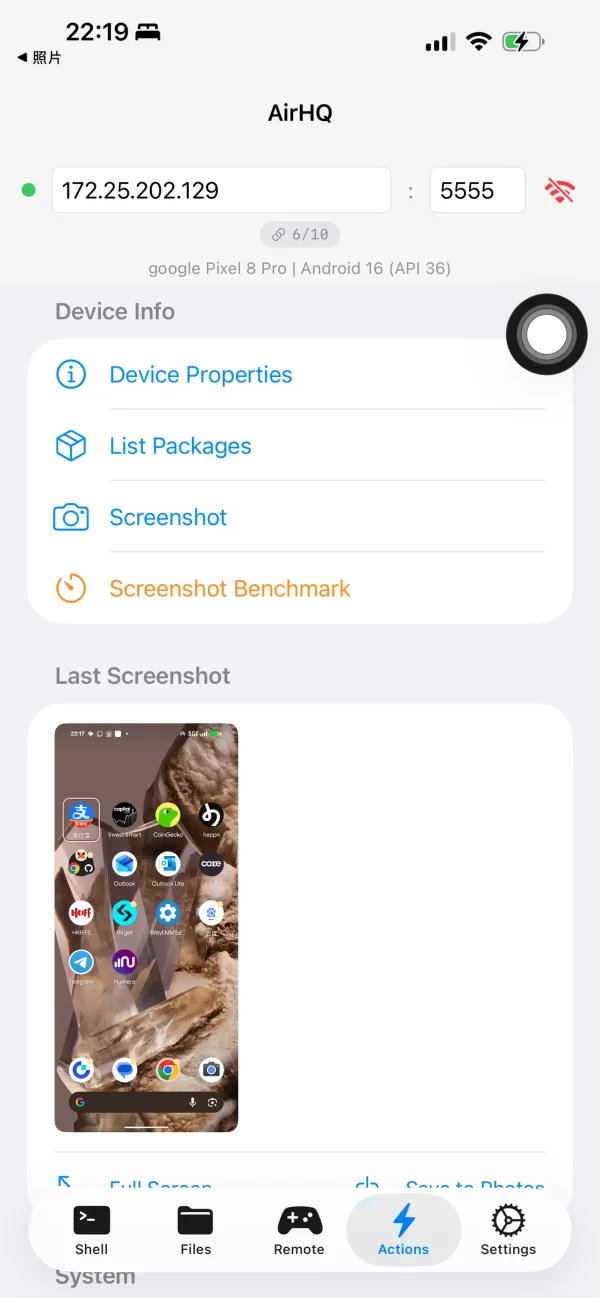
Take screenshots of your Android TV screen and view them instantly on your iPhone. Save to your photo library with one tap.
SHELL ACCESS
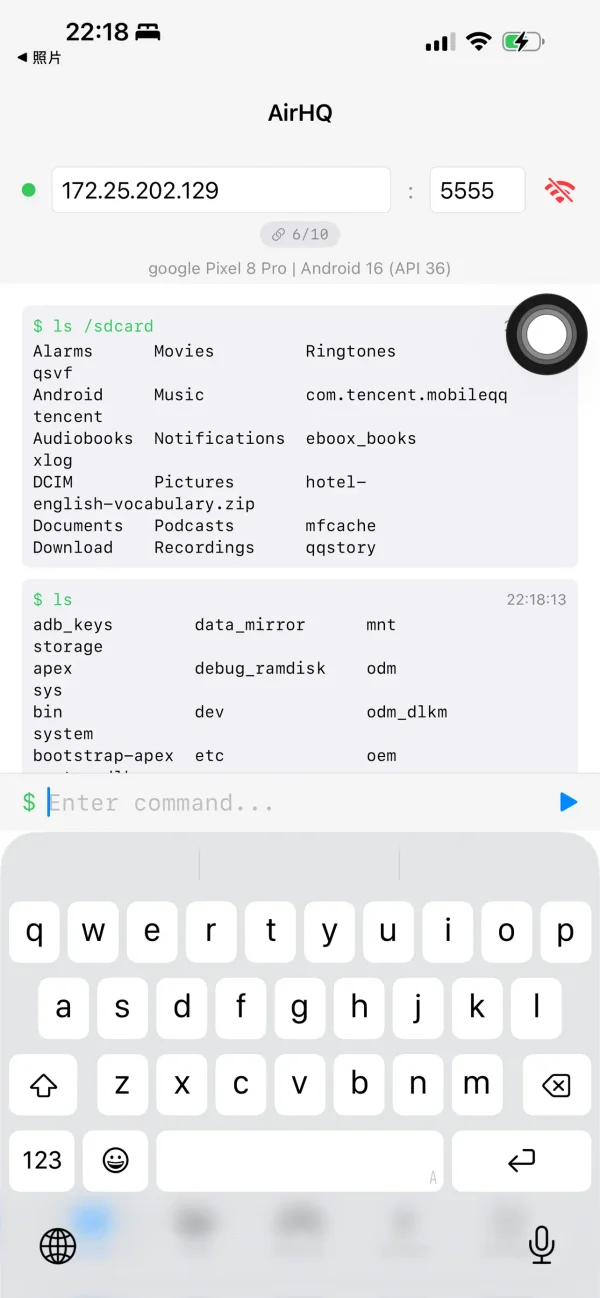
Run any ADB shell command directly from your iPhone. View installed apps, check device info, monitor system resources, and more. Full command history with timestamps.
QUICK ACTIONS
One-tap shortcuts for common tasks: list packages, device properties, battery status, disk usage, network info, and system commands.
FILE TRANSFER
Push files from your iPhone to your Android device over WiFi.
AUTO RECONNECT
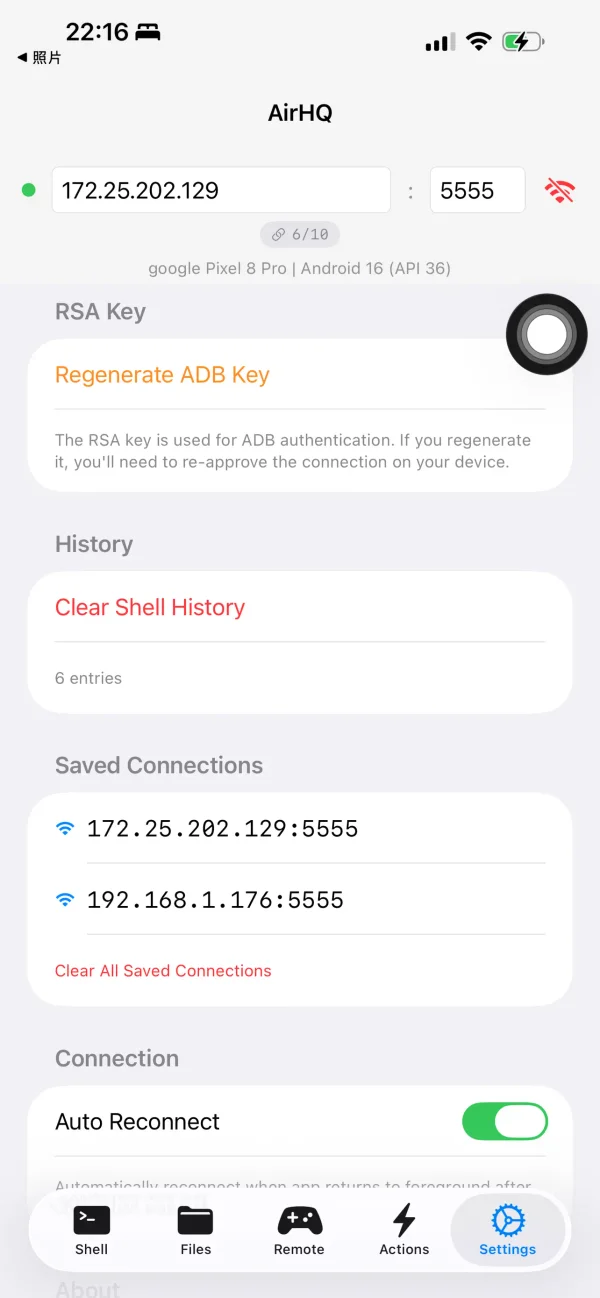
AirHQ automatically reconnects when you switch back from another app. No need to manually re-enter your IP address — connection history is saved.
HOW TO SET UP
Enable ADB debugging on your Android TV (Settings → Developer Options → USB Debugging)
Enable ADB over network (Settings → Developer Options → ADB over network)
Open AirHQ, enter your TV's IP address, and tap connect
Approve the connection on your TV screen
REQUIREMENTS
Android TV box or device with ADB debugging enabled
Both devices on the same WiFi network
Android 5.0 or later
Privacy: AirHQ communicates only with your local network devices. No data is collected, stored, or transmitted to any server.
What's New (Version 1.0)
Full D-pad remote control with media keys
Smart touchpad with 3 modes (Pointer, Mouse, Touch)
Screenshot capture and photo library export
ADB shell with command history
Quick action shortcuts
File transfer (push)
Auto reconnect on foreground
Connection history with auto-fill
App privacy
What 华 庄 declares on the App Store about how this app handles data.
-
Data not collected
The developer does not collect any data from this app.
Privacy practices may vary, for example with the features you use or your age.
Information
- Seller
- 华 庄
- Category
- Utilities
- Version
- 1.0
- Updated
- Apr 2, 2026
- Released
- Apr 3, 2026
- Size
- 2.0 MB
- Requires
- iOS 16.0 or later
- Age rating
- 4+
- Price
- Free
- Languages
- English
- Copyright
- © @hua zhuang
You might also like
-
 ADBox TV & Device Debug ViewerADB Wireless Remote Shell
-
 AirAPKAndroid TV Shell & ADB
-
 ADB Remote: TV TouchscreenYour TV, now a touchscreen
-
 Dynastes - Device AssistantFile Manager · Touch Remote
-
 PhoneVetUsed Phone Hardware Tester
-
 ATV ConnectTV Remote Mirror, Shell, Tools
-
 PocketADBTV Remote - ADB、FileTV Remote、File Device Manager
-
 VRLinkADB Tools,Debug Control
-
 UniMote: TV Remote & Air MouseSmart TV, Cast, Games & Books
-
 Droid TV Remote+Remote Control for Android TV