MyRoster - For Shift Workers
Roster, Pay & Wage Calculator
Designed for iPhone, iPad
Free · In-app purchases
- Age rating4+
- CategoryLifestyle
- DeveloperJamie Lollback
- LanguagesEnglish+ 8 more
- Size153.8 MB
Links to the official App Store page
Download.org hosts no file of MyRoster - For Shift Workers. The button opens its official App Store page, published by Jamie Lollback. Listing last checked on Nov 27, 2026.
Screenshots
About
The super app for shift workers.
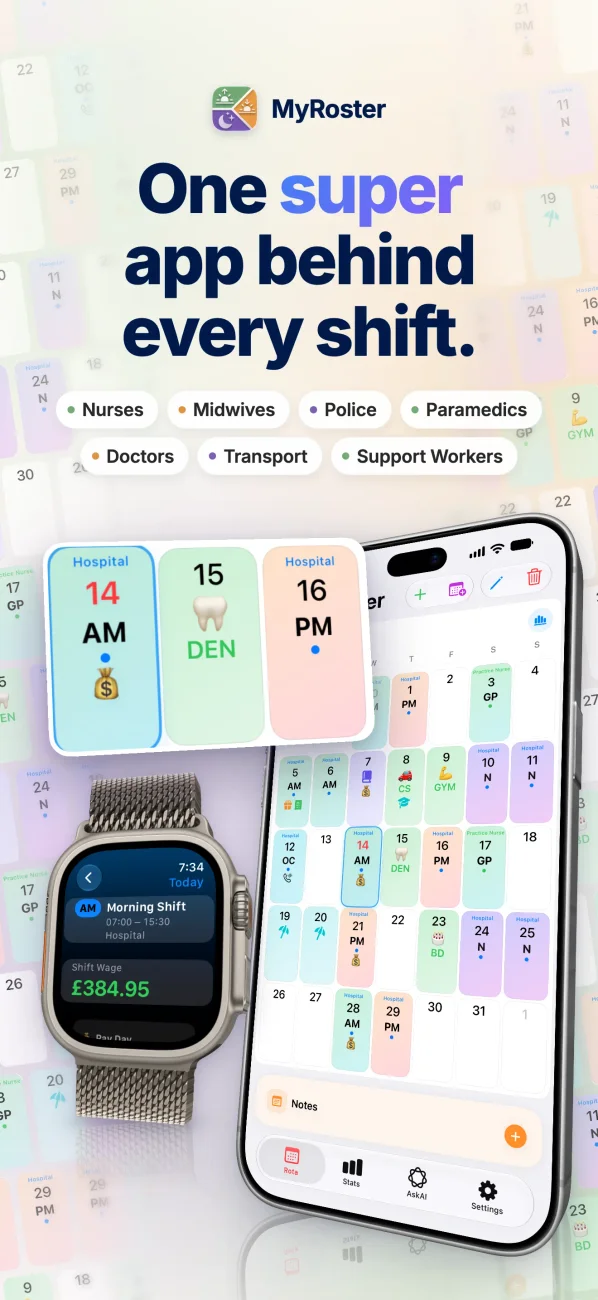
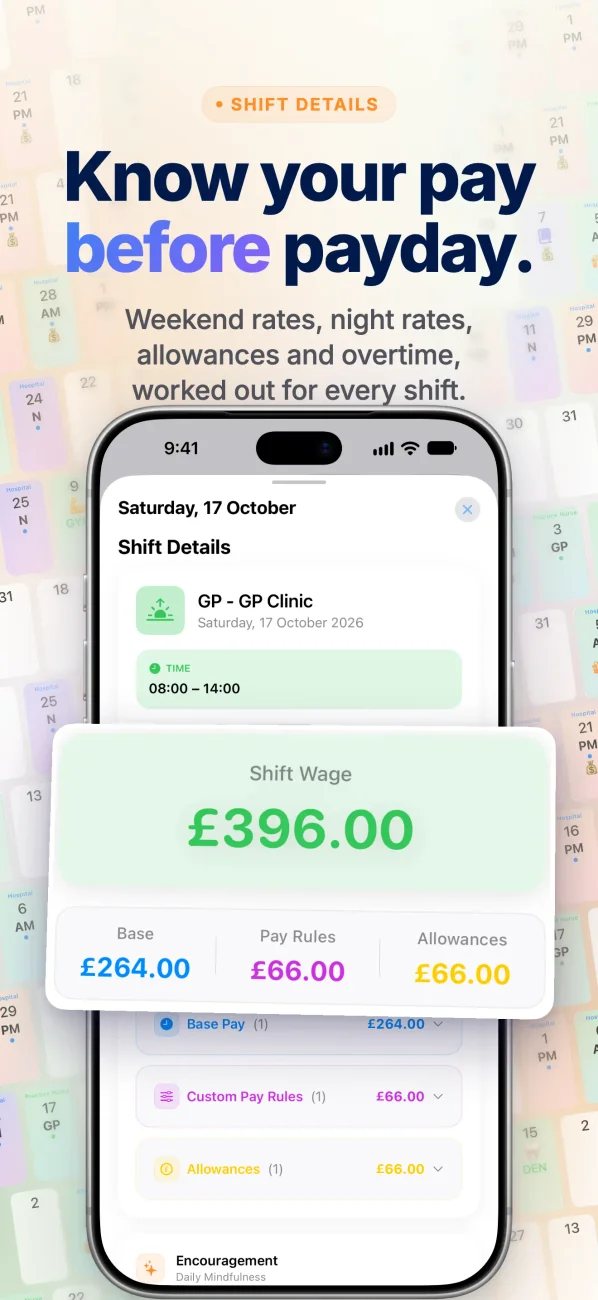
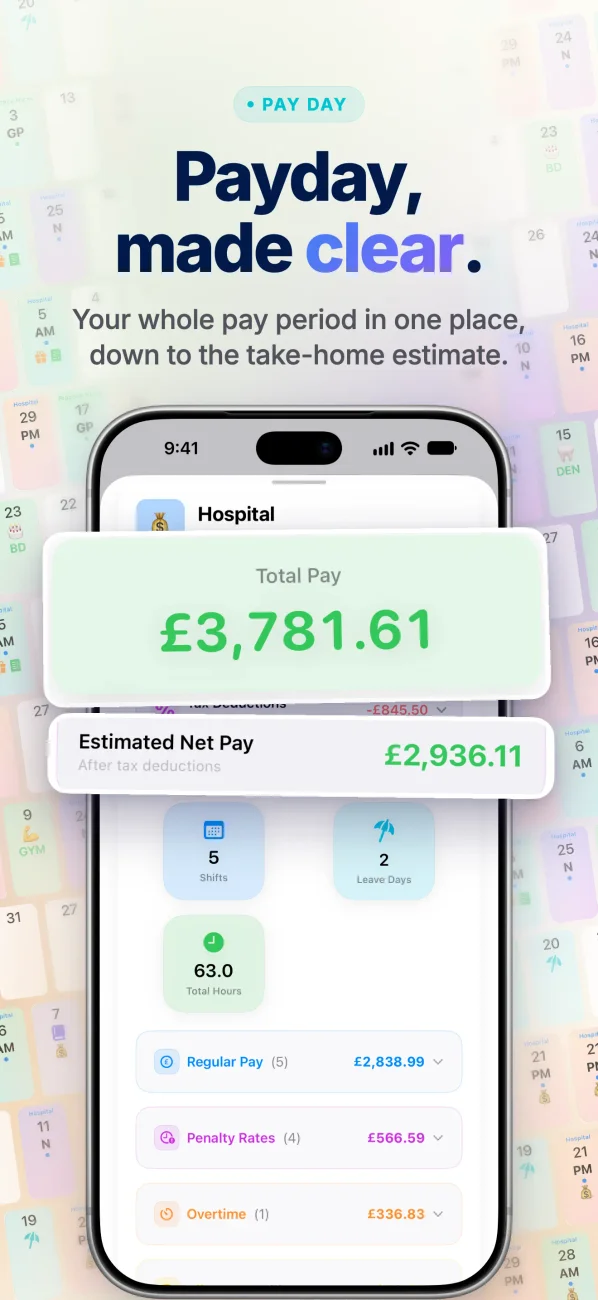
Your schedule, pay, leave, budget, CPD and expenses, all in one app, built by a nurse. Enter your shifts or snap a photo of your schedule, and MyRoster works out your pay from your actual collective agreement or contract: every premium, allowance and overtime hour. Know what you'll earn before your pay stub arrives.
MyRoster requires a paid subscription. Start with a free trial to make sure it's right for you.
BUILT FOR YOUR JOB
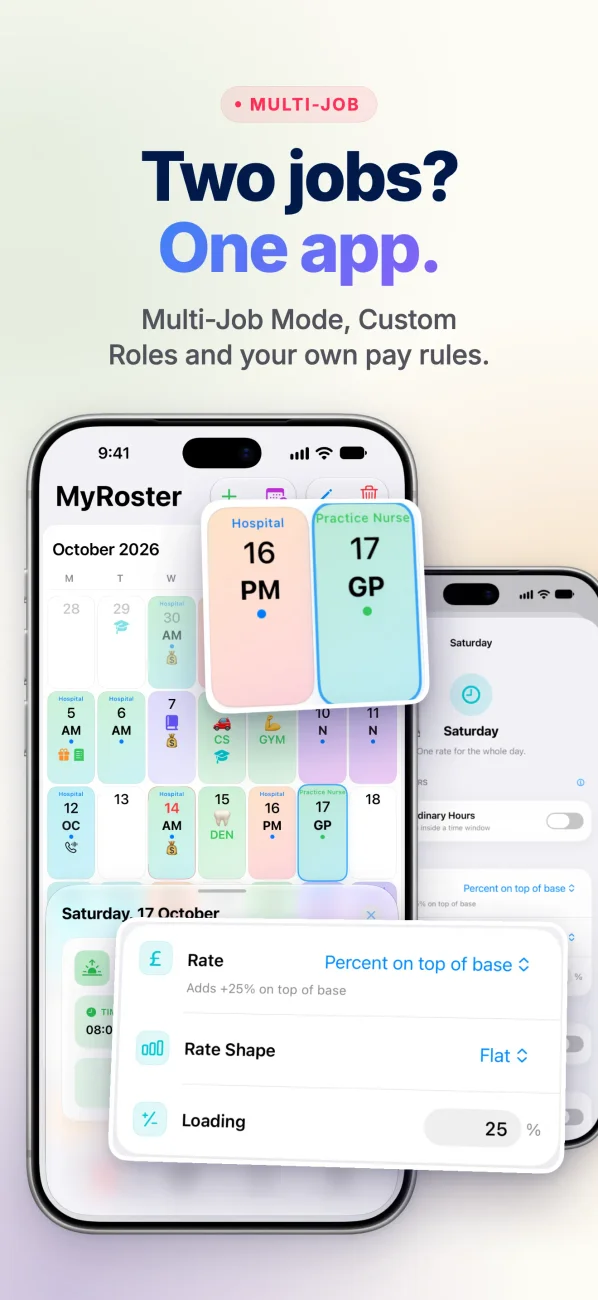
Full time, part time, casual, or working more than one job.
• Nurses: collective agreement pay in every Canadian province and territory.
• Also built in: nurses in Australia, New Zealand and the UK's NHS, and doctors, paramedics, police and transport workers in Australia.
• Any other shift job, from health care and hospitality to retail and security: upload your contract or agreement and MyRoster sets up your pay rules, premiums and allowances, or set up a Custom Role yourself.
YOUR PAY
• Base pay for your exact classification and step, with wage increases applied from the day they start.
• Evening, night and weekend premiums and stat holiday pay applied automatically.
• Overtime, standby and allowances at the correct rates.
• Paid for your contracted hours? MyRoster pays those, with premiums on top.
• Add a one-off shift at your own price, on top of your usual rates.
• Take-home pay with federal and provincial income tax, CPP and EI (QPP and QPIP in Québec), or your own tax rate.
SCHEDULE & CALENDAR
• Add shifts, overtime and leave in a few taps, or save templates for your regular shifts.
• Build a week or a whole rotation from your templates in one go.
• Snap a photo of your schedule and MyRoster adds the shifts for you.
• Track vacation, sick leave, education leave and more.
• Sync to Apple and Google calendars, or share and print your schedule as a PDF.
• See when friends are working or want to swap. You choose what's shared; wages and notes never are.
AskAI
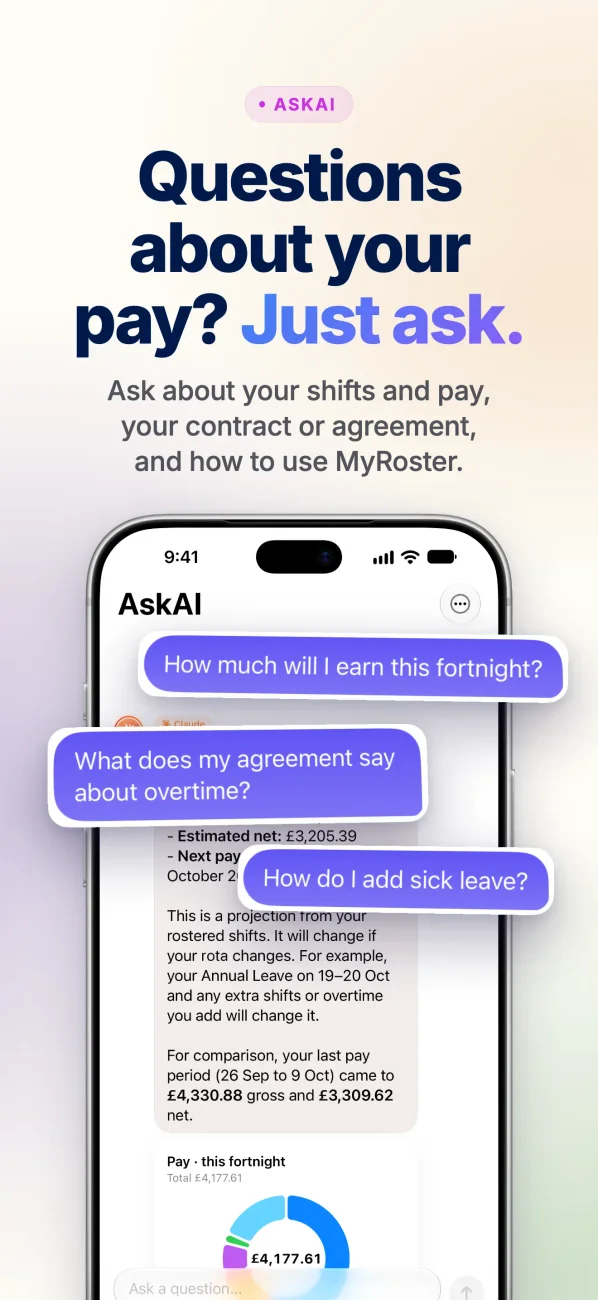
• Ask about your pay: "How much did I earn last pay period?", "What would I earn at the next step?"
• Ask about your collective agreement: "What's my weekend premium?", "How much vacation do I get?"
• Upload your pay stub and AskAI checks it against your shifts.
• Ask it to add or change shifts, leave and overtime, switch on an allowance or add a bill, then tap to confirm.
• Ask how to use MyRoster: "How do I export my CPD?"
• Runs on-device for privacy on iPhone 15 Pro and newer, with Apple, Claude and ChatGPT for complex questions.
BUDGET & EXPENSES
• Add your bills, savings goals and loans, and see what's left after bills each payday.
• Set an income goal for the tax year and see if you're on track.
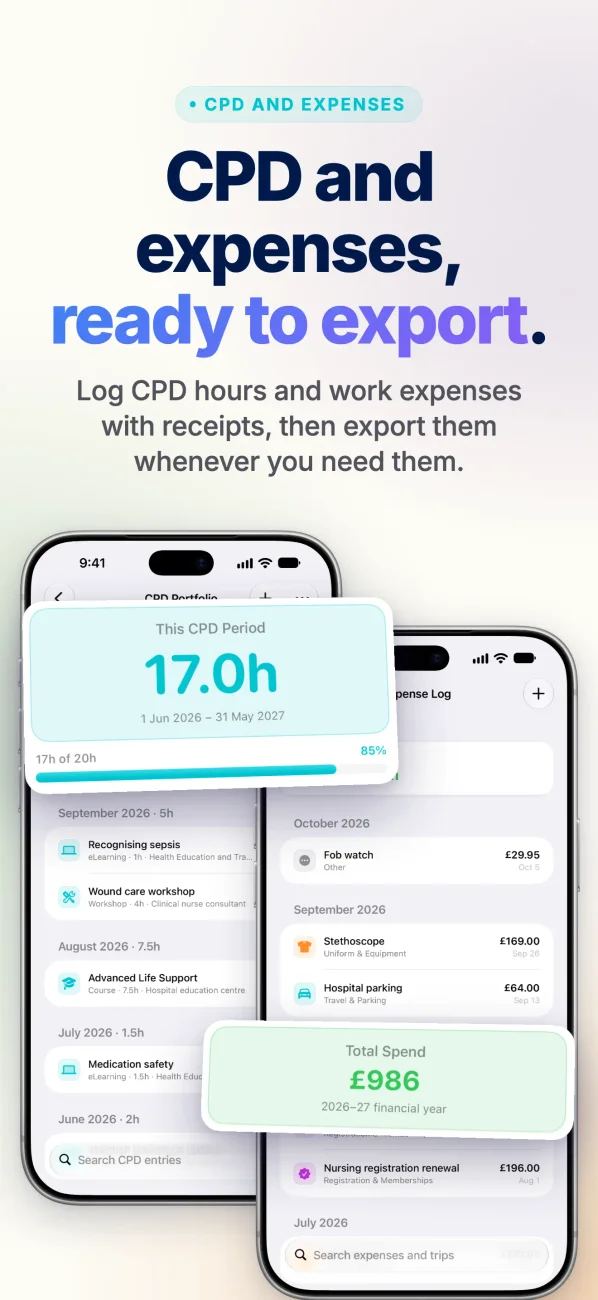
• Track work expenses and car trips in kilometres at your own rate. Scan receipts, set regular costs to repeat and mark what you've claimed.
• Export expenses as a PDF with receipt photos or as an Excel spreadsheet.
CPD & CAREER
• Log your continuing education, get reminders before your CPD year resets, and export it as a PDF with evidence.
• Track your hours to your next step.
APPLE WATCH & HEALTH
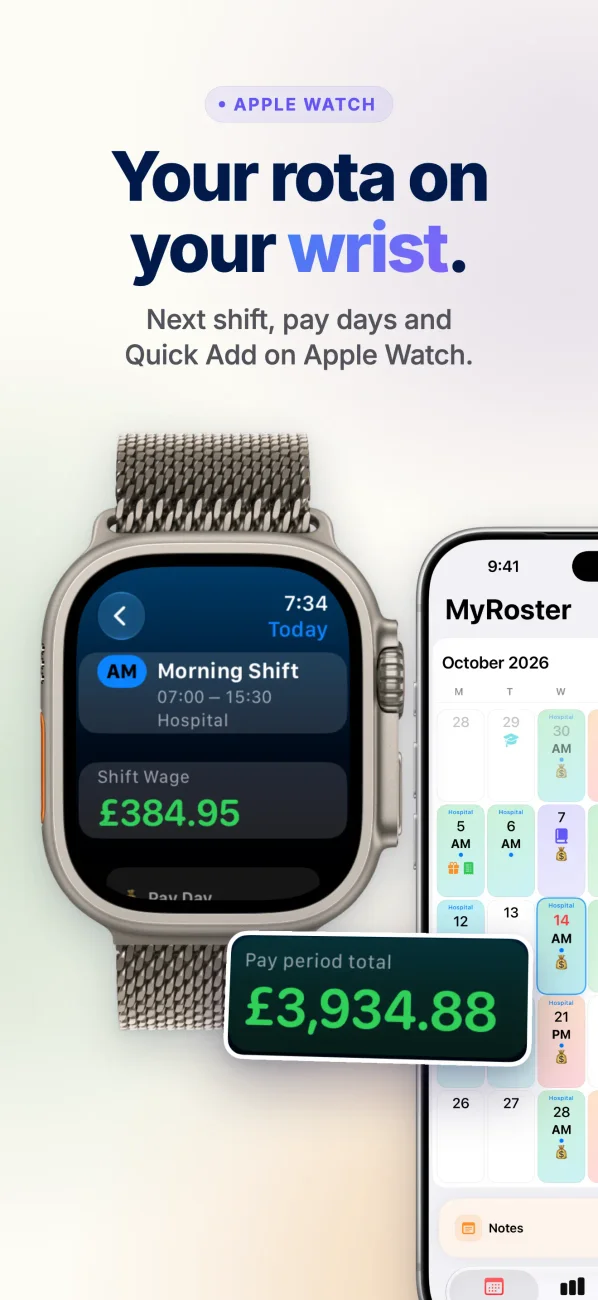
• Add a shift from your templates, and see upcoming shifts and payday, right from your wrist.
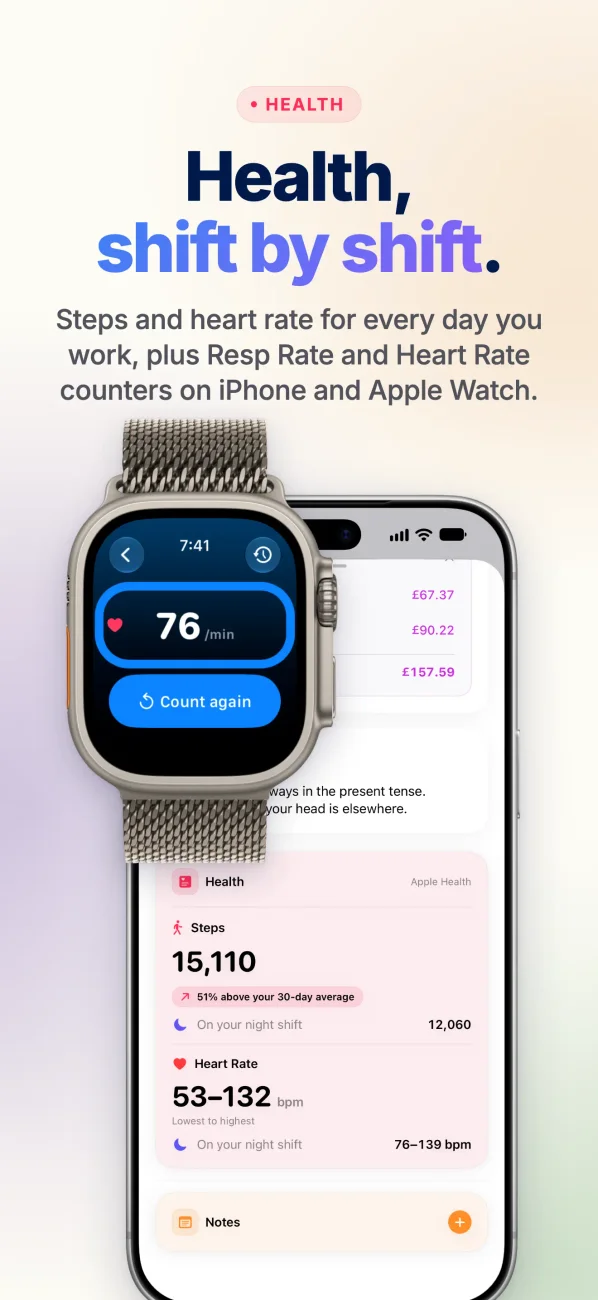
• See steps and heart rate for every shift, and compare shift types with days off.
• Count respirations or a pulse on iPhone or Apple Watch, from a widget, Control Centre or the Action Button.
STATS, REMINDERS & SYNC
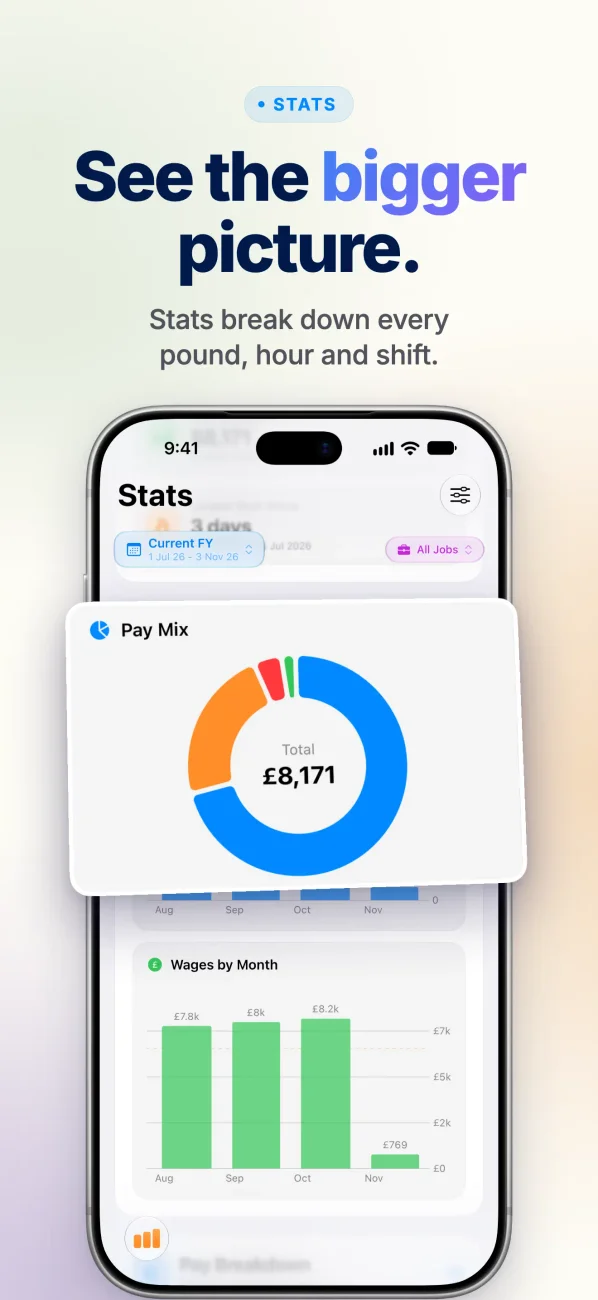
• Earnings by pay component, hours by shift type and leave at a glance.
• Compare pay periods, tax years or any dates you choose.
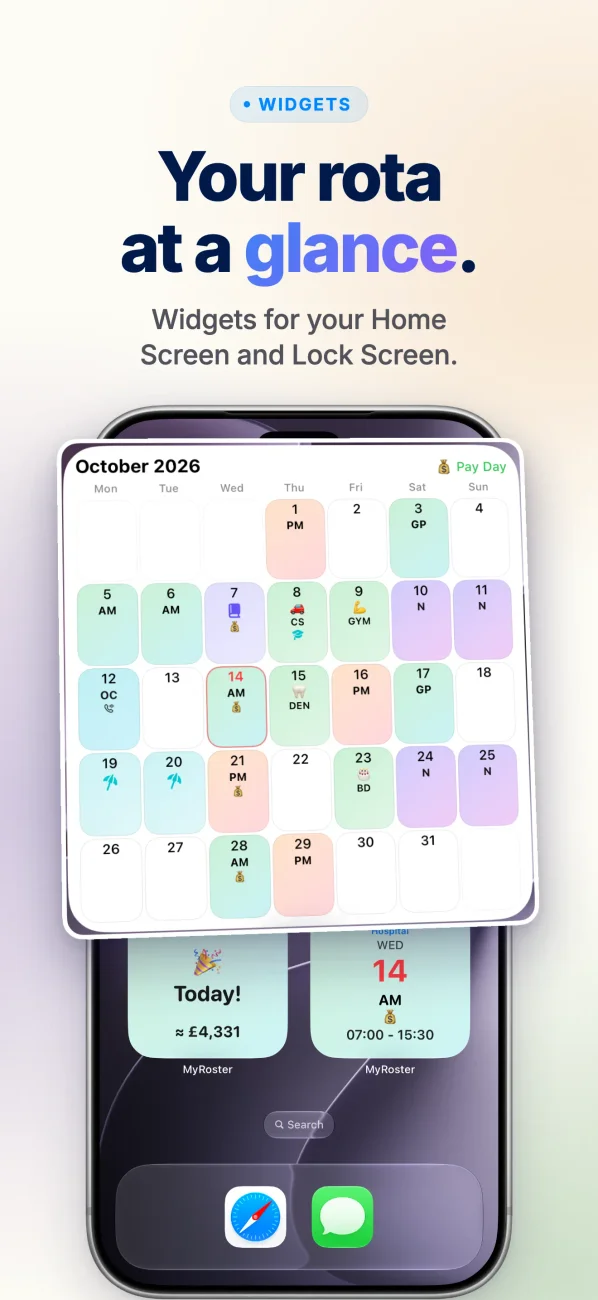
• Shift reminders, payday summaries, and Home Screen and Lock Screen widgets.
• Backed up to iCloud and synced across your devices.
Learn more including tutorials on www.myrosterapp.com.au
Terms of Use: https://www.apple.com/legal/internet-services/itunes/dev/stdeula/
What’s new
Version 3.11.0 · Nov 26, 2026
MyRoster 3.11.0 is here!
Make sure to add as many shifts as you can for the year! A fun end of year surprise is coming soon!
New:
- Achievements! Unlock achievements and show them off when sharing with friends.
- You can now generate and share a Monthly Summary snapshot.
Changes:
- Improvements to onboarding.
- Sharing a Shift Snapshot now lets you choose to toggle on steps and heart rate.
- Small UI changes.
Recently:
- You can now share a nicer daily shift and pay day summary, great for social media like TikTok and Instagram.
- AskAI can now help you make changes for a more accurate pay. Upload a payslip to get better insights.
- Budgets: You can now set up a personal budget to help your financial goals. Track bills, set savings goals and much more.
- Welcome Canada! Canadian nursing rates are now built in.
- You can now upload a Contract, Award, Agreement or EBA and have a Custom Role and Pay Rules set up for you.
- Added the ability for travel expenses to be added to pay day summaries in Settings > Travel.
- You can now teach Roster Scanning how to understand your roster, so it's more accurate for future scans.
- iPhone Duo support.
App privacy
What Jamie Lollback declares on the App Store about how this app handles data.
-
Data linked to you
May be collected and linked to your identity.
- Contact info
- User content
- Identifiers
-
Data not linked to you
May be collected but is not linked to your identity.
- Health and fitness
- Purchases
- Contact info
- User content
- Identifiers
- Usage data
- Diagnostics
Privacy practices may vary, for example with the features you use or your age.
Information
- Seller
- Jamie Lollback
- Category
- Lifestyle
- Version
- 3.11.0
- Updated
- Nov 26, 2026
- Released
- Jan 10, 2026
- Size
- 153.8 MB
- Requires
- iOS 18.6 or later
- Age rating
- 4+
- Price
- Free
- In-app purchases
- Yes
- Languages
- English, Filipino, French, German, Hindi, Malayalam, Nepali, Punjabi, Spanish
- Copyright
- © 2026 Jamie Lollback
You might also like
-
 MYDUTY - Nurse CalendarNurse Calendar
-
 Bridebook - #1 Wedding PlannerVenues, Checklist, Budget Tool
-
 That Girl: Become a Clean GirlDaily Habits to Glow Up & Slay
-
 Cupla: Couples Shared CalendarPlan Dates, Tasks & Reminders
-
 Harmony: Cycle Syncing, PeriodPeriod & Ovulation Tracker
-
 Ink: Lockscreen Calendar, NoteCustom wallpaper & schedule
-
 Loopsy - Crochet & KnittingRow Counter, Patterns & Stash
-
 Countdown Countdown Widget for Events
-
 Listful - Wishlist MakerChristmas & Birthday Wishlists
-
 Rentals.ca :) Apartment FinderApartments & Homes for Rent