MySched: Class Schedule Maker
Timetable, GWA & Attendance
Designed for iPhone, iPad
Free · In-app purchases
- Age rating4+
- CategoryEducation
- DeveloperNeil Daquioag
- LanguagesEnglish
- Size61.2 MB
Links to the official App Store page
Download.org hosts no file of MySched: Class Schedule Maker. The button opens its official App Store page, published by Neil Daquioag. Listing last checked on Nov 24, 2026.
Screenshots

About
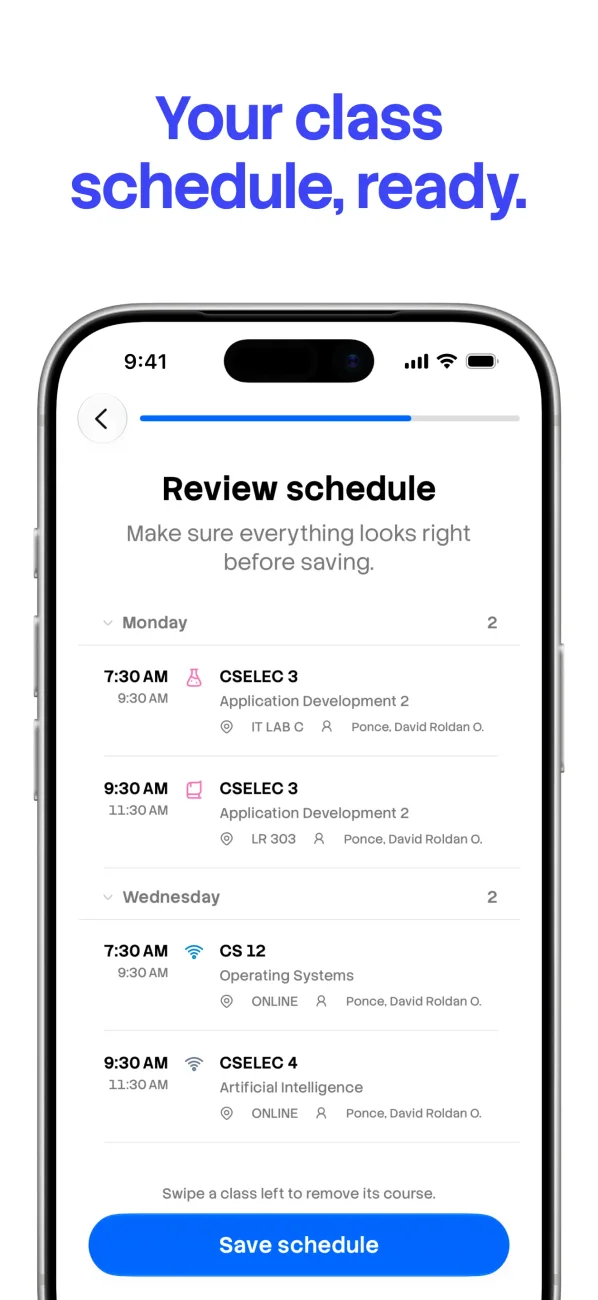
Screenshot your class schedule. MySched turns it into a schedule that shows your next class, reminds you before it starts, and works out your GWA.
Your schedule, reminders, attendance, tasks and GWA are free, work offline and need no account. MySched Pro is an optional purchase that adds grade goal and catch-up tools.
ADD YOUR SCHEDULE IN A MINUTE
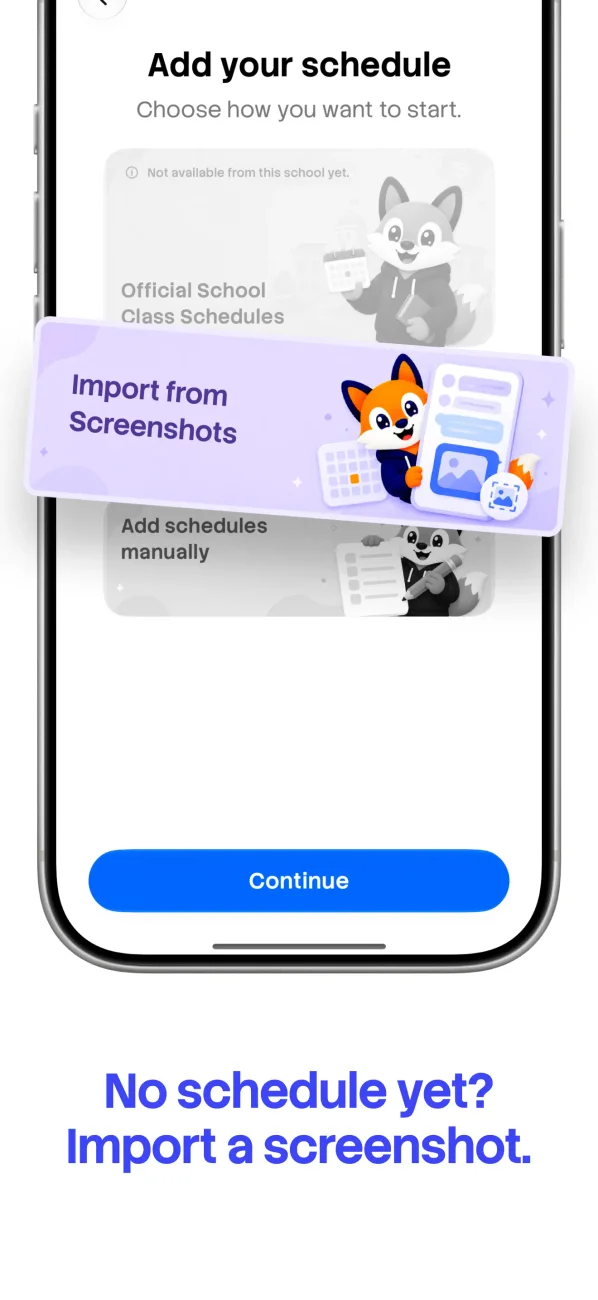
• Import a screenshot of your schedule, paste schedule text from a group chat, or add classes by hand.
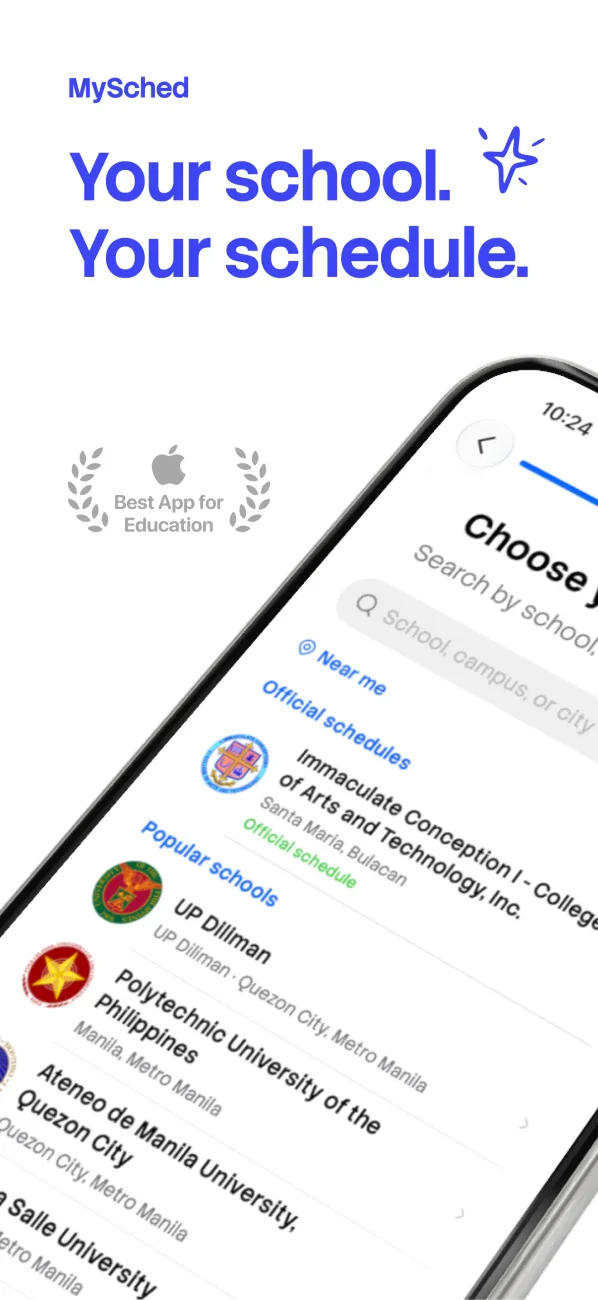
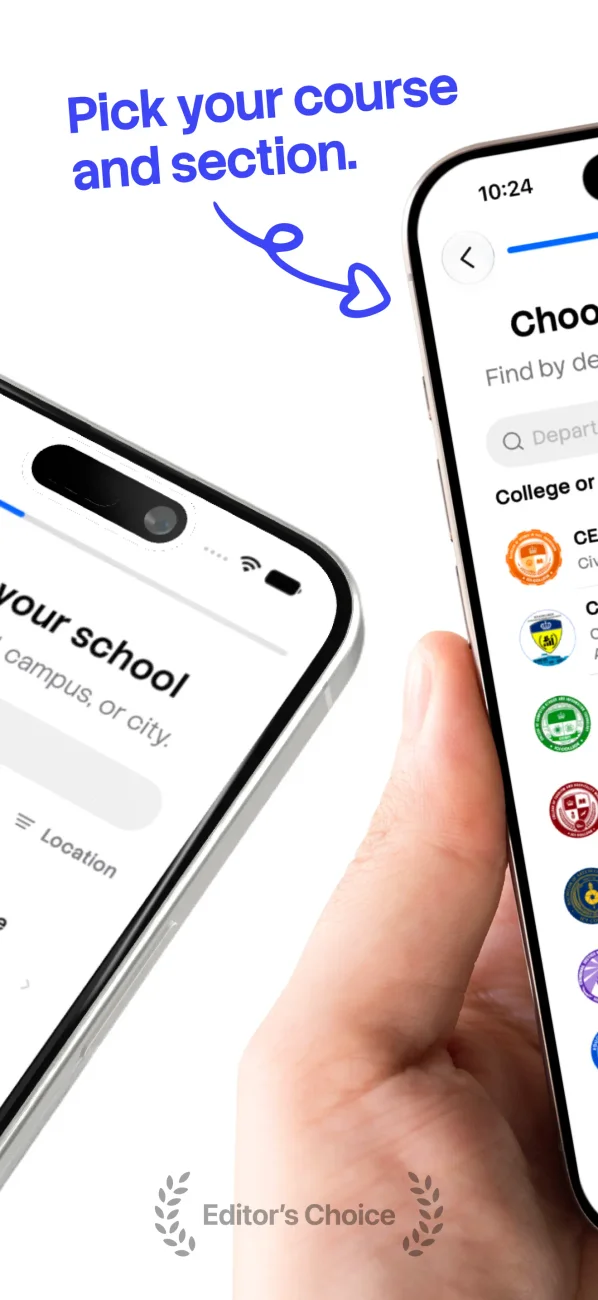
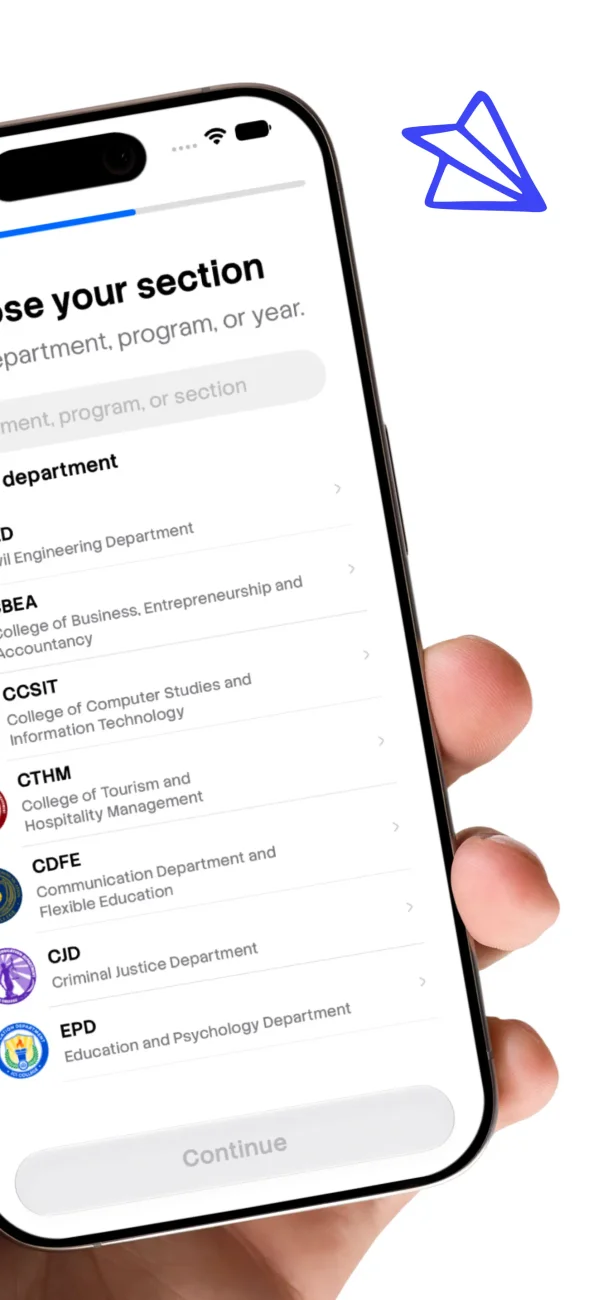
• Find your school among 2,700+ Philippine colleges and campuses, and use its published schedule when one is ready.
• Check every class before it saves. If a row is unclear, MySched tells you instead of guessing.
• Reading starts on your iPhone. Improved reading then sends the screenshot or text to our reading service, which uses a third-party AI provider only to read it.
KNOW WHAT IS NEXT
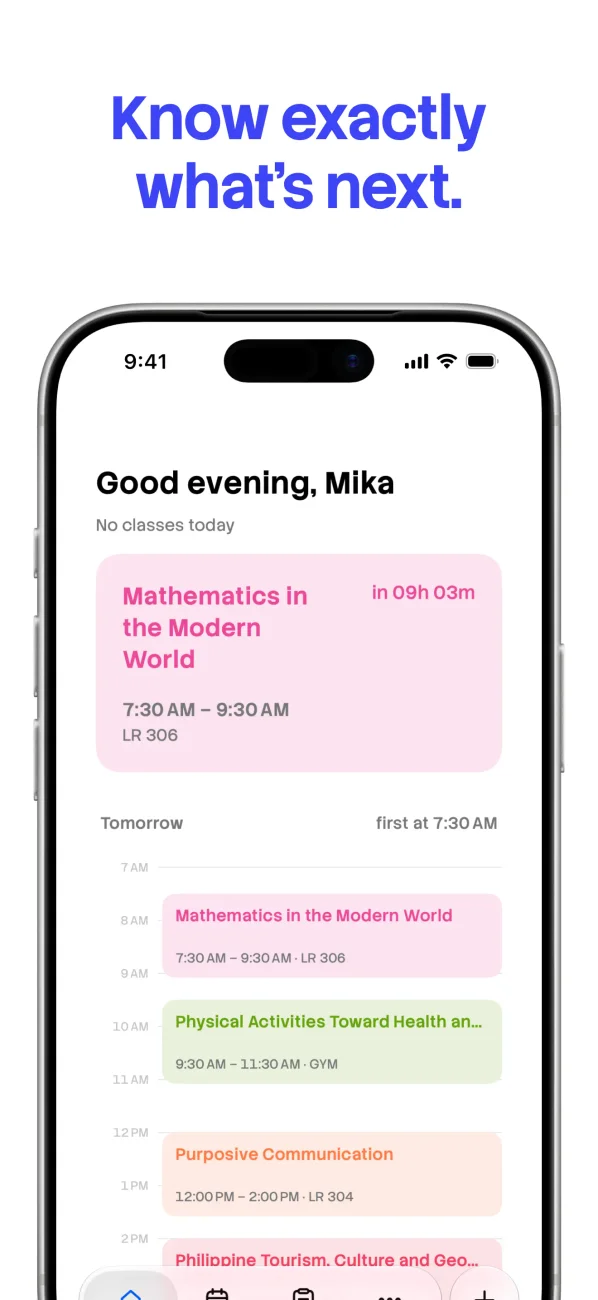
• See your current class, your next class and the rest of today.
• Switch between week, month and list views.
• Get a reminder before each class, plus quiet hours, exam reminders and a Morning summary.
• Add the Next Class widget, and Today's Agenda, This Week, This Month and Term Countdown to your Home Screen.
TRACK YOUR ATTENDANCE
• Check in from the "Did you attend?" reminder after class, without opening the app.
• Mark present, late, absent or excused, and fix a past mark from your history.
• Set your school's maximum absences for each class and watch each absence count.
• Mark a class cancelled. It leaves your reminders and your attendance counts.
WORK OUT YOUR GWA
• Enter grades and units to see your term GWA and honors standing.
• Set a GWA goal and see the average your remaining classes need.
• See your GWA trend and your grade history by term.
• Mark a class INC, W or DRP, and log activity scores.
• Classes with 0 units, like NSTP or PE, stay out of your GWA.
TASKS AND EXAMS
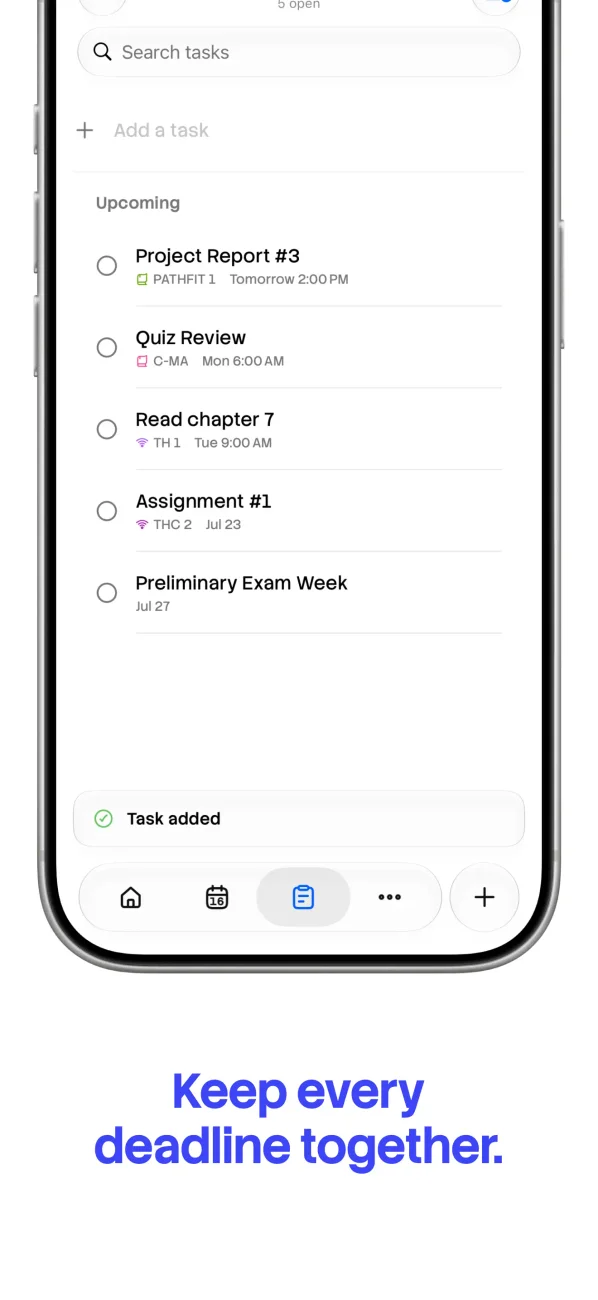
• Keep assignments, tasks and exams in one list, with subtasks and priority colors.
• Get due-date reminders, and swipe a task to push it to tomorrow.
• Keep class announcements in the app.
• Export to Apple Calendar and Reminders, or subscribe from Google Calendar.
SHARE WITH CLASSMATES
• Share your schedule with a share code or QR code. Classmates preview it and join.
• Find schedules other students from your school have shared.
• Find free time with up to two classmates.
• Save your schedule as a PDF, or as an image in Week, List or Stats designs.
MYSCHED PRO
Pro is an optional purchase. It adds:
• What Grades Do I Need? and What Score Do I Need?, which work back from your target.
• Plan by Course Difficulty, Keep My Scholarship and Honors Path.
• Grade slip scan, so you don't type each grade.
• Catch Me Up, a plan for when you fall behind, and Exam Review Plan for each exam.
• Term Recap, saved grade plans, saved Today setups and an exam-day countdown.
• Free time with up to five classmates.
• More widgets, Live Activities, app icons, colors and schedule-sharing designs.
YOUR DATA
Your schedule works without an account. Sign in to sync across your devices. You can delete your account inside the app. MySched supports Dark Mode, Dynamic Type, Bold Text, Increase Contrast and Reduce Motion. Requires iOS 17.2 or later.
SUBSCRIPTION TERMS
Buying Pro needs a MySched account. Choose a plan:
• Semester: renews every 6 months. Eligible accounts start with a free trial.
• Monthly: renews every month.
• Lifetime: one payment, no subscription. Works with Family Sharing.
The app shows each price before you buy. Payment is charged to your Apple Account when you confirm. A subscription renews automatically unless you cancel at least 24 hours before the period ends; the renewal is charged in those last 24 hours. Cancel a trial at least 24 hours before it ends and you pay nothing. Manage or cancel in Settings > Apple Account > Subscriptions.
Terms of Use: https://www.apple.com/legal/internet-services/itunes/dev/stdeula/
Privacy Policy: https://getmysched.com/privacy
What’s new
Version 6.3.2 · Nov 23, 2026
This update fixes bugs you told us about.
• Marking a repeating task done now sticks, and done tasks no longer disappear after a missed day.
• On iOS 26 the tab bar uses the native glass look again, with the round Add button.
• Archiving a term and starting a new one no longer clears your schedule.
• Shared template links open again when you're signed in.
• Tapping a class in Attendance opens that class again.
• Importing your timetable no longer freezes the app. If an import is damaged, MySched helps you recover and try again.
• Schedule, Today, Tasks and Attendance are faster, with fewer hangs and crashes.
App privacy
What Neil Daquioag declares on the App Store about how this app handles data.
-
Data linked to you
May be collected and linked to your identity.
- Contact info
- User content
- Identifiers
-
Data not linked to you
May be collected but is not linked to your identity.
- Identifiers
- Usage data
- Diagnostics
Privacy practices may vary, for example with the features you use or your age.
Information
- Seller
- Neil Daquioag
- Category
- Education
- Version
- 6.3.2
- Updated
- Nov 23, 2026
- Released
- Jan 7, 2026
- Size
- 61.2 MB
- Requires
- iOS 17.2 or later
- Age rating
- 4+
- Price
- Free
- In-app purchases
- Yes
- Languages
- English
- Copyright
- © 2026 MySched
You might also like
-
 Class Schedule & PlannerTimetable & assignments
-
 Classr: Class Schedule PlannerTimetable, Grades & Homework
-
 Study Schedule Planner & MakerClass Timetable: Study Tracker
-
 My School ScheduleWeek Planer
-
 School Planner, Class ScheduleStudent Timetable & Homework
-
 School Timetable - class studySchool & Class schedule maker
-
 Periodic: School Bell ScheduleAlways be on time
-
 Class Schedule Planner: TiblySchool timetable & homework
-
 CollegeCal: Due Date TrackerCollegecal-Track Assignments
-
 Assignment Tracker: TimetableHomework planner and School