
- Age rating9+
- CategoryMusic
- DeveloperBenjamin Noirjean
- LanguagesEnglish
- Size77.1 MB
Links to the official App Store page
Download.org hosts no file of Nautune. The button opens its official App Store page, published by Benjamin Noirjean. Listing last checked on Nov 17, 2026.
Screenshots

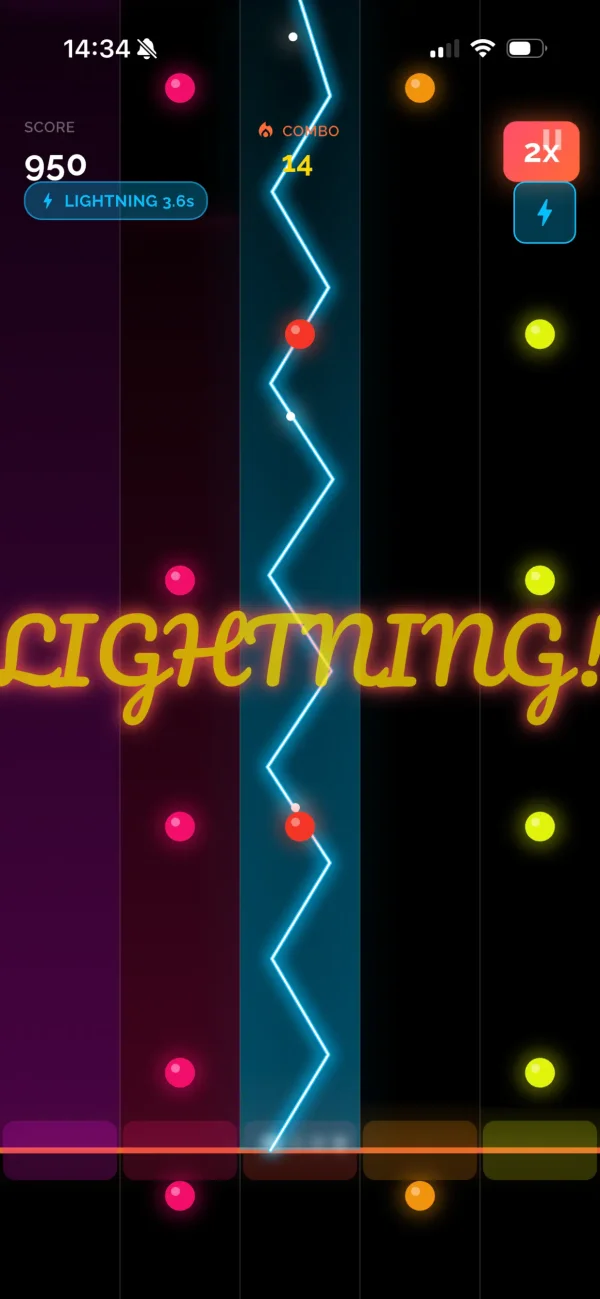
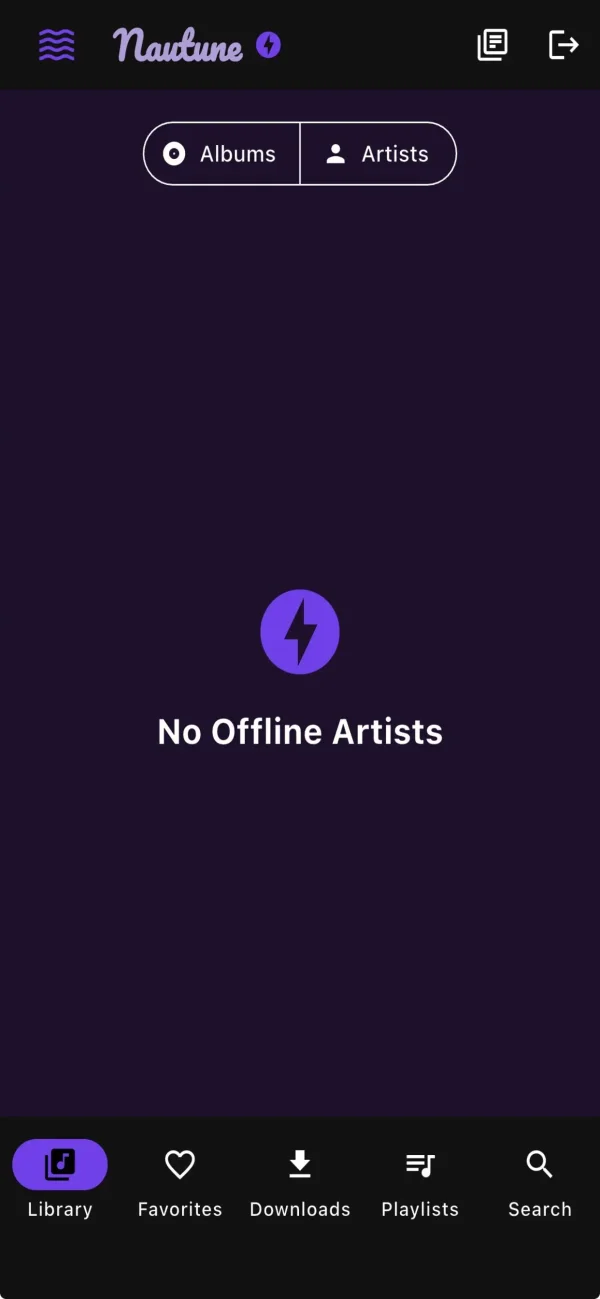
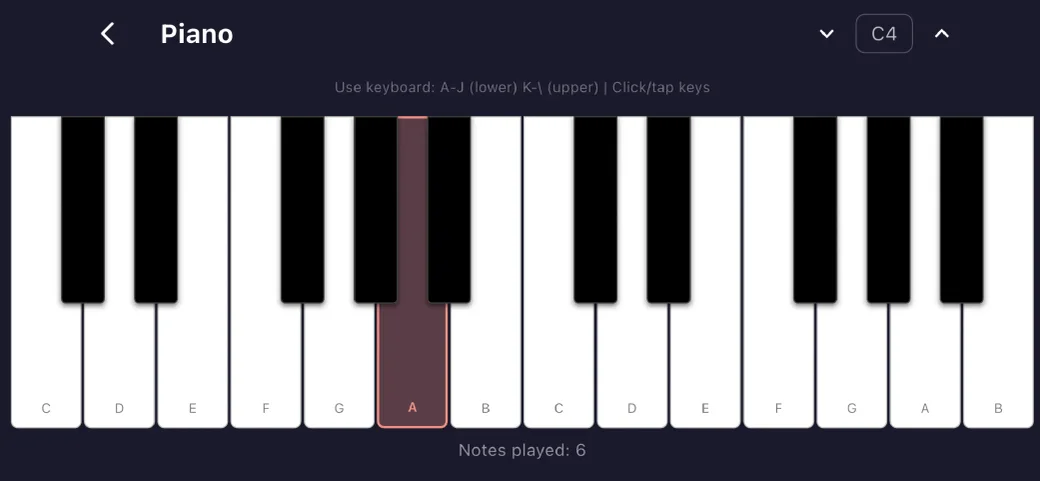
About
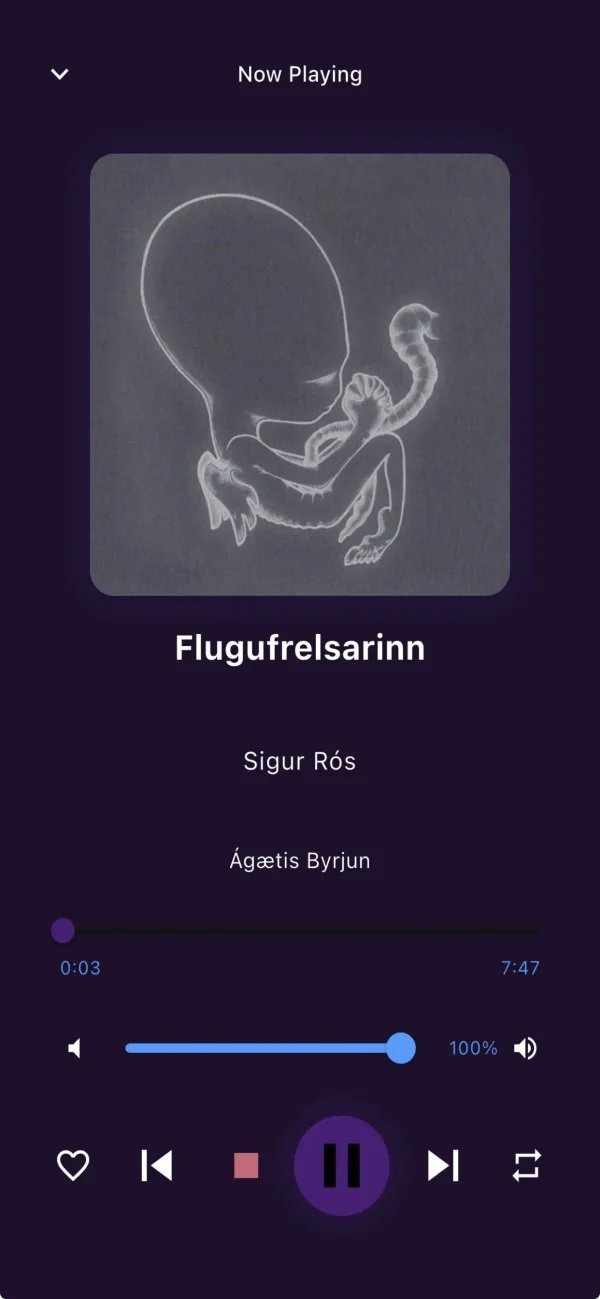
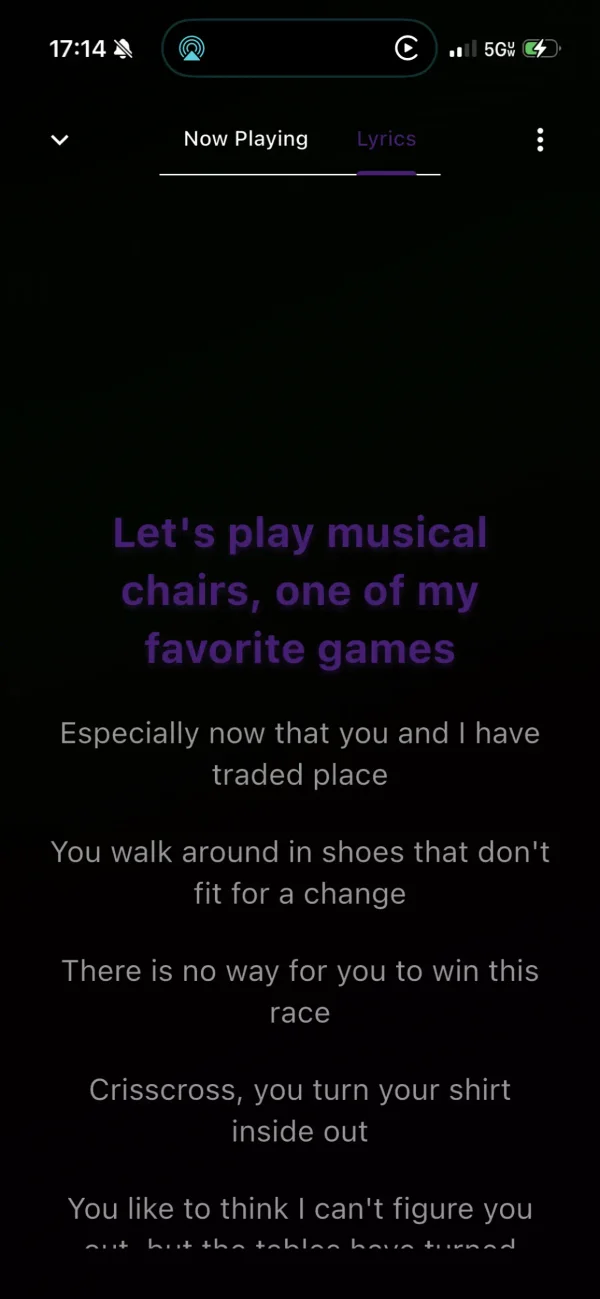
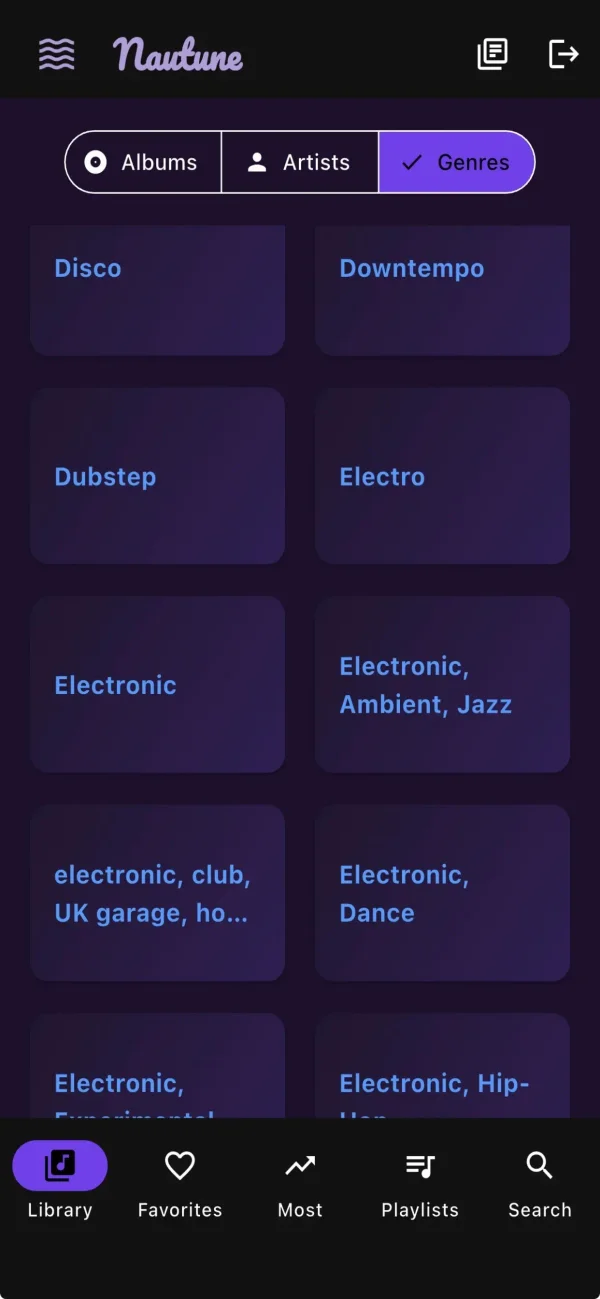
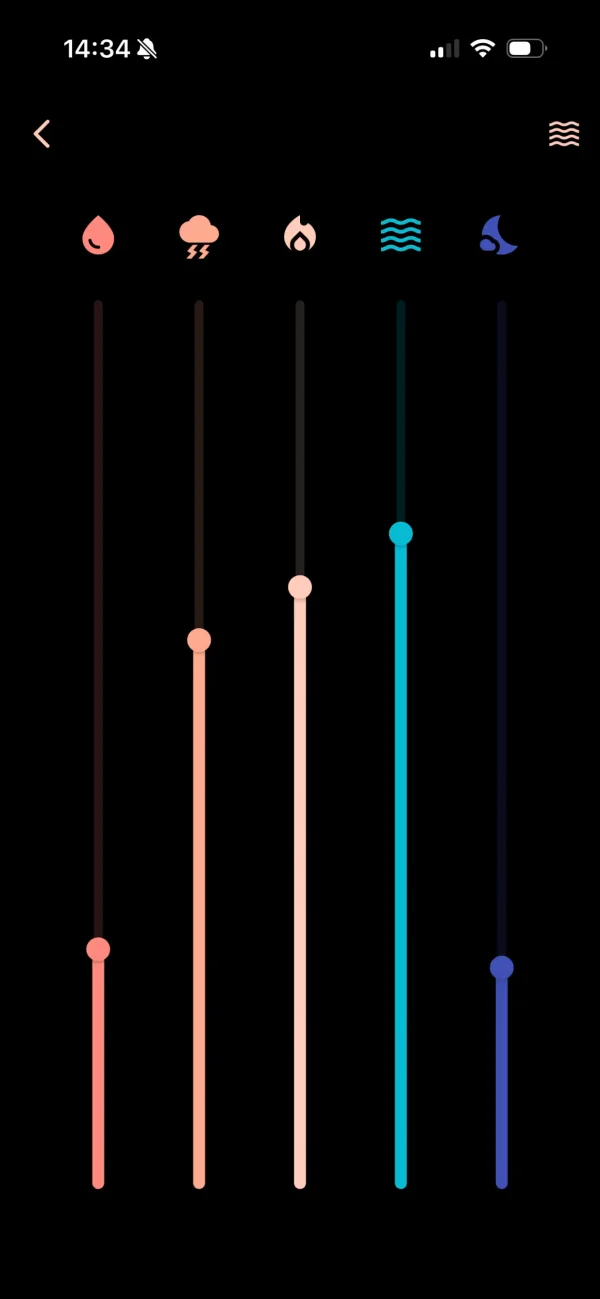
Jellyfin music player. Nautune is built with Flutter and delivers a beautiful deep-sea themed experience with smooth native audio playback and seamless Jellyfin integration.
What’s new
Version 9.1.0 · Sep 29, 2026
PLAYBACK
• Gapless playback and crossfade are more reliable, and every track now counts toward your stats and ListenBrainz
• Streams recover on their own after a signal drop
• Previous restarts the song if you're more than 3 seconds in
• Music you paused stays paused after a phone call
• The sleep timer no longer changes your volume
• Uses noticeably less battery and cellular data
- Music now plays through just_audio, so gapless albums are truly seamless.
- There's a 10-band equalizer with presets. Boosts come with a matching volume cut so they don't distort.
- Playback speed can be set from 0.75× to 2×.
- A track is saved to the cache while it streams, so it's only downloaded once. The seek bar shows real buffering progress.
OFFLINE
• Downloads survive the app closing and wait out lost signal
• Download buttons on albums, playlists and artists show progress, and let you cancel or retry
• New Downloads screen with search, sort and Shuffle All
• When you're offline, songs that aren't downloaded are skipped instead of stalling
• Playlist edits and favorites sync automatically when you're back online
• Formats iPhone can't play natively are converted when downloaded
CARPLAY
• A simpler, faster CarPlay layout
• Browse your whole library, not just the first page
• Works even when your iPhone is locked
DESIGN
• Cleaner Home and Profile screens, a Settings button in the top bar, and one consistent track menu
• Easter eggs now live under Settings → About
- The app now uses iOS-style page transitions, grouped lists, floating snackbars and rounded sheets, all coloured from your palette.
- Every palette, custom ones included, now has a light and a dark version. You pick Palette, System, Light or Dark in Settings → Appearance.
- New options:
- The accent color can come from the palette or from the artwork that's playing.
- Corners can be continuous or circular.
- Frosted glass can be switched on or off.
- Artwork tint can be switched on or off.
LIBRARY
- The A-Z index now lands on the exact letter you pick. Scrolling is smoother, and letter headers stay pinned while you scroll.
- Tiles look like Apple Music, and long-pressing one opens an action sheet.
- The artist page has Play and Shuffle buttons, and a ⋯ menu that holds Radio and Instant Mix.
- Search has All, Artists, Albums and Songs filters, plus a Top Result card.
- Swipe a song right to play it next, or left to add it to the queue.
- You can select several songs on an album and act on them together.
- Favorites and playlists can be sorted, and the choice is remembered.
- iPad gets a sidebar.
- VoiceOver support is better.
PLAYER
- The mini player floats above a translucent tab bar. Swipe up to open the player, or sideways to skip.
- The full player opens like a sheet and closes when you drag it down.
- There's a new shuffle button. Turning shuffle off puts the queue back in its original order, and it stays in sync with CarPlay and Siri.
- The sleep timer has a new "End of this track" option.
- Smart Shuffle is on by default. It plays recently heard songs later and avoids the same artist twice in a row.
Playback, streaming and Jellyfin
- ReplayGain can be set to Off, Track or Album, with a preamp from -15 to 0 dB.
- A play or scrobble only counts after real listening time: 50% of the track or 4 minutes. Skipping or seeking past the halfway point no longer counts.
- Progress is reported every 30 seconds while the screen is locked. Offline play reports are saved and survive the app being killed.
- The audio cache is keyed by track and quality. A new Transcode Format setting lets you choose MP3 or AAC.
- The Jellyfin dashboard and other clients can now control Nautune remotely. You can turn this off in Settings → Audio → Allow Remote Control.
Scrobbling
- Last.fm scrobbling is new, using your own free API account. It shows what's playing now and keeps an offline queue, and it works alongside ListenBrainz.
App privacy
What Benjamin Noirjean declares on the App Store about how this app handles data.
-
Data not collected
The developer does not collect any data from this app.
Privacy practices may vary, for example with the features you use or your age.
Information
- Seller
- Benjamin Noirjean
- Category
- Music
- Version
- 9.1.0
- Updated
- Sep 29, 2026
- Released
- Nov 10, 2025
- Size
- 77.1 MB
- Requires
- iOS 15.0 or later
- Age rating
- 9+
- Price
- Free
- Languages
- English
- Copyright
- © ElysiumDisc
You might also like
-
 Finer: Jellyfin Music PlayerOffline, Lyrics & Gapless
-
 DiscreteMusic player for Jellyfin
-
 xsMusicStream your music
-
 JellifyA sleek, Jellyfin music app
-
 JellyBox PlayerApp for jellyfin, navidrome
-
 JellyAmp - Listen everywhereJellyfin Audiobookshelf player
-
 JammyMusicMusic
-
 Moonjelly - Jellyfin PlayerJellyfin Music Player
-
 Dee Jellie: Jellyfin MediaMusic, movies & TV, offline