- 対象年齢9+
- カテゴリミュージック
- 開発元Benjamin Noirjean
- 言語英語
- サイズ77.1 MB
App Storeの公式ページにリンクしています
Download.orgはNautuneのファイルを一切ホストしていません。ボタンを押すと、Benjamin Noirjeanが公開しているApp Storeのアプリページが開きます。ページの最終確認:2026/11/17。
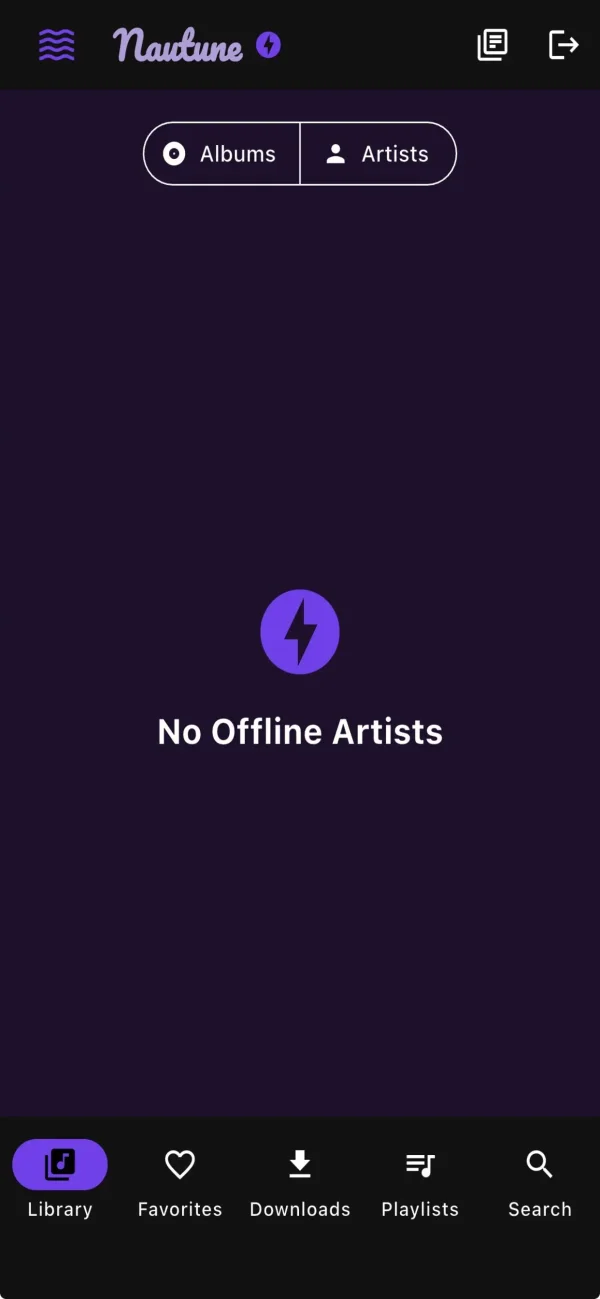
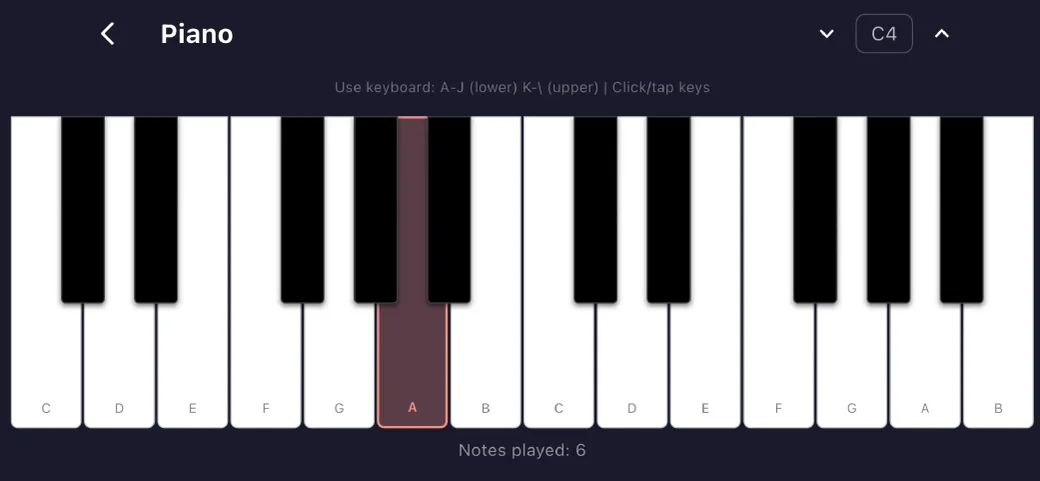
スクリーンショット


概要
開発元はこのテキストをお使いの言語で提供していません。
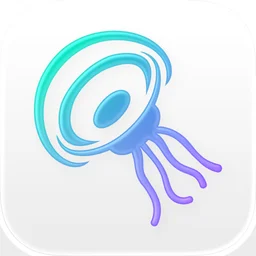
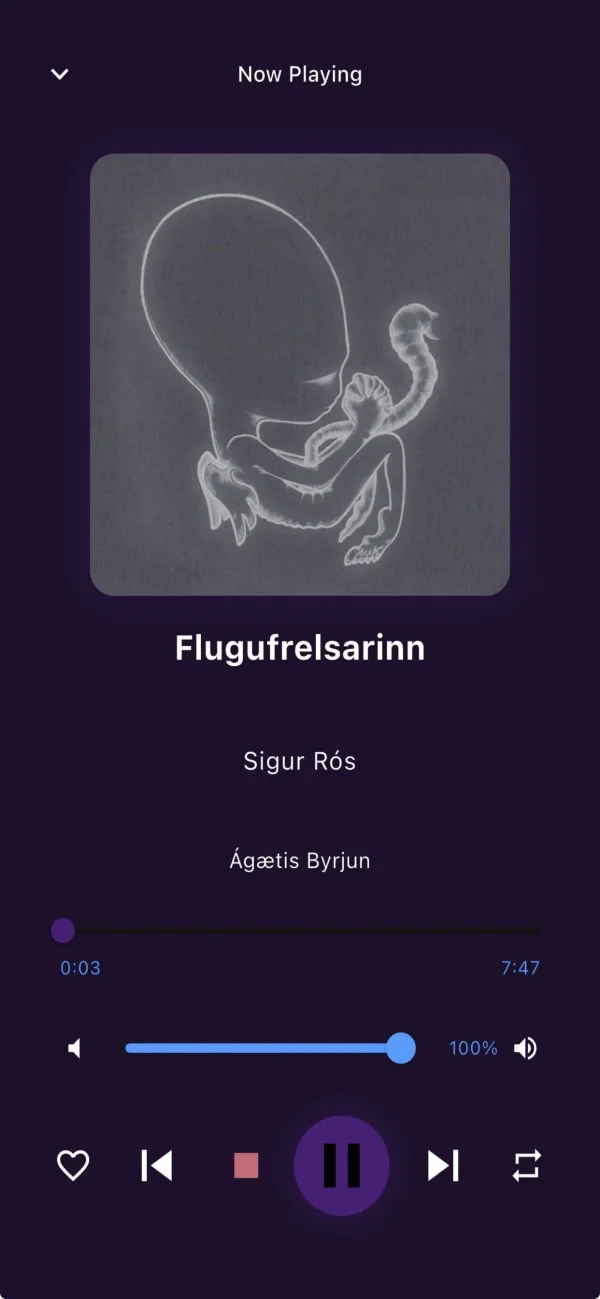
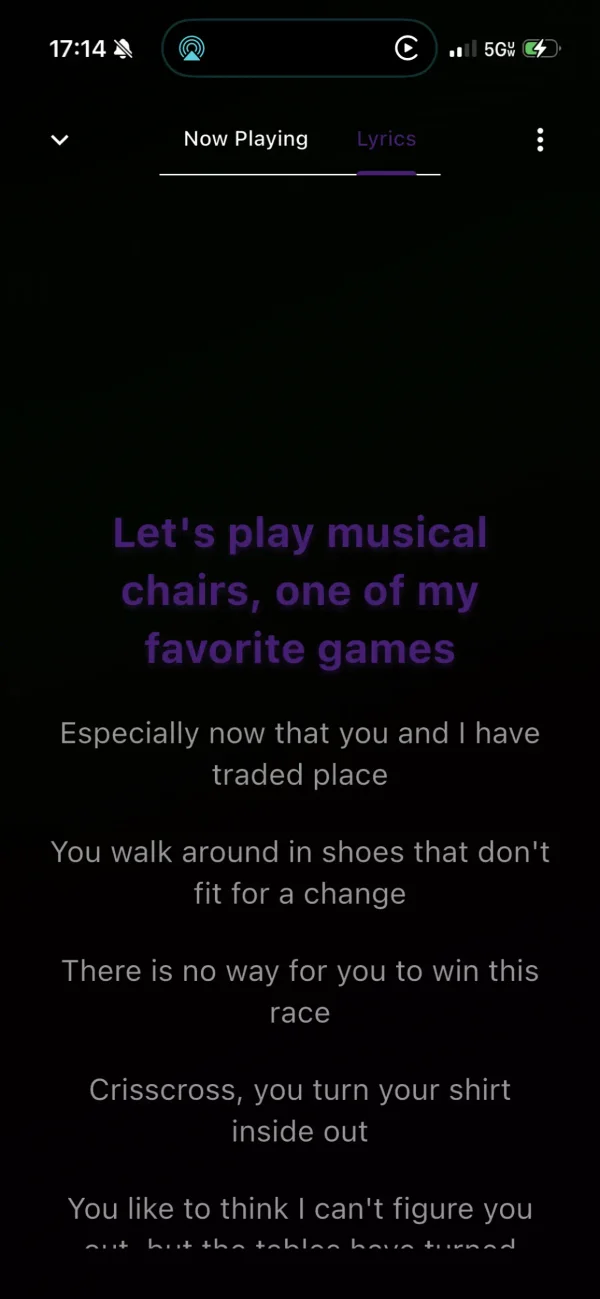
Jellyfin music player. Nautune is built with Flutter and delivers a beautiful deep-sea themed experience with smooth native audio playback and seamless Jellyfin integration.
新機能
バージョン 9.1.0 · 2026/9/29
PLAYBACK
• Gapless playback and crossfade are more reliable, and every track now counts toward your stats and ListenBrainz
• Streams recover on their own after a signal drop
• Previous restarts the song if you're more than 3 seconds in
• Music you paused stays paused after a phone call
• The sleep timer no longer changes your volume
• Uses noticeably less battery and cellular data
- Music now plays through just_audio, so gapless albums are truly seamless.
- There's a 10-band equalizer with presets. Boosts come with a matching volume cut so they don't distort.
- Playback speed can be set from 0.75× to 2×.
- A track is saved to the cache while it streams, so it's only downloaded once. The seek bar shows real buffering progress.
OFFLINE
• Downloads survive the app closing and wait out lost signal
• Download buttons on albums, playlists and artists show progress, and let you cancel or retry
• New Downloads screen with search, sort and Shuffle All
• When you're offline, songs that aren't downloaded are skipped instead of stalling
• Playlist edits and favorites sync automatically when you're back online
• Formats iPhone can't play natively are converted when downloaded
CARPLAY
• A simpler, faster CarPlay layout
• Browse your whole library, not just the first page
• Works even when your iPhone is locked
DESIGN
• Cleaner Home and Profile screens, a Settings button in the top bar, and one consistent track menu
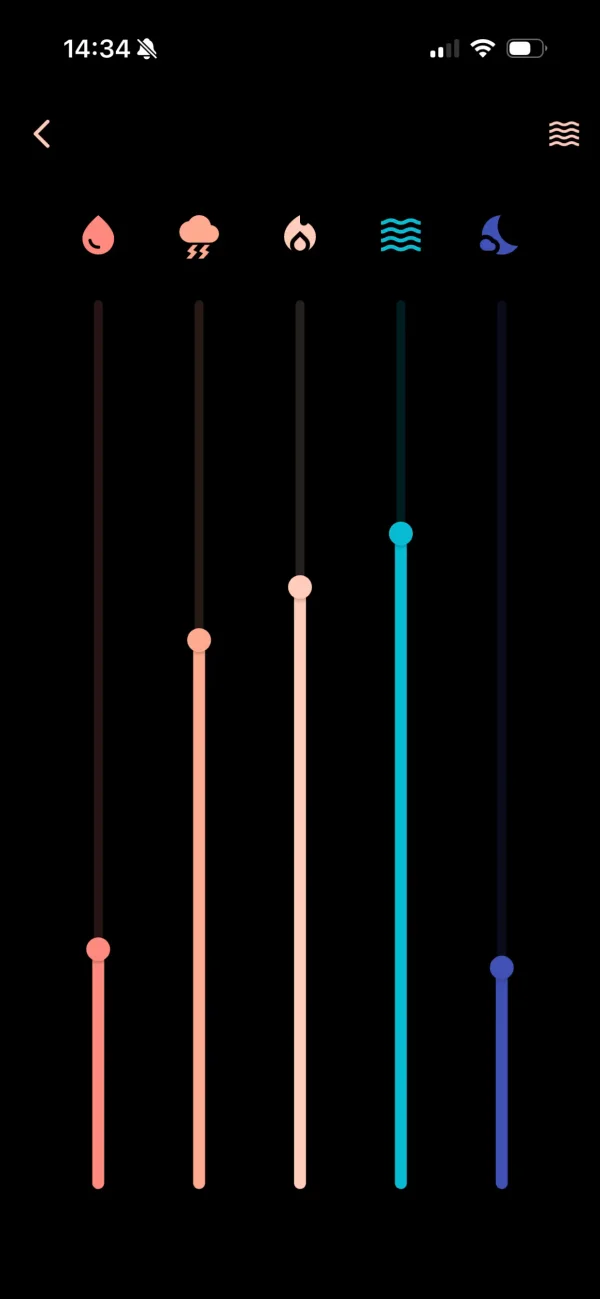
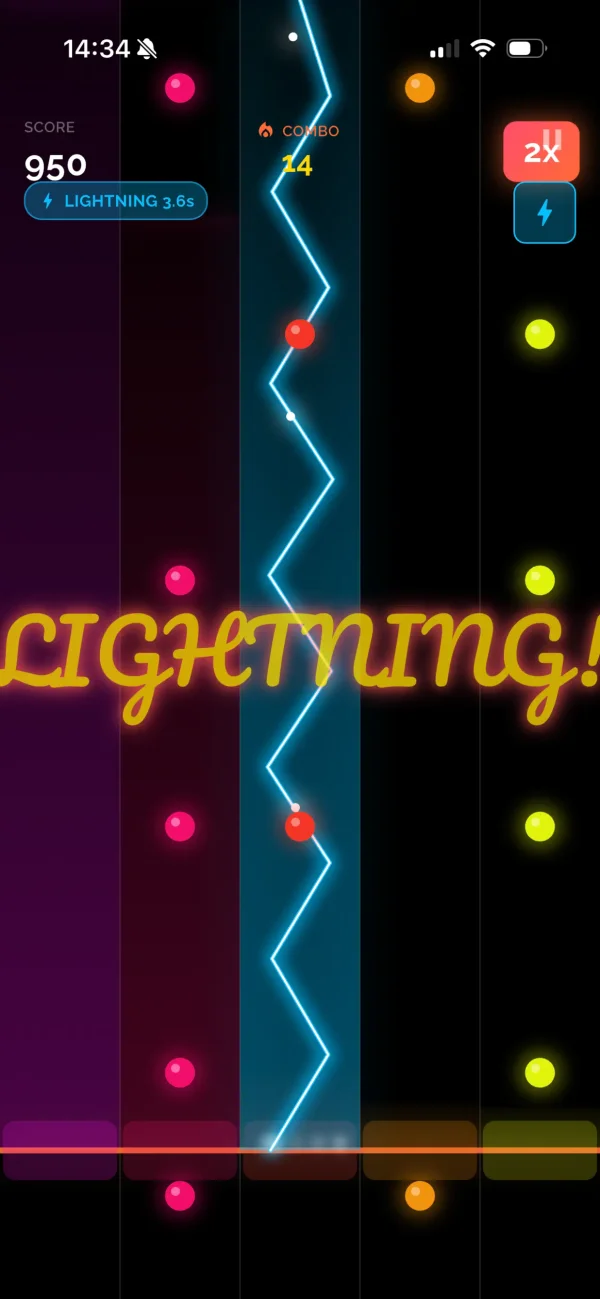
• Easter eggs now live under Settings → About
- The app now uses iOS-style page transitions, grouped lists, floating snackbars and rounded sheets, all coloured from your palette.
- Every palette, custom ones included, now has a light and a dark version. You pick Palette, System, Light or Dark in Settings → Appearance.
- New options:
- The accent color can come from the palette or from the artwork that's playing.
- Corners can be continuous or circular.
- Frosted glass can be switched on or off.
- Artwork tint can be switched on or off.
LIBRARY
- The A-Z index now lands on the exact letter you pick. Scrolling is smoother, and letter headers stay pinned while you scroll.
- Tiles look like Apple Music, and long-pressing one opens an action sheet.
- The artist page has Play and Shuffle buttons, and a ⋯ menu that holds Radio and Instant Mix.
- Search has All, Artists, Albums and Songs filters, plus a Top Result card.
- Swipe a song right to play it next, or left to add it to the queue.
- You can select several songs on an album and act on them together.
- Favorites and playlists can be sorted, and the choice is remembered.
- iPad gets a sidebar.
- VoiceOver support is better.
PLAYER
- The mini player floats above a translucent tab bar. Swipe up to open the player, or sideways to skip.
- The full player opens like a sheet and closes when you drag it down.
- There's a new shuffle button. Turning shuffle off puts the queue back in its original order, and it stays in sync with CarPlay and Siri.
- The sleep timer has a new "End of this track" option.
- Smart Shuffle is on by default. It plays recently heard songs later and avoids the same artist twice in a row.
Playback, streaming and Jellyfin
- ReplayGain can be set to Off, Track or Album, with a preamp from -15 to 0 dB.
- A play or scrobble only counts after real listening time: 50% of the track or 4 minutes. Skipping or seeking past the halfway point no longer counts.
- Progress is reported every 30 seconds while the screen is locked. Offline play reports are saved and survive the app being killed.
- The audio cache is keyed by track and quality. A new Transcode Format setting lets you choose MP3 or AAC.
- The Jellyfin dashboard and other clients can now control Nautune remotely. You can turn this off in Settings → Audio → Allow Remote Control.
Scrobbling
- Last.fm scrobbling is new, using your own free API account. It shows what's playing now and keeps an offline queue, and it works alongside ListenBrainz.
アプリのプライバシー
このアプリのデータの取り扱いについて、Benjamin NoirjeanがApp Storeで申告している内容です。
-
データの収集なし
開発元はこのアプリからデータを収集しません。
プライバシーの取り扱いは、ご利用の機能やお客様の年齢などに応じて異なる場合があります。
情報
- 販売元
- Benjamin Noirjean
- カテゴリ
- ミュージック
- バージョン
- 9.1.0
- 更新日
- 2026/9/29
- リリース
- 2025/11/10
- サイズ
- 77.1 MB
- 必要条件
- iOS 15.0以降
- 対象年齢
- 9+
- 価格
- 無料
- 言語
- 英語
- 著作権
- © ElysiumDisc