
- Age rating4+
- CategoryEducation
- DeveloperKouichi INAFUKU
- LanguagesEnglish+ 1 more
- Size2.9 MB
Links to the official App Store page
Download.org hosts no file of Nekomimi. The button opens its official App Store page, published by Kouichi INAFUKU. Listing last checked on Nov 16, 2026.
Screenshots
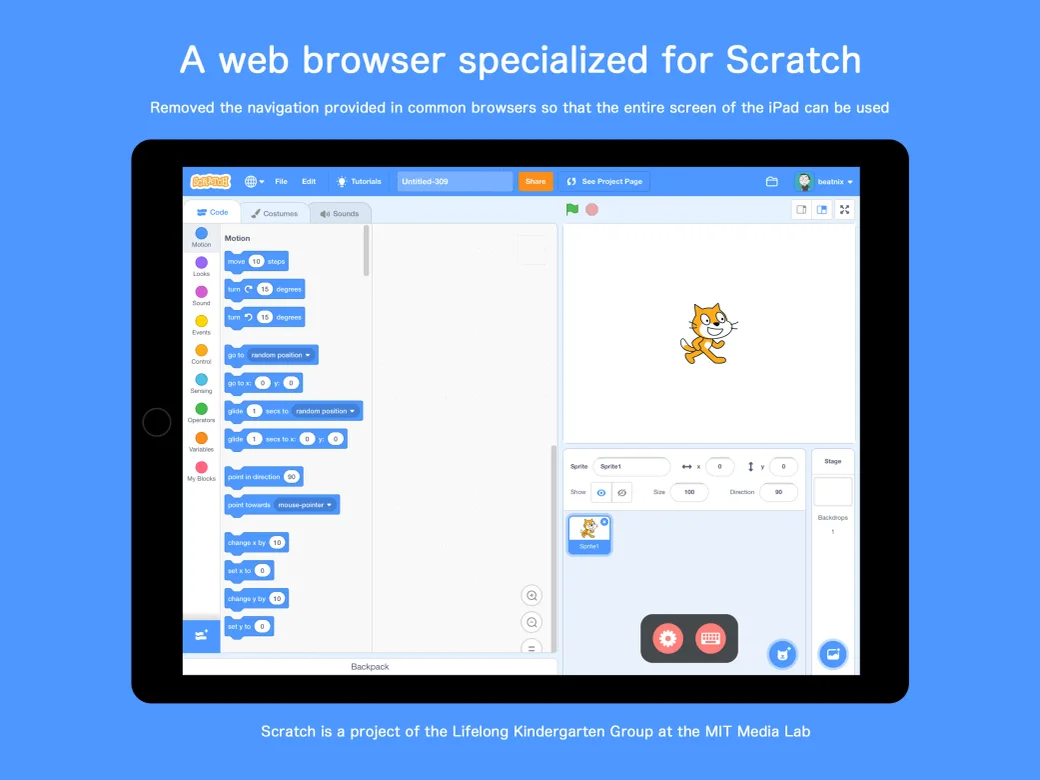

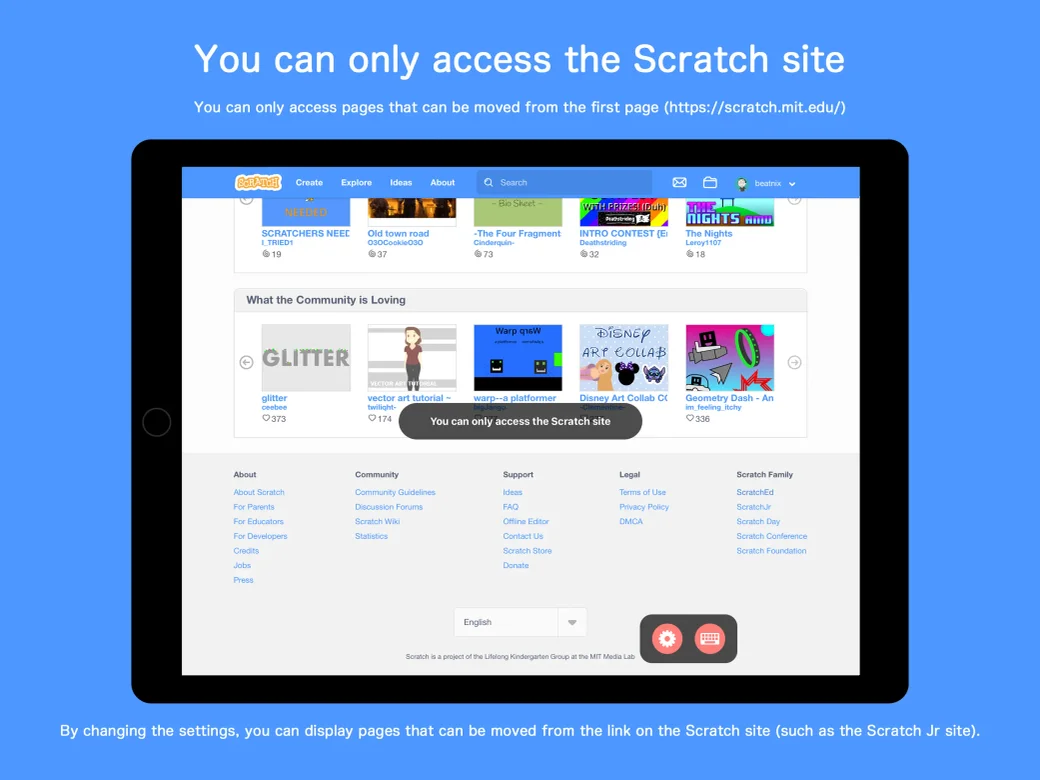
About
A browser specialized for Scratch, a programming environment for children
-Only Scratch site (https://scratch.mit.edu/) can be displayed
-Since the navigation is eliminated, the entire screen of the iPad can be used with Scratch
-Features not required for development with Scratch are not installed (back, forward, URL input, bookmark, etc.)
- The key input (0-9, A-Z, arrow key, space key) required when executing Scratch is enabled by using a dedicated keyboard
- In order to prevent the screen from being enlarged carelessly, the screen enlargement display function by double tap or pinch in is turned off
Scratch is a project of the Lifelong Kindergarten Group at the MIT Media Lab
What’s new
Version 1.6 · Aug 21, 2026
・Added a new keyboard layout for project pages
・Automatically switches the keyboard layout based on the current page
・Improved loading of Scratch projects
・Improved the screen layout
・Updated for the latest version of iPadOS
・Fixed minor bugs and made other improvements
App privacy
What Kouichi INAFUKU declares on the App Store about how this app handles data.
-
Data not collected
The developer does not collect any data from this app.
Privacy practices may vary, for example with the features you use or your age.
Information
- Seller
- Kouichi INAFUKU
- Category
- Education
- Version
- 1.6
- Updated
- Aug 21, 2026
- Released
- May 16, 2019
- Size
- 2.9 MB
- Requires
- iOS 15.6 or later
- Age rating
- 4+
- Price
- $1.99
- Languages
- English, Japanese
- Copyright
- © 2020 STUDIO BEATNIX
You might also like
-
 intelino scratchBlock coding with intelino!
-
 Scrub Web Browserfor Scratch 3.0 and BLE
-
 PyonkeeBased on Scratch
-
 Scratch Tutorial - Coding GameProgramming For Kids
-
 ScratchUPCode : learn, teach and play
-
 Turtles: Learn to Code for FunProgramming Education
-
 Univerzoom 3D - Explore ScaleZoom in Universe & Microcosmos
-
 Numberblocks & Friends StoriesAudio to help relax and sleep
-
 PlayMaksi: Scratch GamesFun mini games, play offline
-
 TypeCodeEducation