- Age rating4+
- CategoryProductivity
- DeveloperMANGOSLAB Co.,Ltd.
- LanguagesEnglish
- Size170.4 MB
Links to the official App Store page
Download.org hosts no file of Nemonic Dot – Braille Maker. The button opens its official App Store page, published by MANGOSLAB Co.,Ltd. Listing last checked on Nov 23, 2026.
Screenshots
About
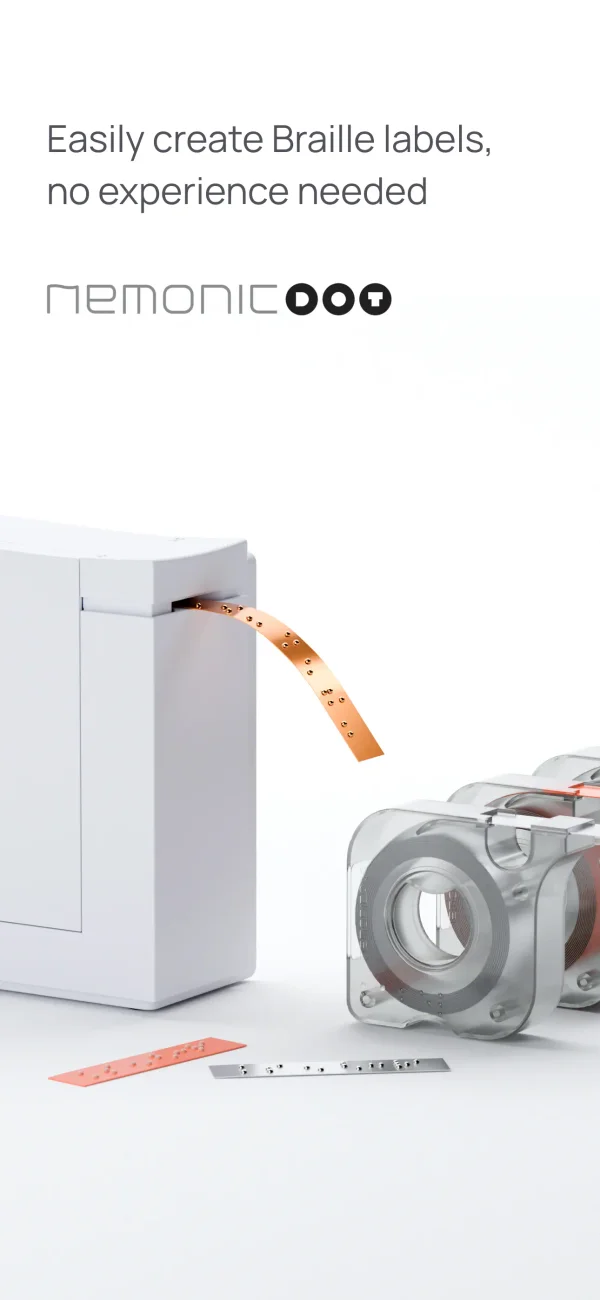
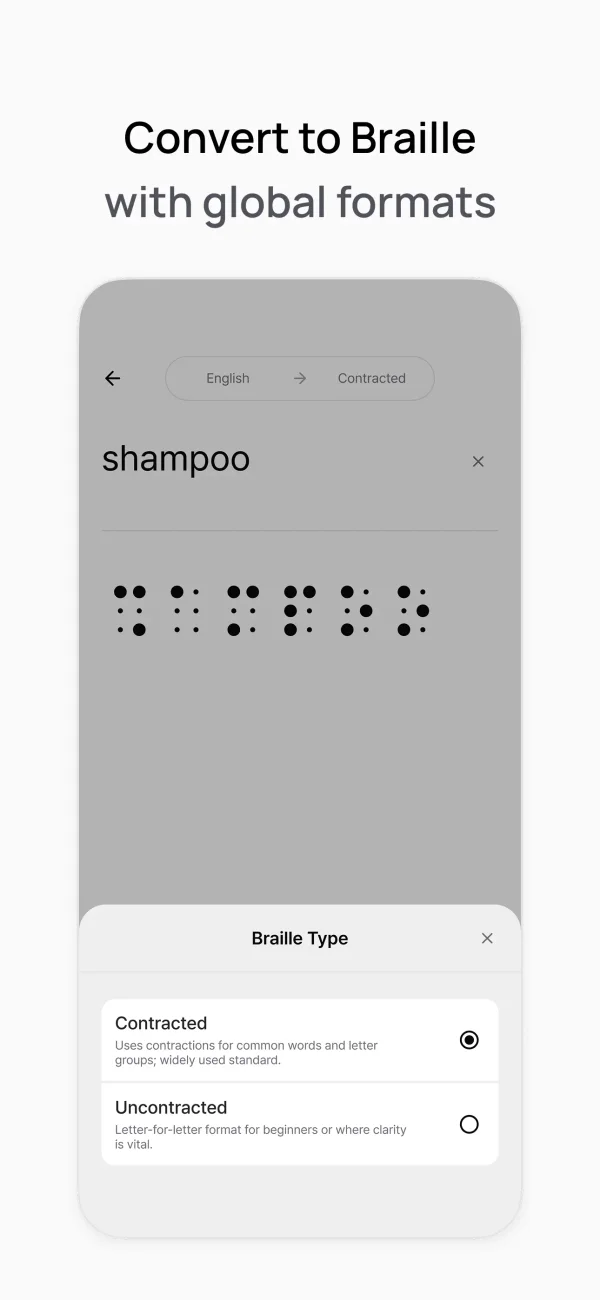
Nemonic Dot is a Braille label creation app that lets anyone make Braille labels quickly and easily.
[ Key Features ]
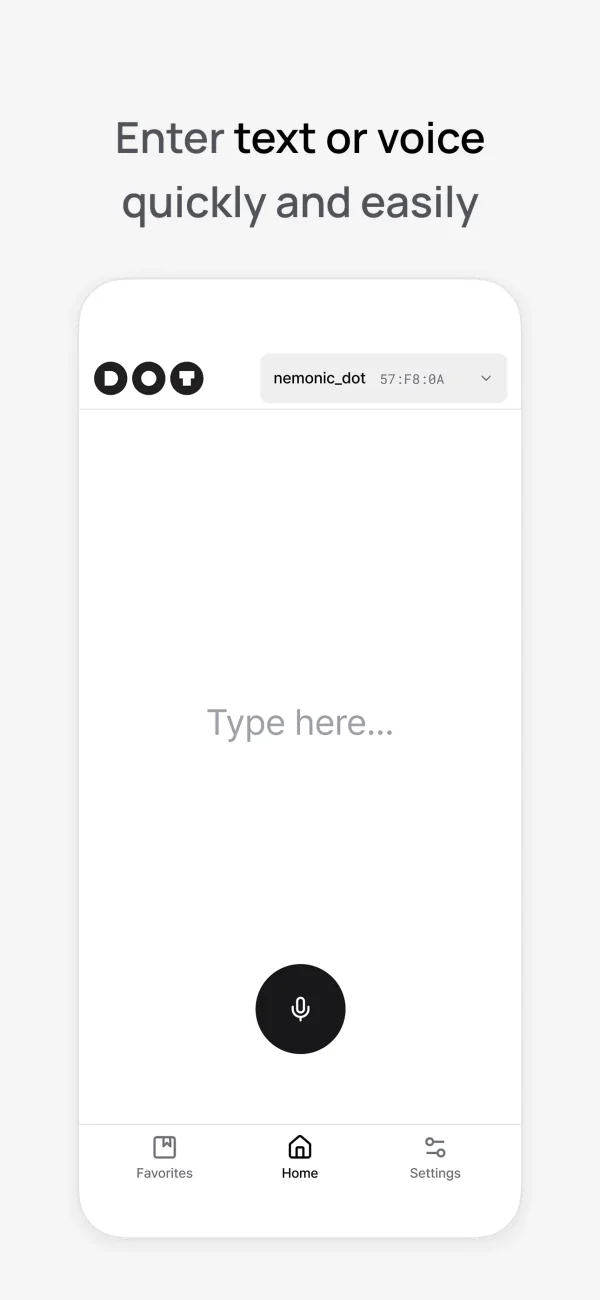
Easy Braille Conversion
Enter text or voice, and it’s instantly converted to Braille.
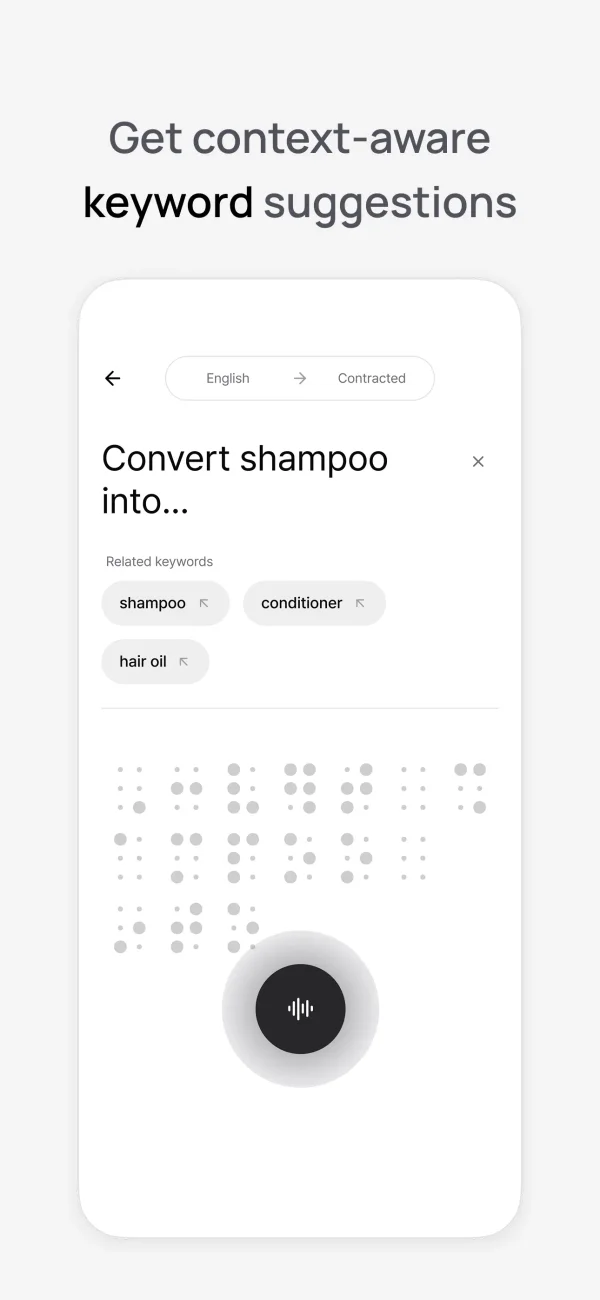
Context-Aware Keyword Suggestions
The app recommends relevant keywords based on what you enter, making it even easier to create the Braille you need.
Automatic Braille Rules by Language
Accurately converts text into Braille according to each language’s national standards.
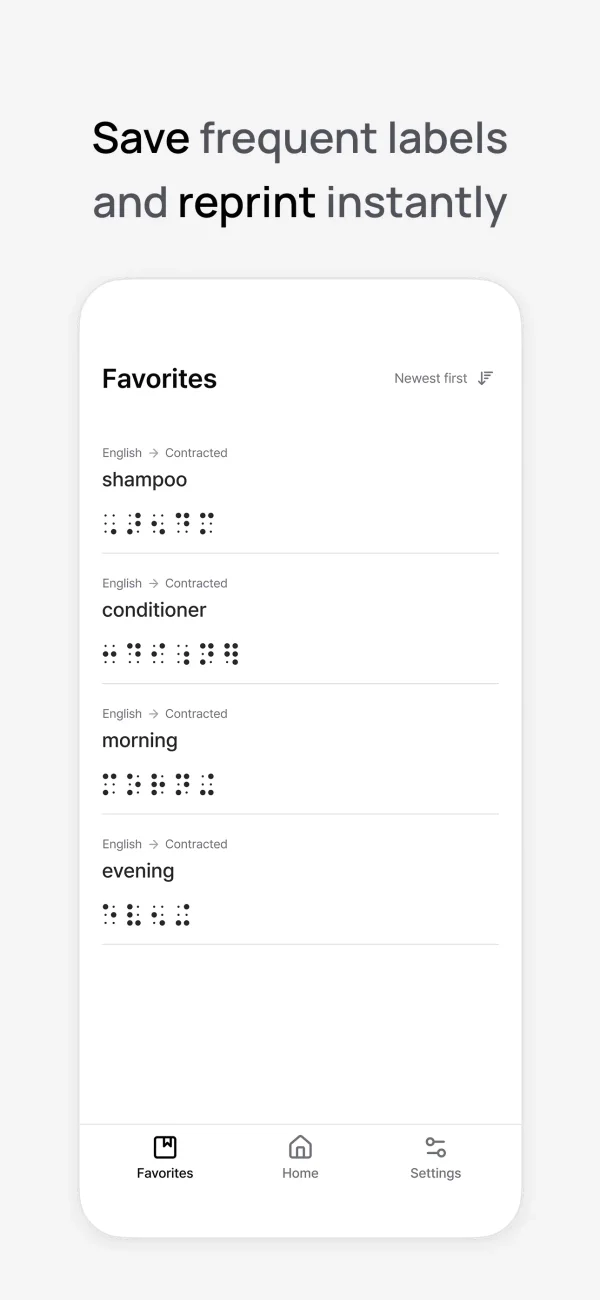
Save Frequently Used Labels
Store your commonly used phrases and reprint them anytime with a single tap.
Wireless Braille Label Printing
Connect to the Nemonic Dot Braille label printer and print high-quality Braille labels instantly.
[ Use It Anywhere ]
Make everyday labeling clearer and more accessible with the Nemonic Dot wireless Braille label printer.
At home
- Add Braille expiration-date labels to food packages
- Distinguish bathroom items like shampoo, conditioner, and body wash
- Label buttons on appliances with digital displays, such as wall pads or induction cooktops
At the pharmacy
- Provide Braille labels for medication names, dosage, and instructions
- Label morning / noon / evening dosing times
- Add Braille warnings for important medication precautions
In public buildings
- Add Braille labels where signage is limited, such as temporary or mobile facilities
- Label rooms like meeting rooms, lounges, and restrooms
- Add supplementary Braille labels to help distinguish kiosk functions
What’s new
Version 0.6.3 · Nov 18, 2026
Version 0.6.3
• Improved braille translation
Korean braille supports → and preserves spaces.
• Easier access to help
Open User guide via QR codes or links. View Open-source licenses in Settings.
• Easier printer connections
Faster sound checks, with cancellation while connecting.
• General stability improvements
Fixed deleted text reappearing and repeated print cancellation notices. Improved firmware update checks.
App privacy
What MANGOSLAB Co.,Ltd. declares on the App Store about how this app handles data.
-
Data not collected
The developer does not collect any data from this app.
Privacy practices may vary, for example with the features you use or your age.
Information
- Seller
- Mangoslab Co.,Ltd.
- Category
- Productivity
- Version
- 0.6.3
- Updated
- Nov 18, 2026
- Released
- Mar 6, 2026
- Size
- 170.4 MB
- Requires
- iOS 13.0 or later
- Age rating
- 4+
- Price
- Free
- Languages
- English
- Copyright
- © Copyright ⓒ 2025 MANGOSLAB All rights reserved.
You might also like
-
 부산자원봉사은행Productivity
-
 스꾸공지Productivity
-
 Veronica RemoteDesktop Veronica on your phone
-
 글방Productivity
-
 Min: Time Blocking PlannerPlan today, push back in a tap
-
 lazeelogTime tracking, No Planning
-
 ScanatoryOCR Scanner: Text & Translate
-
 AI Help & Guide :FixFlowStep-by-Step Problem Solver
-
 HourBinder - AI 플래너Productivity
-
 Bonocle NotesBraille notes on the go