
Min: Time Blocking Planner
Plan today, push back in a tap
Designed for iPhone, iPad
In-app purchases
- Age rating4+
- CategoryProductivity
- DeveloperIndieWay
- LanguagesKorean+ 1 more
- Size18.9 MB
Links to the official App Store page
Download.org hosts no file of Min: Time Blocking Planner. The button opens its official App Store page, published by IndieWay. Listing last checked on Nov 8, 2026.
Screenshots
About
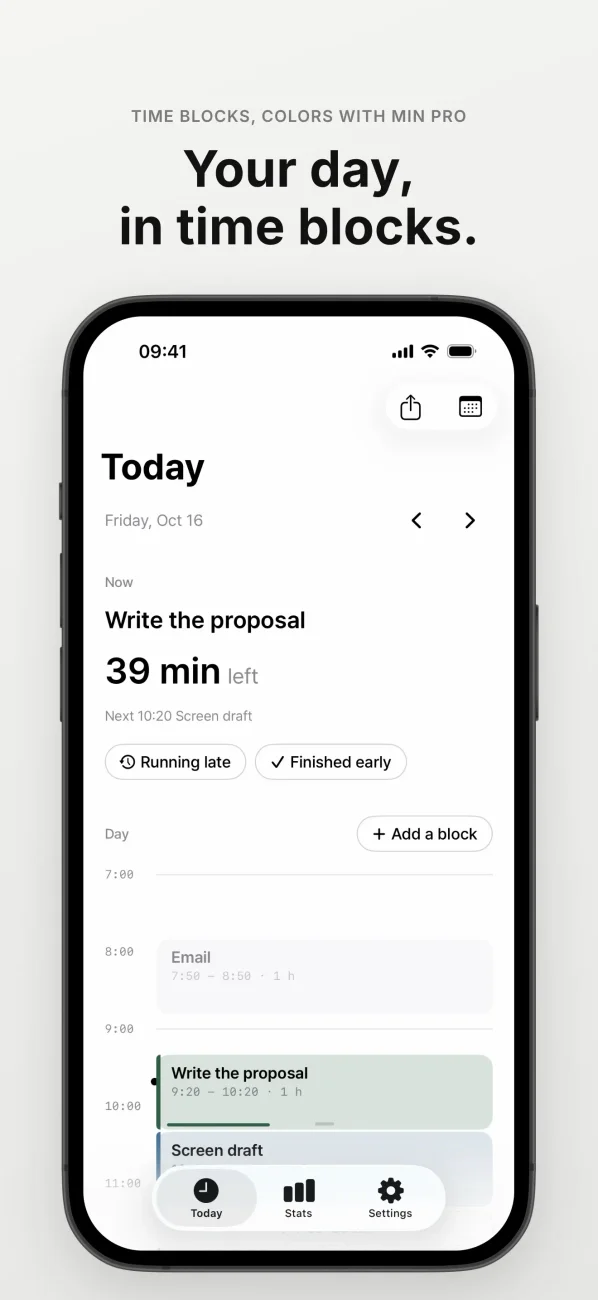
Min lays out your day in time blocks. In the morning, place what you'll do and for how long. During the day, Min shows just one thing: what's now, and how many minutes are left. When something runs long, push everything after it back in one tap.
- Three things per block
A name, a start, and a length. Min suggests the next free spot, so placing a block takes seconds. Recent names come back with their usual length.
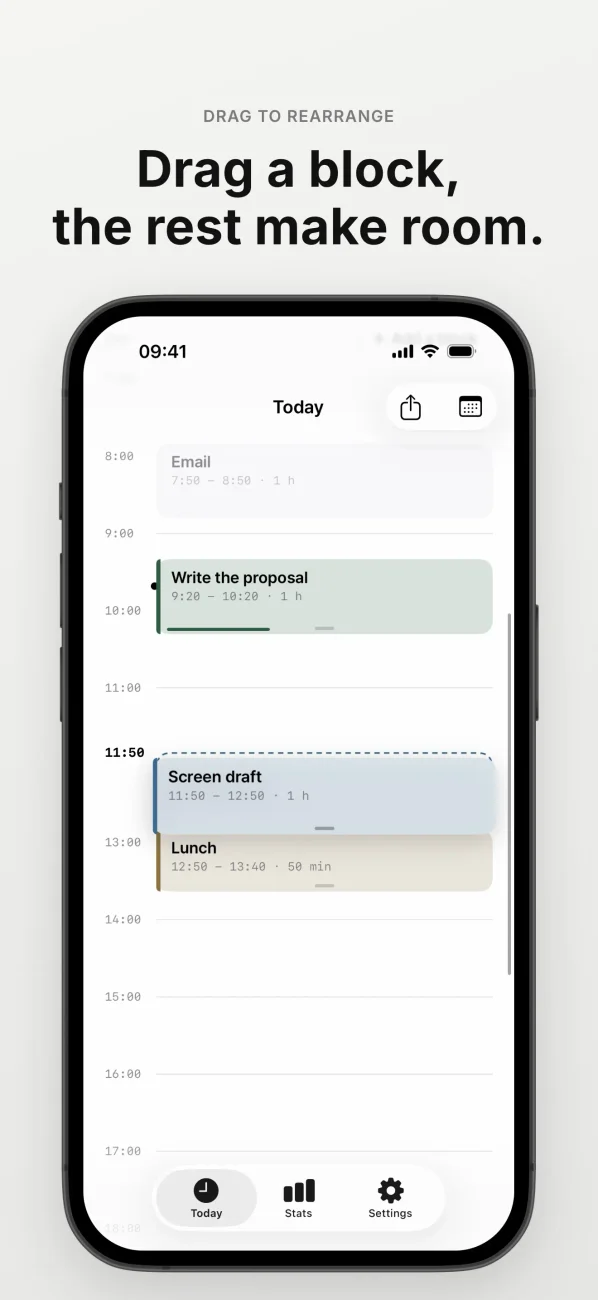
- Drag to rearrange
Your day is drawn to scale. Touch and hold a block to drag it, and the other blocks preview where they will land as they make room. Drag the bottom edge to change its length. Moved the wrong one? One tap undoes it.
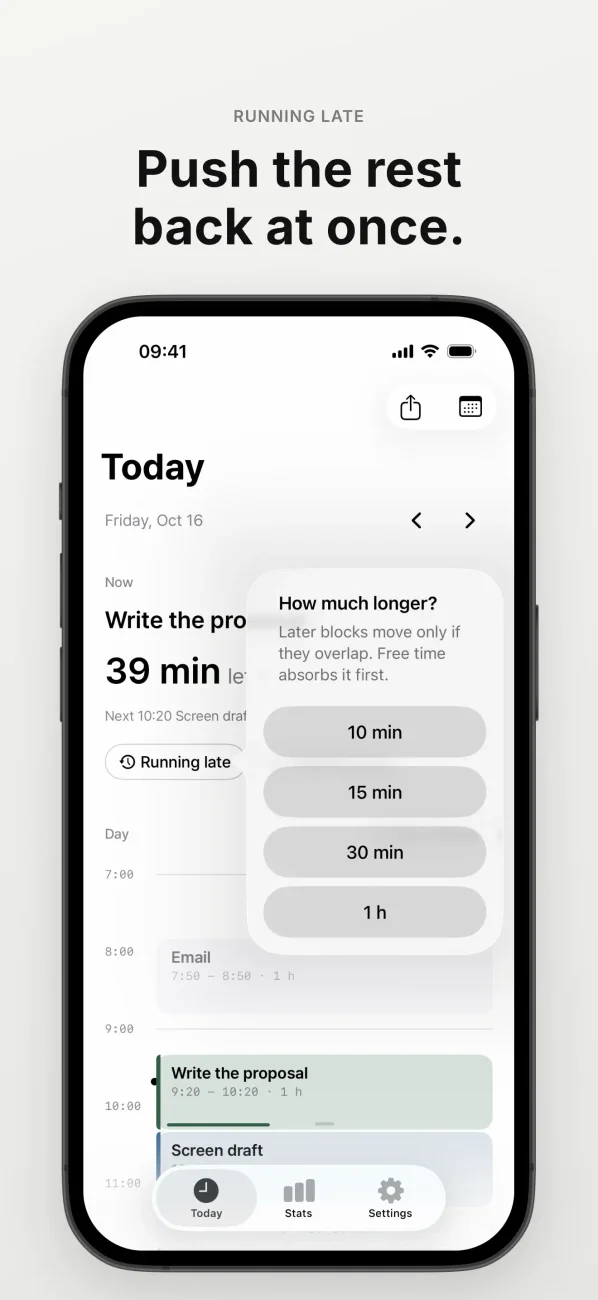
- Running late? Push it back
Tap Running late and pick 10, 15, 30, or 60 minutes. The current block gets longer and later blocks move only if they overlap, so free time absorbs the delay first. A push can be undone right away. Finished early? End the block and start the next one now.
- Now and minutes left
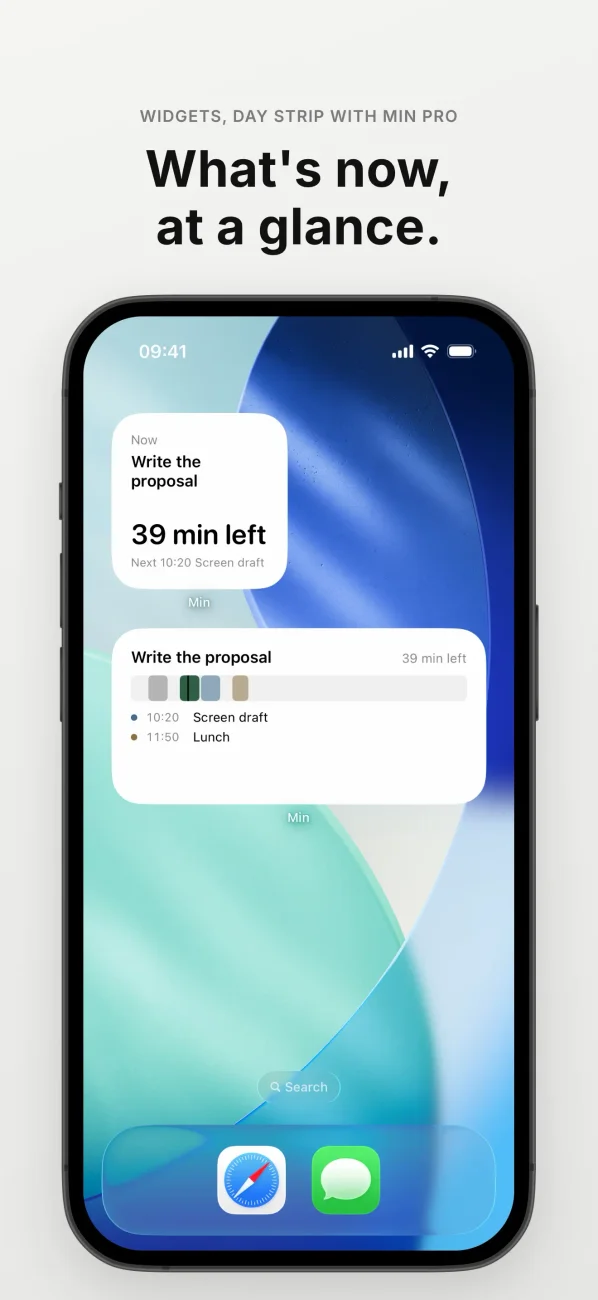
The Today screen leads with what's now and the minutes left, then the rest of your day. Free time shows up as gaps you can tap to fill.
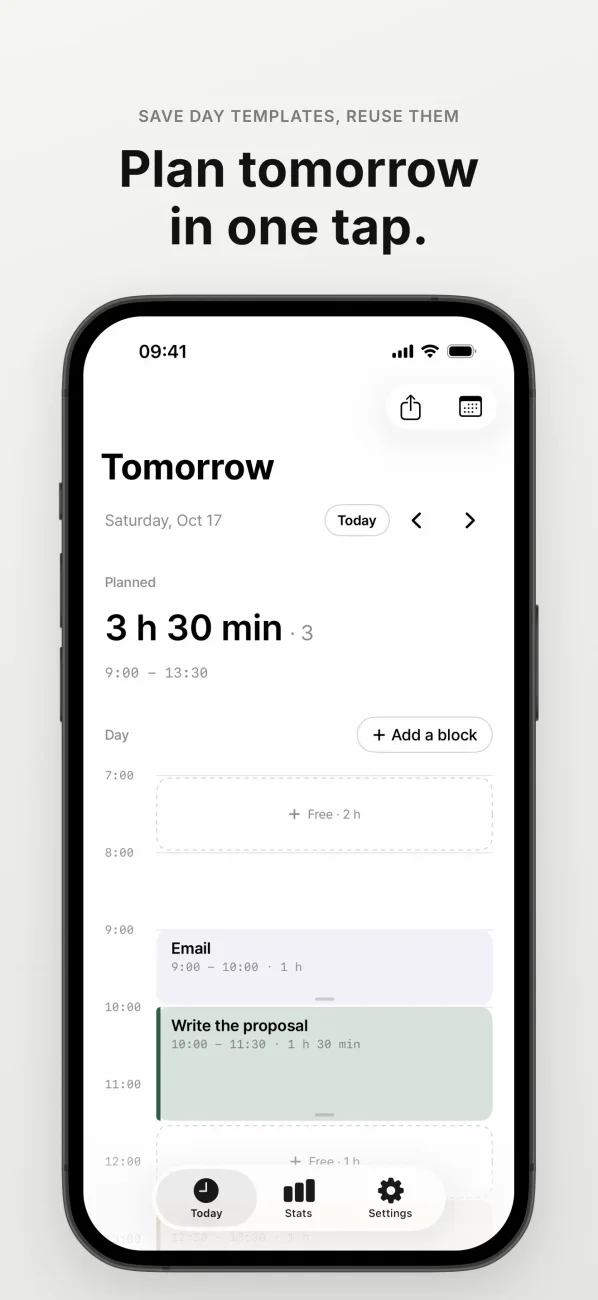
- Yesterday, today, tomorrow
Step through days with the arrows on Today. Plan tomorrow the evening before, and look back at or fix past days.
- Stats
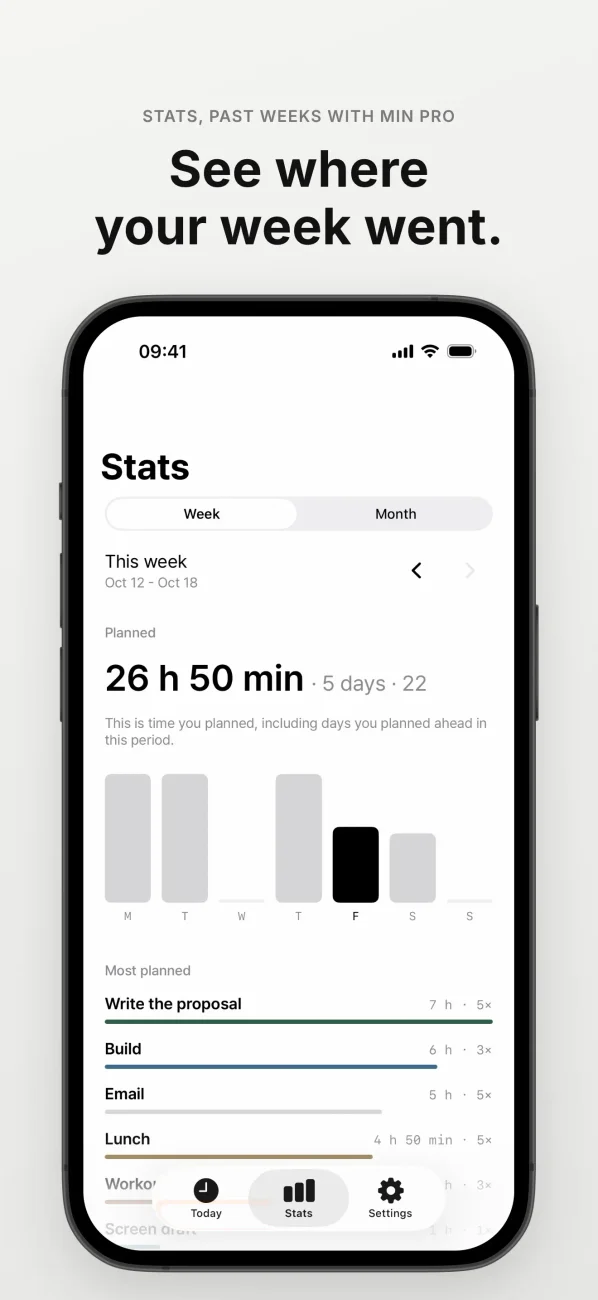
See where this week's planned hours went, day by day and by what you planned most.
- Templates
Save a day you repeat, like weekdays or weekends, and add it to an empty day in one tap. Pick weekdays to have it suggested on those days. Turn on Auto-place weekday templates and opening the app places that day's template on an empty today or tomorrow.
- Notifications and widgets
Get a notification when a block starts, a few minutes before, or when it ends, plus an optional morning nudge on empty days. See what's now and the time left on your Home Screen and Lock Screen.
- Yours, on this device
No account, no ads, no AI. Your plans stay on your device and in your device backup. Export them to a file and import them back anytime.
- Min Pro
Planning today and tomorrow, dragging blocks, pushing back, finishing early, one template, auto weekday templates, notifications, the small and Lock Screen widgets, past days, this week's stats, and export and import are free, with no limit on blocks. Min Pro (optional purchase: monthly, yearly, or one-time lifetime) adds planning up to 2 weeks ahead, unlimited templates, eight block colors, the medium and large day strip widgets, and stats for past weeks and months.
Terms of Use (EULA): https://www.apple.com/legal/internet-services/itunes/dev/stdeula/
Privacy Policy: https://indieway.xyz/en/apps/min/privacy
What’s new
Version 1.1.1 · Oct 28, 2026
- Improved stability and usability.
App privacy
What IndieWay declares on the App Store about how this app handles data.
-
Data not linked to you
May be collected but is not linked to your identity.
- Purchases
Privacy practices may vary, for example with the features you use or your age.
Information
- Seller
- IndieWay
- Category
- Productivity
- Version
- 1.1.1
- Updated
- Oct 28, 2026
- Released
- Oct 19, 2026
- Size
- 18.9 MB
- Requires
- iOS 18.0 or later
- Age rating
- 4+
- In-app purchases
- Yes
- Languages
- Korean, English
- Copyright
- © 2026. IndieWay Co. All rights reserved.
You might also like
-
 Tengrid - Time Block PlannerPlan vs actual, 10-minute grid
-
 SittallyTime tracking & Invoicing
-
 Daydrop: To-Do, Journal, HabitCalendar, Goals, Routine, Note
-
 Apper: Save Apps as IdeasUpdate tracker & idea library
-
 HourBinder - AI 플래너Productivity
-
 DayPieces: Visual Day PlannerVisual planner: see your day
-
 Presently - The Now CalendarProductivity
-
 Daywrap: To Do List & CalendarEisenhower Matrix & Stickers
-
 Passion Planner by AaeshaA Planner Designed Around You
-
 Hue Plan: Time BlockingDaily planner in color